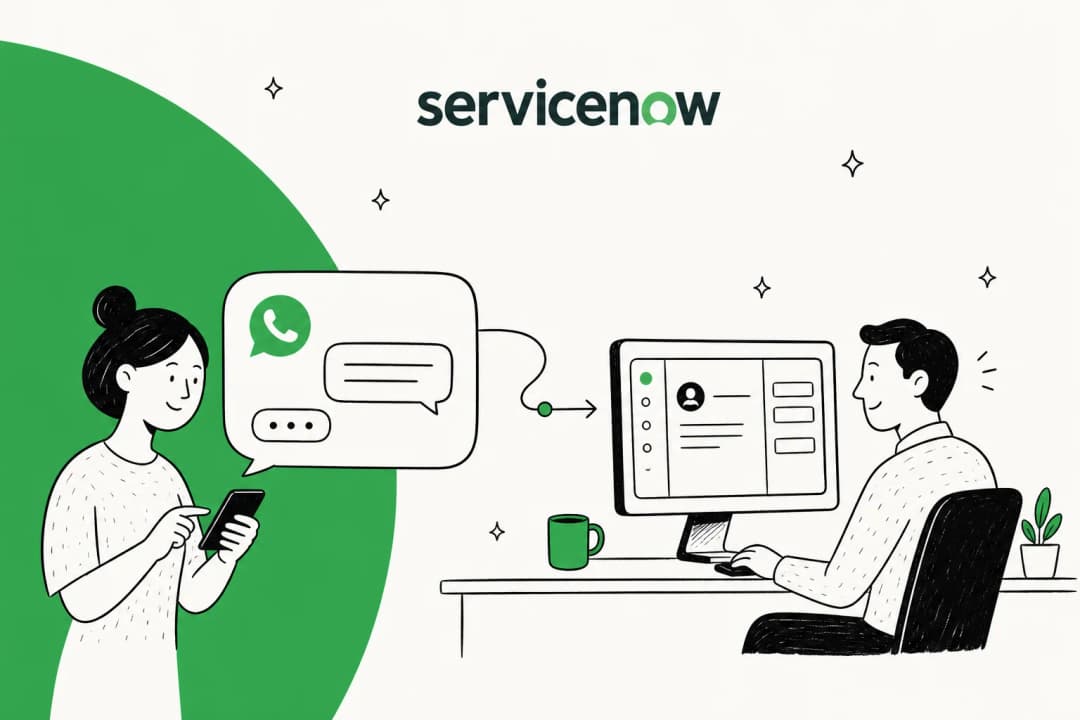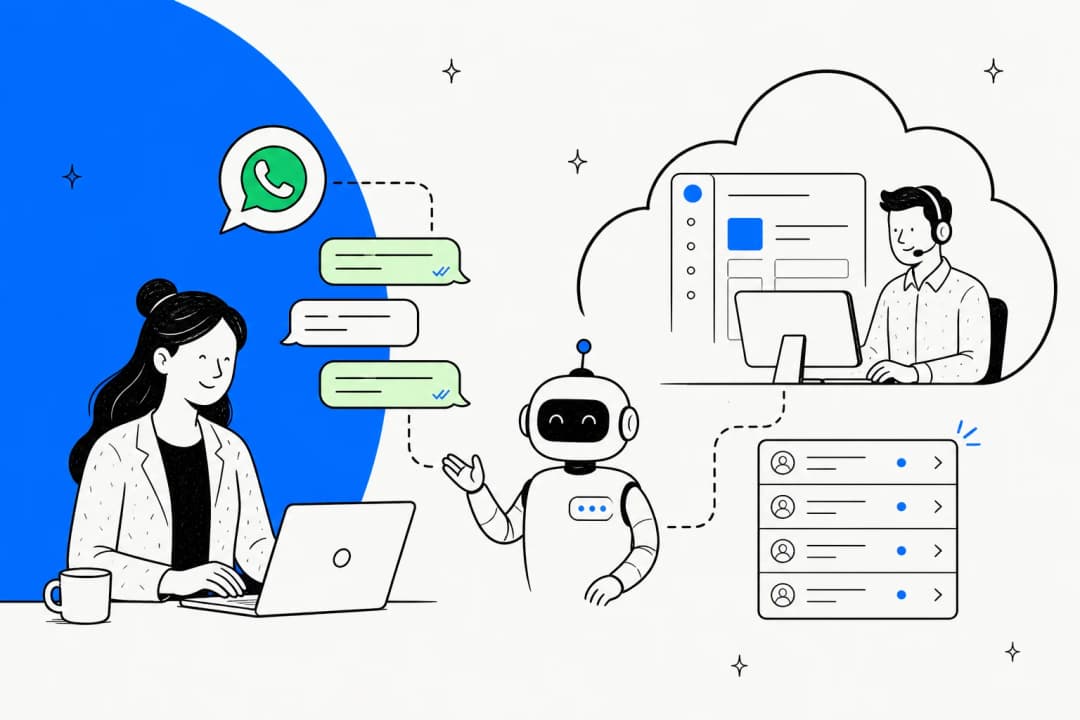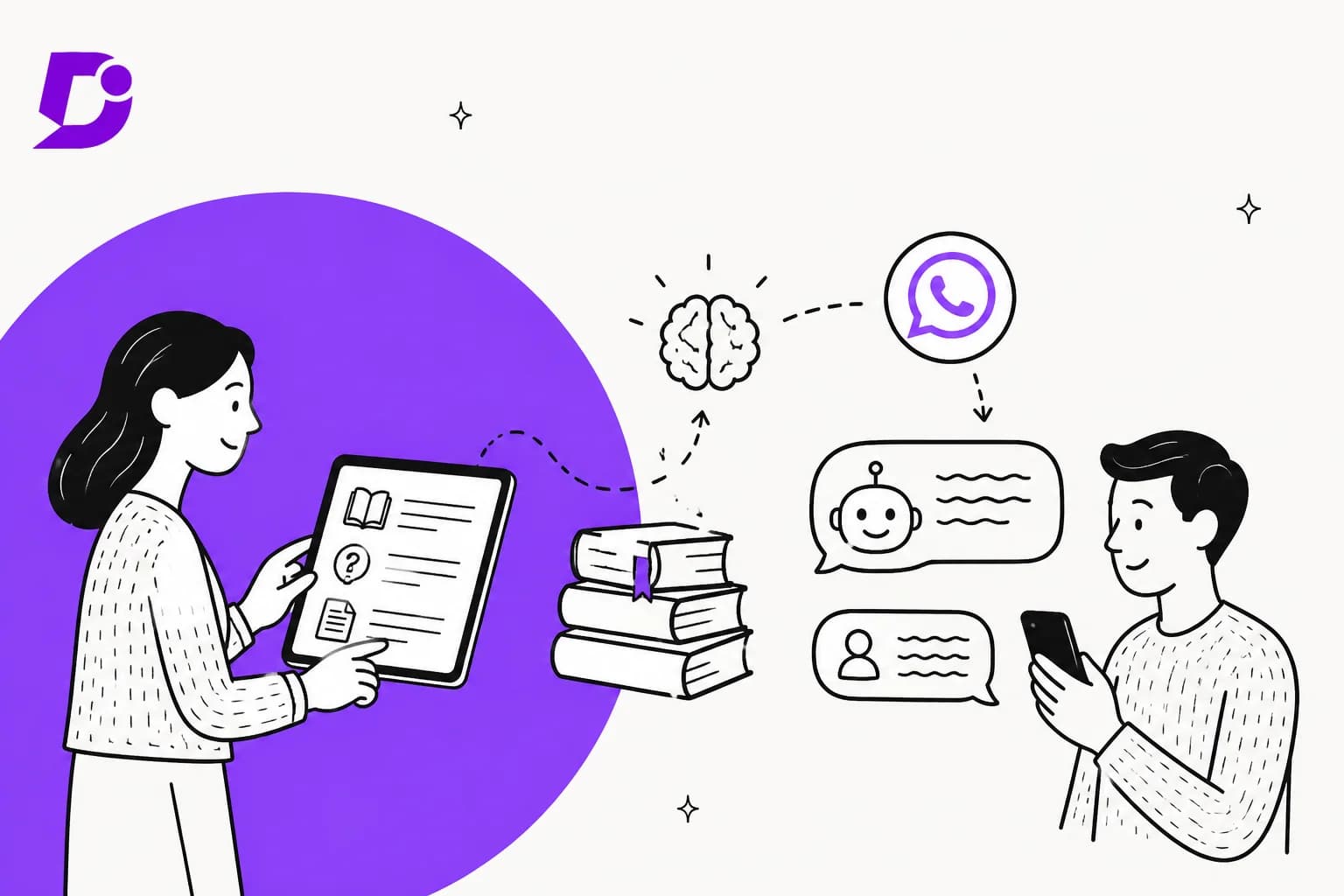
What "Meta Muse for Document360" actually means
I spend a lot of time on what people type into Google before they buy, and "Meta Muse for Document360" is a good example of a search that points at the wrong product. Three Meta products carry the Muse name or sit close to it, and only one of them talks to your customers (my Meta Muse for customer support hub goes deeper on all three):
- Muse, the personal AI agent Meta launched for consumer errands. It isn't built to answer a business's customers.
- Muse Spark 1.3, the model, sold through the Meta Model API. You could build a Document360 bot on it yourself, and my Muse Spark 1.3 overview has the model details.
- Meta Business Agent, which Meta launched in June as the AI that answers customers on WhatsApp, Messenger and Instagram. Meta says more than one million businesses already use it.
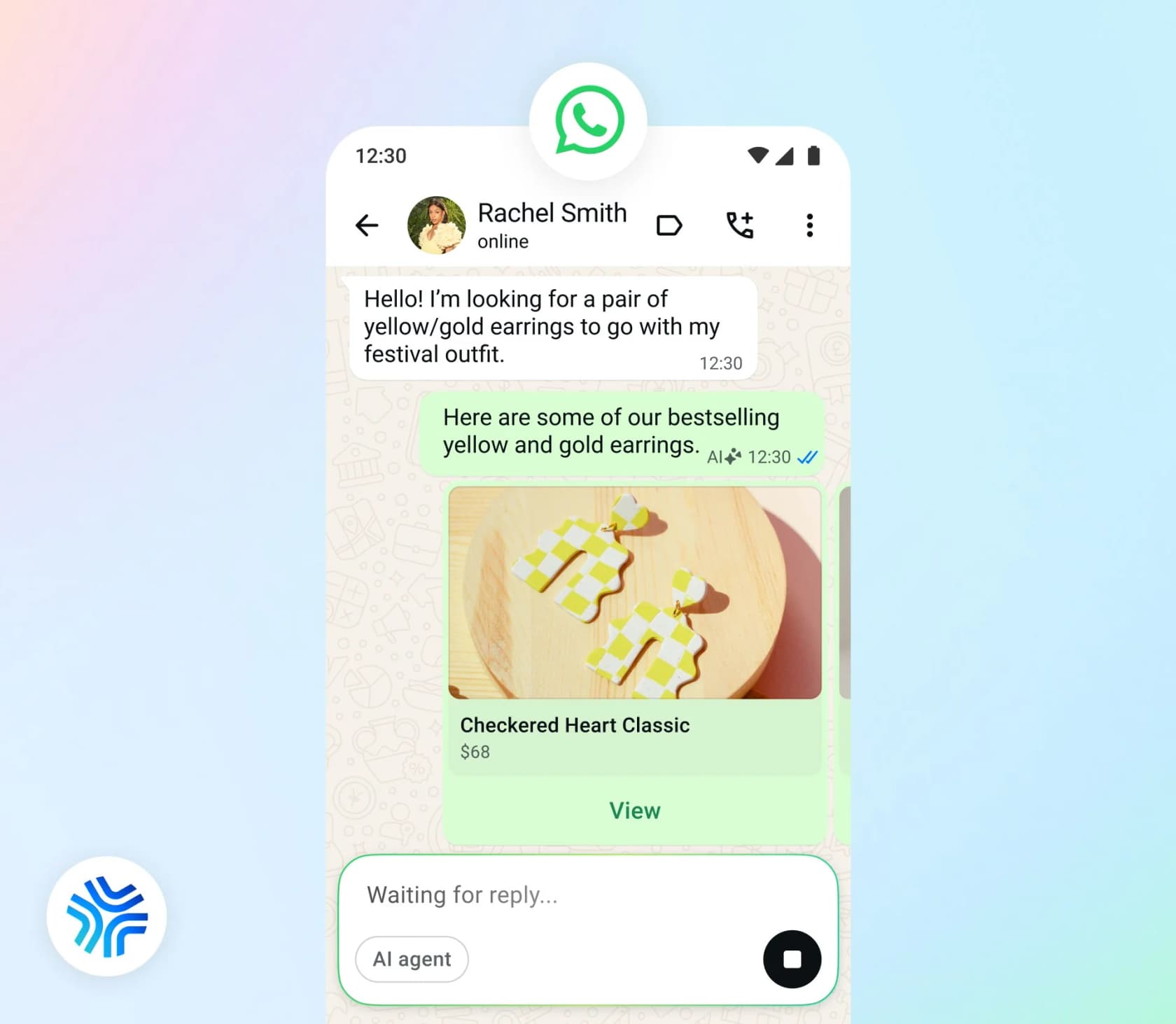
So the real buying question behind the search is: how does my Document360 content reach a WhatsApp bot? That's a different job from the helpdesk posts in this series, like Zendesk or Freshdesk, where conversations land. Document360 is where the answers live, and it already has its own AI, Eddy, which I'll come back to.
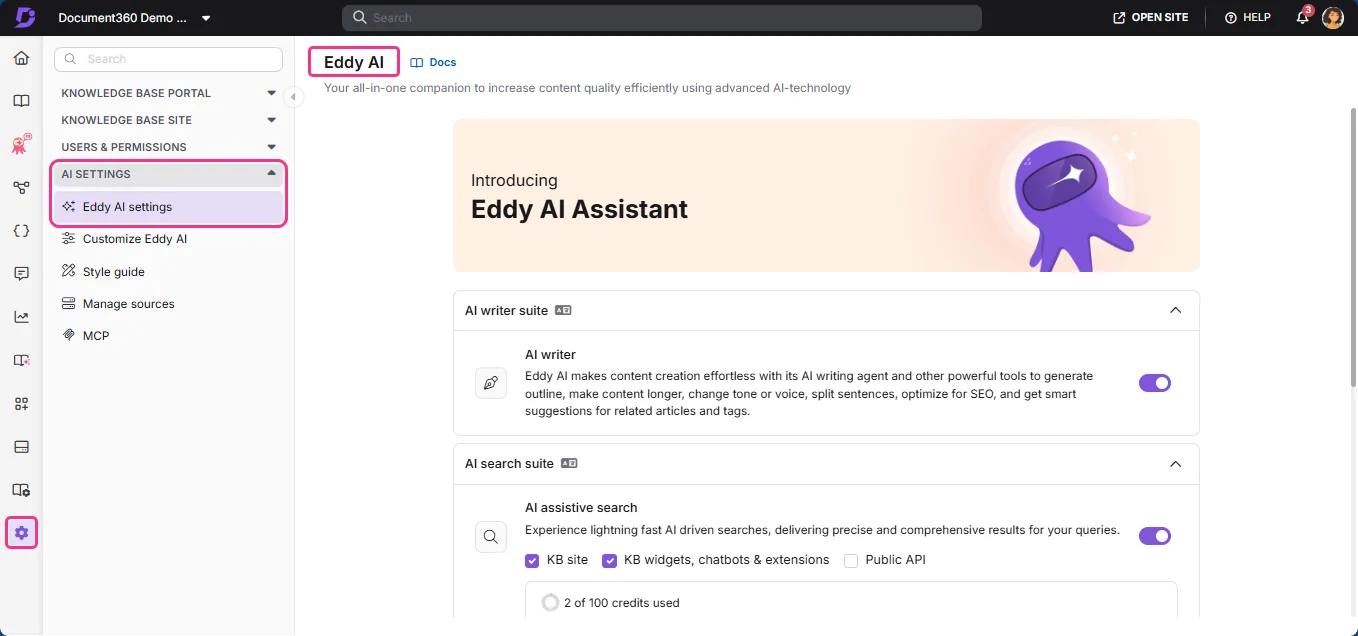
Document360 is also closer in shape to the Confluence version of this post than to any helpdesk. The difference is that most Document360 sites are customer-facing by design, which changes which route is easiest.
Four ways Document360 content can reach Meta's agent
Meta's capabilities page lists four knowledge sources on the Platform API: Business Info, FAQs, Files and Websites. Actions and lookups go through connectors, which are HTTP or MCP integrations you define. Document360 isn't named anywhere in Meta's docs.
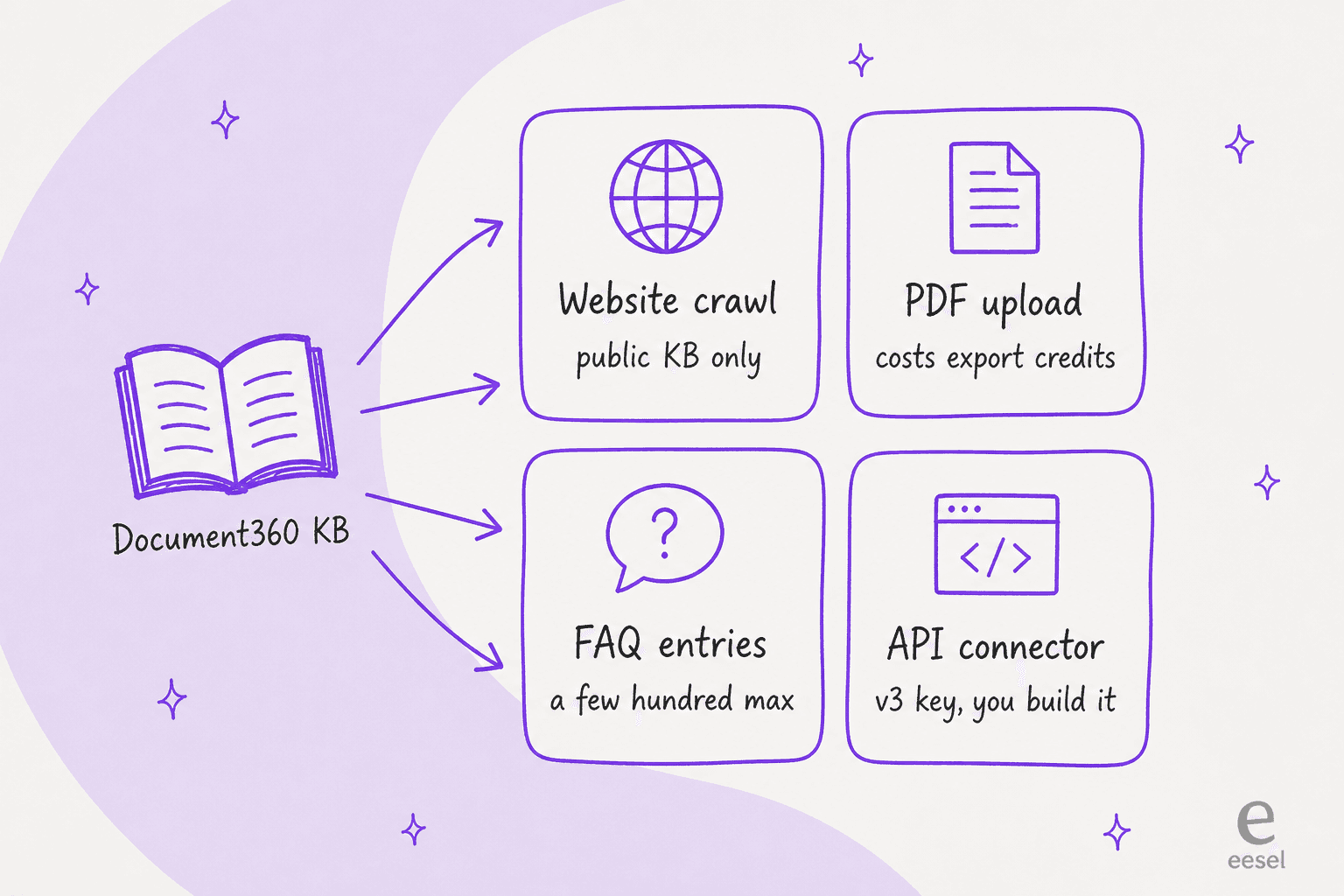
Here's how the four compare before I go through each one:
| Route | Meta input | Document360 setup | Private projects? | Freshness | Main catch |
|---|---|---|---|---|---|
| Public crawl | Websites API | A public or mixed project, sitemap on | No | Next recrawl, interval not published | Only works for public articles |
| PDF upload | Files API | Export articles as PDF | Yes, if you export them | Never, until you re-upload | Spends PDF export credits, old files stay live |
| FAQ rewrite | FAQs API | None, rewrite by hand or with the AI FAQ generator | Yes | When you update the entry | Quality drops past a few hundred entries |
| API connector | HTTP connector | v3 API key, read-only and scoped | Yes, per the key's content scope | Live | You build and maintain it |
Route 1: let Meta crawl your public Document360 site
This is the route most Document360 teams can use today, because a public Document360 project is already a website.
Meta's Websites API crawls a URL and pulls its content in. By default it takes "the whole domain", and you can narrow it with subdomain, URL-pattern and single-URL fields. The request has no field for a login or cookie, and Meta's support agent guide describes it as crawling "your public website". So only content that anyone can open without signing in is in scope.
Document360 gives you a few controls that make a crawl cleaner:
- Sitemap. Document360 generates one for your site, which is the map a crawler follows. The sitemap docs cover what goes in it.
- Robots.txt. You can edit it under Knowledge base site settings to block paths for all crawlers or one user agent, per Document360's robots.txt page. Meta doesn't publish its crawler's user agent in the Business Agent docs, so I'd scope with Meta's URL-pattern fields and not rely on robots rules.
- Search visibility. Per-article toggles exclude a page from Google, from knowledge base search, or from Eddy AI. The catch is in Document360's search visibility docs: these settings "do not restrict access". An excluded article is still readable at its URL, so a crawler that finds the link can still read it.
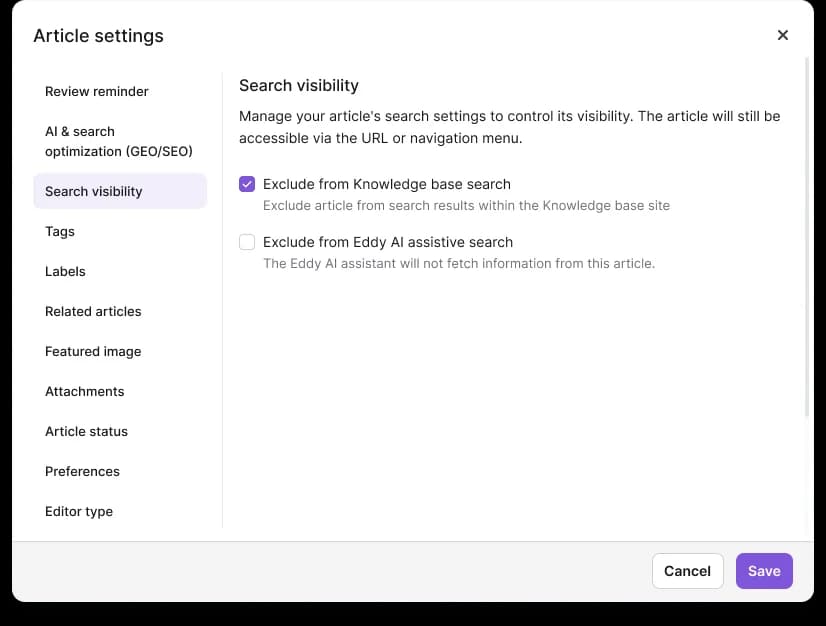
That last point matters if you run a mixed project, where some categories are public and some are for signed-in readers. Document360's pricing FAQ describes projects as public, private or mixed, and says reader accounts "apply only to private knowledge bases" (Document360 pricing). Meta will see the public part and nothing else, so check that the answers customers ask about most aren't sitting in the reader-only half.
Scope the crawl tightly anyway. Meta's guide warns that crawling a whole site "dilutes the help content the agent should be answering from." If your Document360 site also carries API reference or release notes, point Meta at the help categories only.
Route 2: export articles as PDF and upload them
For a private project, you can export content and hand Meta the files. Document360's PDF export lets you pick categories and articles, apply a template, and download one PDF.
Meta's Files API takes .pdf, .doc, .docx and images, with CSV and XLSX when extraction is on, up to 100,000,000 bytes per file. Markdown and HTML aren't on the list, so the PDF is the sensible format here. Two Document360 details are worth knowing first:
- Exports cost credits. "Each page in the generated PDF consumes one credit" from a monthly allowance, and that allowance is shared with PDFs your readers download from the site. A 200-page export every week adds up.
- Only published content goes in. Hidden articles and categories aren't selectable, which is useful, because it keeps drafts out of the bot.
Then there's the part Meta flags in its own support guide:
"There is no update call. To replace a document, delete the old entry and upload the new one, otherwise the agent draws on both versions and can quote a term you have already withdrawn."
Say your return window changes from 30 days to 14 and someone uploads the new PDF without deleting the old one. The agent can quote either number on WhatsApp. Document360's own export docs say the same thing from the other side: an exported PDF "is static", and later edits "will not appear in the PDF." So this route means a script that deletes the previous file by its ID and uploads the new one, every time the content changes.
Meta also warns against uploading everything: "a large document set makes the agent slower to find the right passage." Smaller PDFs per category beat one giant export.
Route 3: rewrite your top articles as FAQ entries
Meta's FAQs API stores question-and-answer pairs that you can update in place. The agent treats a matching entry as the answer, and it "answers from it, rather than inferring an answer from your other knowledge sources." That makes FAQs the most predictable input for answers that have to be exact, like refund terms or pricing.
The ceiling is low: Meta says quality can degrade "generally beyond a few hundred" entries. For a Document360 team this route is cheaper than it sounds, because Eddy's AI FAQ generator already drafts Q&A pairs from an article. I'd take the top ticket drivers from last quarter (the same list you'd use for WhatsApp ticket deflection), generate FAQs for those articles, edit them by hand, and push them to Meta. The long tail goes to the crawl or a connector.
Route 4: build an API connector with a scoped v3 key
This is the only route that keeps private content private and fresh at the same time, and it's the one you have to build.
Meta's connectors reference lets you point the agent at an HTTP API or a remote MCP server. Auth is limited: "Currently, only OAUTH2_CLIENT_CREDENTIALS, API_KEY, and NONE are supported." That one line decides which Document360 interface you can use.
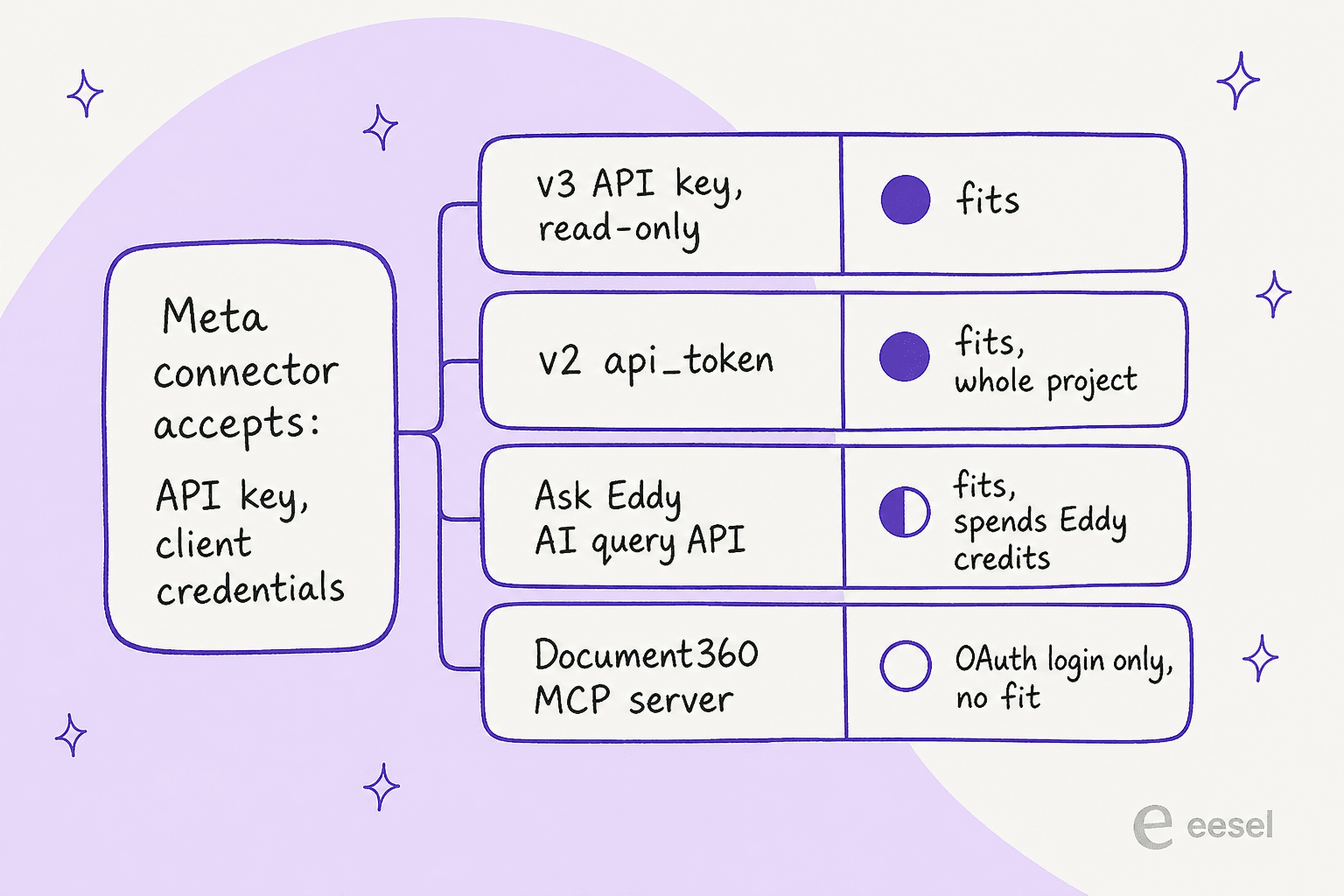
The Document360 MCP server doesn't fit, as documented. It's the obvious first thought, since it already has a document360-mcp-search tool. But the MCP overview says it "uses OAuth for authentication" and ties each connection to "the user account that completes the OAuth flow." That's a consent screen in a browser, and Meta's connectors can't click through one.
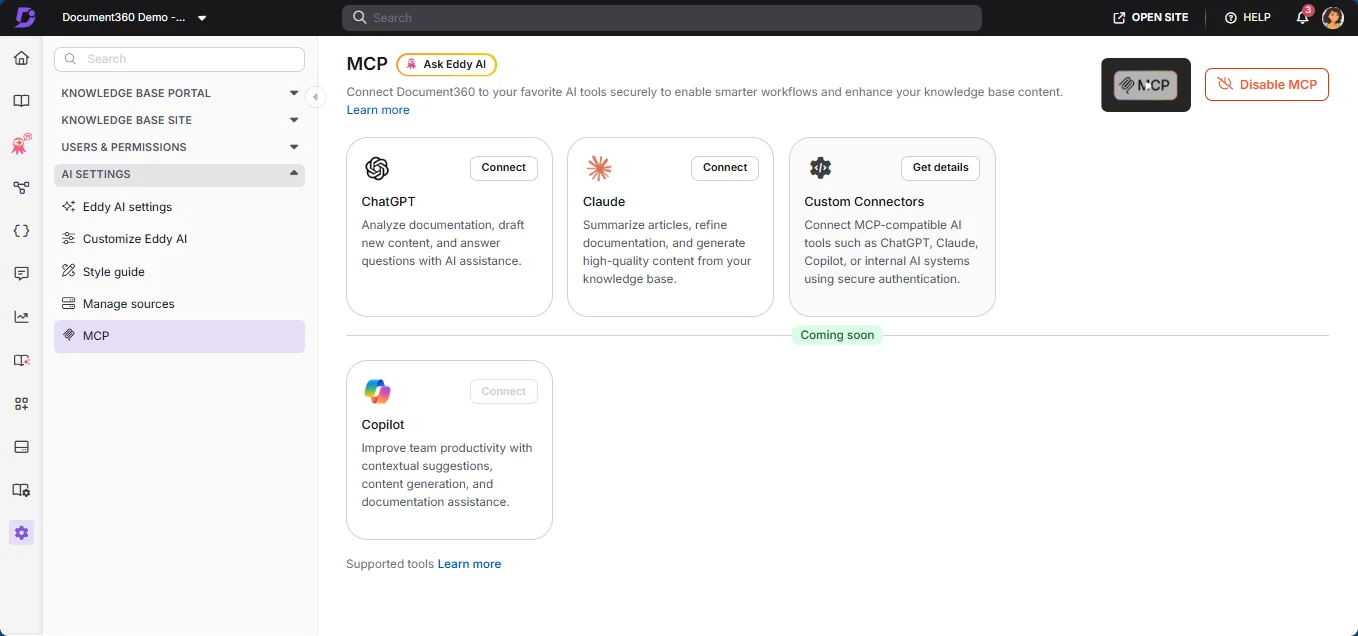
The v3 REST API does fit. If you're newer to MCP, my MCP for customer support explainer covers why the auth model matters so much. Document360's API keys page says a key goes in an X-API-Key header and is "also accepted as Authorization: Bearer", which maps onto Meta's API_KEY auth type. The useful part is scoping: a v3 key carries a portal role, a content role and a content-access scope, so you can issue a GET-only key that reads one workspace or a few categories and nothing else. Projects created before v3 may still have the older v2 api_token, which works too but has no content scoping.
A basic connector needs two tools:
- Search, with the v3 search workspace articles endpoint. It's a keyword search over published, visible articles, and
page_sizetops out at 100. - Get article, to pull the full body of the best match.
There's a third option that's more interesting: the v3 AI search query endpoint sends a natural-language question to Eddy and returns a generated answer from your docs. Wire that up as a tool and Meta's agent is asking Eddy for the answer. It works with the same API key, but every call is an Eddy query, and Eddy queries are credit-metered.
Plan for three catches up front:
- Rate limits. v3 allows 120 or 200 reads per minute depending on plan, per key, per the rate limiting page. That's fine for a small team and worth checking before a busy season.
- Response size. Meta's connector tools reference warns that oversized responses "degrade agent response quality." Use its
transformation_specto trim article bodies down to the text. - It's a lookup, not a knowledge source. Meta documents connectors for actions and customer lookups like order status. It never describes one as a knowledge base, so a "search Document360" tool is something to test hard, not something Meta promises.
Budget for the limits on both routes that touch Document360's plumbing. One Document360 admin on G2 flagged exactly the two this post leans on:
"Finally, there are constraints around things like API token usage, daily export size limits, and other usage caps. These limits can create additional costs or operational friction for teams managing documentation at scale."

The freshness problem nobody puts in the demo
Most setup guides stop once the bot answers its first test question. For a Document360 team the real test is what happens the Tuesday after, when someone publishes an edit.
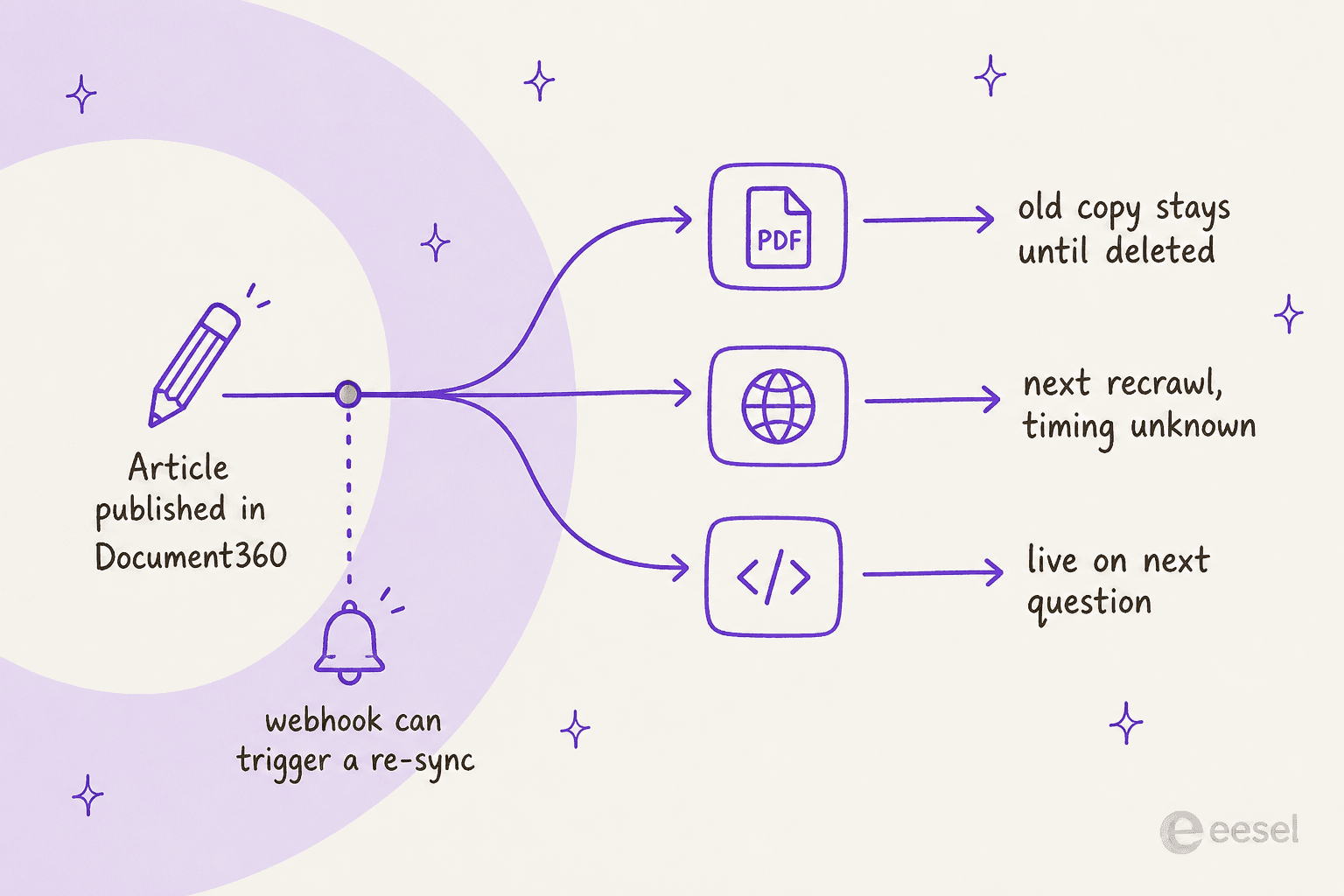
Meta says crawled sites are "periodically recrawled" but gives no interval, and its guide adds that website knowledge "is a snapshot taken at crawl time." Files never refresh. FAQs change when you call the API. Only a live connector sees an edit straight away.
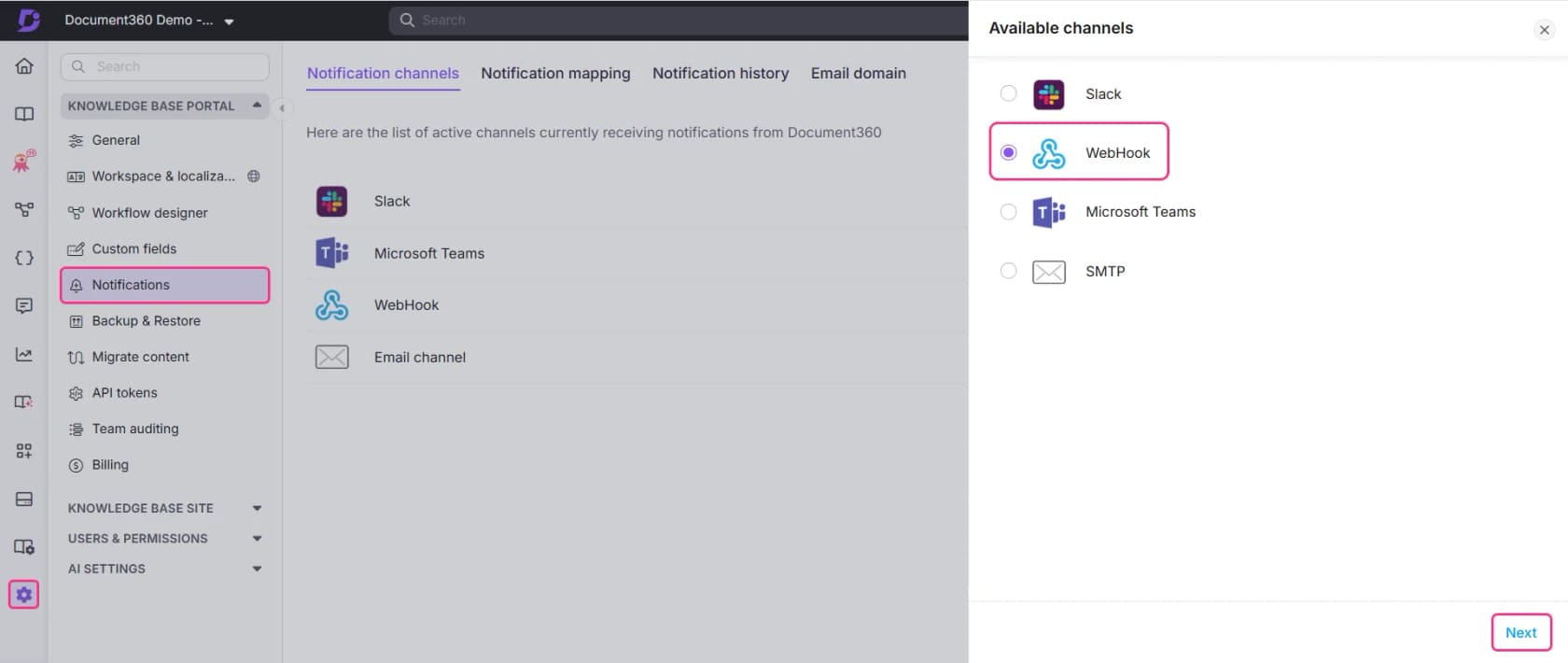
Document360 has one feature that helps here: webhook notifications. You can map events like article publish, update and delete to a webhook URL, per the webhook channel docs, and Document360 names cache invalidation as a use case. That's the trigger a re-upload script needs, and it's the same pattern as any WhatsApp support automation: on publish, export the article, delete Meta's old file, upload the new one. It's still a script you own, but at least it runs on a real event and not on someone remembering.
The other half of freshness is what the bot does when your knowledge base has nothing on the question. Meta has no "answer only from knowledge" switch. Grounding is a line in your instructions, and Meta's sample reads: "Answer policy questions from the documented policies only, and say you will check with a colleague rather than guessing when the answer is not there." An early Business Agent tester on Reddit described what happens without it:
"Consistency is a problem. I saw the same product come back at two different prices in two replies. If you don't ground it properly, it just makes things up."

I've seen the same thing on real eesel rollouts. We had paying customers whose bot made up answers to real customers when retrieval came back empty, which is why a missing-knowledge fallback and a test run against historical tickets are now standard before any bot goes live. The hallucination prevention guide goes through that setup.
It also helps to write articles the bot can use. Short, single-topic pages with the answer in the first paragraph retrieve better than long ones, and the knowledge base training walkthrough shows how to structure them.
Where Eddy AI fits
Before building any of this, it's fair to ask whether Document360's own AI already does the job. Eddy answers on your knowledge base site, in the KB widget, and through a standalone chatbot you embed with a Chatbot Key. It can also train on Freshdesk or Zendesk tickets, which the Freshdesk and Document360 guide walks through. It cites the articles it used, and it respects article permissions for signed-in readers.
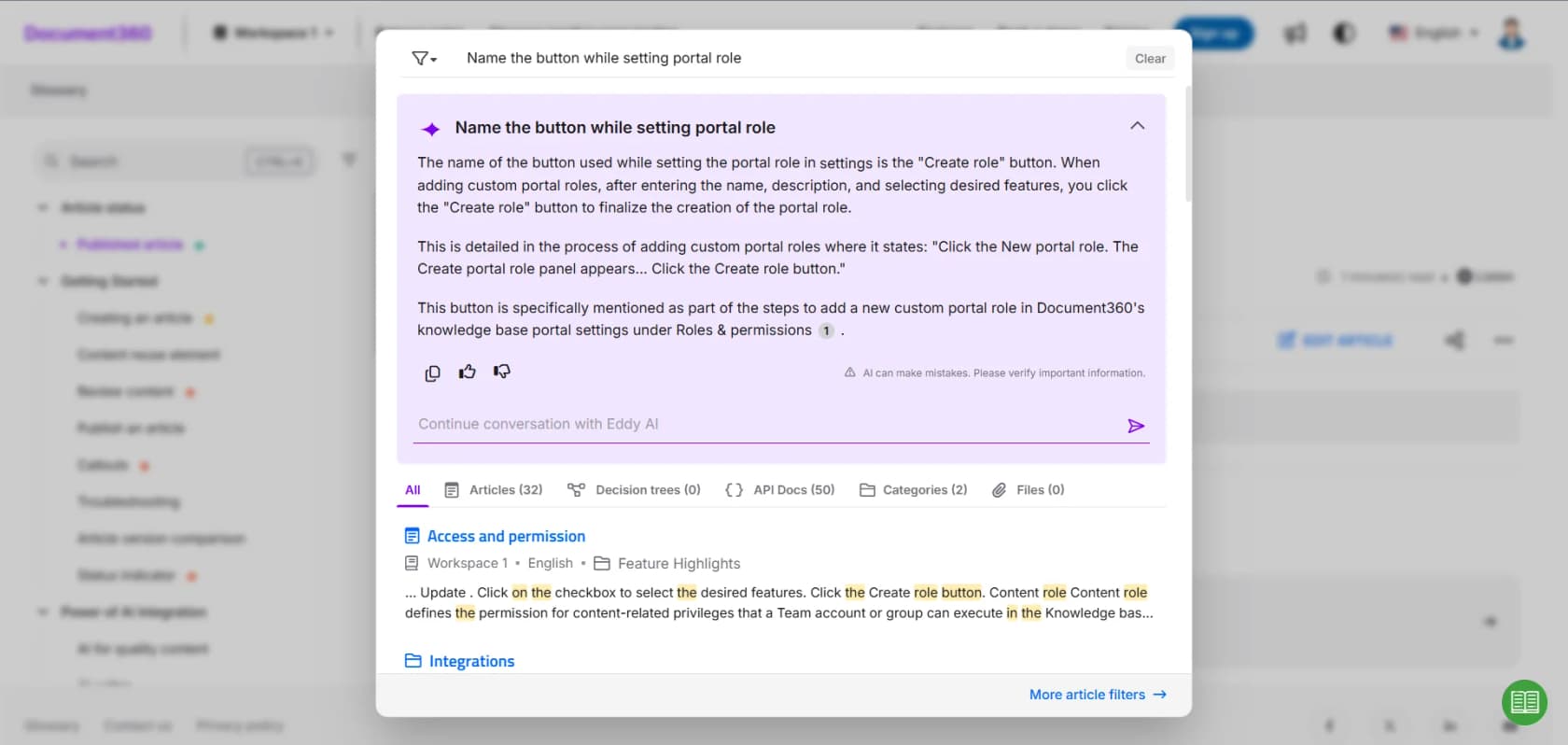
What Document360 doesn't document is a WhatsApp channel for Eddy. The chatbot deploys on a website, one per domain, and its only helpdesk action is creating a ticket in Zendesk or Freshdesk. So the split is simple:
- Customers ask on your site or help center: Eddy is already there. My Document360 AI review covers it in depth, and the Eddy AI alternatives list covers what else answers from a Document360 KB.
- Customers ask on WhatsApp: Meta's agent owns that number, and Eddy only helps if you wire its AI search API into a connector.
If you want a general-purpose assistant on top of Document360 instead, the ChatGPT for Document360 and Grok Bot for Document360 guides cover those routes, and AI for Document360 compares writing docs with answering from them.
What it costs
There are two bills: Meta's and Document360's.
| Cost line | Price | Source |
|---|---|---|
| Meta Business Agent, WhatsApp Platform | $2.00 per 1M tokens, about 16 to 20 cents a simple conversation and 40 to 50 cents a complex one | Meta pricing |
| Your team's WhatsApp replies, from Oct 1, 2026 | Per message at utility rates, after 1,000 free per number per month | Meta pricing |
| Document360 plan | Quote-only, priced on team accounts, workspaces, languages, SSO, privacy model and AI Premium Suite usage | Document360 pricing |
| Document360 reader accounts | Billable, private projects only | Document360 pricing |
| PDF exports (Route 2) | One export credit per PDF page, monthly allowance | Document360 docs |
| Eddy AI search via API (Route 4 option) | One Eddy credit per query, allotment set in your quote | Document360 docs |
The Document360 side is hard to put a number on, since every plan is a custom quote. My Document360 pricing breakdown explains what moves it. Of the six factors, the privacy model is the one that ties back to this post: a private project needs paid reader accounts, and it's also the setup Meta can't crawl.
On the Meta side, watch the October 1 change. Meta's pricing page says each message is billed "either as a Meta Business Agent message or as a service message, never both", so the AI's replies bill as tokens and everything your team sends after a handoff bills as service messages. My WhatsApp API pricing explainer has the full history.
Where Meta's agent stops for a Document360 team
Meta's agent is a reasonable pick for some teams. Here's where it ends:
- One AI per number. Meta's Platform overview says "an active authorized-agent integration blocks Meta Business Agent." You pick one bot per WhatsApp number.
- Meta surfaces only. It answers on WhatsApp, Messenger, Instagram and a website plugin that's tied to Shopify for now. My WhatsApp chatbot list compares tools that answer beyond Meta's apps. Email and helpdesk queues are out of scope, and that's where most Document360 readers end up when self-service fails.
- No citations setting. Nothing in Meta's docs makes the agent link the article it used. Eddy does, and so do most knowledge base chatbots.
- Handoff moves the inbox. Once Business Agent takes the number, your existing WhatsApp inbox goes to standby. The Zendesk version of this post covers Meta's Conversation Routing, and the AI agent handoff guide covers what a good handoff looks like.
- API docs aren't support answers. Many Document360 sites mix help articles with API reference. Keep the reference out of the crawl, or the bot will answer a billing question with an endpoint description.
Which setup fits your Document360 team
Here's how I'd pick:
| Your situation | Route I'd use |
|---|---|
| Public Document360 help center, WhatsApp only | Scoped website crawl of the help categories |
| Under 100 key answers that must be exact | FAQ entries from the AI FAQ generator, plus a crawl for the rest |
| Private project, content changes monthly | PDF upload per category, with a webhook-triggered script that deletes the old file first |
| Private project, changes weekly, an engineer to spare | HTTP connector with a read-only, category-scoped v3 API key |
| You already pay for Eddy credits | Connector that calls Eddy's AI search API, and watch the credit burn |
| You also answer in a helpdesk or site chat | One AI across every channel, and decide which bot owns WhatsApp |
Still comparing tools and not routes? My best AI for WhatsApp support roundup and the best AI knowledge base tools list come at it from each end, and Document360 alternatives covers switching the KB itself.
If you're tempted to build the connector yourself, the build vs buy post is worth ten minutes first.
Try eesel with Document360
Every route above ends with someone on your team keeping Meta's copy of your knowledge base in sync. eesel skips that step. It's an AI helpdesk teammate that reads your Document360 site as a website knowledge source: you give it the help center URL, it crawls up to 2,000 pages through your sitemap and links, and every answer links the article it came from. Include and exclude paths keep your API reference out, and custom headers (Cookie, Basic or Bearer) are there for sites behind a login, which is worth testing on a private project.

There's no native Document360 connector, so I won't pretend otherwise. What eesel adds on top of the crawl is everything else a support answer needs: your past tickets, macros and helpdesk, pooled with the Document360 articles, and a simulation run against your historical tickets before the bot answers a real customer. If you work from a terminal, the eesel CLI runs the same setup as commands: eesel integrations connect website adds the Document360 site, and eesel status shows the page count, so Claude Code or Cursor can do it for you.
If WhatsApp is the channel you need, look at eesel's WhatsApp integration, and keep Meta's one-AI-per-number rule in mind when you choose. The free plan comes with 100 credits and no card, and paid plans start at $299 for 500 tickets or chats a month. Try eesel on your Document360 help center and see how it answers.
Frequently Asked Questions
What is Meta Muse for Document360?
Can Meta Business Agent read a private Document360 knowledge base?
Does the Document360 MCP server work with Meta's WhatsApp agent?
What happens when I update a Document360 article Meta's agent already uses?
How much does Meta Muse for Document360 cost?
Should I use Eddy AI or Meta Business Agent for WhatsApp support?
Is there a better AI for answering WhatsApp customers from Document360?


Article by
Kurnia Kharisma
Kurnia is a software engineer and writer at eesel AI with two years of SEO experience, writing about AI tools, helpdesk software, and customer support. He pairs a developer's understanding of how these products are built with search-driven research into what actually ranks and resonates with the people searching for them.