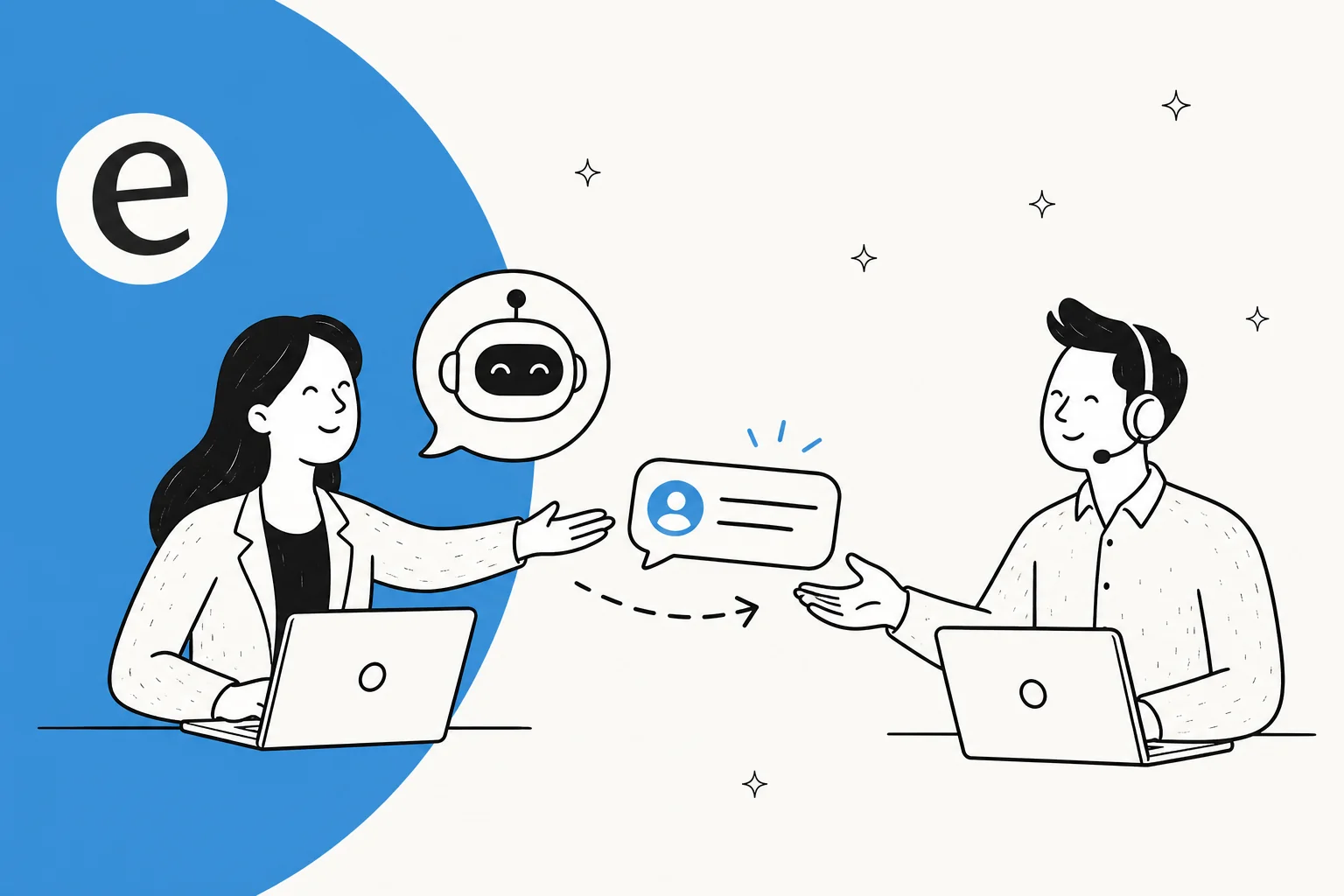
What an AI agent handoff actually is (and the two ways it goes)
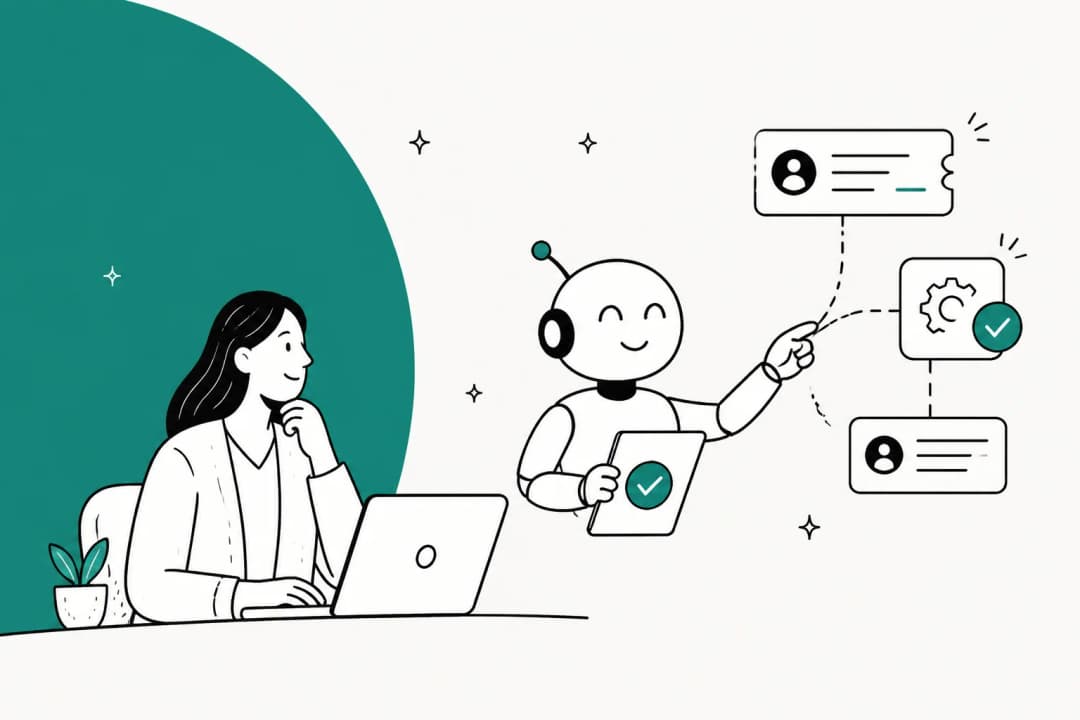
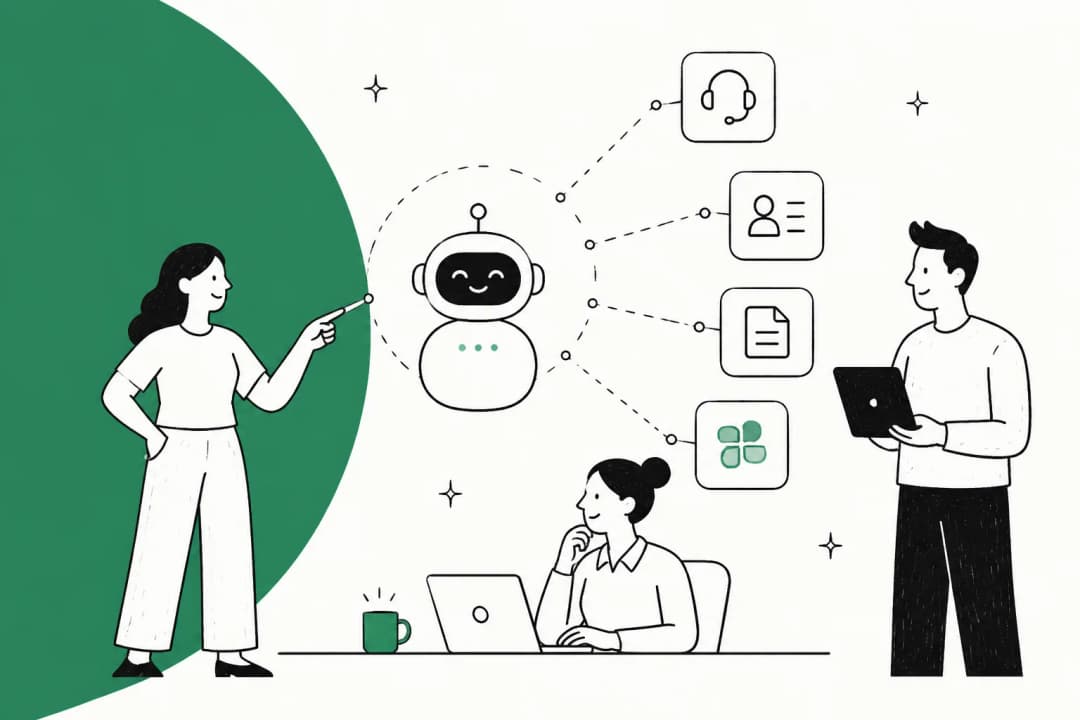
An AI agent handoff is the transition where an AI support agent stops driving a conversation and a human takes over. It happens when the customer asks for a person, the AI cannot handle the case reliably, or policy requires human judgment even if the AI could answer. Each needs a clear transfer with enough context for the person to continue.
There are really only two kinds, and the gap between them is enormous.
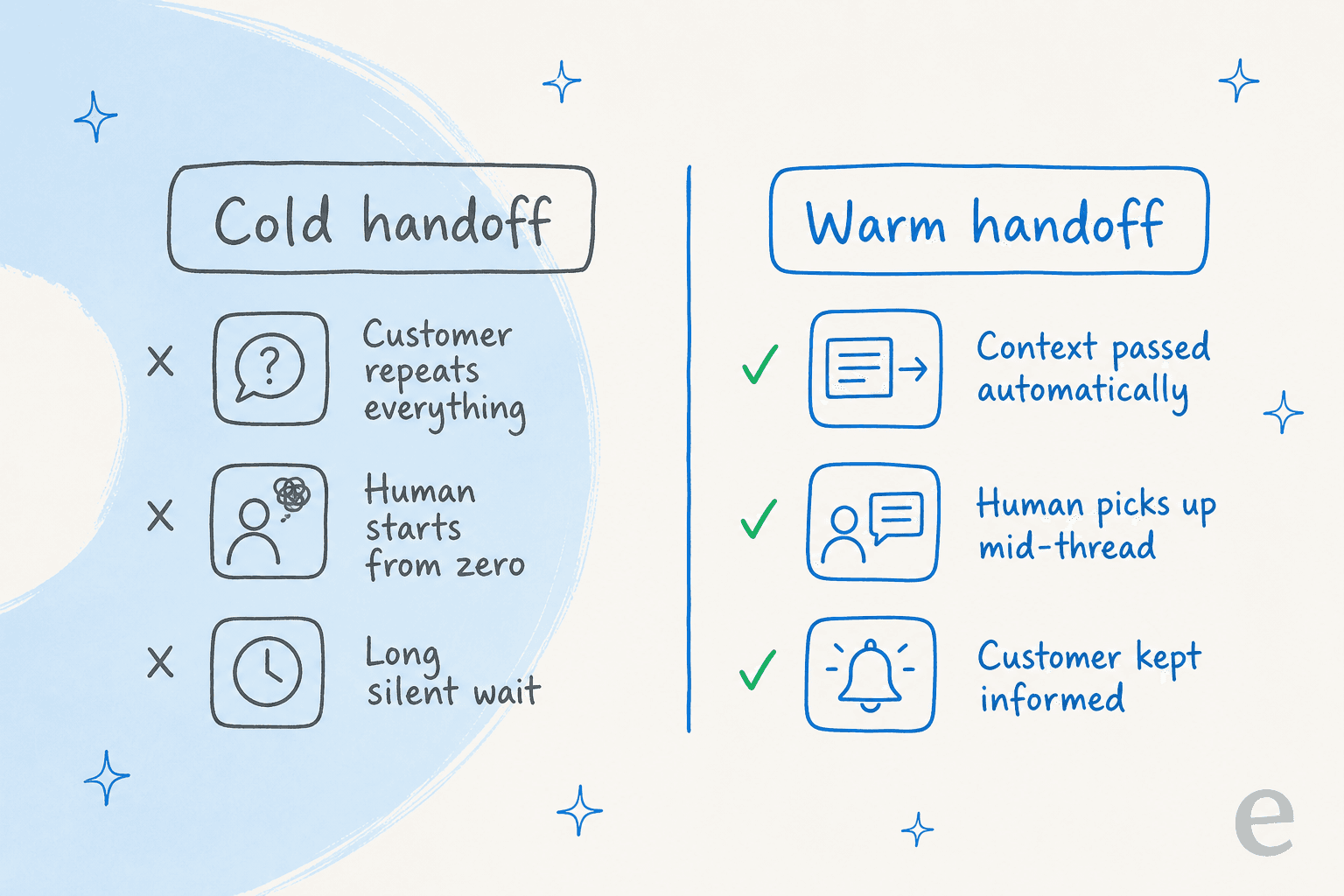
A cold handoff dumps the customer into a queue with none of the conversation attached. The human opens the ticket, sees three exchanges of bot back-and-forth, and has to ask the customer to start over. A warm handoff carries everything across, so the human picks up mid-thread like a colleague who was already reading along. The whole craft of AI handoff is making every transfer a warm one.
The rest of this guide is the set of practices that get you there. None of them are exotic. They're just the things that, in my experience, separate an AI deployment your team trusts from one they quietly route around.
Best practice 1: Define handoff rules beyond confidence
The oldest way to decide when a bot should escalate is keyword matching: if the message contains "refund" or "angry" or "speak to a human," hand it off. It feels sensible and it falls apart fast, because the words a customer uses almost never map cleanly to how hard their problem is.
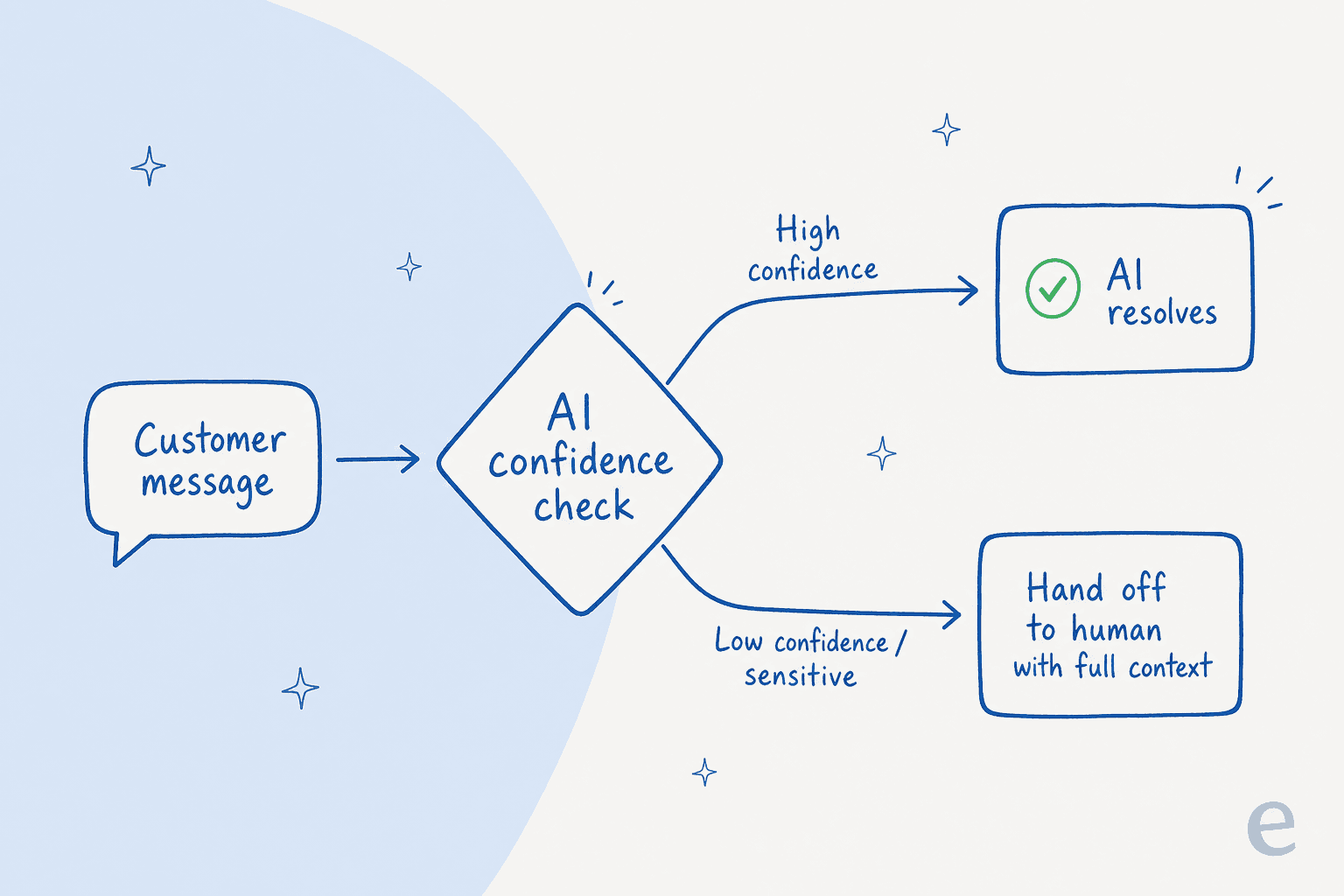
Use explicit rules for human requests, missing evidence, restricted actions, and sensitive cases. If your system exposes a confidence score, treat it as an additional signal to test, not a correctness guarantee. An exclusion rule should still apply when the model sounds certain.
This isn't a nice-to-have. In the sales calls I hear, it's the single most common dealbreaker, and one CX lead put it better than any spec sheet ever could:
"The AI will never be able to answer 100% of the questions, but if it tries and just answers 'sorry I don't know this,' I cannot go and check all my 7,000 tickets to see if the AI actually made a good answer, then the point is a little bit gone. I need an AI who is only handling the tickets that it's confident to handle and all the other ones, leave them alone."
a CX lead at a DTC supplements brand on Gorgias and Shopify, ~7,000 tickets a month (the objection I hear most)
That's the whole thesis in one quote. An AI that's wrong but confident is more expensive than no AI at all, because now a human has to audit it. The goal isn't maximum automation, it's the right answers automated and the rest handed off cleanly. A Textla reviewer landed on the same feeling from the happy side of it, saying eesel "answers confidently but not too confidently" on G2.
Start with narrow automation and review the cases it handles and hands off. Expand only when the evidence supports it, while keeping mandatory human-review categories in place.
Best practice 2: Hand off with the full context, never a cold transfer
If you take one thing from this post, take this one. The most common reason a handoff feels broken is that the AI passes the ticket but not the story.
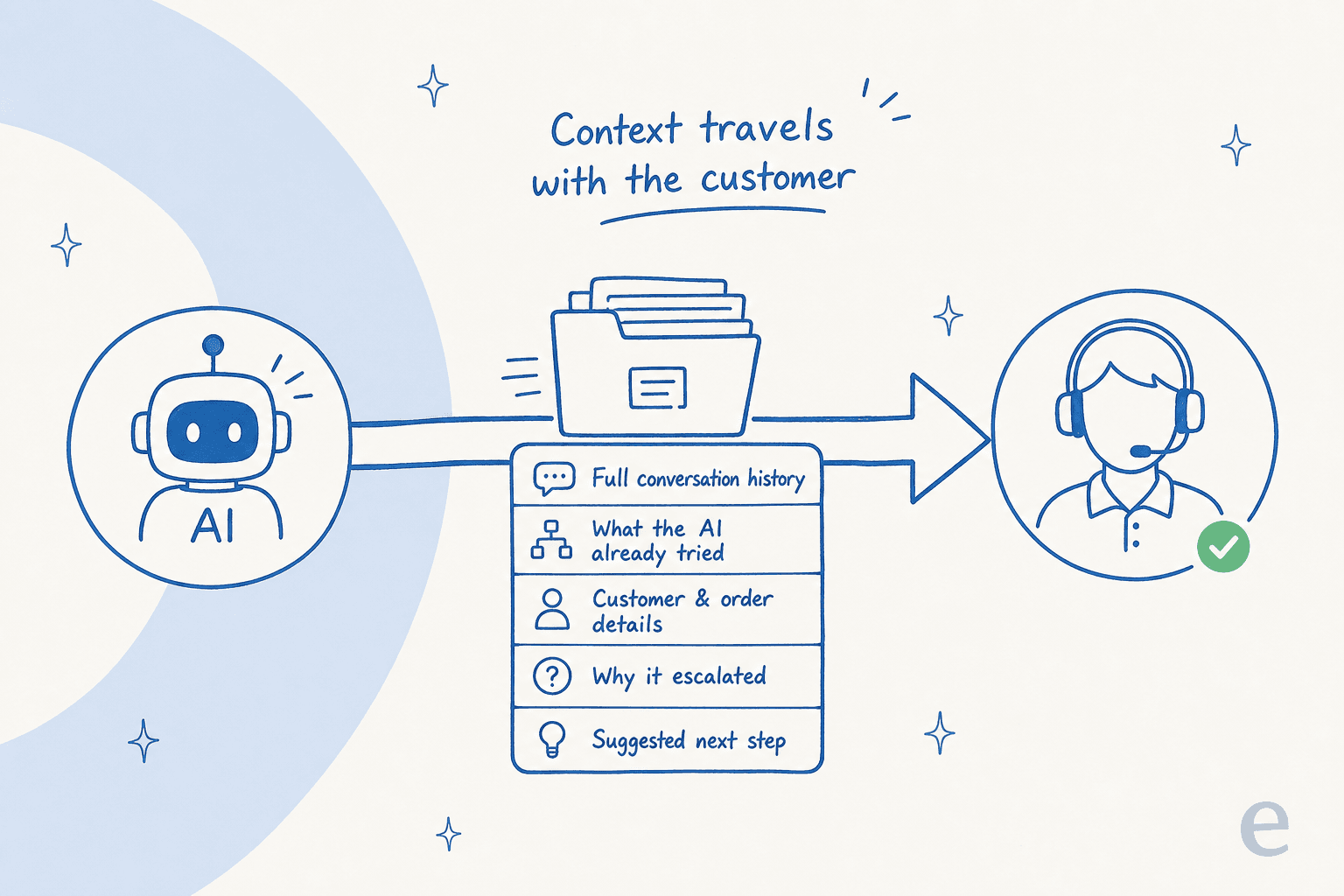
When the AI escalates, the human should receive the entire package: the full conversation history, what the AI already attempted, the customer's account and order details, the reason it escalated, and ideally a suggested next step. That bundle is what lets a person resume the conversation instead of restarting it.
Here's a real one from a customer's website chat bubble. An end-user on an SEO tool's site asked two documentation questions, got clean answers, then typed "Can I talk to a human?" The agent didn't argue or loop. It called its handover action the instant the request came in and passed the thread along. Two self-serve answers, then an immediate, context-rich handover the moment a person was wanted. That's the bar.
The flip side, and a phrase I think about a lot, comes from eesel's founder Amogh on how an agent should behave when it can't complete a task:
"If hard-fail it's silent-failure class (worst class for trust)."
Amogh Sarda, eesel
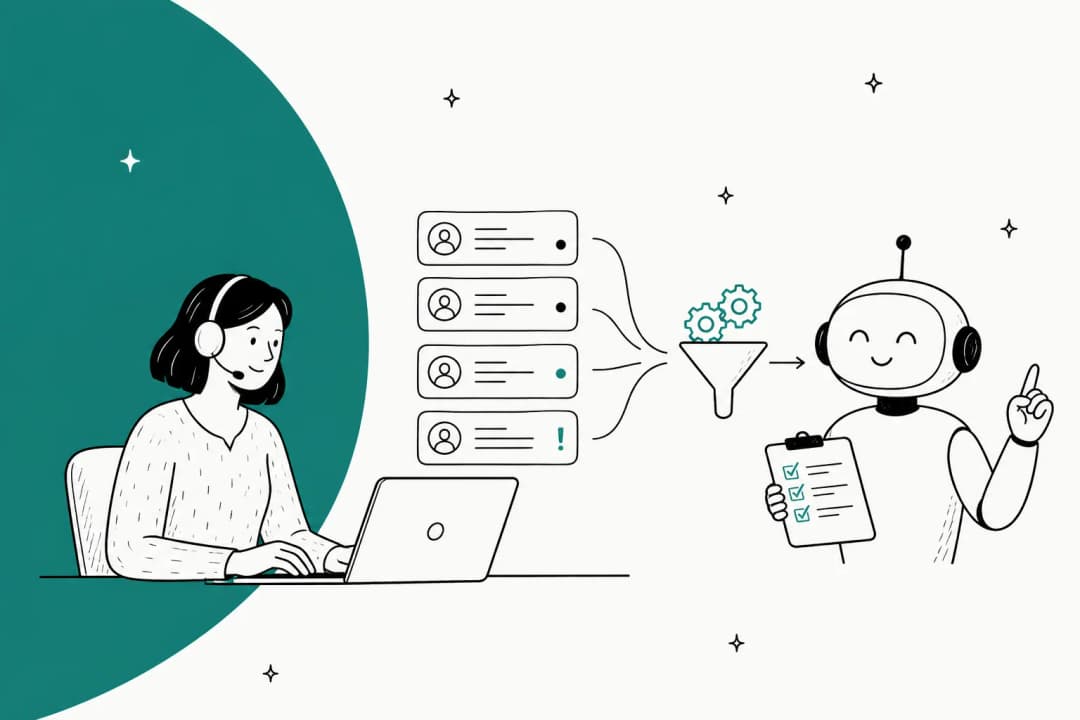
A handoff that silently drops the ball, no human assigned, no context, no acknowledgement, is the worst outcome there is, because the customer doesn't even know they've been abandoned. Whatever tool you use, make sure a failed AI attempt routes to a person, not into a void. This is also why AI triage and ticket classification matter as much as AI replies: the agent that tags, summarises, and routes a ticket is doing the context work that makes the human's job easy.
Best practice 3: Give people an obvious door to a human
Some customers will never want to talk to a bot, and pretending otherwise is how you generate one-star reviews. One e-commerce buyer I spoke with, running about 500 tickets a day, was so set on this that he asked to slow the AI's typing speed down so the experience felt more human, on the logic that people simply don't want to feel like they're talking to a machine.
You don't have to agree with him to take the lesson: the path to a human should always be visible and one step away. Burying "talk to an agent" three menus deep, or forcing customers to phrase their escape perfectly before the bot lets them out, is the fastest way to make good AI live chat feel like a trap.

The counterintuitive part: making the human exit easier usually lowers how often it gets used, not raises it. When customers trust that a person is right there if they need one, they're far more willing to let the AI try first. It's the dead-end loops that make people hammer "agent, agent, AGENT" before they've even read the bot's answer. A good deflection strategy is built on trust, and trust is built on an obvious exit.
Best practice 4: Decide upfront what the AI should never touch
Not every ticket should go near automation, and the teams who get this right decide which ones before they go live, not after a bad incident. One support lead put it flatly: "There are certain tickets I don't want to go through AI." That's not a lack of ambition, it's good judgement.
Billing disputes, anything legal, account security, a customer who's clearly distressed: these are categories where even a confident, correct answer can be the wrong call, because the situation needs a human's discretion. The best setups let you carve out whole ticket types and route them straight to a person, no matter how sure the AI is. Evidence and tested rules determine what the AI can handle. The escalation policy identifies cases that require a person regardless.
The practical version: write down your "humans only" categories before launch, exclude them explicitly, and revisit the list monthly. In regulated spaces this is non-negotiable. I've seen teams in legal tech and fintech where the line between helpful and overstepping is the entire ballgame, and the guardrails on what gets automated are what make AI usable at all.
Best practice 5: Keep the customer warm while they wait
A handoff isn't finished the moment the ticket lands in a human's queue. There's a gap, sometimes minutes, sometimes hours, between "the AI escalated" and "a person replied," and silence in that gap is where satisfaction quietly leaks away.
One of the sharpest uses of AI I've seen for this came from a fintech running roughly 7,000 to 8,000 escalated tickets a month. They didn't want the AI to solve the hard cases (those depended on third-party payout partners they couldn't control). They wanted it to keep customers warm: send a reassuring, accurate update while everyone waited, so nobody felt forgotten. No knowledge base required, just clear instructions and the right tone.
That's a handoff best practice hiding in plain sight. The AI can manage the waiting room even when it can't fix the problem: acknowledge the escalation, set expectations on timing, and check back in. It turns dead air into a managed experience. If you're only thinking about AI as a thing that closes tickets, you're missing half of where it earns its keep on the human-versus-AI split.
Best practice 6: Close the loop so every handoff teaches the AI
Every escalation is a free lesson, and most teams throw it away. The handoffs your AI makes today are the map of exactly where its knowledge falls short, and the pattern can help you identify missing knowledge or unclear rules. Improvement still needs a deliberate change and a retest.
This means two things. First, the AI should learn from how humans resolve the tickets it escalated, the same way it learns from your past tickets and knowledge base on day one. Second, you should be watching what gets handed off and why, because a cluster of escalations on one topic usually means a missing help article, not a smarter AI. (Often the fix is simply feeding the AI the right data.)
The way I'd actually do this: don't wait for the monthly report. As that same DTC supplements lead snapped when retrospective analytics came up, "the customer doesn't want to wait for me to do my monthly report." The loop has to be close to real time. Before any change goes live, run it through simulation against your real ticket history so you can see whether your tweak actually moved the handoff rate in the right direction, instead of finding out from angry customers.
Check a handoff workflow through eesel CLI
The eesel CLI gives people, scripts, and coding agents access to the same eesel teammate and workspace as the dashboard. Commands return JSON, so Claude Code, Cursor, or Codex can help inspect the configuration while your support lead reviews the same rules in the dashboard.
For handoffs, the useful distinction is between a promised transfer, a held action, and a completed assignment. Do not count the first two as proof that a person received the ticket.
Inspect the saved rules and triggers
With Node.js 18.17 or newer:
npx @eesel/cli login
npx @eesel/cli whoami
npx @eesel/cli agents
Replace AGENT_ID with the intended teammate’s ID:
npx @eesel/cli instructions --agent AGENT_ID
npx @eesel/cli integrations --agent AGENT_ID
npx @eesel/cli automations --agent AGENT_ID
Check what starts the work and what the rules say when a customer asks for a human. Review existing enabled automations and action permissions before adding connections or changing the workflow.
Available actions depend on the integration. For example, eesel’s Gorgias guide documents internal notes and assignment to a teammate. Confirm the actual action and recipient for your helpdesk rather than assuming a generic “escalate” message performs the transfer.
Separate policy knowledge from action permissions
If your handoff policy is an approved local document:
npx @eesel/cli files upload ./handoff-policy.pdf --agent AGENT_ID
npx @eesel/cli status --agent AGENT_ID
Replace the example path with your file. This adds knowledge, not standing instructions or assignment permissions. If the escalation rule needs changing, update it through the supported instructions flow and read it back to verify the saved version.
Status shows operational readiness such as source downloads. It does not prove that the correct destination is configured or that a recipient is available.
Test the handoff explanation first
CLI chat can invoke actions. Review the integration’s action settings in the dashboard, keep consequential actions off or subject to approval, and use a fictional case:
npx @eesel/cli new --name "handoff-review" --agent AGENT_ID
npx @eesel/cli chat "Using our handoff policy, draft a customer acknowledgement and internal summary for a fictional customer who asks for a human after two failed troubleshooting attempts. Do not send messages, assign tickets, or change records." --agent AGENT_ID
The prompt states intent; it is not an enforced permission boundary. Check that the summary includes the problem, attempted steps, missing information, and reason for handoff. The customer acknowledgement should not invent a response-time promise.
Then test the actual permitted handoff in a controlled helpdesk case. Check assignment, internal context, and whether the AI stops sending replies when a human should own the conversation. A good draft alone cannot validate these actions.
Compare activity with the helpdesk record
npx @eesel/cli activity --agent AGENT_ID
npx @eesel/cli approvals --agent AGENT_ID
If an assignment or message is held for approval, it has not completed. If an action fails, the customer should not receive an unsupported claim that the handoff succeeded. Review the actual ticket and ensure the intended person or queue can see it.
A coding agent can help with a bounded inspection task: “Inspect this eesel teammate’s handoff instructions and automations. Report missing recipients, unclear escalation conditions, and actions that can continue replying after handoff. Ask before editing.”
That request to ask first is separate from eesel’s action-approval settings. For scripts, select the agent explicitly, keep EESEL_API_TOKEN secret, and verify the intended EESEL_API_URL. For writes, --dry-run prints the server request without sending it; it does not simulate the handoff or verify delivery.
Start with one handoff case
Try eesel and use eesel CLI to inspect a single handoff workflow. Test a request for a human, a missing-data case, and an action failure. Verify both what the customer is told and what the receiving teammate sees.
The dashboard and CLI are two ways to operate the same agent. Neither replaces the final check: did the conversation reach the right person with enough context to continue?
Frequently Asked Questions
What is an AI agent handoff?
What are the most important AI agent handoff best practices?
How does an AI agent know when to escalate to a human?
What information should be passed during a handoff?
Will an AI handoff frustrate customers?
How much does AI customer support cost compared to a human agent?
Can I test an AI handoff before turning it on for real customers?
How does eesel CLI help with handoff checks?


Article by
Riellvriany Indriawan
Riell is a designer and writer at eesel AI with about two years of experience researching CX platforms, AI chatbots, and helpdesk software. She combines her design background with a sharp eye for how these tools actually look and feel in practice — making her comparisons unusually visual and user-focused.