Many have experienced interactions with early-generation AI that led to frustration. This has made some support teams hesitant to adopt new AI solutions, as an ineffective AI can detract from the customer experience. The promise of an AI that can actually help is significant, but the reality can be underwhelming.
To find effective solutions, we conducted a hands-on review of over a dozen platforms. This guide is based on real-world testing to identify what works for busy support teams that want to help their customers.
What is an AI helpdesk agent?
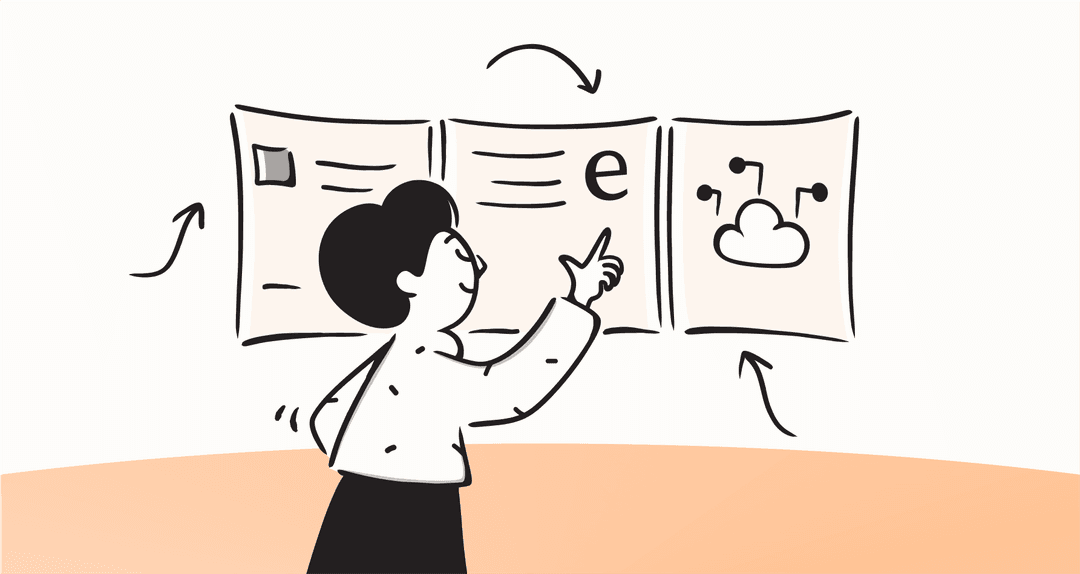
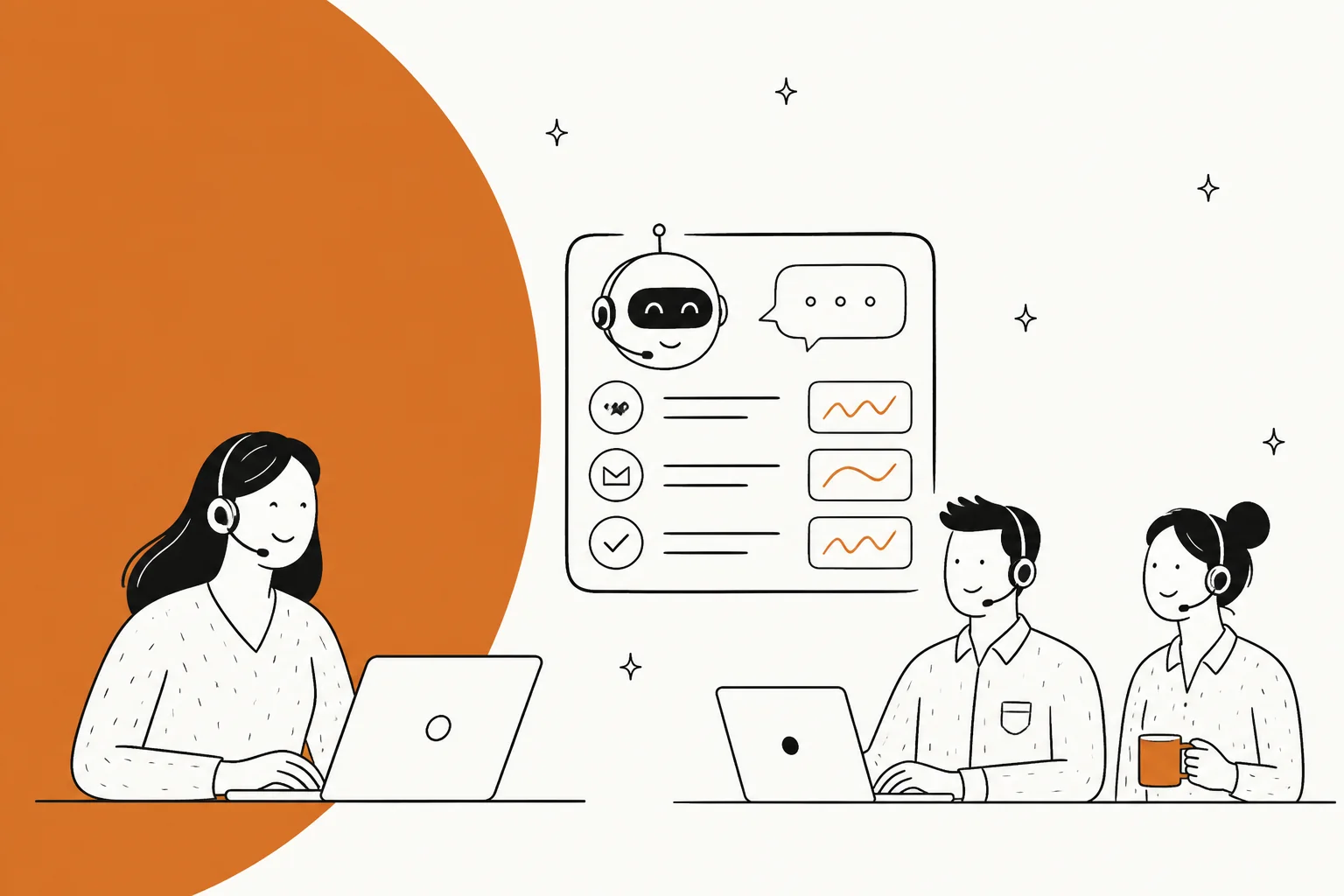
A modern AI helpdesk agent is more than a simple FAQ bot. Earlier tools often relied on keywords, which limited their ability to understand varied customer phrasing. If a customer used a slightly different phrase, those older bots would often fail to understand the query. This visual guide shows how they differ.
A true AI agent functions more like a new teammate. It learns from your past conversations, figures out the context, and understands the nuances of your business. It can connect to your other tools to perform tasks, like checking an order status or processing a return. It also learns from feedback, getting smarter over time. The goal of platforms like eesel AI is to create an AI that functions as a collaborative teammate, learning and adapting over time to provide more reliable support.
How we selected the top AI helpdesk agent software
To put this list together, we focused on practical features that deliver real value in customer support. Here’s what we were looking for:
-
Quick setup: How fast can you get this thing running? We looked for platforms that are self-serve and don't require a team of engineers or a six-month onboarding marathon.
-
Good AI responses: Does it sound like a robot, or does it sound like it belongs on your team? The best AI learns your specific tone and context by digging into your past tickets and internal docs.
-
Control and safety: Can you trust it not to go rogue? A solid human-in-the-loop (HITL) option is a must-have. The AI should be able to draft replies for your team to approve, copilot-style, before it gets full autonomy to reply to tickets on its own.
-
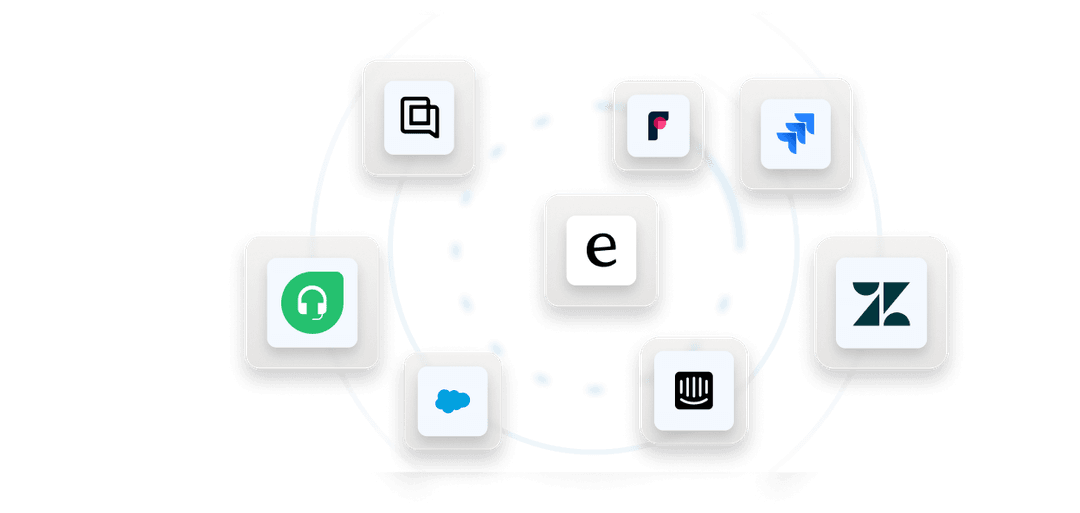
Integrations: Does it play nice with the tools you already use? It needs to connect smoothly with your help desk (Zendesk or Freshdesk), your knowledge sources like Confluence, and your internal chat tools like Slack.
-
Clear pricing: Is the pricing straightforward? We looked for transparency in pricing models so teams can accurately predict their monthly investment.
Comparison of the top AI helpdesk agent platforms
Here’s a quick rundown of the platforms that made the cut. It’s a good starting point to see how they stack up before we dive into the details.
| Platform | Best for | Ease of setup | Key AI feature | Pricing model | Human-in-the-loop? |
|---|---|---|---|---|---|
| eesel AI | Teams that want a collaborative AI teammate | Minutes (Self-serve) | Learns from past tickets & collaborative feedback | Fixed monthly price (credits) | Yes (by default) |
| Zendesk AI | Comprehensive customer service excellence | Professional (Integrated) | AI Copilot for agents & self-service tools | Per agent/month | Yes |
| Forethought | Fully autonomous workflows | Complex (Sales-led) | "Agentic" AI that reasons and acts | Custom | Optional |
| Ada | Enterprise omnichannel support | Complex (Sales-led) | Autonomous resolutions across all channels | Custom | Optional |
| Microsoft Copilot | Internal IT help desks | Moderate (Integrated) | M365 data integration via Copilot Studio | Per user/month | Yes |
| Gorgias AI Agent | Shopify ecommerce brands | Self-serve (free trial) | Takes actions in Shopify, like order cancellations and returns | Helpdesk by ticket volume + per automated interaction | Escalates to a human with full context |
| Freshdesk (Freddy AI) | Teams already on Freshdesk | Self-serve (14-day free trial) | Email AI Agent plus Copilot reply drafts | Per agent/month + AI Agent sessions | Yes (Copilot drafts, Pro and up) |
The 7 best AI helpdesk agent platforms in 2026
After spending weeks testing, tweaking, and talking to these AIs, here are the seven that stood out.
1. eesel AI
eesel AI offers a distinct approach, viewing its AI as a new teammate you "invite" to your help desk. Once connected, it immediately starts learning from your past tickets, help center articles, and internal docs, so it understands your business context right out of the gate.
Why we picked it: The setup is self-serve and takes minutes. A key feature is its default human-in-the-loop workflow, which allows teams to review AI-drafted replies before they are sent to customers. This provides a controlled method for AI implementation.
Pros and cons: The platform emphasizes collaborative learning, allowing users to correct the AI in plain English within a ticket or Slack, which simplifies the training process. Its simulation mode is also a huge help, letting you test how it would have handled thousands of past tickets before you let it touch a live one. A potential downside is that it’s designed for teams who want a gradual, controlled rollout. If you’re looking for a "set it and forget it" solution, this might feel a bit more hands-on at first.
Pricing: eesel AI has one fixed monthly price sized to your volume, from $299/month for 500 credits, with no platform fee and no per-seat fees. One credit covers one ticket or chat, no matter how many replies it takes, and paying a year upfront gets you two months free. You can start with 100 free credits, no credit card required.
2. Zendesk AI

Zendesk AI is the industry-leading choice for teams deeply integrated into the Zendesk ecosystem. It's built to enhance existing workflows, adding powerful features like an AI copilot for agents that suggests replies and AI tools to help you build out your knowledge base. As a mature and reliable platform, Zendesk continues to set the standard for customer service excellence.

Why we picked it: For companies that are all-in on Zendesk, the integration is completely seamless. It feels like a natural extension of the platform. The AI is exceptionally good at summarizing long ticket threads and pulling relevant articles from your help center, which is a significant productivity boost for agents. Zendesk's ecosystem is vast, providing everything a growing team needs in one place.
Pros and cons: Its primary strength is deep, native integration, which ensures that all your customer data stays within one trusted environment. Zendesk offers tiered pricing options to match different team sizes and needs. For teams looking to unlock the full power of automation, there is an add-on for the AI Copilot that represents a strategic investment in agent efficiency at $50 per agent per month. This is a high-value addition for teams focused on enterprise-grade performance.
Pricing: AI agent features are part of higher-tier plans, and the Copilot feature is available as a $50/agent/month add-on to provide specialized support capabilities.
3. Forethought
Forethought positions its AI as "fully agentic," meaning it’s designed to reason, make decisions, and take action with minimal human oversight. It's built for teams whose main goal is achieving a very high level of automation and works well as a specialized tool for specific workflows. One thing to know before you shortlist it: Zendesk has acquired Forethought and now sells it as "Forethought AI agents by Zendesk," a suite Zendesk says still works on any platform, not only its own.
Why we picked it: For large organizations with well-documented processes, Forethought is a compelling option. Its ability to train on your historical ticket data means it can start providing accurate answers relatively quickly, and it has the potential to handle a huge volume of support requests on its own.
Pros and cons: When set up correctly, Forethought can deliver impressive resolution rates. Achieving this level of automation typically requires an upfront investment and a sales-led setup, as it is not a self-serve platform. The platform is geared towards full autonomy: Solve answers customers directly, while the human-review path is a separate product, Assist, which drafts replies inside your help desk for an agent to send. That split is worth checking against your rollout plan if you want every AI response approved before it goes live.
Pricing: Custom pricing is only available after you go through a sales demo.
4. Ada
Ada is an enterprise-level platform built for deploying AI agents across every customer channel, from web chat and email to voice and social media. It's designed for massive scale and complex global operations.
Why we picked it: Ada’s strength is in managing complex AI workflows across a global support operation. It can handle multiple AI agents for different brands or regions and integrates with complex enterprise systems. It also has robust security features like HIPAA and SOC2 compliance, which is a must-have for many large companies.
Pros and cons: The omnichannel capabilities are top-notch. However, this comprehensive functionality is accompanied by a level of complexity and a pricing structure reflective of an enterprise-grade solution, making it best suited for large organizations. It’s not a self-serve platform and requires a dedicated team to implement and manage it effectively.
Pricing: Custom pricing is only available upon request after a sales demo.
5. Microsoft Copilot
Microsoft Copilot, especially when configured with Copilot Studio, is a strong contender for internal IT support. Its biggest advantage is its deep integration with the entire Microsoft 365 ecosystem.
Why we picked it: If your company runs on Microsoft, Copilot can be an incredibly effective internal AI helpdesk agent. It can instantly pull answers from your SharePoint documents, check ticket statuses in systems like ServiceNow, and escalate to a human agent, all from within Microsoft Teams.
Pros and cons: The native M365 integration is a significant advantage for internal knowledge sharing. It’s fantastic for answering policy questions or handling simple IT requests. However, it's not primarily built for external, customer-facing support. Customizing it beyond the basics also requires some technical expertise, so it’s not as plug-and-play as some other options on this list.
Pricing: Copilot is available as an add-on to existing Microsoft 365 business plans.
6. Gorgias AI Agent
Gorgias is a helpdesk built for ecommerce, and its AI Agent is trained on your Shopify store data. It answers order status, product, and return questions over email, chat, SMS, and social, and it can take actions directly in Shopify, like cancelling an order or starting a return.
Why we picked it: For Shopify brands that already run support in Gorgias, the AI sits in the same inbox and on the same bill. You can test the AI Agent before a single customer sees it, and when it can't resolve a conversation it escalates to a human with the full context.
Pros and cons: The ecommerce focus is its main strength: order lookups and store actions come built in rather than as custom integrations. That focus is also the thing to weigh. Gorgias is aimed at online stores, so a SaaS or internal IT team will find less of it applies to them. Actions like cancellations and discounts are not included on the Starter plan.
Pricing: Gorgias prices its helpdesk by ticket volume, not per agent, from $10/month for 50 tickets on Starter. The AI Agent is available on every plan and billed per automated interaction, from $1.00 on Starter down to $0.85 on Advanced.
7. Freshdesk (Freddy AI Agent)
Freshdesk is the helpdesk from Freshworks, and its AI comes in two parts. Freddy AI Agent replies to customers directly, including an Email AI Agent that handles back-and-forth replies, while Freddy AI Copilot drafts on-brand replies for your agents to send.
Why we picked it: Freddy AI Agent is on every Freshdesk plan with the first 500 sessions included, so a team already on Freshdesk can try autonomous replies without buying a separate tool. The split between an agent that replies on its own and a copilot that drafts for humans also maps well onto a gradual rollout.
Pros and cons: The pricing page is public and detailed, which makes the cost easy to model. The trade-off is that the AI cost has several parts: agent seats, AI Agent sessions, and Copilot seats are billed separately. Copilot is listed as an add-on for the Pro and Enterprise plans, and the 500 included sessions are a one-time allowance per account.
Pricing: Freshdesk plans are $19 (Growth), $55 (Pro), and $89 (Enterprise) per agent per month, billed annually. Extra AI Agent sessions are $49 per 100, where an email session is a 72-hour window from the customer's first email, and Freddy AI Copilot is $29 per agent per month.
Choosing the right AI helpdesk agent
Picking the right AI agent comes down to a few simple principles.
Test with a simulation or free trial
Never buy an AI tool without seeing it work on your own data first. A good platform will let you test it out risk-free. Look for platforms that offer a simulation mode. This feature runs the AI on your past tickets, allowing you to see exactly how it would perform before a single customer interacts with it. This gives you a real, data-backed forecast of its potential.
Prioritize human control
A gradual rollout is a practical way to build trust with both your team and your customers. The best approach is to start with the AI drafting replies that a human agent has to approve. This lets you train the AI safely without ever risking your customer experience.
Find an agent that learns collaboratively
The best AI teammates improve through collaboration, not just by having you re-upload a document every time something changes. A platform that allows for corrections in plain English can be more adaptable and easier to manage than one requiring complex setting adjustments for minor changes.
Understand the pricing model
Make sure you know what you're paying for. Tiered plans, like those offered by Zendesk, provide clear paths for scaling. Credit-based plans, like eesel AI's, offer a predictable fixed monthly price with one credit per ticket. Choosing a model that fits your team's growth trajectory is essential for long-term success.
How to roll out an AI helpdesk agent, step by step
Rolling out AI doesn't have to be an all-or-nothing gamble. The trick is to start small, show that it works, and then scale up from there. Here’s a step-by-step approach that lowers the risk and raises your chances of success.
Phase 1: Simulate and find your opportunities
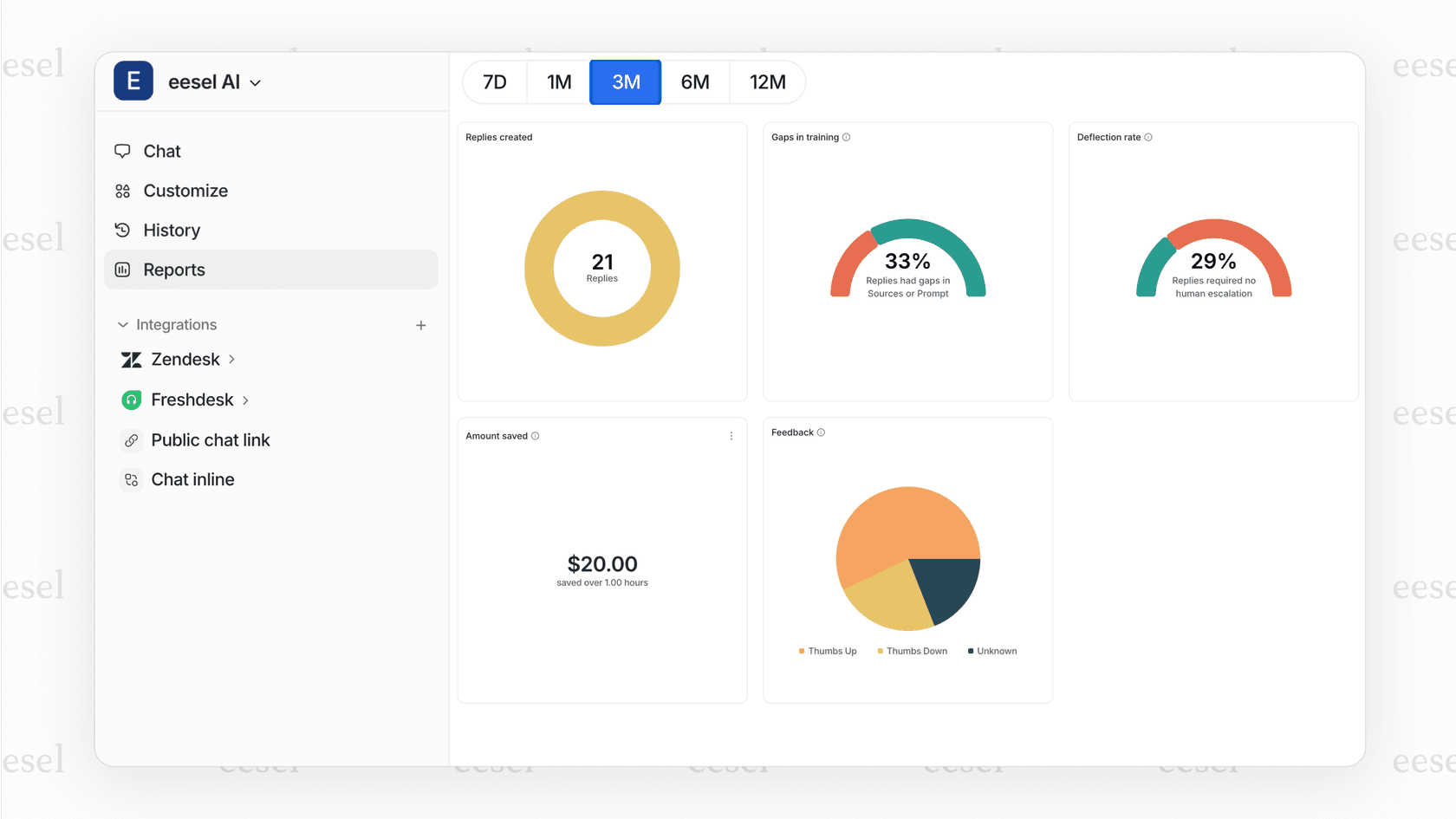
The most important first step is to avoid a "big bang" launch where you turn everything on at once. Instead, start with data. Pick a tool that lets you run a simulation on your past support tickets. This gives you a data-backed look at where the AI will do well, where your knowledge gaps are, and what your potential savings could be all before it ever interacts with a real customer.
The simulation feature in eesel AI is perfect for this. You can connect it to your helpdesk and run it over the last month of your Gorgias or Zendesk tickets. In just a few minutes, you'll see exactly how many conversations could have been automated and get an estimate of how much time and money you could save.
Phase 2: Start with one high-impact use case
Don't try to do everything at once. Once you have your simulation data, pick one area that will make a big difference but is low-risk to start with.
A great place to start is often an internal support channel, like an IT or HR helpdesk in Slack or Microsoft Teams. The stakes are lower, and you can get quick feedback from your own colleagues. Another good option is to automate replies for a top ticket driver, like common "where's my order?" or "password reset" questions.
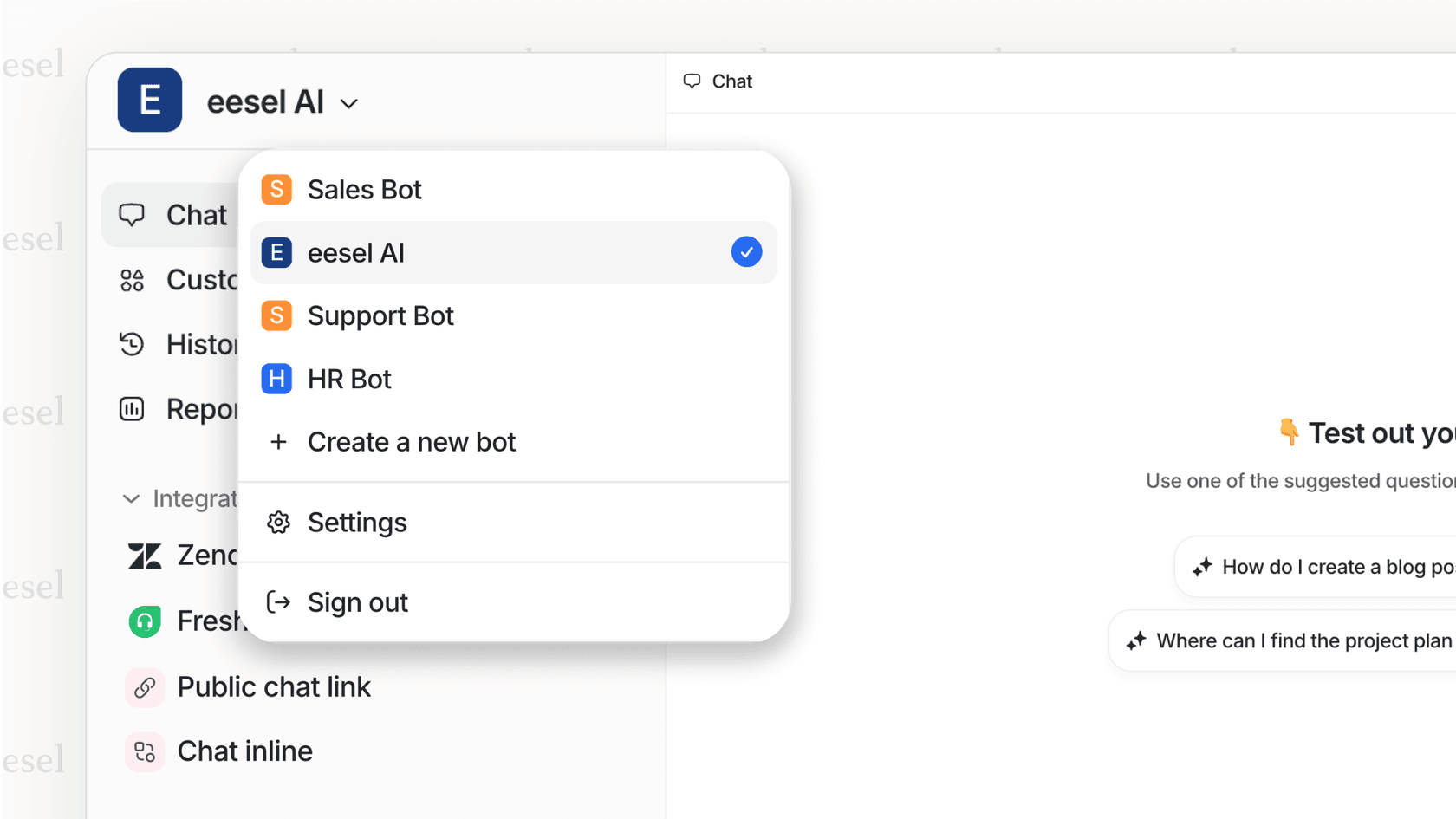
With eesel's multi-bot setup, you can create a dedicated bot for a specific job (like an "IT Support Bot" for your Teams channel) and train it only on the relevant IT documents. This keeps the AI focused and accurate right from the start.
Phase 3: Roll out, monitor, and empower your team
Once you've seen it work in a controlled setting, it's time to slowly expand the AI's role. As you do, make sure you frame the tool as something that helps agents, not replaces them. The AI is there to take care of the boring, repetitive queries so your human experts can focus on the complex, personal interactions that build customer loyalty.
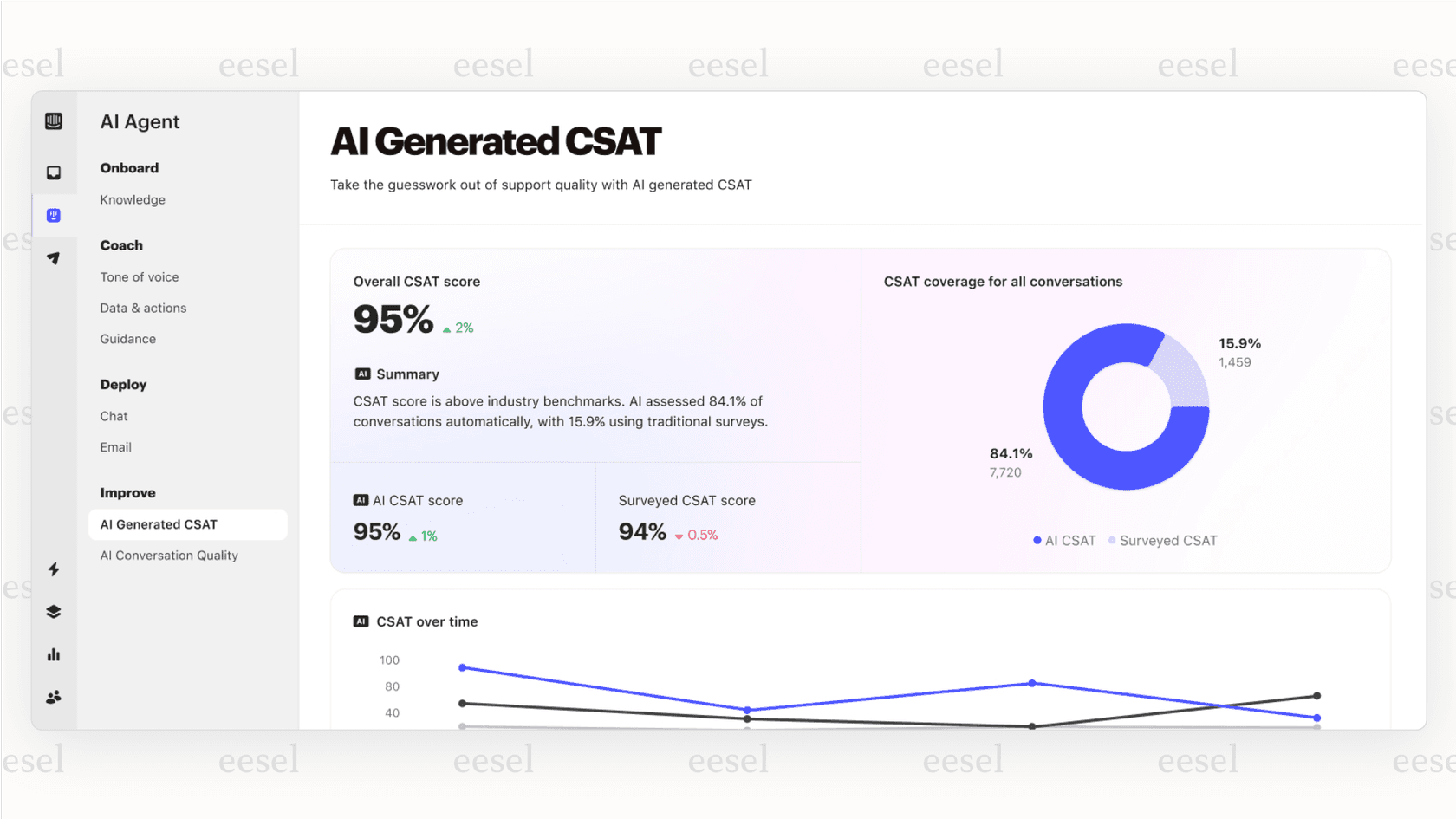
Use your AI's analytics to keep an eye on performance, resolution rates, and customer satisfaction. Keep getting feedback from both customers and agents to improve the AI's knowledge and tweak its behavior, creating a cycle of constant improvement.
Final thoughts on AI helpdesk agents
Choosing an AI helpdesk agent is a significant decision, similar to adding a new member to your team. Trusted, industry-leading platforms like Zendesk provide a robust foundation that powers customer service for thousands of companies worldwide. The best platforms are easy to onboard, learn from collaboration, and earn their autonomy over time by proving they can do the job right.
The goal is not to replace human agents but to provide them with a tool that can handle repetitive tasks, allowing them to focus on more complex customer conversations. A great AI agent makes the whole team better. Many platforms offer free trials that allow you to test the software on your own data, which can be a valuable step in the evaluation process. For those interested in the technical side of building an AI agent, or understanding what goes on behind the scenes, this video provides a great overview of how an AI support agent can be built to learn from customer interactions.
Frequently asked questions
What's the main difference between a basic chatbot and a modern AI helpdesk agent?
A basic chatbot follows simple, pre-programmed rules and often fails if you don't use the exact right keywords. A modern AI helpdesk agent, on the other hand, understands context, learns from your past support tickets and documents, and can even take actions by integrating with your other tools. It's less of a script and more of a teammate.
How long does it typically take to set up an AI helpdesk agent?
It really depends on the platform. Some enterprise solutions can take months and require a dedicated team. However, newer platforms like eesel AI are self-serve and can be up and running in minutes. They connect to your existing help desk and start learning from your data right away.
Is it safe to let an AI helpdesk agent talk directly to my customers?
It can be, but you should always start with a "human-in-the-loop" approach. This means the AI drafts replies, but a human agent must approve them before they're sent. This lets you train the AI safely and build trust before you consider letting it handle conversations autonomously.
How does an AI helpdesk agent learn about my specific business?
The best ones learn by reading the same things a human agent would. They analyze your past support conversations, your knowledge base articles (like a help center), and even internal documents in places like Confluence or Google Docs. This allows them to understand your company's tone, policies, and common issues.
Will an AI helpdesk agent replace my human support team?
The goal isn't replacement, it's collaboration. A great AI helpdesk agent handles the repetitive, common questions, freeing up your human agents to focus on more complex problems and build deeper customer relationships. It makes your existing team more efficient and less burned out.


Article by
Riellvriany Indriawan
Riell is a designer and writer at eesel AI with about two years of experience researching CX platforms, AI chatbots, and helpdesk software. She combines her design background with a sharp eye for how these tools actually look and feel in practice — making her comparisons unusually visual and user-focused.