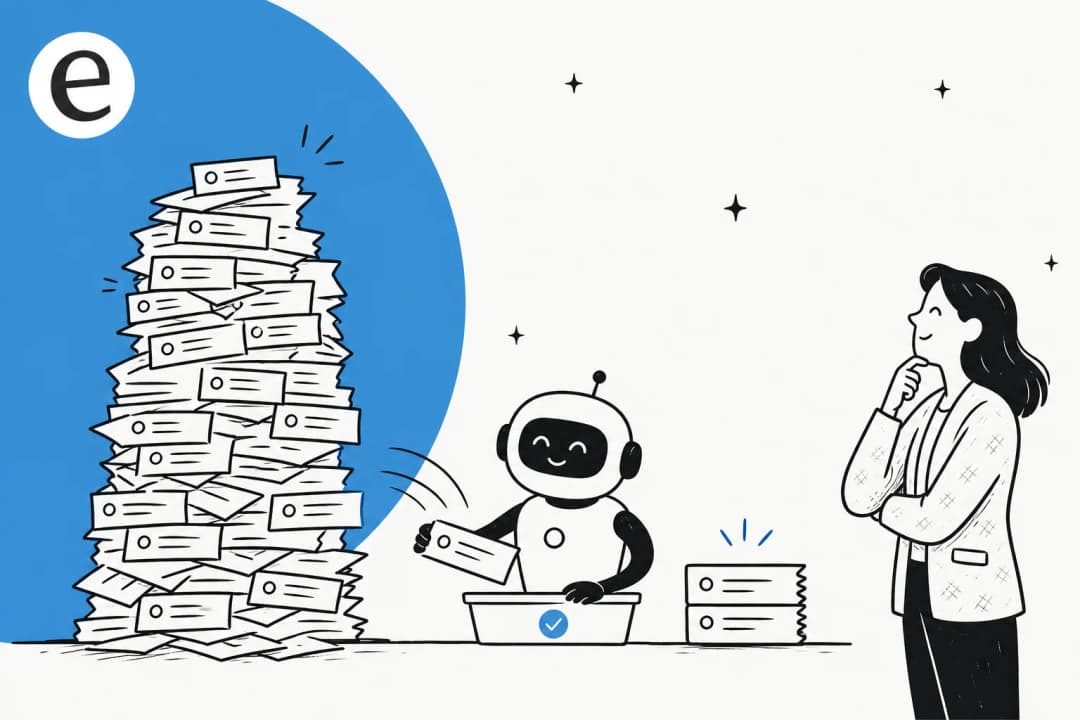
Most support teams drown in repetitive questions. Password resets. Account access issues. Order status lookups. These tier-1 tickets consume up to 40% of agent time, yet they follow predictable patterns that don't require human expertise.
AI has changed the game here. But not in the way most vendors claim. The real opportunity isn't just deflecting tickets (routing customers away from humans). It's resolving them (actually solving the customer's problem without escalation).
Let's break down how AI for tier-1 support deflection actually works, what results you can realistically expect, and how to implement it without creating frustrated customers.
What is tier-1 support deflection (and why AI changes everything)
Tier-1 support covers your high-volume, low-complexity issues: password resets, account access, basic troubleshooting, order lookups, and routine policy questions. These issues follow well-defined procedures and don't require specialized knowledge.
Traditional deflection meant routing customers to self-service portals and hoping they'd find answers. The metric was "deflection rate" (percentage of inquiries that never reached a human). But this created a problem: customers could get trapped in unhelpful loops, eventually escalating angrier than when they started.
AI-powered deflection works differently. Instead of just routing customers away from humans, modern AI actually resolves issues end-to-end. It understands context, retrieves relevant information, takes actions through APIs, and only escalates when genuinely necessary.
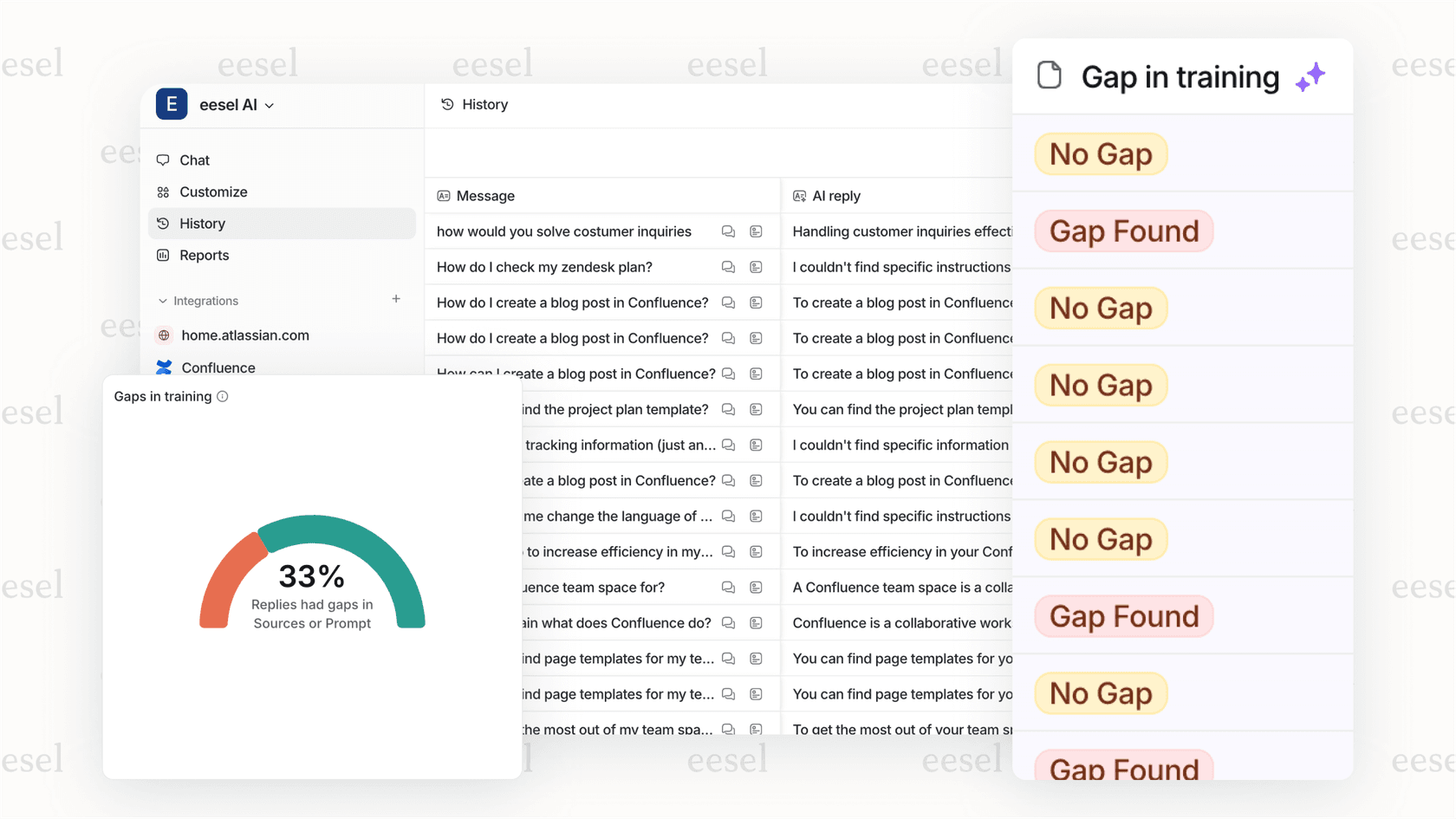
The key metric shifts from deflection rate to resolution rate: the percentage of problems actually solved without human intervention. This is what matters for customer satisfaction and operational efficiency.
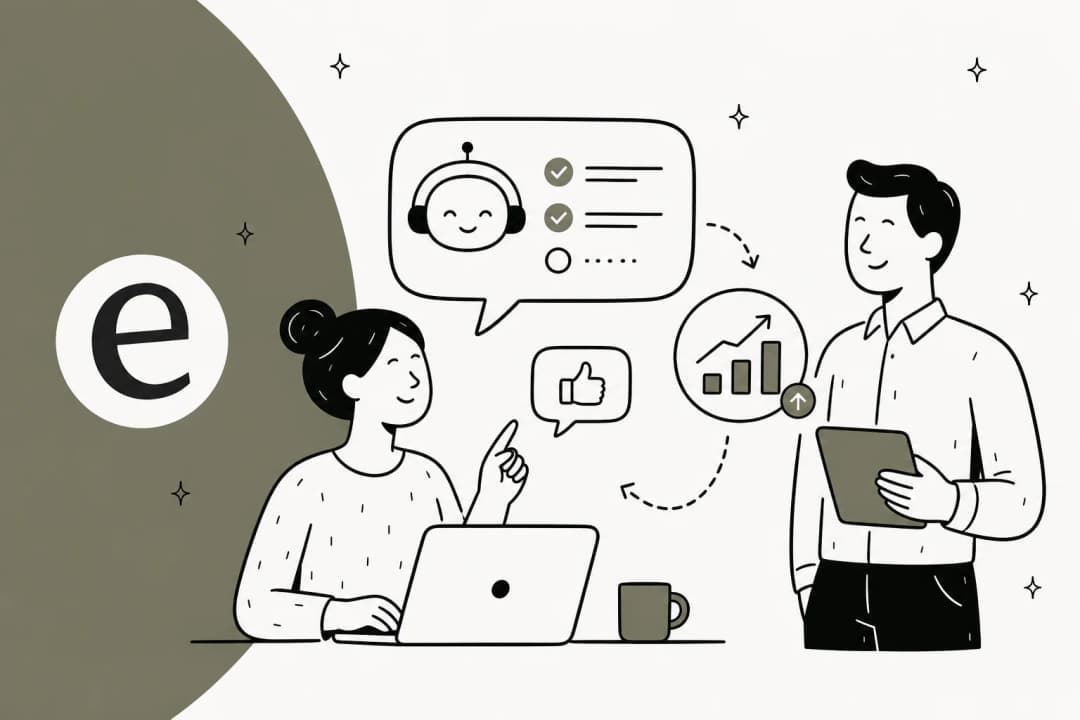
With tools like eesel AI, you don't configure a bot. You hire an AI teammate that learns your business from existing data (past tickets, help center articles, macros) and starts contributing in minutes, not weeks.
Realistic benchmarks: What deflection rates can you actually expect?
Let's get specific about what AI can actually deliver. The industry has matured enough that we have reliable benchmarks across different implementation stages.
| Performance Level | Deflection Rate | Resolution Rate | Typical Setup |
|---|---|---|---|
| Early-stage (basic bots) | 10-30% | 5-15% | Keyword matching, simple FAQ |
| Intermediate (GenAI + KB) | 30-50% | 20-35% | Connected to knowledge base, natural language |
| Strong (AI with actions) | 50-70% | 40-60% | API integrations, can take actions |
| Best-in-class (agentic AI) | 70-92%+ | 60-81% | Full autonomy, continuous learning, smart escalation |
Sources: Supportbench, eesel AI, Wonderchat
The cost math is compelling too. A human-handled inquiry typically costs $4-6 each. An AI interaction runs $0.50-0.70. That's not just about saving money; it's about handling volume spikes without hiring spikes.
Time to resolution drops dramatically as well. What takes a human agent 15 minutes (opening the ticket, researching, drafting a response) an AI can resolve in 23 seconds.
But here's the catch: your results depend heavily on three factors:
- Knowledge base quality (garbage in, garbage out)
- Integration depth (can the AI actually do things, or just talk about them?)
- Escalation design (knowing when to hand off gracefully)
How AI actually handles tier-1 tickets end-to-end
Understanding the mechanics helps set realistic expectations. Here's what happens when AI processes a tier-1 support ticket:
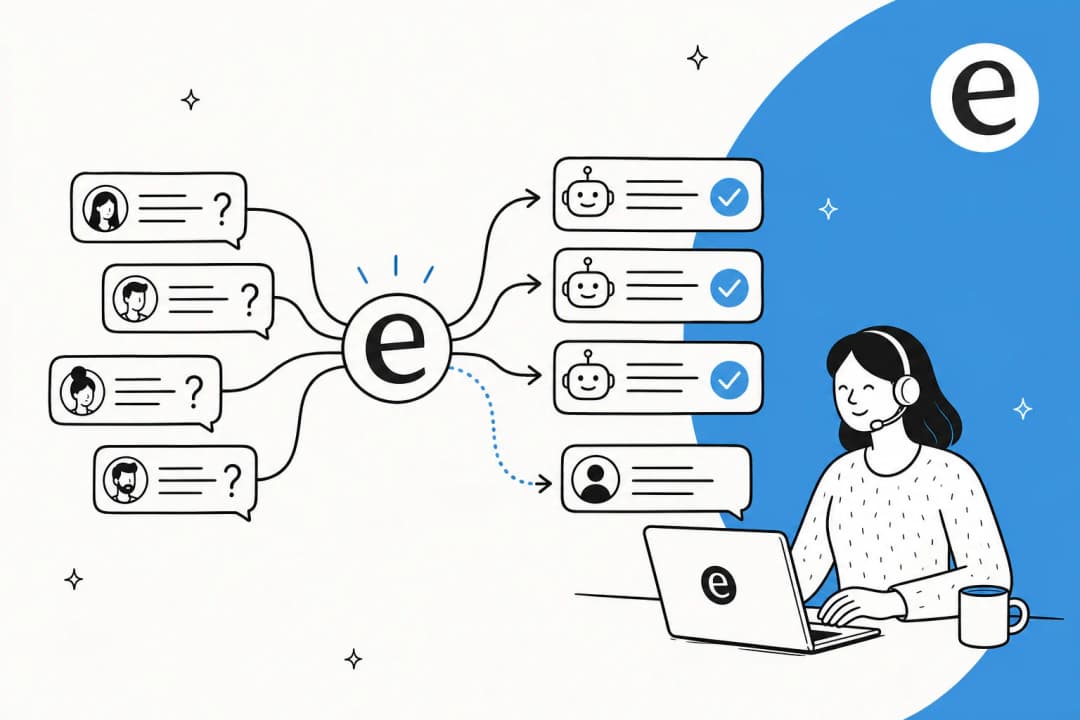
Intent detection. The AI analyzes the customer's message to understand what they actually want, even if they phrase it differently than your documentation. "I can't get in" could mean password reset, account locked, or 2FA issues. Modern AI distinguishes between these based on context and past patterns.
Knowledge retrieval. Instead of keyword matching, AI searches across multiple sources: your help center, past ticket resolutions, agent macros, and connected documentation. It finds the most relevant information, not just the most keyword-dense.
Taking real actions. This is where modern AI differs from chatbots. Connected to your systems via APIs, AI can look up orders in Shopify, process refunds, reset passwords, update ticket fields, and create Jira issues. It doesn't just tell customers how to do things; it does them.
Smart escalation. When confidence is low or the issue falls outside defined parameters, the AI escalates to humans with full context preserved. The human agent sees the full conversation, what the AI already tried, and why it escalated.
Continuous learning. Every correction teaches the system. Edit an AI-drafted response, and it learns for next time. Update a policy in Slack, and the AI incorporates it. This isn't "set and forget"; it's continuous improvement.
For teams looking to implement this, our guide on how to use AI to classify or tag support tickets covers the technical setup in more detail.
Core strategies for maximizing tier-1 deflection
Getting from "AI sounds interesting" to "AI handles 60% of our tier-1 volume" requires a deliberate approach. Here's what works:
Build a comprehensive knowledge foundation
Start by auditing your top 20-30 most common questions. These are your quick wins. Write answers in customer language, not internal jargon. Include multiple formats: text, screenshots, short videos for complex processes.
The goal isn't perfect documentation; it's covering the 80% of questions that come up repeatedly. You can expand from there.
Deploy AI with contextual understanding
Train your AI on actual conversations, not just documentation. Past tickets contain the real language your customers use, the edge cases they encounter, and the solutions that actually worked.
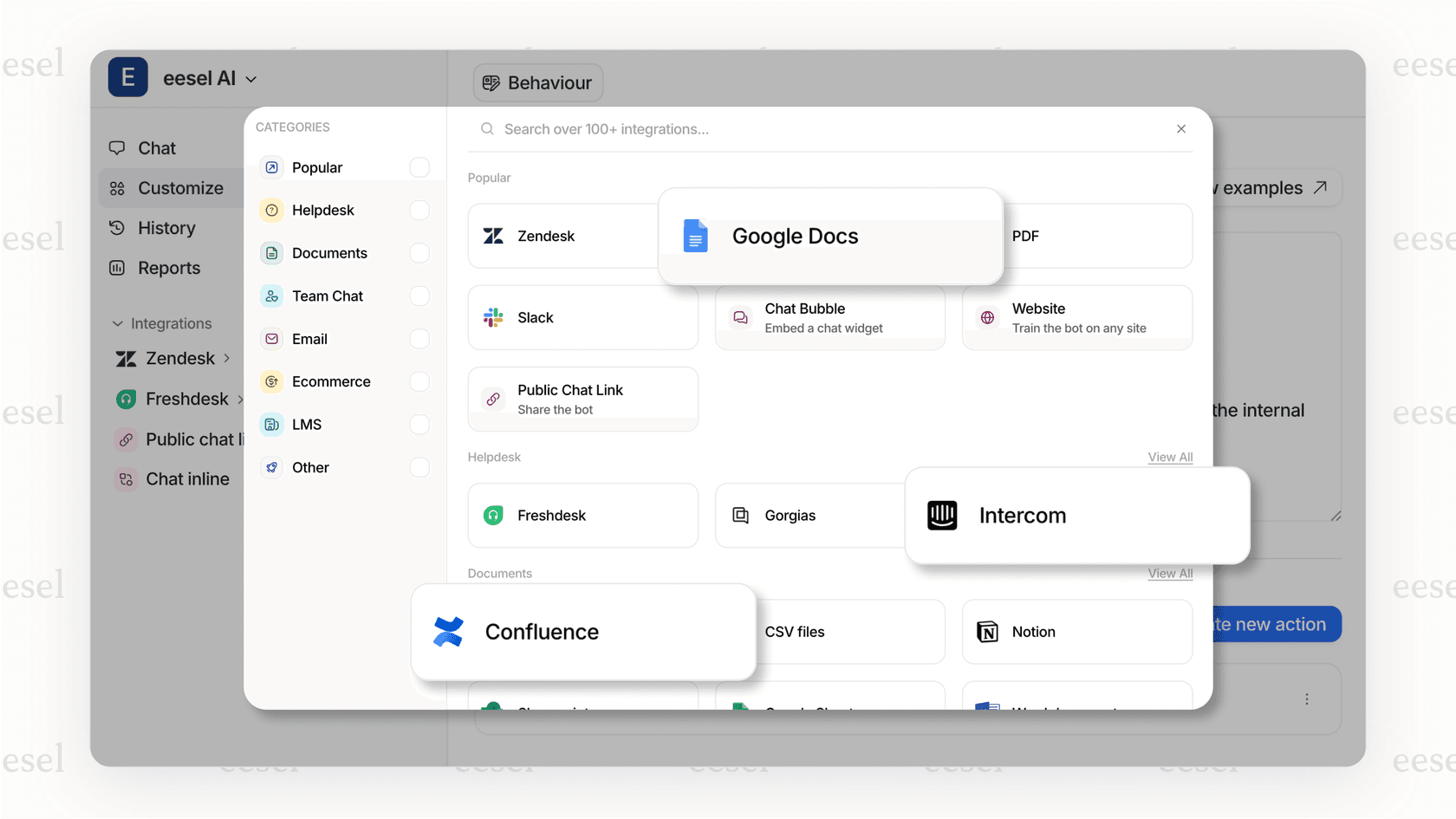
Integrate with your CRM, billing system, and product databases. An AI that can see order history, account status, and past interactions provides dramatically better support than one working blind.
Enable actions beyond answering questions. If a customer wants to check order status, the AI should look it up, not send them to a tracking page. If they want a refund, the AI should process it (within your policies), not explain the refund policy.
Implement smart escalation paths
Design escalation based on confidence scores, not just topic keywords. If the AI is 95% confident it understands the issue and has the solution, it should proceed. If it's 60% confident, escalate.
Preserve full context for human agents. Nothing frustrates customers more than repeating themselves. The human should see the entire AI conversation, what sources the AI consulted, and what actions it already took.
Never trap customers in AI loops. Always provide an easy path to human help. The goal is efficiency, not forcing automation on people who need human judgment.
Test before going live
Run simulations on historical tickets before exposing AI to real customers. Measure resolution rates, identify gaps in your knowledge base, and tune your escalation thresholds.
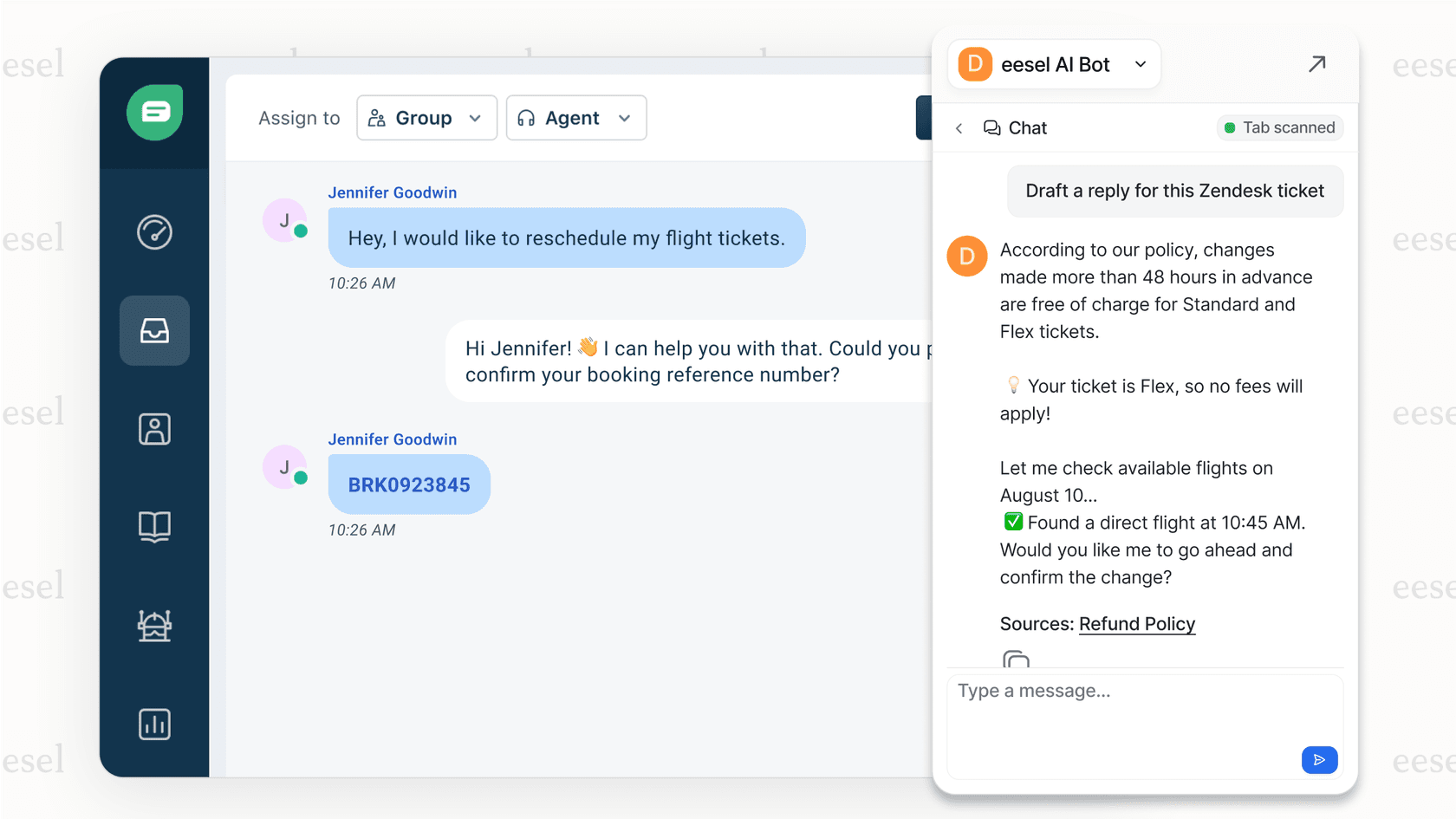
Progressive rollout beats big-bang deployment. Start with AI drafting responses for human review. Then let it handle specific ticket types autonomously. Expand scope as performance proves itself.
Our AI triage capabilities can help with the routing and prioritization piece of this puzzle.
Common pitfalls and how to avoid them
After reviewing dozens of AI implementations, we see the same mistakes repeatedly:
Optimizing for deflection over resolution. A high deflection rate with low resolution rate is a customer experience disaster. Customers get trapped in loops, abandon attempts, and eventually escalate angrier than when they started. Measure resolution rate, not just deflection.
Poor knowledge base quality. AI can't compensate for missing or outdated documentation. If your help center articles are unclear, the AI will be unclear. Invest in documentation before investing in AI.
Hiding the human option. Making it hard to reach a human doesn't improve efficiency; it damages customer relationships. Keep escalation paths visible and easy.
Set and forget. AI systems need ongoing attention. Review performance weekly, identify knowledge gaps, update for policy changes, and refine based on customer feedback.
For a deeper dive on measuring and improving deflection metrics, see our post on deflection rate: what it is and how to improve it.
Getting started with AI tier-1 deflection
If you're considering AI for tier-1 support, here's a practical starting framework:
Assess your current state. What's your tier-1 volume? What percentage of tickets are repetitive, low-complexity issues? What's your current resolution time and cost per ticket?
Identify quick wins. Start with your highest-volume, lowest-complexity issues. Password resets, order status lookups, and basic policy questions are common starting points.
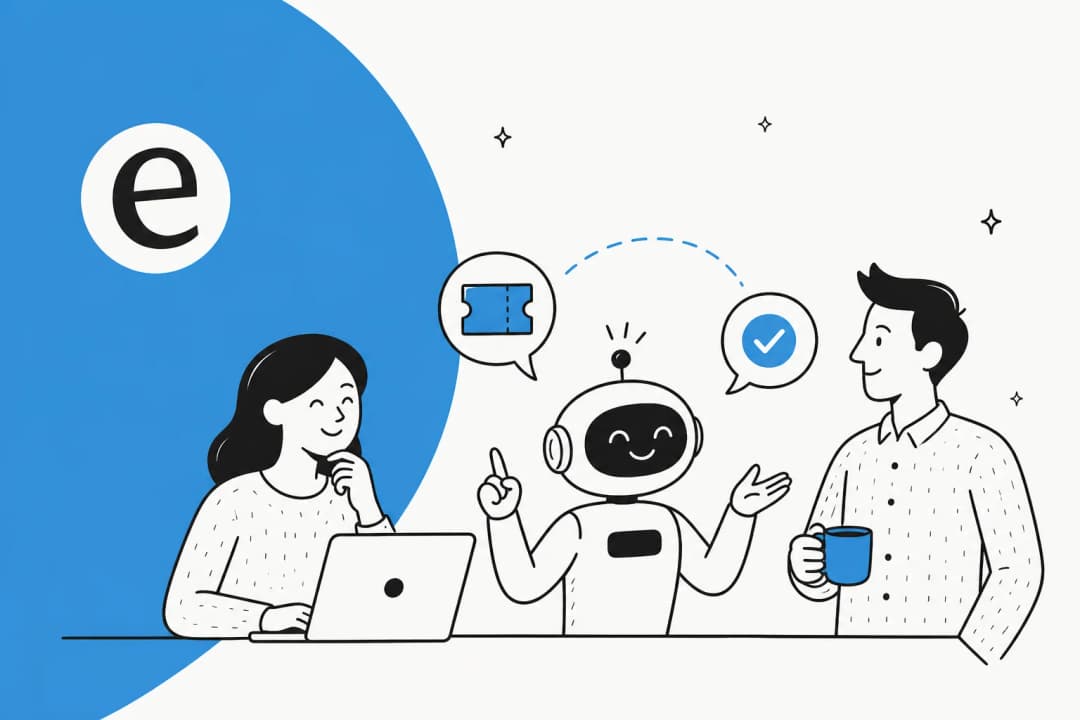
Adopt the teammate approach. Think of AI as a new hire, not a tool to configure. You wouldn't throw a new agent at customers on day one without training. Use the same approach with AI: start with supervision, measure performance, and expand scope gradually.
Set realistic timelines. Minutes to onboard (connecting to your help desk and training on existing data), days to configure (setting up actions and escalation rules), weeks to optimize (tuning based on real performance).
The teams seeing the best results treat AI as a continuous improvement initiative, not a one-time implementation. They measure resolution rates weekly, identify knowledge gaps, and expand AI capabilities incrementally.
If you want to see how this works with your specific setup, you can try eesel AI free for 7 days or explore our AI Copilot if you prefer starting with human-in-the-loop assistance rather than full automation.