Zendesk AI agent metrics: A complete guide to resolution rates in 2026

Stevia Putri
Written by

Stevia Putri

Reviewed by

Stanley Nicholas

Last edited February 26, 2026

Expert Verified

Banner image for Zendesk AI agent metrics: A complete guide to resolution rates in 2026

If you're running AI agents in Zendesk, you already know the promise: automate routine support, reduce agent workload, and cut costs. But how do you actually know if your AI is working? The answer lies in understanding your Zendesk AI agent metrics resolution rate and the broader set of performance indicators that tell the real story.

Let's break down what these metrics mean, how to interpret them, and what benchmarks you should aim for.

Zendesk homepage showcasing AI-powered customer service solutions

What are automated resolutions in Zendesk?

An automated resolution is a customer issue that gets fully resolved without any human agent touching it. Sounds simple, but Zendesk's definition is more nuanced than you might expect.

When Zendesk counts an automated resolution, they're not just looking at whether the conversation ended. They're using a large language model to verify that the customer's issue was actually solved. The conversation gets flagged, then an LLM reviews it to confirm the resolution is legitimate. This matters because it prevents inflated metrics from conversations that simply fizzled out.

The billing model reflects this focus on outcomes. Zendesk charges per automated resolution, not per interaction. You're paying for results, not activity. For messaging channels, resolutions are evaluated after a 2-hour window (configurable up to 72 hours). For email, it's a flat 72 hours. This gives customers time to reply if the issue isn't actually solved.

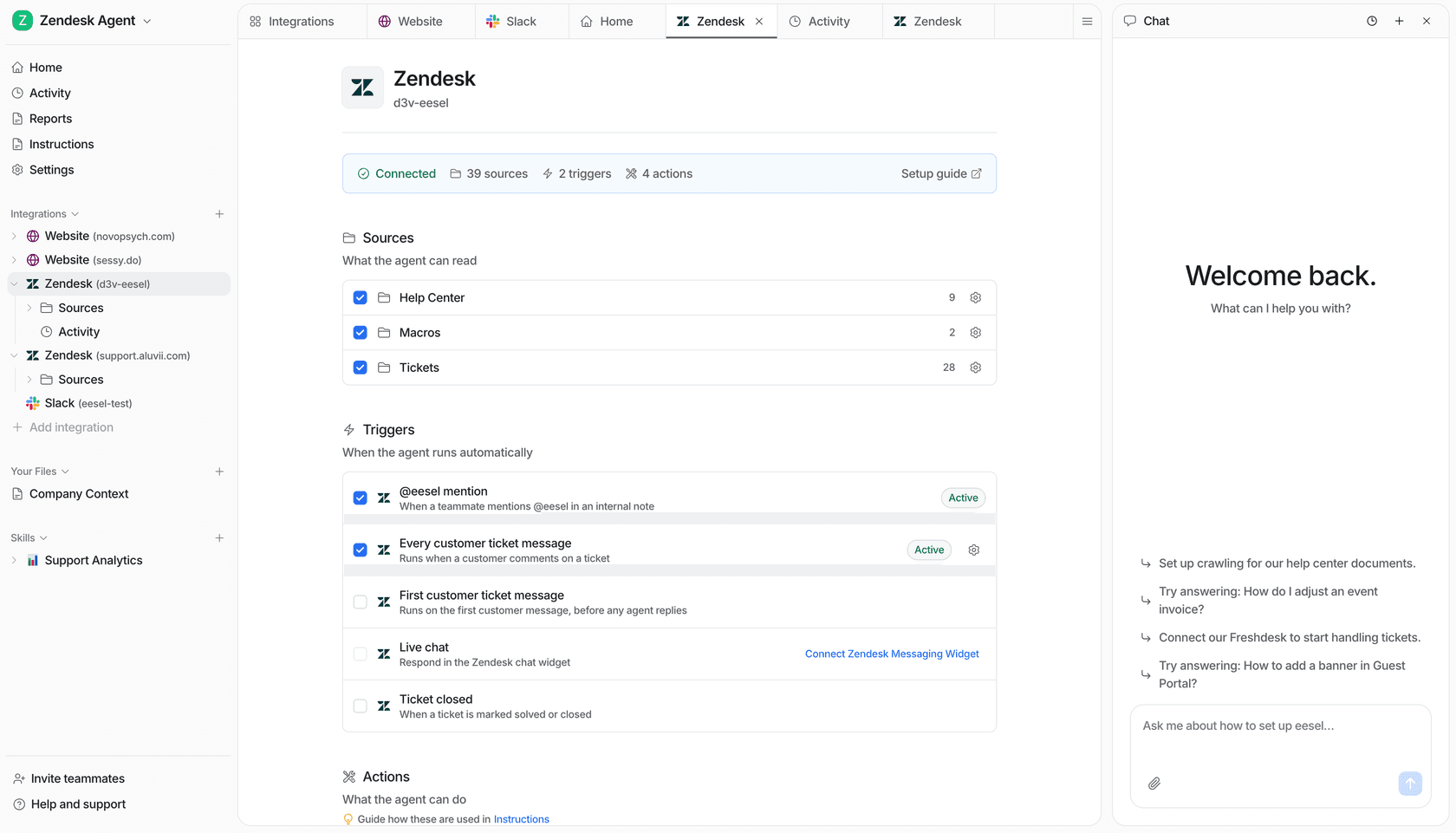
This outcome-based approach is different from how some alternatives measure success. At eesel AI, for example, we focus on autonomous resolution rates verified through simulation testing on your actual past tickets. The philosophy is similar (did the customer get what they needed?), but the measurement happens before you ever go live.

Essential Zendesk AI agent metrics to track

Zendesk provides several metrics to help you understand AI performance. Here's what each one tells you and why it matters.

Automated resolution rate

This is the headline number: what percentage of conversations does your AI resolve without human help?

Industry benchmarks vary widely. Typical deployments see 20-40% automated resolution rates. Well-optimized setups can hit 60-80%. Zendesk's own customer stories show UrbanStems achieved 39% automated resolution, while Lush hit 60% first-contact resolution.

The calculation is straightforward: automated resolutions divided by total AI-handled conversations. But the nuance is in that LLM verification step we mentioned. Zendesk isn't counting conversations where the customer gave up or the bot failed silently.

Industry benchmarks for AI agent resolution rates across typical and high-performing Zendesk implementations

Escalation and deflection rates

Escalation rate is the percentage of conversations passed to human agents. Deflection rate is simply the inverse: 1 minus escalation rate.

Here's where it gets tricky. A high deflection rate sounds good, but it doesn't tell you if customers actually got answers. A bot that gives unhelpful responses and never escalates has great deflection metrics and terrible customer satisfaction.

That's why you need to look at deflection alongside resolution rate. If your deflection is 70% but resolution is only 30%, you've got a problem. The bot is keeping customers away from agents without solving their issues.

Bot satisfaction (BSAT)

BSAT measures customer satisfaction specifically for AI interactions. It's separate from your overall CSAT score and gives you direct feedback on how customers feel about the bot experience.

Quality metrics like BSAT matter because they catch what volume metrics miss. You might have solid resolution rates, but if customers are frustrated by the experience, you're trading short-term efficiency for long-term loyalty problems.

Zendesk recommends monitoring BSAT alongside resolution rates to ensure you're not optimizing for automation at the expense of customer happiness.

AI agent-handled conversations

This metric counts conversations where the AI recognized intent and didn't escalate. It's more precise than deflection rate because it excludes conversations that never should have gone to the AI in the first place.

The key insight here is understanding actual AI value. If your AI only handles simple password resets but escalates everything else, your "handled" rate will be low even if deflection looks fine. This metric helps you identify whether your AI is tackling meaningful work or just cherry-picking easy tickets.

Understanding Zendesk's reporting dashboards

Zendesk offers different reporting capabilities depending on your plan. Knowing what's available helps you set realistic expectations for monitoring your Zendesk AI agent metrics resolution rate.

The Insights Dashboard comes with all plans and provides basic metrics: conversation volume, resolution rates, and escalation trends. It's useful for tracking high-level performance but lacks the granularity for deep optimization.

The Advanced AI dashboard (available with Advanced AI add-on) gives you more detailed breakdowns: understood conversations, BSAT scores, and conversation flow analytics. You can see exactly where conversations drop off or escalate, which is critical for identifying improvement opportunities.

Key reports to monitor:

  • Resolution trends Track how your automated resolution rate changes over time
  • Escalation reasons See why conversations get handed to humans
  • Conversation flows Visualize the paths customers take through your AI
  • Quality scores Monitor BSAT alongside volume metrics

Zendesk AI agent dashboard displaying performance metrics including total conversations, automated resolutions, and escalated conversations

The dashboard shows you what's happening, but interpreting it requires context. A sudden drop in resolution rate might mean your AI is handling harder questions (good) or that something broke (bad). The numbers tell you what; your investigation tells you why.

Zendesk AI pricing and resolution limits

Zendesk's pricing ties directly to automated resolutions. Understanding the limits helps you model costs and avoid surprise overages.

Each plan includes a set number of automated resolutions per agent per month:

PlanIncluded resolutions/agent/monthOverage price
Team5$2.00
Professional10$2.00
Enterprise15$2.00

Let's put this in perspective. If you have 10 agents on the Professional plan, you get 100 automated resolutions per month included. At $1.50 per resolution on committed plans (or $2.00 for overages), those 100 resolutions cost you $150. If you hit 200 resolutions, you're paying $300 total.

The math gets interesting when you compare to traditional agent costs. An automated resolution at $1.50 is significantly cheaper than a human-handled ticket. But you need enough volume to justify the base platform costs.

Volume discounts apply at higher tiers, though Zendesk doesn't publish specific breakpoints. You'll need to talk to sales for enterprise pricing above the standard plans.

How to improve your automated resolution rate

Improving your Zendesk AI agent metrics resolution rate isn't about tweaking a single setting. It's a systematic process of optimization across multiple dimensions.

Optimize your knowledge base content. Your AI is only as good as the information it can access. Outdated help articles, missing troubleshooting steps, or unclear instructions all lead to escalations. Audit your most common customer questions and ensure your knowledge base has clear, comprehensive answers.

Refine use cases and conversation flows. Start with your highest-volume, simplest inquiries. Password resets, order status checks, and basic troubleshooting should be rock-solid before you tackle complex issues. Each use case you add introduces potential failure points.

Configure escalation rules strategically. Not every conversation should stay with the AI. Set clear rules for when to escalate: high-value customers, sensitive topics, or complex technical issues. Better to escalate early than frustrate a customer with an AI that can't help.

Strategic escalation logic routing complex customer issues to human agents while AI handles routine resolutions autonomously

Monitor quality scores and BSAT feedback. Low satisfaction scores are early warning signals. If resolution rates look good but BSAT is dropping, your AI might be technically correct but frustrating to interact with. Pay attention to the qualitative feedback in ratings.

Run regular testing and iteration. Customer needs change. Your product evolves. The AI that worked six months ago might need updates today. Schedule quarterly reviews of your top escalation reasons and address the patterns you find.

eesel AI: A simpler approach to AI agent metrics

While Zendesk's native AI works well for many teams, it's not the only option. eesel AI offers an alternative approach with different strengths, particularly for teams looking to maximize their Zendesk AI agent metrics resolution rate.

The fundamental difference is philosophical. Zendesk charges per resolution, which aligns incentives but creates complexity in forecasting costs. We charge per interaction, which makes budgeting predictable: you know exactly what you'll pay based on ticket volume, not resolution success.

Our AI Agent integrates directly with Zendesk and learns from your past tickets, macros, and help center content. The setup takes minutes, not weeks. More importantly, you can run simulations on thousands of past tickets before going live to see exactly how the AI would perform.

eesel AI dashboard with no-code interface for configuring the main AI agent and subagent tools

This pre-deployment testing is crucial. Rather than discovering gaps through customer complaints, you measure resolution rates on historical data first. Mature deployments achieve up to 81% autonomous resolution, with typical payback periods under two months.

The rollout model is also different. Instead of flipping a switch and hoping for the best, you start with AI Copilot drafting replies for agent review. Once you're confident in quality, you expand to full autonomy. It's a progressive approach that builds trust through demonstrated performance.

eesel AI Copilot sidebar in a help desk interface showing a GPT-5 generated reply suggestion for a customer question

Pricing starts at $299/month for the Team plan (1,000 interactions) or $239/month annually. The Business plan at $799/month ($639 annually) includes 3,000 interactions and advanced features like bulk simulation and EU data residency.

Choosing the right approach for your support team

Both Zendesk's native AI and complementary tools like eesel AI have their place. The right choice depends on your specific situation.

Zendesk's built-in AI makes sense if you're already on the platform, have relatively simple use cases, and want everything in one system. The per-resolution pricing aligns costs with value, though it requires more careful monitoring to avoid overages.

Consider alternatives like eesel AI if you want higher resolution rates, need simulation testing before going live, prefer predictable per-interaction pricing, or want a progressive rollout model that starts with drafts and expands to autonomy.

The key is matching the tool to your team's readiness. If you have clean knowledge base content, clear escalation rules, and the bandwidth to optimize continuously, Zendesk's native AI can work well. If you want to validate performance before customers see it, or if you need higher automation rates than you're currently achieving, exploring alternatives is worth your time.

Want to see how eesel AI would perform on your specific ticket history? You can run a free simulation on your past Zendesk tickets and get an exact resolution rate prediction before making any changes.

Frequently Asked Questions

Industry benchmarks vary, but 20-40% is typical for initial deployments. Well-optimized setups can achieve 60-80%. Zendesk customer UrbanStems hit 39%, while Lush reached 60% first-contact resolution. Your target should account for your ticket complexity and customer expectations.
Zendesk uses a large language model to verify resolutions. When a conversation is flagged as resolved, an LLM reviews it to confirm the issue was actually addressed. This prevents inflated metrics from conversations that simply ended without a true resolution.
Deflection rate measures the percentage of conversations that don't reach a human agent. Automated resolution rate measures the percentage that were actually solved by the AI. A bot could have high deflection but low resolution if it's giving unhelpful responses and customers are giving up.
Zendesk charges $2.00 per automated resolution in overage, or $1.50 if you're on a committed plan. Each tier includes 5-15 resolutions per agent per month: Team (5), Professional (10), and Enterprise (15).
Yes, eesel AI integrates directly with Zendesk. It learns from your past tickets, macros, and help center, then can operate as either an AI Copilot (drafting replies for review) or a fully autonomous AI Agent. You can run simulations on historical tickets before going live to predict your resolution rate.

Share this post

Stevia undefined

Article by

Stevia Putri

Stevia Putri is a marketing generalist at eesel AI, where she helps turn powerful AI tools into stories that resonate. She’s driven by curiosity, clarity, and the human side of technology.