Most support teams have a problem they don't talk about: their knowledge base is a graveyard of outdated articles, and their best agents are drowning in repetitive questions that could be answered by documentation that already exists.
Training AI on your knowledge base changes that equation. Instead of customers waiting hours for a human to copy-paste from an article they could've found themselves, an AI knowledge base delivers instant, accurate answers drawn from your existing content. According to Zendesk research, 69% of customers prefer solving problems on their own rather than contacting support. The issue isn't that they don't want to help themselves. It's that traditional knowledge bases make finding answers harder than asking a human.
This guide walks you through how to train AI on your knowledge base, from auditing your existing content to deploying an AI that actually understands what your customers are asking. You don't need a data science team or months of setup. With the right approach, you can have an AI trained on your knowledge base and handling queries within hours.
What you'll need
Before you start training AI on your knowledge base, gather these essentials:
- Existing knowledge base content help articles, FAQs, SOPs, product documentation, and any other support content you've already created
- Access to past support tickets (optional but highly recommended) this teaches your AI how your team actually talks to customers
- An AI knowledge base platform we'll cover how to choose one in Step 2
- 1-2 hours for initial setup most of this is connecting sources and reviewing AI responses
- Ongoing commitment to content maintenance AI isn't "set and forget"; your knowledge base needs regular updates as your product evolves
Step 1: Audit and prepare your knowledge base content
The quality of your AI is directly tied to the quality of content you train it on. Before connecting anything to an AI platform, spend time cleaning house.
Start by gathering all your existing content. This includes help center articles, PDFs, SOPs, canned responses, macros, and any internal documentation your team uses. Most companies have 60-70% of what they need already written; it's just scattered across Google Drive, Confluence, Notion, and various help desk systems.
Next, remove the dead weight. Delete outdated articles that reference features you no longer have. Consolidate duplicate content if five different agents documented the same workaround five different ways, keep the best version and archive the rest. Strip out anything with sensitive customer data or internal notes not meant for public consumption.
Organize what's left logically. Group related topics together (all billing questions in one area, all technical setup in another). Use clear titles that match how people actually ask questions. "How to request a refund" works better than "Refund Policy Documentation v3.2." Create connections between related articles so the AI understands context your returns article should reference your refund timing article.
The cleaner and more organized your source material, the faster and more accurately your AI can find answers. Think of it like organizing a library. The AI can read every book either way. Finding the right information happens much faster when books are shelved logically.
Step 2: Choose your AI knowledge base platform
Not all AI knowledge base platforms work the same way. Some require extensive configuration and technical setup. Others plug into your existing tools and start learning immediately. According to Gartner's research on AI in customer service, organizations that implement AI knowledge bases see significant improvements in resolution times and customer satisfaction. Here's what to look for:
Key criteria for choosing a platform:
- Ease of setup Can you connect your existing help desk and knowledge sources without engineering resources?
- Integration capabilities Does it work with the tools you already use (Zendesk, Freshdesk, Slack, Confluence, etc.)?
- Pricing transparency Are costs predictable, or do they scale in ways that surprise you later?
- Continuous learning Can the AI improve from corrections and new content without manual retraining?
Here's how the major platforms compare:
| Platform | Starting Price | Best For | Key Limitation |
|---|---|---|---|
| eesel AI | $299/mo (Team) | Teams wanting fast setup with progressive rollout | 1,000 interactions/mo on Team plan |
| Zendesk AI | $55/agent/mo | Teams already embedded in Zendesk ecosystem | Per-seat pricing gets expensive fast |
| Guru | $25/user/mo | Internal knowledge retrieval | No customer-facing AI agent |
| Slite | from $10/user/mo | A self-maintaining knowledge base for team documentation, with Ask AI search (cited sources) and the Slite Agent that drafts doc updates from your connected tools. | — |
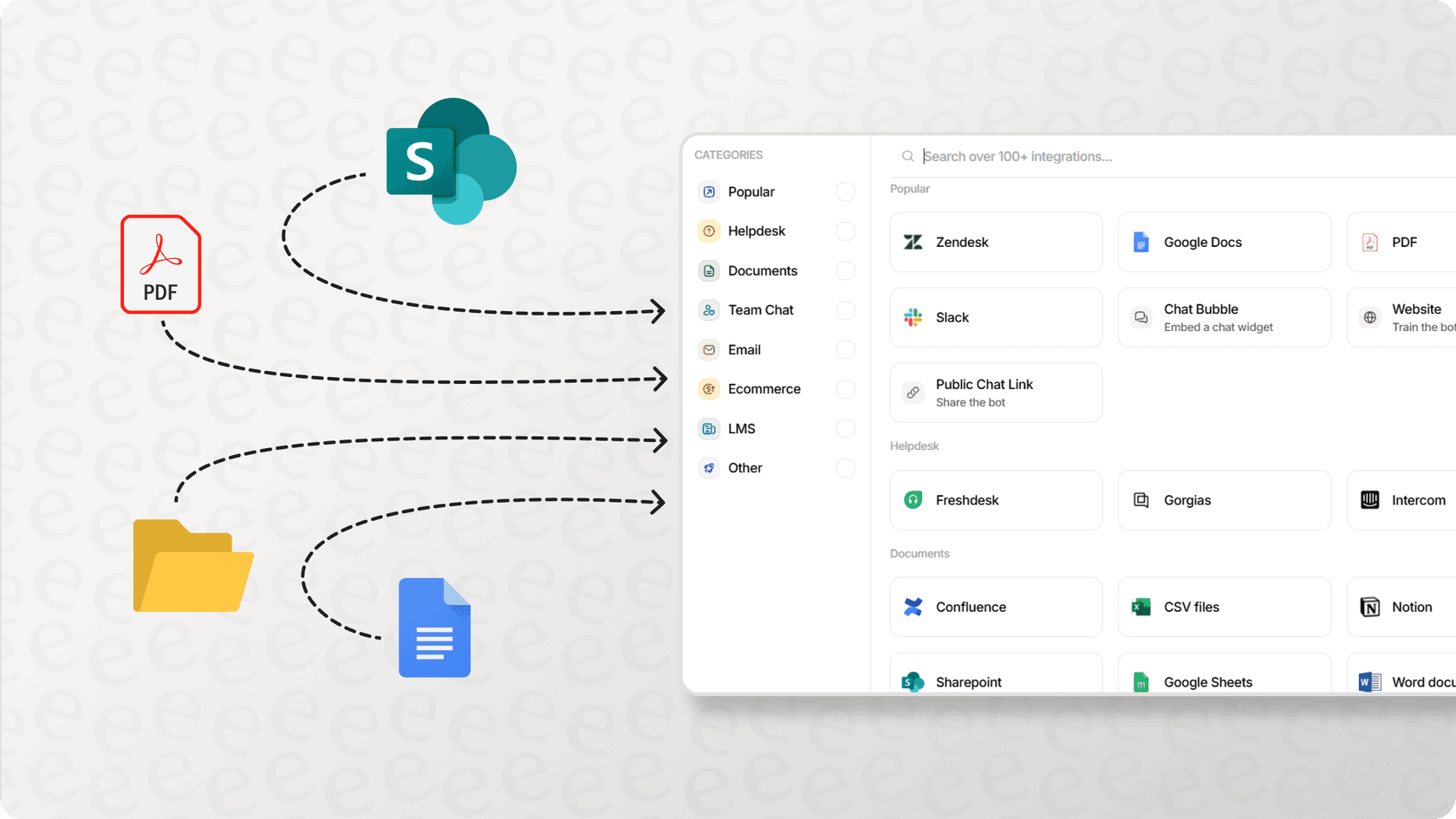
For teams using Freshdesk, Gorgias, or Intercom, eesel AI offers native integrations that learn from your existing ticket history and help center content automatically.
The build vs buy decision: Unless you're a massive enterprise with unlimited budget and a dedicated AI team, building your own knowledge base AI from scratch doesn't make sense. According to McKinsey's analysis on AI implementation, most companies underestimate the time and resources required for custom AI development by 2-3x. You'll spend 12-18 months and hundreds of thousands of dollars on something that existing platforms already handle out of the box.
We built eesel AI because most teams don't want to become AI companies. They want to connect their help desk, train on existing data, and start helping customers faster. Our approach treats AI like a teammate you hire and level up over time, not a tool you configure with complex workflows.
Step 3: Connect and train your AI
Once you've chosen a platform, the actual training process is straightforward. Here's how it works:
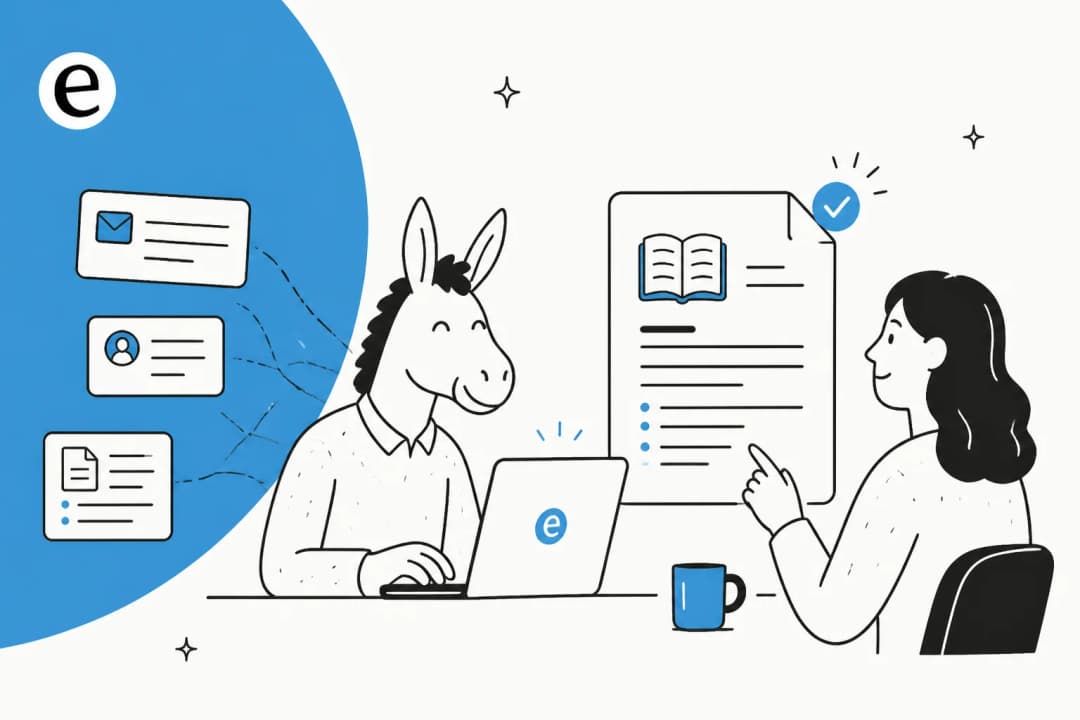
Connect your knowledge sources. Most platforms let you import from multiple sources simultaneously. Connect your help center, Google Drive, Confluence, Notion, PDFs, and any other documentation repositories. If you have access to past support tickets, connect those too they teach your AI how your team actually communicates with customers.
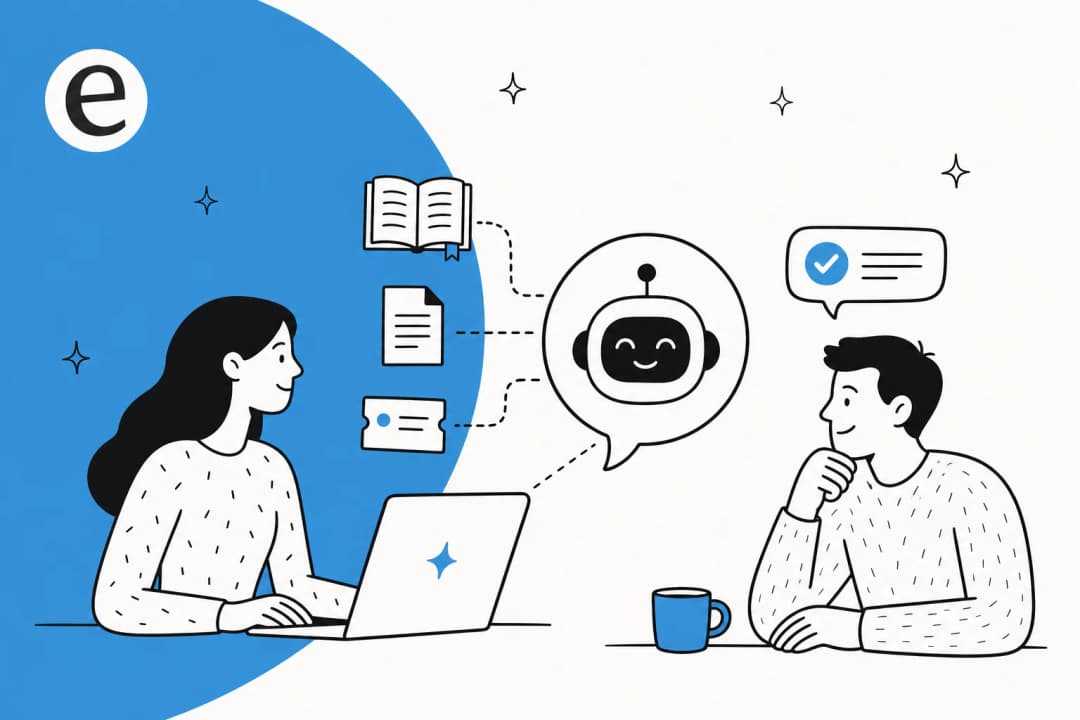
How the training process works. Modern AI knowledge bases use a technique called Retrieval-Augmented Generation (RAG). Here's the simple version: the AI indexes all your content, converts it into mathematical representations called embeddings, and stores these in a vector database. When a customer asks a question, the AI searches this database for the most relevant content, then uses that content to generate a response. This is why the AI can answer questions phrased in ways that never appear in your documentation it understands meaning, not just keywords. Learn more about RAG vs vector database vs hybrid search approaches.
Set up plain-English instructions. Instead of programming complex decision trees, describe how you want the AI to behave in natural language. "Always be polite but concise." "If someone asks about pricing, include a link to our pricing page." "Escalate billing disputes to the finance team." Good platforms let you refine these instructions and see the results immediately.
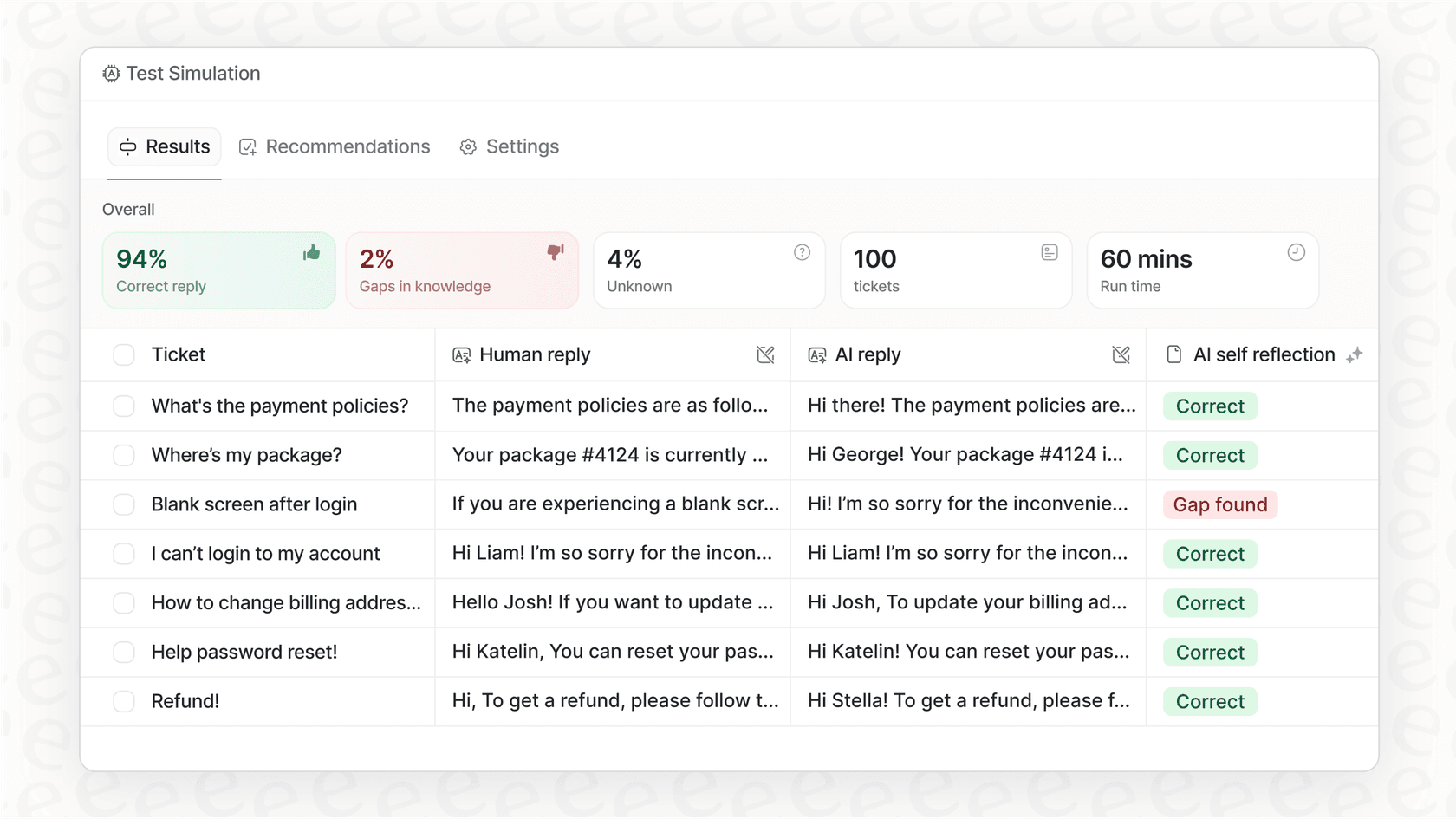
Test before going live. Run sample queries through your AI and review the responses. Does it sound like your team? Is it pulling from the right sources? Are there obvious gaps in its knowledge? Fix these now, before customers see them.
With eesel AI, this entire process takes minutes, not weeks. Connect your help desk, and we automatically learn from your past tickets, help center articles, and macros. No manual training's required.
Step 4: Configure AI behavior and escalation rules
An AI knowledge base without clear escalation rules is a liability waiting to happen. You need to define exactly what the AI handles and when it hands off to humans.
Define what the AI handles vs escalates. Be specific. The AI can probably handle password resets, order status lookups, and basic troubleshooting. It probably shouldn't handle angry customers threatening legal action, complex technical issues requiring diagnostics, or VIP accounts that need white-glove treatment.
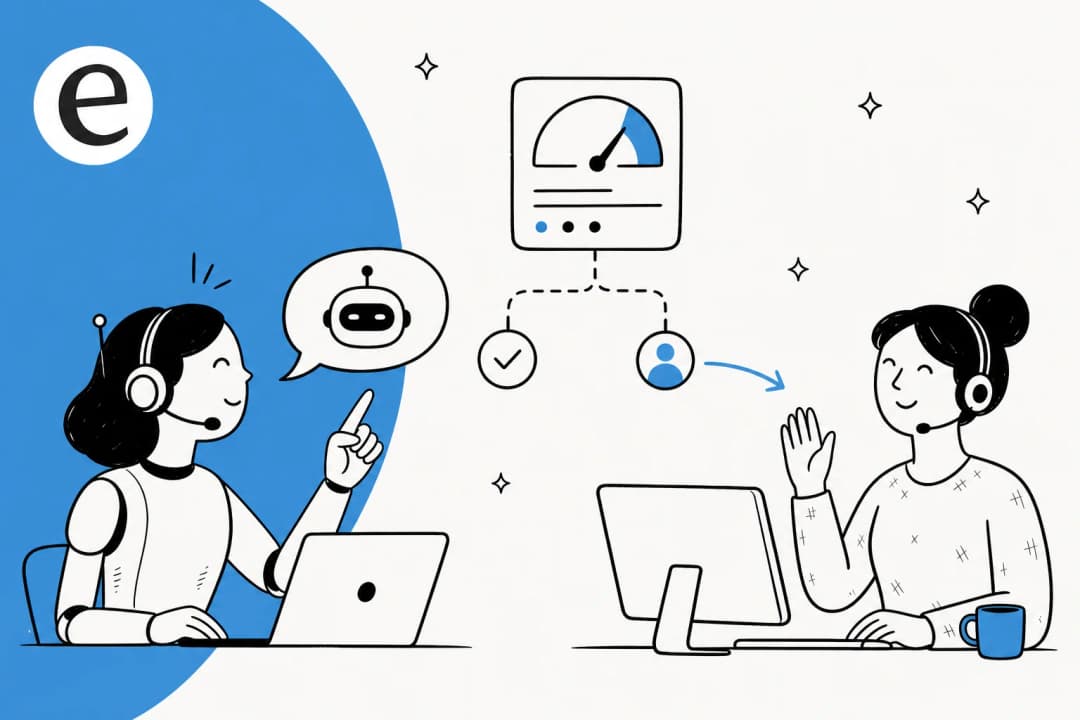
Set up escalation triggers. Configure the AI to recognize when it's out of its depth and transfer to a human. Common triggers include: customer explicitly asking for a human, sentiment analysis detecting frustration, keywords indicating complexity ("lawsuit," "cancel account," "executive escalation"), or the AI's own confidence score falling below a threshold.
Configure tone and brand voice. Your AI should sound like an extension of your team, not a generic chatbot. If your team is casual and friendly, the AI should be too. If you're formal and technical, the AI should match that. Most platforms let you customize the tone through prompts or by training on your past responses.
Set business hours and availability. Decide when the AI operates. Some teams run AI 24/7 for instant responses, with humans handling escalations during business hours. Others limit AI to after-hours coverage. There's no right answer it depends on your customers and your team's capacity.
Test edge cases and fallback responses. Try to break your AI. Ask it questions you know it can't answer. See what happens when someone types gibberish. Make sure your fallback responses are helpful and always provide a path to human help.
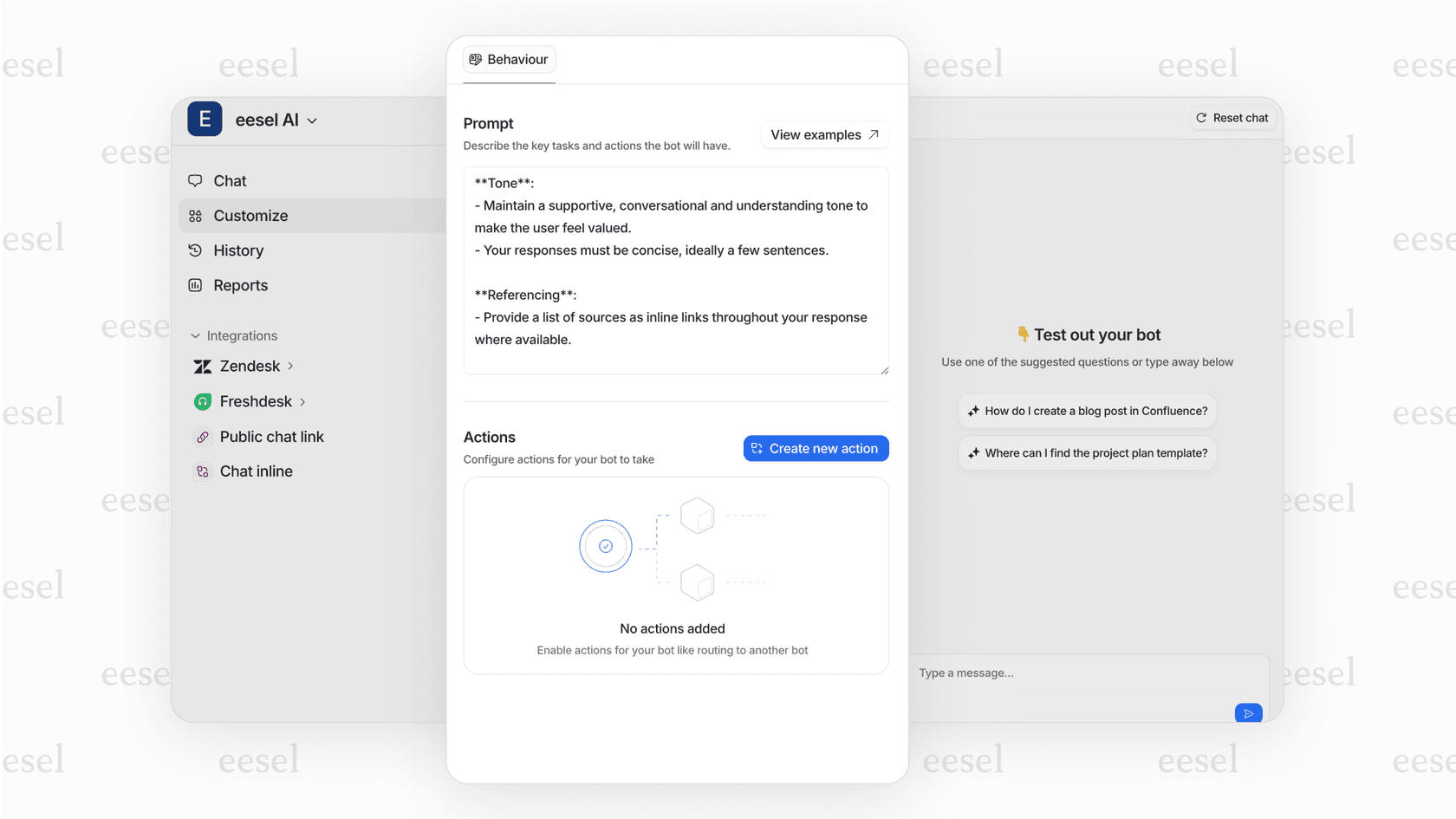
The advantage of our approach at eesel AI is that you define all of this in plain English. No complex workflow builders or decision trees. Just describe what you want, and the AI follows your instructions.
Step 5: Test, deploy, and iterate
Going live with an AI knowledge base isn't a one-time event. It's a gradual process of building confidence and expanding scope.
Run simulations on past tickets. Before letting the AI touch real customers, test it on historical data. Take a few hundred past tickets, run them through the AI, and compare its responses to what your human agents actually sent. Look for patterns: is it consistently missing certain types of questions? Is the tone appropriate? Are the answers accurate?
Start with copilot mode. Most teams begin with the AI drafting replies that human agents review before sending. This lets you verify quality without risking customer relationships. Agents can edit, approve, or regenerate responses. Over time, as you build confidence, you can let the AI send responses directly for certain ticket types. Learn more about AI agent assist approaches.
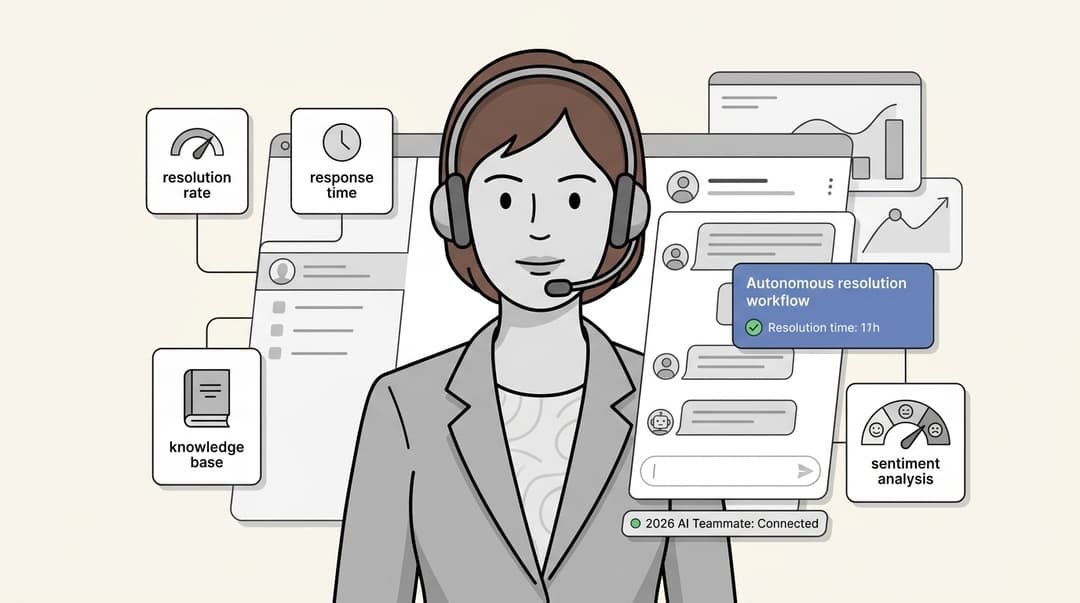
Monitor performance metrics. Track the metrics that matter: resolution rate (what percentage of queries does the AI handle without escalation?), accuracy (are the answers correct?), customer satisfaction (how do customers rate AI interactions?), and time saved (how much faster is AI response vs human?). Research from Forrester on AI-powered customer service shows that companies tracking these specific KPIs see 40% better outcomes than those that don't measure systematically.
Gather feedback and refine. Pay attention to what customers are asking that the AI can't answer. These are content gaps to fill. Notice which responses get edited by agents those are training opportunities. The best AI knowledge bases improve continuously based on real usage.
Gradually expand AI scope. As the AI proves itself, expand what it handles. Maybe it starts with just password resets, then adds order lookups, then handles all billing questions. The path from "new hire" to "top-performing agent" should be explicit and controlled.
Companies that treat their AI knowledge base as a living system and update it continuously see sustained ticket reduction of 25-40%, according to industry research on AI support automation. Companies that launch and ignore it see initial improvements disappear within months.
Common mistakes to avoid
After helping hundreds of teams train AI on their knowledge bases, we've seen the same mistakes repeatedly. Here's what to watch out for:
-
Training on outdated or duplicate content. The AI is only as good as what you feed it. Old documentation produces wrong answers. Duplicate content with conflicting information confuses the AI.
-
Skipping the testing phase. Don't let the AI talk to customers until you've verified it works. Run simulations. Review sample responses. Catch the obvious failures in private.
-
Setting unrealistic expectations. AI won't solve everything. It handles routine queries so your human team can focus on complex issues. If you expect it to replace your entire support team, you'll be disappointed.
-
Not providing clear escalation paths. When the AI can't help, customers need to know what happens next. Make escalation easy and obvious. Frustrated customers who can't get help become ex-customers.
-
Treating it as "set and forget." Your product changes. Your policies change. Your knowledge base needs to change with them. Schedule regular content audits. Learn more about using AI to generate and update support articles.
-
Over-complicating instructions. Rigid rules and complex workflows are hard to maintain. Natural language instructions are easier to write, easier to understand, and easier to update.
Start training your AI knowledge base today
Training AI on your knowledge base is straightforward when you approach it methodically. Audit your content, choose the right platform, connect your sources, configure behavior, test thoroughly, and iterate based on real usage.
The payoff is significant: faster response times, happier customers, and a support team freed from repetitive work to focus on complex issues that actually need human judgment.
We built eesel AI to make this process as simple as possible. Connect your help desk, and we learn from your existing data automatically. Start with copilot mode to verify quality, then level up to full autonomy as confidence builds. Control everything with plain-English instructions no code, no complex workflows.
Our customers see up to 81% autonomous resolution rates and typical payback periods under two months. But more importantly, they see support teams that can focus on the work that matters instead of copy-pasting from the same articles all day.
Try eesel AI free for 7 days or book a demo to see how training AI on your knowledge base could work for your team.