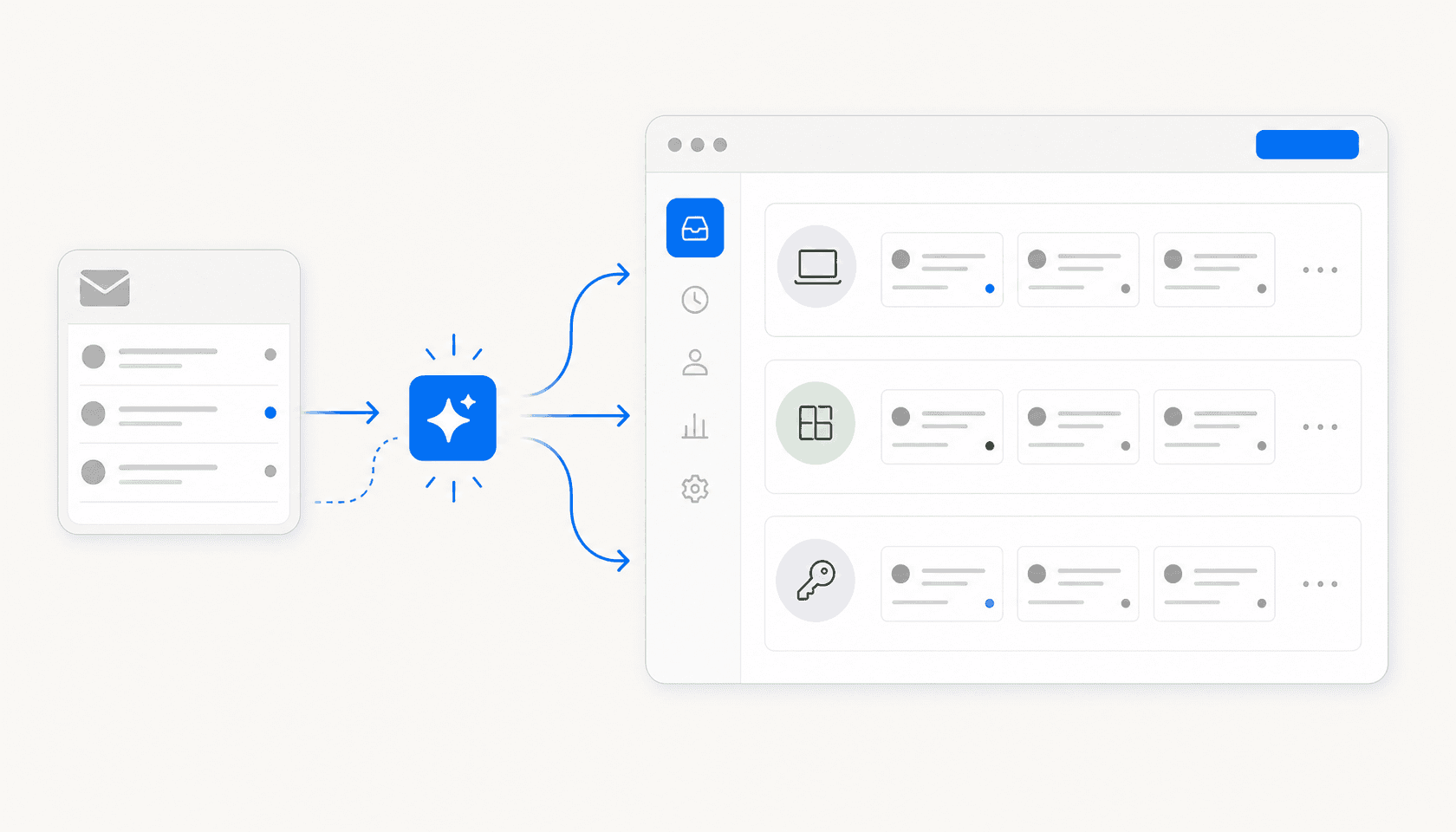
Most IT teams I've talked to started their automation journey the same way: they set up a rule that automatically assigns tickets tagged "password reset" to tier 1, felt like they'd unlocked automation, and then got buried in tickets anyway.
Rules-based routing is table stakes. It's been in every ITSM platform since the early 2000s. What's changed in the past two years is that AI can now handle the full resolution of a large class of IT requests -- not just routing them to the right queue, but actually answering, fulfilling, and closing them. A well-configured AI layer can handle password resets, software access requests, onboarding questions, and VPN troubleshooting without a human agent ever touching the ticket.
This post covers six tools that genuinely automate IT ticketing in 2026 -- not in the "we have some routing rules" sense, but in the "your agents can spend time on tickets that actually require judgment" sense. Two of them are ITSM platforms with deep AI built in. Two are enterprise-scale. One is specifically designed to layer onto whatever ITSM you already have. And one is built for teams that just want something that works without a six-month implementation.
What "automated IT ticketing" actually means now
Before 2022, "automated IT ticketing" meant:
- Auto-assigning tickets to queues based on keyword matching
- Sending SLA reminder emails
- Closing tickets that hadn't been updated in 14 days
That's still automation in the technical sense. But when IT teams talk about ticket automation now, they mean AI handling the full resolution cycle:
- Ticket intake -- an employee asks a question in Slack or via email; the tool creates and categorizes the ticket automatically
- Triage -- AI reads the ticket, matches it to category, priority, and responsible team using context rather than keyword rules
- AI resolution -- for recognized request types (access requests, standard IT how-tos, password resets), AI drafts or sends a resolution without agent involvement
- Escalation -- low-confidence responses or complex issues queue for human review; the AI marks these clearly
- Auto-close -- once resolved or deflected, the ticket closes and the knowledge base gets a candidate article
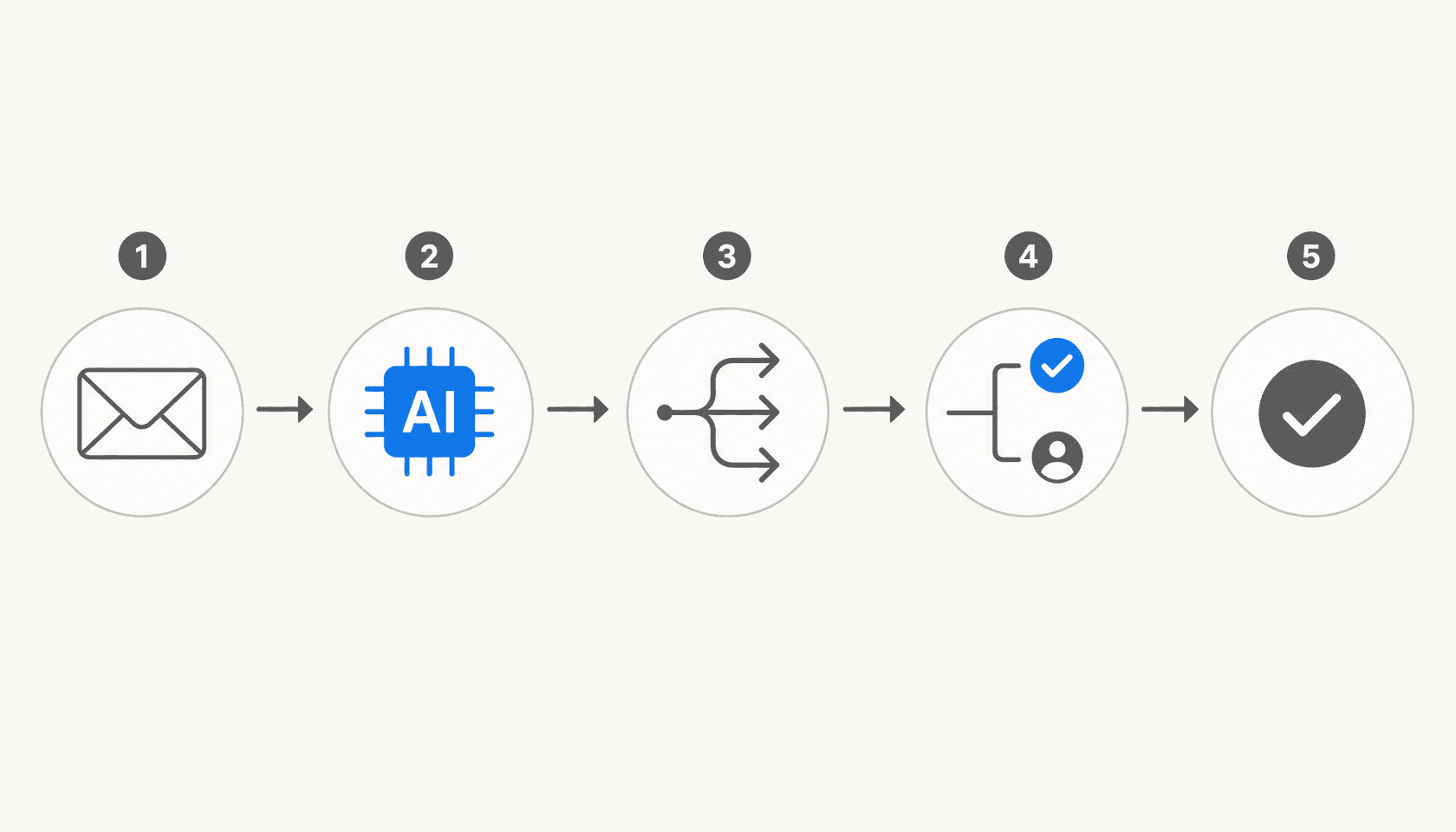
The gap between step 1-2 (routing) and steps 3-5 (AI resolution) is where most IT teams still sit. If your current tool stops at routing, you're leaving the bulk of the automation value on the table. The tools below cover all five stages, though they do it at different price points and for different team sizes.
What to look for
Before the list, a quick checklist of things that separate a real automation layer from one that just adds steps:
- AI resolution depth -- can it actually answer and close tickets, or just route them?
- Confidence thresholds -- does it know when NOT to answer and queue for human review?
- Channel coverage -- Slack, Teams, email, portal? Or just one of those?
- Pricing model -- per-seat pricing compounds as you scale; per-task or per-interaction pricing scales with actual usage
- Fit with your existing stack -- some tools replace your ITSM; others sit on top of it
The 6 best tools for automated IT ticketing in 2026
1. eesel AI -- best for adding AI resolution to your existing ITSM
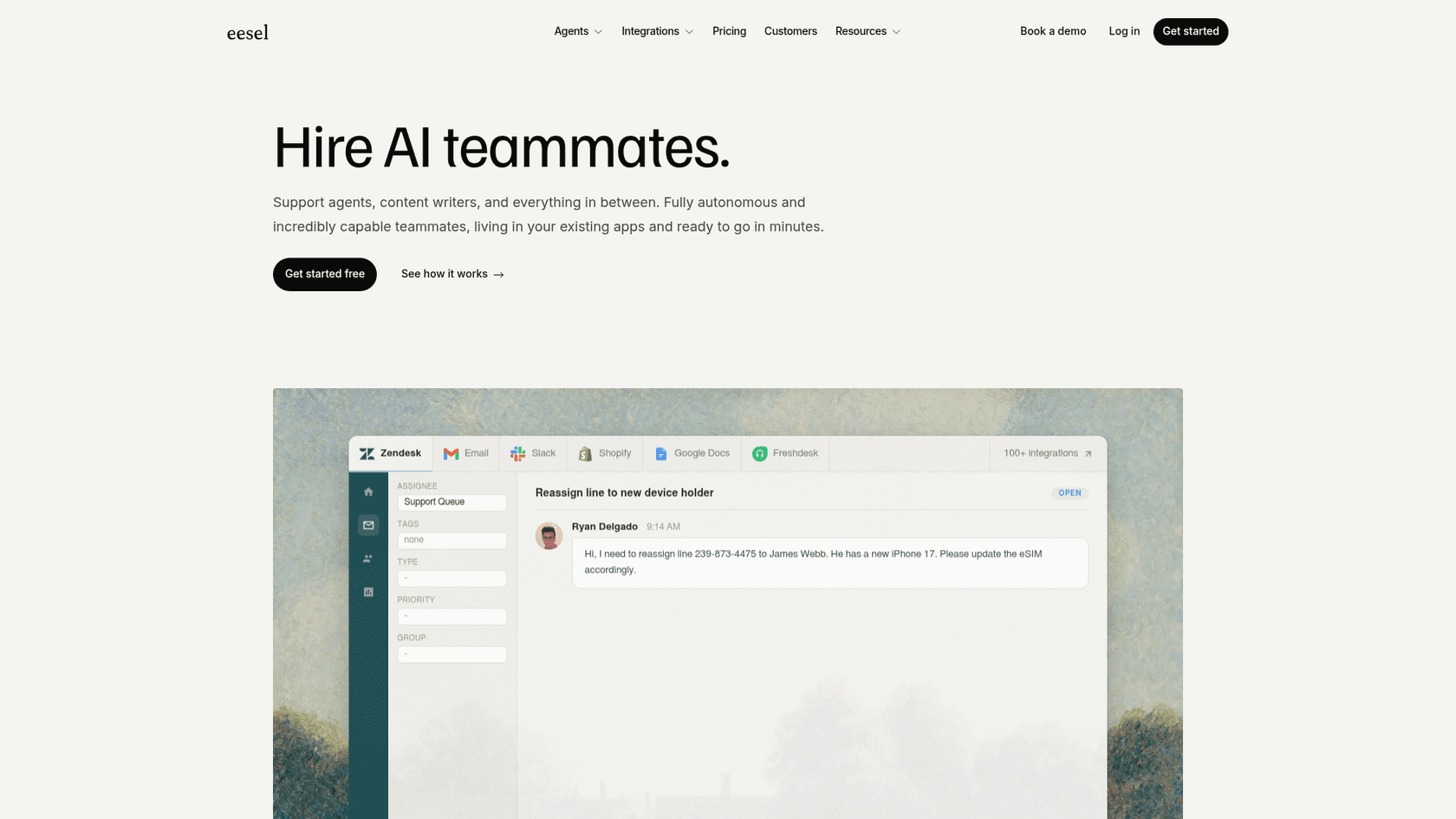
eesel AI takes a different approach from the other tools on this list: it doesn't try to be your ITSM. It connects to the one you already have -- Jira Service Management, Freshservice, Zendesk, Freshdesk -- and adds an autonomous AI resolution layer on top. The pitch is that most IT teams have already invested in an ITSM and don't want to migrate; they want their AI agent to work within that investment, not replace it.
eesel is used by 2,000+ teams and has processed 1 million+ tasks, including large-volume IT operations like Smava at 100,000+ tickets per month and Design.com at 50,000+ tickets per month.
What makes it good for IT ticketing
eesel's AI agent ingests your knowledge base -- help center articles, Confluence pages, past resolved tickets, Google Drive docs -- and uses that to handle incoming tickets autonomously. For IT, that typically covers password resets, VPN access, software request triage, standard onboarding questions, and anything else your help center documents well.
The key feature for IT teams is confidence-based routing: when eesel is uncertain about a response, it automatically queues a draft for human review instead of sending a potentially wrong answer. High-confidence responses go out automatically. This graduated approach means you can start in supervised mode (review everything), prove out accuracy, and promote to full automation incrementally -- without risking bad answers going to employees on day one.
Simulation mode lets you run the AI against thousands of historical tickets before going live, so you get a data-driven forecast of resolution rate before committing.
eesel also works across channels: Slack, Microsoft Teams (Business plan), email, and your existing helpdesk interface. For IT teams that handle employee requests via Slack, the ITSM integration with Slack is particularly clean -- employees @mention the bot or DM it, and tickets are created, routed, and (often) resolved without leaving Slack.
One thing eesel doesn't do that the pure ITSM platforms do: it doesn't replace the ticketing layer itself. You still need Jira or Freshservice or Zendesk as the underlying system of record. eesel is the AI resolution engine on top. For teams already committed to an ITSM, that's a feature, not a gap.
Pricing
eesel uses task-based pricing with no platform fee or per-seat charges:
| Task type | Cost |
|---|---|
| Light tasks (dashboard questions) | Free |
| Helpdesk tasks (IT tickets, support tickets) | $0.40 each |
| Heavy tasks (content generation) | $4.00 each |
| Enterprise add-on | $1,000/month + usage (SSO, HIPAA, dedicated SE) |
| Annual commitment ($300+/month) | 25% discount |
Free trial: $50 in credits on signup, no credit card required.
The $0.40/ticket model works well for teams that automate a significant portion of tickets -- at 1,000 tickets/month resolved by AI, that's $400/month, which is typically less than a single IT agent's cost for those hours. For teams with lower volume or unpredictable traffic, it's also more honest than paying per-seat regardless of how much automation you actually get.
Best for
Teams that already have a working ITSM and want to add AI resolution on top without migration. Particularly strong for IT teams handling employee-facing requests in Slack or Teams.
2. Freshservice -- best all-in-one ITSM with built-in AI
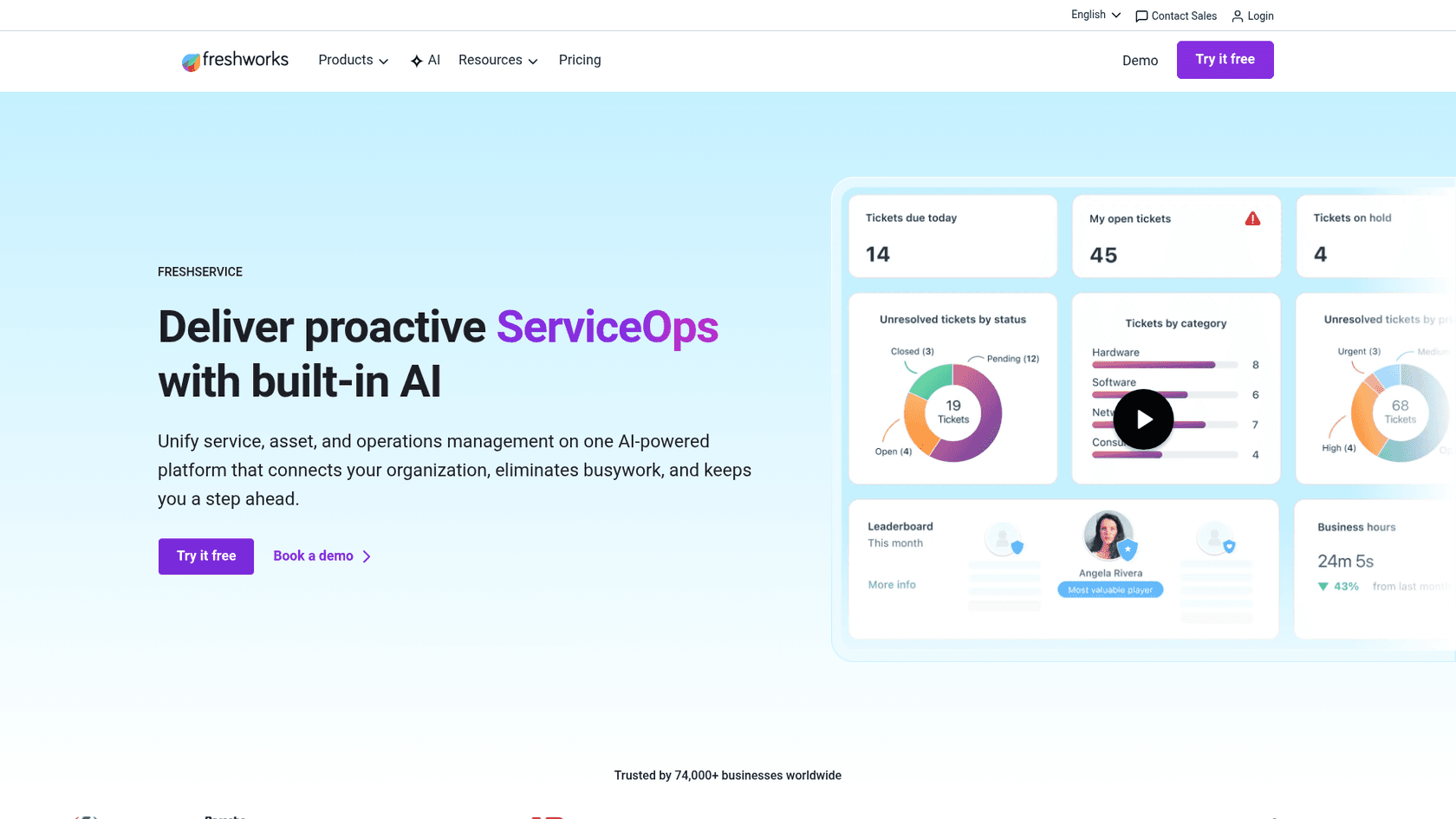
Freshservice is a cloud-based ITSM platform by Freshworks, purpose-built for IT service delivery. It covers the full ITSM stack -- incident, problem, change, release, and asset management -- and positions its Freddy AI suite as native AI built into every layer, not bolted on afterward. 74,000+ businesses trust it, and it holds a Gartner Magic Quadrant leader position for AI-driven ITSM.
The headline numbers from Freddy AI: 66% ticket deflection rate, 77% decrease in average resolution time, and 41% faster first response time.
What makes it good for IT ticketing
Freshservice's AI layer is called Freddy AI, and it splits into three distinct products:
Freddy AI Agent is the employee-facing virtual agent. It deploys on Slack, Microsoft Teams, and the self-service portal, handling requests in 40+ languages. Employees ask questions conversationally; Freddy AI Agent searches the knowledge base, service catalog, and past tickets to surface answers. For software access requests, it can raise and fulfill the request automatically through the ITAM integration. The headline metric -- 66% ticket deflection -- comes from this layer.
Shalindra Singh, Director of Enterprise Applications at a Freshservice customer, put it directly:
"Because of the Freddy AI virtual bot, we could deflect 65% of the tickets. Copilot is helping us be consistent and accurate with the resolution description. It saves 200 hours per month."
Freddy AI Copilot works inside the agent workspace. It generates reply suggestions, summarizes long ticket threads, recommends ticket fields (category, priority, assignee) based on historical patterns, and writes knowledge base articles from resolved tickets. The 77% resolution time reduction stat comes from Copilot in combination with Agent.
The main catch: Freddy AI Copilot and the full Freddy AI Agent are locked to the Enterprise plan (custom pricing). Lower-tier plans get a basic ServiceBot for Teams and Slack, but the full AI automation capability requires upgrading. For teams on Starter or Growth looking to automate resolution, this is a real constraint. The Freshservice ticket automation guide on eesel's blog covers what's available at each tier in detail.
Pricing
| Plan | Price (annual billing) | What's included |
|---|---|---|
| Starter | $19/agent/month | Incident management, basic automation, ServiceBot |
| Growth | $49/agent/month | Problem and change management, 20 workflow automator seats, release management |
| Pro | $99/agent/month | AI-assisted categorization, advanced analytics |
| Enterprise | Custom | Full Freddy AI Agent and Copilot, 1,200 AI sessions/year included |
14-day free trial, no credit card required.
Best for
Mid-market IT teams (50-5,000 employees) that want a single platform for ITSM and AI automation without stitching together separate tools. Particularly strong for teams already in the Freshworks ecosystem (Freshdesk, Freshsales).
3. Jira Service Management -- best for developer-adjacent IT teams
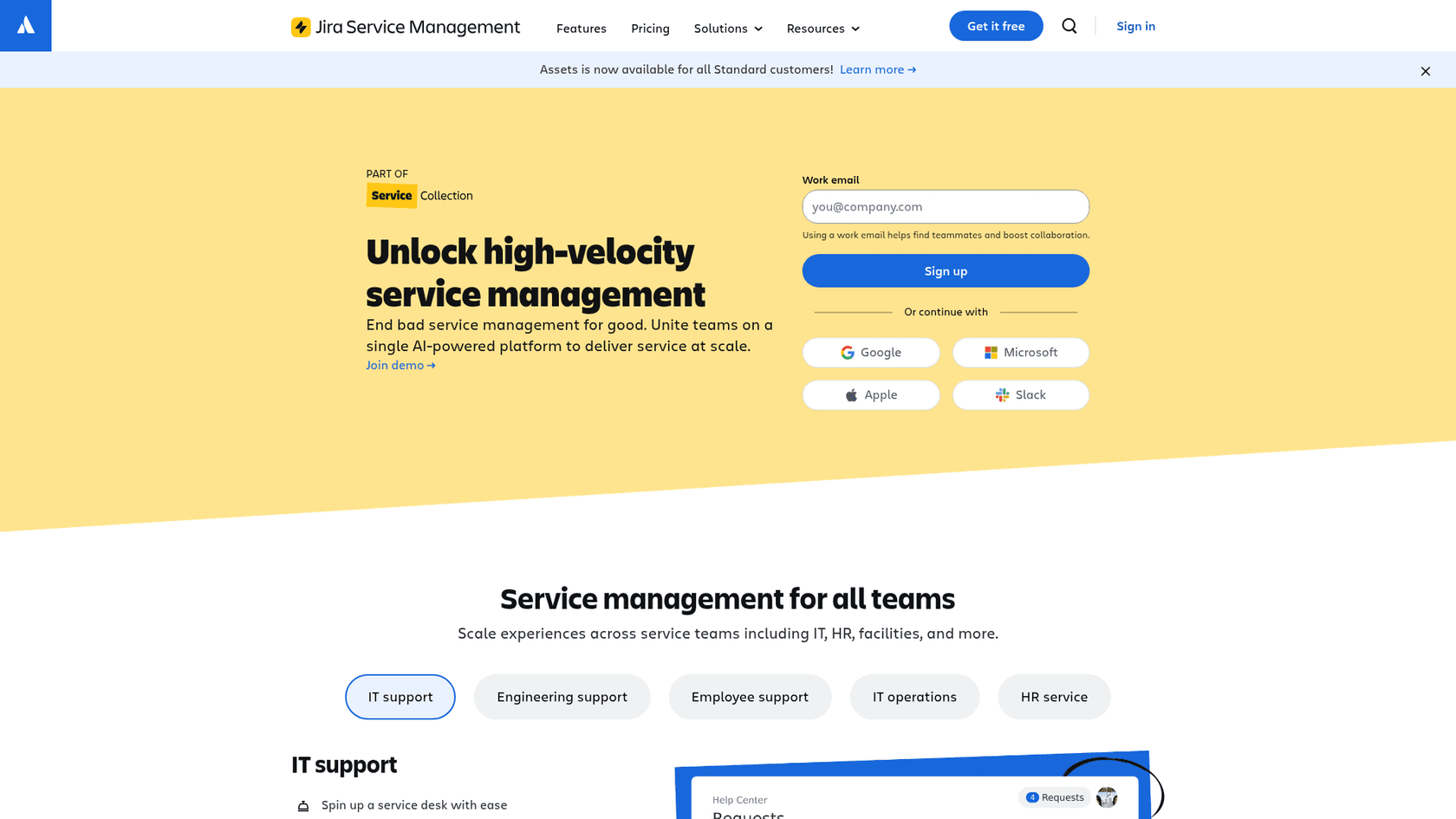
Jira Service Management (JSM) is Atlassian's ITSM platform, sold as part of the Service Collection bundle alongside Customer Service Management, Assets (CMDB), and Rovo AI. It's the tool that already-Atlassian teams reach for: if your developers live in Jira Software and your IT team needs to coordinate with them on incidents and deployments, JSM sits naturally in the middle. 60,000+ customers use it, and Gartner Peer Insights gives it 4.5/5 from 1,458 verified reviews.
The Forrester Total Economic Impact study puts the three-year ROI at 275%.
"The virtual agent is like a global, 24/7 helping hand."
What makes it good for IT ticketing
JSM's automation engine is genuinely strong. Teams use it to auto-assign based on request type, auto-escalate overdue tickets via SLA rules, trigger change approval workflows, and link deployment pipelines from Bitbucket directly to change tickets. For orgs where IT and engineering teams share the same Atlassian workspace, this tight integration means an incident ticket can automatically pull in the related Jira Software issue, the on-call engineer, and the deployment log -- without anyone doing the linking manually.
The Rovo AI virtual agent (Premium plan) handles Tier 1 IT deflection via Slack and Teams, with 24/7 availability. Applied Systems credited JSM with making procurement requests transparent where they previously got stuck in approval queues.
Where JSM gets complicated is administration. The single most consistent feedback from the community: setup and customization require significant specialist knowledge. An r/sysadmin post from early 2026 put it plainly:
"In my experience you have to spend a lot of time as a team to customize JSM, the portal, the forms, the flows, etc to get everything to work..."

The Freshservice AI vs Jira AI comparison on eesel's blog goes into the AI maturity differences between JSM and Freshservice in more detail if you're comparing the two.
Pricing
| Plan | Price (monthly, per agent) | Key limits |
|---|---|---|
| Free | $0 | 3 agents, 2 GB storage |
| Standard | $20 | Up to 100,000 agents; Assets CMDB now included |
| Premium | $51.42 | Rovo AI virtual agent, 99.9% uptime SLA, advanced analytics |
| Enterprise | Contact sales | Up to 150 sites, 99.95% uptime SLA, admin insights |
7-day free trial for Standard and Premium (extendable to 30 days). Customer portals are always free and unlimited.
Best for
Engineering-adjacent IT teams already on the Atlassian platform. Strong for companies where IT and software development need to share ticket data, manage deployment-related incidents, and coordinate via Confluence. Not recommended for small teams (<10 people) or pure IT operations without an Atlassian footprint.
4. ServiceNow ITSM -- best for enterprises that need the full stack
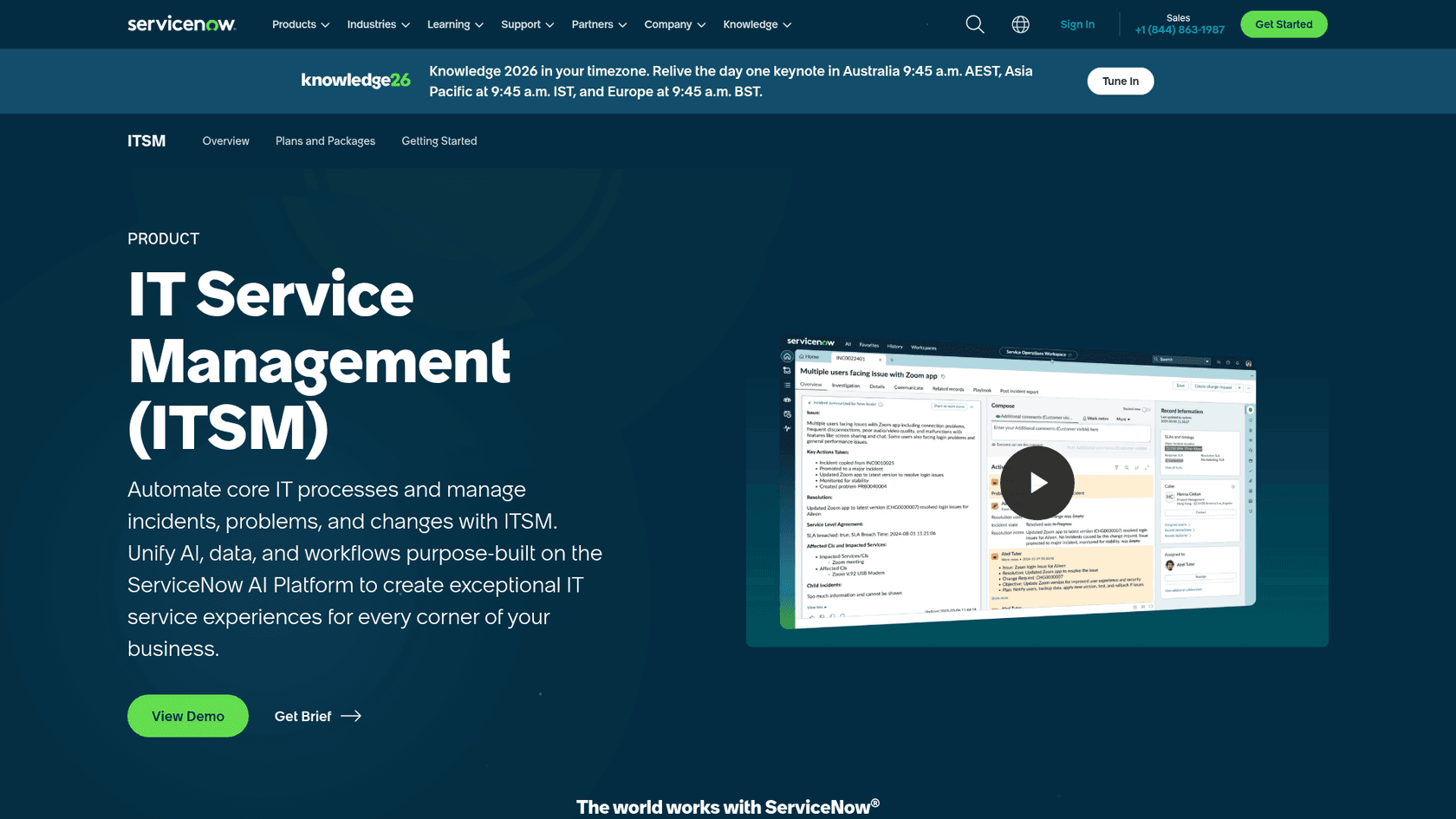
ServiceNow ITSM is the enterprise default. 85% of the Fortune 500 use ServiceNow, and the platform runs 95 billion workflows across IT, HR, finance, and operations. It positions itself not as an IT ticketing tool but as "the AI control tower for business reinvention" -- a platform where AI doesn't just advise but acts.
The numbers customers cite are significant: Pure Storage reports 7x faster case resolution. AstraZeneca has reclaimed 30,000+ hours annually. Bell Canada has deflected 3 million customer support calls per year.
What makes it good for IT ticketing
ServiceNow ITSM ships in three tiers -- Foundation, Advanced, and Prime -- each now bundled with Moveworks for ITSM (following ServiceNow's $2.85 billion acquisition of Moveworks in 2025). That bundling matters: every ITSM tier now includes a conversational AI front end that handles employee-facing requests in natural language across Slack and Teams.
The Now Assist layer sits across the ITSM stack, providing: ticket summarization, AI-generated responses, smart field recommendations, and conversational exchanges with employees. The Virtual Agent handles multi-turn conversations via Slack, Teams, and ServiceNow's portal, with live agent handoff when escalation is needed. The AI Agents framework orchestrates multiple autonomous agents that can act across systems, not just within ServiceNow.
ServiceNow's own internal use: "At ServiceNow, our Autonomous Workforce is handling 90%+ of employee IT requests."
The tradeoff is implementation complexity. ServiceNow is powerful precisely because it can model any organizational process -- but that flexibility requires significant configuration time and often specialist consultants. Community consensus: "ServiceNow is very bulky, not thought just for ITSM and requires good knowledge." It's not the tool you stand up in an afternoon.
Pricing
ServiceNow does not publish dollar pricing for any tier. All three ITSM tiers (Foundation, Advanced, Prime) end in "Get Custom Quote." Enterprise contracts typically run to five figures per month for mid-size deployments, with implementation costs on top. For teams that want ServiceNow-level automation without ServiceNow-level investment, see Freshservice alternatives.
Best for
Large enterprises (1,000+ employees) with complex, multi-department service management needs. The right choice when IT, HR, finance, and facilities all need to share a single service management platform. Not the right choice for teams that need to be operational in weeks rather than months.
5. ManageEngine ServiceDesk Plus -- best value for mid-market teams
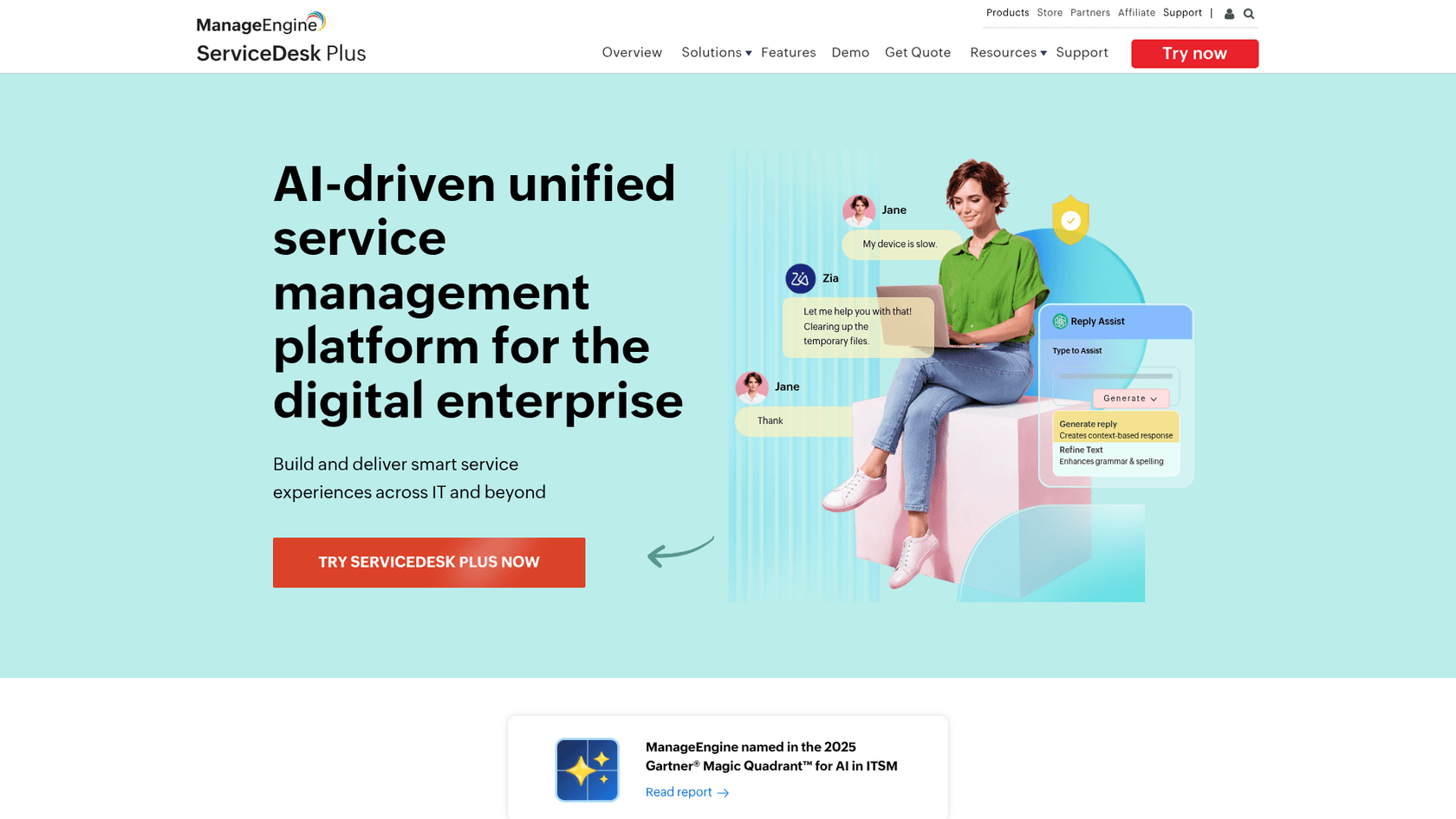
ManageEngine ServiceDesk Plus from Zoho Corp is the ITSM platform that often gets overlooked in conversations about IT automation. It shouldn't be. It's ITIL-certified, covers the full ITSM stack (incident, problem, change, release, asset management, CMDB), includes Zia AI at no extra cost, and offers both cloud and on-premises deployment -- a combination that competitors like Freshservice and JSM can't match. Gartner Peer Insights rates it 4.4/5 from 1,465 verified reviews, and it was named in the 2025 Gartner Magic Quadrant for AI Applications in ITSM.
What makes it good for IT ticketing
Zia is ManageEngine's native AI assistant, and it covers three capability classes that matter for IT ticketing:
Generative AI handles the draft-and-assist tasks: reply suggestions, conversation summarization, post-incident review generation, and knowledge base article generation from resolved tickets. The Workflow Assist feature lets admins build ITSM workflows from a conversational prompt -- or from a rough sketch -- rather than configuring nodes manually. Zia also does email intent recognition: it reads approval emails and automatically identifies whether the sender approved, rejected, or needs clarification, then updates the ticket accordingly.
Predictive AI handles classification and routing. It reads incoming tickets, predicts category, impact, and urgency, and suggests auto-assignment to the right technician based on historical resolution patterns. This reduces misrouting without requiring keyword rules.
Conversational AI runs a virtual agent on the self-service portal, Teams, and Slack. Employees submit requests in natural language; Zia searches the knowledge base and past tickets, surfaces answers, or escalates to a technician when it can't resolve.
The AI model is also flexible: teams can route different Zia capabilities to different LLMs -- Zia's native on-prem model for private knowledge-base queries, OpenAI or Azure OpenAI for tasks where you're OK with external API calls.
A free tier up to 5 technicians (Standard cloud) makes this accessible for small IT teams to evaluate properly before committing.
Pricing
| Edition | Cloud (per tech/month, annual) | On-Premises |
|---|---|---|
| Standard | From $13 | Free up to 5 techs |
| Professional | From $27 | Contact sales |
| Enterprise | From $67 | Contact sales |
Add-ons for CMDB, live chat, remote control, and project management are available separately on lower tiers. Zia AI capabilities are included in all paid tiers.
Best for
Mid-market IT teams (10-500 employees) that want full ITSM features including AI at a predictable per-tech price -- especially teams with compliance or data-residency requirements that make on-premises deployment necessary. Also a strong pick for MSPs that need to run multiple service desks from one portal (ManageEngine supports up to 15 ESM instances under one account).
6. Moveworks -- best enterprise AI assistant for IT (standalone)
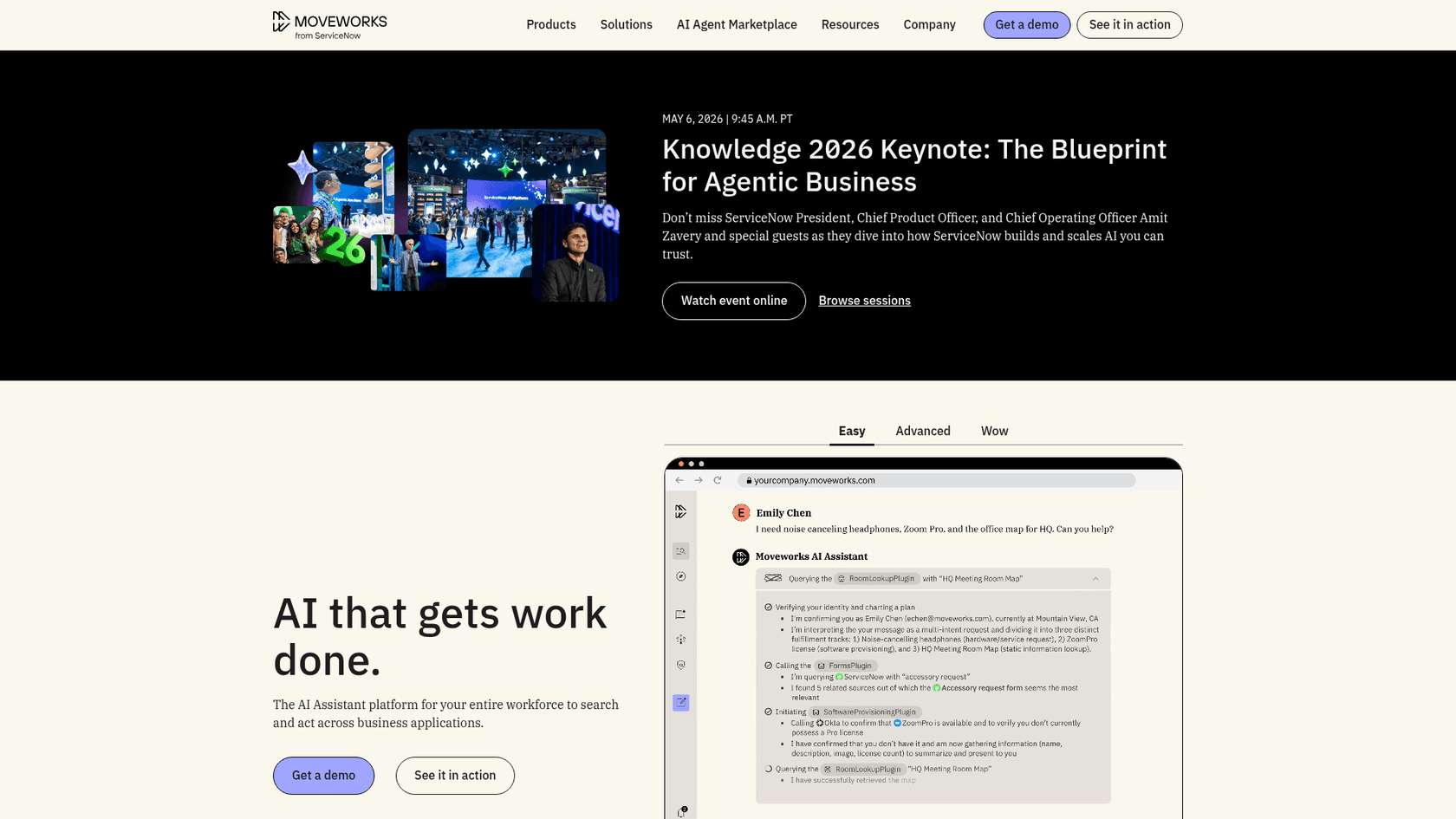
Moveworks was acquired by ServiceNow for $2.85 billion in March 2025 (completed December 2025) and is now embedded into ServiceNow's ITSM tiers as described above. But Moveworks also continues to be sold standalone for enterprises that aren't on ServiceNow and don't plan to be.
The positioning: an enterprise AI assistant that handles IT requests, HR questions, and finance tasks through a single conversational interface, connecting to 100+ enterprise systems. 5 million+ employees rely on Moveworks, and 350+ enterprise customers including 10% of the Fortune 500 use it, with 90% achieving enterprise-wide deployment.
What makes it good for IT ticketing
Moveworks' core differentiation is breadth and enterprise integration depth. The Reasoning Engine is a modular agentic architecture that combines multiple LLMs to understand context, plan multi-step resolutions, and act across systems -- not just respond to a single query. An IT request like "I need Salesforce access for a new sales rep who starts Monday" can trigger a sequence: check that the requester has authority to make this request, look up the access provisioning workflow, submit the ServiceNow ticket, notify the provisioning team, and send a confirmation -- all in one conversation.
Moveworks has first-class integrations with ServiceNow, Jira Service Management, Workday, and Salesforce, and it deploys via Slack and Teams. For IT teams managing complex multi-system environments, this breadth matters more than the single-ITSM depth that other tools optimize for.
The typical deployment time is 8 weeks -- faster than ServiceNow direct, but still a significant implementation effort. And Moveworks targets large enterprises; it's not designed for teams under a few hundred employees.
Pricing
No public pricing. Moveworks operates on enterprise contracts only, with pricing negotiated through their sales team. Expect this to be in the same bracket as enterprise ServiceNow -- five to six figures annually. Agent Studio for building custom AI agents is also available but requires a separate discussion.
Security certifications: FedRAMP Moderate Authorization, SOC 2 Type 2, ISO 27001, HIPAA, GDPR, CCPA -- a full enterprise compliance stack.
Best for
Large enterprises (500+ employees) with multi-system IT environments where a single conversational AI needs to reach across IT, HR, and finance. Best fit for orgs not on ServiceNow who still want enterprise-grade AI automation. The 7 best AI tools for ITSM comparison on eesel's blog covers Moveworks alongside the other enterprise options if you're evaluating at that tier.
How to choose
The six tools above cover a wide spectrum. Here's how to narrow it:
If you have an ITSM and want to add AI resolution without migrating: eesel AI. It connects to Jira Service Management, Freshservice, Zendesk, and others in under 15 minutes and adds an AI resolution layer on top. The 7 best AI for ticket automation tools post covers this category in more depth.
If you're choosing your first ITSM or replacing a legacy tool at mid-market scale: Freshservice (if you want AI built in on a single bill) or ManageEngine ServiceDesk Plus (if price or on-premises deployment matters). The Freshservice vs Atlassian tools comparison helps if you're deciding between Freshservice and JSM.
If your IT team works alongside developers who live in Jira: Jira Service Management. The Atlassian integration flywheel -- Jira Software, Confluence, Bitbucket, JSM -- is a real force multiplier for teams that need IT and engineering to share ticket context.
If you're at enterprise scale and need the full platform: ServiceNow ITSM. Accept that implementation takes months and budget accordingly.
If you're at enterprise scale, don't want ServiceNow, and need multi-system AI: Moveworks standalone.
One thing worth saying: most teams reading this probably already have an ITSM in place. The decision is usually not "which ITSM platform" but "how do we get more automation out of the one we have." If that's your situation, adding an AI resolution layer like eesel on top of your existing tooling is typically faster and cheaper than migrating -- and it doesn't require convincing your team to switch platforms. The automated ticketing system comparison on eesel's blog covers what that looks like in practice.