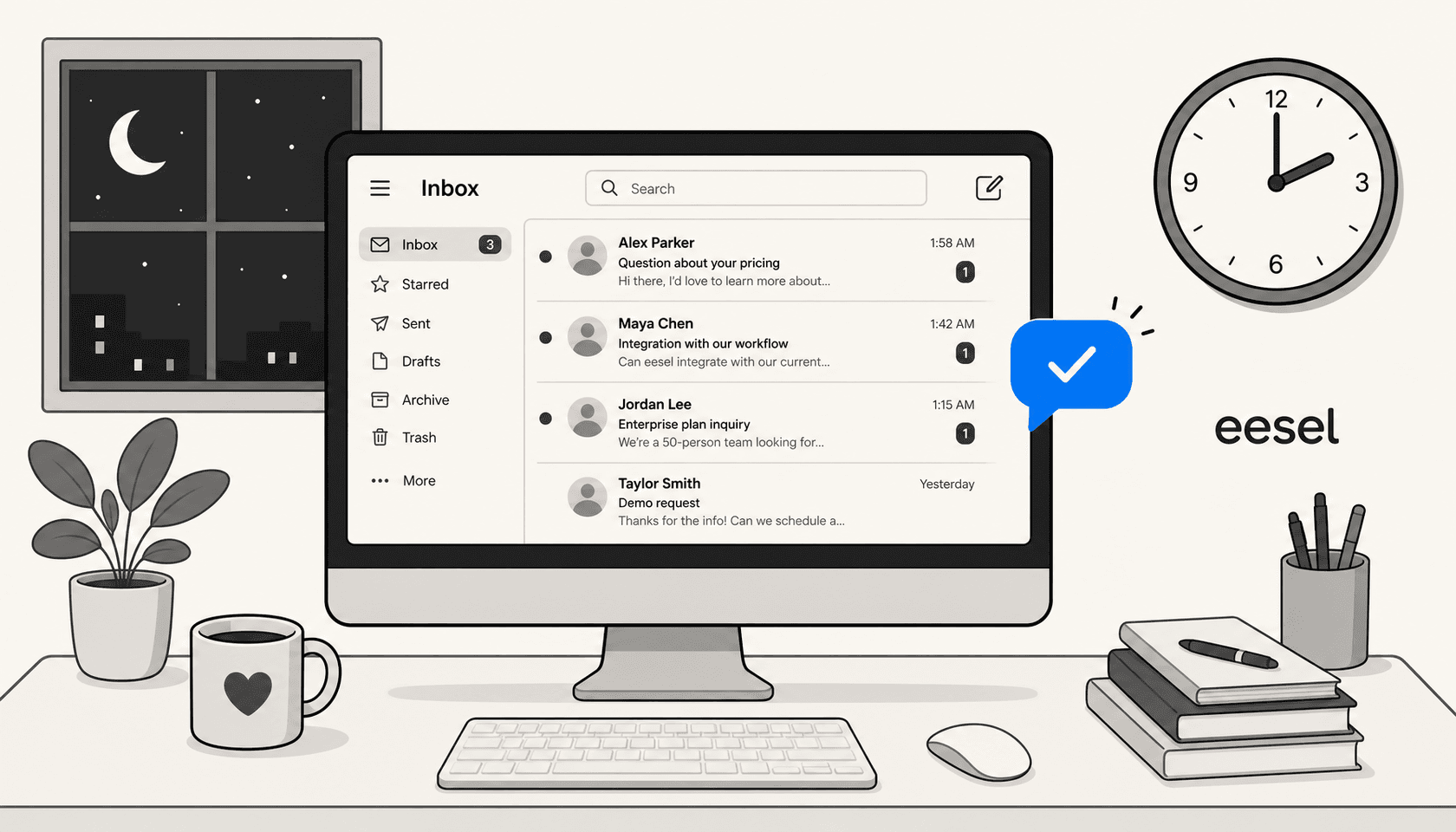
Your support team signs off at 6pm. Your customers don't.
47% of IT support tickets now arrive outside standard business hours, according to Freshworks' analysis of support data from September 2025 through March 2026. For e-commerce teams, the gap is wider: 63% of transactions happen outside traditional business hours, with 8-10pm being the peak window for purchases and support requests alike. On the other side, 74% of consumers say they expect customer service to be available 24/7 - Zendesk CX Trends 2026.
Those two numbers describe the same problem from opposite ends. The demand doesn't clock out; the team does.
AI for after-hours support closes that gap. Not by hiring a night shift - by running an agent that reads your knowledge base, answers the questions it can handle confidently, drafts replies for the ones it can't, and surfaces complex cases for your morning team with full context. This guide covers what that looks like in practice, how the AI makes the call between "send" and "draft," the step-by-step to get it running, and the pitfalls that trip up most initial deployments.
The after-hours gap, in concrete terms
The Freshworks data makes the scale hard to ignore. Nearly half of all support volume arrives when teams aren't staffed. Weekend requests run at around 35% of a typical weekday's volume. And after-hours tickets take over an hour longer to resolve than tickets submitted during business hours, with SLA attainment dropping 2-5 percentage points outside business hours.
What the data also shows: resolution complexity isn't the driver. The escalation rate after hours stays at 6-8% - similar to business hours. Most after-hours requests are routine. Password resets, order status checks, refund eligibility questions, setup guides. The kind of request an agent handles in two minutes from a macro or a help article - except there's no agent available.
The cost of that gap isn't just service quality. 53% of shoppers abandon a purchase when they can't get a quick answer - Forrester. The average industry-wide ticket response time is 7 hours 4 minutes - Jitbit's benchmark across 1,000 companies. For tickets submitted at midnight, that 7-hour window often means a first reply sometime the next morning, which is fine for low-stakes questions but actively harmful for anything with a purchase or deadline attached.
What after-hours AI support actually does
It helps to be specific here, because "AI chatbot" covers a wide range.
At the narrow end: a rule-based autoresponder that catches inbound messages after hours and fires a canned "we'll reply by 9am" message. That sets expectations but resolves nothing.
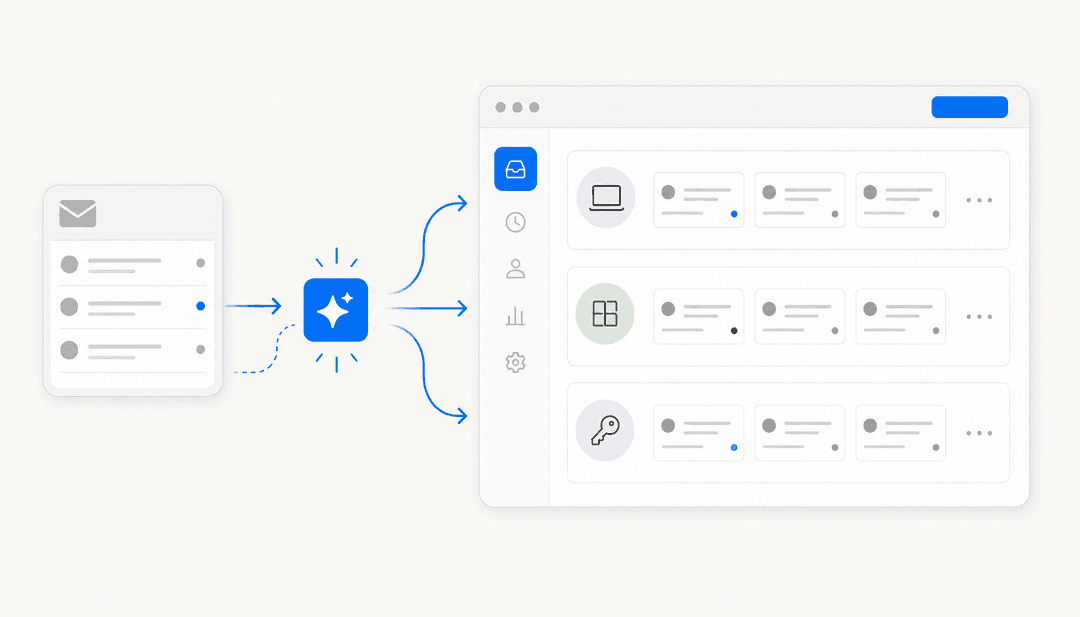
At the useful end: an AI agent connected to your actual knowledge base - your help center articles, past resolved tickets, macros, canned responses, and any connected docs (Notion, Confluence, Google Docs, SharePoint) - that reads the incoming question, checks whether it can answer confidently, and either sends a real resolution or queues a draft for the morning team.
The difference is the confidence check. A good after-hours AI doesn't guess. When it encounters a question it can't answer with high confidence - a sensitive billing issue, a complex technical edge case, something it hasn't seen before - it doesn't fabricate a response. It queues a draft with the full conversation context attached, so the agent who picks it up the next morning doesn't have to re-read the thread from scratch.
The three jobs an after-hours AI agent does well:
-
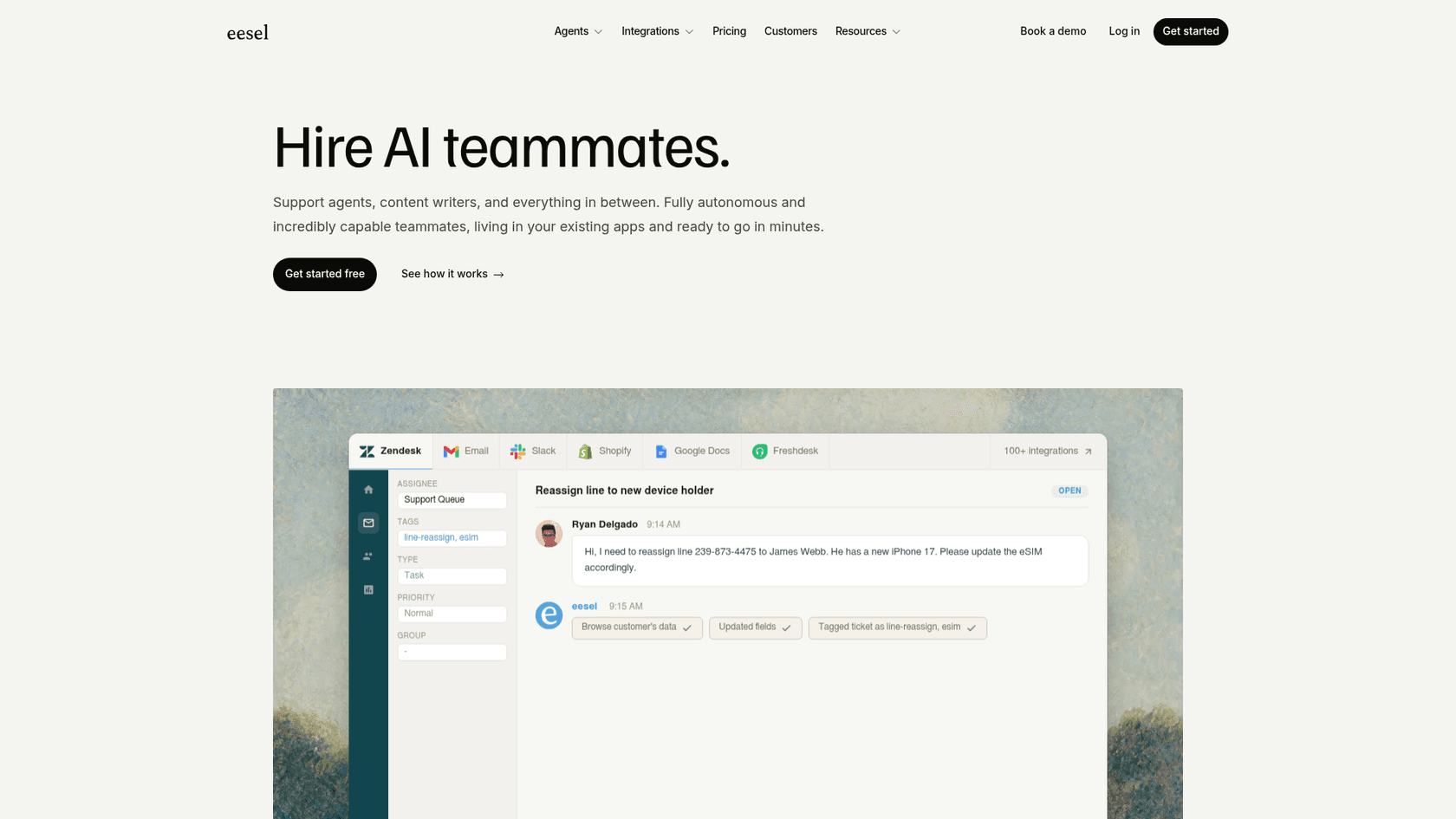
Resolves routine requests autonomously. FAQs, order status, shipping estimates, refund policies, setup instructions, password reset guides. If the answer is in the knowledge base, the AI sends it. eesel resolves tickets from open to closed, updates status, and sends the reply within minutes of the ticket arriving.
-
Drafts replies for edge cases. For questions where the AI has partial context or lower confidence, it prepares a draft with the relevant sources cited. The morning agent reviews a queue of drafts rather than a pile of unanswered threads.
-
Escalates urgent cases with context. Configurable escalation rules mean specific ticket types route immediately to a human channel - a Slack ping, a notification, however your team handles emergencies. The escalation carries the full conversation context.
How it handles the decision loop
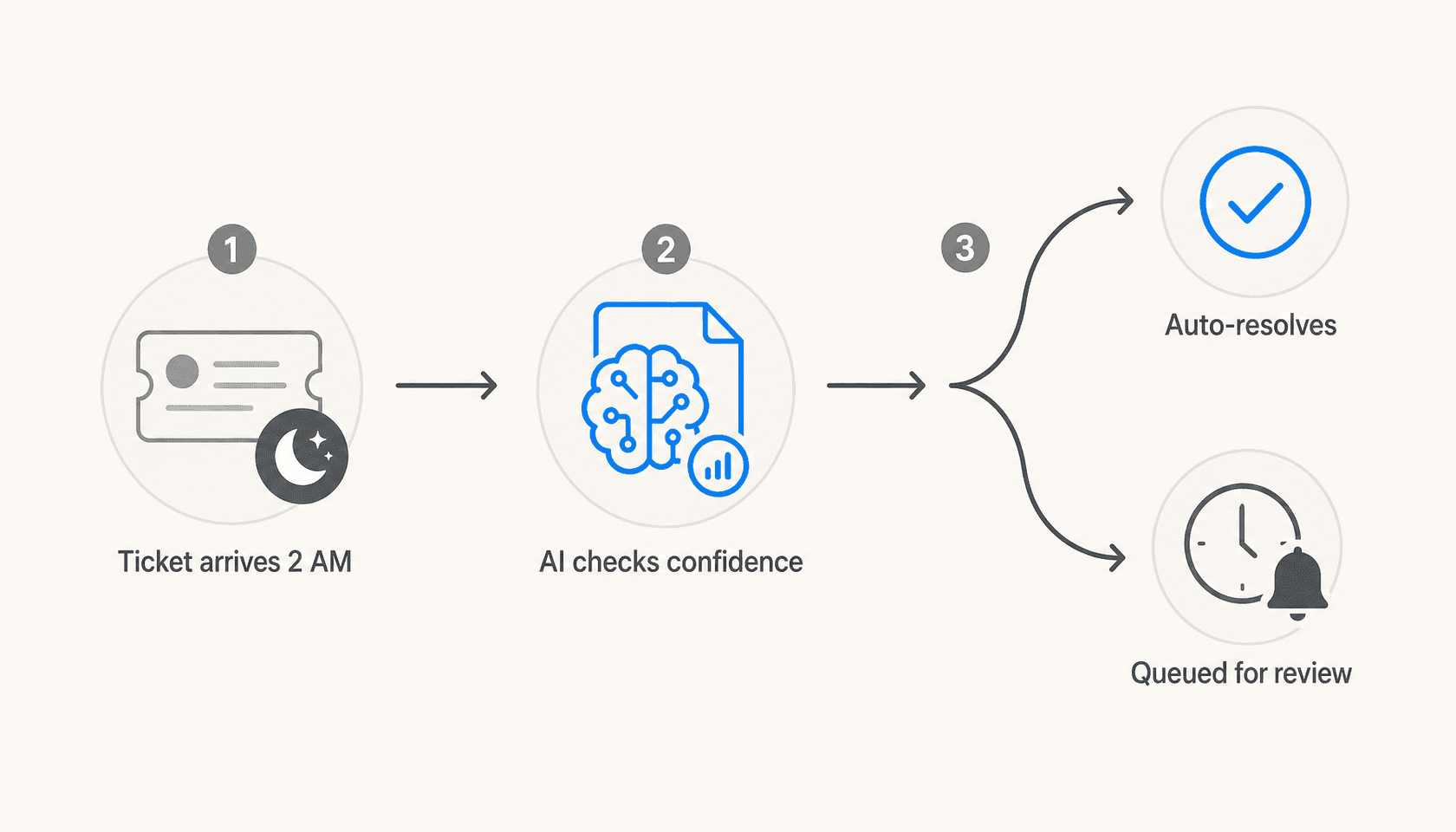
The practical flow:
- Ticket arrives at 2am.
- AI reads the question and checks it against connected knowledge sources.
- High confidence: reply sent automatically.
- Low confidence: reply drafted, queued for morning review with sources cited.
- Escalation trigger matched: human notified immediately via configured channel.
What makes this different from a scheduled autoresponder is that the confidence threshold is adjustable. New deployments typically start in copilot mode - everything drafts, nothing sends without approval - until the team has verified the AI's accuracy across real ticket types. Once confidence is established across the ticket categories that matter, the threshold shifts and more responses go out automatically. eesel describes this as the copilot-to-agent progression: start supervised, expand autonomy as performance proves out.
Setting up after-hours AI coverage: step by step
Here's the path from "no AI" to "covered after hours" using eesel as the example. The same pattern applies on any helpdesk it supports.
Step 1: Connect your knowledge base
The AI is only as good as what it can read. Connect your help center articles, macros or canned responses, and any internal docs that contain answers to common customer questions. eesel reads from 100+ source types without requiring migration - Google Docs, Confluence, Notion, SharePoint, Shopify product data, website URLs, past tickets. It pulls from sources in place.
This is also when knowledge gaps surface. Questions the AI can't answer confidently usually mean a missing help article. eesel identifies these gaps automatically and drafts articles to fill them.
Step 2: Run a simulation before going live
Before the AI touches a real customer, run it against your historical ticket archive. eesel's simulation mode replays past tickets through the AI and returns per-theme performance data: what it handles confidently, where gaps exist, and a predicted deflection rate. This is the step that removes the "will it embarrass us at 3am?" question before you go live.
Gridwise used this simulation step and hit a 73% tier-1 resolution rate in their first month. Smava runs 100,000+ German-language tickets a month through eesel on Zendesk - the simulation step is what gave them confidence to run at that volume.
Step 3: Start in copilot mode
For the first few weeks, run in supervised mode. Every response the AI wants to send appears as a draft in your queue. Your team reviews, edits when needed, and approves. Those edits teach the AI your tone and your specific edge cases - no separate configuration step required.
Step 4: Set escalation rules
Decide what should never send automatically. Billing disputes? Tickets from customers marked as at-risk? Anything with the word "cancel"? Configure those in plain English. eesel accepts natural-language instructions: "Escalate all billing disputes to the senior team" or "Always draft tickets from VIP customers for review."
Step 5: Promote to agent mode
Once the simulation data and copilot-mode track record give you confidence, flip high-confidence responses to autonomous. Routine questions resolve without human involvement - including the ones that arrive at 2am.
The platforms it works with
After-hours AI coverage isn't one-size-fits-all. The right setup depends on where your tickets arrive.
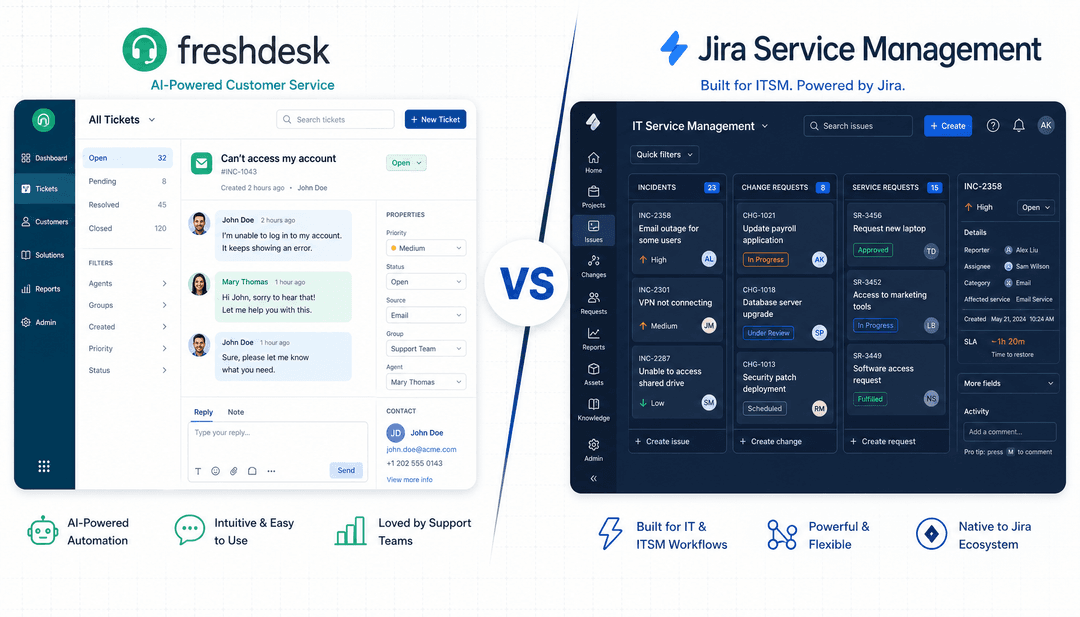
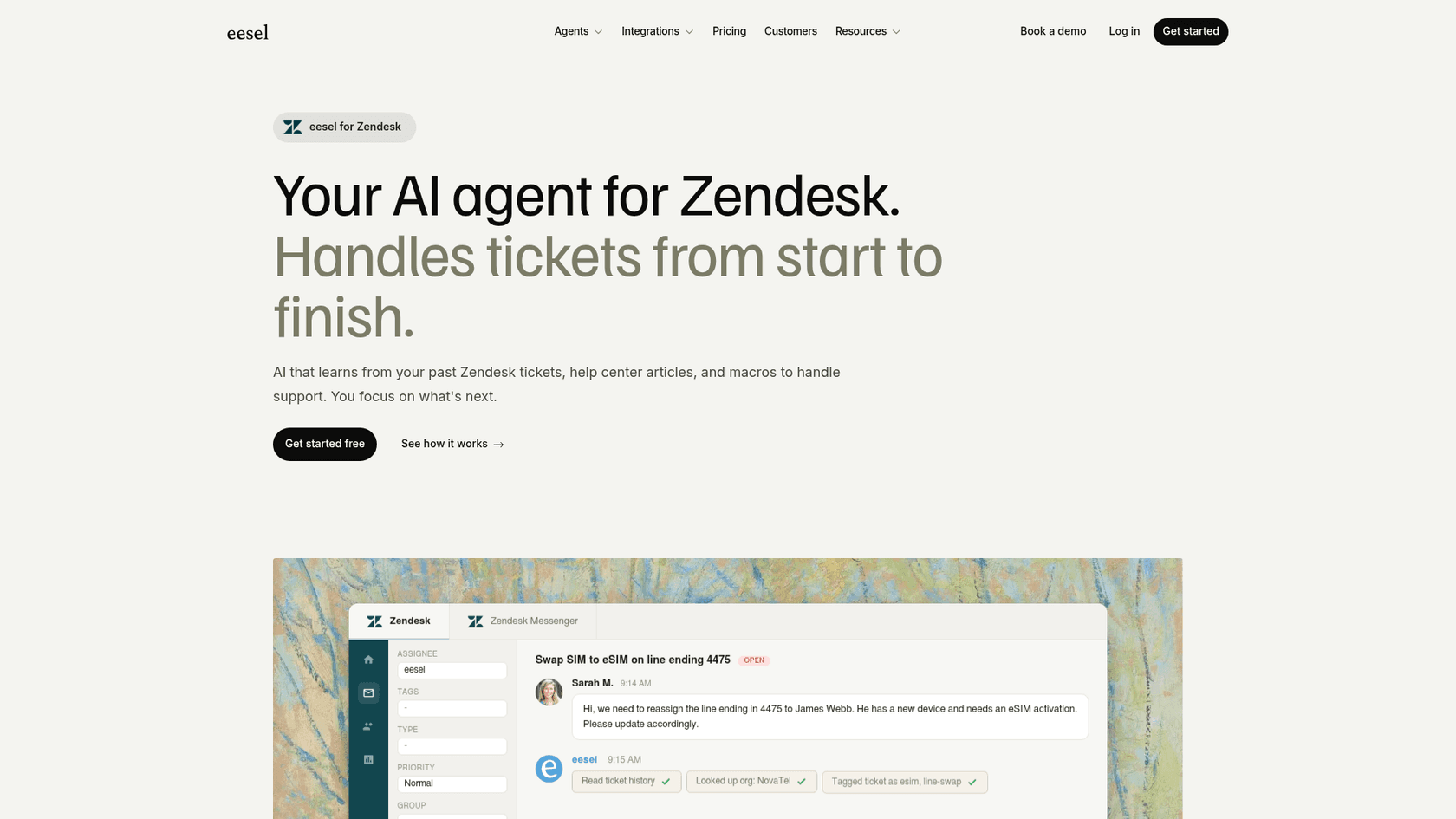
Zendesk and Freshdesk are the most common helpdesk setup. eesel works inside the existing ticket interface, using your existing views, macros, and triggers. For what Zendesk's native after-hours tools provide on their own, our Zendesk after-hours guide covers the native options before you layer in AI. For setting business hours in Zendesk specifically, see Zendesk business hours setup.
Slack is the right surface for teams where requests come in through a workspace - IT help desks, customer Slack communities, operations teams. eesel watches configured channels and responds to @mentions and DMs. Average response time: 1.8 minutes versus the 7-hour industry average. The Slack integration resolves tier-1 requests autonomously and creates helpdesk tickets only when it can't handle the request - so your ticketing system doesn't fill up with requests the AI already closed.
Gorgias covers the e-commerce after-hours window, where most revenue risk lives. eesel handles automated responses to order status, shipping, and refund questions. For the native rule-based scheduling option before adding AI, our Gorgias after-hours autoresponder guide covers the setup.
| Platform | What eesel handles after hours |
|---|---|
| Zendesk | Draft and send replies, update ticket fields, resolve, escalate |
| Freshdesk | Draft replies, route tickets, update SLA, add private notes |
| Slack | Channel and DM responses, ticket creation only when needed |
| Gorgias | E-commerce queries, order lookups, refund eligibility |
| Help Scout | Direct email drafts and replies |
| HubSpot Service Hub | Ticket drafting, routing, and conversation responses |
Common pitfalls to avoid
Deploying without a simulation. The fastest way to lose trust in your after-hours AI is a bad response to a customer at 3am that nobody catches until morning. The simulation step isn't optional - it's what tells you specifically where the AI is strong and where it needs more knowledge base coverage before running solo.
Skipping escalation rules. A default setup without configured escalation will eventually send an autonomous reply to a ticket that needed a human. The configuration is short work, and it's what makes agent mode safe for anything beyond the most routine requests.
A thin knowledge base. An AI that can't find the answer in your documentation will produce a low-confidence draft or struggle with accuracy. The simulation step surfaces these gaps explicitly, but so does monitoring which ticket categories produce the most unanswered drafts. The fix is usually one well-written help article per recurring gap - which eesel can draft automatically from the patterns it sees in incoming tickets.
Setting it and forgetting it. The AI improves as it handles more tickets, but only if someone checks the drift. A monthly review of deflection rate, escalation patterns, and rejected drafts tells you where the knowledge base needs updating and where the confidence threshold needs adjusting. Thirty minutes a month is usually enough once the initial setup is stable.
After-hours coverage without a night shift
The math is straightforward. 47% of tickets arrive after hours. 74% of customers expect 24/7 availability. Most of what arrives after hours is routine. An AI agent that reads your knowledge base, handles the routine requests, and queues the rest as morning drafts closes that gap without adding headcount.
eesel starts with $50 in free credits and connects to your existing helpdesk in minutes. The simulation step shows you the projected deflection rate before any customer sees the AI - so you know what you're getting before you flip the switch.
For platform-specific after-hours guides: Zendesk after-hours automation, Zendesk offline message handling, and the broader AI ticket deflection guide. For teams evaluating the full AI support tools landscape, our AI tools for customer support comparison covers the category.

Frequently Asked Questions
Share this article

Article by
Stevia Putri
Stevia Putri is a marketing generalist at eesel AI, where she helps turn powerful AI tools into stories that resonate. She’s driven by curiosity, clarity, and the human side of technology.