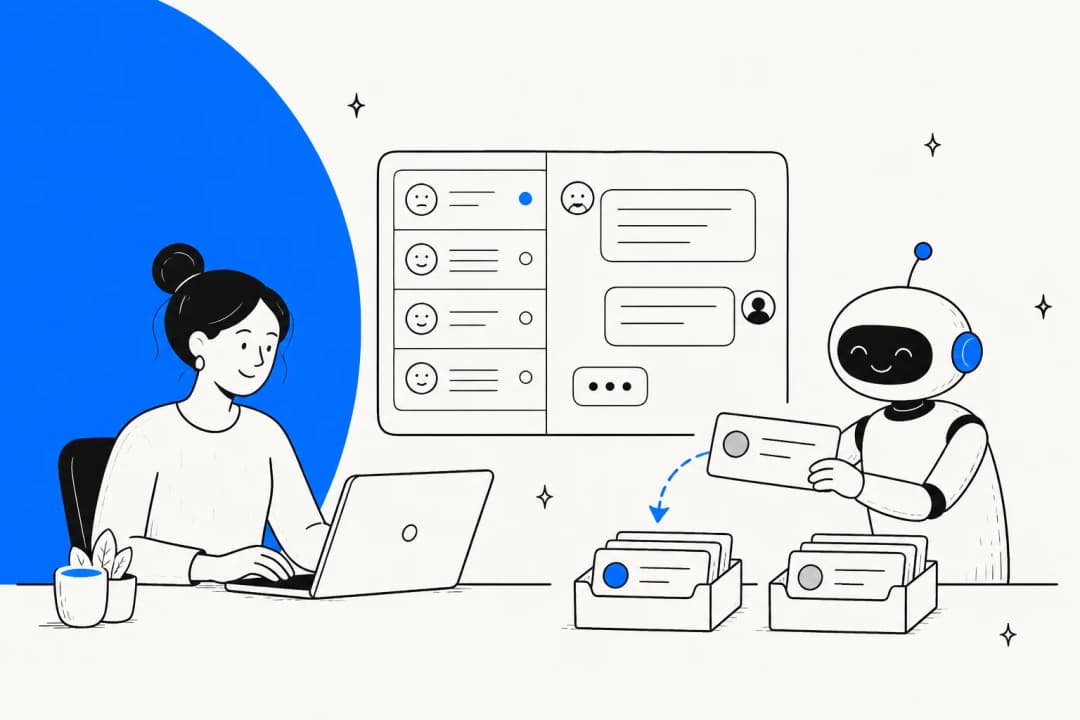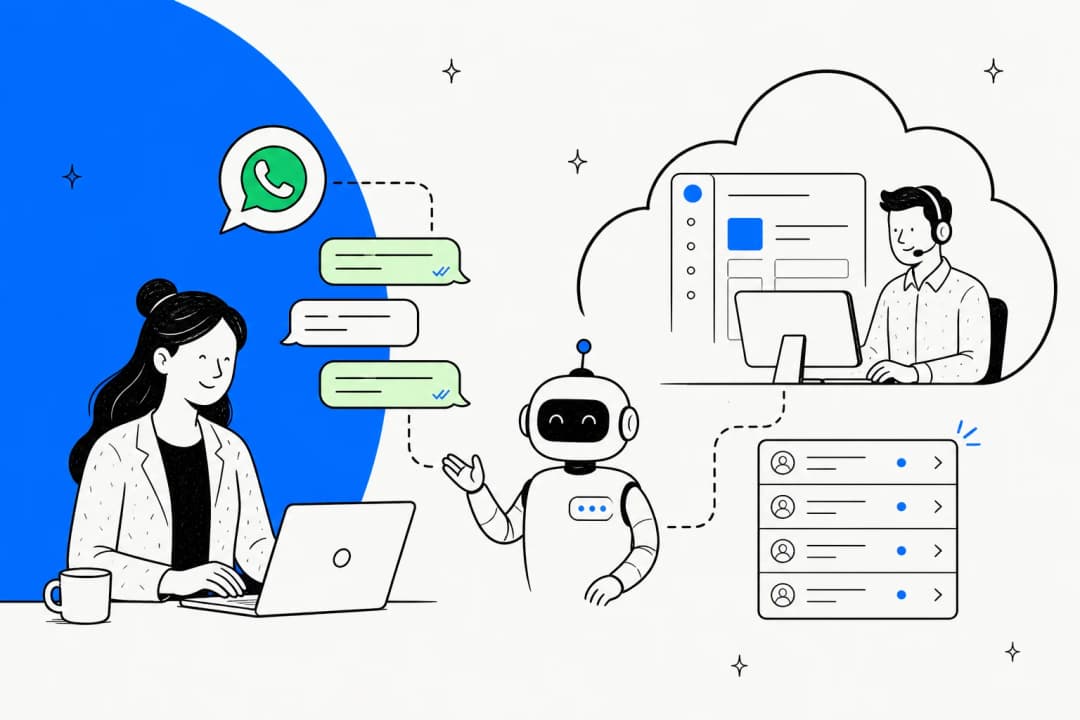
What "Meta Muse for support quality assurance" actually means
I work eesel's support queue every day, and the part of AI support that keeps me up isn't the bot that says "I don't know." It's the bot that answers with total confidence and is wrong. So when a team asks me how to QA Meta's WhatsApp agent, the first job is untangling which Meta product they mean.
"Meta Muse" is three products, and only one talks to your customers:
| Product | What it is | Role in support QA |
|---|---|---|
| Muse | Meta's consumer personal agent | None |
| Muse Spark API | Meta's model, callable from your own code | A grader you could build yourself |
| Meta Business Agent | Meta's customer-facing business AI, launched June 3, 2026 | The thing you're QA-ing, plus its test tools |
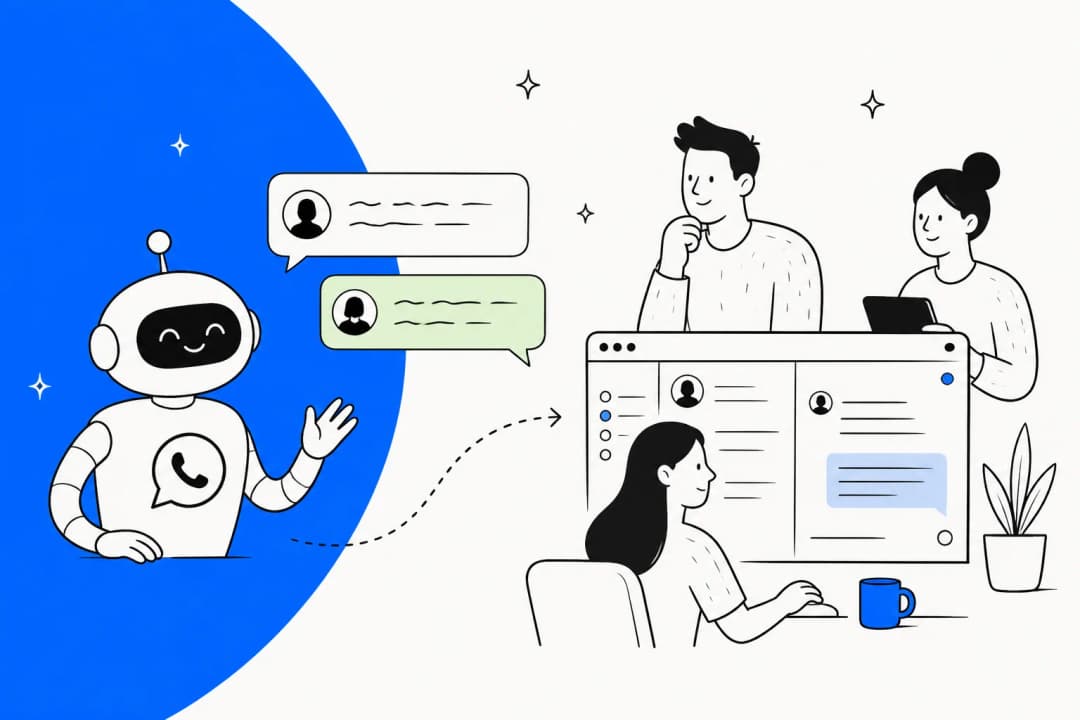
Business Agent comes in a self-serve version inside Meta Business Suite and the WhatsApp Business app, and the Business Agent Platform for businesses on the WhatsApp Business Platform API. The full product breakdown lives in my Meta Muse for customer support hub, and the consumer app has its own Meta Muse Agent post.
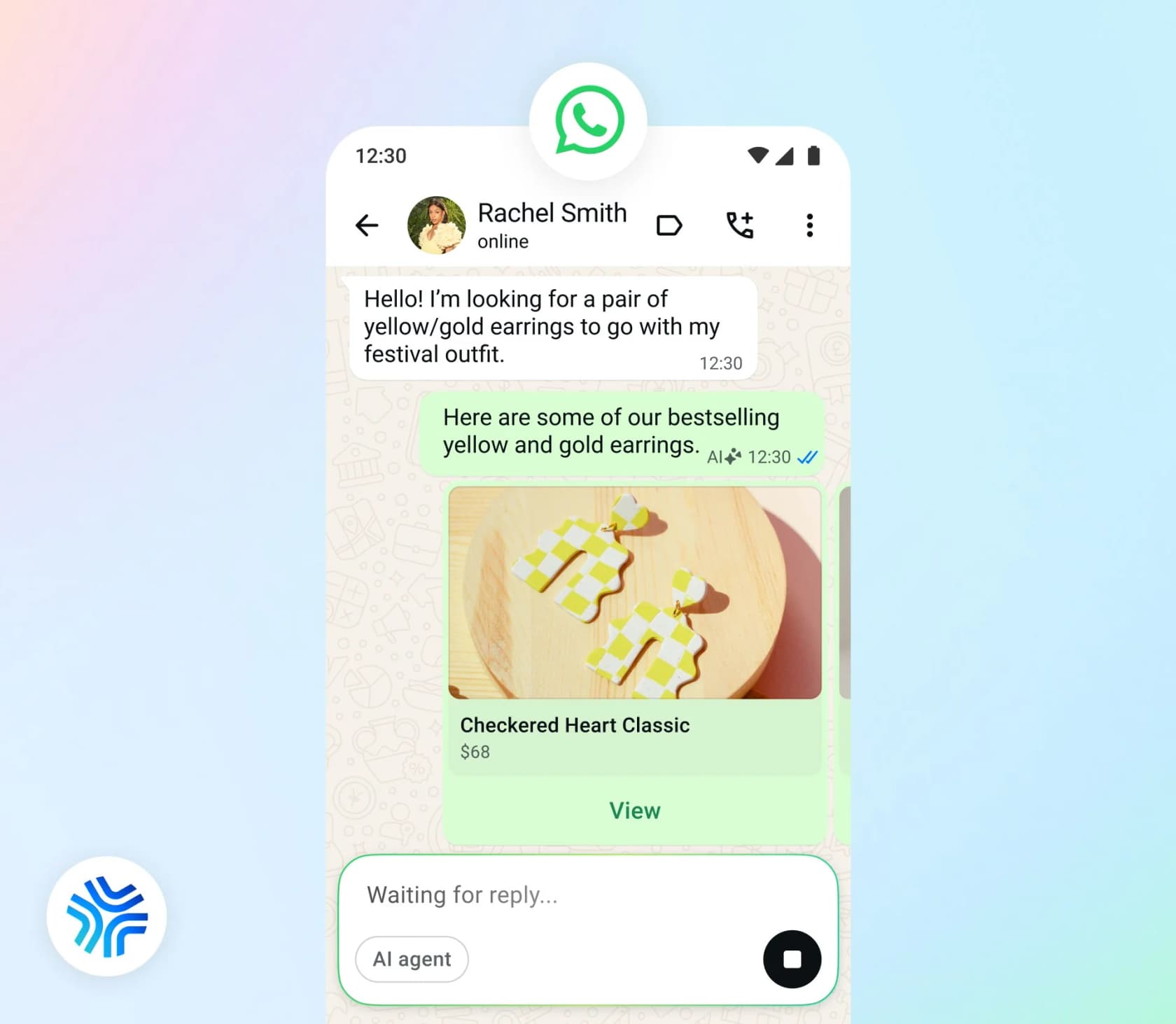
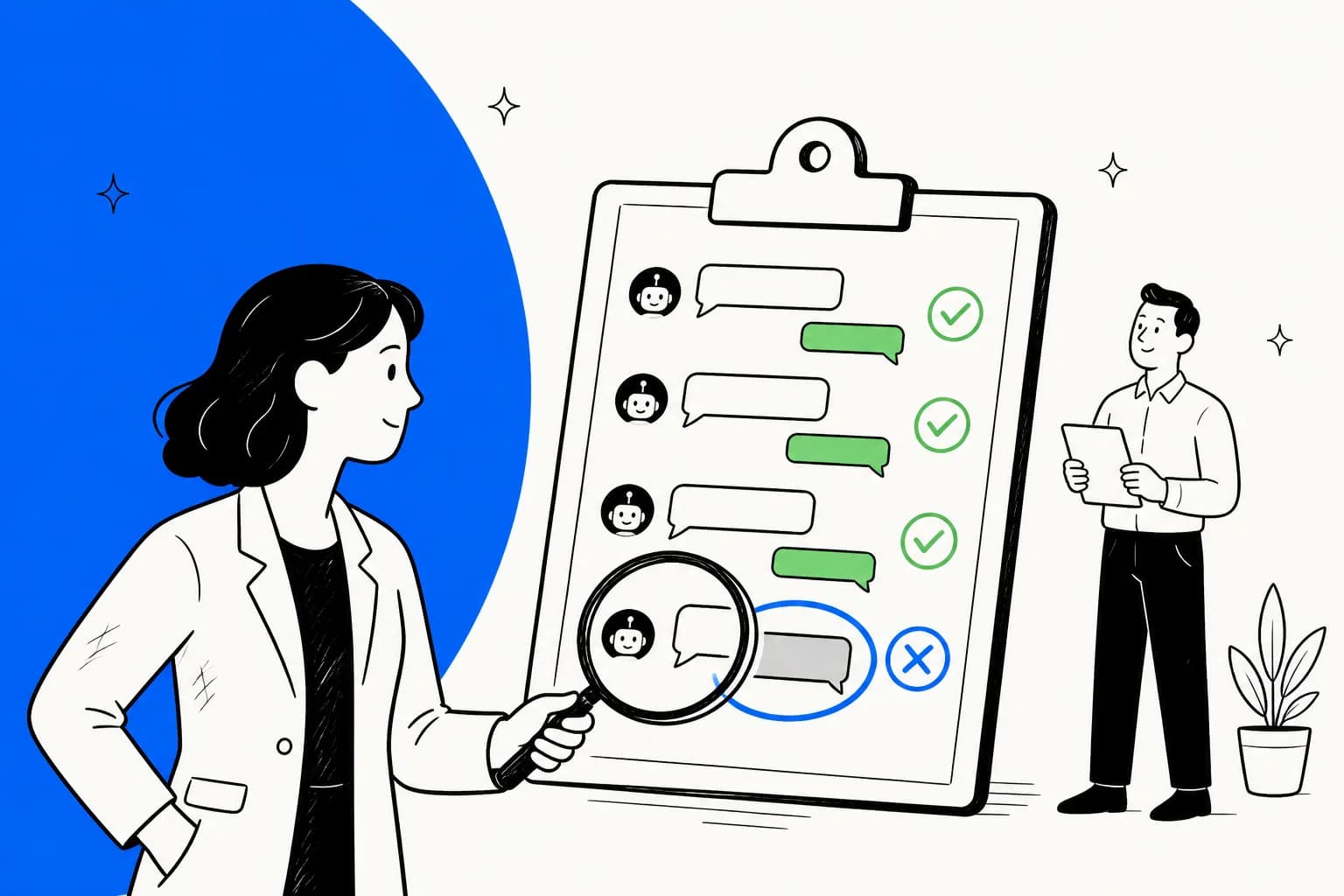
By support quality assurance I mean the usual job: checking that answers are correct, on-policy and on-brand, that the agent escalates when it should, and that the same mistake doesn't keep repeating. If you're new to it, my primer on support QA with AI covers the basics. The question here is narrower: what does Meta give you to do that job?
Meta's QA tools are built for before launch
After reading Meta's Business Agent docs and help pages, I'd sum it up like this. There are three testing tools, and all three check the agent against conversations you invent.
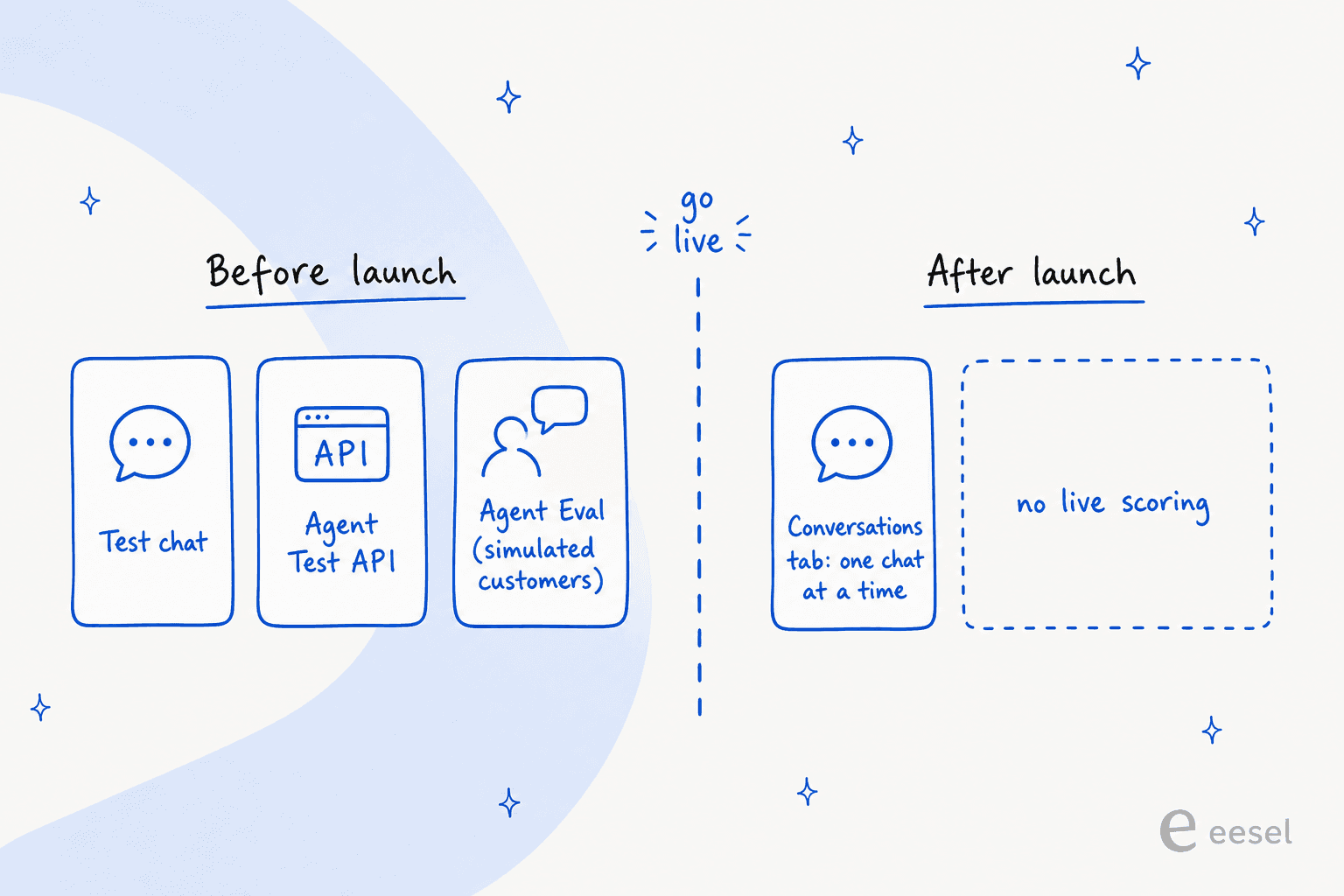
Test chat and "Improve AI response" (self-serve)
In Meta Business Suite, "Under Test chat, you can chat with your Meta Business Agent as if you were a customer and give feedback on the responses you see" (Meta Business Help). If an answer is wrong, you click Improve AI response and give the correct answer or an instruction. The same button works on real past AI messages in the Inbox.
Two details matter for QA. Meta says the agent "will not respond using your exact words", so a correction is guidance, not a locked answer. And "Existing responses will not be updated", which means a fix changes future replies only. You can also hover over any reply and click View sources to see which knowledge produced it (Meta Business Help), which is the single most useful QA feature on the self-serve tier.
The Agent Test API
On the Platform, Agent Test lets you "send free test messages to the agent without affecting live customer conversations" (Capabilities). You POST a user_msg, and pass conversation_id back to continue a multi-turn exchange. It's the API version of Test chat, which means you can script it.
Agent Eval: a judge LLM grading simulated customers
Agent Eval is the most interesting piece. An eval case has a scenario, described as "Free-form text defining the task and constraints for the user simulator", plus success_criteria and max_turns. POST /run "runs simulation, evaluation, and optionally insights across multiple cases."
What comes back is rich. Each conversation gets an overall score "from the judge LLM", per-turn labels, and reasons made of category, score, description and recommended actions. The summary report gives avg_conversation_score and avg_turn_score on a 1 to 5 scale, a natural-language summary, highlights and top_failure_categories.
That's a proper regression harness, and I'd use it. But notice what's being graded: a conversation between your agent and a simulated customer that you described. It tells you the agent handles the cases you thought of. It can't tell you about the cases you didn't.
The test plan Meta recommends (and the line worth framing)
Meta's customer support agent guide includes a ten-row test plan for a retail agent: policy questions, "Where is my order?" with no reference number, returns inside and outside the window, a smashed mirror, "I want a refund and I want it today", "Just put me through to someone", a question with no documented answer, and "This is the third time I've messaged."
It says the last four "are the ones worth automating as a regression suite. They are where an agent that is trying to be helpful does the most damage." And then the line I'd pin above every support QA desk:
"A support agent is judged on its worst answers rather than its average one, and the failures that matter are confident answers to questions it had no basis to answer."
I agree with every word, and it's also the best argument for why pre-launch testing isn't enough. Your worst answers come from questions nobody anticipated, and an eval set only contains questions somebody anticipated.
The guide's other QA-relevant advice is solid too: write escalation triggers as a named list ("damage, missing item, payment dispute, refund decision, legal or safety, asked twice for a person"), give the agent reversible actions only, and compute return eligibility in your own system instead of letting the agent compare dates, because "it tends to err generously." If you're writing your own suite, my notes on adversarial testing help with the nasty cases.
After launch: one conversation at a time
Once the agent is live, here's what you can QA with.
Self-serve tier. The Conversations tab "is where you can click into each chat to review your Meta Business Agent's responses", with View sources on each reply (Meta Business Help). Meta also notes it "does not start storing conversation logs until a customer has opened the chat." Customers can "long press on any Meta Business Agent message to provide feedback" (Meta Business Help), but I couldn't find any documented report or export of that feedback for the business.
Platform tier. There's no endpoint that returns past agent conversations. I checked every reference page the docs link to. The only way to get transcripts into your system is standby webhooks, which send you the customer's messages, copies of the agent's replies and read receipts. "Standby is off by default", the business has to grant your app visibility, and the agent's copies carry "the send-time parameters exactly as passed to the Send Message API - not the rendered content."
So if you don't switch standby on from day one, the conversations you most want to audit are gone, at least for any bulk review. That's the one setup step I'd never skip.
There's also Business Agent Usage Insights, but it reports billable messages, tokens and cost, not quality (Usage Insights). For volume metrics in general, my chatbot analytics guide covers what's worth tracking.
Escalation QA: you grade it, but you don't set it
Missed escalations are the hardest QA failure to catch, and on Meta's Platform the triggers aren't yours. The agent "starts a handoff automatically when it detects a signal such as low confidence, an integrity violation, or a customer asking for a human. You do not configure the triggers" (Capabilities). The self-serve Personality tab does let you describe handoff conditions in words.
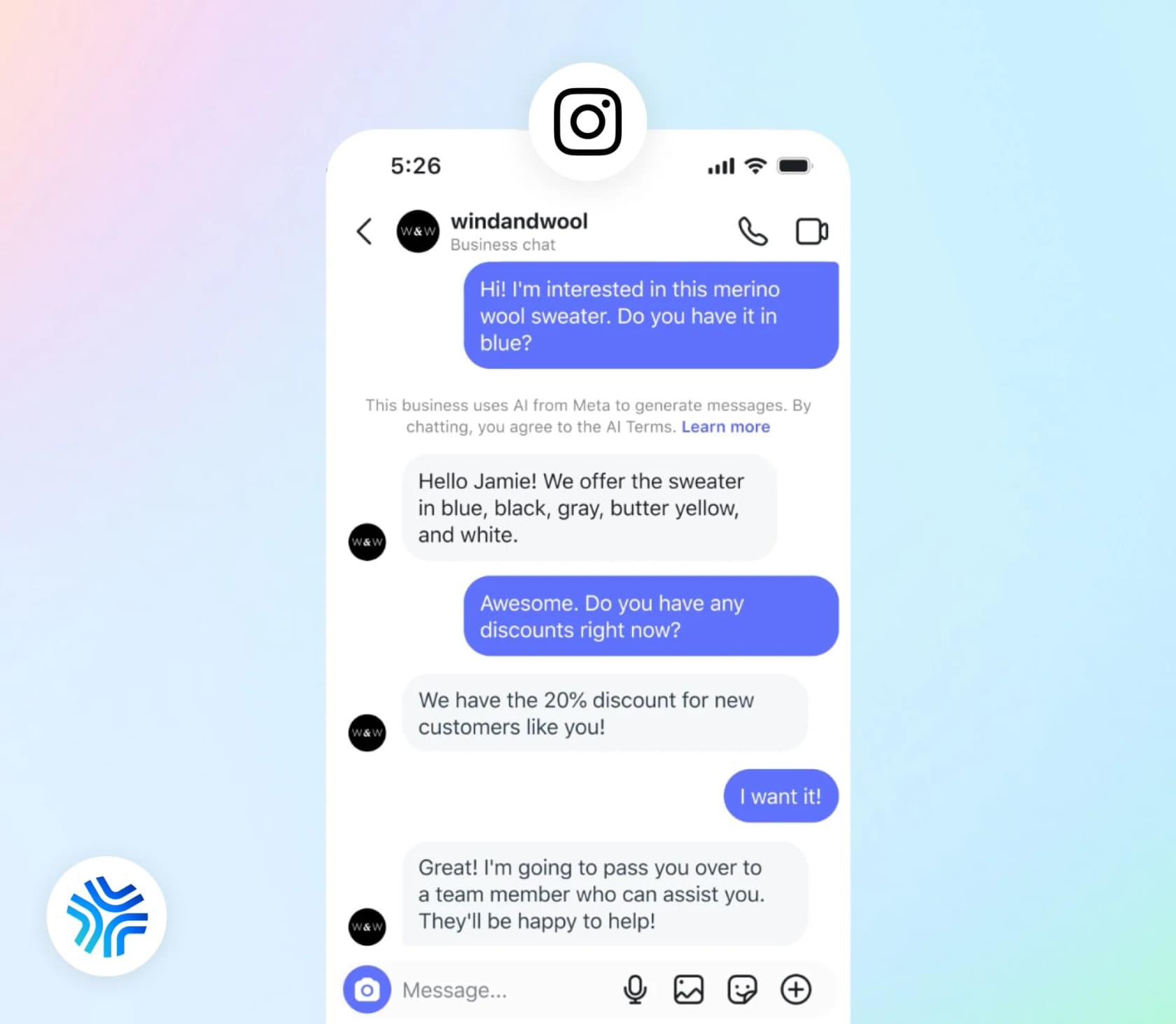
What you can measure is the handoff itself. The control_passed event fires when control moves from the AI to a person, with an optional metadata string of up to 2,000 characters (Thread control). Meta's own advice is to "Track the share of conversations handed off and the time to first human reply alongside it", and no Meta endpoint returns either number. My guides on escalation quality and AI escalation management go deeper.
There's one escalation failure Meta calls out itself. If the agent raises tickets through a connector and that call fails, "A failed ticket is invisible: the agent has already said a colleague will be in touch, the shopper waits, and nobody finds out until they message again angrier." Connector logs show success rate and latency for the last seven days only, so I'd alert on failures rather than check by hand.
What Meta doesn't QA: your human agents
Most QA programs grade people as well as bots. Meta has nothing for that. The Business Suite inbox has labels, private notes, assignment and a Done folder (Meta Business Help), and Insights shows "response rate and response time" (Meta Business Help). No scorecard, no review queue, no calibration.
There's also a privacy angle QA leads should know about. After a handoff, the Business Agent terms say the agent is muted "but may continue to observe the content being shared in the chat", and that content counts as Meta's licensed Content. So your agents' replies on escalated threads, the exact threads QA cares about most, sit under Meta's terms too.
For grading the humans, you'll want a separate support QA tool and a scorecard. My Zendesk QA scorecard criteria post and QA feedback examples work for any helpdesk.
The failures a simulation won't catch
Here's the uncomfortable part. The answers that hurt you most look fine in a transcript.
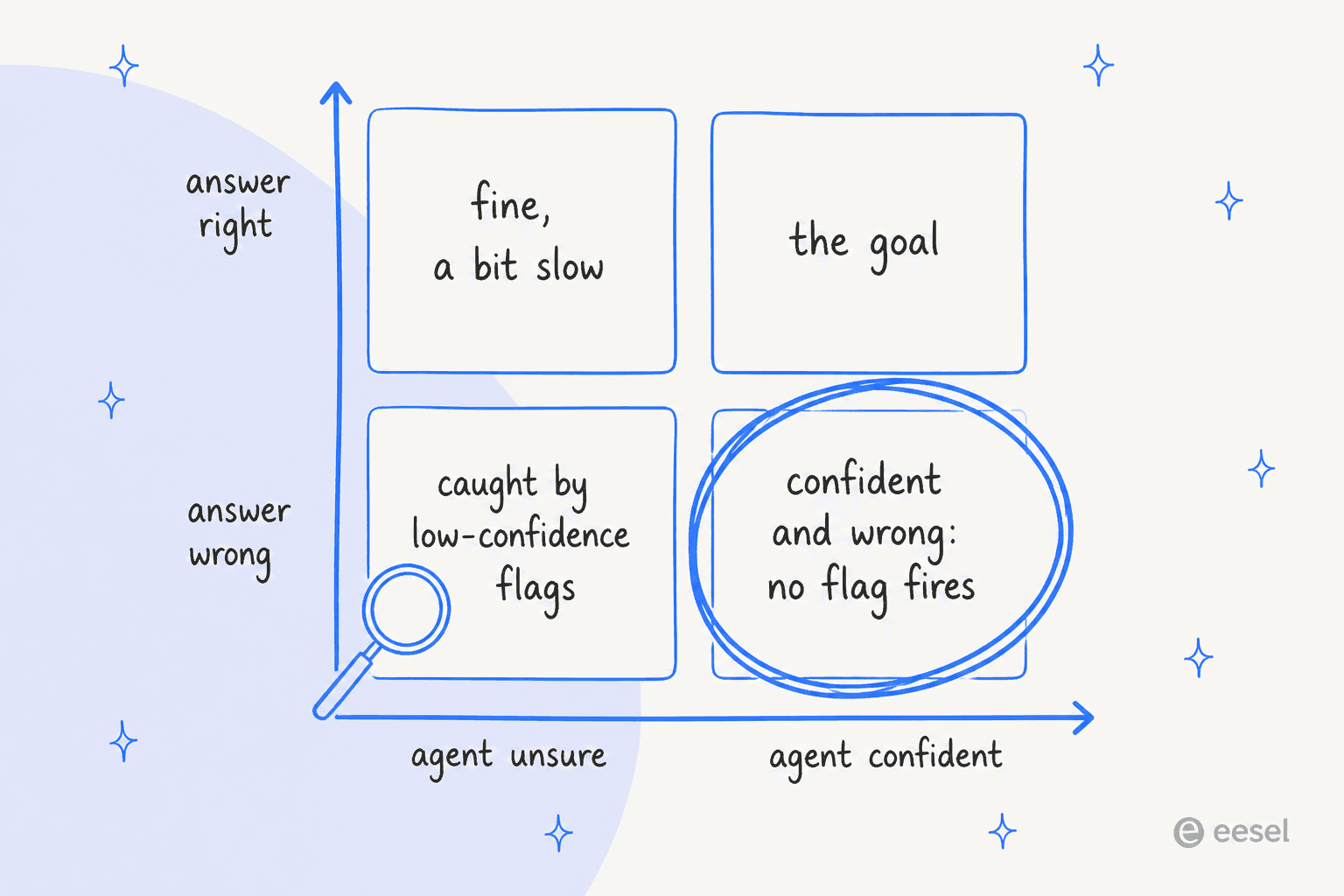
I've seen this at eesel, and it's not a fun memory. Earlier this year, several paying customers had bots that made up answers to real customers when the knowledge base had nothing relevant. One invented subscription terms for an energy company's customers. Another answered a customer with "Oxygen", pulled from the periodic table. A B2B telematics team on one of eesel's sales calls worried about the mirror image: their help center said "we support all models", so the bot happily confirmed car brands they didn't support. Nothing in those answers looked unsure. That's why eesel now tests every rollout against a team's real historical tickets before the bot talks to anyone.
People running agents in production describe the same pattern:
"The thing that moved us off confidence sampling is that the worst answers are confident. What actually surfaced them was downstream signals: user rephrased the same question, contacted again within 48 hours, a human took over, or an action got reversed."

And on missed escalations specifically:
"A conversation where the agent should have escalated and didn't looks completely normal in the transcript, so no confidence threshold and no reviewer reading outputs will flag it."
On Meta's agent in particular, a WhatsApp consultant who got early access flagged consistency:
"Consistency is a problem. I saw the same product come back at two different prices in two replies. If you don't ground it properly, it just makes things up."
To be fair, they also wrote in the same thread that they still like it and that Meta will improve the tooling. And Meta's own support history shows why testing tools matter: when its AI support bot was tricked into sending password-reset links in June 2026, one Hacker News commenter put it this way: "they didn't really evaluate whether tools intended for conscientious human use should be provided directly to the LLM that replaced the former support agents" (semiquaver, Hacker News). For more on prevention, see my guide to hallucination prevention.
Building a live QA loop yourself
If you're on the Platform tier with engineers, you can close the gap. The shape I'd build is a loop, not a one-off audit.
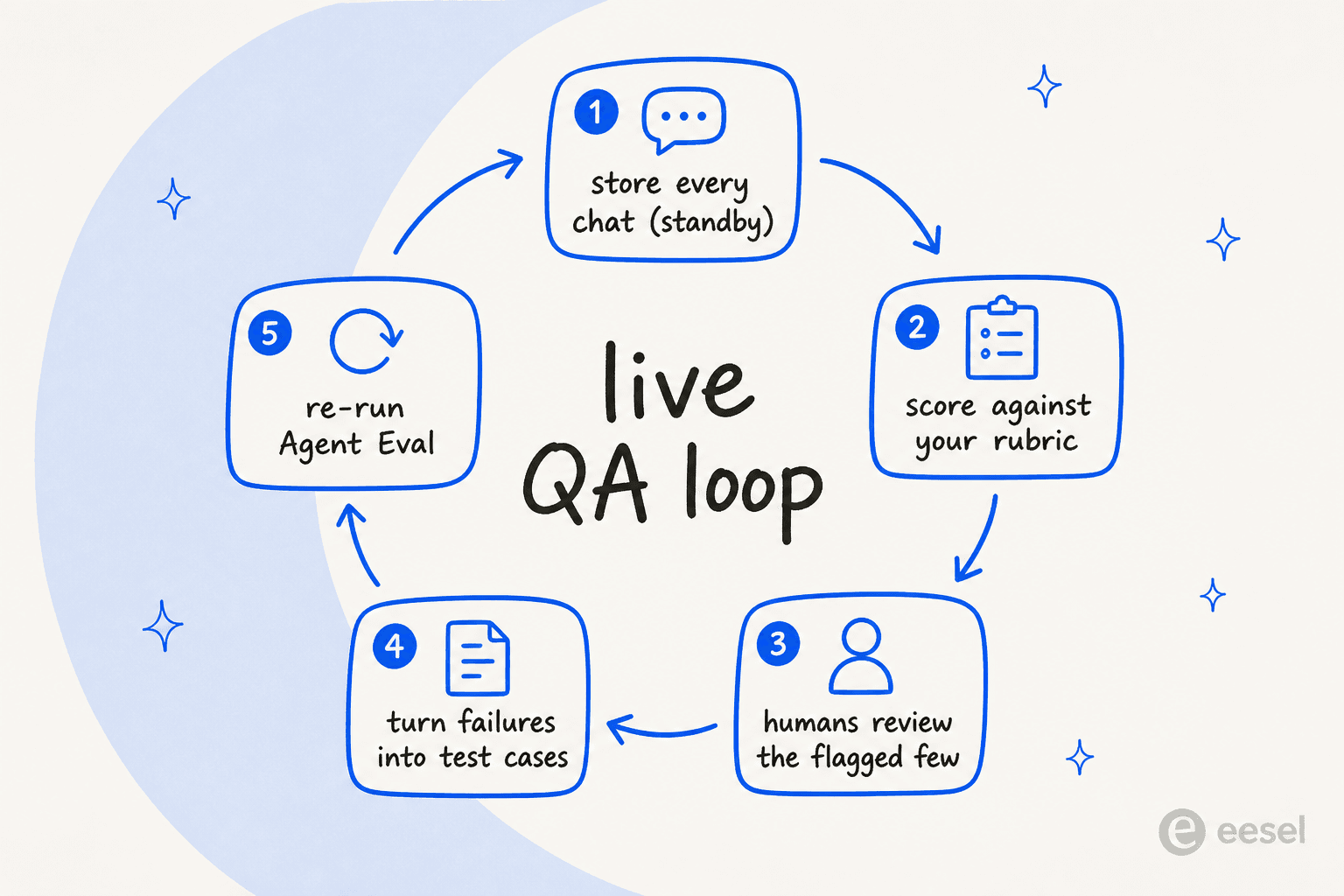
The grading step can use Meta's own model. Muse Spark's standard tier costs $1.25 per 1M input tokens and $4.25 per 1M output tokens, and it supports JSON Schema output so every verdict comes back in the same shape (covered in my Muse Spark 1.3 review). A rough worked example, using my own assumed sizes rather than Meta's: 10,000 transcripts at 2,000 tokens each is 20M input tokens ($25.00), and a 200-token verdict each is 2M output tokens ($8.50). That's about $34 a month to grade everything, which is far cheaper than a person reading 1% of it.
Two rules before you start:
- Don't use the cheaper contributor tier on transcripts. Meta's help page says "You must not submit sensitive, confidential, or personal information to the Discounted Services" (Meta Model API). Support chats are full of names, phone numbers and order IDs.
- There's no prebuilt QA endpoint. You write the rubric, the schema, the thresholds and the review queue yourself.
A rubric I'd start with has five fields: correct per sources, on current policy, should have escalated, tone, and resolved. Score the retrieval separately from the answer, because a wrong source is usually picked a few turns before anything reads wrong. The AI support QA guide has more rubric ideas, and my best AI for support QA roundup covers tools that do this for you.
The last step is the one teams skip. Every confirmed failure should become a new Agent Eval case, so the next instruction change gets tested against what broke last month. One practitioner put it plainly: "Every time someone rejected an agent output, that was information" (u/Spdload, Reddit).
Meta's limits for support quality assurance
For a small business that lives in WhatsApp, Business Agent's testing tools are a decent start, and I've covered the agent alongside Zendesk, Freshdesk and Gorgias. For QA specifically, these are the limits I'd weigh:
| What QA needs | What Meta offers | Gap |
|---|---|---|
| Pre-launch testing | Test chat, Agent Test (free), Agent Eval | Scenarios are ones you write |
| Scoring live conversations | Conversations tab, one chat at a time | No bulk scoring |
| Transcript access | Standby webhooks (off by default) | No history API |
| Source tracing | View sources on each reply | Self-serve UI only |
| Escalation control | Instruction text; Platform triggers fixed | Handoff rate not reported |
| Human agent QA | Response rate and time in Insights | No scorecards |
| Customer feedback | Long-press feedback on AI replies | No documented export |
| Running a second AI to watch | One AI agent per number | Standby is read-only access |
Two more notes. "An active authorized-agent integration blocks Meta Business Agent" (overview), so you can't point a second AI at the same number to double-check the first. And from October 1, 2026, WhatsApp service messages from people or third-party AI are charged after 1,000 free a month per number, which my WhatsApp API pricing breakdown covers.
My sibling posts on customer feedback analysis and customer health monitoring cover the same raw feeds from other angles, and Grok Bot for support QA runs the same job on a different stack.
A QA setup that works
If WhatsApp is a big channel and Meta's agent is on the front line, here's what I'd do:
- Turn on standby before launch and store every inbound, reply and status event keyed by the customer's business-scoped user ID.
- Build the Agent Eval suite from your real contact reasons, weighted toward the dangerous four: refund demands, requests for a person, questions with no documented answer, and angry repeat contacts.
- Grade every conversation, then sample. Score all of them with a model, and send people the ones with a handoff, a repeat contact within 48 hours, a rephrased question, or a low rubric score.
- Promote failures into eval cases and re-run the suite after every instruction or knowledge change.
- QA your humans separately with a scorecard in your helpdesk, since Meta has none.
For a wider view of metrics to track, my AI customer service metrics guide and AI CSAT explainer are good next reads.
Try eesel for support quality assurance
Meta's stack tests your agent before launch and then hands QA back to you. eesel is an AI helpdesk teammate that builds QA into how it works, and it connects to WhatsApp in a few minutes.
It also works inside Zendesk and Freshdesk, plus Gorgias and HubSpot, so WhatsApp chats and helpdesk tickets get the same checks.
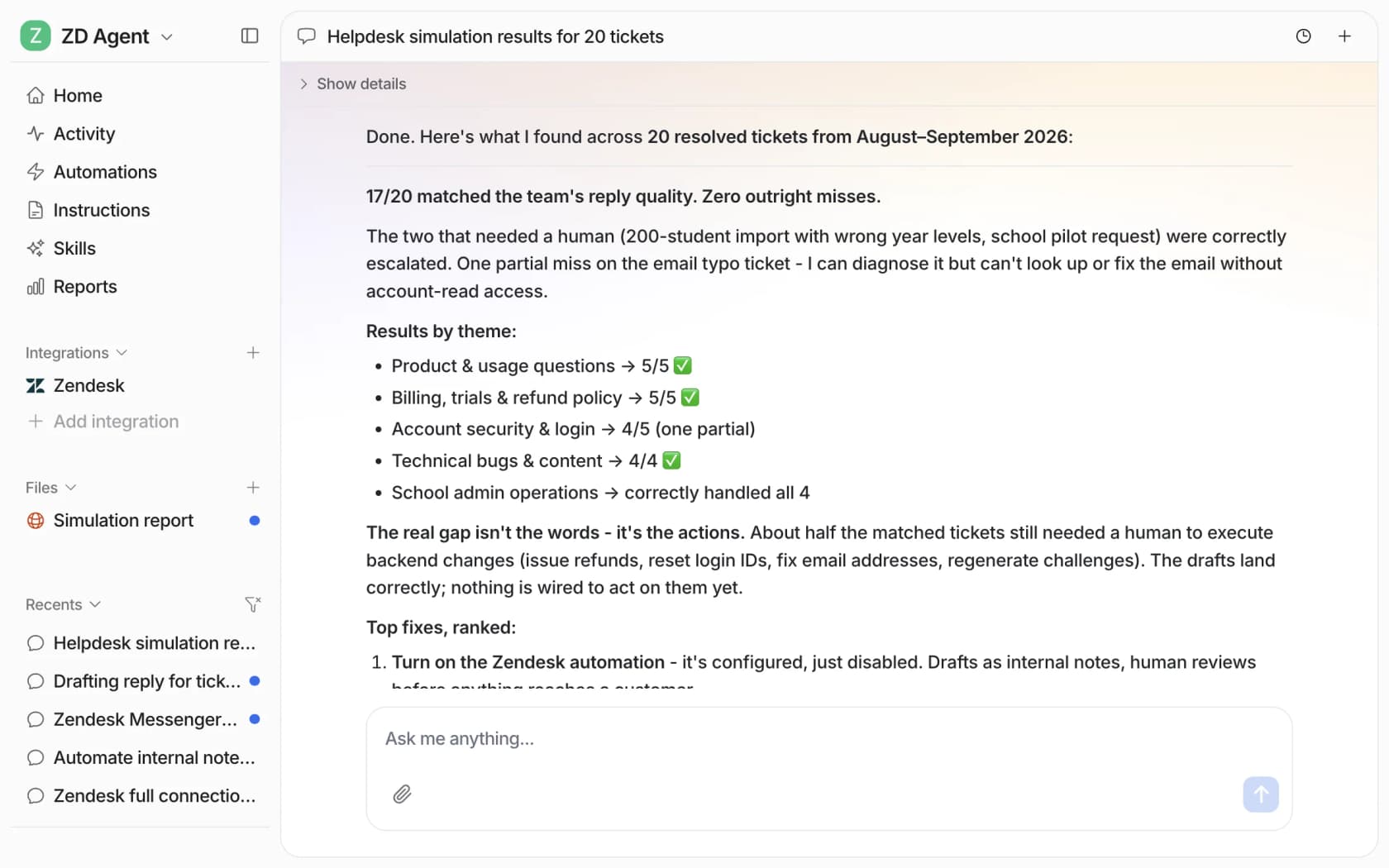
The biggest difference from Agent Eval is what gets tested. eesel's Simulation skill "Runs your agent against real past tickets or generated test cases, scores each answer, and suggests instruction changes" (eesel docs). So you're grading it on the questions your customers actually asked, including the weird ones nobody would think to write a scenario for.
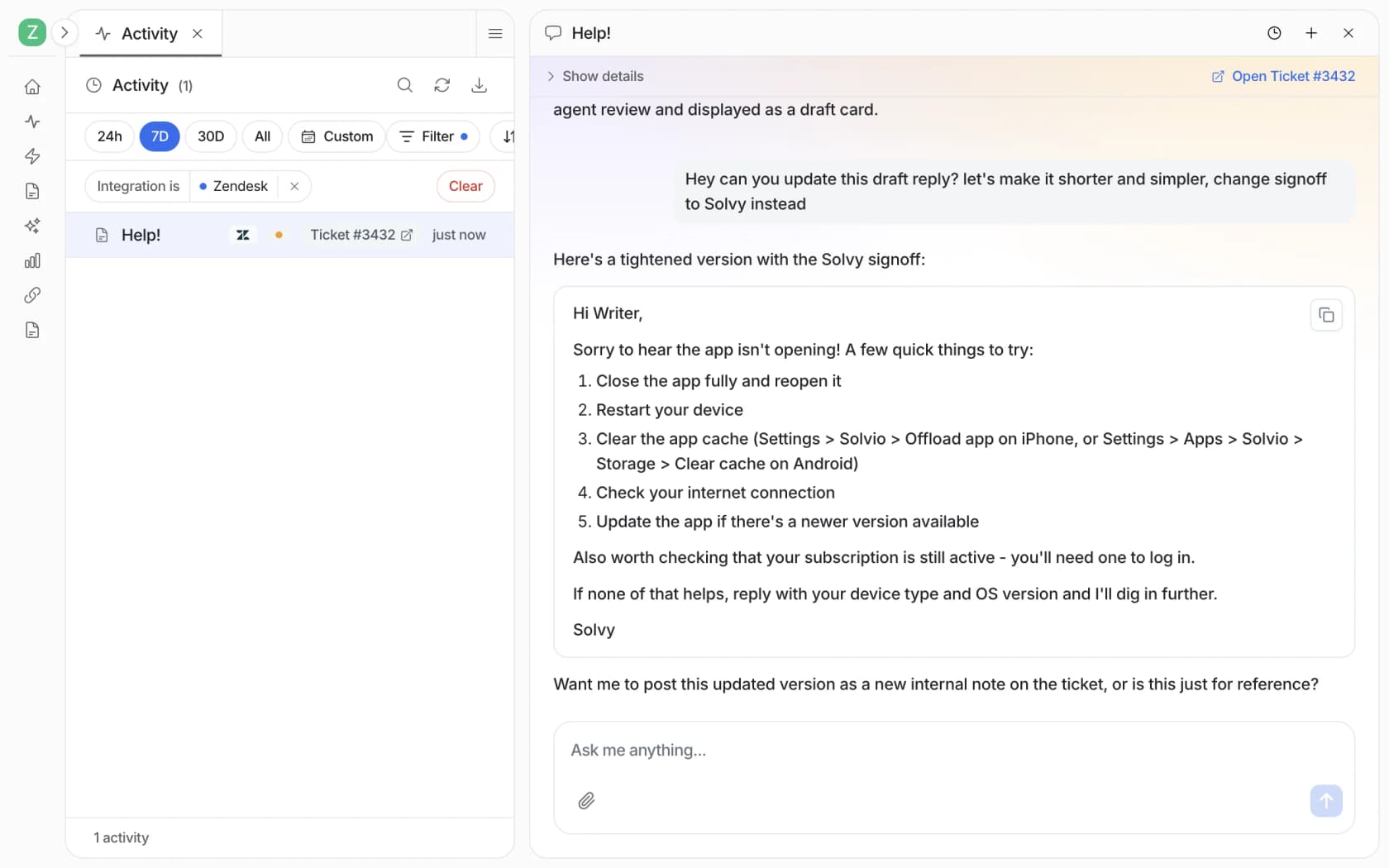
After launch, every run shows up in Activity with where it happened, "What it read", every action and where a person approved it, and "Why, its reasoning step by step" (Reports docs). When a reply is off, you open the run and correct it in the chat beside it, and the correction becomes a rule for every similar reply. The "Analyze and improve replies" skill does the same across the board, looking at what your team rejected or edited and suggesting the fix, which is the rejected-output signal that Reddit commenter described.
The Reports page tracks an AI CSAT score, knowledge gaps and approval rates, and I'll repeat the docs' own caveat: "AI CSAT is not customer feedback." It's an internal quality signal. You can also schedule a weekly self-review, and if your QA lives in scripts, the eesel CLI prints JSON from every command, so a coding agent like Claude Code can pull activity and approvals into your own QA dashboard.
One honest note: because of Meta's one-AI-per-number rule, you'd run eesel or Meta Business Agent on a given WhatsApp number, not both. If WhatsApp is your only channel and you have engineers for the QA loop above, Meta's agent is a fair pick. If you want QA built in and conversations from every channel in one place, eesel's pricing is a fixed monthly credit plan with a free tier of 100 credits and plans from $299 for 500, and you can run the simulation on your own past tickets before it answers a single customer.
Frequently Asked Questions
Can I use Meta Muse for support quality assurance?
What does Meta Agent Eval actually score?
How do I QA live Meta Business Agent conversations on WhatsApp?
Does Meta Business Suite have QA scorecards for human agents?
How much does support quality assurance with Meta Muse cost?
Why does my WhatsApp AI agent give confident wrong answers?
Can I run a second AI on my WhatsApp number to QA Meta Business Agent?


Article by
Riellvriany Indriawan
Riell is a designer and writer at eesel AI with about two years of experience researching CX platforms, AI chatbots, and helpdesk software. She combines her design background with a sharp eye for how these tools actually look and feel in practice — making her comparisons unusually visual and user-focused.