What "Meta Muse for customer feedback analysis" actually means
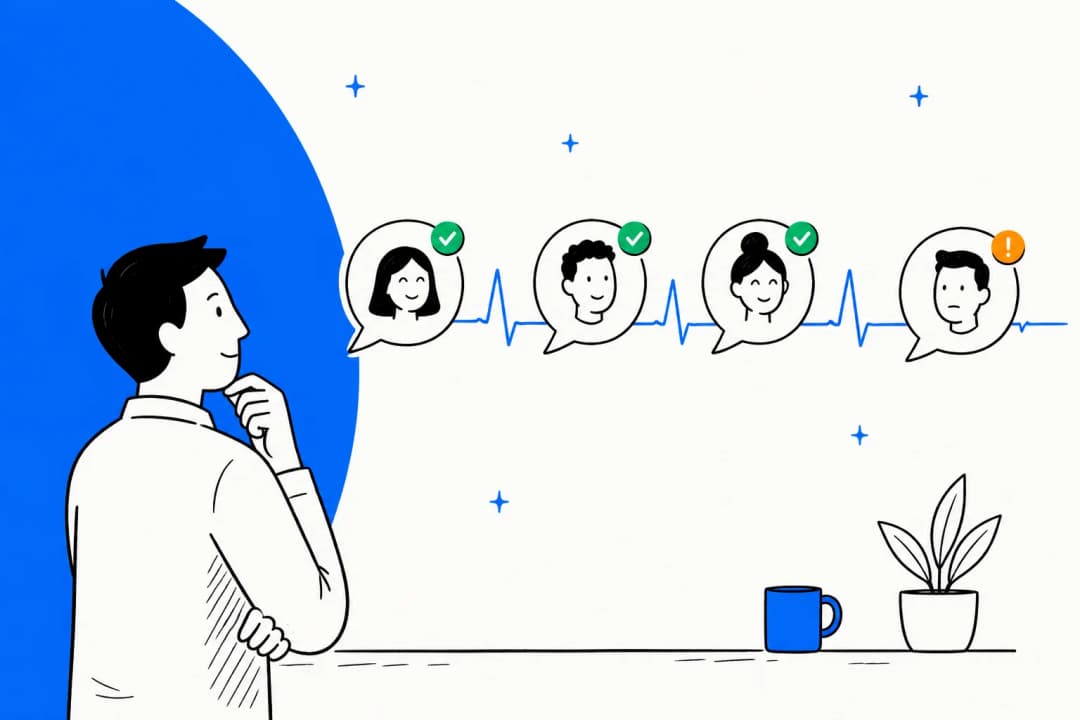
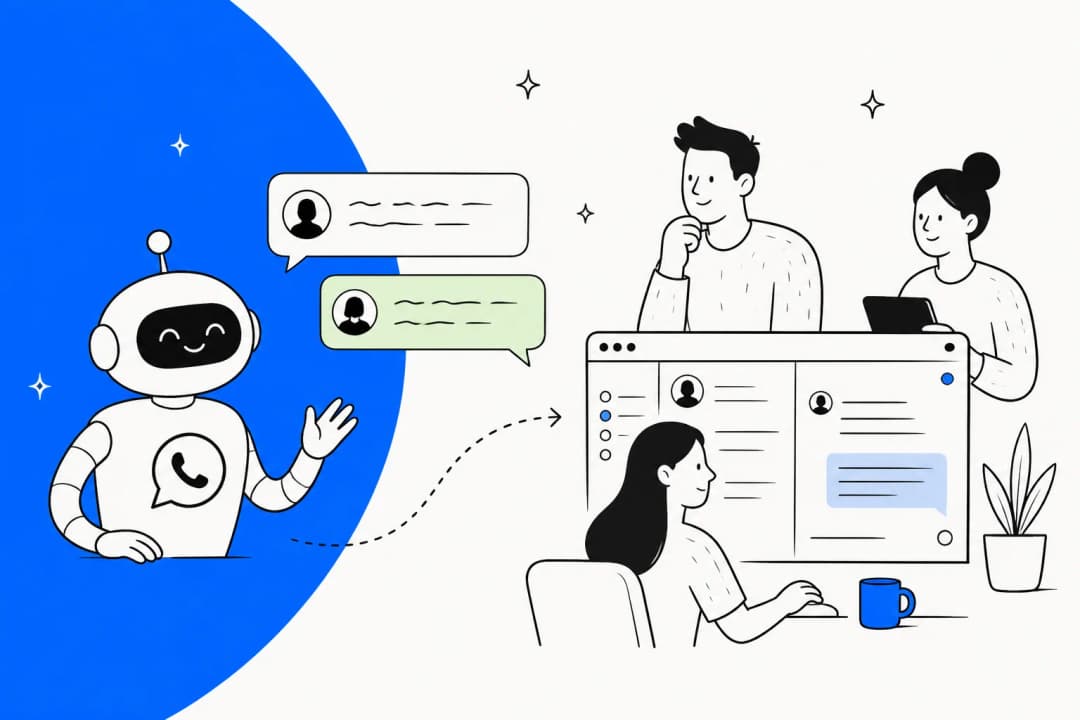
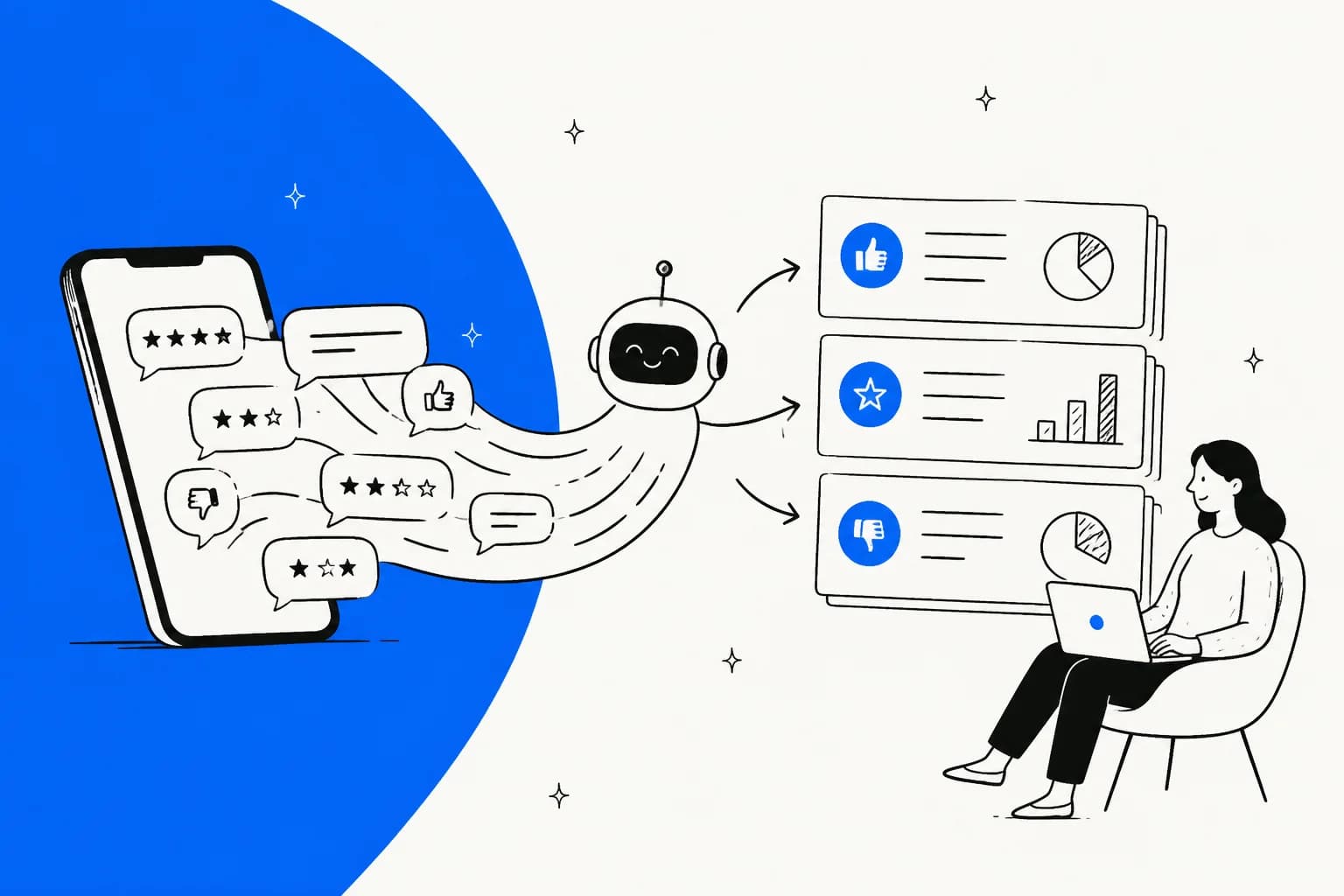
I build agent features at eesel, and much of that work is plumbing: where a conversation lands, what gets tagged, and what shows up in a report later. So when I read Meta's docs for this post, I kept asking where the feedback actually goes. The honest answer is that most of it goes into improving Meta's agent, and very little comes back to you as customer feedback analysis.
The naming makes this harder than it needs to be. "Meta Muse" can point at three products:
| Product | What it is | Useful for feedback analysis? |
|---|---|---|
| Muse | Meta's consumer personal agent, launched September 8, 2026 | No. It works for individuals, not your business |
| Muse Spark API | Meta's model, which you call from your own code (Muse Spark 1.3) | Yes, as the classifier in a pipeline you build |
| Meta Business Agent | Meta's customer-facing business AI, launched June 3, 2026 | Partly. It collects the conversations, but doesn't analyze them for you |
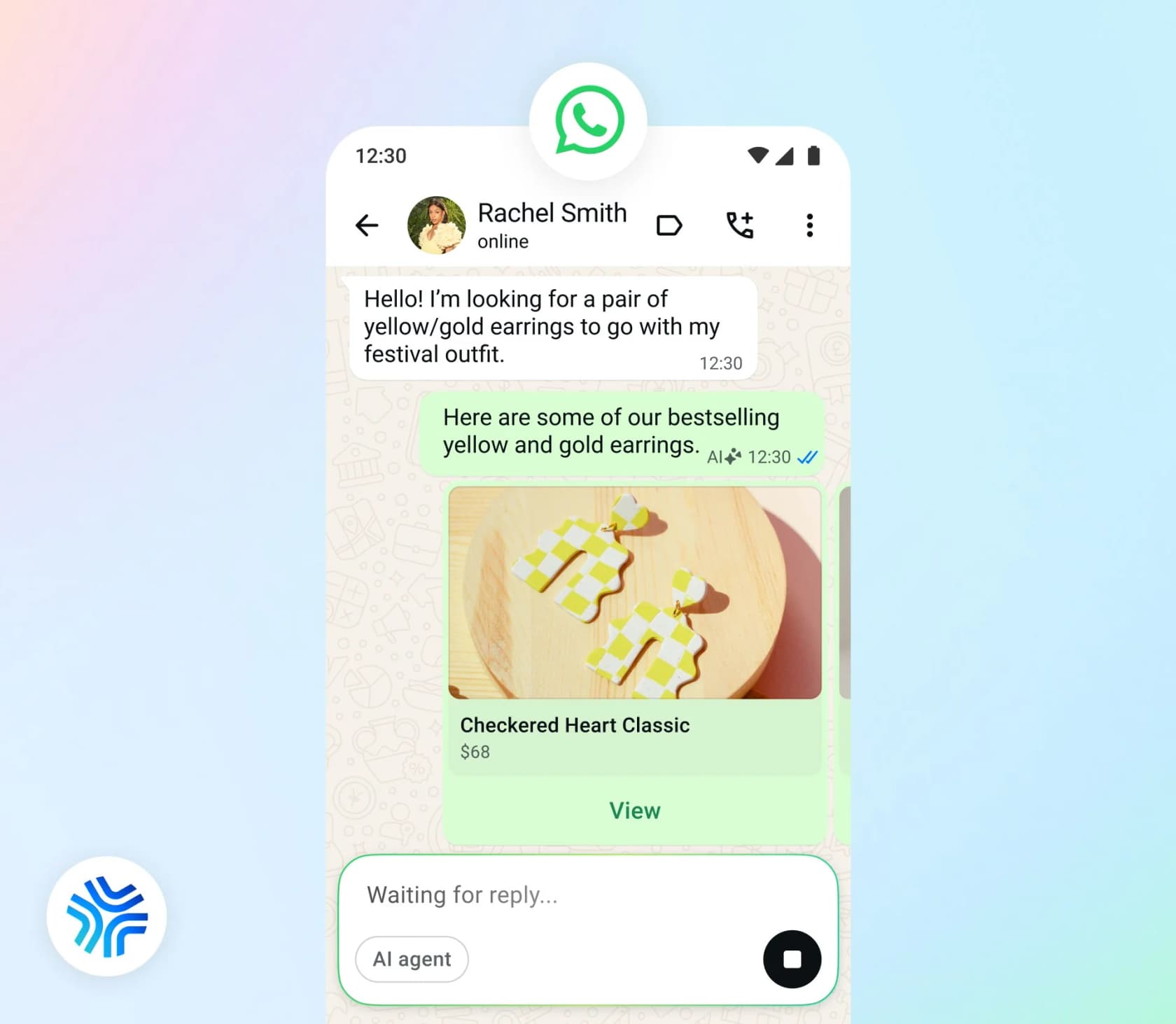
Meta says "more than one million businesses are already using a Meta Business Agent on WhatsApp and Messenger" (Meta Newsroom). It has a self-serve tier in Meta Business Suite and the WhatsApp Business app, and the Meta Business Agent Platform for businesses on the WhatsApp Business Platform API. Meta hasn't named the model behind it.
For the full breakdown see my Meta Muse for customer support guide, and the consumer side is in the Meta Muse Agent post.
Four feedback signals Meta gives you, and who they're for
Pull every feedback-shaped feature out of Meta's docs and you get four. The useful question for each one is simple: is it about real customers, and can you get it out?
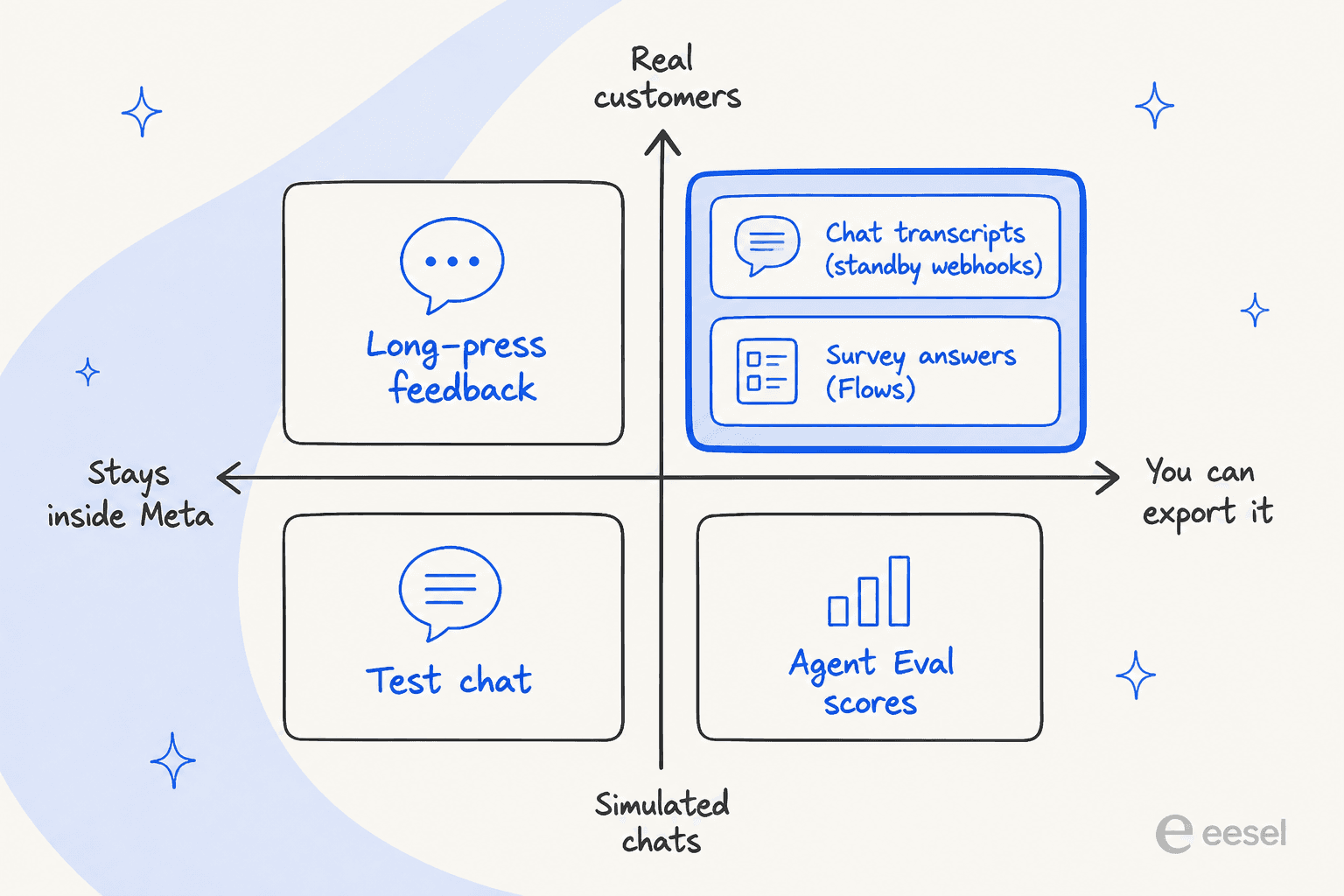
1. Long-press feedback from customers
On WhatsApp and Messenger, "Users can long press on any Meta Business Agent message to provide feedback" (Meta Business Help). That's real customer feedback on real replies. But the docs I read describe no report, export or API for it. It reads as a signal to help Meta improve its AI, not as a dashboard for you.
2. Performance insights in Business Suite
In the self-serve tier, "Home will show your Meta Business Agent performance insights, once activated", and the Conversations tab lets you "click into each chat to review your Meta Business Agent's responses", with View sources to see what knowledge it used (Meta Business Help). That's good for checking the agent. Meta doesn't document theme tagging, sentiment or any export there.
One detail matters if you plan to count conversations: "Meta does not start storing conversation logs until a customer has opened the chat" and accepted Meta's terms by continuing (same page). So a customer who taps a prompt and leaves won't show up.
Meta has also announced a "morning briefing to catch you up on chats you missed overnight and provide insights on your threads", starting with "a select number of businesses" and a waitlist (Meta Newsroom). That's the closest Meta has come to feedback analysis. It isn't generally available yet.
3. Agent Eval scores
On the Platform, Agent Eval is the most analytical feature Meta ships. You define eval cases, each with a scenario ("Free-form text defining the task and constraints for the user simulator"), success_criteria and max_turns. A run does "simulation, evaluation, and optionally insights". What comes back per conversation is a "score from the judge LLM" and reasons as {category, score, description, recommended_actions}. The summary adds avg_conversation_score and avg_turn_score (both 1 to 5) plus a "Natural-language summary of overall agent performance".
That looks a lot like support QA, and it's useful for that. But every conversation it scores was played by a simulated user following your script. It tells you how the agent performs, not what your customers think.
4. Test chat
In Business Suite you can "chat with your Meta Business Agent as if you were a customer and give feedback on the responses you see", then click Improve AI response when an answer is wrong (Meta Business Help). That's you giving feedback to Meta's agent. It's teaching, not analysis.
There's also a Business Agent Usage Insights API, but despite the name it returns "billable messages, billable tokens, and charges". It's a billing report.
Where the real feedback lives: transcripts and surveys
The two signals that are both real and exportable are the ones you have to build around.
Capture every chat with standby webhooks
While Meta's agent handles a conversation, your app can receive standby webhooks, "notifications that let you follow the conversation without responding to it" (Capabilities). You subscribe to the standby field under WhatsApp > Configuration > Webhook fields. Each payload carries either messages (what the customer sent), message_echoes (what was sent back) or statuses. Meta says all message types, including images, audio and reactions, arrive "using the same schema as standard incoming message webhooks".
That's your raw material. Meta doesn't keep a searchable archive of it for you, and its analytics endpoints count messages rather than store their content. Those endpoints also have a shorter memory now: "Starting December 1, 2025, the maximum lookback window for messaging, conversation, and pricing analytics is changing from 10 years to 1 year" (WhatsApp Analytics). If you want a year-over-year feedback trend, you store your own copy from day one.
This is where the usual voice of customer program begins. The transcripts go into a database, and a model reads them for themes, intent and sentiment.
Ask for a rating with a survey template
Unstructured chats tell you what customers talk about. A CSAT survey tells you how they felt, in a number you can chart. On WhatsApp that survey is either a template your system sends or a WhatsApp Flow, a multi-screen form inside the chat.
Meta's template rules for surveys are strict. "Feedback Surveys" count as utility only with "Specificity of the order or interaction to which these relate". Meta adds that "A general/generic survey or request for feedback will not be approved as utility" (Template categorization). Its own utility examples are narrow:
- "You chatted with us {{online}} recently about order {{order_number}}. How was your experience? Click below to fill out a short survey."
- "We have delivered your order {{order_number}}! Please let us know if there was any issue by reaching out below."
A survey with promotional content is "mixed content" and goes to marketing. Meta does enforce this. Since April 9, 2025, if you pick utility and WhatsApp decides otherwise, "the template is approved as MARKETING" (same page).
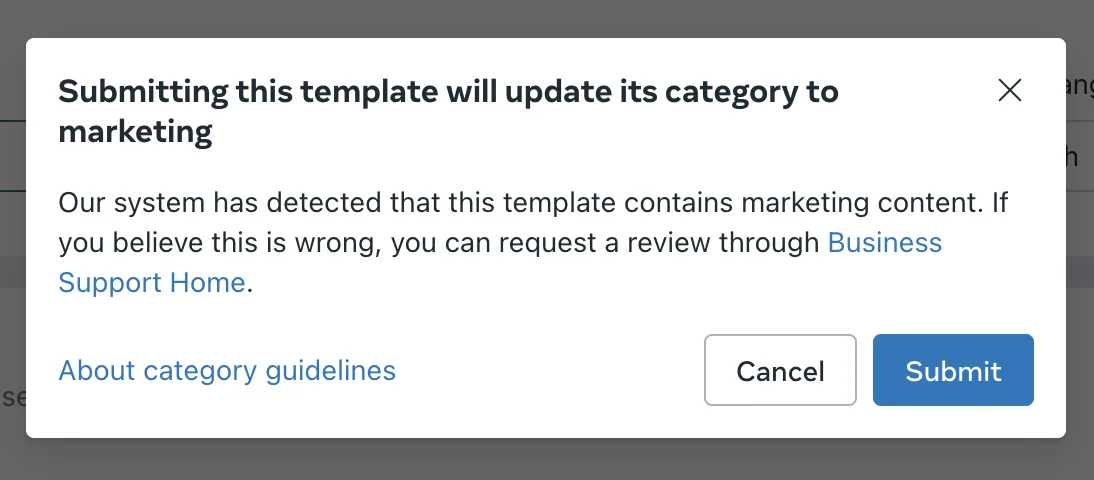
So each survey should name the one conversation or order it's about. "How did we do on your chat about order 4417?" can pass as utility. "Tell us how we're doing!" won't. If you're writing the questions from scratch, my customer feedback survey questions post has a starting set.
The build-it-yourself pipeline
Put those two pieces together and a real feedback analysis setup on top of Meta Business Agent looks like this:
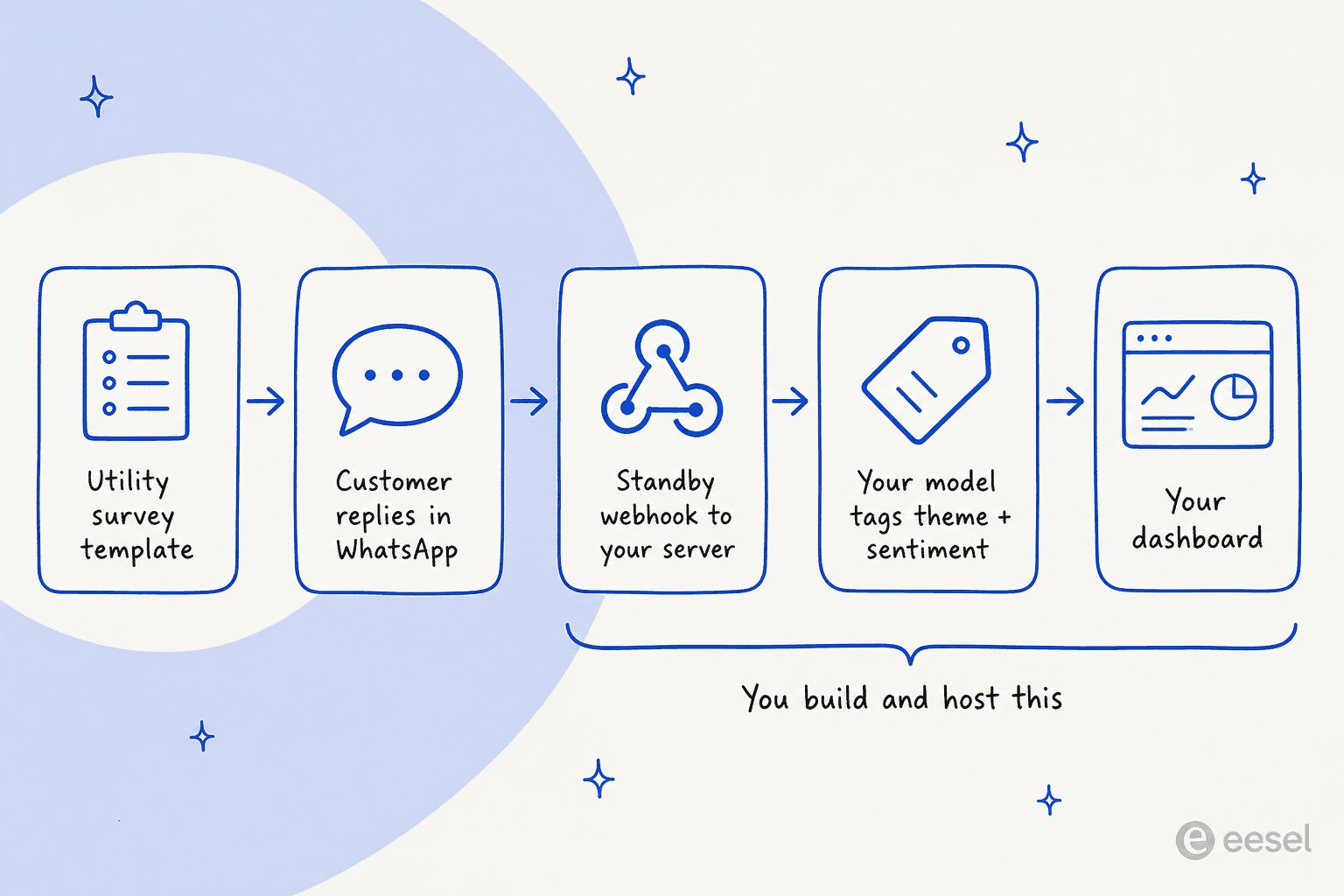
Meta covers the first two steps. The last three are yours. The model in step four can be anything, and if you want to stay with Meta, it's the Muse Spark API.
Using Muse Spark as the classifier
The Muse Spark 1.3 API has what a feedback classifier needs. Structured output via response_format means "the response is always constrained to your JSON Schema" (Structured output), so every chat comes back as the same {theme, sentiment, product} shape. Meta's own caveat is worth keeping in mind, though: it "guarantees the shape, not that the model read" the input correctly (Chart analysis cookbook). A valid JSON label can still be the wrong label.
Two rules shape the bill:
-
The cheap tier is off-limits for support chats. Meta's discounted contributor models are much cheaper, but the terms say "You must not submit sensitive, confidential, or personal information to the Discounted Services" (Terms of Service), and the help page adds "If your use case involves processing personal information, please use Standard Services" (Contributor tier). Customer chats contain names, phone numbers and order details, so you pay standard rates.
-
Standard is $1.25 input and $4.25 output per 1M tokens, with cached input at $0.15 (Prompt caching). Keep your theme taxonomy and instructions in a fixed prefix so it caches.
Past pricing for the family is in my Muse Spark 1.2 pricing post.
There's a geography check too. Meta's Geographic Use Policy lists restricted territories where you may not serve end users, including Hong Kong and Pakistan. If you have customers there, their feedback can't go through the Muse Spark API.
Consistency is the hard part
A classifier is only useful if the same chat gets the same label every time. That's what makes this month comparable to last month. People testing Meta's agent have already hit the consistency problem on the answering side:
"Consistency is a problem. I saw the same product come back at two different prices in two replies. If you don't ground it properly, it just makes things up."

The same risk applies to a DIY feedback classifier. Fix your list of themes, write rules for each, and spot-check a sample every week. That's the discipline behind AI ticket classification and AI support tagging in general, whichever model you use.
What feedback analysis on WhatsApp costs
Every layer of this setup has its own meter. Here's what each piece costs, from Meta's pricing docs and the Model API pages:
| Piece | What it does | Cost |
|---|---|---|
| Meta Business Agent reply | Answers the customer | $2.00 per 1M tokens, about 4 to 5 cents a message. Not free in the free entry point window |
| Utility survey template | Asks about one specific chat or order | Per message, by market. Charged inside the 24-hour window from Oct 1, 2026 |
| Marketing survey template | A generic or promotional survey | Per message, by market |
| Human reply to feedback | Your team follows up on a complaint | First 1,000 service messages per number a month free, then per message from Oct 1, 2026 |
| Muse Spark API classification | Tags theme and sentiment | $1.25 input / $4.25 output per 1M tokens, $0.15 cached input |
| Your storage and dashboard | Keeps transcripts, charts trends | Whatever your own stack costs |
Meta says a typical agent message uses 20,000 to 25,000 tokens. Its own examples put a four-message inquiry at about 16 to 20 cents and a ten-message chat at 40 to 50 cents. The classification step is small next to that, since you're reading each transcript once. The survey is the piece most teams underestimate. A post-chat CSAT template sent inside the open window used to be free as utility, and from October 1 it isn't.
Agencies are already reacting to the October change:
"If Meta is gonna charge for every single service message after the first 1000, our clients' bills are gonna be insane."
On the self-serve tier, you start free and "If you reach your free limit on Messenger, you can subscribe to a Meta One plan" (Meta Business Help). Meta hadn't published the free limit or Meta One prices on the help pages I checked. For the full rate history, see my WhatsApp Business API pricing breakdown.
Where Meta's stack falls short for feedback analysis
For a small business that lives in WhatsApp, Meta Business Agent is a fair way to answer customers, and I've covered it next to Zendesk, Freshdesk and Gorgias. For feedback analysis in particular, these are the limits I'd weigh:
- No customer-facing analytics. Meta's analytics describe the agent, the bill and message counts. Themes and sentiment across real customers are something you build.
- Evaluation runs on scenarios you write. Agent Eval replays simulated users against your scripts, not your past WhatsApp chats or helpdesk tickets.
- One AI per number. "An active authorized-agent integration blocks Meta Business Agent" (overview). You can't run Meta's agent and a feedback-tagging AI side by side as responders on the same line. Meta's wider stance is in Meta's third-party AI policy.
- It only sees Meta's apps. Feedback that arrives by email, in your helpdesk or in a review never reaches it. A customer who complains on WhatsApp and then emails shows up as two unrelated data points.
- Some industries are excluded. The Platform isn't available for "Finance, Government, Health, Alcohol, Gambling, over-the-counter drugs, and matrimony services" (overview).
One more thing to plan around: Meta decides when the agent hands off. It happens on "low confidence, an integrity violation, or a customer asking for a human. You do not configure the triggers" (Capabilities). So you can't set a rule like "hand off whenever sentiment turns negative". You can only spot it afterwards in the transcript.
The retrospective trap
Feedback analysis that only runs after the fact misses the most useful moment, which is while the unhappy customer is still in the chat. On one of eesel's sales calls, a CX lead running about 7,000 tickets a month put it plainly when reporting was offered as the answer to a routing concern: customers don't want to wait for a monthly report. They want the confident answer, or a human, right now.
That's the gap in a pipeline bolted on after Meta's agent. The agent answers, the transcript lands in your database, and the classifier finds the pattern days later. Tagging live, as each conversation comes in, is what lets you route a frustrated customer and still count the theme. That's the ticket triage side of the same job. For how the helpdesk tools do it natively, look at Freshdesk's sentiment analysis or Gorgias sentiment detection.
A setup that works
If WhatsApp is where your customers talk to you and you want real feedback analysis from it, here's what I'd do:
- Subscribe to standby webhooks on day one and store every inbound message and echo. The analytics lookback is one year, and your transcripts are the only full record.
- Send one specific survey per resolved conversation. Name the order or chat in the template so it can pass as utility, keep promotions out, and budget for the October 1 charge.
- Fix your taxonomy before you classify. Ten or fifteen themes with written rules beat a model inventing new labels every run. My triage prompt templates are a starting point.
- Classify on standard pricing with structured output, a cached prefix, and a weekly human spot-check.
- Use Agent Eval for what it's for. Write eval cases from the top complaints your classifier finds, so the agent gets tested on what customers actually raise.
If you'd rather compare ready-made tools, my roundup of AI customer feedback tools and the guide on how to measure customer sentiment are good next reads, along with my sibling post on Grok Bot for the same job.
Try eesel for customer feedback analysis
Most of the build above exists because Meta's agent answers customers but doesn't tag them. eesel works the other way around. It's an AI helpdesk teammate that connects to WhatsApp and works inside Zendesk, Freshdesk and Gorgias.
It answers each conversation, then classifies it with the same sentiment analysis and theme rules every time, so the feedback from WhatsApp and email ends up in one report.

Every theme traces back to the conversations behind it, and every action the agent takes is logged, so a number in a meeting is one click from what customers actually wrote. One evaluator on a sales call called the reporting side "a really promising feature". And unlike Agent Eval, eesel's simulation runs on your real past tickets, not scripts, so you see how it would have handled last month's complaints before it answers anyone.

If you'd rather pull the data into your own dashboard, the eesel CLI lets you, a script or a coding agent like Claude Code work the same teammate and workspace from a terminal. There's also a customer support agent API.
One honest note: because of Meta's one-AI-per-number rule, you'd run eesel or Meta Business Agent on a given WhatsApp number, not both. If WhatsApp is your only channel and a monthly look at transcripts is enough, Meta's stack plus a small pipeline is a reasonable choice. If feedback comes in from everywhere and you want it tagged as it arrives, one teammate across all channels is less to build. Pricing is a fixed monthly credit plan, where a ticket or chat is one credit however many replies it takes.
Try eesel free, and run it on last month's WhatsApp and email feedback first.
Frequently Asked Questions
Can I use Meta Muse for customer feedback analysis?
Does Meta Business Agent analyze customer sentiment?
What is Meta Agent Eval and does it measure customer feedback?
Is a CSAT survey on WhatsApp a utility or marketing template?
How much does Meta Muse for customer feedback analysis cost?
Can I use Muse Spark's cheap contributor tier to analyze support feedback?
Can I export WhatsApp chats from Meta Business Agent for analysis?
What's a good alternative to Meta Business Agent for feedback analysis?


Article by
Kira
Kira is a writer at eesel AI with a Computer Science background and over a year of hands-on experience evaluating AI-powered customer service tools. She focuses on breaking down how helpdesk platforms and AI agents actually work so that support teams can make better buying decisions.