What a voice of customer program actually is
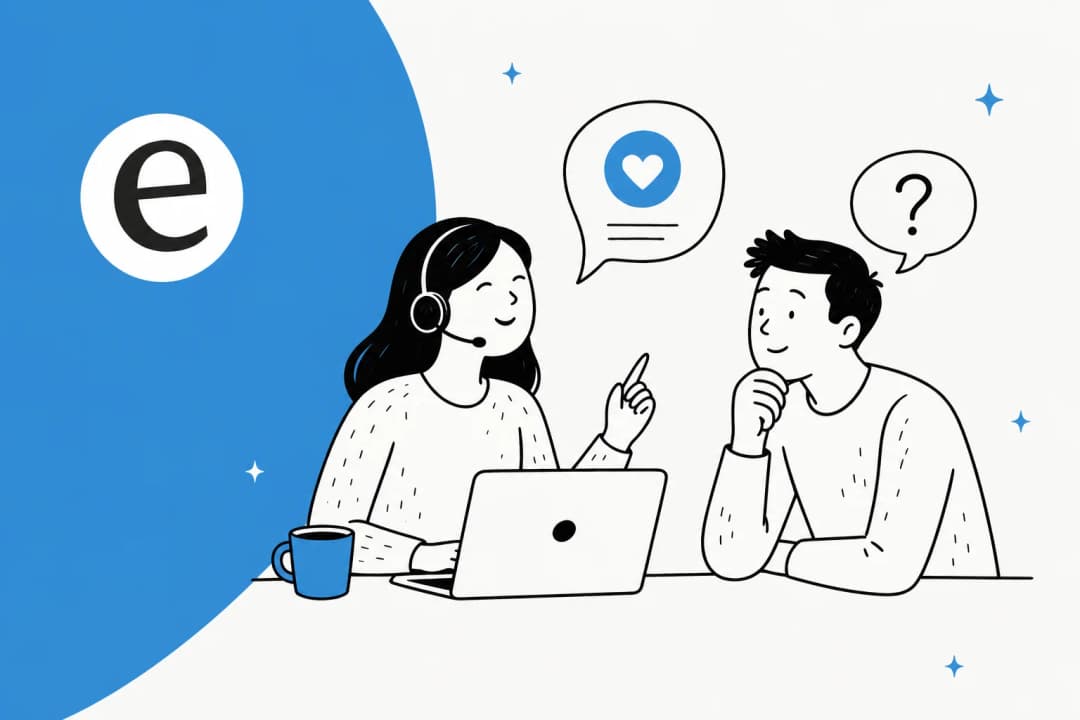
A voice of customer program (often shortened to VoC) is not a survey. It is the repeatable machine a company builds to hear what customers are saying across every channel, make sense of it, and change the product or service in response.
The word "program" is doing the heavy lifting. A one-off survey is a snapshot. A program is an ongoing loop with an owner, a cadence, and a feedback mechanism back to the customer. That last part is what most teams skip, and it is the part that matters most.
Break it into four stages and it gets concrete:
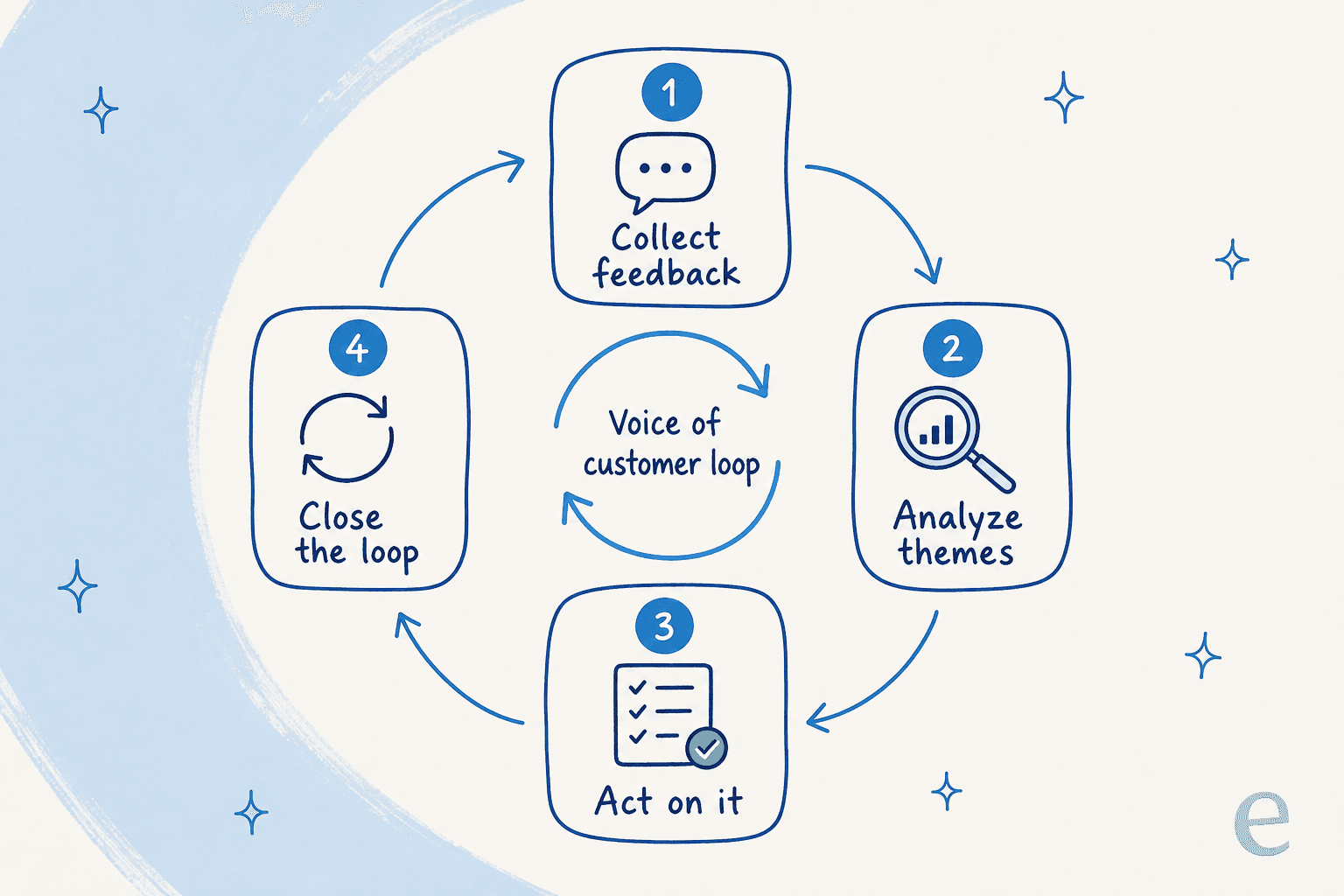
- Collect feedback from wherever customers are already talking.
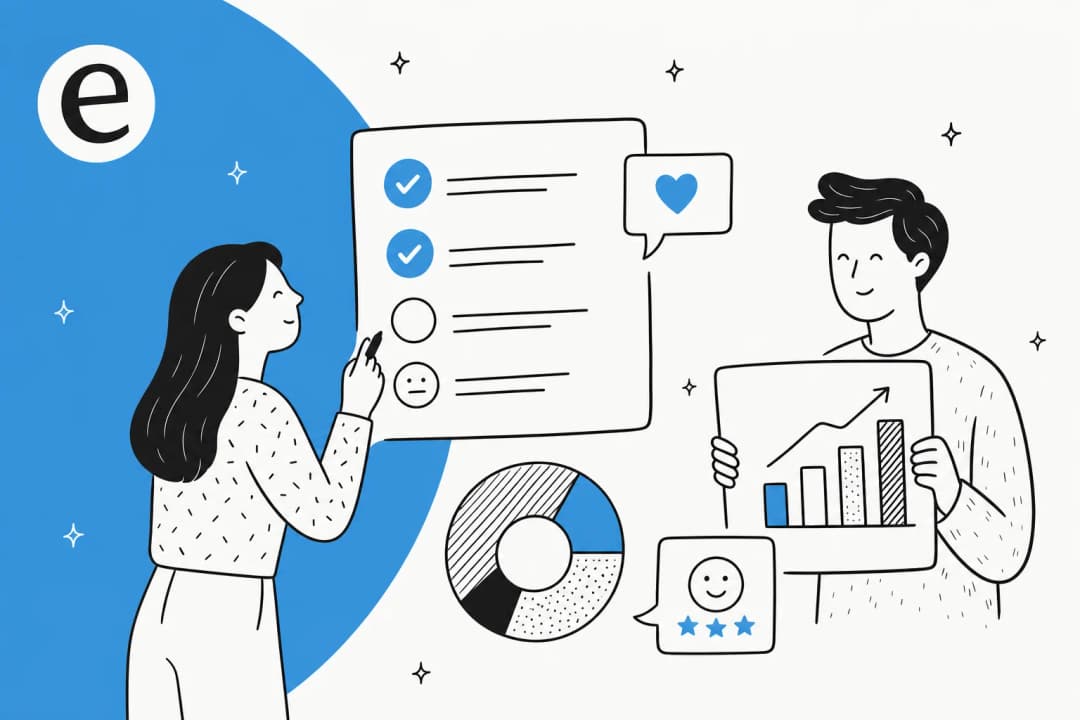
- Analyze it into ranked, quantified themes instead of a wall of quotes.
- Act on the top themes by fixing the product, the docs, or the process.
- Close the loop by telling customers what changed because of them.
Skip any stage and the whole thing stops working. Collect without analyzing and you drown in comments. Analyze without acting and you have a very expensive dashboard. Act without closing the loop and customers never learn that speaking up did anything, so they stop.
Why most programs quietly fail
Here is the uncomfortable pattern I see: a team launches a voice of customer program, sends a big survey, gets a decent response rate, and produces a report. Six months later nobody can name a single thing that changed because of it, and the response rate has cratered.
Three failure modes cause almost all of it.
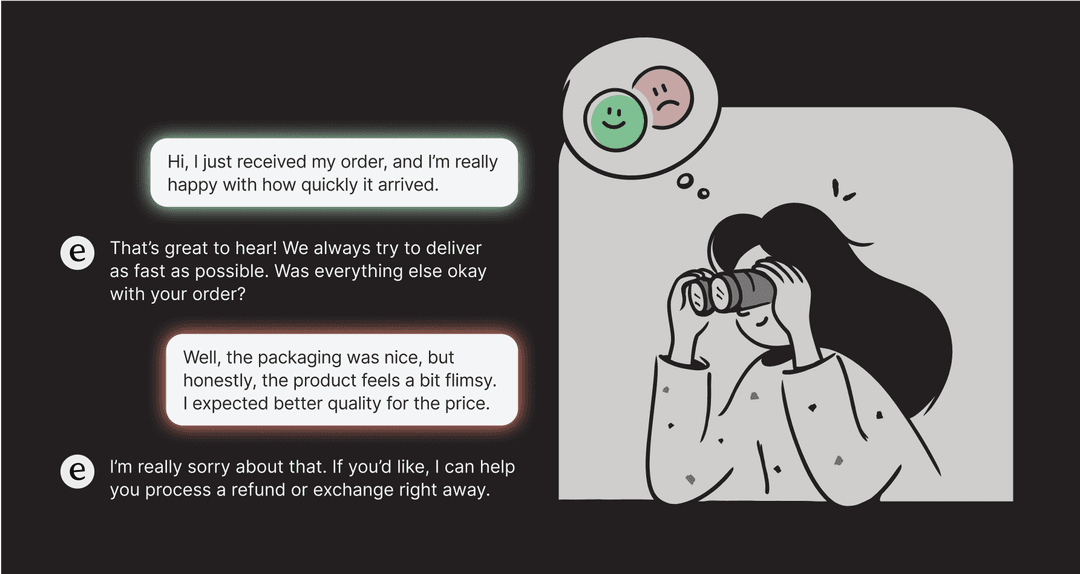
They only listen to prompted channels. A survey asks the question you thought of. It misses everything you did not think to ask. The customer who is quietly furious about a confusing invoice will not fill out your NPS survey, but they will open a ticket about it. If your program is only surveys, you are hearing a filtered, self-selected slice of your customers.
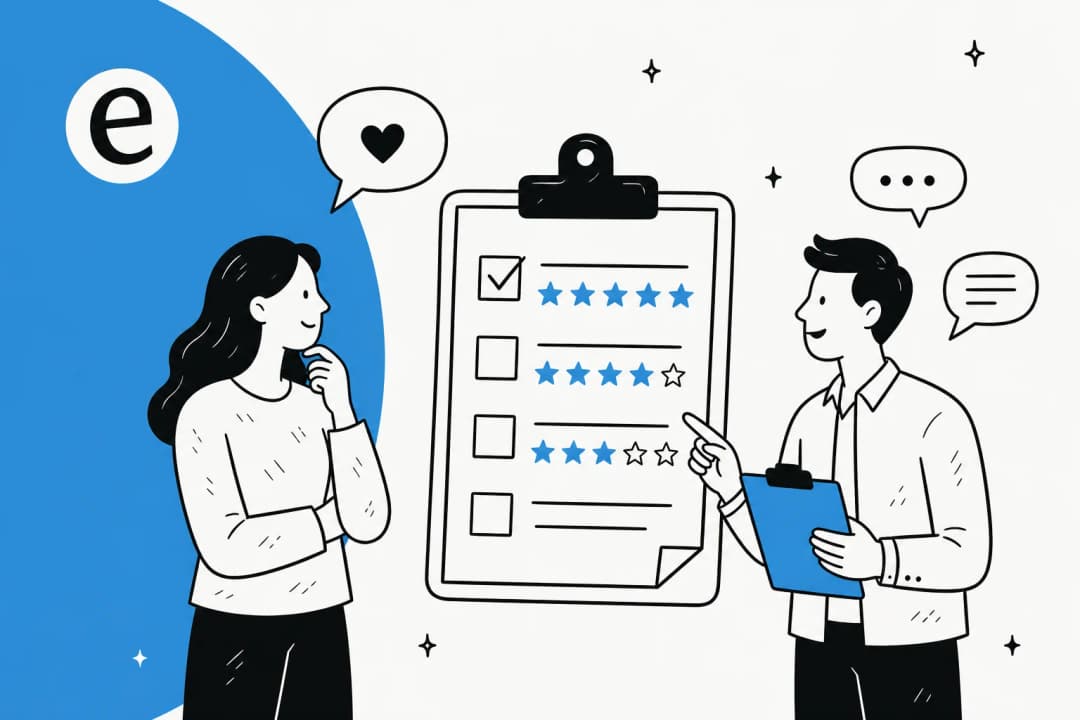
They stop at the score. A number like a 42 NPS or a 4.1 CSAT feels like an answer, so teams treat it as the finish line. But the score is the least useful part. The open-text comment behind it, the reason for the number, is where the action is. Reading that text at scale is hard, so most teams sample a handful and call it representative.
They never close the loop. This is the quiet killer. Customers who take the time to give feedback and then watch nothing happen learn a lesson: talking to you is a waste of their breath. That is how you train your most engaged customers into silent churn. Wiring feedback into your retention workflows is the difference between catching an at-risk account and reading about them in a cancellation form.
The through-line: a voice of customer program is only as good as what you do after you collect. Collection is the easy 10%.
The channels: where customer voice actually lives
Before you can analyze anything, you need to know where the voice is. It is spread across far more places than the survey tool most teams start with.
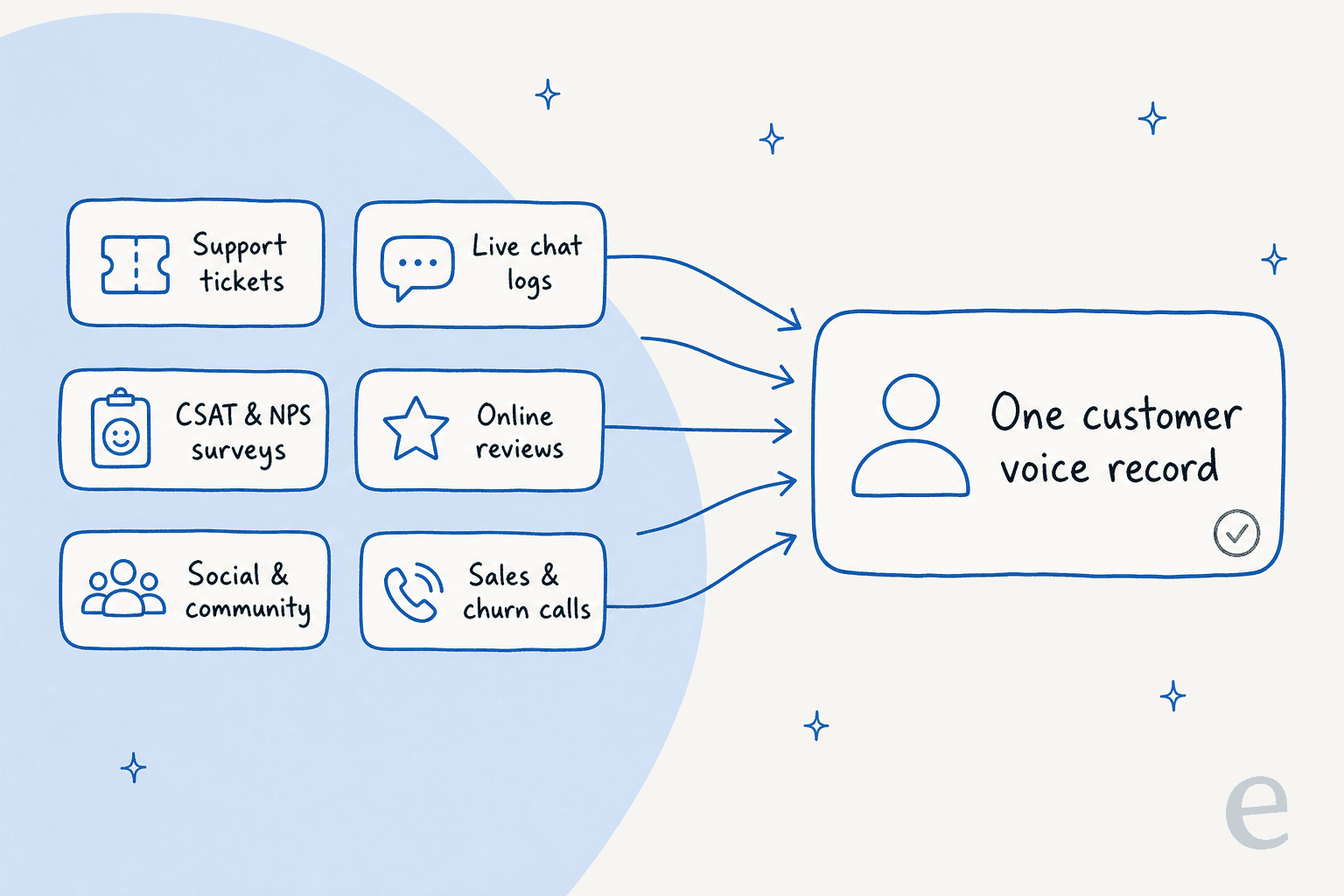
- Support tickets and email. The single richest source. Unprompted, specific, and tied to a real problem the customer had right now.
- Live chat logs. Fast, casual, and full of the small frustrations that never make it into a formal survey. Your live chat deflection data doubles as feedback data.
- CSAT and NPS surveys. Still useful as a trend line, especially a post-resolution CSAT survey or a periodic NPS survey. Just do not treat the score as the whole story.
- Online reviews. G2, Capterra, Trustpilot, app stores. Public, high-stakes, and often more candid than anything a customer says to your face.
- Social and community. The unfiltered channel. What people say when they are not talking to you.
- Sales and churn calls. The reasons people almost bought, and the reasons they left. Usually locked in a CRM nobody in support ever reads.
The goal is to pull these into one place so a billing complaint in a ticket, a one-star review about billing, and a churn call about billing all show up as the same theme instead of three disconnected data points.
Building the program, step by step
You do not need a research department. You need a loop that runs on a cadence. Here is the leanest version that still works.
1. Name an owner and a cadence
A program with no owner is a folder of surveys. Someone owns the weekly or monthly review, and the review happens on a calendar, not "when we get to it." On a small team this is often whoever runs customer service already.
2. Consolidate your existing feedback first
Before buying anything, pull together what you already have. Your helpdesk holds months or years of tickets. Your review pages are public. Your CRM has churn notes. Getting these into one view is more valuable than a shiny new survey, and it costs nothing but time. This is where a connected customer service software stack earns its keep.
3. Turn raw feedback into ranked themes
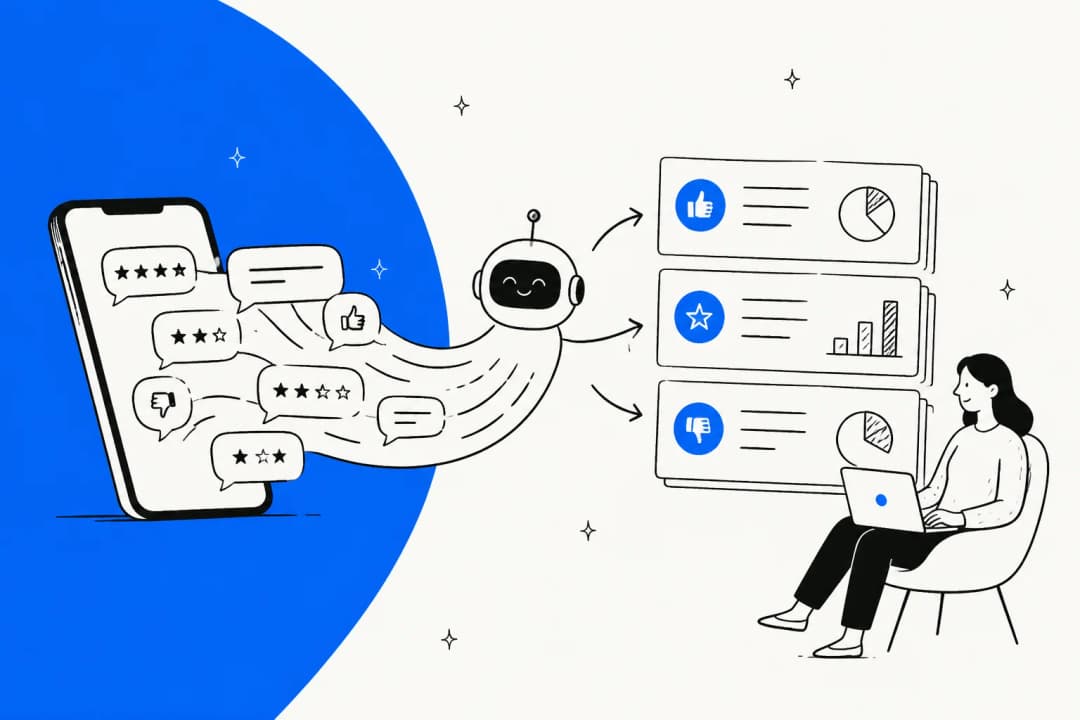
This is the step that used to require a person reading thousands of comments. Now AI theme analysis reads all of it and clusters it into ranked topics with volume and sentiment attached.
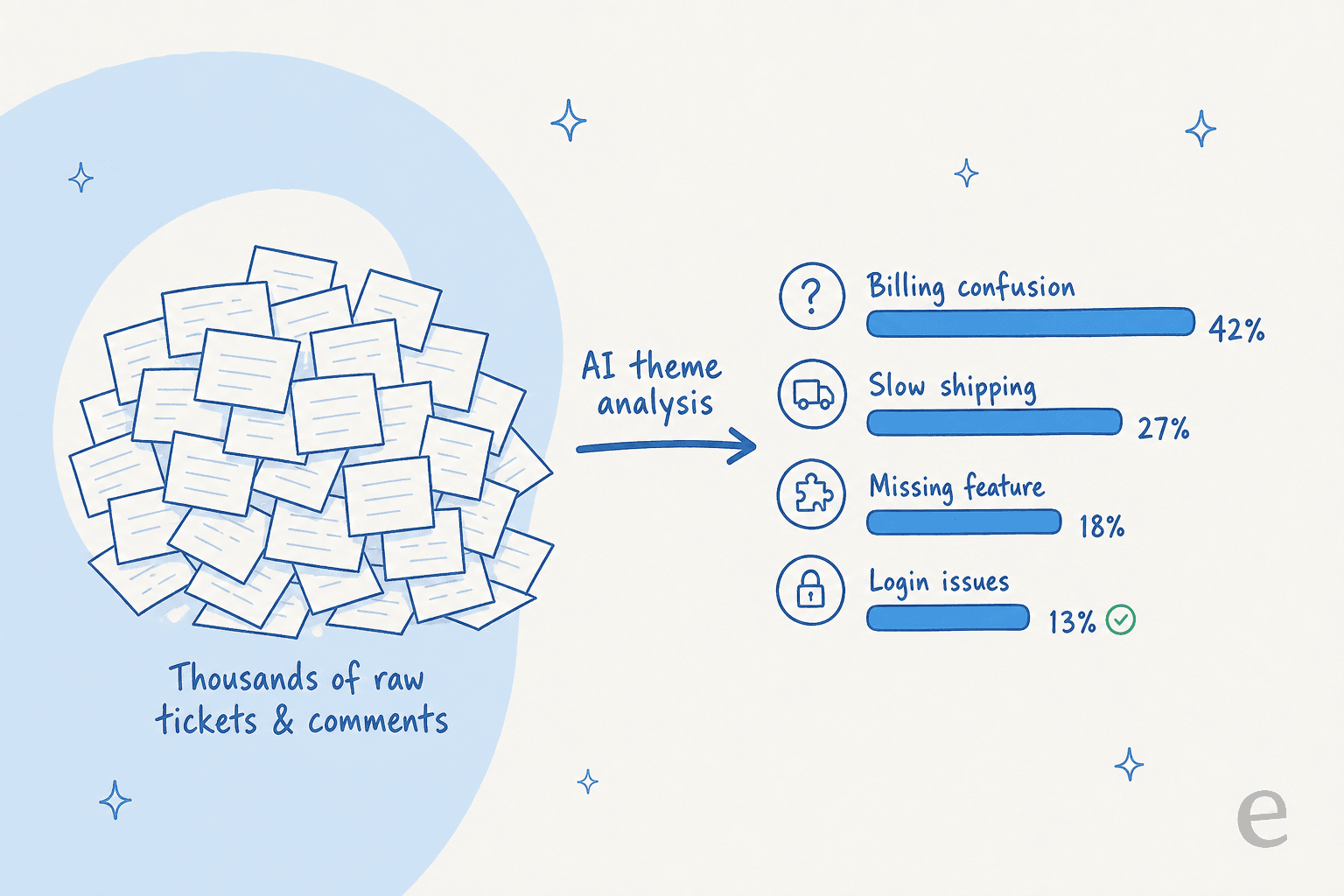
The output you want looks like "billing confusion, 23% of contacts, sentiment down 8% this month," not "customers seem frustrated about billing." Quantified beats qualitative every time you need to convince someone to fund a fix. Automatic ticket classification and ticket tagging feed this directly.
4. Act on the top themes
Take the top two or three themes and do something. A billing-confusion theme might mean rewriting an invoice, updating a knowledge base article, or fixing a checkout step. A recurring "where is my order" theme might mean better proactive messaging. Route the operational ones into your customer service workflow so they actually get assigned.
5. Close the loop, out loud
Tell customers what changed. A changelog note, a reply to the reviewer, an email to the people who raised the issue. "You told us X, we fixed Y" is the most underused sentence in customer experience, and it is the one that turns a survey respondent into a fan.
Where AI changes the math
The reason voice of customer programs historically failed is boring: reading feedback at scale is expensive, so teams sampled and guessed. AI removes that constraint, and it changes what a program can be.
Instead of reading 40 comments and extrapolating, you read all 40,000. Instead of a quarterly report, you get sentiment analysis that flags a spike the day it happens. Instead of one analyst's interpretation, you get consistent clustering across every ticket. This is the same shift showing up across AI customer service metrics and the broader move toward AI in customer service.
There is a bigger point here, and it is the one I care about most on the support team: your AI agent and your voice of customer program should be the same system. The AI that reads tickets to answer them is already reading every ticket. Pointing that same understanding at "what are people struggling with" is nearly free once the agent is connected. The listening and the resolving stop being two projects.
A colleague, Amogh, put the pattern bluntly after months of customer calls: people really, really want to train AI on their past tickets. That instinct is right, and it is a voice of customer instinct as much as an automation one. Those tickets are the corpus. When eesel AI trains on ticket history, it is simultaneously learning to answer and mapping what customers actually contact you about.
The proof that this loop pays off shows up in real deployments. Gridwise, for example, saw the results fast:
"In the first month, eesel is resolving 73% of our tier 1 requests... we saw results quickly during our 7-day trial."
Kim Simpson, Gridwise (case study)
That 73% is a resolution number, but the same engine that resolves those tickets is the one that tells you which tier-1 themes dominate, so the program and the automation reinforce each other. Global Payments, similarly, reported up to 80% time savings finding answers across their documentation.
The metrics worth tracking
A voice of customer program needs a small, honest scorecard. Track too much and nobody looks; track the wrong things and you optimize theatre.
| Metric | What it tells you | Watch out for |
|---|---|---|
| CSAT | Satisfaction with a specific interaction | Only surveys people who respond; skews positive |
| NPS | Broad loyalty / willingness to recommend | A number, not a reason; pair with comments |
| Customer effort score | How hard it was to get something done | Often the best predictor of churn |
| Theme volume + trend | Which issues are growing or shrinking | Needs consistent tagging to be trustworthy |
| Sentiment trend | Direction of feeling over time | Sarcasm and short replies fool weak models |
| Loop-closure rate | % of themes you acted on and reported back | The one nobody tracks, and the one that matters |
The last row is the tell. Most teams can quote their CSAT to one decimal place and cannot tell you a single thing they shipped because of it. Flip that ratio and the program starts to earn its name. For a fuller breakdown, our guide to AI customer service metrics goes deeper on which numbers to trust.
Common mistakes to avoid
- Surveying everyone, all the time. Survey fatigue is real. Fewer, better-timed surveys beat a constant drip.
- Ignoring the channel you already own. If you are buying a feedback tool before you have read your own support tickets, you are starting in the wrong place.
- Treating the dashboard as the deliverable. The deliverable is a shipped change and a message to the customer. A dashboard is a means.
- Letting sentiment sit unread. If a sentiment drop only surfaces in a monthly report, you found out a month late. Route the alert to where the team already works, like Slack.
- Running it as a separate silo. The program works best wired into your helpdesk and escalation flows, not as a quarterly research exercise off to the side.
Try eesel for the AI half of your program
Most of a voice of customer program is process: name an owner, pick a cadence, close the loop. The part that used to need a data team, reading every ticket and turning it into ranked themes, is what eesel AI does out of the box.
It connects to your existing helpdesk (Zendesk, Freshdesk, Gorgias, Help Scout, HubSpot, and 100+ integrations), trains on your past tickets so it understands what customers contact you about from day one, and runs theme analysis across all of it. The same agent that surfaces those themes also resolves the tickets behind them, so listening and answering are one workflow instead of two. Pricing is usage-based at $0.40 per ticket with no per-seat fees, and you can simulate it against your ticket history before going live to see the themes it finds.

If you want the listening and the resolving in one place, try eesel free.
Frequently Asked Questions
What is a voice of customer program?
How do I start a voice of customer program on a small team?
What is the difference between voice of customer and NPS?
How does AI help a voice of customer program?
Which feedback sources should a voice of customer program include?
How much does a voice of customer program cost?
What happens if you collect feedback but never act on it?


Article by
Riellvriany Indriawan
Riell is a designer and writer at eesel AI with about two years of experience researching CX platforms, AI chatbots, and helpdesk software. She combines her design background with a sharp eye for how these tools actually look and feel in practice — making her comparisons unusually visual and user-focused.