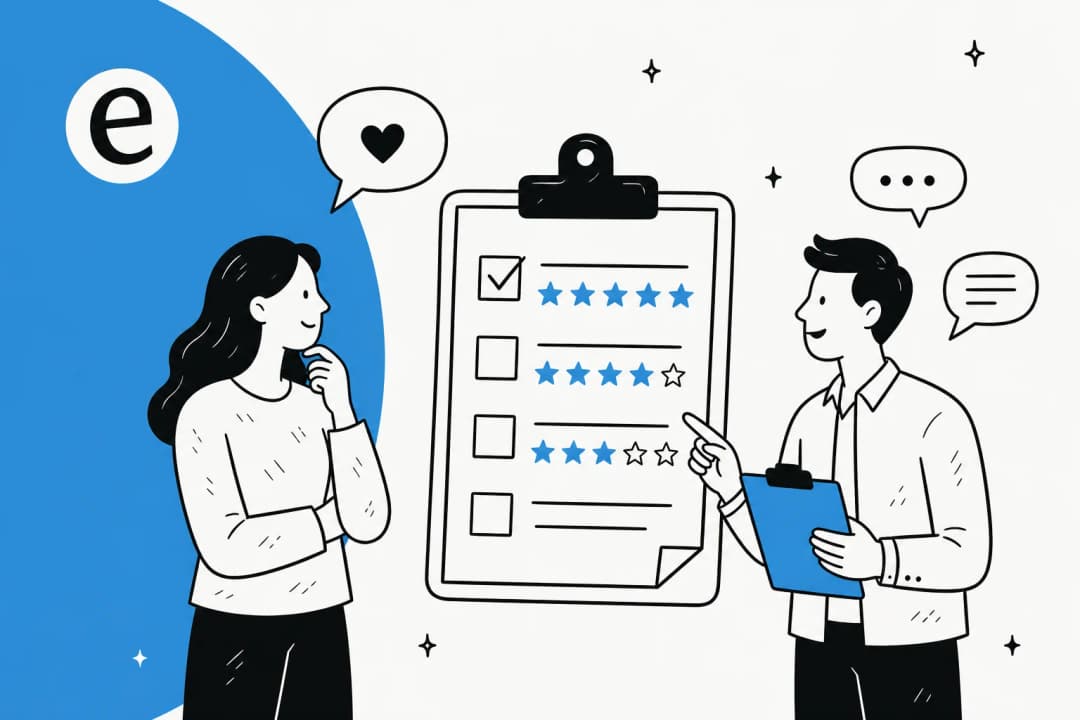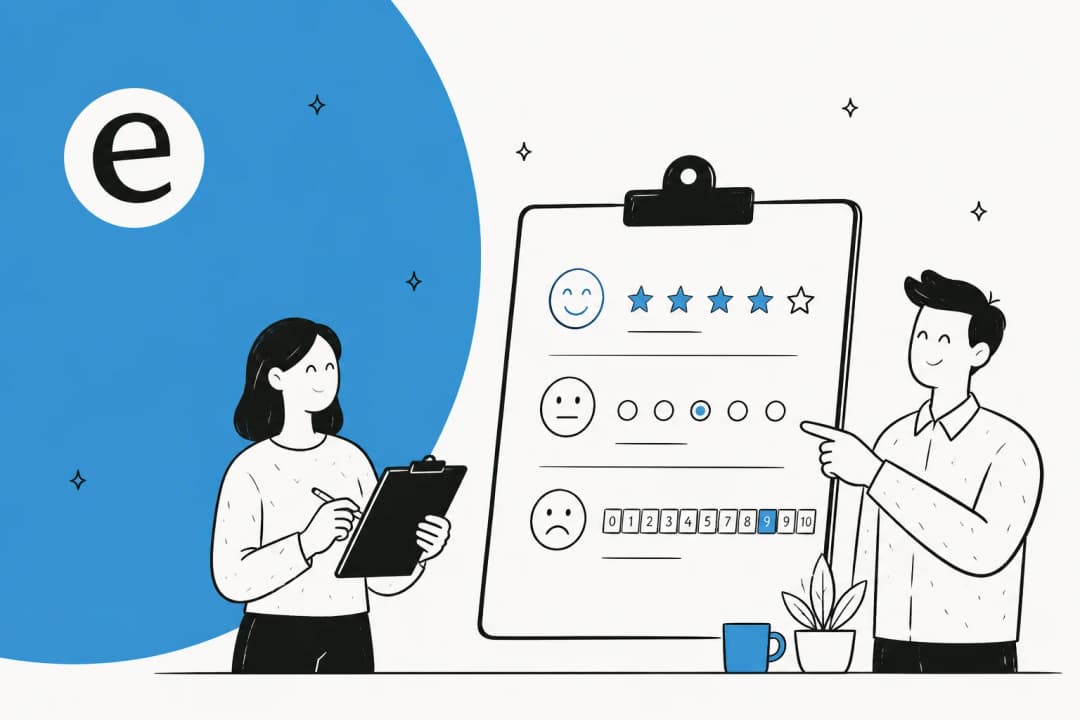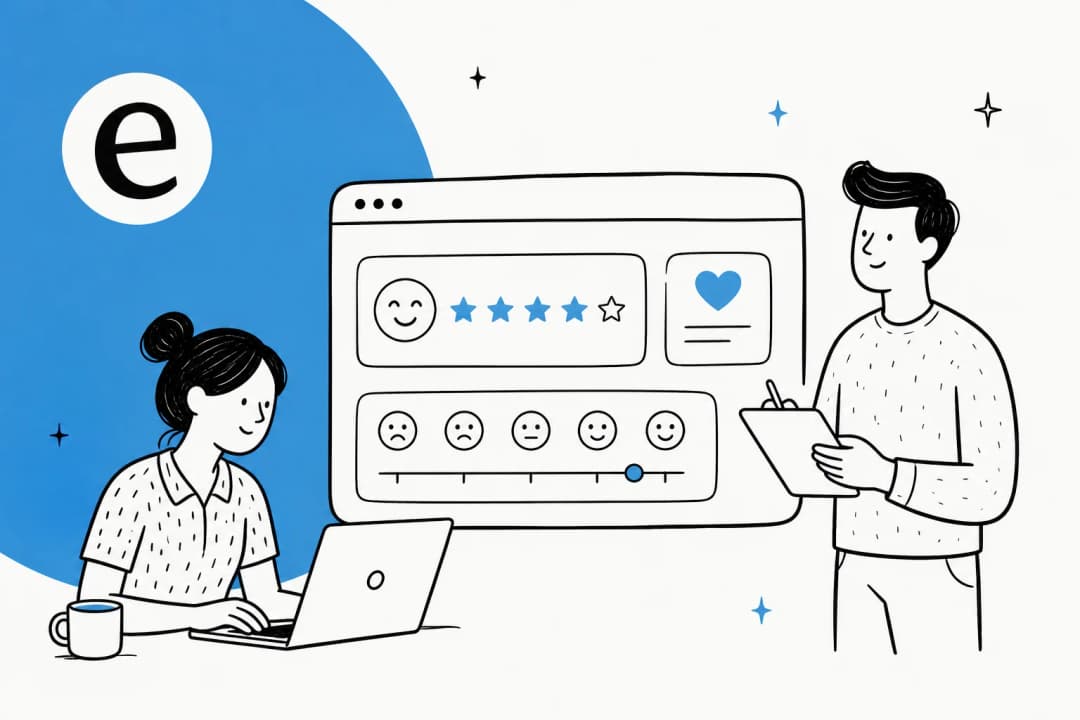
What a customer feedback survey question is really measuring
A survey question looks simple, but each one is a small measurement instrument. Ask it well and you get a clean signal you can trend over time. Ask it badly and you get noise that feels like data, which is worse than no data because teams act on it.
There are two broad families. Transactional questions measure a single moment: the ticket that just closed, the checkout that just happened, the onboarding call that just wrapped. Relationship questions measure how someone feels about you overall, independent of any one interaction. Both matter, and the sharpest customer experience strategy runs both on different cadences.
Here is the part I care about most as someone who works tickets: feedback is now measuring machines as much as people. As AI handles more of the front line, your CSAT is partly a report card on your automation. In one week-long support cohort I have seen, AI-drafted answers held a 96% quality rate across 581 chats, and a gig-economy analytics team on Zendesk resolved 73% of tier-1 requests in their first month after a 7-day trial. Numbers like those only mean something if you are surveying the customers on the other end of them. If you are letting AI answer, your feedback questions are how you keep it honest.
The four survey types, and when each one fires
Before you write a single question, decide which instrument you are reaching for. Sending the wrong survey at the wrong time is the fastest way to get answers you cannot use.
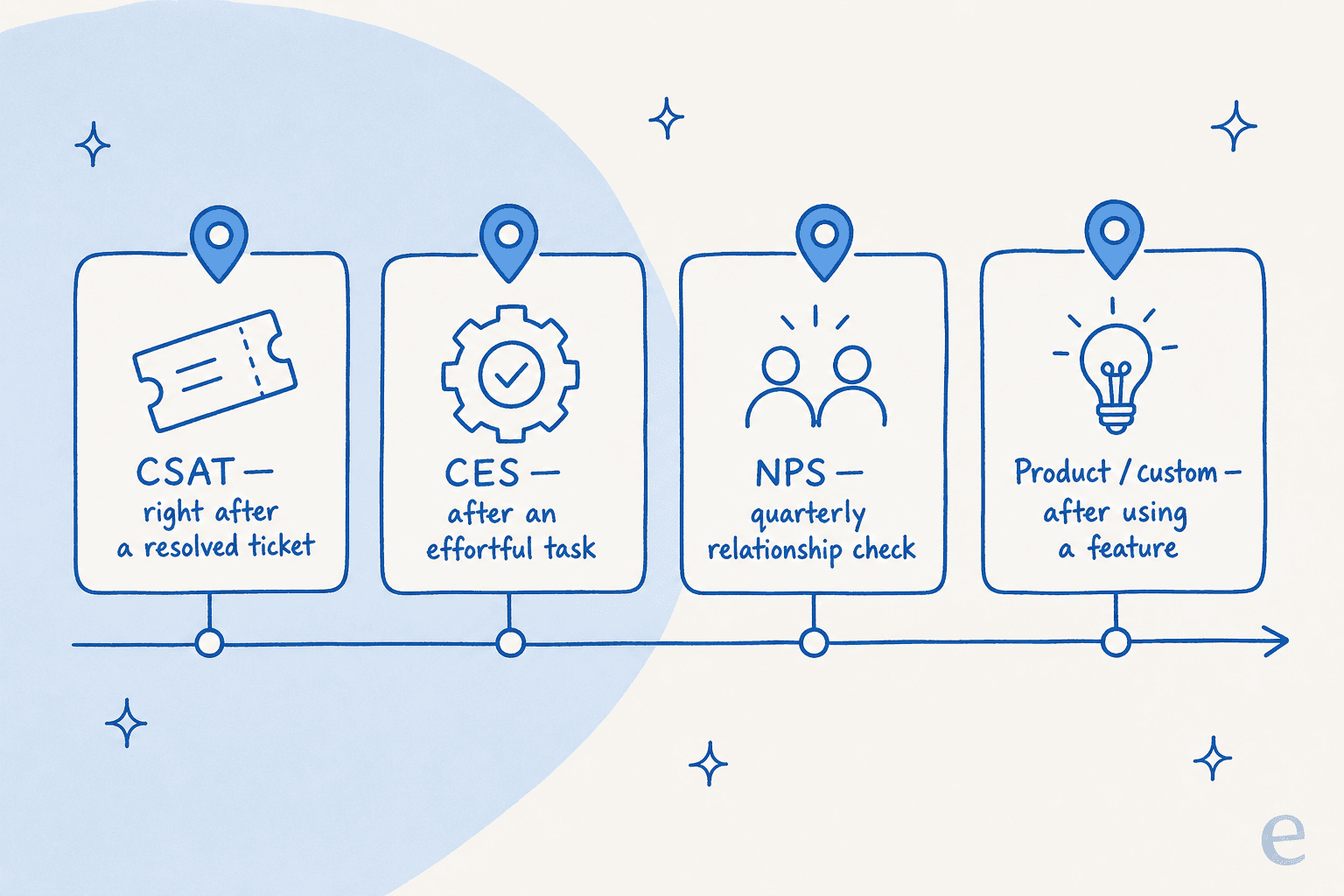
| Survey | What it measures | Typical scale | When to send |
|---|---|---|---|
| CSAT (Customer Satisfaction) | Happiness with one specific interaction | 1-5 or 1-3 emoji | Right after a resolved ticket or purchase |
| CES (Customer Effort Score) | How hard it was to get something done | 1-5 or 1-7 agree/disagree | Right after an effortful task (self-service, a return) |
| NPS (Net Promoter Score) | Overall loyalty and likelihood to recommend | 0-10 | Quarterly, tied to the relationship not an event |
| Product / custom | Feelings about a specific feature or need | Varies | After a customer uses or misses a feature |
A quick way to remember it: CSAT and CES are transactional and should fire within minutes of the moment, while NPS is a relationship pulse you take a few times a year. Mixing them up (an NPS blast the second a ticket closes) produces the kind of muddled data that makes leadership distrust surveys entirely. For a deeper split on the satisfaction side specifically, our measuring customer satisfaction guide goes further.
The best customer feedback survey questions, by type
Here is the working bank. I have kept the wording neutral and copy-ready, so you can lift these straight into your tool of choice.
CSAT questions (satisfaction with one interaction)
CSAT is your bread-and-butter post-ticket survey. Keep it to one rating plus one open follow-up.
- "How would you rate the support you received today?" (1-5)
- "How satisfied were you with your recent [product/order]?" (1-5)
- "Did we resolve your issue?" (Yes / No / Partly)
- "What is the main reason for your score?" (open text)
- "Is there anything we could have done better?" (open text)
That last pair is where the value hides. The number tells you whether something is wrong; the open text tells you what. If you only have room for two questions after a ticket, make it a rating and one open follow-up. More post-ticket examples live in our customer service feedback examples roundup.
CES questions (how much effort it took)
Effort predicts churn better than satisfaction does, because a customer who had to fight to get something done rarely comes back happy. CES questions target the friction directly.
- "How easy was it to get your issue resolved today?" (Very difficult to Very easy)
- "The company made it easy for me to handle my issue." (Strongly disagree to Strongly agree)
- "How much effort did you personally have to put in?" (1-7)
- "Which part of the process felt hardest?" (open text)
Run CES after anything a customer had to do: a self-service flow, a return, a password reset, a multi-step setup. A high-effort score on a self-service journey is a direct signal that your knowledge base or automation is not pulling its weight.
NPS questions (loyalty and word of mouth)
NPS is famous for its one question, but the follow-up is what makes it useful.
- "How likely are you to recommend us to a friend or colleague?" (0-10)
- "What is the primary reason for your score?" (open text)
- "What is the one thing we could do to improve?" (open text)
- "What do you value most about working with us?" (open text, for promoters)
Send NPS on a relationship cadence, not after events, and always segment the open text by score. Detractors (0-6) tell you what is broken; promoters (9-10) tell you what to protect and lean into. Tie the trend into your broader customer retention view rather than reading it in isolation.
Product and custom questions
When you want to understand a specific feature, need, or moment, go custom. These are the questions that feed your roadmap.
- "How well does [feature] meet your needs?" (1-5)
- "What were you trying to do when you reached out?" (open text)
- "What almost stopped you from buying?" (open text)
- "What is one feature you wish we had?" (open text)
Custom questions are also where you learn to spot unmet needs before a customer churns over them. Our product feedback questions and product survey questions lists go deep on this, and identifying customer needs covers how to read the answers.
The wording traps that quietly ruin your data
Most bad surveys are not badly designed, they are badly worded. A single leading or loaded question can skew a whole dataset, and you will never see it in the results, you will only see numbers that look fine and lead you astray.
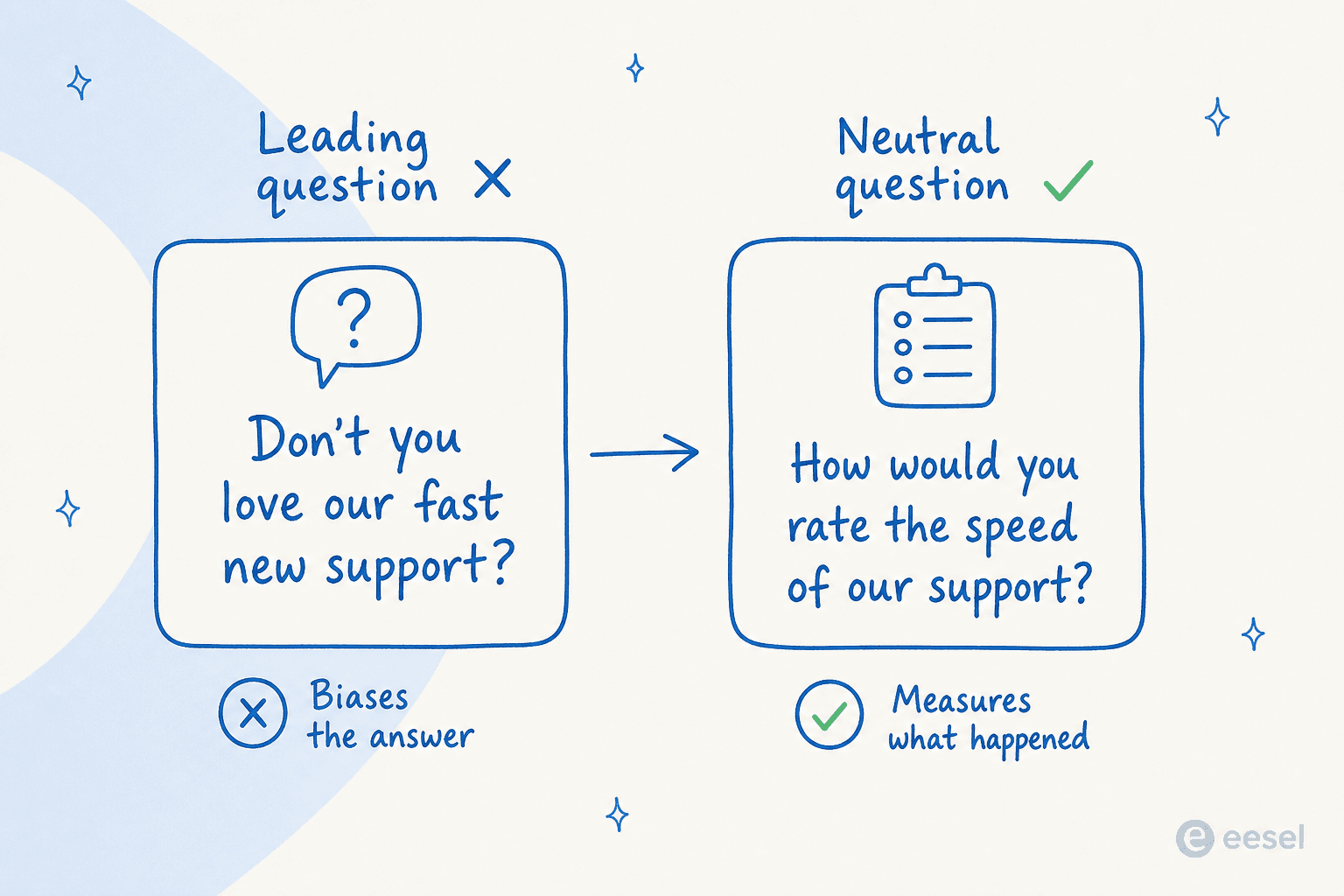
The ones I see most often:
- Leading questions that assume the answer. "How great was our new support?" is not measuring anything, it is fishing for a compliment. Ask "How would you rate our support?" instead.
- Double-barreled questions that ask two things at once. "How satisfied were you with the speed and friendliness of our team?" cannot be answered cleanly if speed was great but friendliness was not. Split it in two.
- Loaded scales that are not balanced. If your options run "Excellent, Great, Good, Okay," there is nowhere to land a genuinely negative answer, and your scores will look inflated.
- Jargon and internal terms. If your question mentions your ticket taxonomy or a feature's internal codename, half your customers will guess or skip.
- Vague timeframes. "How has your experience been?" over what period? Anchor it: "your experience today" or "over the past month."
The single best test: read each question aloud and ask whether a happy customer and an unhappy one would both understand it the same way. If not, rewrite it. For more worked examples of good versus bad phrasing, survey question samples is a useful reference.
Timing and channel: when and where to ask
The best question at the wrong moment still gets you weak data. A CSAT survey that lands three days after a ticket closes is asking someone to recall a feeling they have already forgotten.
A few rules I hold to:
- Transactional surveys fire within minutes, in the channel where the interaction happened. If the ticket was over email, survey by email; if it was live chat, drop the rating right in the chat window before they close it.
- Relationship surveys (NPS) go out on a schedule, quarterly for most teams, and should feel separate from any single support moment.
- One survey per customer per window. Nothing tanks response rates like survey fatigue. If someone rated a ticket on Monday, do not hit them with an NPS blast on Tuesday.
- Keep it to the channel they already use. Adding a new tool or login is friction, and friction is exactly what you are trying to measure the absence of.
This is the same principle behind good real-time customer support: meet people where they already are instead of making them come to you.
The step almost everyone skips: closing the loop
Here is the uncomfortable truth about customer feedback surveys. Collecting responses is the easy 20%. The other 80%, the part that actually moves your numbers, is reading them, acting on them, and telling the customer you did.
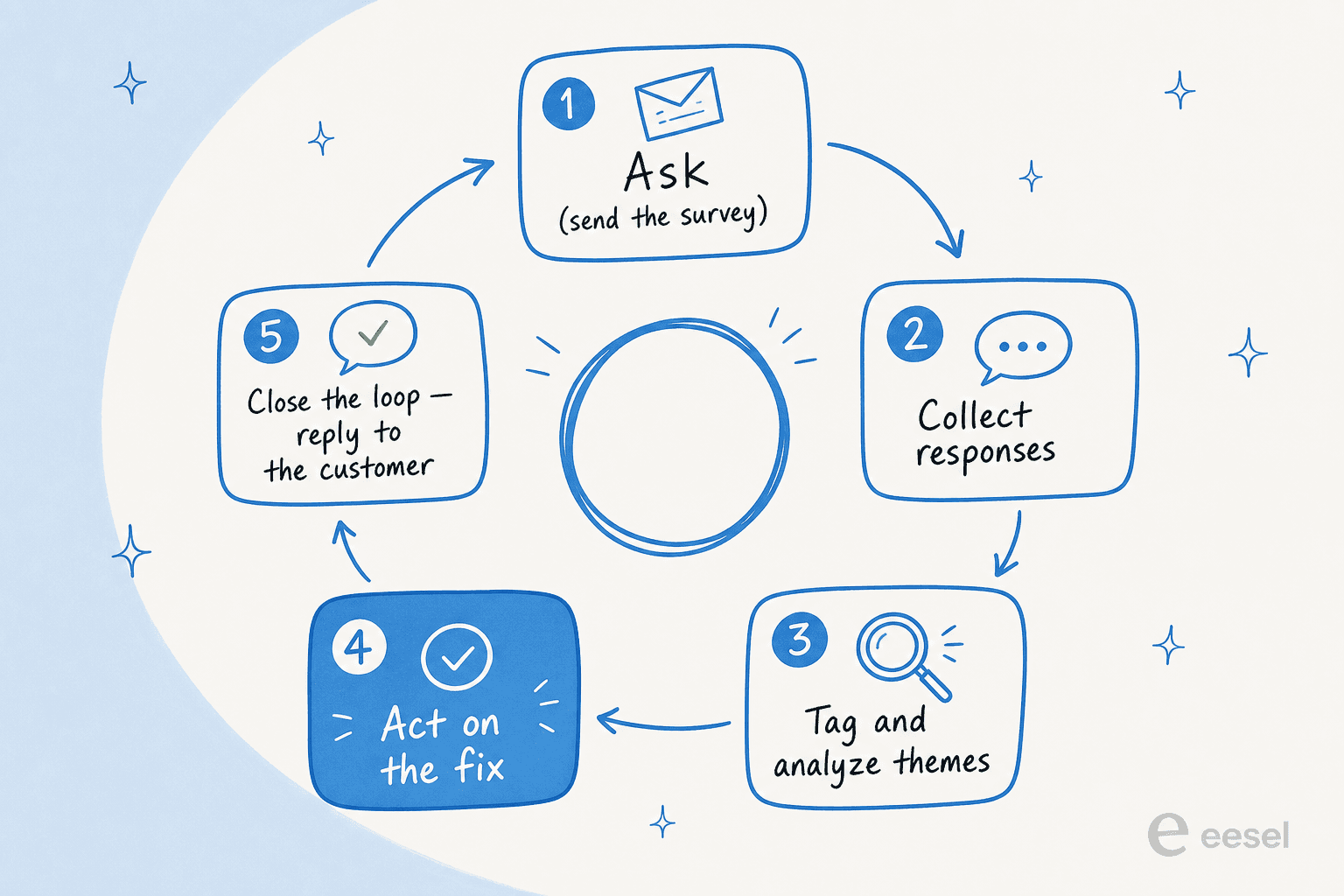
The loop has five steps, and most teams stop after two:
- Ask the right question at the right moment.
- Collect the responses in one place.
- Tag and analyze the answers into themes, not just an average score.
- Act on the biggest theme. This is the step almost everyone skips.
- Close the loop by telling the customer what changed because of their answer.
Step four is where feedback stops being a vanity metric and starts being an operating input. A CSAT of 4.2 is not actionable; "17% of our detractors mentioned slow shipping updates" is. And step five is a quiet superpower: a customer who gets a reply saying "you told us X was confusing, so we fixed it" becomes far more loyal than one who never heard back. Our voice of customer program guide is built entirely around this loop, and survey analysis covers the tagging step in detail.
How AI changes what you can actually do with the answers
For years, the bottleneck was step three. A team could collect a thousand open-text responses and read maybe fifty. The rest sat in a spreadsheet nobody opened. So teams defaulted to the average score, because the number was the only thing they could process at scale.
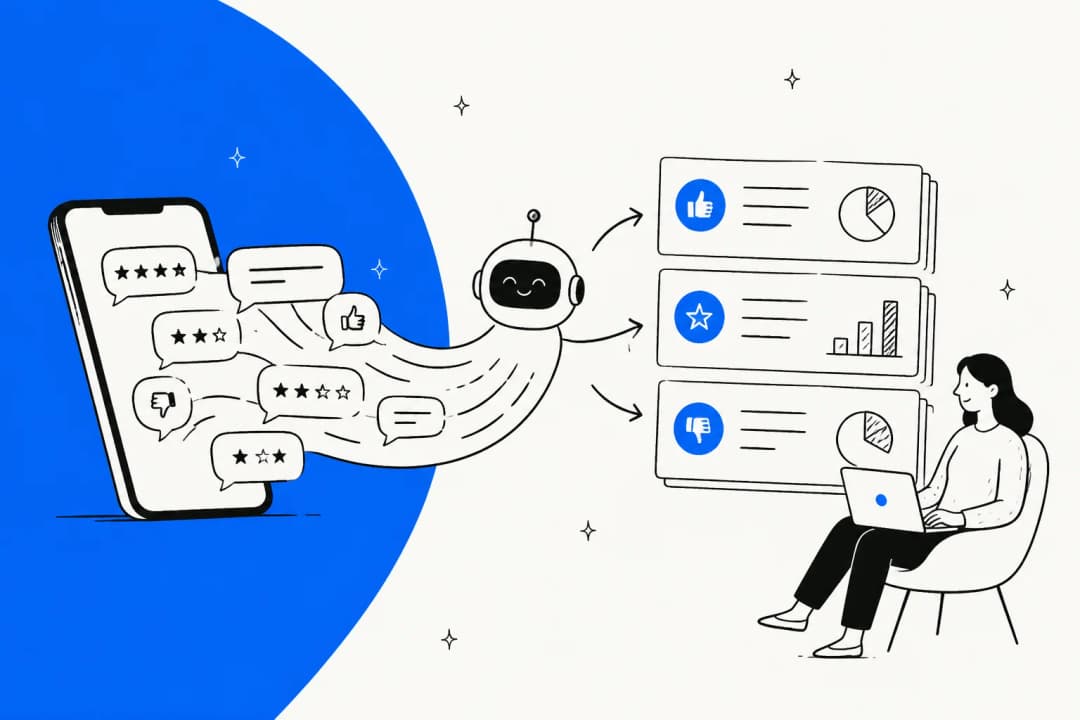
That constraint is gone. AI can read every open-text response, cluster them into themes, and surface the ranked list of what customers are actually complaining about, in minutes rather than weeks. That is the heart of modern AI customer feedback analysis: the qualitative gold that used to be too expensive to mine is now the cheapest part.

It also changes what you can measure. When AI is drafting or resolving tickets, the same system that answers can watch for sentiment shifts, flag the tickets that need a human, and feed patterns straight back into your reporting. One IT team put it plainly:
"We use it to be the first responder to our Helpdesk tickets in Jira. It essentially acts just like an agent would."
Jason Loyola, Head of IT, InDebted (case study)
The practical upshot: your survey questions can get shorter, because you no longer need customers to do the categorizing for you. Ask one clean rating and one open follow-up, then let the analysis do the heavy lifting on the back end. That is a better experience for the customer and a richer dataset for you.
Try eesel for closing the feedback loop
Most feedback programs die at step three, drowning in open-text responses nobody has time to read. eesel AI sits on top of your existing helpdesk (Zendesk, Freshdesk, Gorgias, Intercom, and more) and works the front line like a new hire that already knows your help center, so the tickets that generate your feedback get answered fast, tagged automatically, and reported on without extra work from your team.
Because it runs on your real ticket history, you can simulate a rollout against past conversations before it ever touches a customer, then watch the reporting for the sentiment and effort patterns your surveys are trying to catch. It is free to try, and it plugs in without changing the tools your team already lives in.

Good customer feedback survey questions are only half the job. The teams that win are the ones that read every answer and act on it, and that is exactly the part AI is now good at. Start with a clean rating and one open follow-up, close the loop, and let the analysis scale with you.
Frequently Asked Questions
What are the best customer feedback survey questions to start with?
How many questions should a customer feedback survey have?
What is the difference between CSAT, CES, and NPS questions?
When should I send a customer feedback survey?
How do I analyze open-ended customer feedback survey responses at scale?


Article by
Riellvriany Indriawan
Riell is a designer and writer at eesel AI with about two years of experience researching CX platforms, AI chatbots, and helpdesk software. She combines her design background with a sharp eye for how these tools actually look and feel in practice — making her comparisons unusually visual and user-focused.