What a customer experience strategy actually is
A customer experience strategy is your deliberate plan for how customers feel about you across every interaction, from the first Google search to the renewal email eighteen months later. It answers three questions: what does a good experience look like here, how will we know if we're delivering it, and who owns each moment where we could win or lose someone.
It's worth separating from a few things it gets confused with. Customer service is one slice of the experience, the help you give when something breaks. Customer service management is how you run that slice day to day. The experience strategy sits above both and stitches the whole journey together, so that the answer someone gets from support matches the promise the marketing page made and the reality the product delivers.
The reason to have one at all is that customers don't experience your org chart. They experience one continuous relationship, and every seam between your teams is a place where that relationship frays. A strategy is how you stop treating those seams as someone else's problem.
Why most customer experience strategies stall
I work the support queue, so let me be blunt about where these things die. The strategy gets written by people who don't answer tickets, presented once, and then filed. Meanwhile the frontline keeps triaging the same fifty questions it triaged last quarter, because nothing in the deck changed what actually happens when a customer hits "send".
The gap is almost always between the ambition ("delight customers at every touchpoint") and the operations (a shared inbox, three overloaded agents, and a help centre nobody's updated since the last redesign). A CX strategy that doesn't name the operational reality it has to run inside is just a mood board. The bad customer service stories that go viral are rarely the result of bad intentions. They're the result of a good strategy that never made it down to the person on the keyboard at 4pm on a Friday.
So the test I apply to any CX strategy: does this change what happens on the queue on Monday? If it doesn't, it's not a strategy yet, it's a wish. Everything below is built to pass that test.
The loop that actually works
Forget the linear five-year roadmap. A customer experience strategy that holds up is a loop you run continuously, tightening each pass. Here's the shape of it.
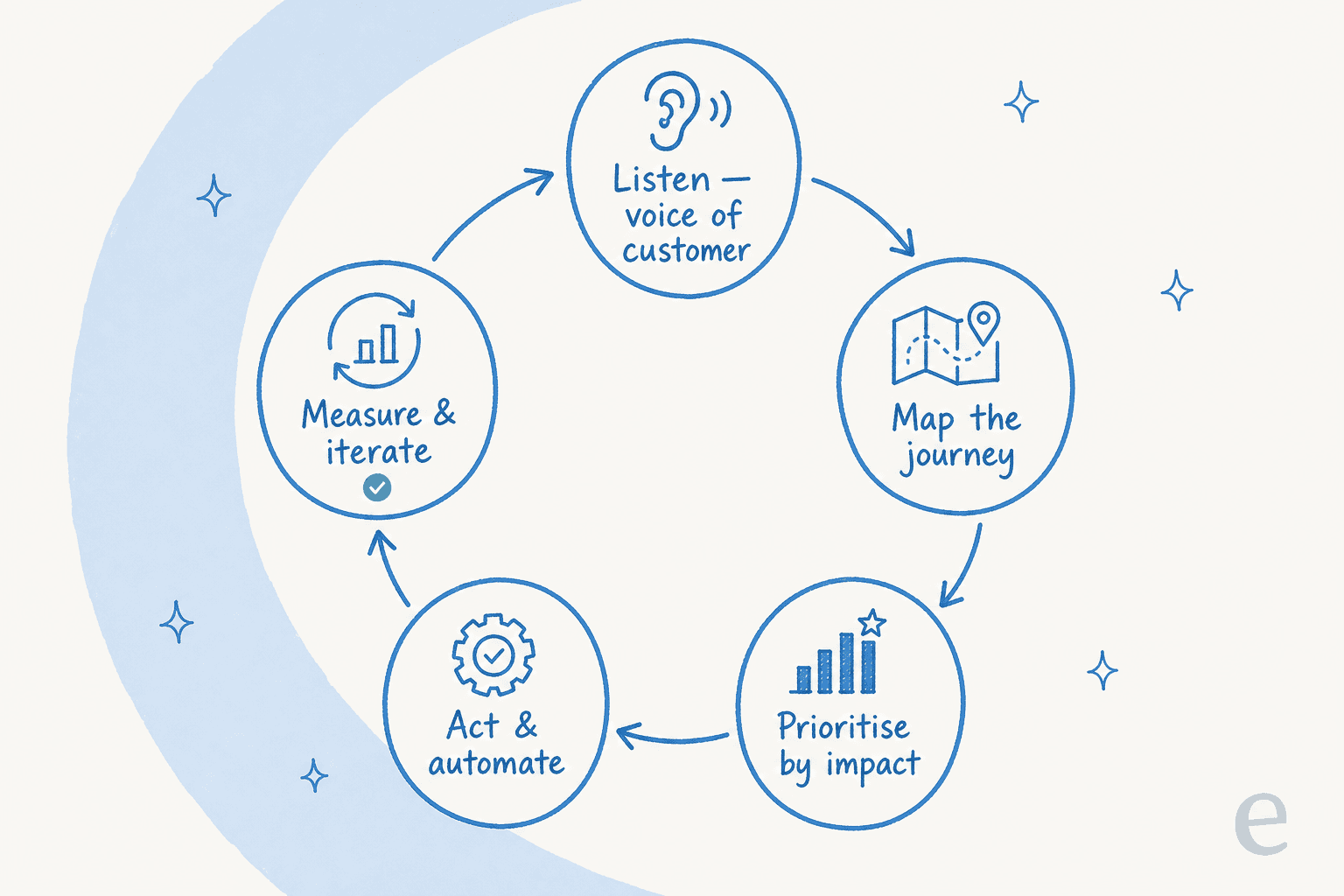
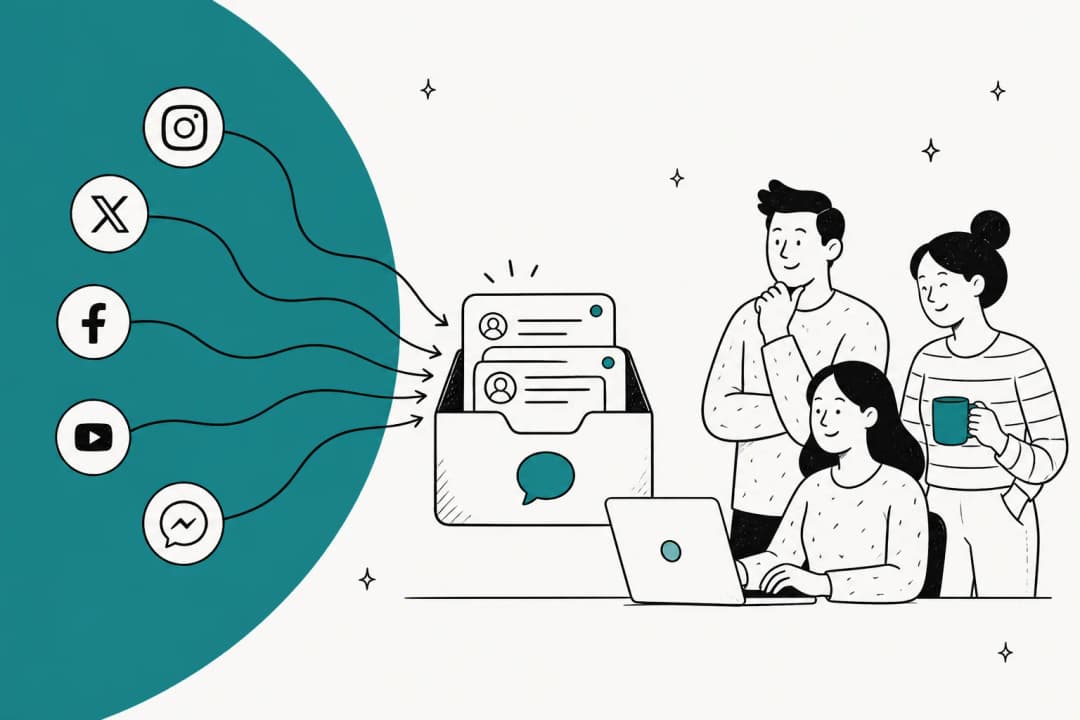
Listen. Start with what customers actually say, not what you assume. Your support tickets are the richest voice-of-customer data you own, and most teams never mine them. Recurring questions, the words people use, the moments they get frustrated: it's all sitting in your helpdesk already.
Map. Lay out the real journey stage by stage so you can see where the friction lives (more on this next).
Prioritise. You can't fix everything at once, so rank fixes by how many customers they touch and how much pain they remove. The dull, high-volume problem usually beats the dramatic edge case.
Act. Change the thing, and where the fix is repetitive, automate it rather than throwing more people at it.
Measure. Watch the numbers move, learn, and run the loop again.
The reason to draw it as a loop is that customer expectations move. What counted as a great AI customer service workflow two years ago is table stakes now. The loop is how you keep pace instead of shipping a strategy that's stale the day it launches.
Map the journey before you fix anything
Before you touch a single process, map what the customer actually walks through. A rough journey has five stages, and each one is a place to win or lose them:
- Discover - they find you (search, referral, marketplace).
- Buy - they evaluate and commit.
- Onboard - they try to get their first real value.
- Support - something goes wrong, or they get stuck.
- Renew - they decide whether to stay.
The point of mapping isn't the diagram, it's spotting the seams. The most expensive one I see is the handoff from a slick sales promise to a support team that's never told what was promised. The customer feels that gap immediately. A strong customer service mindset helps, but mindset can't paper over a journey that structurally drops people between teams.
Map it honestly and you'll usually find one stage doing outsized damage. For most teams that's support, which is good news, because support is also the stage where a change lands fastest and where the tooling to fix it is most mature.
The metrics that tell you it's working
A strategy you can't measure is an opinion. But the classic failure here is drowning in dashboards, so pick a north-star outcome first (retention or repeat purchase are the honest ones), then track the diagnostics that explain it.
| Metric | What it tells you | Watch out for |
|---|---|---|
| CSAT (customer satisfaction) | How a specific interaction felt | Only the loudest respond; read it with volume in mind |
| CES (customer effort score) | How hard the customer had to work | The best predictor of loyalty, and the most ignored |
| First response time | How fast you acknowledge | Fast but wrong is still a bad experience |
| Resolution rate | How often you actually solve it | A "resolved" ticket that reopens wasn't resolved |
| Deflection rate | Self-service that worked | Easy to game; pair it with CSAT so you're not just hiding tickets |
| Retention / repeat rate | Whether the experience earned another visit | The outcome the others should ladder up to |
If you're building the measurement layer from scratch, our rundown of customer service KPIs and the AI customer service metrics worth tracking go deeper on definitions. And if you're rolling out AI, watch CSAT on AI-handled conversations specifically, not just the blended number, so a rise in deflection can't quietly hide a drop in quality. The rule that keeps me honest: a metric that can't change a decision is just decoration.
Where AI fits (and where it doesn't)
Here's the part of the strategy where 2026 genuinely differs from 2022. AI is now good enough to own the repetitive tier-1 layer of the experience, which is the layer eating most of your team's hours. The strategic question isn't "should we use AI", it's "which parts of the journey should it touch".
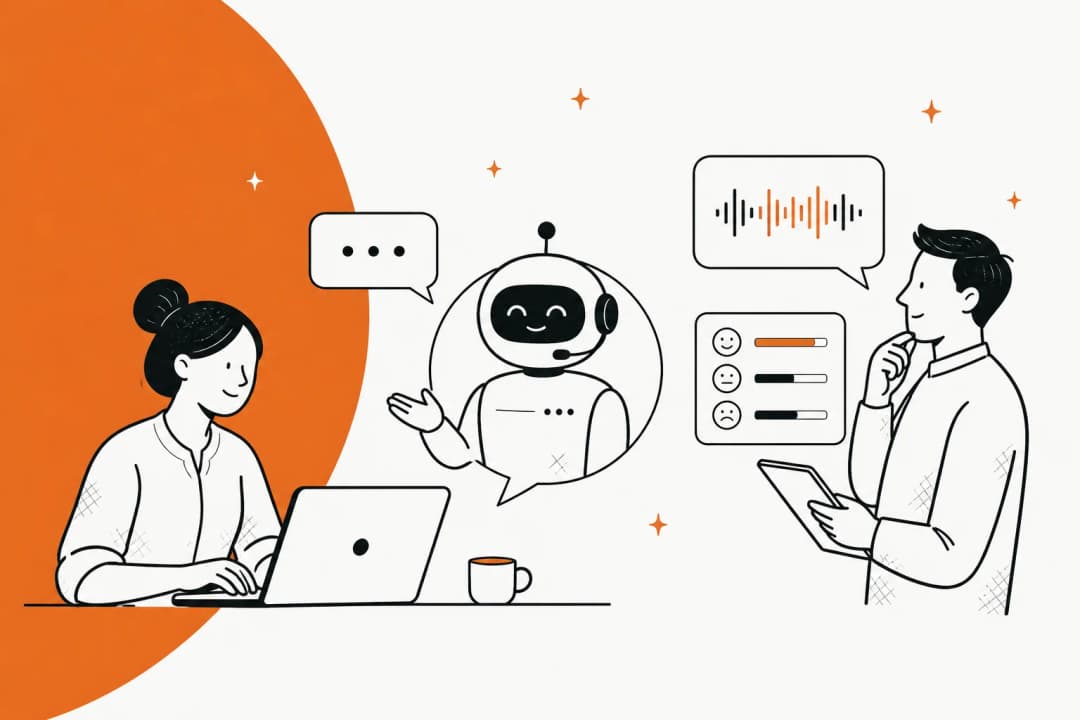
My answer, from running the queue: let AI take the volume, keep humans on the complexity and the emotion. A password reset, an order-status check, a "how do I export my data" question: those are perfect for automation. A furious enterprise customer threatening to churn is not. A good AI in customer service setup knows the difference and routes accordingly.
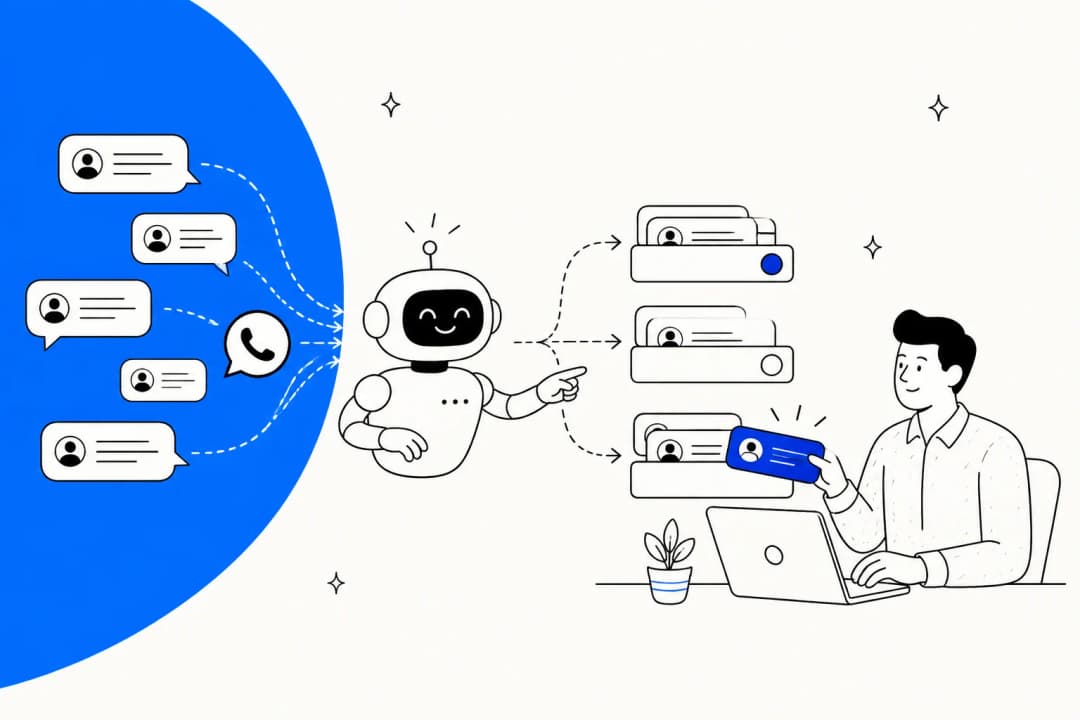
The mechanism that makes this safe is confidence-based routing. Instead of letting AI answer everything and hoping, it answers only what it's confident about and hands the rest to a person.
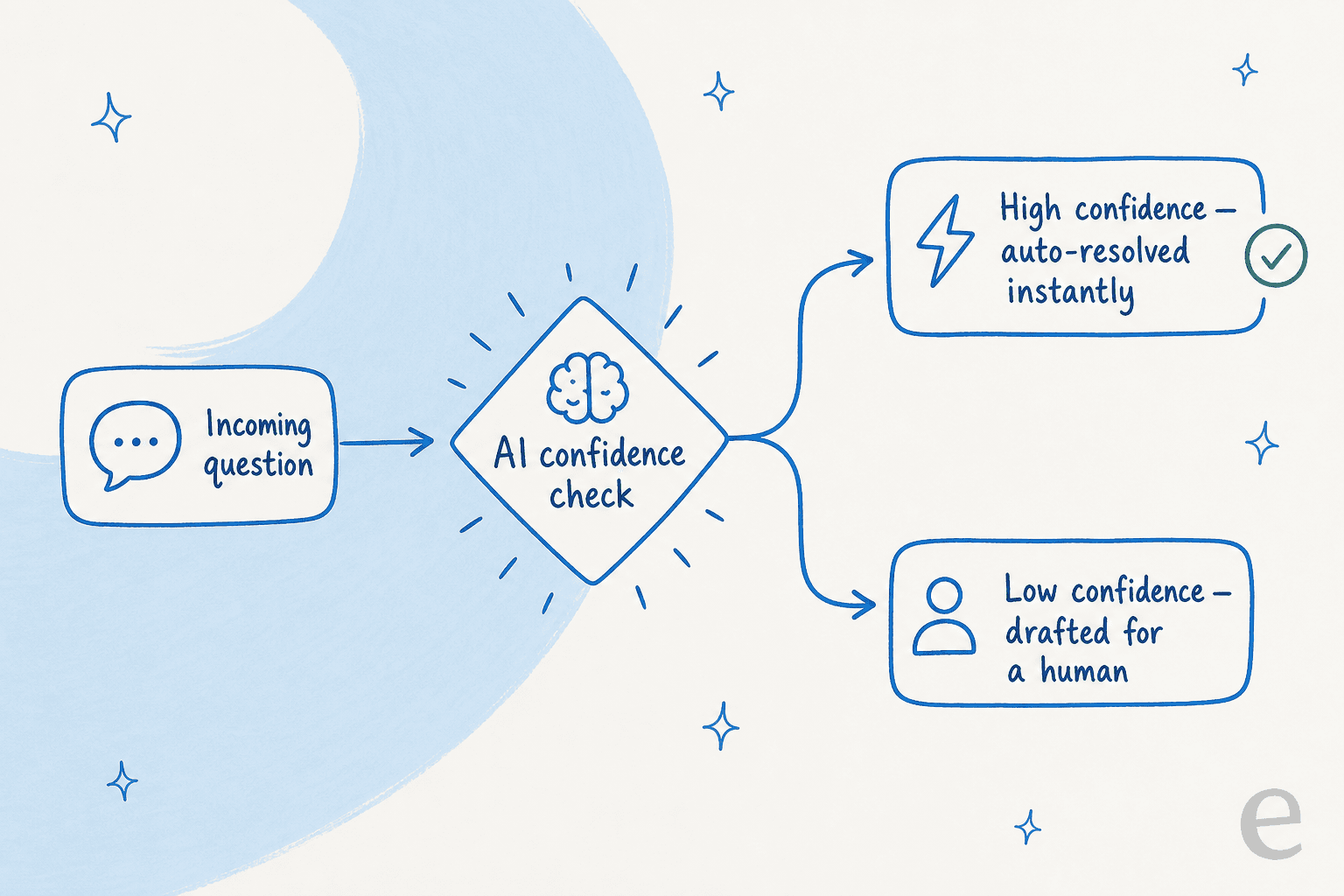
This is exactly the objection I hear most from support leads, and it's the right instinct. As one DTC supplements CX lead put it in a call with us:
"The AI will never be able to answer 100% of the questions. I need an AI who is only handling the tickets that it's confident to handle and all the other ones, leave them alone."
That's not a limitation to apologise for, it's the design. The AI that quietly guesses is the one that torches trust. The one that knows what it doesn't know is the one you can actually put in front of customers. It only works if the AI is trained on your real answers, which means connecting it to your knowledge base and, ideally, your history of solved tickets, so it learns from how your team actually replies rather than a generic web-scrape.
Climbing the CX maturity ladder
It helps to know which rung you're on, because the right next move depends on it. Most teams climb the same ladder:
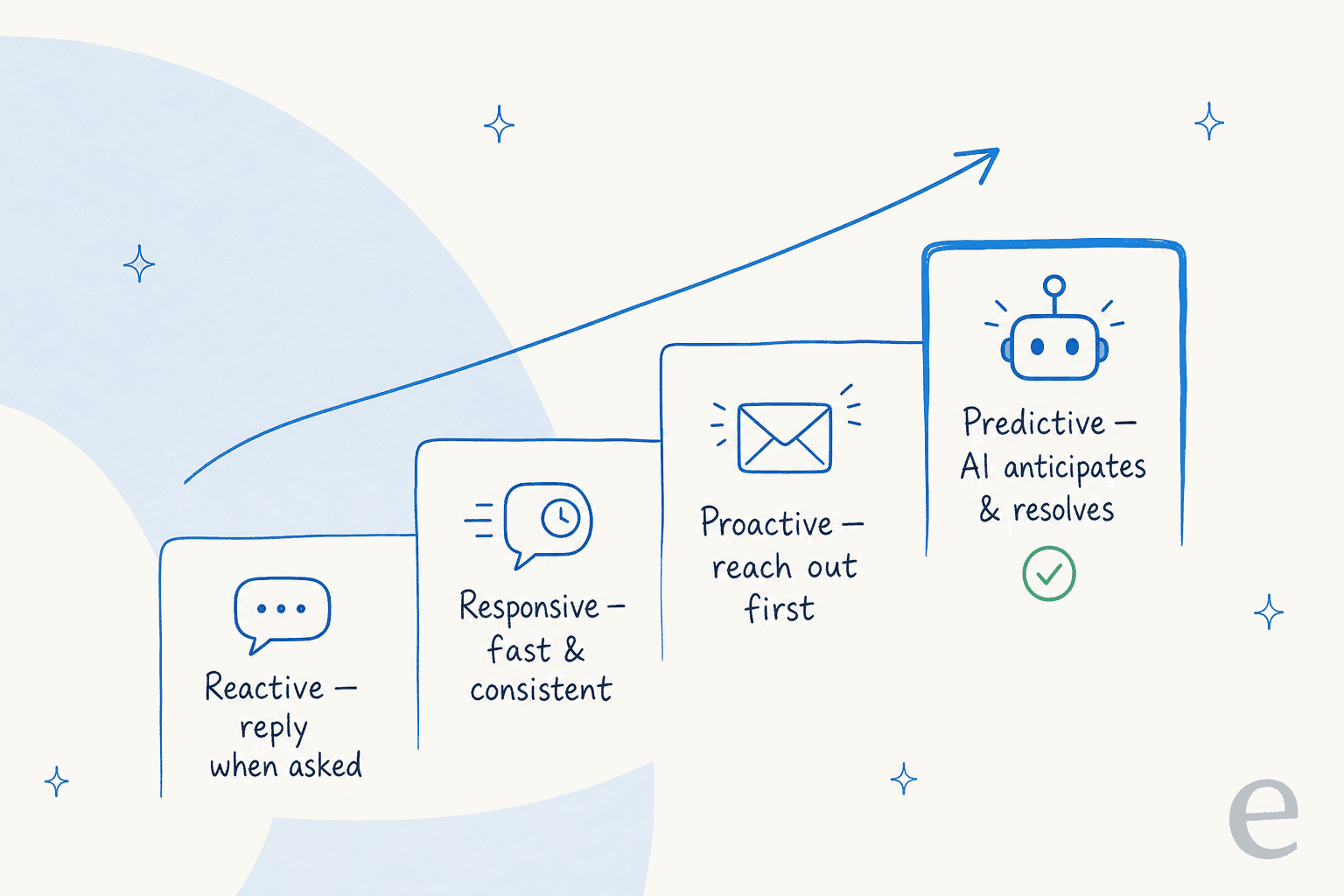
Reactive means you reply when asked, and you're usually behind. Responsive means you're fast and consistent, with real customer service standards and a decent knowledge base. Proactive means you reach out before the customer has to, catching the shipping delay before they notice. Predictive is where AI anticipates and resolves common issues on its own, and your people are freed up for the work only they can do.
You don't leap rungs. A reactive team trying to go straight to predictive AI just automates its own chaos. Get consistent first, get your knowledge organised, then let automation take the volume. The teams that skip the boring middle rung are the ones whose AI rollout embarrasses them.
Common mistakes I'd steer you around
A few traps I see over and over:
- Strategy that never touches the queue. Covered above, but it's the big one. If Monday looks the same, start over.
- Optimising channels in isolation. A great chat experience and a broken email experience nets out to an inconsistent brand. Think omnichannel, where the customer picks up on any channel and you already know the context.
- Chasing deflection as a vanity metric. Deflecting a ticket by making the answer hard to find isn't a win, it's a delayed, angrier ticket. Pair every deflection target with a satisfaction check.
- Buying tools before mapping the journey. The tool is the last decision, not the first. Map, prioritise, then pick the customer service AI that fits the problem you actually have.
- Treating AI as a headcount cut instead of a capacity unlock. The teams that win reinvest the freed-up hours into the hard cases, and their CSAT climbs because of it.
Try eesel for the AI part of your strategy
Once you've mapped your journey and found that support is the stage doing the most damage (it usually is), eesel is how I'd automate the repetitive layer without losing control of quality. It plugs into the helpdesk you already run, Zendesk, Freshdesk, Gorgias, Front and others, and learns from your past tickets and help docs so it answers the way your team actually does.
Two things make it fit a real strategy rather than a demo. First, you can simulate a rollout against your historical tickets before it ever touches a customer, so you see exactly what it would have answered and where it would have stayed quiet. Second, the confidence-based routing above is built in, so it auto-resolves what it's sure about and drafts the rest. Customers feel the difference: one support director told us it "feels like a partnership, rather than a vendor relationship", and a new hire joked the bot was their best friend during onboarding.
Pricing is usage-based at $0.40 per resolved ticket with no platform fee and no per-seat cost, so you can test the AI layer of your strategy on a small team without a big commitment. It's free to try, and you'll know inside a week whether it earns its place on your queue.
Frequently Asked Questions
What is a customer experience strategy?
How is customer experience strategy different from customer service?
What metrics should a customer experience strategy track?
Where does AI fit into a customer experience strategy?
How do I start a customer experience strategy on a small team?


Article by
Riellvriany Indriawan
Riell is a designer and writer at eesel AI with about two years of experience researching CX platforms, AI chatbots, and helpdesk software. She combines her design background with a sharp eye for how these tools actually look and feel in practice — making her comparisons unusually visual and user-focused.