The most useful thing AI ever told one customer
A support manager I worked with had a problem he couldn't name. His ticket volume was creeping up, his team felt slammed, and his help center was, on paper, thorough. When I ran an analysis over his historical tickets, the pattern was almost embarrassingly clear: his entire knowledge base was written for administrators, but nearly every ticket came from end users. Same product, wrong audience, and every gap in between turned into a support contact.
He hadn't seen it because no human reads every ticket. You read the ones in front of you, you remember the loud ones, and the slow background drift stays invisible. That's the whole case for AI customer feedback analysis in one story: not "AI answers tickets" (it does that too), but AI tells you what your customers have been trying to say all along, in aggregate, before you've had to read it.
I've spent the last few years building the part of this that actually has to work, and the thing I'd push back on hardest is the idea that this is a reporting feature. It's a feedback engine. Done right, it changes what your team works on next week.
What AI customer feedback analysis actually is
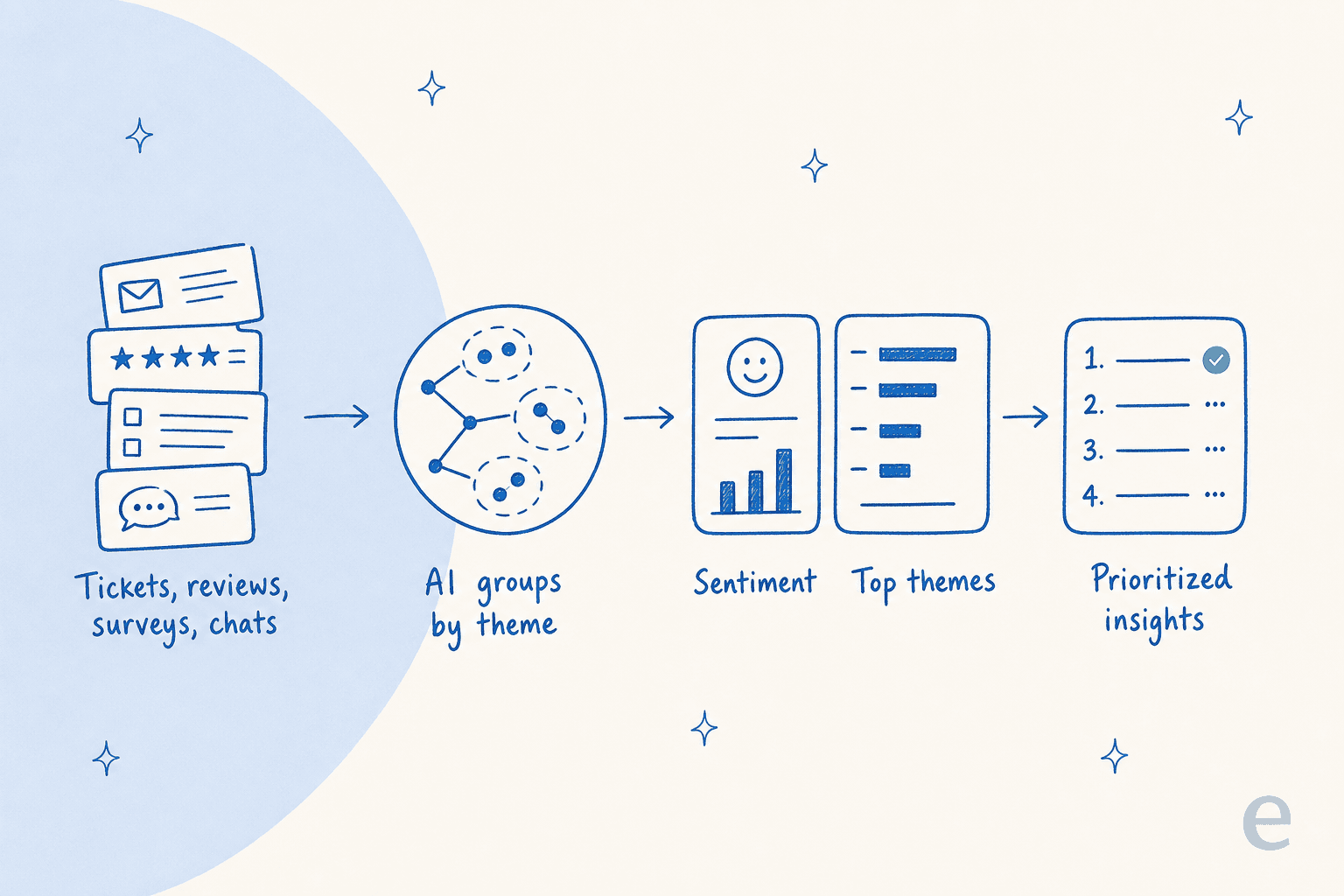
Strip away the marketing and it's three jobs done automatically.
First, theme discovery: the model reads the text of each conversation and groups them by what they're actually about, without you pre-defining the buckets. This is the part manual tagging can't match, because a human tag list only contains the problems someone already thought of.
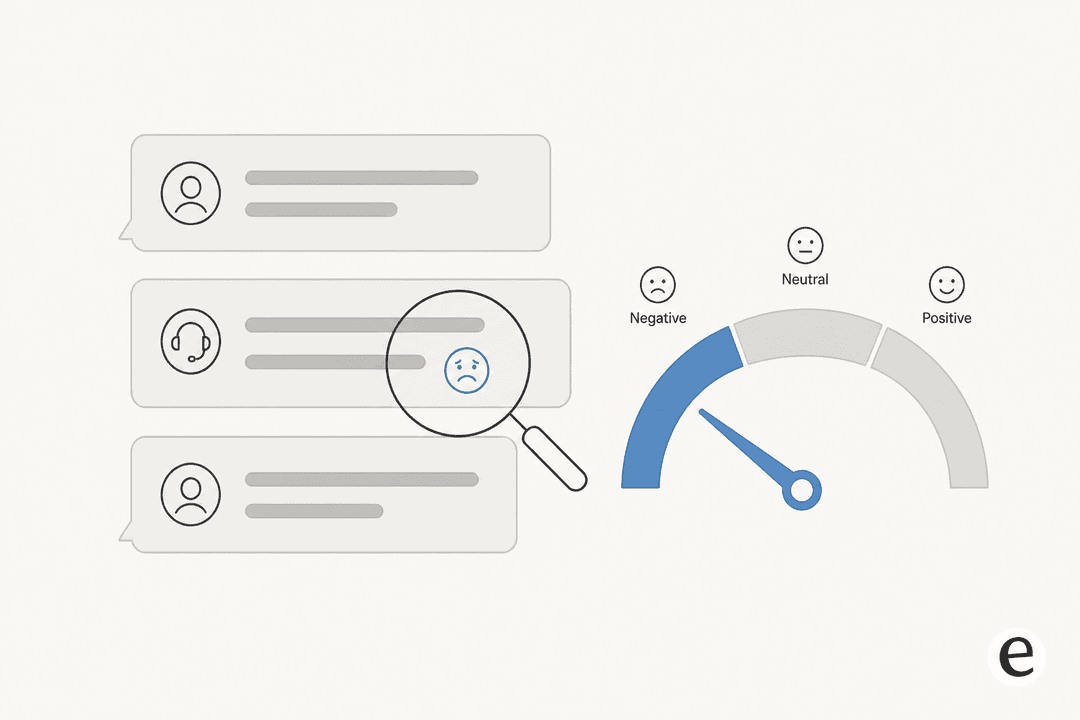
Second, sentiment scoring: each message gets a read on tone, so you can watch frustration rise and fall over time rather than guessing from the angry ones you happen to remember.
Third, prioritization: themes get ranked by volume, trend, and how negative they skew, so the thing eating your week floats to the top instead of hiding in a long tail.
If you've read up on customer service KPIs or AI customer service metrics, you'll notice those track how you're doing (response time, resolution rate). Feedback analysis tracks why people are writing in at all, which is the layer underneath the metrics. It's closely related to ticket triage, but triage routes a ticket in the moment, whereas analysis is about the pattern across thousands of them.
Where the feedback already lives
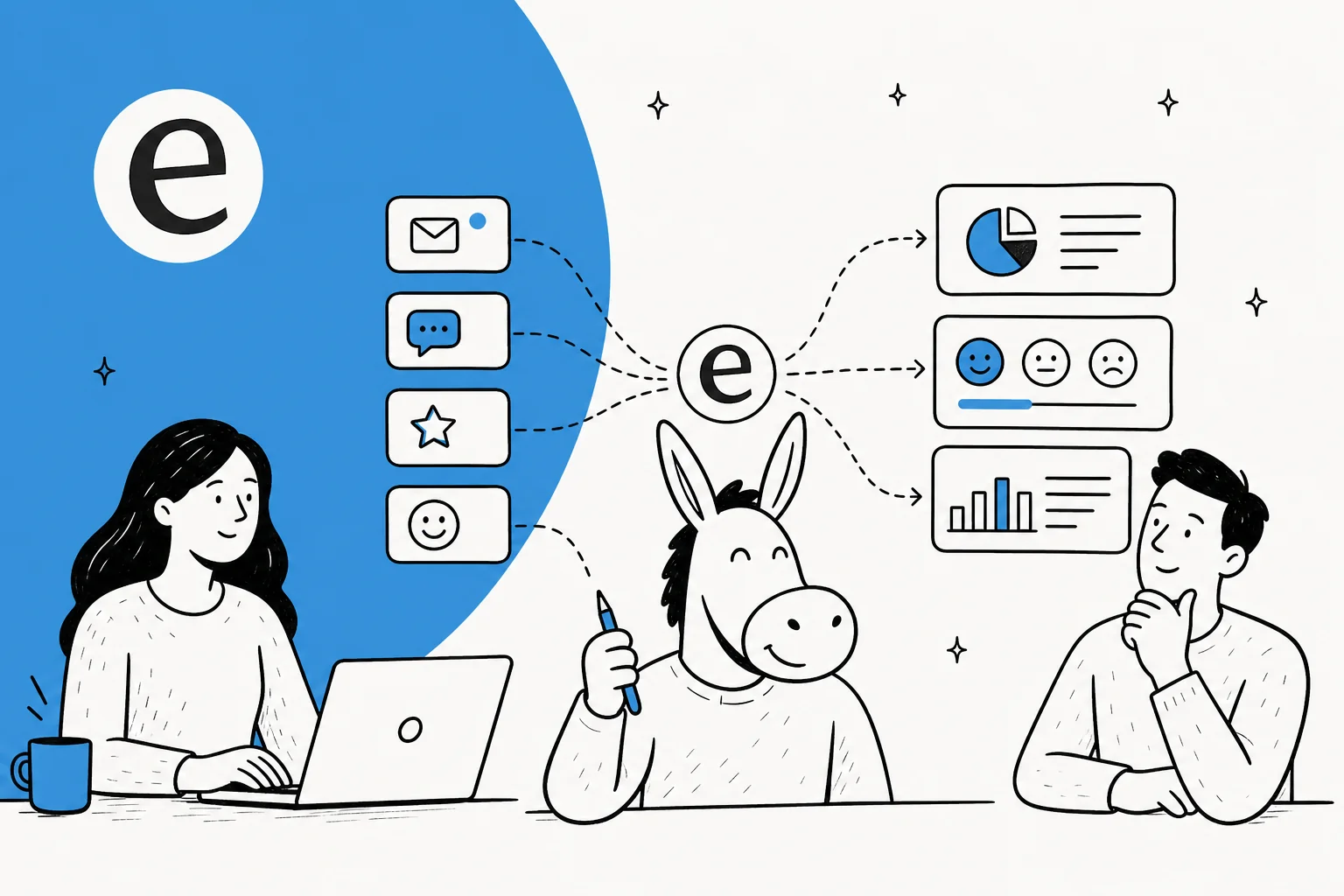
You don't have to go collect anything new. The feedback is already piling up in the places customers talk to you, and the first real task is just connecting those sources into one view.

The usual sources, roughly in order of how candid they are:
- Helpdesk tickets in Zendesk, Freshdesk, Gorgias, or HubSpot. The richest source, because people describe their actual problem.
- Live chat and chatbot logs, where the language is even rawer than email.
- Reviews on G2, Capterra, Trustpilot, and the app stores, which skew to the extremes but are publicly visible.
- Survey comments from NPS and CSAT, where the free-text box matters far more than the score.
- Social and community messages, which catch the people who never open a ticket.
In one Zendesk automation case study, a CTO described picking a tool because it could "make the most of our vast documentation, even if it's scattered" across CSVs, Zendesk, and Google Docs. That's the same instinct: the value isn't any single channel, it's reading them together. The same connected-source foundation is what powers a good AI knowledge base and clean ticket triage.
How it works under the hood
Here's the part I actually build, described the way I'd explain it to a teammate.
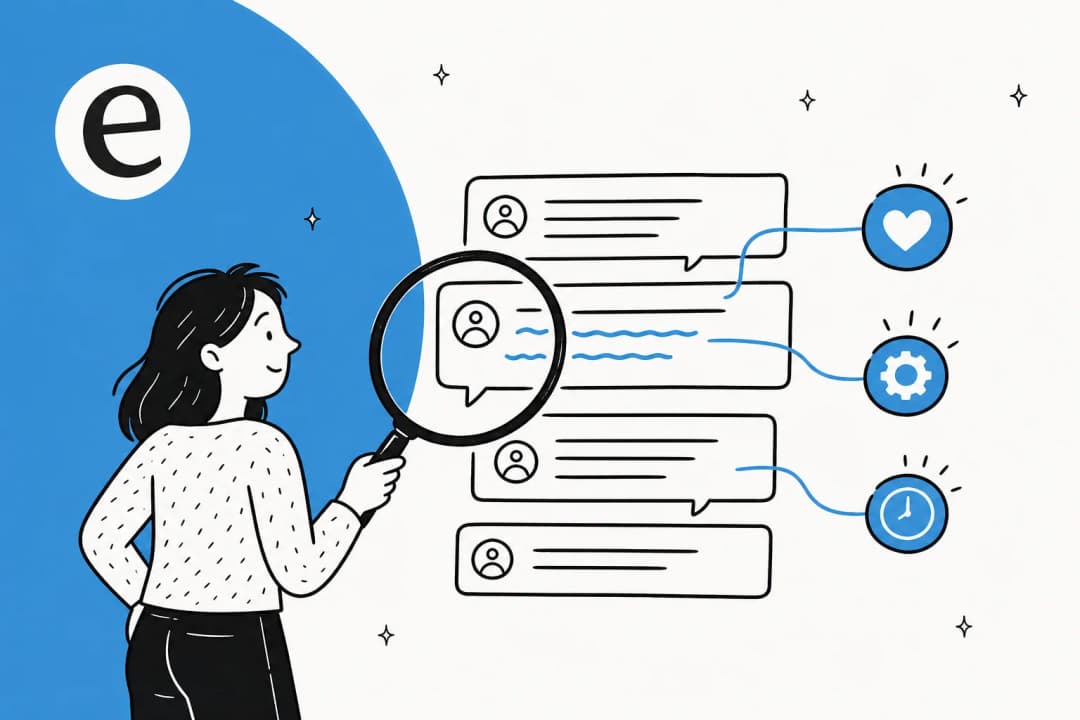
A conversation comes in. The model reads the full text, not just a subject line, and produces a few things at once: a short summary of what the customer wants, a guess at intent, the language, and a sentiment read. Then it compares that conversation against the others, clustering similar ones together so a thousand differently-worded "where is my order" messages collapse into one theme with a count next to it. Finally it ranks those themes, so a small but fast-growing complaint can out-prioritize a large but flat one.
The modeling choices matter here, and if you want to go deeper on which models hold up for this kind of work, there's a guide to which LLM is best for support use cases. The short version: the reading-and-clustering job is well within what current models do reliably, as long as you keep humans on the decisions, not just the analysis.
The honest limitation: sentiment on any single message is noisy. Sarcasm, mixed messages, a polite customer who's actually furious. On one ticket, treat it as a hint. Across ten thousand tickets, the noise averages out and the trend is trustworthy. That's the same principle behind confident AI helpdesk agents and agent assist tools: act on what the system is sure about, route the rest to a person.
Manual tagging vs AI analysis
If your team already tags tickets by hand, you know the failure modes: it gets done on a slow week and skipped on a busy one, the tag list ossifies, and by the time anyone reads the report the moment has passed. AI doesn't make tagging better, it removes the reason you were doing it.
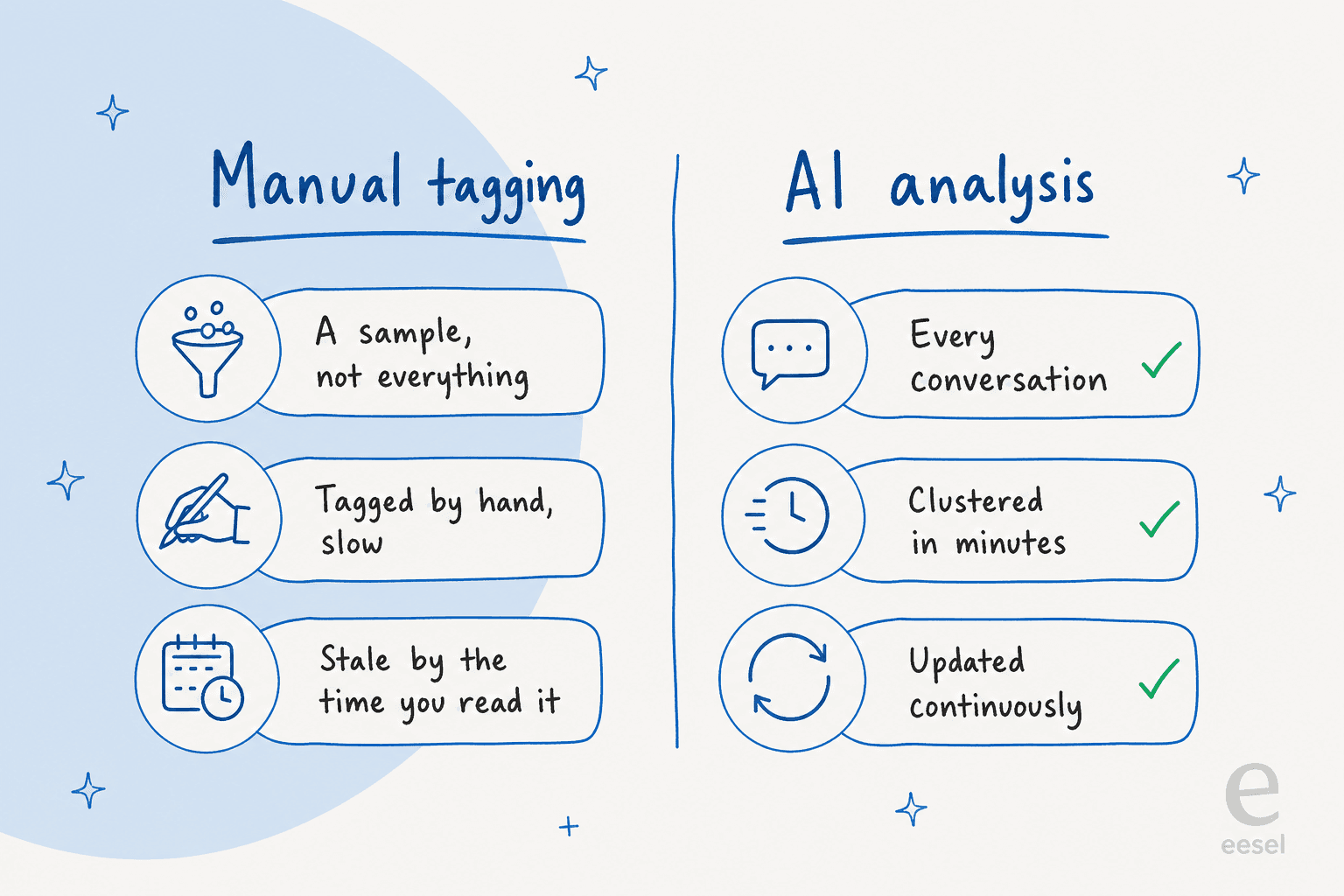
The practical difference is coverage and freshness. Manual tagging gives you a sample that's already old; AI gives you every conversation, updated continuously. That matters most exactly when you're least able to spare the hands, which is the same argument behind customer service automation generally and the cost savings it unlocks. If you're weighing the broader trade-off, AI vs human support is a useful frame: the human judgment moves up to deciding what to do about a theme, instead of being spent labeling it.
What you can actually learn from it
This is where it stops being abstract. A few things I see analysis surface again and again:
- Knowledge gaps. A theme with high volume and negative sentiment usually means a missing or confusing help article. This is the most directly actionable finding, and it feeds straight into knowledge base management.
- Audience mismatches, like the admin-versus-end-user story above, where the docs exist but speak to the wrong reader.
- Emerging issues, a complaint that was three tickets last week and thirty this week. Catching that early is the difference between a quiet fix and a fire.
- Product signal, the requests and confusions that aren't really support problems at all. Routed to the right team, this is some of the cheapest product research you'll ever get.
- What's safe to automate. Once you can see which themes are high-volume and low-risk, you know exactly where an AI support agent should start.
If you want concrete patterns, the AI agent examples roundup leans on exactly this kind of theme-level read. So do the writeups on the best customer service AI platforms, and on real companies using AI for support.
Closing the loop
Analysis that ends in a dashboard is a hobby. Analysis that ends in a changed help article is a system. The whole point is the loop: read everything, spot a recurring theme, fix or write the article behind it, and watch those tickets fall.
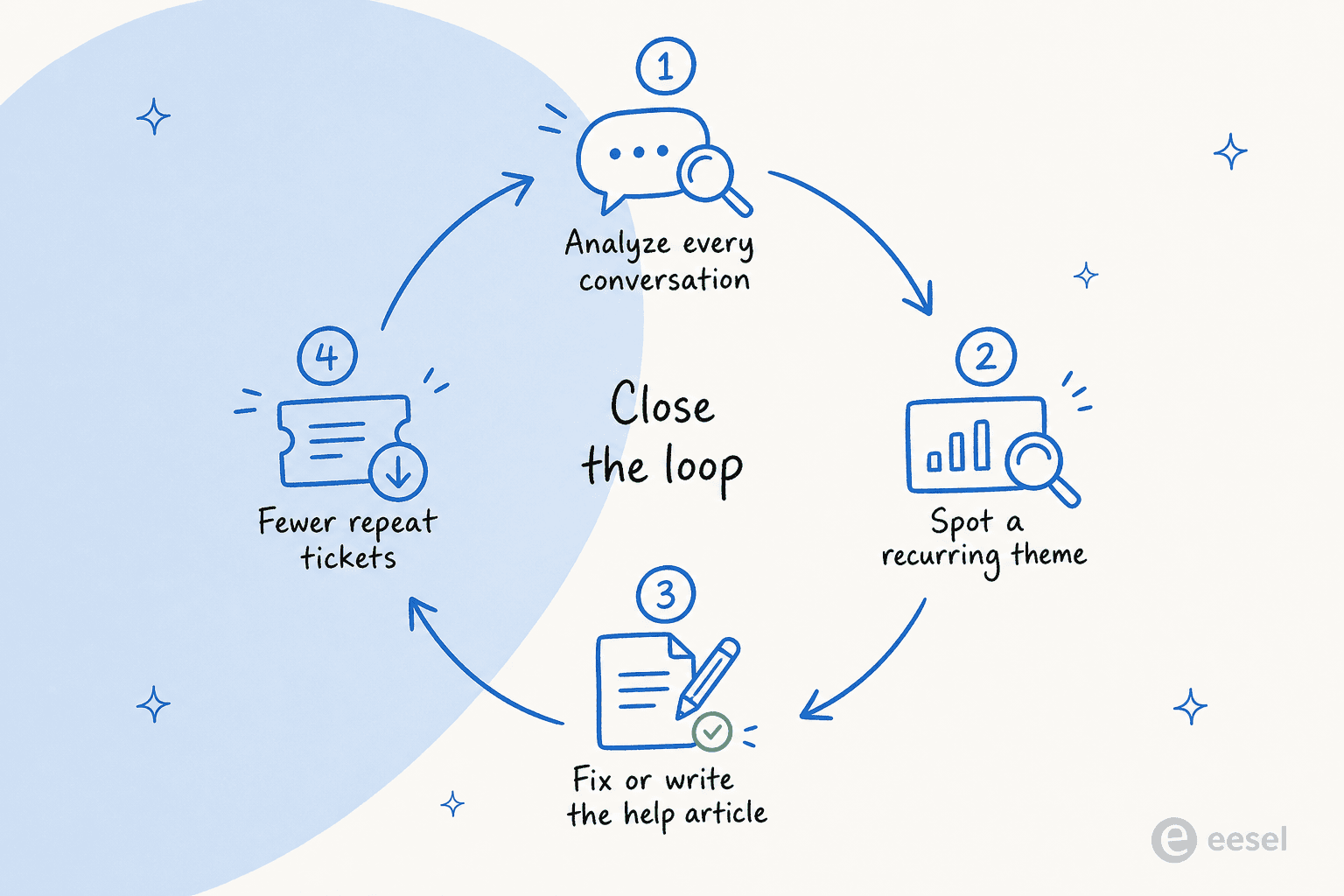
The best setups close this loop automatically: the same system that spots the gap can draft the article to fill it, then route it to a human to approve. That's how a support knowledge base stops being a thing you "should really update someday" and becomes something that improves every week. It's also why I'd argue feedback analysis and ticket deflection are the same project viewed from two ends: deflection is what happens when the loop has been closing for a while.
How to start without boiling the ocean
The mistake I see most is teams trying to instrument everything before they've looked at anything. Don't. Here's the order I'd actually go in.
- Run it over history first. Point the analysis at your last two or three months of tickets and let it cluster them before you change a single live setting. eesel's simulation does exactly this, replaying past tickets so you can see your real theme breakdown and coverage gaps up front.
- Read the top five themes. Not the report, the actual tickets inside the top clusters. This is where you sanity-check that the model grouped things the way a human would.
- Fix one thing. Pick the highest-volume, most-negative theme and address the help content behind it. Measure whether that theme shrinks.
- Then automate the safe ones. Now that you know which themes are high-volume and low-risk, that's where an AI helpdesk agent earns its keep first.
If you're still deciding whether to buy a tool or wire up your own, the build vs buy guide covers the trade-off honestly. One customer put the buy case bluntly in their case study: "we could try to write our own LLM application but we didn't want to invest our time into that. We wanted something that we would not have to maintain."
A few mistakes to avoid
- Treating sentiment as a verdict. It's a trend signal. Don't escalate a single ticket because the model called it "negative."
- Skipping the historical run. Going straight to live without seeing your real theme map means you're automating blind. This is the same discipline good AI customer service workflow design depends on.
- Letting insights die in a report. If nothing changes in your help content or routing, you've built a very expensive read-only dashboard. Close the loop or don't bother.
- Forgetting the internal side. The same analysis works on your internal knowledge base and employee questions, not just customer-facing tickets.
Try eesel for customer feedback analysis
If you want the loop I've been describing without standing it up yourself, this is the part I work on. eesel AI connects to the helpdesk you already run, reads your past and live tickets, and clusters them into themes and sentiment, then drafts the help content to close the gaps it finds. The differentiator I'd point to is the simulation mode: before anything goes live, it replays your historical tickets and shows you coverage by theme, so you see exactly what your feedback looks like and what's safe to automate before you commit.

It's usage-based with transparent pricing and a free trial, so you can run it over your own tickets and judge the themes for yourself. Try eesel and see what your customers have been telling you all along.
Frequently Asked Questions
What is AI customer feedback analysis?
How is AI feedback analysis different from manual tagging?
What sources can AI analyze for customer feedback?
Can AI customer sentiment analysis actually be trusted?
How does feedback analysis reduce ticket volume?
Do I need a separate analytics tool, or can my helpdesk do it?
How do I start with AI customer feedback analysis?


Article by
Alicia Kirana Utomo
Kira is a writer at eesel AI with a Computer Science background and over a year of hands-on experience evaluating AI-powered customer service tools. She focuses on breaking down how helpdesk platforms and AI agents actually work so that support teams can make better buying decisions.