What counts as AI agent assist?
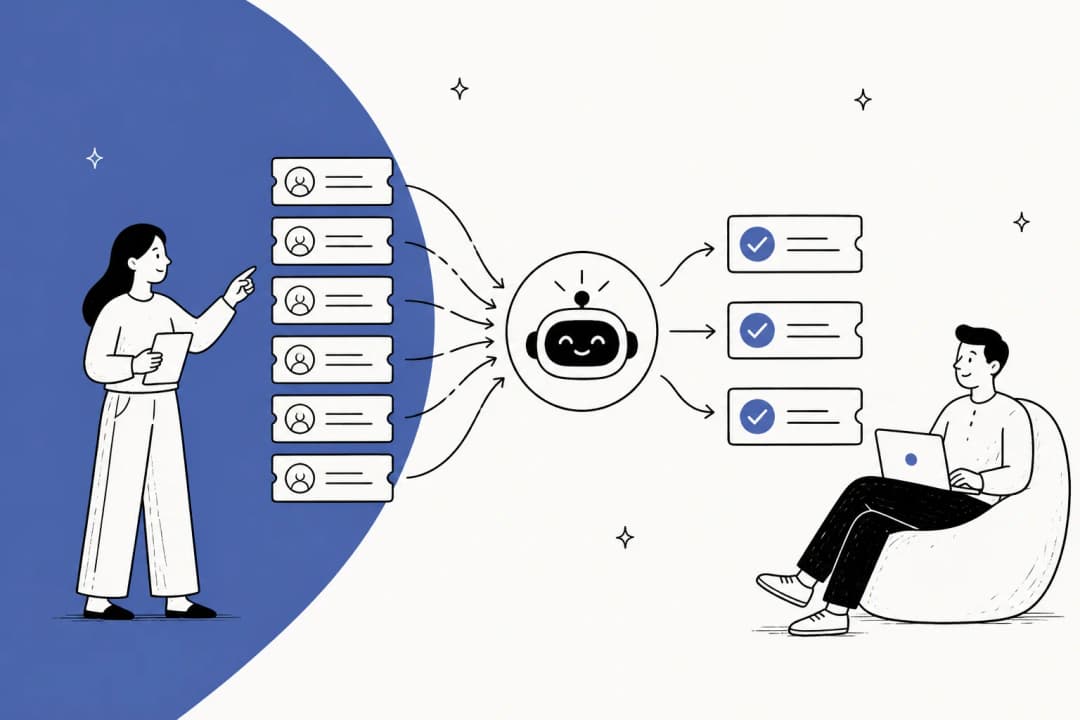
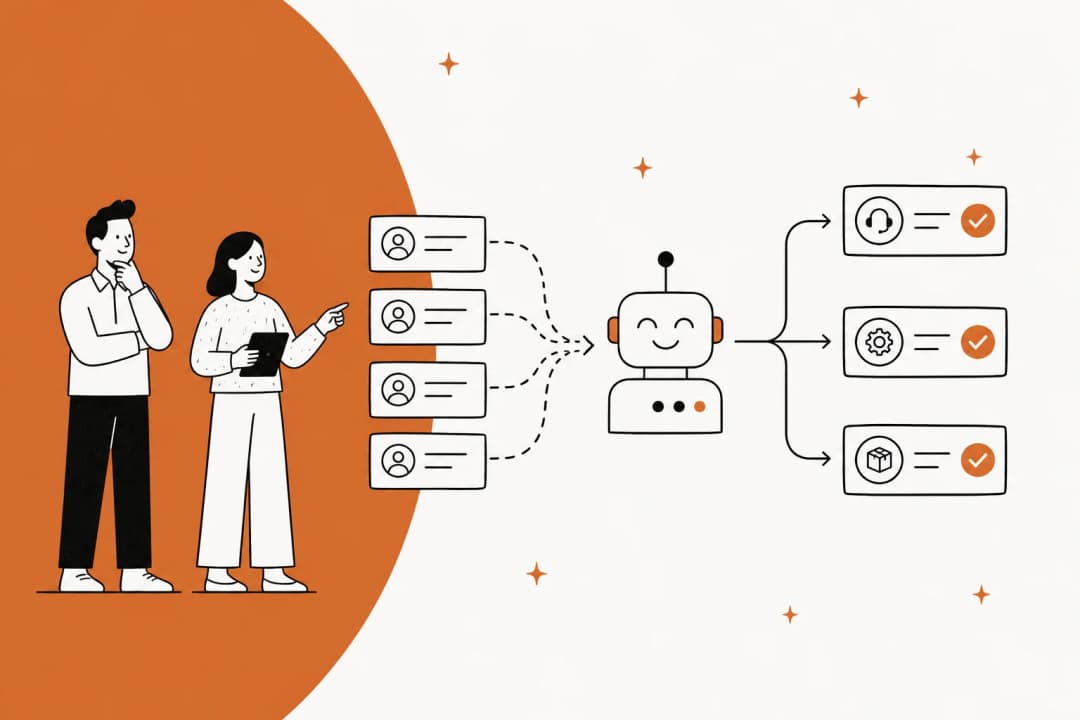
Agent assist helps a person complete support work. It might draft an answer, summarize the history, suggest an article, or highlight a missing check during a call.
That is different from allowing an AI system to send customer messages or change records without per-case approval. A product can support both modes. The distinction depends on the action settings and the person responsible for the next step.
I would ask for a demonstration of the complete review path:
- Where does the suggestion appear?
- Can the reviewer see enough evidence to check it?
- Can they edit, reject, or stop it?
- What happens if nobody reviews it?
- Which actions, if any, can still run automatically?
A draft in a chat, an internal helpdesk note, and a public reply are different outcomes. Confirm which one you are buying before comparing feature lists.
AI agent assist tools at a glance
This article is published by eesel. The comparison focuses on documented workflow fit; validate each option in your own environment.
| Tool | Best starting use case | Assistance to evaluate | Main boundary to check |
|---|---|---|---|
| eesel | Support teammate across connected tools | Drafts and task review, including CLI-led evaluation | Which actions can run or require approval |
| Zendesk agent copilot | Teams already working in Zendesk | Suggested replies, summaries, and supervised actions | Copilot entitlement and configured procedures |
| Freddy AI Copilot | Freshdesk teams | Writing, translation, summaries, and similar-ticket context | Eligible plan and Copilot add-on |
| Observe.AI | Live contact-center conversations | Scripts, prompts, and supervisor assistance | Channel integration and live alert quality |
| Relay.app | Cross-app workflows with explicit reviewers | Approval requests and input forms | Workflow design, overdue behavior, and reviewer ownership |
These are different kinds of assistance. A live-call prompt and an email draft should not be scored against the same checklist.
1. eesel: a support teammate you can operate through the CLI

What it does: eesel provides a support teammate with connected knowledge and tools. The CLI reference documents commands for chatting, uploading files, reading instructions, inspecting activity, and reviewing held approvals. The CLI and dashboard access the same agent and workspace.
Why consider it: an engineer can prepare an evaluation from a terminal while support staff review the result in the dashboard. JSON output also makes the CLI usable by scripts and coding agents. This is useful when you want repeatable setup checks without requiring every reviewer to become a terminal user.
What to check: knowledge availability and action support depend on the integration. A connection does not prove answer quality, and a draft-only prompt does not disable write permissions. Inspect existing automations before testing an agent that already serves customers.
Pricing approach: eesel pricing lists regular support tickets and chat sessions at $0.40 per task, heavy blog drafts at $4, and light tasks as free. Pay-as-you-go has no platform fee or monthly minimum. A task is the interaction, not every message and not a guaranteed resolution.
Verdict: shortlist eesel when you want a support workflow that humans review, plus an agent-friendly CLI for configuring and evaluating it. Do not treat the CLI as a replacement for a live-call coaching interface.
2. Zendesk agent copilot: assistance in the ticket workflow

What it does: Zendesk's agent copilot documentation lists suggested first replies, macros, writing tools, ticket summaries, similar tickets, and auto assist. Auto assist can suggest next steps and execute agent-approved actions.
Why consider it: suggestions appear within the workflow Zendesk agents already use. This is a relevant starting point if the problem is switching away from a ticket to find information or draft a response.
What to check: auto assist procedures define how requests should be handled. Communication guidelines separately shape the response style. Test both the proposed answer and the proposed action on representative tickets.
Pricing approach: confirm the required Zendesk plan, Copilot entitlement, and enabled features in your quote. A helpdesk's entry subscription price should not be presented as the complete cost of its assist features.
Verdict: a strong starting option for a Zendesk team seeking native assistance. Compare the quality of suggestions and review effort, rather than assuming native integration removes configuration work.
3. Freddy AI Copilot: writing and context for Freshdesk teams
What it does: Freddy AI Copilot offers reply drafting, translation, conversation summaries, sentiment information, and context from similar tickets and knowledge articles.
Why consider it: this is assistance aimed at the human handling the conversation, rather than an autonomous response product being counted as a copilot. It is worth testing for handoffs and long threads where gathering context takes time.
What to check: use your own terminology and support languages in the evaluation. A readable translation or concise summary can still omit a condition the agent needs before responding.
Pricing approach: the current Freshdesk pricing page lists Freddy AI Copilot at $29 per agent per month, billed annually, on eligible plans. Confirm the base subscription and eligibility separately. Freddy AI Agent sessions are a different charge.
Verdict: shortlist it if your agents already work in Freshdesk and need help composing and understanding replies. Measure the whole review process, not just how quickly text appears.
4. Observe.AI: guidance during live conversations
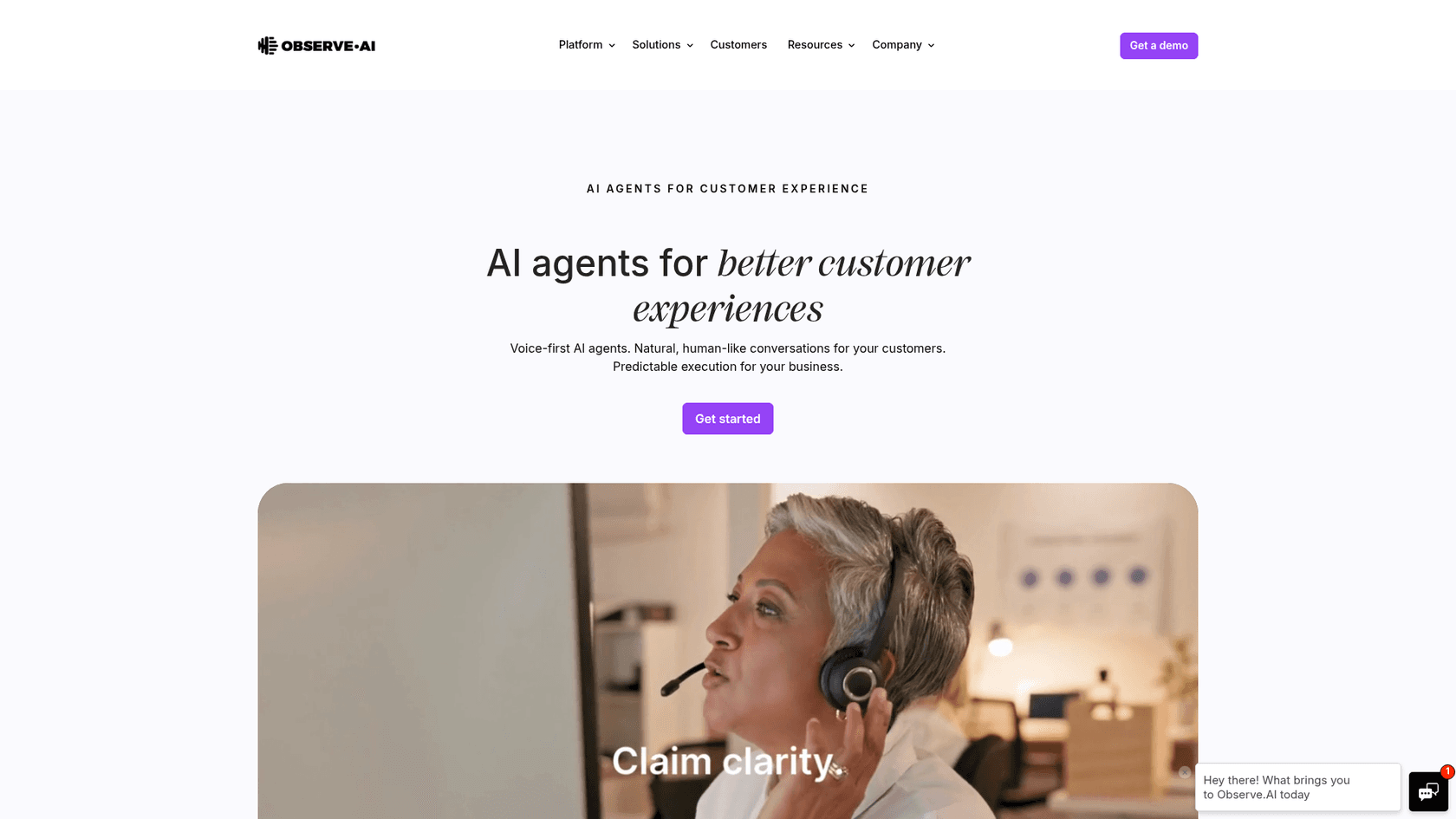
What it does: Real-Time Agent Assist provides smart scripts, alerts, contextual prompts, and supervisor assistance. Observe.AI also describes knowledge search and summarization as parts of its real-time ecosystem.
Why consider it: the relevant job is helping an agent during a conversation, not just reviewing the transcript afterward. A contact center may need a disclosure reminder or supervisor intervention while the customer is still on the call.
What to check: validate prompt timing, accuracy, and distraction. An alert that arrives after the relevant moment is less useful, even if its classification is correct. Include false alarms in the review.
Pricing approach: request a quote for the required channels and modules. Keep real-time assistance, quality assurance, and other capabilities distinct when comparing scope.
Verdict: a relevant option for live contact-center guidance. Do not dismiss it as an after-call QA tool, and do not assume every ticket-focused copilot is an equivalent substitute.
5. Relay.app: explicit review steps across apps

What it does: Relay.app is a workflow builder rather than a dedicated support inbox. Its human-in-the-loop steps offer approval requests and input forms through Slack or email. Runs wait for the required response by default.
Why consider it: this fits a defined workflow such as preparing a draft, requesting missing information, and waiting for a named reviewer before continuing. The value is the explicit pause and ownership, not a claim that every support process is ready-made.
What to check: review who receives the task, what context they see, and which downstream step runs after approval. Check overdue behavior too: a step can be configured to skip the action and continue after its due date. Do not use that setting where approval must be mandatory.
Pricing approach: model your actual workflow activity and AI usage under the current plan. Include the time needed to build and maintain the workflow.
Verdict: useful for teams assembling cross-app review processes. Compare the implementation work with a purpose-built support teammate before committing.
Evaluate draft assistance through eesel CLI
A useful assist pilot tests whether a person can turn a suggestion into a correct response with less effort. The CLI gives you a practical way to supply approved evidence and ask for a bounded draft.
Inspect the agent before running a case
With Node.js 18.17 or newer, the documented package runs through npx. For an existing eesel workspace:
npx @eesel/cli login
npx @eesel/cli whoami
npx @eesel/cli agents
npx @eesel/cli integrations --agent AGENT_ID
npx @eesel/cli instructions --agent AGENT_ID
npx @eesel/cli automations --agent AGENT_ID
Replace AGENT_ID with the intended agent's ID. Confirm the workspace and inspect its existing rules and automations. For a pilot, use a controlled workspace and keep customer-facing writes off or approval-gated.
These commands do not install a second teammate. The same configuration is visible in the dashboard. A coding agent can run the checks too, but it still needs to respect the intended workspace and action permissions.
Give the teammate a concrete drafting task
Prepare assist-evaluation.md with an approved policy, a fictional customer request, and any facts the reviewer should use. Label the fictional details clearly.
npx @eesel/cli files upload ./assist-evaluation.md --agent AGENT_ID
npx @eesel/cli new --name "assist-draft-review" --agent AGENT_ID
npx @eesel/cli chat 'Using assist-evaluation.md, draft a reply to the fictional request. Identify the policy supporting the answer and any missing facts. Keep the draft here for human review. Do not send a message or change records.' --agent AGENT_ID
Uploading the file supplies knowledge. It does not change standing instructions or enforce permissions. The prompt requests draft-only behavior, but real chat can invoke enabled tools; configure the action controls before relying on it.
This example produces a draft in the conversation. It does not automatically insert the draft into a helpdesk composer or create an internal note. Those are separate workflows whose support and permissions depend on the integration.
Review the assistance and its effect
npx @eesel/cli activity --agent AGENT_ID
npx @eesel/cli approvals --agent AGENT_ID
Inspect activity and any held actions, then have a reviewer check the draft. A held approval is not an executed action. If you later test a helpdesk update, verify the result in the helpdesk itself.
The CLI's --dry-run flag previews the server call a write would make without sending it. It does not evaluate answer quality, simulate a complete support conversation, or forecast its cost.
For a new independent case, start another named conversation before chatting. Otherwise, chat continues the current conversation and the previous case can influence the result.
Measure whether assistance actually saves work
I would compare a small set of cases completed with and without assistance, keeping difficulty and review standards as similar as practical.
| Measure | What to record |
|---|---|
| Time to acceptable reply | Reading, source checks, editing, and sending |
| Factual quality | Unsupported claims, missing conditions, wrong policy |
| Reviewer effort | How much rewriting or investigation was required |
| Appropriate handoff | Whether the tool recognized the need for human judgment |
| Adoption | Whether agents chose to use useful suggestions |
| Customer outcome | Reopens, corrections, and feedback after the response |
Do not infer a payback period from draft speed alone. The full cost comparison should include maintenance, review time, and the volume where suggestions are actually useful.
Include an ambiguous request and a policy exception. A draft that correctly asks for clarification can be better than a confident but unsupported answer. Define the handoff process before expanding the rollout.
Try eesel CLI with a review-first support case
Start with one job your agents already do: interpreting a policy, summarizing a thread, or preparing a response. eesel CLI lets you inspect the teammate's setup and run the case from a terminal while reviewers use the same dashboard workspace.

Try eesel on a defined case, then measure whether the draft reduces your team's work without weakening the checks they need.
Frequently Asked Questions
What makes AI agent assist different from an autonomous agent?
Which AI agent assist tool is best for my team?
Do support agents need to use a terminal with eesel CLI?
Can a coding agent use eesel CLI?
Does eesel CLI dry-run evaluate reply quality?
How should I measure agent assist results?
Does agent assist guarantee a fast payback?


Article by
Riellvriany Indriawan
Riell is a designer and writer at eesel AI with about two years of experience researching CX platforms, AI chatbots, and helpdesk software. She combines her design background with a sharp eye for how these tools actually look and feel in practice — making her comparisons unusually visual and user-focused.