What escalation management actually means once AI is in the loop
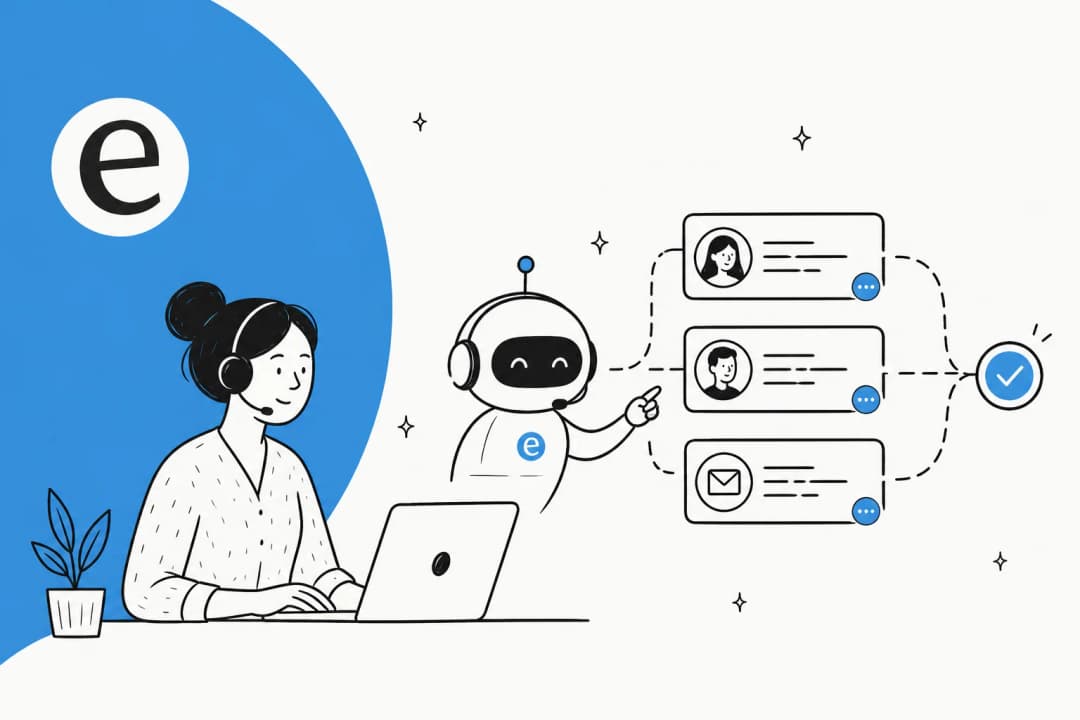
For years, "escalation" meant a tier-1 agent flagging a ticket up to tier-2 or a manager. The shape was human-to-human. Once an AI agent sits at the front of the queue, escalation gets a new first step: the AI deciding whether to answer at all, or to pass the ticket to a person.
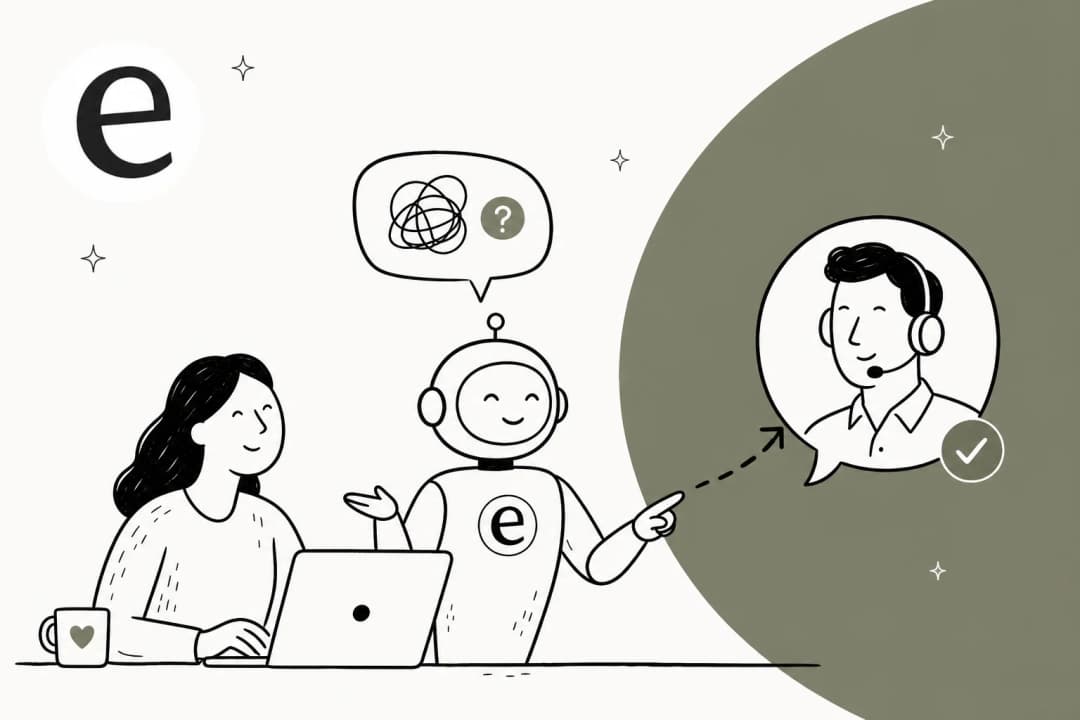
That decision is the whole game. An AI agent that escalates too eagerly is just an expensive routing layer that annoys customers with "let me get someone for you." One that escalates too rarely starts inventing answers, and a wrong answer on a billing question costs far more than a slow one. The job of AI escalation management is to tune that line: handle everything the AI can resolve well, and cleanly route everything else to a human with enough context that the handoff feels seamless to the customer.
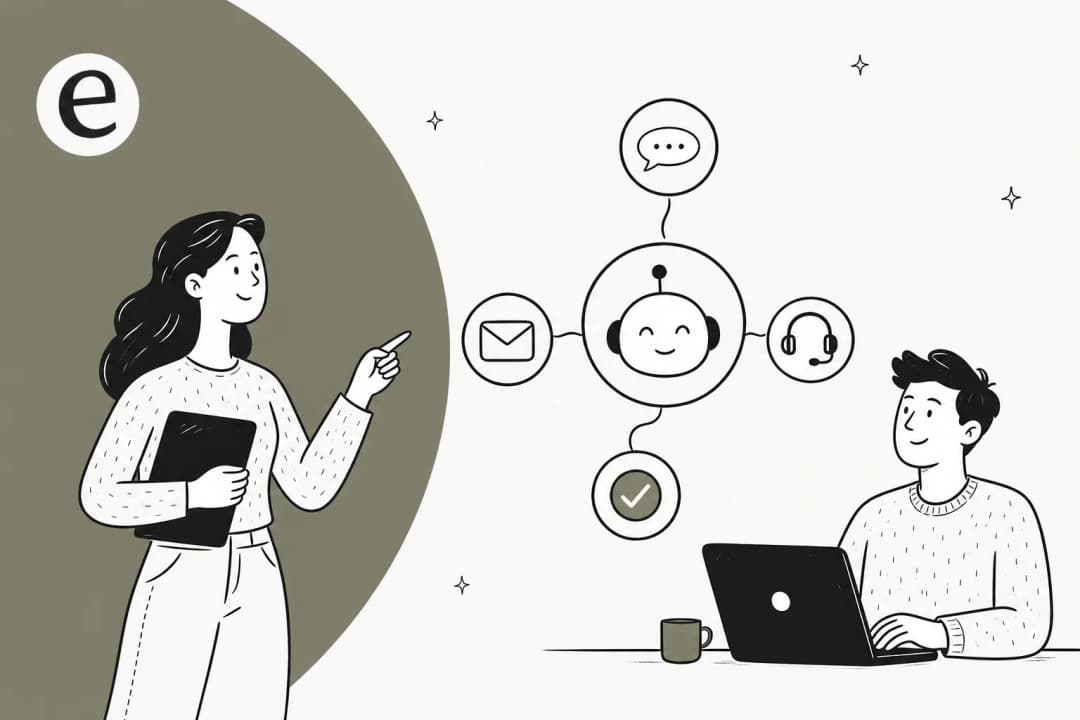
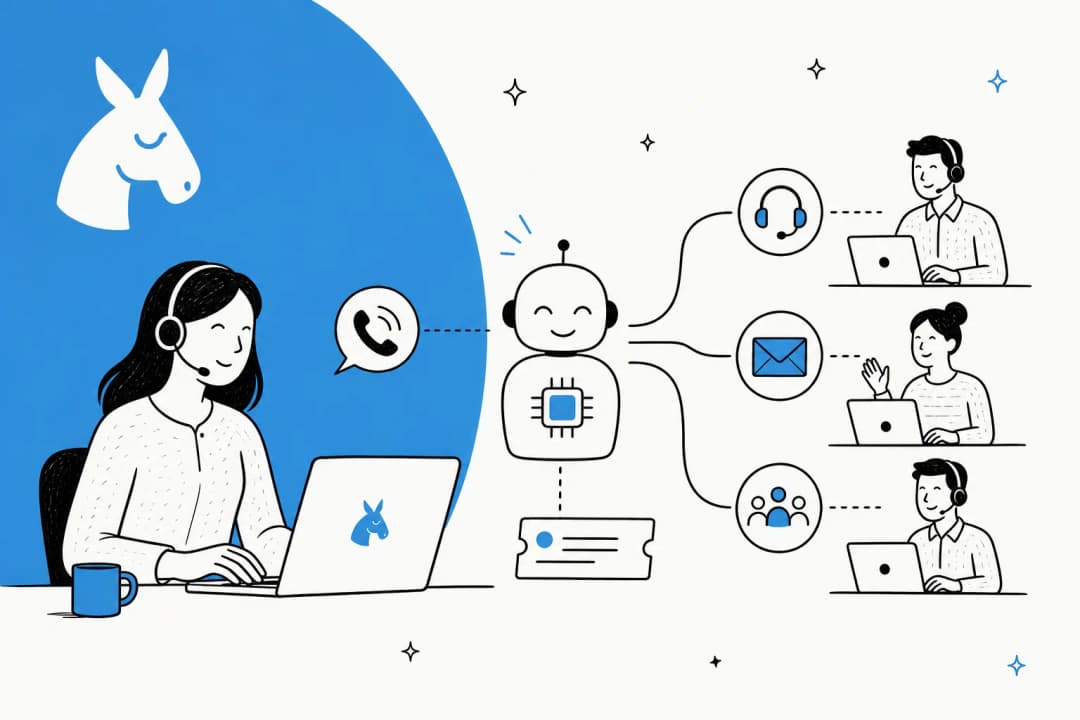
It sits right next to two things we've written about a lot: ticket triage, which is the AI reading and classifying an incoming ticket, and ticket routing, which is sending it to the right place. Escalation is the specific routing decision that pulls a human in.
The honest reason teams get this wrong
Here's the scar that shaped how we build this. We've watched a confident-sounding bot quietly hand a customer the wrong answer, fully sure of itself, in a tone that made the mistake hard to spot. That's the failure mode that actually scares support leaders, and it's why we now simulate every rollout against a company's real historical tickets before a single live reply goes out. You see exactly where the AI would have guessed, and you fix the gaps before a customer ever feels them.
The buyers I talk to feel this in their gut before they can name it. One CX lead at a DTC supplements brand running about 7,000 Gorgias tickets a month put the whole thesis in a sentence: "The AI will never be able to answer 100% of the questions... I need an AI who is only handling the tickets that it's confident to handle and all the other ones, leave them alone." That's not a feature request. That's the entire job of escalation management, said out loud.
The mistake most teams make is treating escalation as an afterthought, something you bolt on once the AI is "working." In reality it's the thing that makes the AI safe to turn on at all. So let's start with the part everyone underestimates: knowing when to hand off.
When should an AI agent escalate?
There's no single rule. There's a set of triggers, and the art is deciding which ones fire a handoff in your context. These are the six we'd wire up on almost any queue.
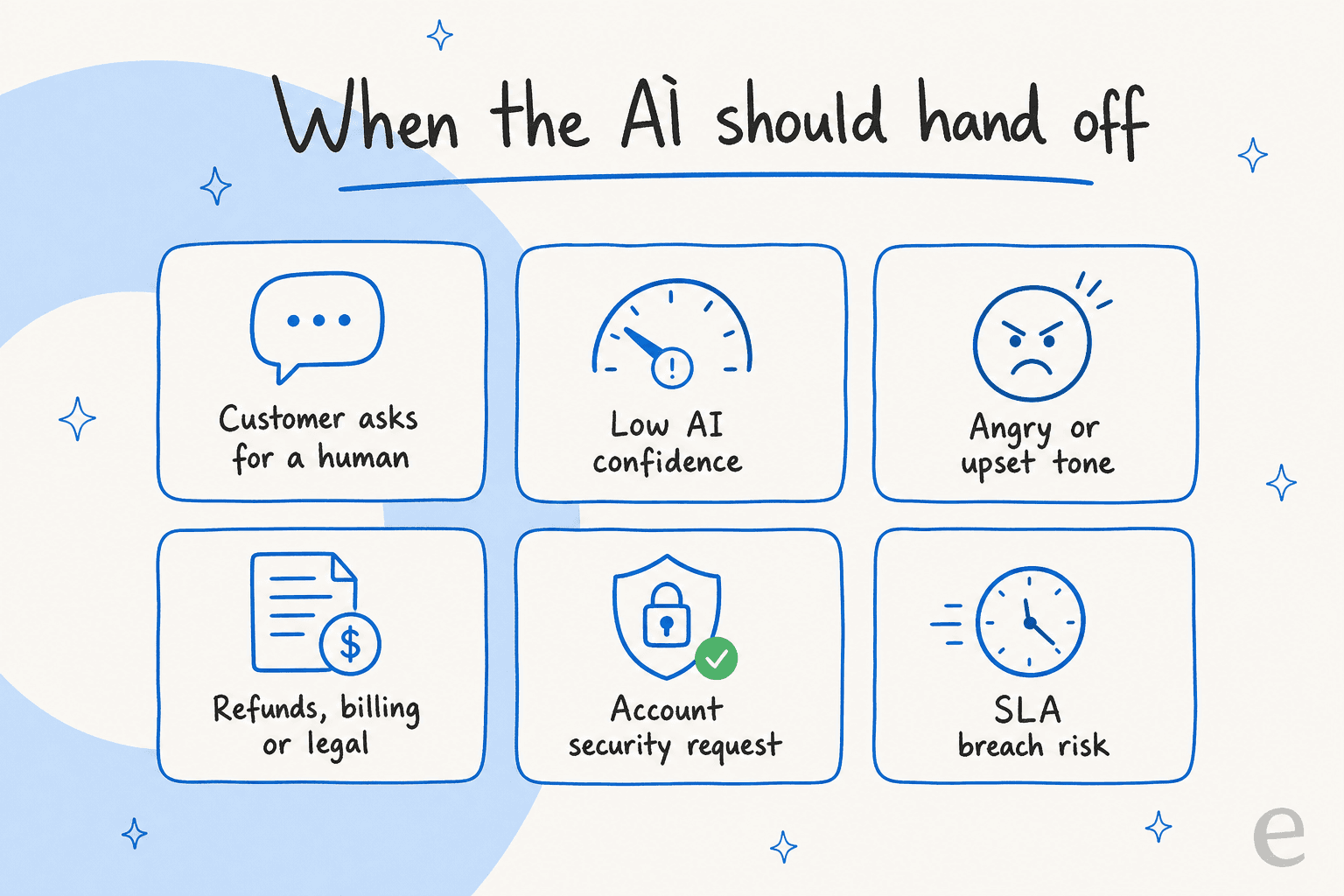
- The customer asks for a human. Non-negotiable, and the one teams forget to make instant. The moment someone types "can I talk to a person," the AI should hand off without a fight.
- The AI's confidence is low. If the model isn't sure, it shouldn't guess. This is the confidence threshold doing its job, and it's the single most important trigger.
- The tone turns angry or upset. An escalating customer is rarely the moment to let an AI practise empathy. Route it to someone who can read the room.
- The topic is high-risk. Refunds, billing disputes, anything legal, anything touching an account-security request. These are tickets where a wrong answer has real consequences, so they belong with a human by default.
- An SLA is about to breach. If a ticket has been sitting and a deadline looms, SLA-based escalation should pull it into a human's view before the clock runs out.
- The AI has already tried and failed. If two attempts didn't resolve it, a third won't either. Hand off rather than loop.
Some of these are rule-based and some are judgement calls, which is why the next piece matters so much. You can't write an if statement for "the customer sounds upset." You need the AI to score its own certainty.
How confidence-based routing works
This is the engine under escalation management, and it's worth understanding even if you never touch the settings. Before the AI sends anything, it scores how sure it is of the answer. That score decides the path.
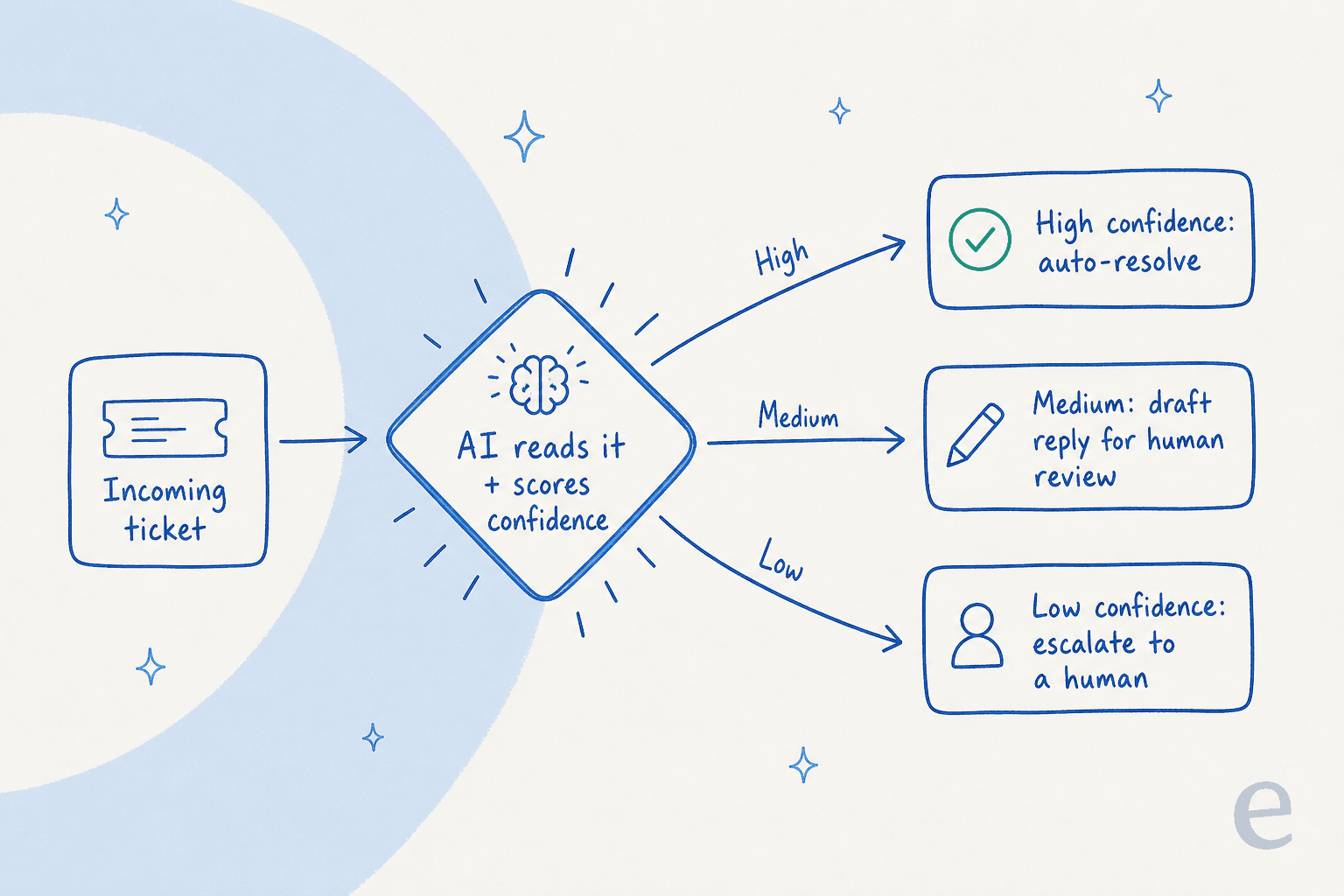
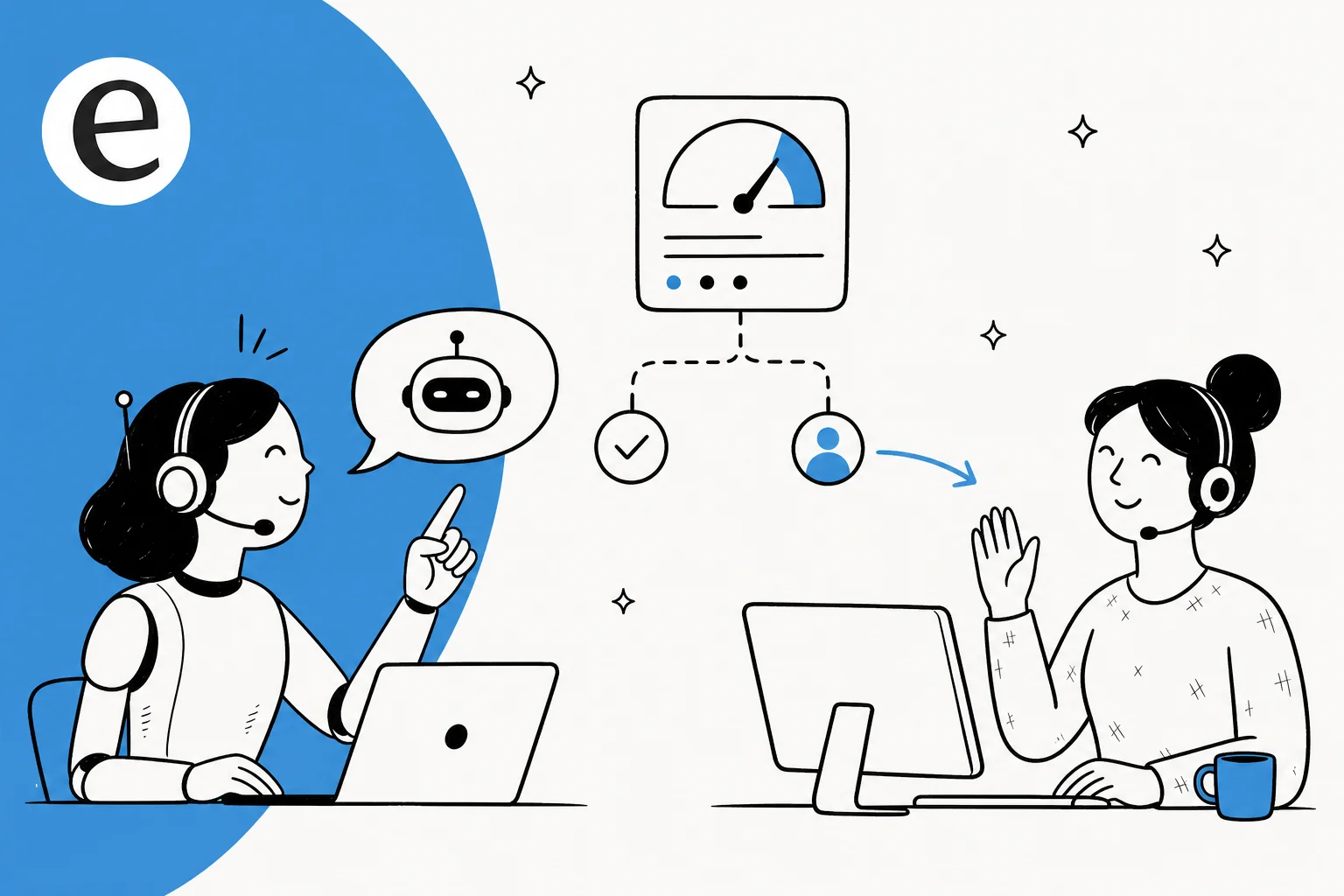
High confidence resolves on its own. Medium confidence drafts a reply and leaves it as an internal note for a human to approve, which is the agent assist pattern. Low confidence triggers the handoff. The beauty of this is that it maps cleanly onto how cautious you want to be: a regulated fintech can set the bar high and let almost everything draft-only, while a high-volume e-commerce team can let the AI run on the order-status questions it answers correctly thousands of times a day.
What you're really tuning is the gap between ticket deflection and over-reach. Set the threshold too low and the AI deflects things it shouldn't. Set it too high and you've bought an expensive autoresponder that escalates everything. The right number isn't a guess, which is the whole argument for simulation: run the AI against your last few thousand tickets, see the predicted resolution rate at each threshold, and pick the line that keeps quality where you need it.
This is also where fallback messages earn their keep. When confidence drops and a handoff isn't instant, a good fallback buys time gracefully instead of leaving the customer staring at a spinner. The timeout and fallback behaviour is the safety net under the whole flow.
What a clean handoff actually looks like
Deciding to escalate is half the work. The other half is how you hand off, and this is where most setups quietly fail. A cold transfer dumps the customer back to the start of the queue and makes them re-explain everything. A warm handoff carries the whole conversation across.
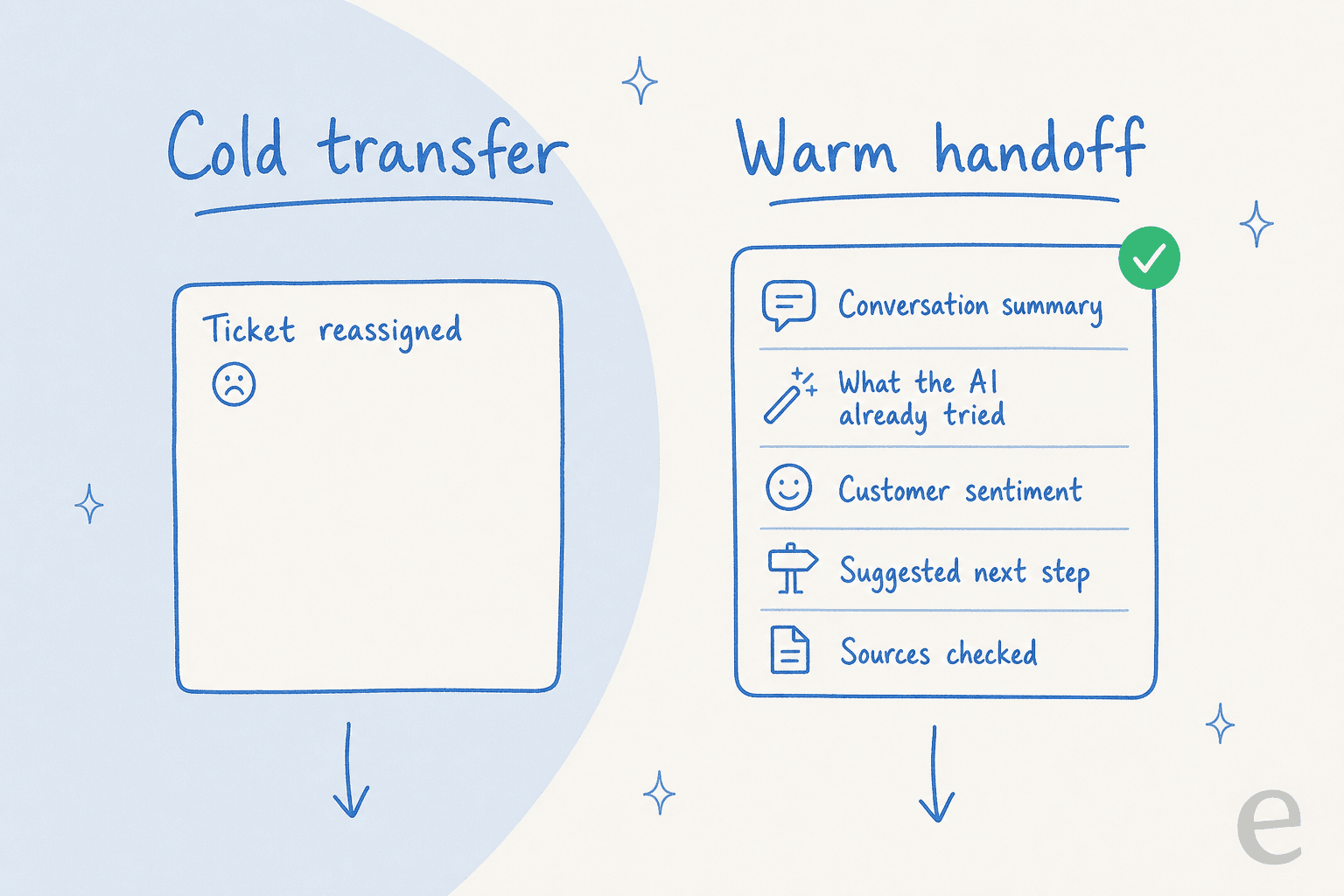
The difference in the customer's experience is night and day. Done well, the handoff is invisible: the human picks up mid-thread, already knows what's been said, and just keeps going. Here's a real example from a customer's website chat. An end-user on an SEO tool's chat bubble asked two how-to questions, got clean self-serve answers, then typed "Can I talk to a human?" The AI handed off the instant they asked, with the full thread attached. Two deflected, one escalated, zero friction. That's deflection and self-service and conversation handoff working as one motion.
The mechanics matter here, and they're worth getting right per platform. The bot-to-agent handoff messaging, preserving handoff context, and knowing whether you're routing to a specialist or a manager all change how the receiving agent experiences it. On Gorgias, for instance, there's a specific way to control the handover experience in chat so the transition reads as smooth.
One detail teams overlook: where the human gets notified. If your agents live in Slack, the handoff should ping them there with context, not just silently reassign a ticket they have to go hunting for.
Keep the customer warm while they wait
Escalation isn't always instant. Sometimes the human needs to chase a third party, wait on a payout partner, or dig into an account. The gap between "handed off" and "resolved" is where customers get anxious and re-open tickets, which makes the queue worse.
There's a nice pattern for this that doesn't even need a knowledge base. One fintech we work with, sitting on roughly 7,000 to 8,000 escalated tickets a month, uses the AI to keep escalated tickets warm: it sends reassurance updates while the team waits on external partners, so the customer always knows their ticket is alive. The AI isn't resolving anything there. It's managing the waiting, which is a part of escalation management almost nobody plans for.
How to set up AI escalation management
You don't need a rules engine and a six-week project. Here's the order we'd actually do it in.

- Connect your helpdesk and knowledge. Point the AI at your past tickets, help docs, and macros. Years of resolved tickets become knowledge on day one, which is what lets the AI judge confidence in the first place. eesel runs on Zendesk, Freshdesk, Gorgias, Front, Help Scout, HubSpot, and Jira for internal desks.
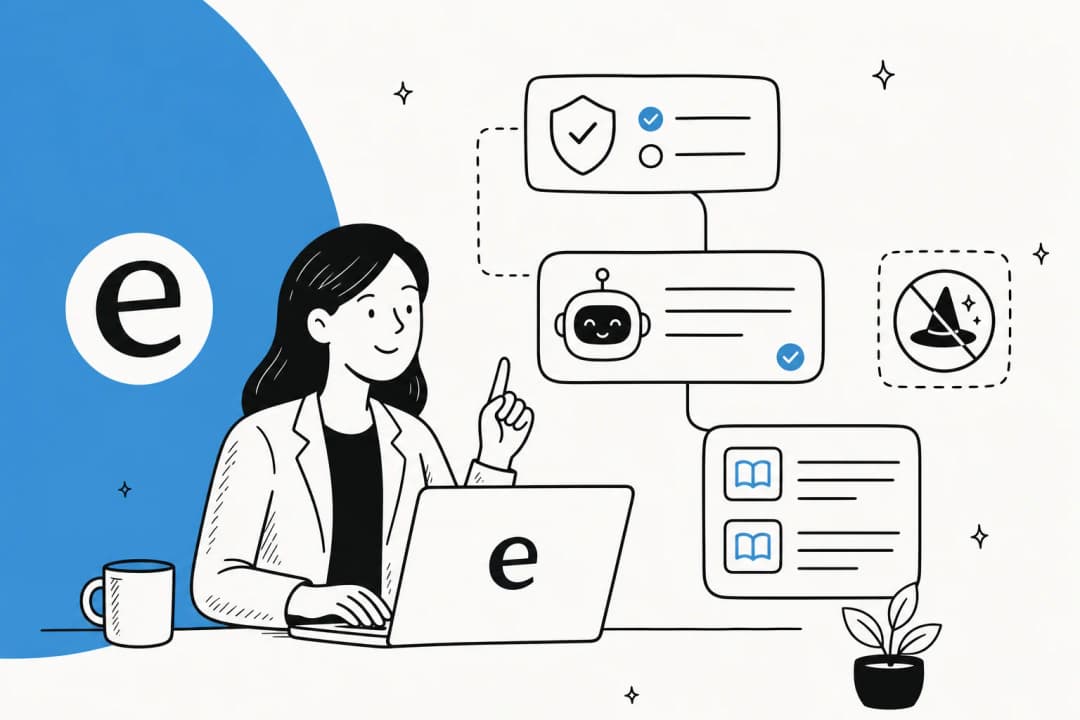
- Decide what the AI never touches. Exclude the categories you want kept human by default. A support lead I spoke with put it plainly: "There are certain tickets I don't want to go through AI." That's a setting, not a compromise.
- Set your confidence threshold and triggers. Define what auto-resolves, what drafts for review, and what escalates. This is where the escalation rules and advanced escalation handling live.
- Simulate before you go live. Run the AI against thousands of your real past tickets to see exactly what it would have resolved, drafted, and escalated, and at what quality. Fix the gaps, then turn it on.
- Tune from the feedback loop. Every time an agent edits or rejects a draft, that's signal. The AI should learn from it so the transfer to a human line gets sharper over time.
You can configure most of this in plain language rather than a rules builder, which is the part that surprises people.

The mistakes I'd watch for
A few patterns I see often enough to call out:
- Treating escalation as a fallback for a broken bot. If the AI escalates 80% of tickets, the problem isn't escalation, it's that the knowledge base is thin. Fix the knowledge gaps first.
- Cold transfers. Reassigning a ticket without context just moves the work, it doesn't reduce it. Always pass the thread.
- No exclusion list. Letting the AI take a swing at every ticket type, including the ones that should always be human, is how you get the confident-wrong-answer problem.
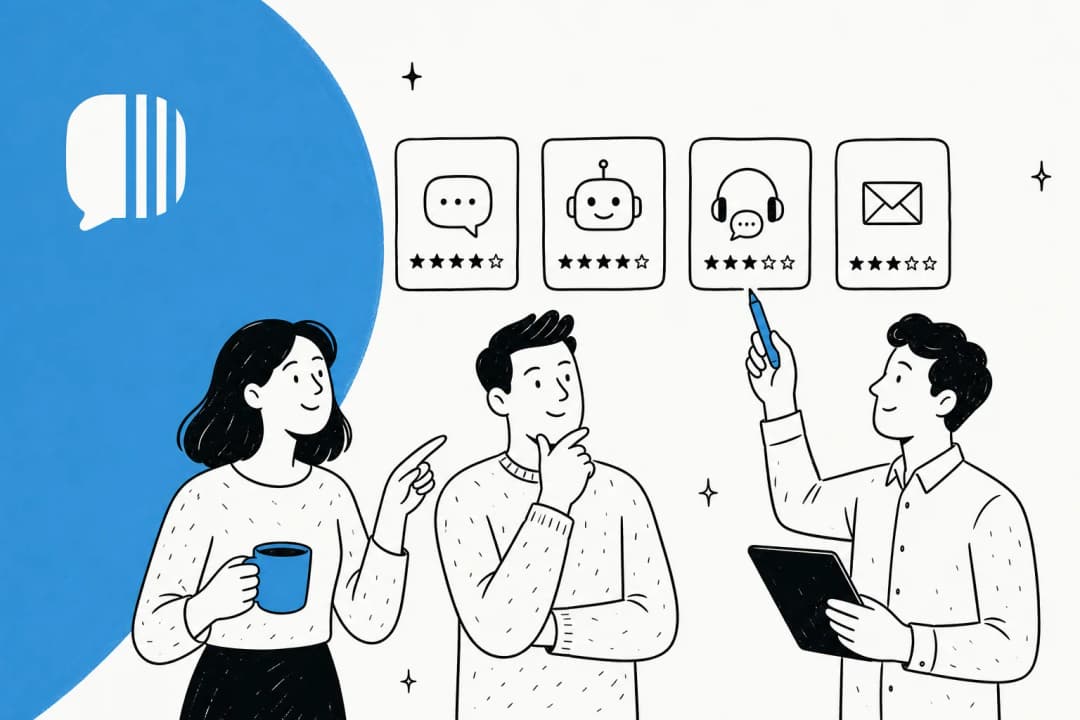
- Measuring deflection without quality. A high resolution rate means nothing if the resolutions are wrong. Watch both, and lean on agent-assist tools while you build trust.
Done right, escalation management is what lets you push automation up without pushing quality down. It's also the honest answer to the AI versus human support question: it was never either-or. The AI handles volume, humans handle judgement, and escalation is the seam between them.
For proof it can run at scale, one gig-economy analytics company on Zendesk crossed the line fast:
"In the first month, eesel is resolving 73% of our tier 1 requests. eesel offers easy Zendesk implementation and setup. Our team implemented and achieved results quickly during our 7-day trial."
Kim Simpson, Gridwise (eesel AI helpdesk agent)
The 73% they kept is only safe because the other 27% escalated cleanly. That's the whole point.
Try eesel
eesel AI is built around exactly this seam between AI and human. It learns from your past tickets and docs on day one, routes by confidence so it only handles what it's sure of, and hands the rest to your team with the full thread attached. The part we'd point to first: you can simulate the whole thing against thousands of your real historical tickets before going live, so you see your resolution rate and your escalation behaviour before a customer ever does. It's usage-based pricing with no per-seat fees, and you can exclude any ticket type from automation in plain language.

If you're weighing options more broadly, our roundup of AI customer support agents and our notes on AI ticket triage tools are good next reads.
Frequently Asked Questions
What is AI escalation management?
When should an AI agent escalate a ticket to a human?
How does confidence-based routing work?
What is a clean AI-to-human handoff?
Can I stop the AI from touching certain ticket types?


Article by
Riellvriany Indriawan
Riell is a designer and writer at eesel AI with about two years of experience researching CX platforms, AI chatbots, and helpdesk software. She combines her design background with a sharp eye for how these tools actually look and feel in practice — making her comparisons unusually visual and user-focused.