What "generative AI for customer service" actually means
The phrase gets thrown around like it's one thing, so let's be precise. The old wave of support automation was rule-based: someone hand-built a decision tree ("if the message contains 'refund', show flow B"), and the bot followed it. It worked right up until a customer phrased something the way humans actually phrase things, and then it fell off a cliff.
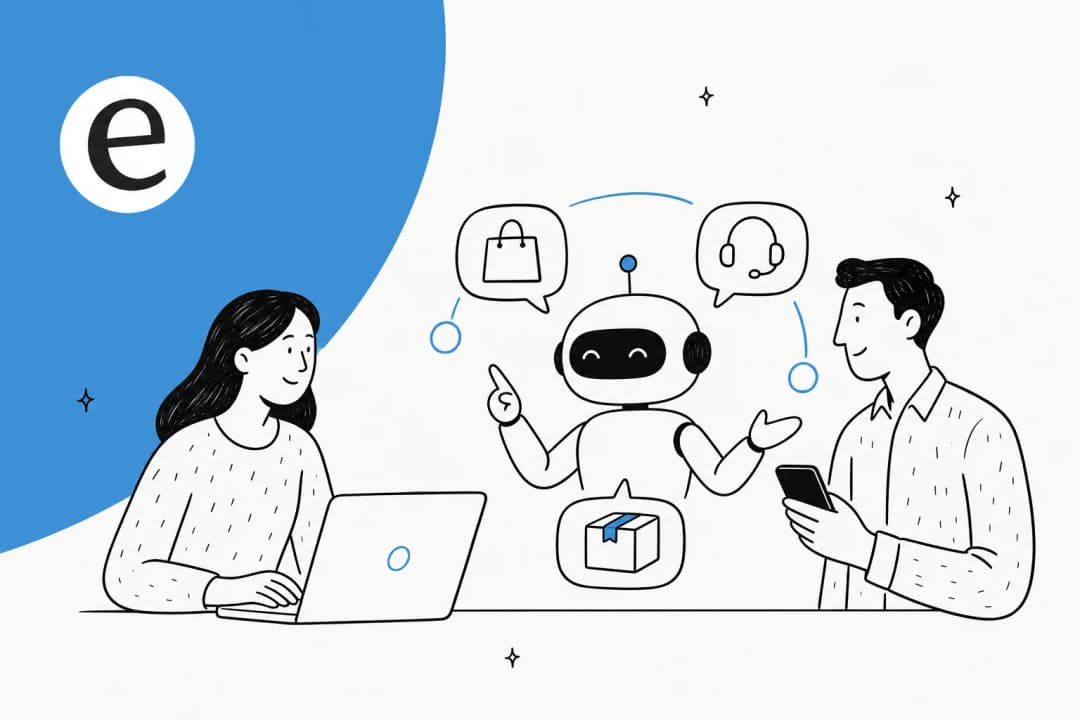
Generative AI flips that. A large language model doesn't match keywords to a script. It reads the customer's message, retrieves the relevant facts from a knowledge source you control, and generates a fresh reply. The same agent can answer "where's my order" and "do you ship to Norway and what's the duty situation" without anyone pre-building either flow.
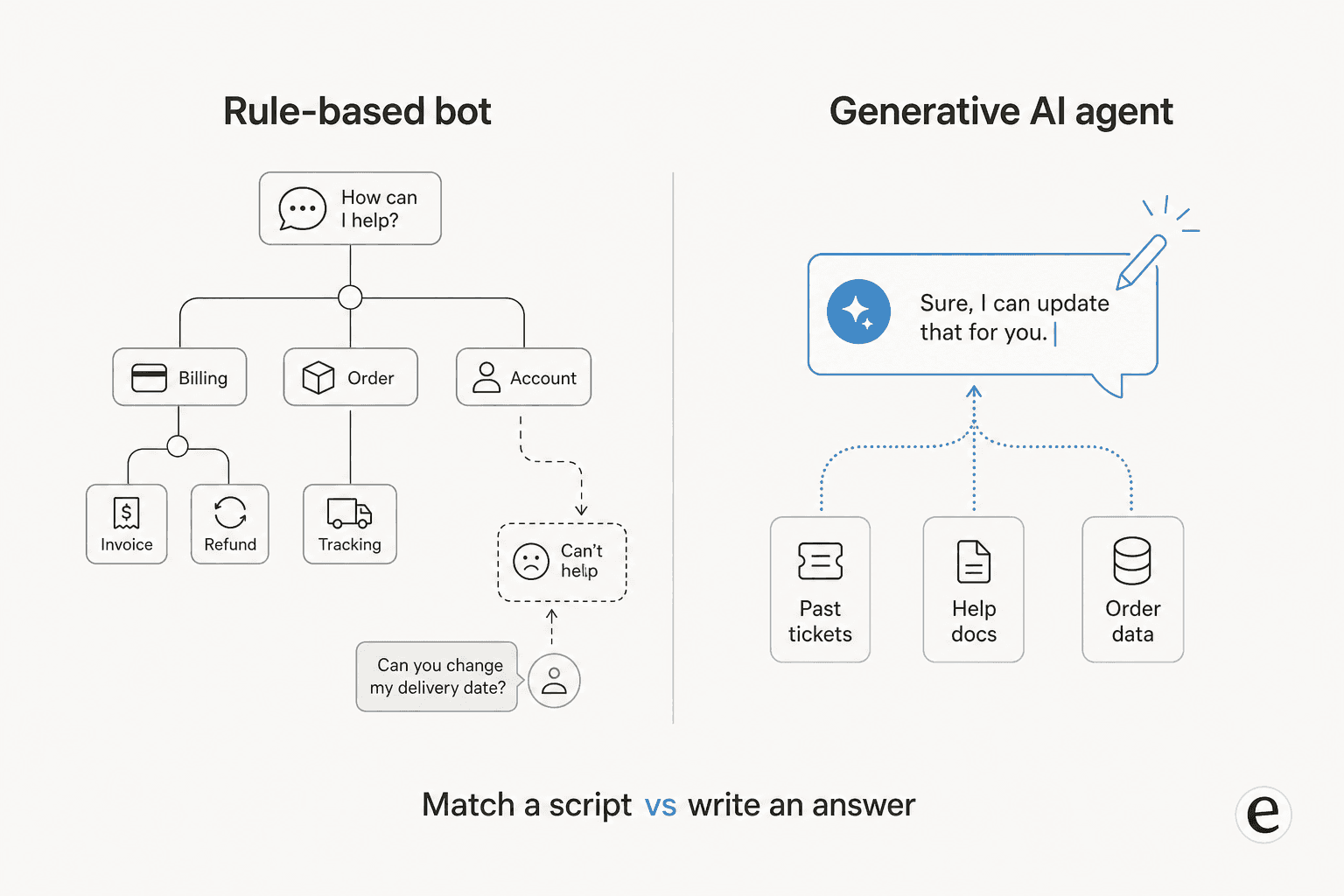
The other piece people miss: the quality of a generative agent is set almost entirely by what you feed it. A model trained on the public internet knows nothing about your return policy or your "we don't actually support that car model yet" caveats. A good agent learns from your solved tickets, your help center, and the tools where the answers live, so years of support history becomes usable knowledge on day one. That grounding is the difference between AI in customer service that sounds plausible and AI that's actually right.
How generative AI actually answers a ticket
Under the hood, a single ticket runs through a short pipeline, and understanding it is what lets you reason about where things go wrong.
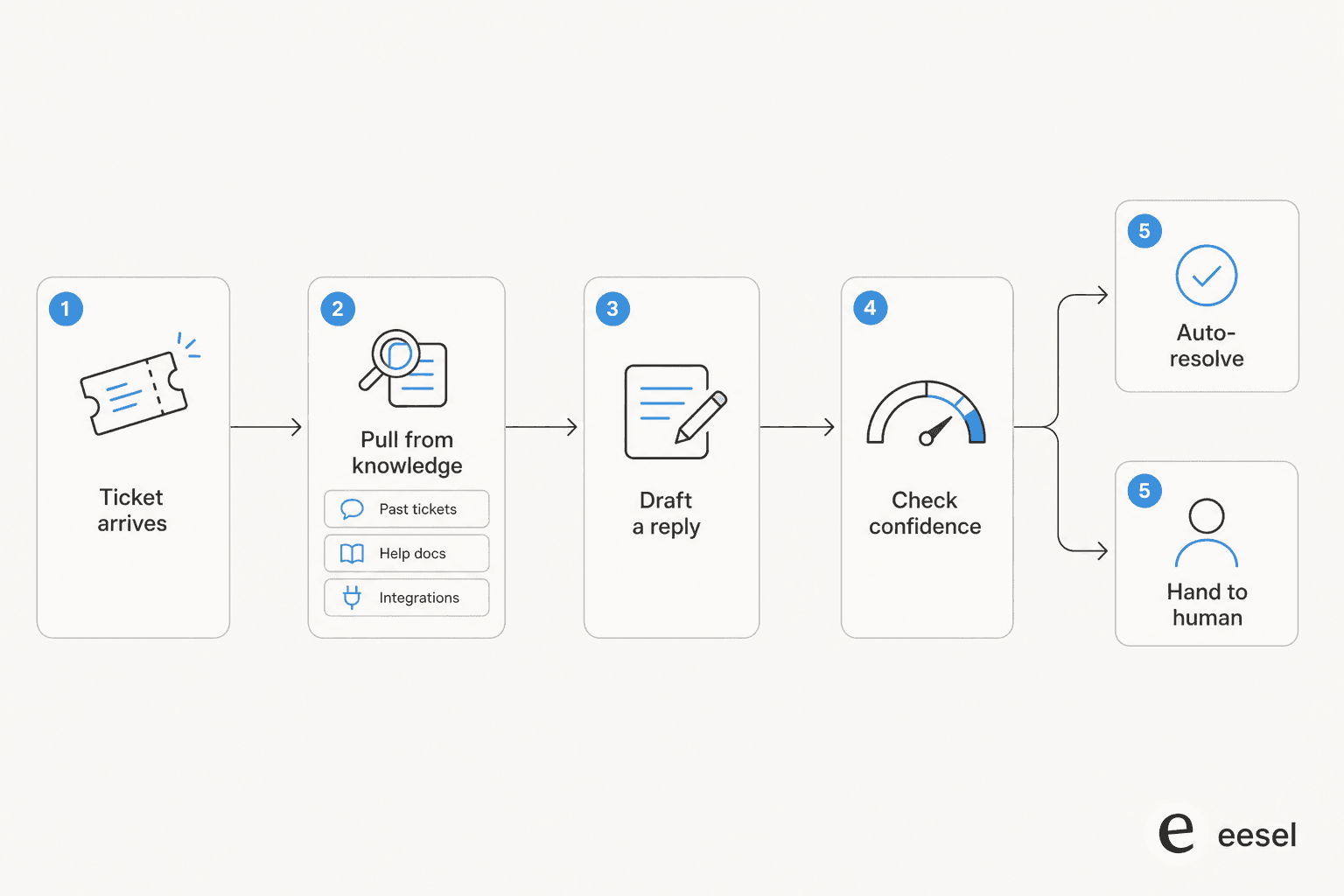
- The ticket arrives through your helpdesk, chat widget, or email, exactly where it lands today.
- The agent retrieves context. It searches your connected sources, your help docs, past tickets, and live data like order status from an integration, for the facts relevant to this specific question. This step is "retrieval-augmented generation," and it's why grounding matters so much.
- It drafts a reply using the model, written in your tone, with the retrieved facts as the backbone.
- It scores its own confidence. Did it actually find a solid source, or is it reaching? This is the most underrated step and the one cheap tools skip.
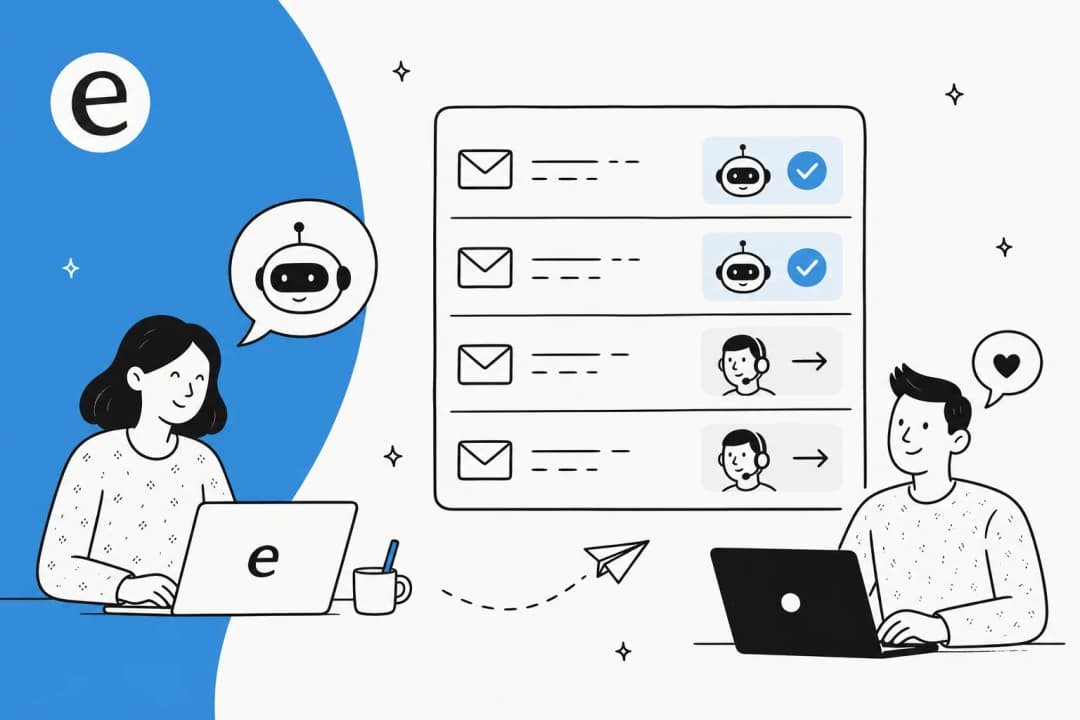
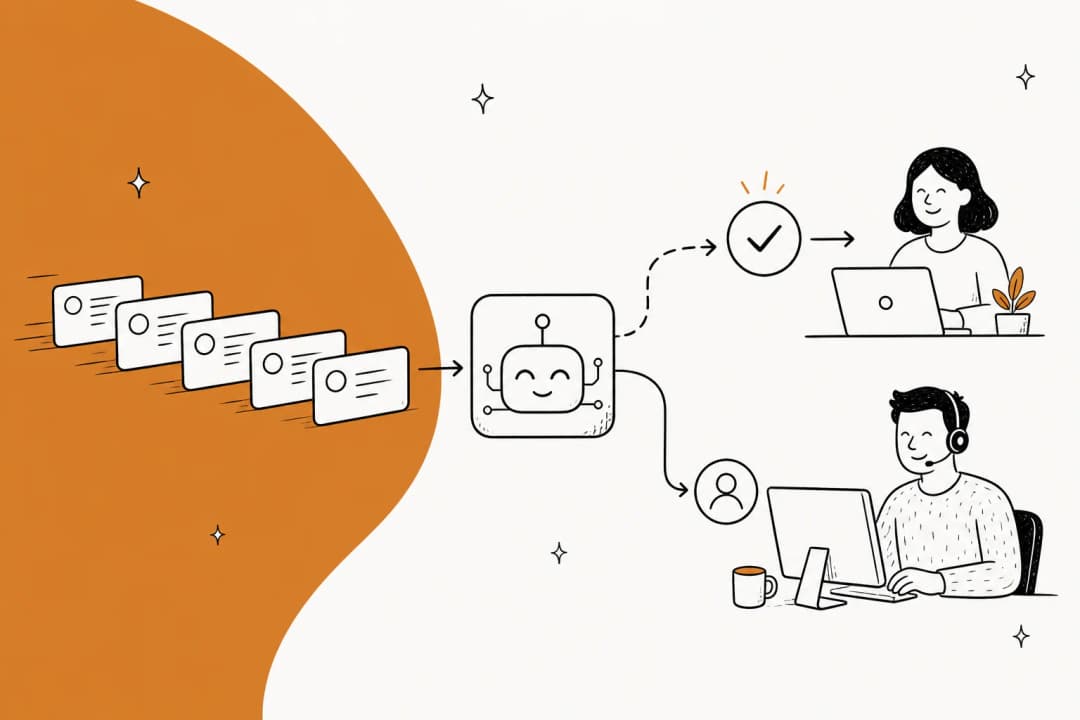
- It routes. High confidence can auto-resolve. Anything shakier becomes a draft for a human agent, or quietly escalates without ever touching the customer.
That AI customer service workflow is roughly the same whether you're running an e-commerce chat bubble or an internal IT AI ticketing system. What changes between vendors is how much of step 2 and step 4 you actually control.
What it's actually good at
After watching this run across a lot of real queues, here's where generative AI consistently earns its keep.
Deflecting the repetitive tier-1 stuff. The "where's my order," "how do I reset my password," "what's your refund window" questions are high-volume, low-judgment, and miserable for humans to answer for the hundredth time. This is the sweet spot. One gig-economy analytics team on Zendesk saw eesel resolve 73% of tier-1 requests in its first month, with results landing inside a 7-day trial.
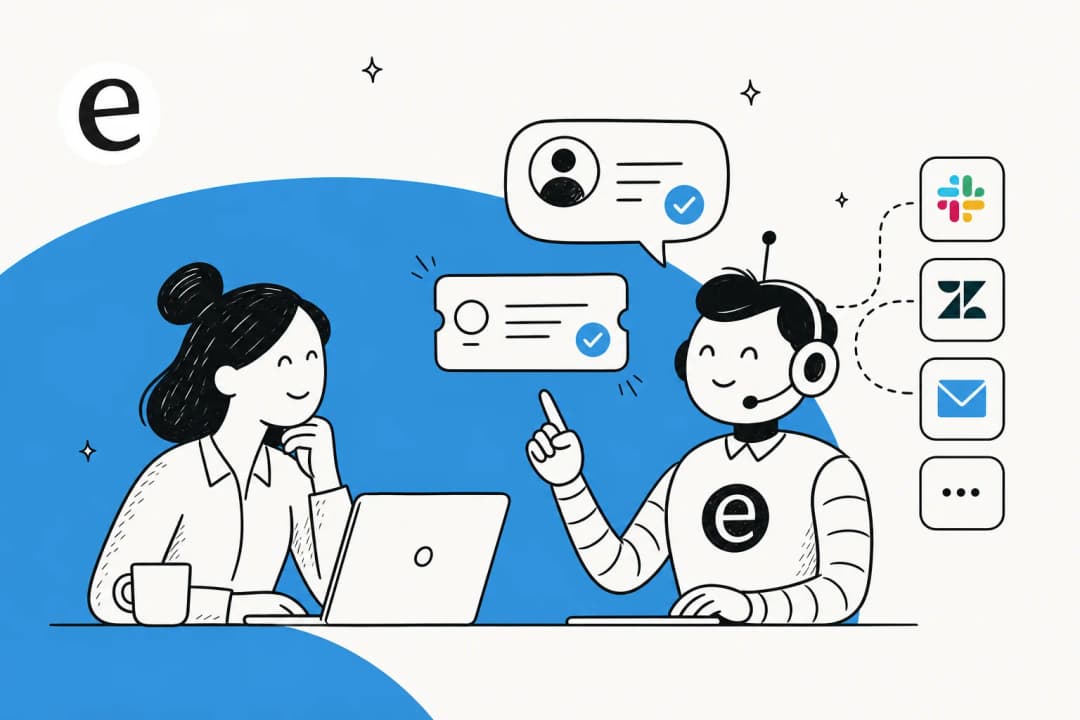
Drafting replies for agents (the copilot pattern). Plenty of teams aren't ready to let AI talk to customers directly, and that's fine. Run it as a copilot: it drafts, a human reviews and sends. You get the speed without the exposure, and the agent learns from every edit. Wesley Wang, CTO of Ecosa, leaned on exactly this multi-source drafting:
"We chose eesel AI because it offers multi-channel data input options... By linking our CSVs, Zendesk, and Google Docs as sources, we can make the most of our vast documentation, even if it's scattered."
Wesley Wang, CTO, Ecosa (case study)
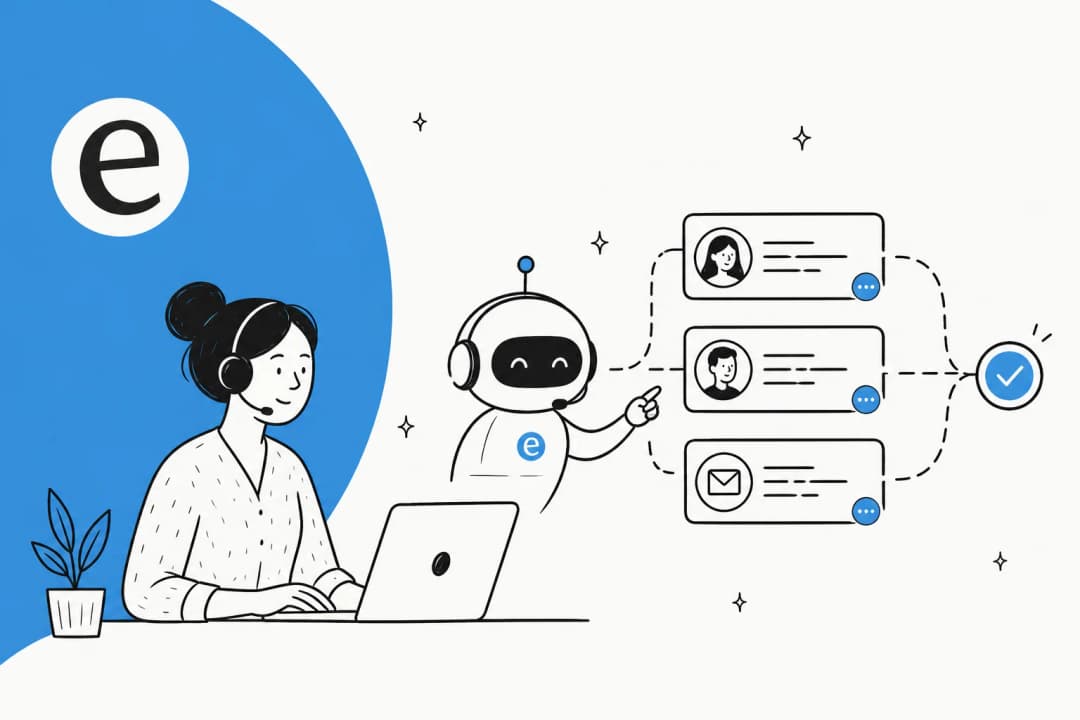
Triage and tagging. Even when it doesn't answer, a generative agent can read an incoming ticket, tag it, set priority, and leave a suggested reply as an internal note, so the human picks up a half-solved ticket instead of a cold one. That alone is a real chunk of AI ticket classification work off your team's plate.
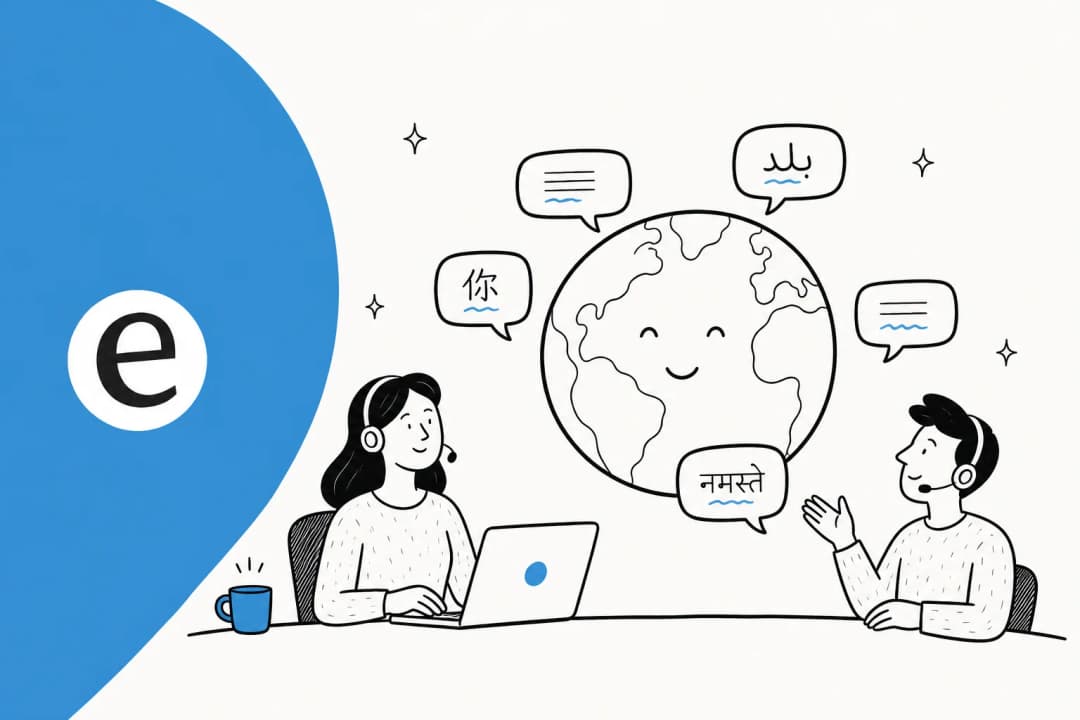
Multilingual coverage without hiring for it. Because the model generates rather than looks up a translated string, it can answer in the customer's language off the same knowledge base. A real multilingual support agent used to mean staffing native speakers per timezone.
Onboarding and internal knowledge. Pointed inward at Confluence or a wiki, it becomes an AI copilot for customer service reps. One payments company put it over their docs and reported up to 80% time savings finding answers and onboarding new hires.
"With eesel, we can find specific answers to questions extremely fast. We can onboard new employees very quickly and have seen up to 80% time savings."
Alex Capurro, Chief Innovation Officer, Global Pay (case study)
Where it goes wrong, and how to stop it
This is the section most vendor pages skip, so here's the honest version. We've watched a confident-sounding bot quietly give a wrong answer, which is exactly why I don't trust a demo that only shows the happy path.
The core failure is hallucination: the model generates a fluent, plausible answer for a question it has no real source for. One vehicle-telematics team hit this when their bot cheerfully told customers "yes, we support your car model" for models that weren't in their database, because the knowledge base said "we support all models." The model wasn't broken. It was doing what it was told, with a knowledge gap nobody had closed.
There are two fixes, and you want both. First, grounding with citations: the agent should only answer from your sources and show which document it used, so a wrong answer is traceable instead of mysterious. As one legal-tech founder put it, you need "exact guardrails on sourcing" and transparent citations when the cost of being wrong is high.
Second, and this is the one buyers care about most, confidence-based routing. The single most common thing I hear from CX leads evaluating this stuff is a version of: the AI will never answer 100% of questions, and I can't go back and audit 7,000 tickets to check whether the ones it attempted were any good, so it should only handle what it's confident about and leave the rest alone. That's the whole game.
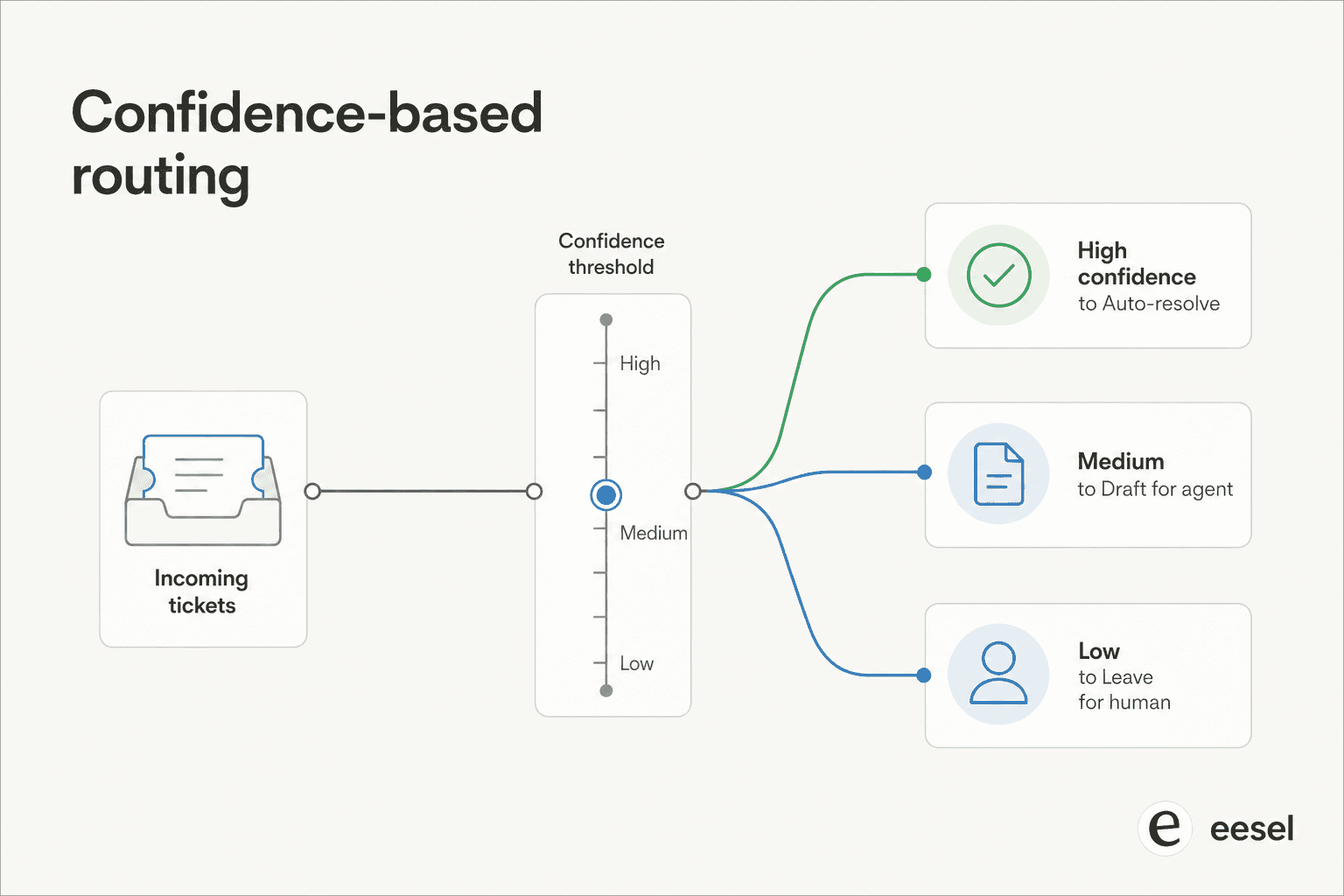
A good agent lets you set that threshold, exclude entire ticket types from automation, and define a clean handoff to a human. A bad one auto-replies to everything and hopes. The difference is the entire ballgame for trust, and it's worth reading up on how to prevent AI hallucinations in support before you flip anything live.
What it actually costs
Pricing is where generative customer service gets confusing, because vendors bill on completely different units, and the unit matters more than the headline number.
| Pricing model | How it's billed | The catch |
|---|---|---|
| Per agent seat | Flat fee per human user | You pay for licenses, not for work done; scales badly when AI does the volume |
| Per resolution | A fee each time the AI "resolves" something | Punishes you for higher resolution rates and for volume spikes like Black Friday |
| Per interaction / conversation | A fee per chat session | Better, but definitions of "interaction" vary wildly |
| Pure usage (per ticket) | A flat fee per ticket handled, no seats | Predictable; you pay for what the AI actually touches |
The trap with per-resolution pricing is subtle: the better your AI gets, the more you pay, and an uncontrollable volume spike means an uncontrollable bill. A team doing 1,000 tickets a month at 80% resolution might pay around $792; the same team on a Black Friday spike of 4,000 tickets could see that jump past $3,000 with nothing they did differently.
eesel sidesteps that with usage-based pricing at $0.40 per ticket, no per-seat fee, no platform fee, and no minimum. A team handling 1,000 tickets pays about $400 a month, and a quiet month is a cheap month. If you want to model your own numbers, our breakdown of how much an AI support agent costs lays out the math, and it's worth pairing with a real view of AI customer service metrics so you're measuring value, not just spend.
How to roll it out without torching trust
Here's the part that separates teams who succeed from teams who quietly switch it off after a month. The technology rarely fails on its own; the rollout does, usually because someone pointed a fresh agent at live customers on day one and got burned.
The sequence I'd actually follow:
- Simulate before you go live. Run the agent against thousands of your past tickets and look at what it would have said. You get a coverage estimate and a list of gaps, with zero customer exposure. If a vendor can't show you this, that's a flag.
- Launch as a copilot first. Drafts only, humans send. Your team builds trust in the output while the agent learns from every correction.
- Grant autonomy narrowly. Turn on auto-reply only for the ticket types where simulation already showed it's accurate, the order-status and password-reset stuff. Leave the judgment calls to people.
- Watch the loop. Track approvals, rejections, and where humans had to step in, and feed that back. This is also where you protect your customer service KPIs instead of finding out something slipped a month later.
That staged path is the difference between AI that compounds in value and AI that becomes the thing everyone on the team distrusts. It's the same arc whether you're standing up an AI knowledge base chatbot or full automated ticket resolution, and it's covered end to end in our guide to AI and automation in customer support.
Build-versus-buy is the last fork worth naming. You can wire up a model against your docs yourself, but most teams find the maintenance isn't worth it once you account for grounding, routing, and keeping the knowledge fresh. As Karel at GENERAL BYTES put it:
"We could try to write our own LLM application but we didn't want to invest our time into that. We wanted something that we would not have to maintain."
Karel, GENERAL BYTES (case study)
Try eesel for generative customer service
If you've read this far, you already know what I'd reach for. eesel AI is a generative support agent that plugs into the helpdesk you already run, Zendesk, Freshdesk, Gorgias, HubSpot, Front, learns from your past tickets and help docs on day one, and handles tier-1 volume with the controls this whole post is about: source citations, confidence-based routing, ticket-type exclusions, and a simulation mode that shows you exactly how it'll perform against your real history before a single customer sees it.

Across roughly 183,000 interactions and 160-plus live accounts, the pattern that holds is the boring one: teams that simulate first, start as a copilot, and grant autonomy gradually get the 73% tier-1 resolution numbers; teams that flip everything on at once get the horror stories. You can start free with $50 of usage and no credit card, and it's pay-as-you-go at $0.40 per ticket after that, so trying it costs about the same as a coffee. Here's eesel running live inside Zendesk:
If you want to keep reading first, the AI for customer service overview and our roundup of AI customer service software are good next stops, alongside the deeper dive on benefits of conversational AI for support teams.
Frequently Asked Questions
What is generative AI for customer service?
Is generative AI customer service safe, or will it hallucinate?
How much does generative AI for customer service cost?
Can generative AI replace my support agents?
How do I roll out generative AI customer service without breaking things?


Article by
Alicia Kirana Utomo
Kira is a writer at eesel AI with a Computer Science background and over a year of hands-on experience evaluating AI-powered customer service tools. She focuses on breaking down how helpdesk platforms and AI agents actually work so that support teams can make better buying decisions.