What an AI support agent actually is
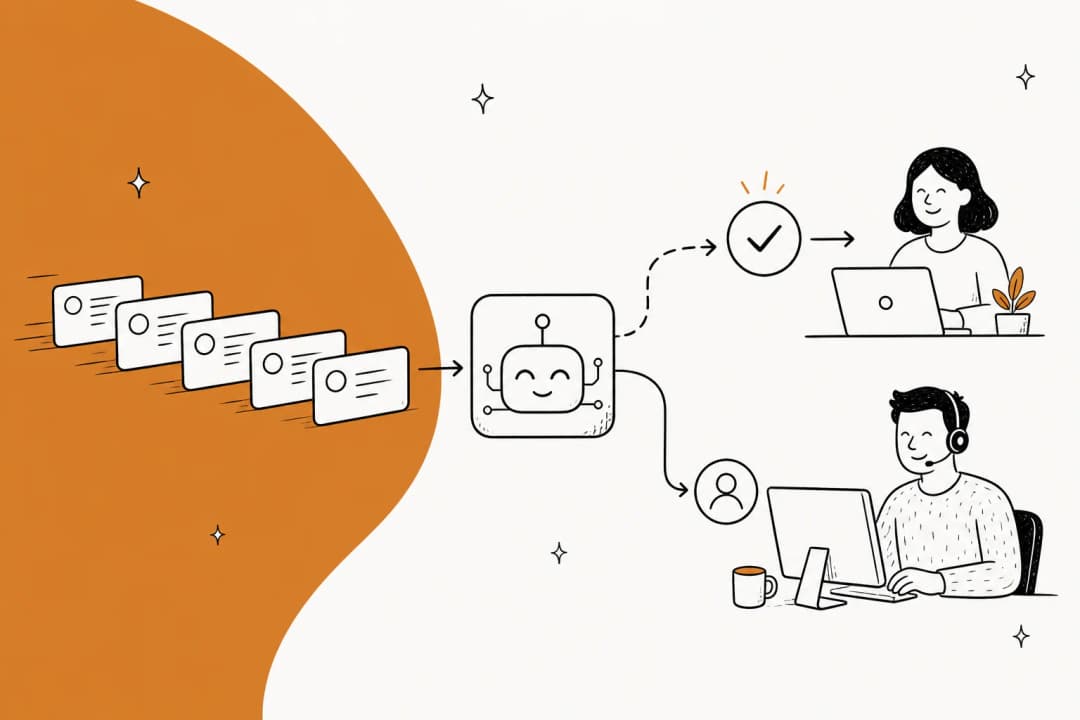
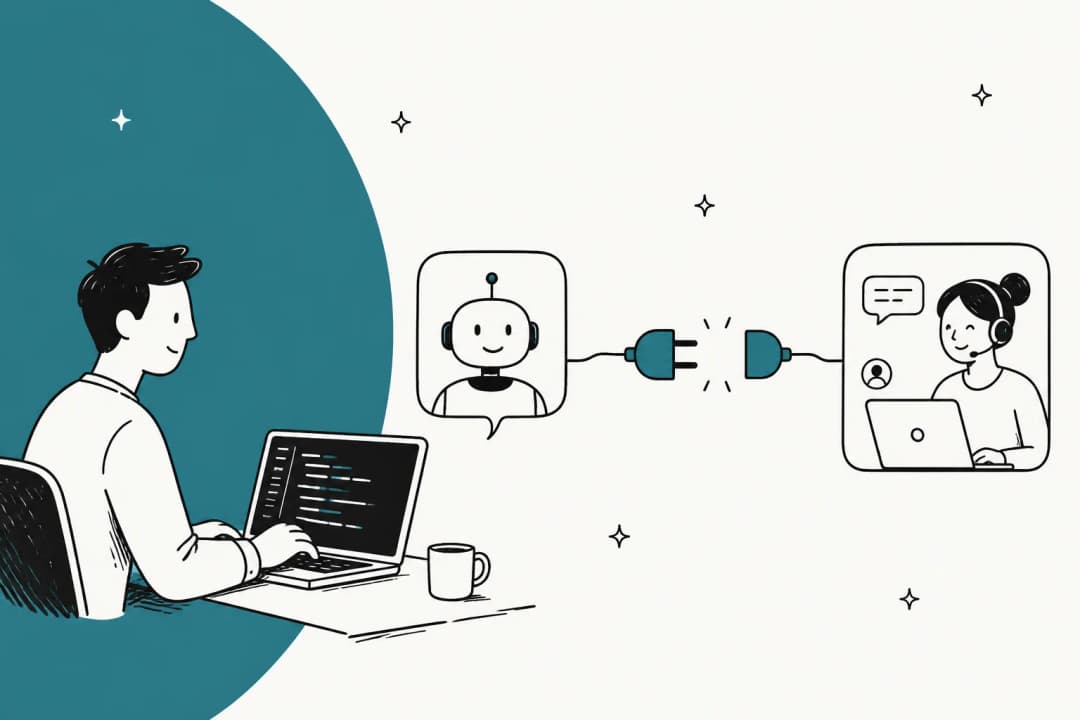
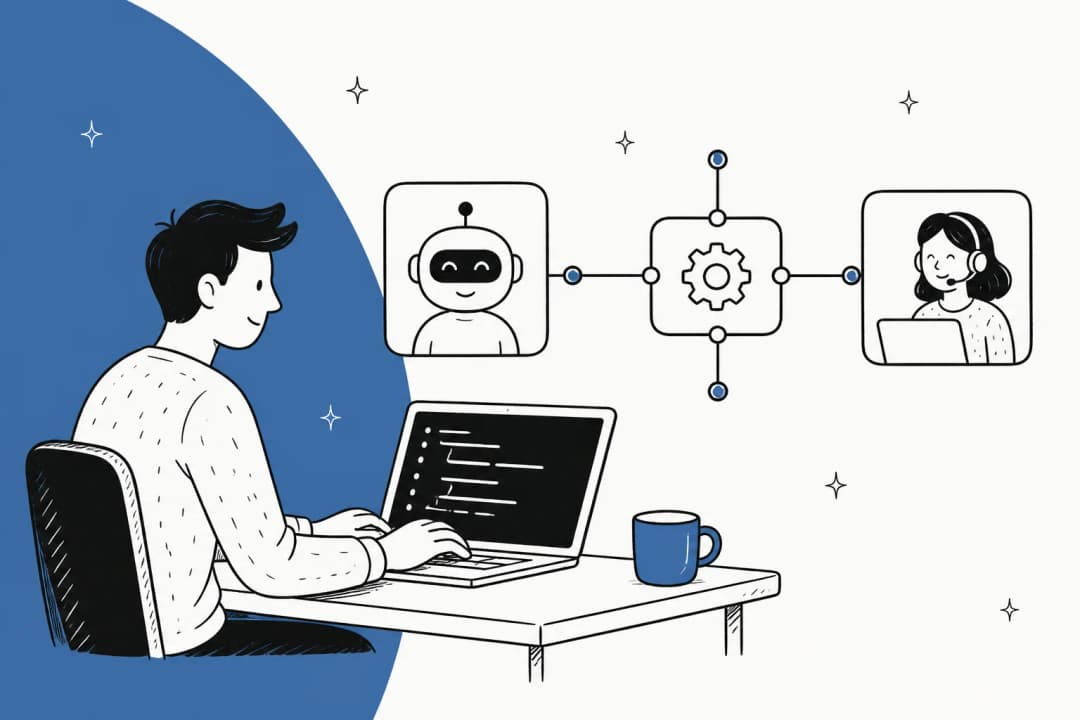
Strip away the marketing and an AI support agent is an autonomous worker for your support queue. You point it at your knowledge, plug it into your helpdesk, and it handles tickets the way a trained agent would: it reads the question, finds the answer, writes a reply in your voice, does whatever the ticket needs done, and either closes it or passes it to a human.
That last clause is the whole game. The old generation of customer service chatbots could only do the first part, badly. You built a decision tree, the customer typed something you did not anticipate, and the bot fell back to "I didn't quite get that, please rephrase." An AI support agent is built on large language models instead of keyword matching, so it can read intent it has never seen before and reason about what to do next.
The shift is from a tool that routes a conversation to one that resolves it. A live chat widget collects a message and dumps it in a queue. An agent reads the message, checks your refund policy, confirms the order is inside the return window, issues the refund, tags the ticket, and replies, all before a human would have finished reading the subject line.
AI support agent vs. chatbot vs. copilot
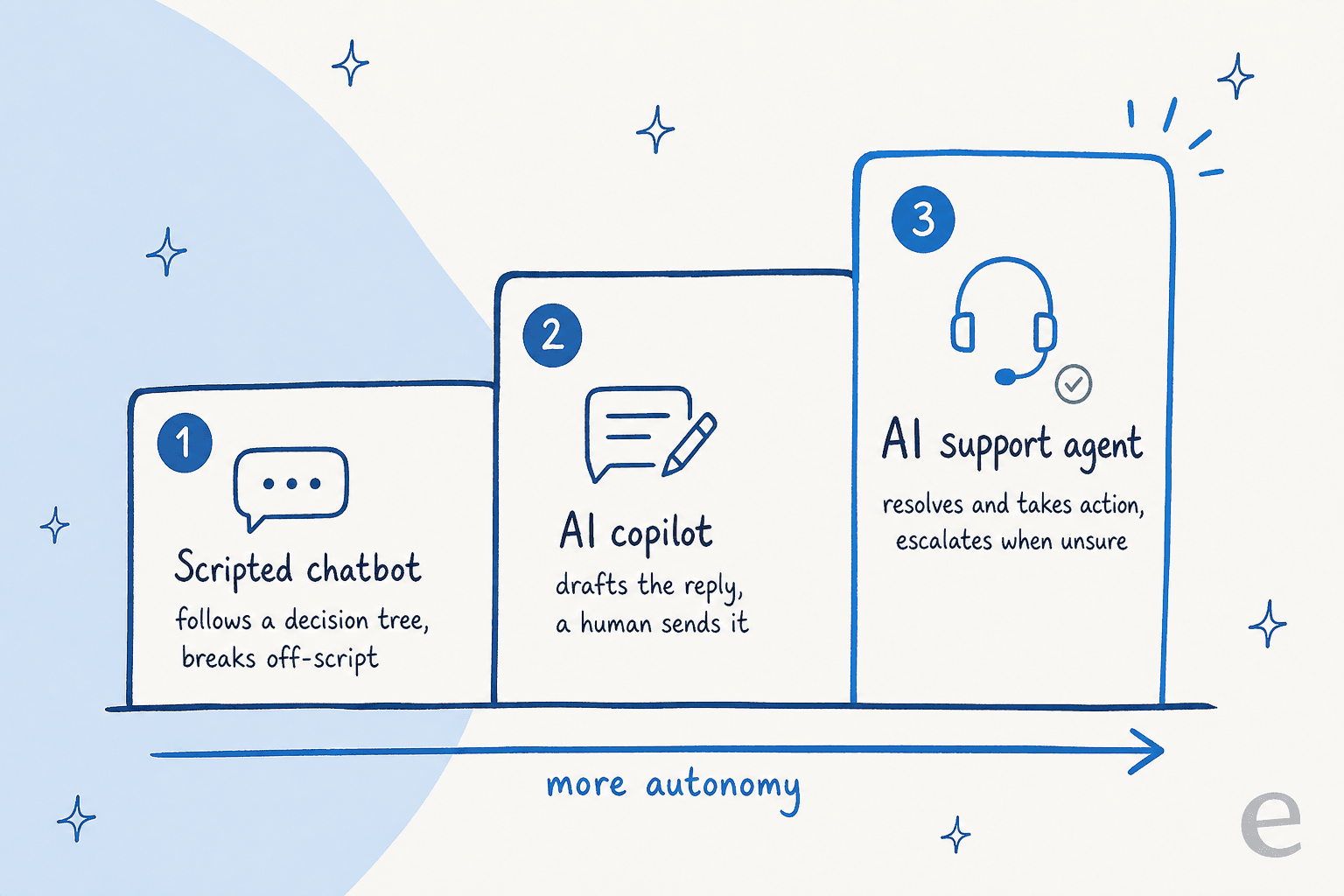
Three terms get used interchangeably, and they are not the same thing. The clearest way to think about them is a ladder of autonomy: how much the software does on its own, and how much a human stays in the loop.
| Scripted chatbot | AI copilot | AI support agent | |
|---|---|---|---|
| How it answers | Keyword and menu matching | Reads intent, drafts a reply | Reads intent, drafts a reply |
| Who sends the reply | Auto, from a fixed script | A human, after editing | The agent, when confident |
| Handles off-script questions | No, falls back to "rephrase" | Yes | Yes |
| Takes actions (tag, route, refund) | Rarely, hard-coded only | Suggests them | Yes, executes them |
| Knows when to escalate | No | N/A, human is already there | Yes, by confidence |
| Best for | Simple FAQ deflection | Agents who want speed with control | Resolving repetitive volume at scale |
The AI copilot sits in the middle and is where most teams start. It drafts a reply, a human glances at it and hits send. That is also called agent assist, and it is a genuinely good entry point because the human is the safety net. The AI support agent is the same brain with the training wheels off: it can send and act on its own, which is why the confidence question below matters so much.
If you want the longer version of the chatbot comparison, we wrote a whole piece on AI agent vs rule-based chatbot. The short version: a chatbot follows rules, an agent makes decisions.
How an AI support agent works under the hood
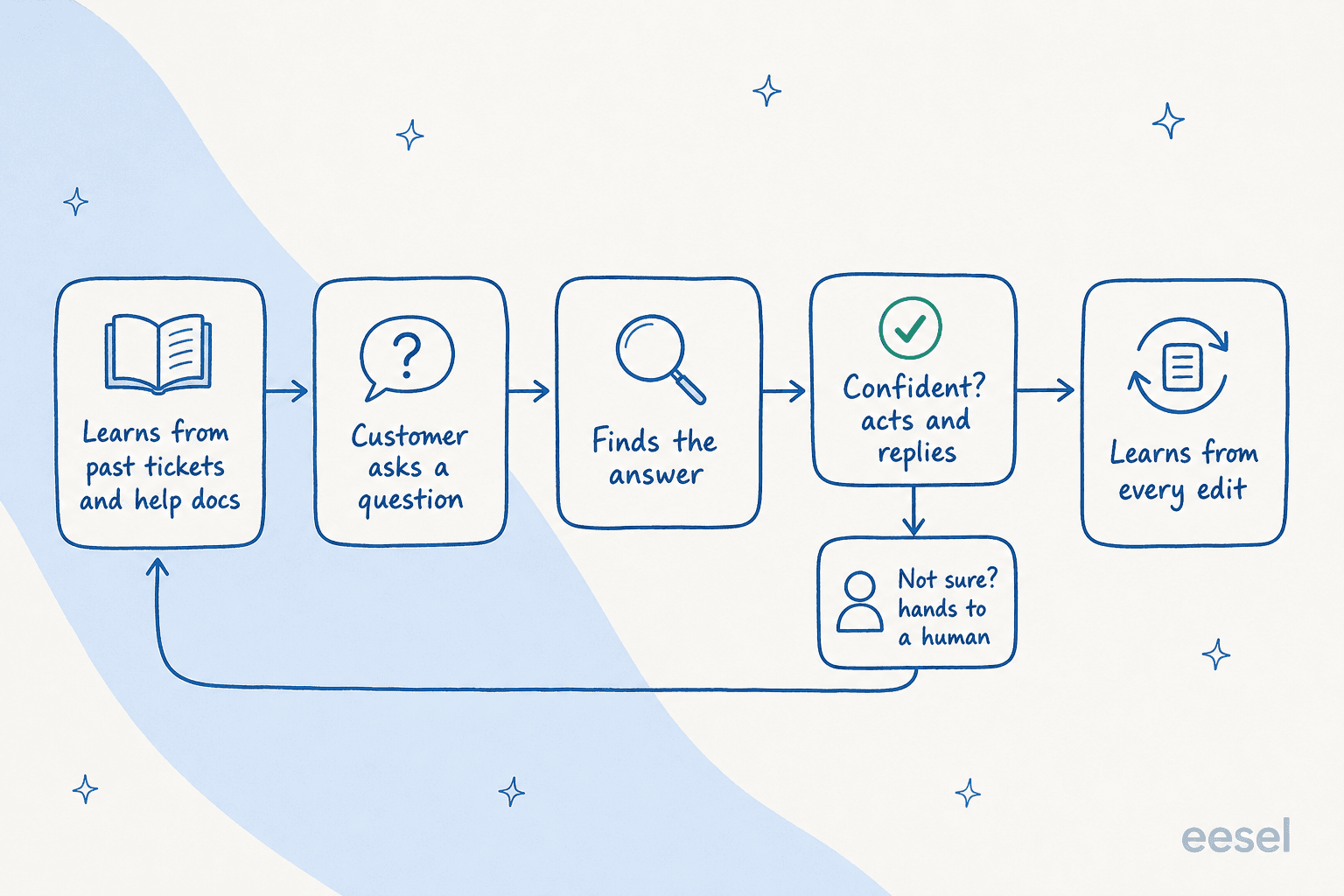
I get asked "is it just ChatGPT answering my tickets?" on almost every call, and the honest answer is no, the model is only one piece. Here is the actual pipeline, which is worth understanding because it tells you where these systems break.
It learns from your knowledge, not the open web
The first thing a real agent does is ingest your sources: your help center, internal docs in tools like Confluence or Notion, past macros, and, most importantly, your historical tickets. Training on solved tickets is the single most-requested capability I see from teams evaluating us, because a resolved ticket shows the AI not just the right answer but the right tone and the steps a human actually took.
To answer a new question, the agent retrieves the relevant chunks of that knowledge and feeds them to the model alongside the customer's message. This is retrieval-augmented generation, or RAG, and it is the reason a well-built agent answers from your policies instead of inventing a plausible-sounding one. If you are curious how teams tune the retrieval layer for support specifically, we compared the options in RAG vs vector database vs hybrid search.
It decides whether it is confident enough to act
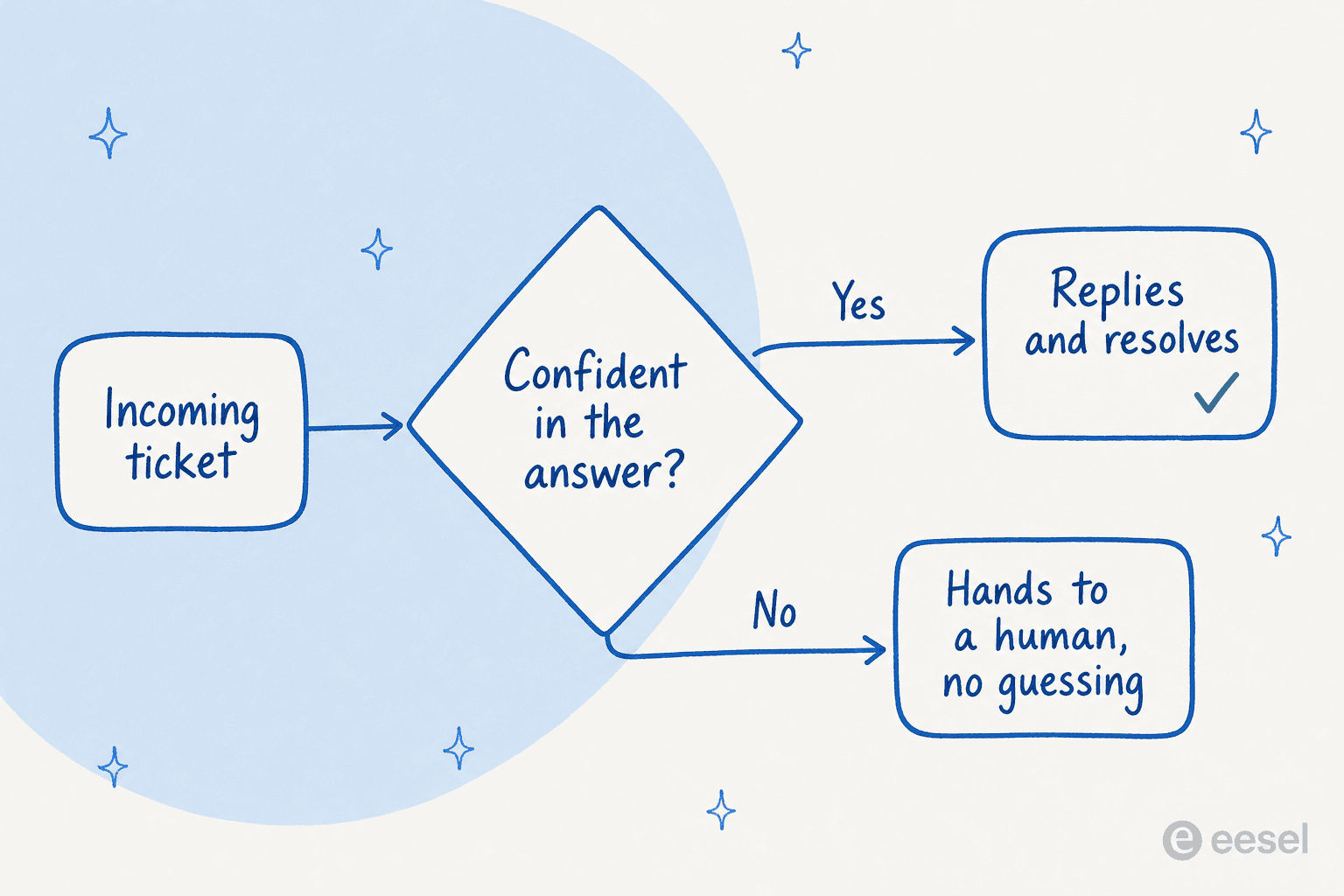
This is the step that separates the toys from the tools. Before sending anything, a good agent scores how confident it is in the answer. High confidence, it replies and resolves. Low confidence, it stays quiet and routes the ticket to a human instead of guessing.
It takes actions, then learns from corrections
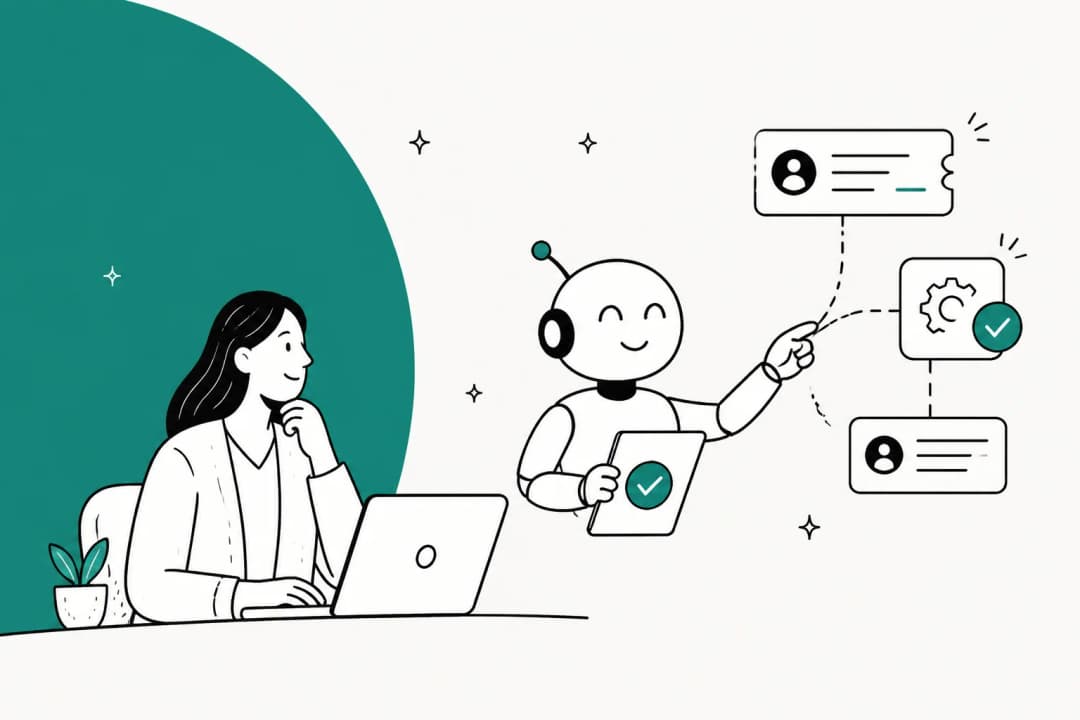
Answering is only half a resolution. The agent also needs to do things: tag the ticket, set its priority, look up an order in Shopify, trigger a refund, or escalate to the right team. Then, when a human edits one of its drafts, that correction feeds back in so the next similar ticket comes out closer to right. The whole loop tightens over time, which is why month three usually looks a lot better than week one.
What an AI support agent can actually do today
Enough theory. Here is what these things handle in production right now, based on what I watch teams deploy.
Draft and send replies. The core job. Connect it to Zendesk, Freshdesk, Gorgias, Front, or HubSpot, and it drafts grounded replies for repetitive tickets. You can start in draft-only mode and graduate to auto-send once you trust it.
Deflect on the front line and hand over cleanly. As a customer-facing chat agent, it answers the quick questions when your team is offline and opens a proper ticket the moment something needs a human. The handover is the part to get right, and we walk through it in Zendesk AI agent transfer to human.
Triage, tag, and route. Even when it does not reply, an agent earns its keep by reading every incoming ticket, tagging it, setting priority, and routing it to the right queue with a suggested reply waiting as an internal note. In one real-traffic trial on an e-commerce inbox, the agent hit 93% triage accuracy and caught 100% of the spam with zero false positives, which on its own takes a chunk of grunt work off the team. There is a deeper look at this in our ticket triage guide.

Work in any language. A good agent answers in the customer's language by default, trained on your multilingual ticket history. I have watched one handle German, Dutch, French, Spanish, and four more languages on the same inbox without anyone configuring it per language.
Fill its own knowledge gaps. The better platforms flag topics customers keep asking about that your docs do not cover, and draft the missing knowledge base articles for you. The agent quietly improves the source it learns from.
The line between a usable agent and a flashy demo
If you take one thing from this article, take this: an AI support agent that answers everything is more dangerous than one that answers less. Confidence-based routing is the most important feature, and it is the one buyers fight hardest over.
I hear the same objection on nearly every call. A CX lead at a DTC supplements brand running about 7,000 tickets a month put it perfectly: "The AI will never be able to answer 100% of the questions... I need an AI who is only handling the tickets that it's confident to handle and all the other ones, leave them alone." That is exactly right. If the agent answers a ticket badly, you now have to audit thousands of replies to catch it, and the time you saved is gone.
We learned this the hard way. We have watched confident-sounding bots quietly give wrong answers to real customers, which is why we now simulate every rollout against a customer's historical tickets before a single live reply goes out. You see the coverage by topic, find the gaps, fill them, and only then flip the switch. An agent without that guardrail is a liability dressed up as a productivity tool, and it is worth grilling any vendor on how theirs handles the tickets it is not sure about. We dig into the rest of these worries in our take on AI vs human customer support.
What the results actually look like
Set up well, the numbers are real. A gig-economy driver-analytics app on Zendesk shared their first-month result on G2:
"In the first month, eesel is resolving 73% of our tier 1 requests. eesel offers easy Zendesk implementation and setup. Our team implemented and achieved results quickly during our 7-day trial."
Kim Simpson, Gridwise, as shared on the eesel AI helpdesk agent page
That pattern repeats at very different scales. One large lender runs a fully automated Zendesk agent on 100,000+ German-language tickets a month, while a small UK team got 56 resolved tickets out of just 9 synced macros, which is to say you do not need a huge knowledge base to start seeing value.
The honest caveat: those numbers come from teams that put the agent through setup and simulation. The flashy demo where a bot resolves 90% of everything on day one is not the reality, and the resolution rate you actually hit depends on how repetitive your volume is and how good your docs are. A team drowning in WISMO and refund questions will see a much higher number than one fielding deep technical edge cases.

How to roll one out without it blowing up
The teams that succeed almost all follow the same arc, and it is not "turn it on and walk away."
- Connect your knowledge first. Past tickets, help center, internal docs. The agent is only as good as what it learns from, so this is where the real work is. Our guide on how to train AI on your knowledge base covers the order to do it in.
- Simulate before you go live. Run the agent against your historical tickets to see how it would have answered, by topic. This is your dress rehearsal, and it is where you catch the wrong answers safely.
- Start as a copilot, then grant autonomy. Let it draft for your agents first. Once you trust its drafts on, say, order-status questions, let it auto-resolve just that category. Widen the scope as the trust earns out. Co-pilot first, then full auto, is the pattern nearly everyone lands on.
- Exclude what it should not touch. Keep sensitive ticket types (billing disputes, security issues, anything regulated) out of automation entirely. Control over what the AI touches is a feature, not a limitation.
If you are still weighing whether to build this yourself on a raw model API or buy a platform, that is a real decision with real trade-offs, and we laid them out in build vs buy AI for customer support.
Try eesel
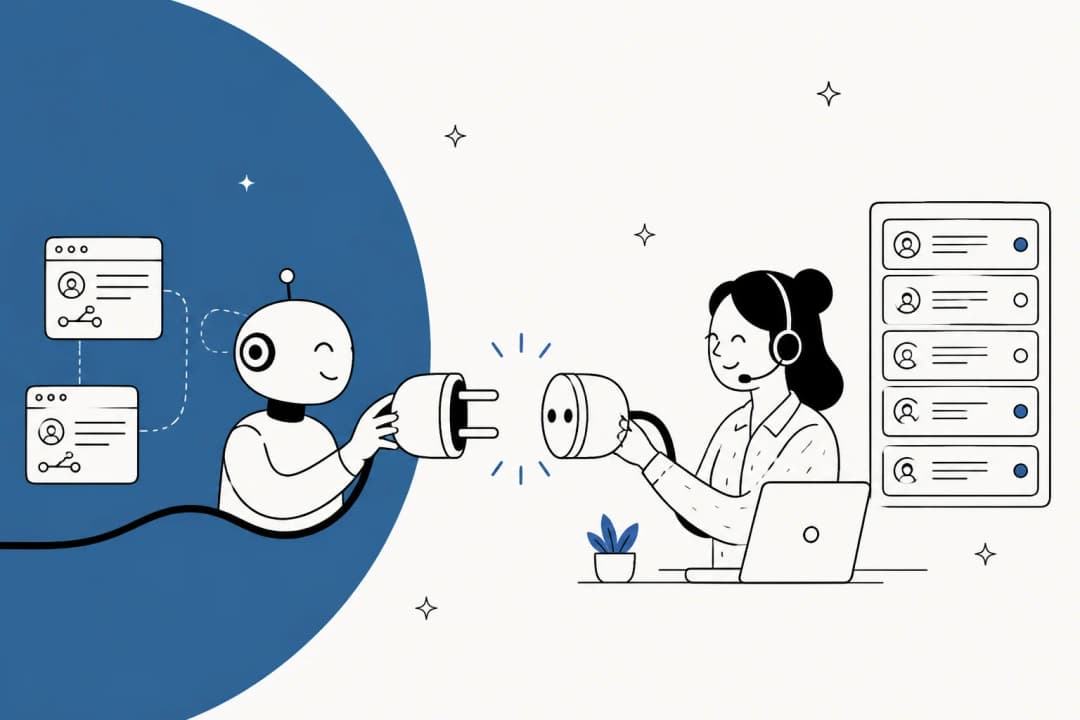
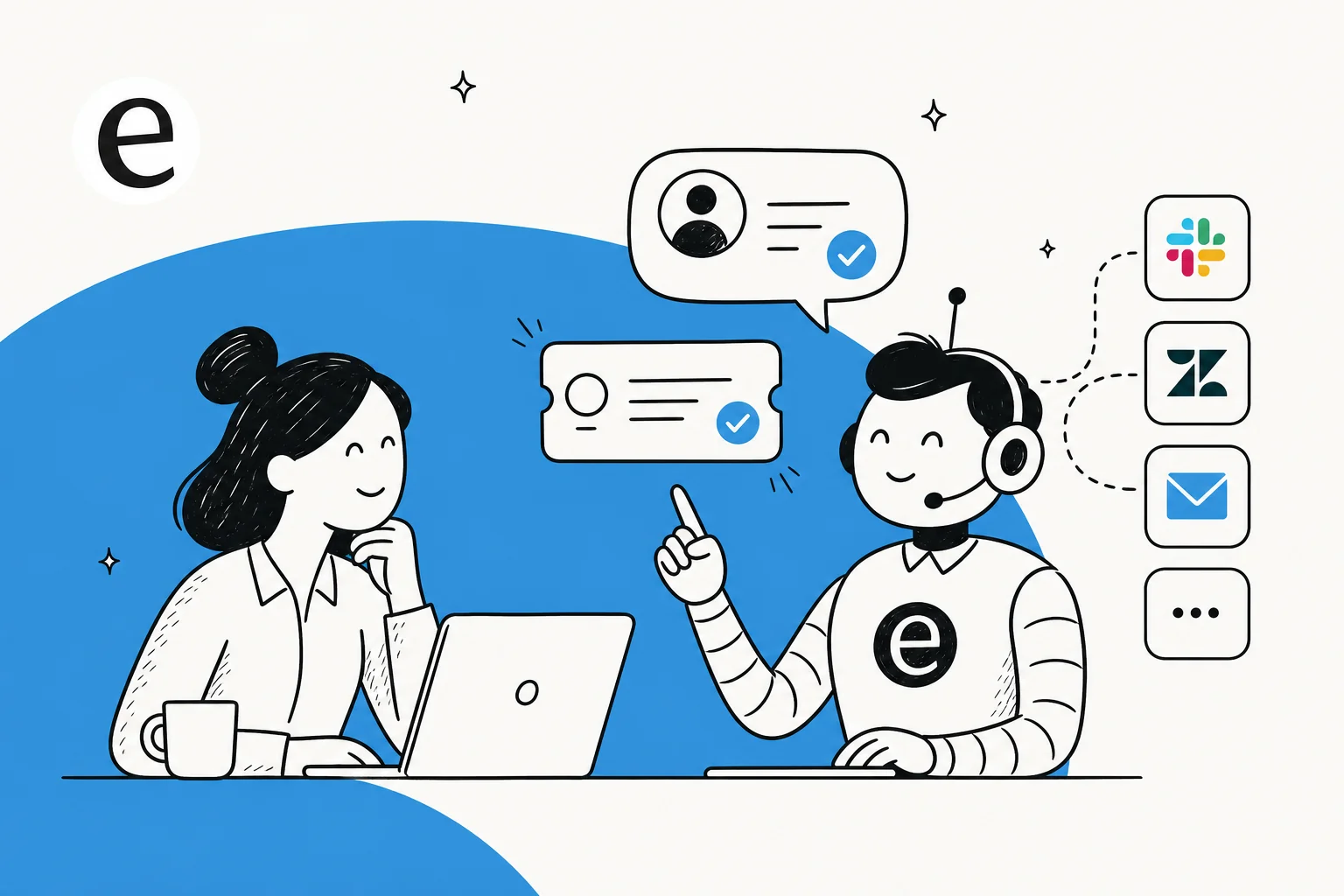
eesel is an AI support agent that plugs into your existing helpdesk, Zendesk, Freshdesk, Gorgias, Front, and 100+ other tools, and starts learning from your past tickets and docs on day one. The reason I am proud of it: you can simulate it against your own ticket history before it ever replies to a customer, and it only auto-resolves what it is confident about, so you are never trading control for coverage. It works like a new hire who already read every ticket your team ever closed.
It is usage-based at $0.40 per ticket with no per-seat fees, and the free trial gives you $50 of usage with no credit card, so you can watch it handle your real tickets before paying anything.

Frequently Asked Questions
What is an AI support agent in simple terms?
What is the difference between an AI support agent and an AI chatbot?
How does an AI support agent learn what to say?
Will an AI support agent give wrong answers to customers?
How much does an AI support agent cost?


Article by
Alicia Kirana Utomo
Kira is a writer at eesel AI with a Computer Science background and over a year of hands-on experience evaluating AI-powered customer service tools. She focuses on breaking down how helpdesk platforms and AI agents actually work so that support teams can make better buying decisions.