How I reviewed these
I've spent the last three-plus years putting AI agents on live support queues, across teams running Zendesk, Freshdesk, Gorgias, Front, and HubSpot. That's the lens here: I care less about the marketing tour and more about what actually holds up once real tickets are flowing and the invoice arrives.
A pattern I hear on almost every sales call: teams have already tried the native AI in their helpdesk and been burned. One CX lead at a US healthcare platform put it plainly when we spoke:
"We have kicked the tires on Zendesk AI solutions and found it largely inadequate and overpriced. So we're looking for other options that we might have to bring some automation to that whole process."
A CX lead at a US healthcare platform running ~500 Zendesk tickets a month
That sentiment shaped how I graded every tool below. For each one I looked at the helpdesk fundamentals, then went deep on the AI: what it does, what it costs, and crucially what counts as a billable "resolution." Prices are the published 2026 rates (per agent per month, billed annually, unless noted), pulled from each vendor's own pricing page.
What actually separates help desk tools in 2026
If you strip the marketing away, every tool in this roundup does the same core job: capture tickets from a few channels, drop them in a shared inbox, route them, and let you publish a knowledge base. Those features stopped being differentiators years ago.
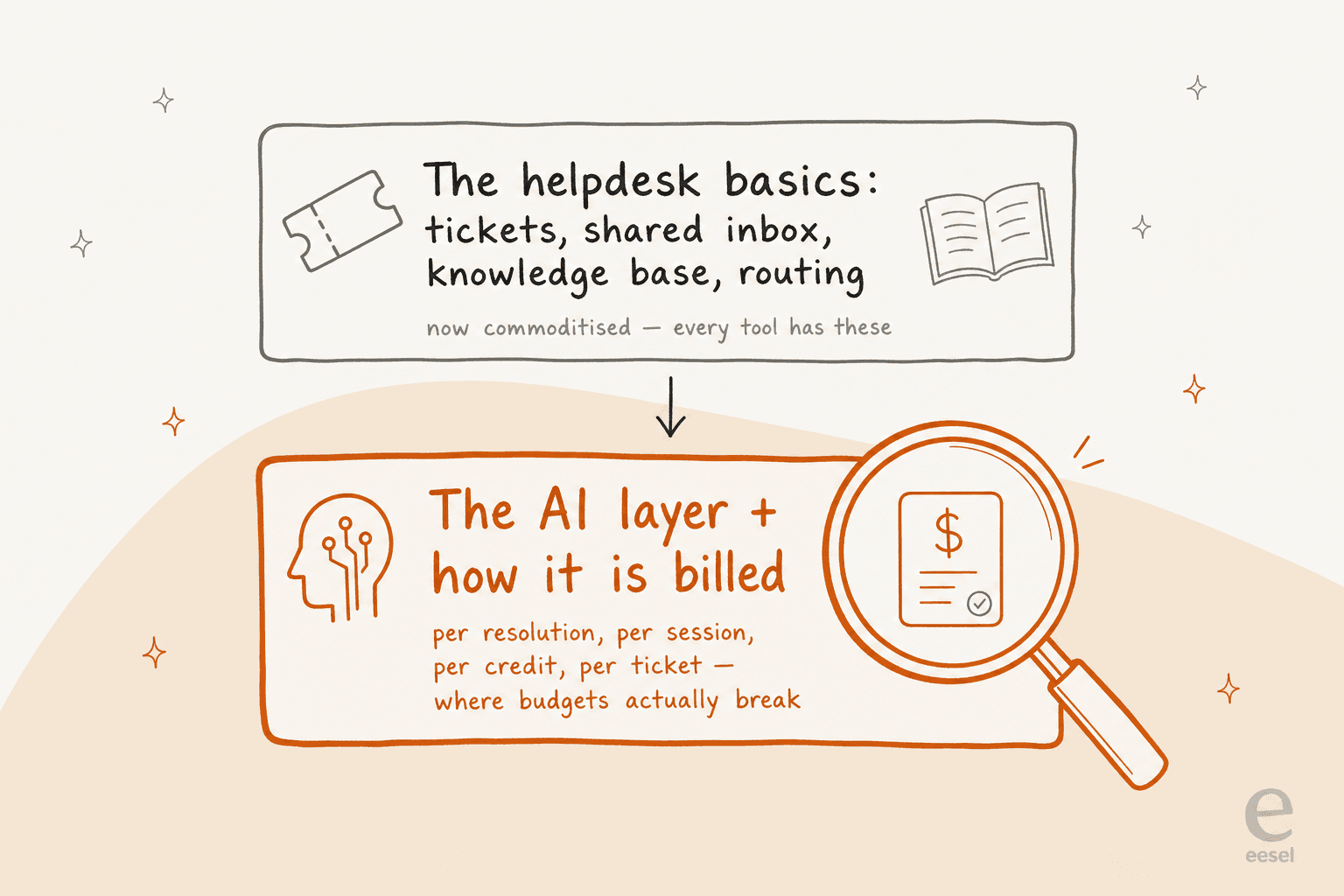
What actually varies now is the AI layer sitting on top, and how each vendor bills for it. And the billing models are all over the map:
- Per resolution (Help Scout $0.75, HubSpot ~$0.50, Zendesk's "Automated Resolutions").
- Per session (Freshdesk's Freddy, ~$0.49 after a free allowance).
- Per credit (HubSpot's usage pool that funds AI actions).
- Per automated interaction (Gorgias, $1.50 over your plan limit).
- Per credit on a fixed monthly plan (eesel, 1 credit per ticket or chat whether the AI answers or just assists, from $299/mo for 500 credits).
The catch is that "resolution" is defined by the vendor, and the definition isn't always in your favour. On Zendesk's AR model, one admin summed up the anxiety the whole category shares:
"What is defined as a resolution isn't really fair. If it's an abandoned deflection, it shouldn't count... This creates an incentive misalignment where, theoretically, creating abandonment would make sense as it would maximize 'resolutions.'"
u/AskStylo, r/Zendesk

So when you read the reviews below, watch the AI billing column as closely as the seat price. It's the line that scales with your ticket volume, and it's the one that surprises finance.
Help desk software compared at a glance
Here's how the 2026 lineup stacks up. Seat prices are the entry paid tier (annual); the AI column is the part most comparison tables leave out.
| Tool | Best for | Starting price | How the AI is billed | Free tier | Standout strength |
|---|---|---|---|---|---|
| Zendesk | Enterprise at scale | $19 (Support), $55 (Suite) | Per automated resolution (~$1.20-1.50) | 14-day trial | Depth, 1,800+ app marketplace |
| Freshdesk | Best all-round value | $19 Growth / $55 Pro | Per session (500 free, then ~$0.49) | $0 for 1-2 agents, 6 mo | Balanced features at a fair price |
| Help Scout | Small, relationship-driven teams | $25 Standard | $0.75 per resolution | Yes (5 users) | Simplest inbox, fast to learn |
| Gorgias | Shopify / ecommerce | $10 helpdesk + $30 AI | $1.50 per automated interaction | 14-day trial | Native Shopify + revenue focus |
| Front | Collaborative, complex ops | $25 Starter / $65 Pro | AI add-on; bundled in Enterprise | 14-day trial | Real team collaboration on email |
| HubSpot Service Hub | Teams already on HubSpot | $20 Starter / $90 Pro | Credits (~$0.50 per resolution) | Yes (2 users) | One record across sales + service |
| Zoho Desk | Tight budgets | $7 Express / $14 Standard | Answer Bot on Enterprise; BYO OpenAI key | Free forever (3 users) | Most features per dollar |
| eesel AI | AI on your existing helpdesk | No seat fee | From $299/mo for 500 credits (1 credit per ticket) | 100 free credits | Sits on top, no migration |
What the AI will actually cost you
Since the AI line is what scales, it's worth seeing the numbers side by side. Plug in your monthly AI-resolved conversation volume and watch how far the models diverge, because at 2,000 conversations a month the gap between the cheapest and priciest model is real money.
The takeaway isn't that the cheapest tool wins. It's that the AI model can more than triple your cost for the exact same 2,000 resolved conversations, so it deserves as much scrutiny as the sticker price.
The 7 best help desk software tools in 2026
1. Zendesk: best for enterprise support at scale
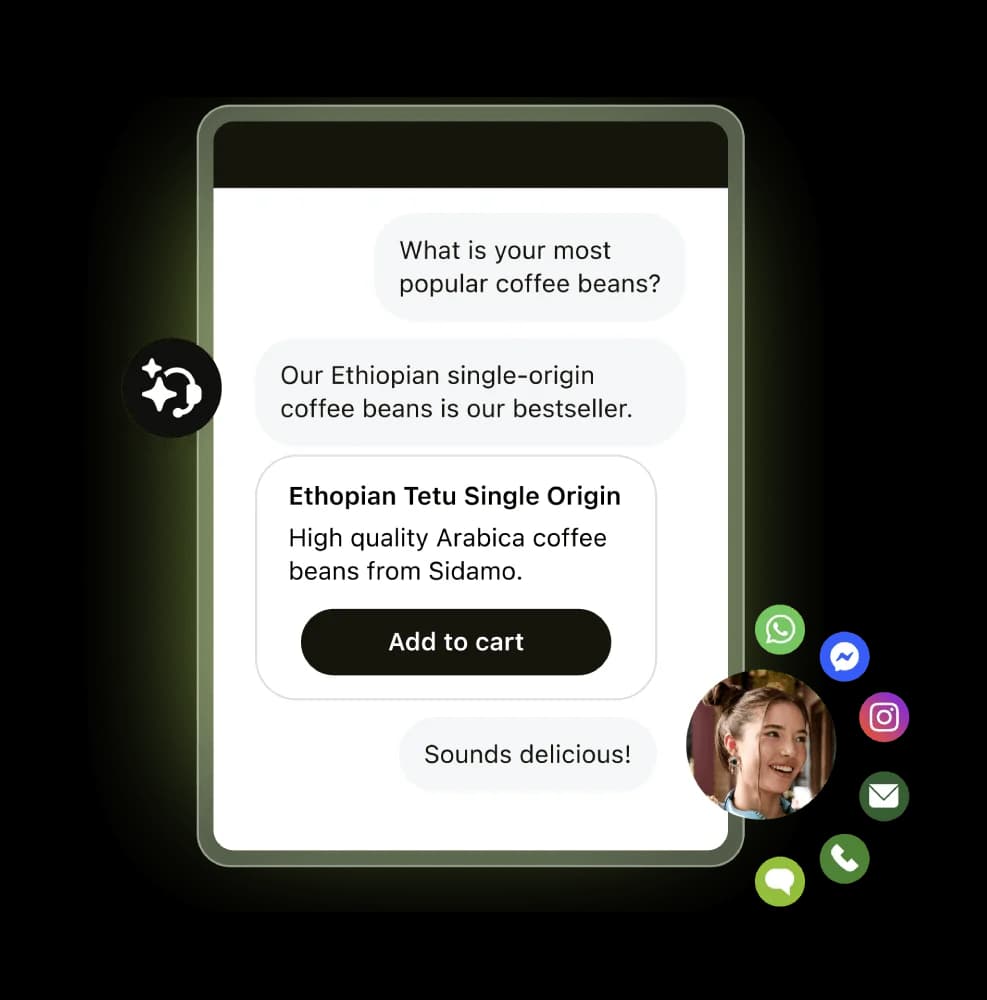
Zendesk is the default enterprise answer, and for good reason. The Agent Workspace, omnichannel routing, and an app marketplace of 1,800+ integrations mean there's almost nothing you can't configure. Customer proof is real too: Tesco reports 5M annual help center visits and self-service climbing from 30% to 73% over three years.
Features: Full ticketing, messaging and live chat, a strong knowledge base, AI agents, and Copilot for agent assist. Depth is the whole point.
Pros: Unmatched breadth, mature integrations, enterprise-grade security and governance.
Cons: The cost and the AR billing. As you grow, the bill grows faster, and the per-resolution model draws steady fire:
"Their pricing isn't transparent at all... they will still nickel and dime the shit out of you because it's their model... Want automation? That costs more. Want their latest AI feature? Cost more."
u/mallclerks, r/Zendesk
Pricing: Support Team starts at $19/agent/mo; the Suite plans most buyers want start at $55 and climb to $115+, with Enterprise sales-only. AI agents bill per automated resolution on top.
Verdict: Pick Zendesk if you're a large team that needs the depth and has the budget to match. Smaller teams almost always overpay for capability they won't use, and the AI can feel like an add-on tax rather than a step change.
2. Freshdesk: best all-round value

Freshdesk is the tool I recommend most often to mid-market teams that want Zendesk-class capability without the Zendesk bill. It's trusted by 74,000+ businesses, and the 2026 story is a hard pivot to agentic AI with Freddy AI Agent and 50+ prebuilt workflows.
Features: A tidy central workspace, solid ticketing and automation, Freddy Copilot for agent assist, and self-service that actually deflects.
Pros: The best balance of price, usability, and features in the roundup. That free tier ($0 for 1-2 agents for six months) is a real on-ramp for a bootstrapped team.
Cons: Freddy's per-session pricing (500 free, then ~$49 per 100 sessions) climbs at volume, and the most useful AI is gated to higher tiers. It's a common gripe that the best AI sits behind Enterprise.
Pricing: Growth $19, Pro $55, Enterprise $89 per agent/mo (annual). Freddy AI is a usage-based add-on. Full detail in my Freshdesk pricing breakdown.
Verdict: If you don't have a specific reason to choose something else, Freshdesk is the safe, high-value default. Model the Freddy sessions at your real volume before you commit, or pair a flatter-priced AI layer with the base plan.
3. Help Scout: best for small, relationship-driven teams
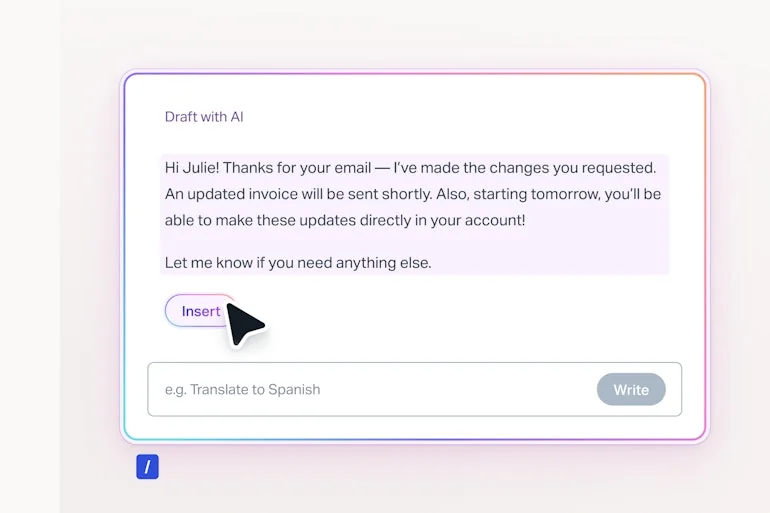
Help Scout leads with the tagline "the most intuitive customer support platform," and it earns it. New agents learn it in under an hour, and the email-like shared inbox keeps support feeling human rather than like a ticket factory. It's used by 12,000+ companies.
Features: Shared inbox, Docs knowledge base, the Beacon widget, live chat, and an AI Answers agent that resolves about 73% of interactions.
Pros: The cleanest, fastest-to-adopt inbox here. If your team is small and values a personal touch, nothing beats it on simplicity.
Cons: Two things. Reporting is thin, and the pricing history is rocky. Help Scout flipped from per-seat to per-interaction billing in 2025, triggered churn, then reverted, and the trust damage lingers:
"HelpScout changed back to user-based pricing. Guess too many people cancelled including me... Helpscout lost all trust with this flip-flopping on pricing."
u/manu_8487, r/SaaS
Pricing: Free (5 users), Standard $25, Plus $45, Pro $75 per user/mo (annual). AI Answers is $0.75 per resolution on top.
Verdict: Ideal for small teams who prize a simple, warm inbox and don't need heavy analytics. If you expect to scale into complex routing or high AI volume, the alternatives worth weighing get more compelling.
4. Gorgias: best for Shopify and ecommerce
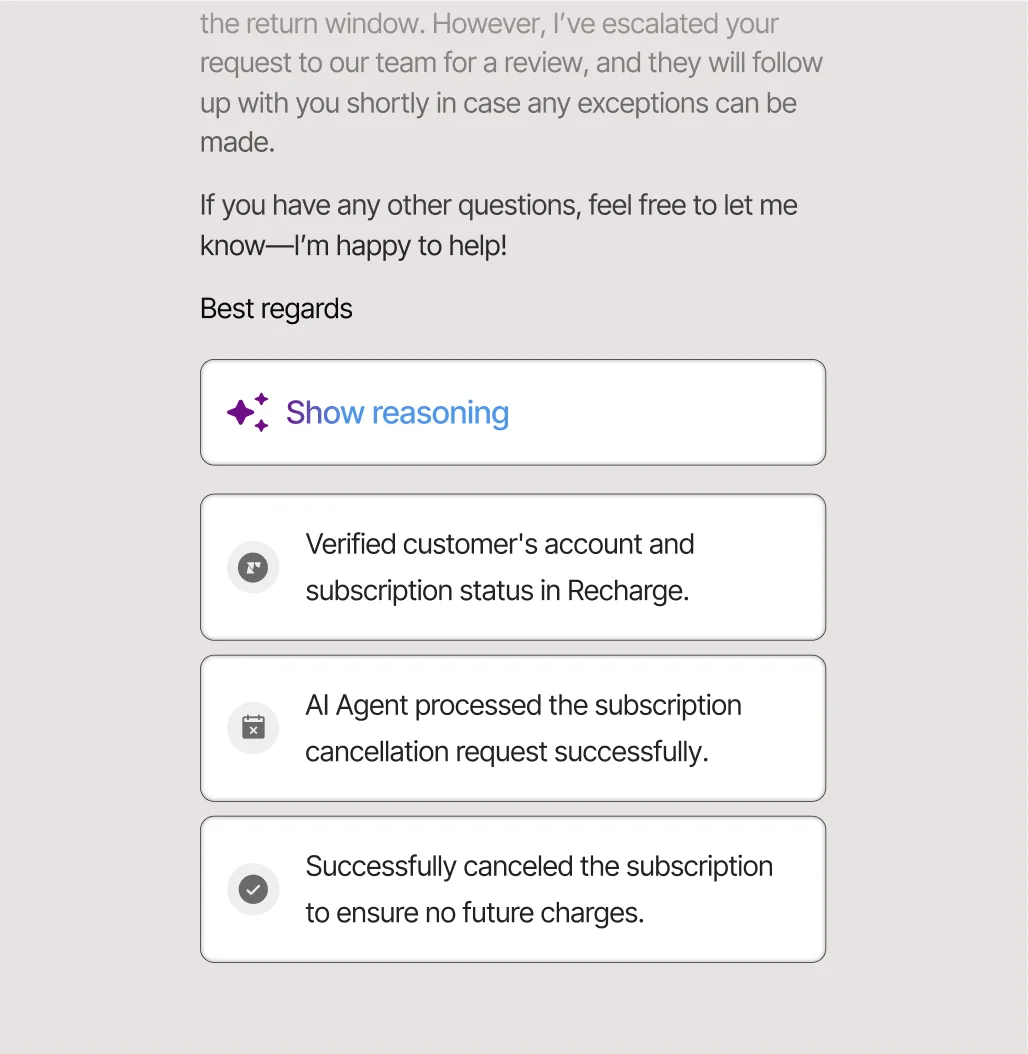
Gorgias is purpose-built for online retail, with native Shopify integration at its core. It claims to power 40% of Shopify brands and frames itself around revenue, not just deflection: order data, subscriptions, and returns all live inside the inbox, so the AI can actually take action on a store.
Features: Unified ecommerce inbox, an AI Agent that handles returns and order edits, dynamic discounts, and product recommendations.
Pros: If you're on Shopify, the depth of commerce context is hard to beat. The AI resolving a subscription cancellation end-to-end (shown above) is the kind of action generic helpdesks can't do out of the box.
Cons: It's ecommerce-specific, so it's the wrong pick for B2B or IT support. And in 2026 Gorgias moved to a bundled Helpdesk + AI Agent model where automated interactions over your plan limit cost $1.50 each, which stacks up fast on a high-volume store.
Pricing: Helpdesk from $10/mo, AI Agent from $30/mo, both metered; overages at $1.50 per automated interaction. Unlimited seats. Compare Gorgias alternatives if you're not all-in on Shopify.
Verdict: The clear winner for Shopify brands who want support and sales in one place. Everyone else should look elsewhere, and even Shopify teams should watch the per-interaction meter.
5. Front: best for collaborative, complex operations
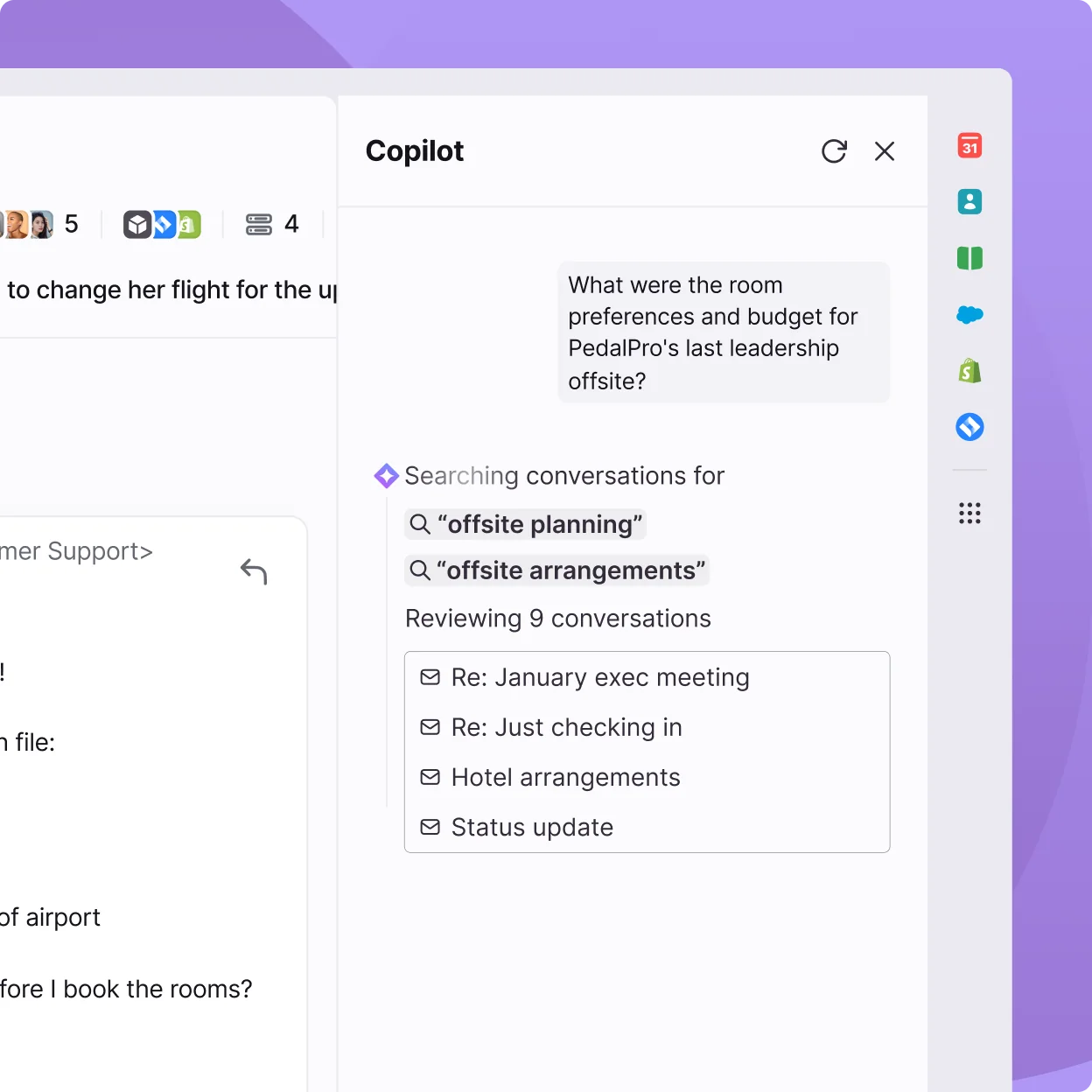
Front is the pick when support spans multiple teams and the work is messier than FAQ deflection. Its whole pitch is that "complex customer operations demand Front," and the collaboration is the real draw: internal comments, shared drafts, and assignments live right on the conversation. It reports 428% average ROI and is used by 9,300+ companies.
Features: Collaborative shared inbox, full ticketing, omnichannel, and Front AI (Autopilot, Copilot, Smart QA), which Front says can resolve most requests, not just the low-hanging fruit.
Pros: The best team-collaboration experience on email here. If handoffs and "who's got this?" are your daily pain, Front solves it elegantly.
Cons: AI features are add-ons on lower tiers and only bundled into Enterprise, so the sticker price understates the real cost of the AI-heavy setup. Per-seat pricing also climbs quickly for bigger teams.
Pricing: Starter $25, Professional $65, Enterprise $105 per seat/mo (annual). See the best AI for Front if you want automation without jumping to Enterprise.
Verdict: Great for professional-services, logistics, and ops teams where collaboration matters more than raw deflection volume. Simple FAQ-style support teams will find it more tool than they need.
6. HubSpot Service Hub: best if you already run HubSpot
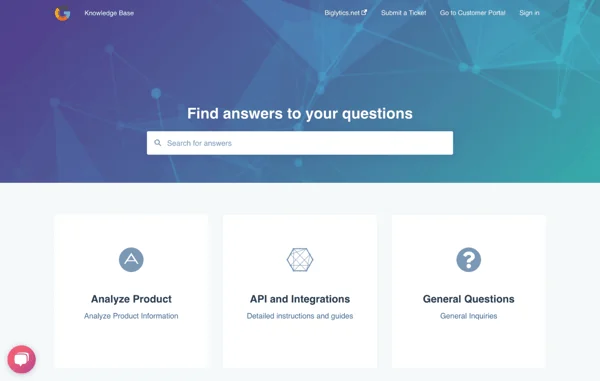
HubSpot Service Hub isn't really a standalone helpdesk, it's the service arm of HubSpot's Smart CRM. If your sales and marketing already live in HubSpot, having support data on the same customer record is a genuine advantage that no bolt-on integration matches.
Features: Help desk workspace, knowledge base, customer portal, feedback surveys, and the Breeze Customer Agent for AI resolutions.
Pros: One unified record across the whole customer lifecycle, and a strong free tier to start (2 users).
Cons: The real product is expensive once you add it up. Professional is $90/seat/mo plus a one-time $1,500 onboarding fee, and Enterprise adds a $3,500 fee. AI runs on a credit pool, and the customer-facing Breeze agent (~$0.50 per resolution) only unlocks on Professional and up.
Pricing: Free (2 users), Starter $20, Professional $90 (+$1,500 onboarding), Enterprise $150 (+$3,500 onboarding) per seat/mo. AI is funded by HubSpot Credits on top.
Verdict: A clear yes if you're already a HubSpot shop. As a standalone helpdesk bought just for support, the per-seat cost plus onboarding fees make it hard to justify over Freshdesk or Zoho Desk.
7. eesel AI: best AI layer for your existing helpdesk

Here's the tool that doesn't fit the shape of this list, which is exactly the point. eesel AI isn't another helpdesk to migrate to, it's an AI agent that plugs into the one you already run, whether that's Zendesk, Freshdesk, Gorgias, Front, or HubSpot. It learns from your past tickets and help docs on day one, then drafts, triages, and auto-resolves tier-1 volume.
Features: Learns from solved tickets (not just help-center articles), a simulation mode that runs against your ticket history before going live, confidence-based routing to guard against wrong answers, and 100+ integrations across 80+ languages.
Pros: No migration, no per-seat fee, and one fixed monthly price that makes the bill predictable. That simulation step is the direct answer to the "inadequate and overpriced" native-AI complaint that opened this piece, because you see the coverage before you commit. In practice it's held up: eesel hit 73% tier-1 resolution for Gridwise in the first month, and Smava runs a fully automated Zendesk agent on 100,000+ German-language tickets a month.
Cons: It's an AI layer, not a full ticketing system, so you still need an underlying helpdesk (that's the design, not a gap). And it's the newer name against incumbents with a decade of brand recognition.
Pricing: One fixed monthly price from $299 for 500 credits (1 credit per ticket or chat), no platform or seat fees, with a free plan of 100 credits to test first.
Verdict: The best move for most teams who like their helpdesk but hate its AI (or its AI bill). Layer eesel on top, simulate, and roll out gradually rather than switching tools you otherwise like.
Also worth a look: Zoho Desk
I couldn't do a full hands-on walkthrough of every tool in one piece, but Zoho Desk earns a mention on price alone. Paid plans start at just $7/user/mo (Express) and $14 (Standard), it's used by 125,000+ companies, and there's a free-forever tier for 3 users. The trade-off: its native AI Answer Bot is locked to the Enterprise tier ($40/user/mo), and reviewers consistently flag a steep learning curve and cluttered UI. If budget is your hard constraint and you're happy in the Zoho ecosystem, it's the most features-per-dollar option going. See my Zoho Desk pricing notes for the full tier map.
How to pick the right help desk software
The reviews above map cleanly onto two questions: how big is your team, and how complex is the support work? That's really all the decision comes down to.
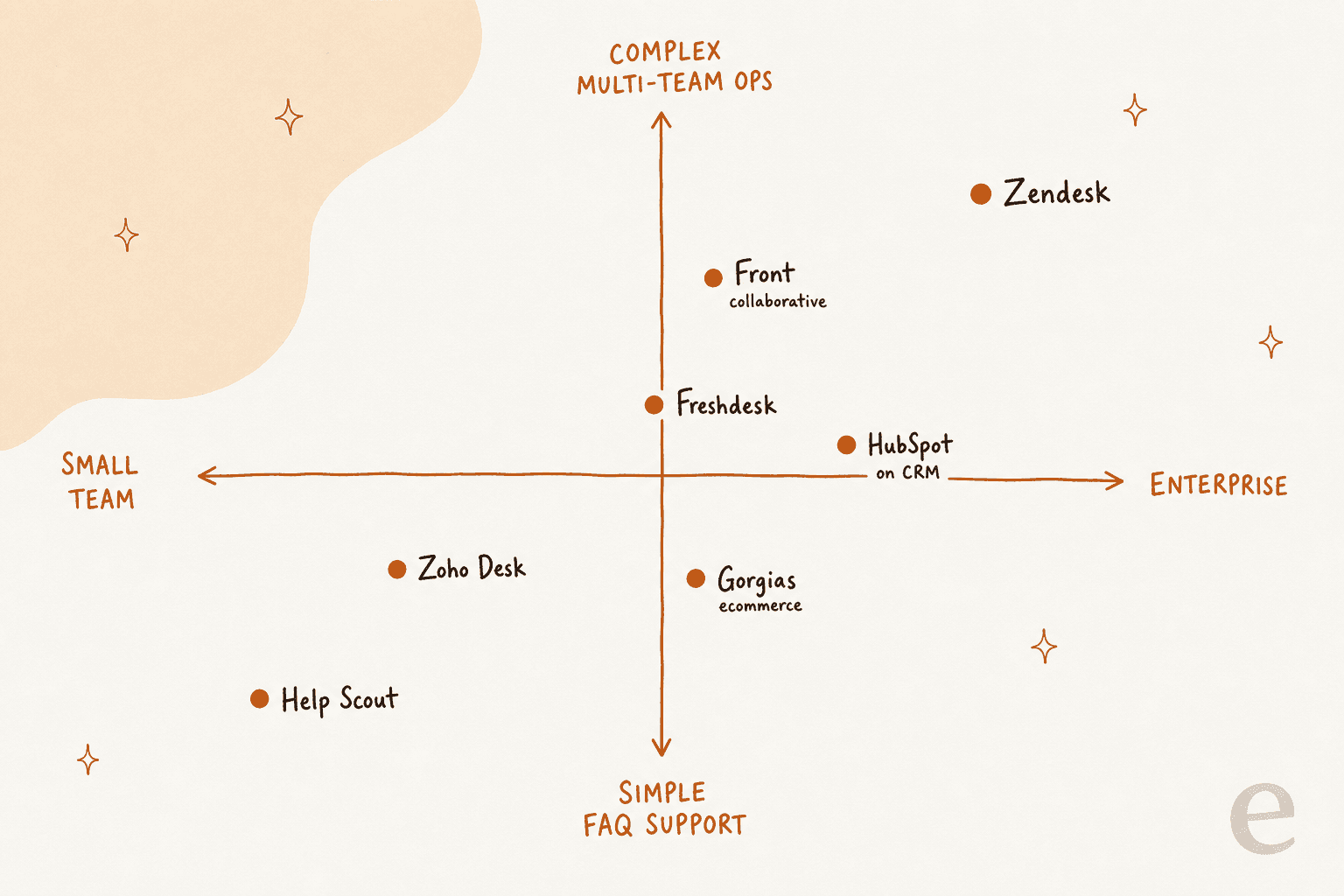
A quick way to walk it:
- Small team, simple support? Help Scout or Zoho Desk. Don't overbuy.
- Growing mid-market team? Freshdesk is the value pick; HubSpot if you're already on their CRM.
- Ecommerce on Shopify? Gorgias, every time.
- Complex, multi-team operations? Front for collaboration, Zendesk for enterprise depth.
And whichever box you land in, remember the thing most help desk software reviews skip: you don't have to accept your helpdesk's native AI. The most common regret I see is a team switching platforms entirely just to get better automation, when they liked their old helpdesk fine.
Try eesel on the helpdesk you already have
If your helpdesk is basically working but its AI is "inadequate and overpriced" (to borrow the phrase), you don't need a migration. eesel AI is an AI agent that layers onto Zendesk, Freshdesk, Gorgias, Front, or HubSpot and starts resolving tier-1 tickets without ripping anything out.
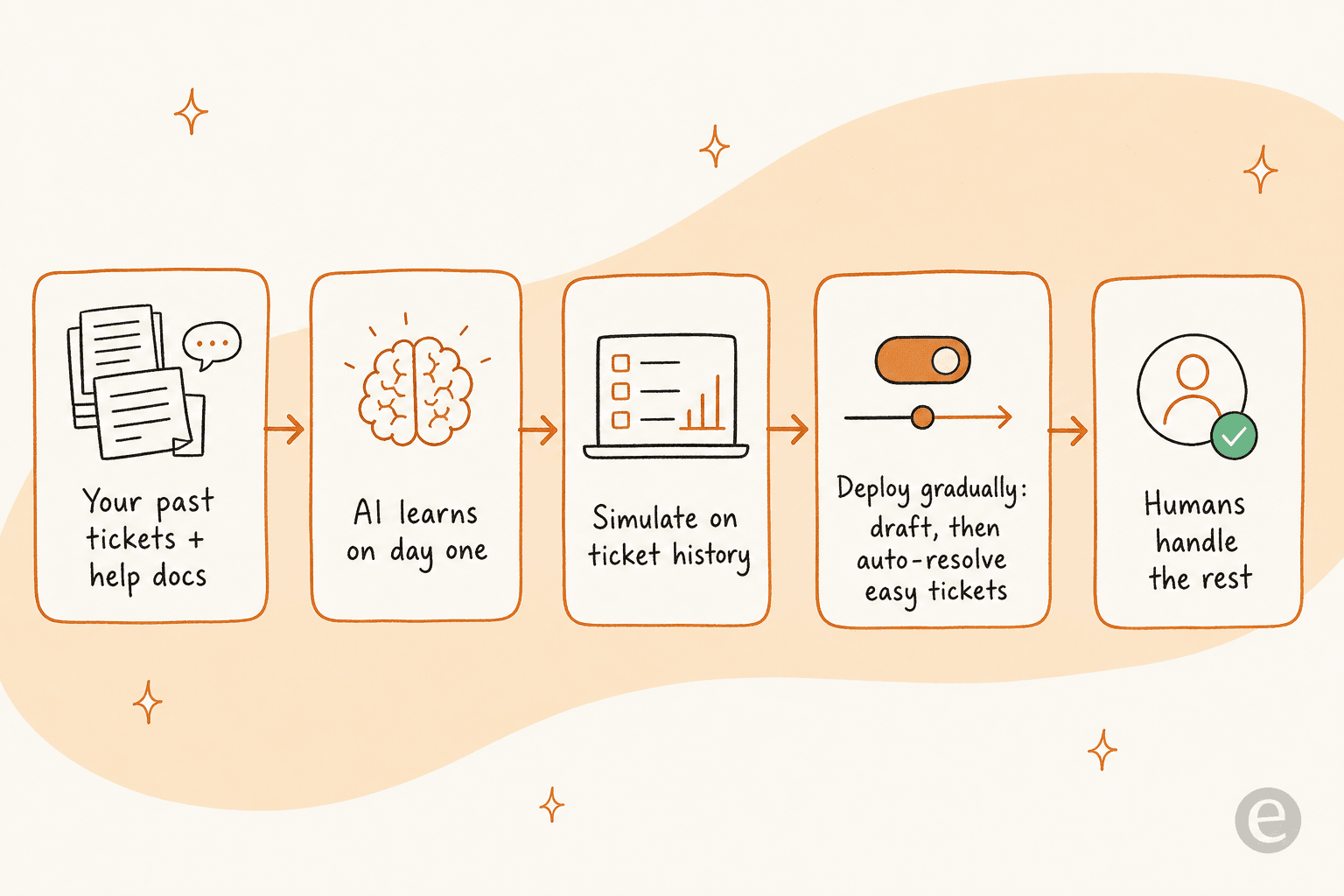
What makes it different from the native options: it simulates on your real ticket history so you see the coverage before a single customer is touched, it rolls out gradually (draft-only, then auto-resolve the easy stuff), and it is one fixed monthly price with no per-seat surprise. You can connect it and see it work on your own data in minutes, with 100 free credits to start.
Frequently Asked Questions
What is the best help desk software in 2026?
How much does help desk software cost?
Is there free help desk software?
What should I look for when reviewing help desk software?
Do I need to replace my help desk to get good AI?


Article by
Kurnia Kharisma
Kurnia is a software engineer and writer at eesel AI with two years of SEO experience, writing about AI tools, helpdesk software, and customer support. He pairs a developer's understanding of how these products are built with search-driven research into what actually ranks and resonates with the people searching for them.