It feels like the market is flooded with "AI helpdesks." Every other tool seems to have slapped an AI label on a clunky chatbot and called it a day. If you’re a support leader, you’re probably tired of seeing demos for platforms that promise the world but end up needing a team of developers and months of configuration just to get running.
This guide is different. I’ve rolled up my sleeves and sifted through the options to find the best AI helpdesk software that actually delivers. We're talking about tools that save you time, plug into your existing setup without a headache, and genuinely feel like they’re part of your team from day one.
What is the best AI helpdesk software anyway?
At its core, AI helpdesk software is any tool that uses artificial intelligence to help you manage, automate, and improve your customer support. But that definition feels a little... stale.
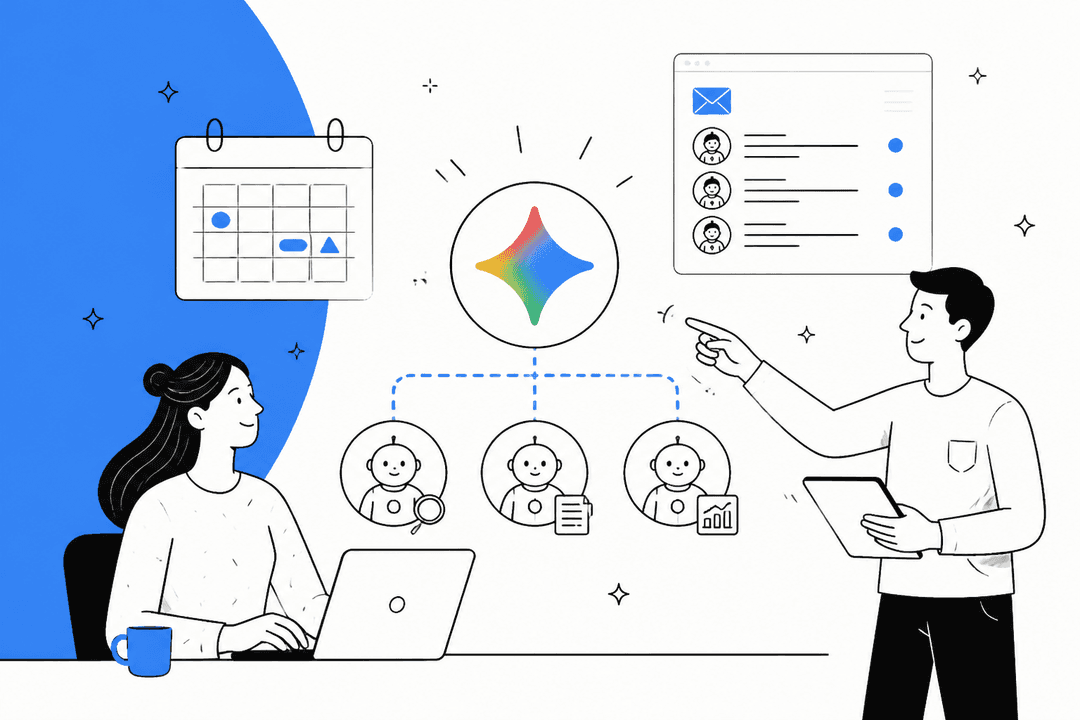
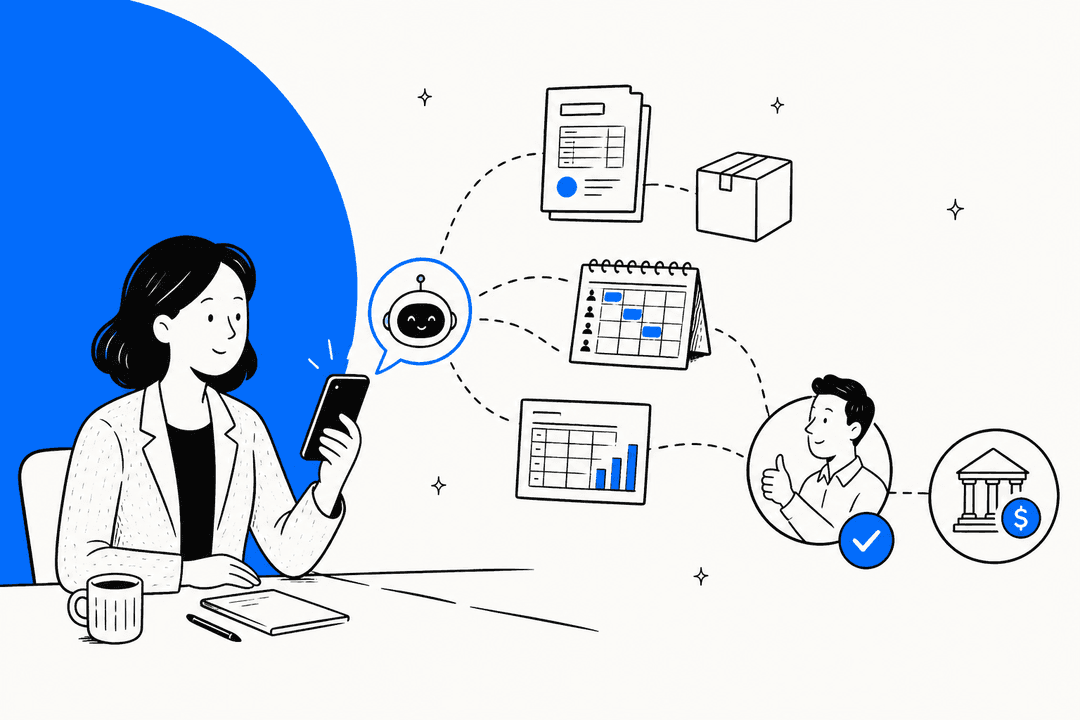
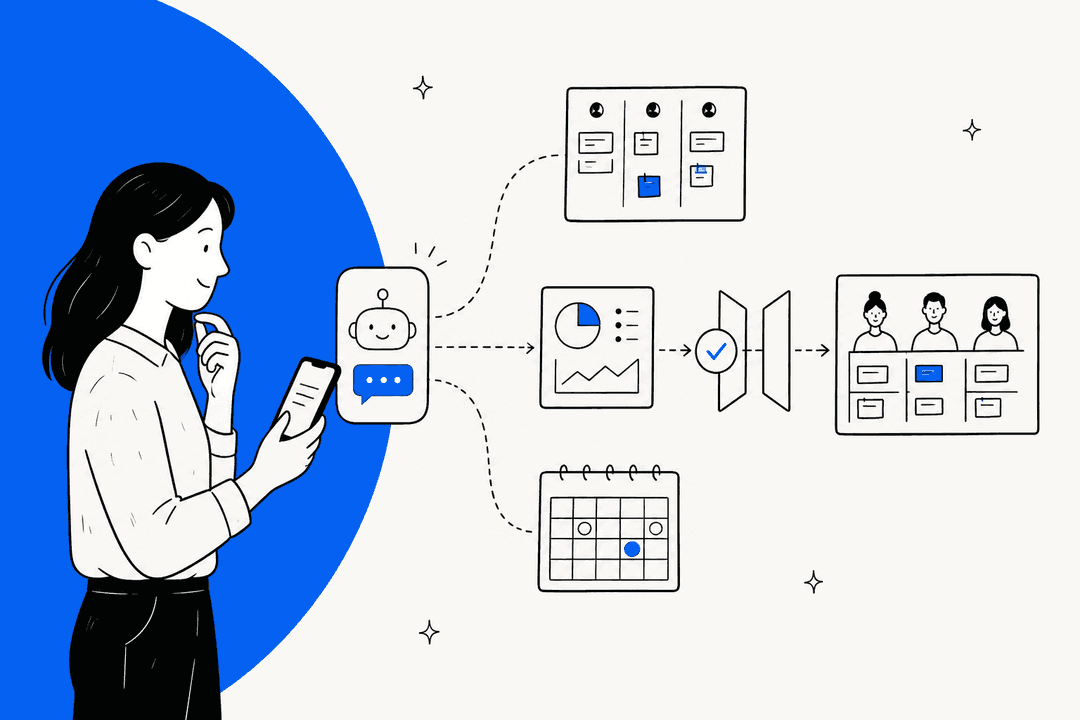
Today’s best platforms go way beyond just routing tickets. Think of them less as automated rule-followers and more as intelligent assistants. They can act as an AI Copilot that drafts smart, on-brand replies for your agents, or an AI Triage agent that automatically tags, routes, and even closes tickets without anyone lifting a finger.

The real goal here isn't to replace your team. It's to take all the repetitive, soul-crushing tasks off their plate so they can focus on the tricky, high-value problems that actually need a human brain and a bit of empathy.
How we picked the best AI helpdesk software
To make this list genuinely useful, we didn't just look at feature lists. We dug in and evaluated each platform based on what actually matters to a busy support team.
-
Real AI smarts: We looked for AI that does more than spit out canned responses. Does it actually learn from past conversations? Can it understand context and take meaningful actions on its own?
-
Painless setup: How fast can you actually start using it? We gave top marks to platforms with a true self-serve setup that you can get running in minutes, not months. No engineers or endless onboarding calls required.
-
Plays well with others: An AI tool is useless if it doesn’t work with your other software. We looked for platforms with easy, one-click integrations for the tools you’re already using, like Zendesk, Freshdesk, and Slack.
-
You're in control: You should be in the driver’s seat. We prioritized tools that let you define the AI's personality, what it’s allowed to do, and when it should escalate, all using plain English instead of complicated code.
-
Safe to test: Letting an AI talk to your customers can be nerve-wracking. The best platforms get this and give you ways to test drive the AI safely. We looked for features like a simulation mode to test on old tickets and a human-in-the-loop default so nothing goes out without your approval.
-
Good value: The price tag should make sense and be predictable. We favored transparent pricing models that reflect the value provided to the team.
Comparison of the best AI helpdesk software in 2026
Here’s a quick look at how our top picks stack up. While some tools are built for a specific niche, like working entirely within Gmail, others are designed to feel more like a flexible, all-around teammate that plugs in wherever you need it.
| Tool | Best for | Starting price | Key AI feature |
|---|---|---|---|
| eesel AI | A true AI teammate experience | $239/month (annual) | Learns from past tickets & plain-English control |
| Zendesk | Enterprise-grade CX platforms | $55/user/month (annual) | Autonomous AI agents & copilot |
| Freshdesk | Custom workflows & omnichannel support | $15/user/month (annual) | Freddy AI for automation |
| Hiver | Teams living inside Gmail | $25/user/month (annual) + AI add-on | AI-driven query assistance in the inbox |
| SparrowDesk | Startups needing AI copilot assistance | $16/user/month (annual) + $0.70/resolution | AI-driven response suggestions & summaries |
A breakdown of the 5 best AI helpdesk software tools
Now let's get into the details. Here’s a closer look at what makes each of these platforms stand out, along with their pros, cons, and what you can expect to pay.
1. eesel AI
Why we picked it: eesel AI is a breath of fresh air because it’s designed to be invited and trained just like a new team member, not configured like a rigid piece of software. It connects to your helpdesk, reads your past tickets, skims your help center, and learns from your internal docs to start providing genuinely helpful, context-aware assistance from the moment you switch it on. The best part is its human-in-the-loop default. It starts by drafting replies for your team to review, so you can use it safely from day one. As you approve and edit its work, it learns, and you can gradually "promote" it to handle tickets on its own. This controlled rollout takes away all the anxiety that usually comes with implementing AI.

Pros and cons: Its biggest win is the ridiculously easy setup and the ability to steer its behavior using plain English. You don’t need to be a developer to build powerful, custom workflows. The simulation feature is a huge plus, letting you test how the AI would have handled thousands of your past tickets before it ever talks to a live customer. This gives you total confidence and a clear forecast of your ROI. The only real trade-off is that it’s not a native helpdesk itself; it’s a powerful AI layer designed to integrate deeply with the tools you already know and love.
Pricing:
-
Team: $239/month (billed annually) for up to 1,000 AI interactions.
-
Business: $639/month (billed annually) for up to 3,000 interactions, which also unlocks the ability to train on past tickets.
-
Custom: Custom plans are available for enterprise teams with higher volumes.
2. Zendesk

Why we picked it: Zendesk is an industry giant, and for good reason. Its AI helpdesk is baked into a mature, comprehensive customer service platform. It offers powerful autonomous AI agents that can handle conversations across email, chat, and even voice, plus a helpful AI copilot to give human agents a boost. If you're a large organization looking for a single, deeply integrated solution for ticketing, reporting, and AI, Zendesk has you covered.
Pros and cons: Zendesk’s main advantage is its comprehensive feature set and its ability to scale effortlessly for sophisticated support operations. While the platform offers a wealth of advanced capabilities that teams can grow into, it remains the gold standard for organizations that prioritize a robust, enterprise-grade ecosystem. To provide maximum flexibility, Zendesk offers specialized AI options like the Copilot add-on, allowing teams to tailor the platform's power to their specific needs.
Pricing:
- Plans start at $55/user/month for the Suite Team plan, with higher-tier plans available for teams requiring enterprise-grade AI capabilities and advanced tools.
3. Freshdesk
Why we picked it: Freshdesk is a globally trusted leader that really excels at managing customer conversations across tons of different channels. Its AI, which they call "Freddy," provides solid automation for routing tickets, suggesting replies, and powering chatbots. It's an excellent choice for businesses that need to build out custom workflows to handle a high volume of inquiries from all over the place.
Pros and cons: Freshdesk gets high marks for its clean, user-friendly interface and its powerful automation tools, which are available even on its more affordable plans. Its omnichannel support is also top-notch. One aspect to note is that Freshdesk provides a very high degree of precision control over its AI behaviors. While this means taking a moment to fine-tune your workflows, it ensures that Freddy AI operates exactly how your business requires. This hands-on approach is perfect for teams that value total consistency in their automated responses.
Pricing:
- Freshdesk has a free plan for up to 10 agents. Paid plans that include AI features start at just $15/user/month when billed annually.
4. Hiver
Why we picked it: Hiver has a really clever approach: it turns your familiar Gmail inbox into a full-blown, collaborative helpdesk. For teams that love Google Workspace and never want to leave their inbox, Hiver is a dream. It layers on essential support features like ticket assignment, collision alerts, and analytics right inside Gmail. Its AI features are designed to help you write and tag emails faster.
Pros and cons: Hiver's seamless Gmail integration is its killer feature, making it incredibly easy for teams to adopt. The AI is well-integrated to speed up daily email tasks. The main drawback, of course, is that it’s built for the Gmail ecosystem. While it has expanded to support other channels like voice and WhatsApp, its heart and soul are in email.
Pricing:
- Starts at $25/user/month (billed annually). The Hiver AI add-on is an extra $20/user/month on top of that.
5. SparrowDesk
Why we picked it: SparrowDesk is a solid pick for smaller businesses that want a capable, AI-powered helpdesk without the enterprise-level complexity. It zeroes in on the core AI features that provide the most immediate bang for your buck, like an AI Copilot that summarizes conversations and suggests smart replies, and AI agents to auto-resolve questions common questions.
Pros and cons: The platform’s standout features are its easy-to-use no-code workflow builder and its effective AI Copilot. It gets the job done for a small team. However, like other pricing models, it includes a per-resolution fee for its AI Agent, which can make costs unpredictable for some teams. Its list of native integrations is also a bit shorter than some of the other platforms on this list.
Pricing:
- Starts at $16/user/month (billed annually). The AI Copilot is an extra $16/seat/month, and the AI Agent costs $0.70 per resolution.
How to choose the best AI helpdesk software for your team
Feeling overwhelmed by the options? Don't be. Here are a few practical tips to help you cut through the noise and find the right tool for you.
Start with your biggest pain point
It's easy to get distracted by shiny objects. Before you look at any demos, figure out your biggest problem. Are your agents drowning in repetitive password reset tickets? Then you need strong automation. Is agent burnout the real issue? Then you should prioritize a great AI Copilot to help with drafting. The right tool is the one that solves your most urgent problem first.
Prioritize a self-serve setup
The initial excitement for a new AI tool can wear off pretty fast if it takes a long time to get running. Look for platforms that offer one-click integrations and a straightforward, self-serve setup. You should be able to see value on day one, not day 90.
Demand a human-supervised rollout path
Don't accept an "all-or-nothing" approach to AI. It’s a recipe for disaster. The best tools are designed for a gradual rollout. They let you start with the AI simply drafting replies for your team to review and approve. This builds trust, eliminates risk, and lets the AI learn directly from your experts. This human-in-the-loop approach is non-negotiable for a safe and successful launch.
Test the AI with your real data
A canned demo will always look perfect. But you need to know how the AI will handle your customers and your unique questions. Look for a tool that offers a simulation mode that can run on your historical tickets. This gives you a real, data-backed preview of how effective it will be before you flip the switch.
For a visual breakdown of how different AI helpdesk platforms stack up, including some of the options we've discussed, the video below provides a great overview of the current market.
This video review provides a great overview of the best AI customer service software options for 2026.
The best AI helpdesk software is like hiring your best agent
When you look at the landscape, it’s clear that the best AI helpdesks in 2026 aren't just smarter inboxes. They're true collaborative partners for your support team.
The right choice for you will always depend on your team's needs, but the trend is clear: teams are moving toward flexible, easy-to-use "AI teammates" that can scale with their growth.
If the idea of an AI you can "hire," train on the job, and trust to work alongside your team sounds like the right fit, then a platform like eesel AI was built for you. It combines seriously powerful AI with a practical, human-first approach that just makes sense.
Ready to see what a true AI teammate can do? Invite eesel AI and see it draft replies on your real tickets in minutes.
Frequently asked questions
The most critical factor is finding a tool that solves your team's biggest pain point first, whether that's automating repetitive tasks or helping agents with burnout. Also, prioritize a platform that offers a safe, human-supervised rollout so you can build trust in the AI gradually.
Pricing varies widely, from around $15 per user per month to enterprise plans designed for global scale. Many top platforms offer tiered plans to match different team sizes and needs.
Yes, the top solutions are designed to be flexible AI layers that integrate with the software you already use. Look for one-click integrations with your current helpdesk, team chat, and other essential tools for a seamless setup.
It can be, but only with the right approach. The safest platforms start in a "human-in-the-loop" mode, where the AI only drafts replies for your agents to review and approve. This lets you test and train the AI safely before giving it the autonomy to respond on its own.
It shouldn't take long at all. Modern tools are built for a self-serve setup that can be completed in minutes, not months. The goal is to see real value on day one without needing a team of engineers to get started.
No, the goal isn't replacement, but collaboration. The best AI tools act as a teammate, handling the tedious, repetitive work so your human agents can focus on complex, high-value customer issues that require empathy and critical thinking.
Share this post

Article by
Stevia Putri
Stevia Putri is a marketing generalist at eesel AI, where she helps turn powerful AI tools into stories that resonate. She’s driven by curiosity, clarity, and the human side of technology.