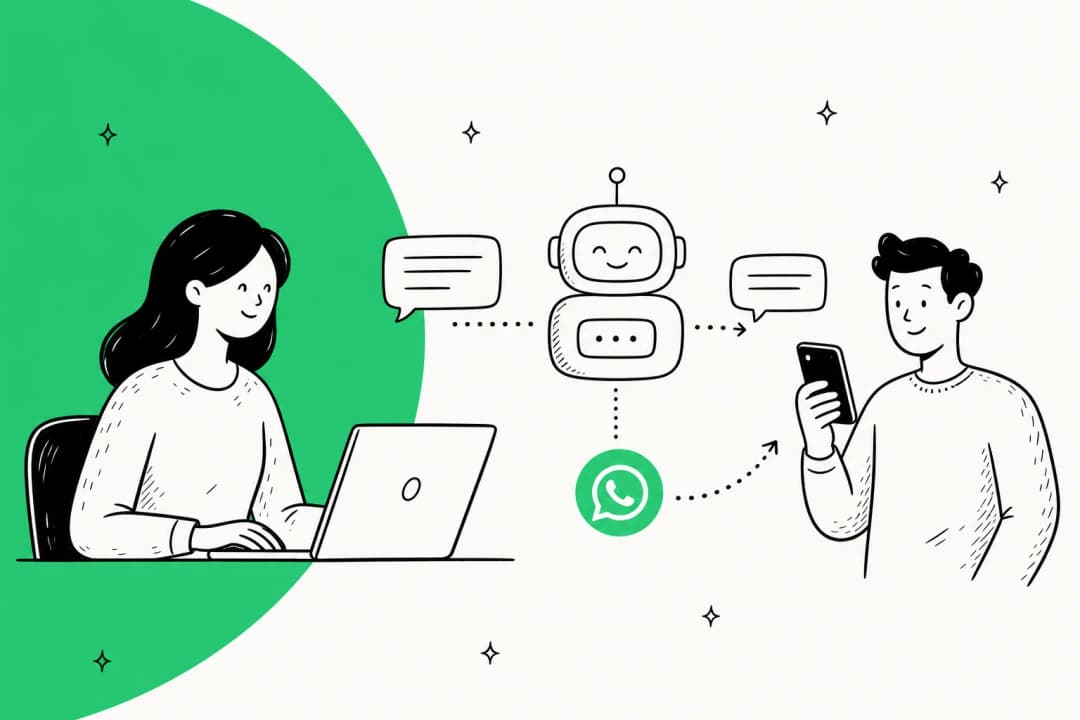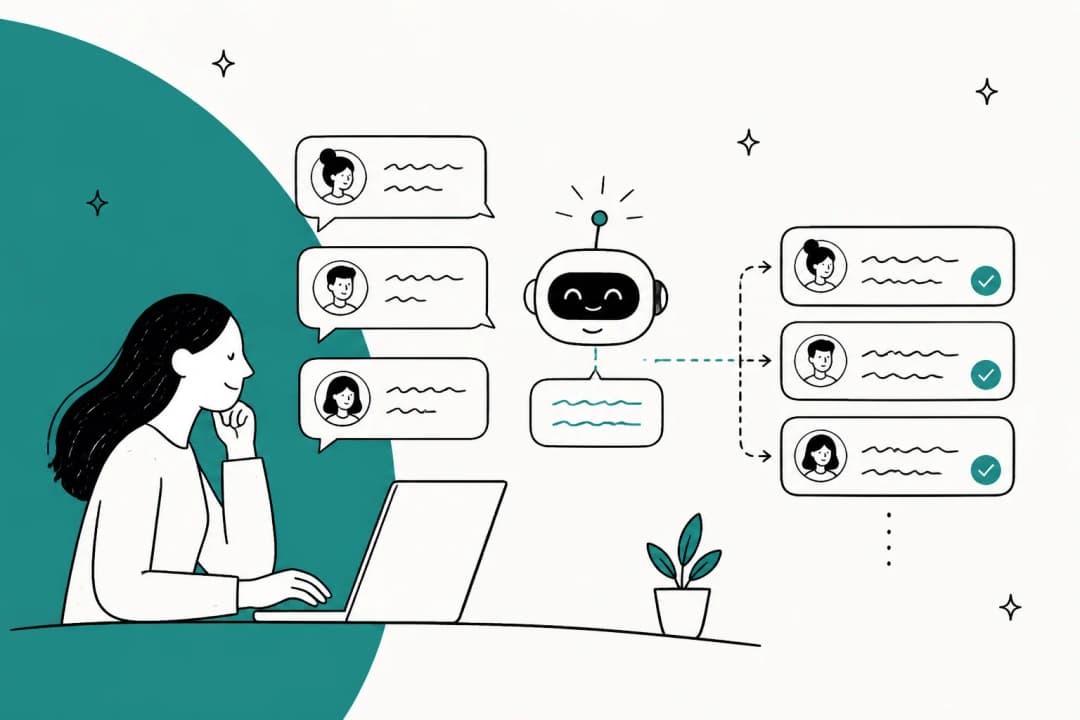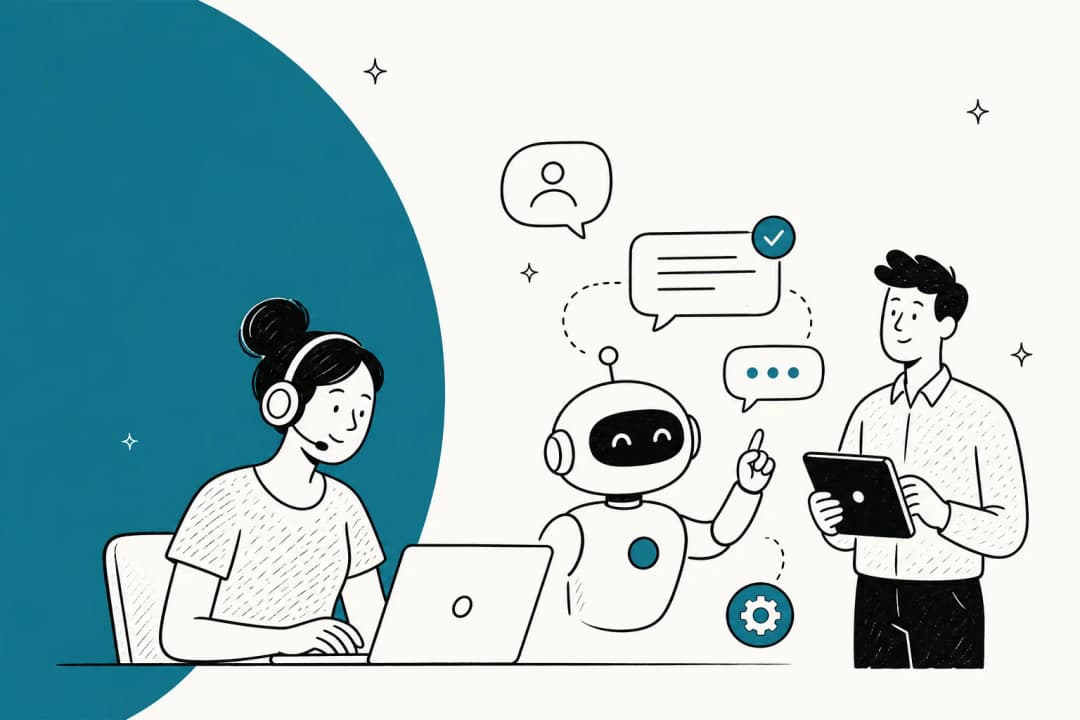
What "AI chatbot automation for support" actually means
The phrase gets stretched over two very different things, and confusing them is where most disappointment starts.
The old thing is a scripted chatbot: a menu of buttons and if-this-then-that branches you build by hand. It's fine for "check my order status" and useless the moment a customer types something you didn't anticipate, which is most of the time. You've met the dead end: "Sorry, I didn't get that. Please rephrase."
The new thing is an AI support agent. It reads the actual question in plain language, retrieves the relevant answer from your knowledge, and writes a reply, the same way one of your agents would. No decision tree to maintain, no pre-built buttons. It's the difference between a phone tree and someone who's read the manual.
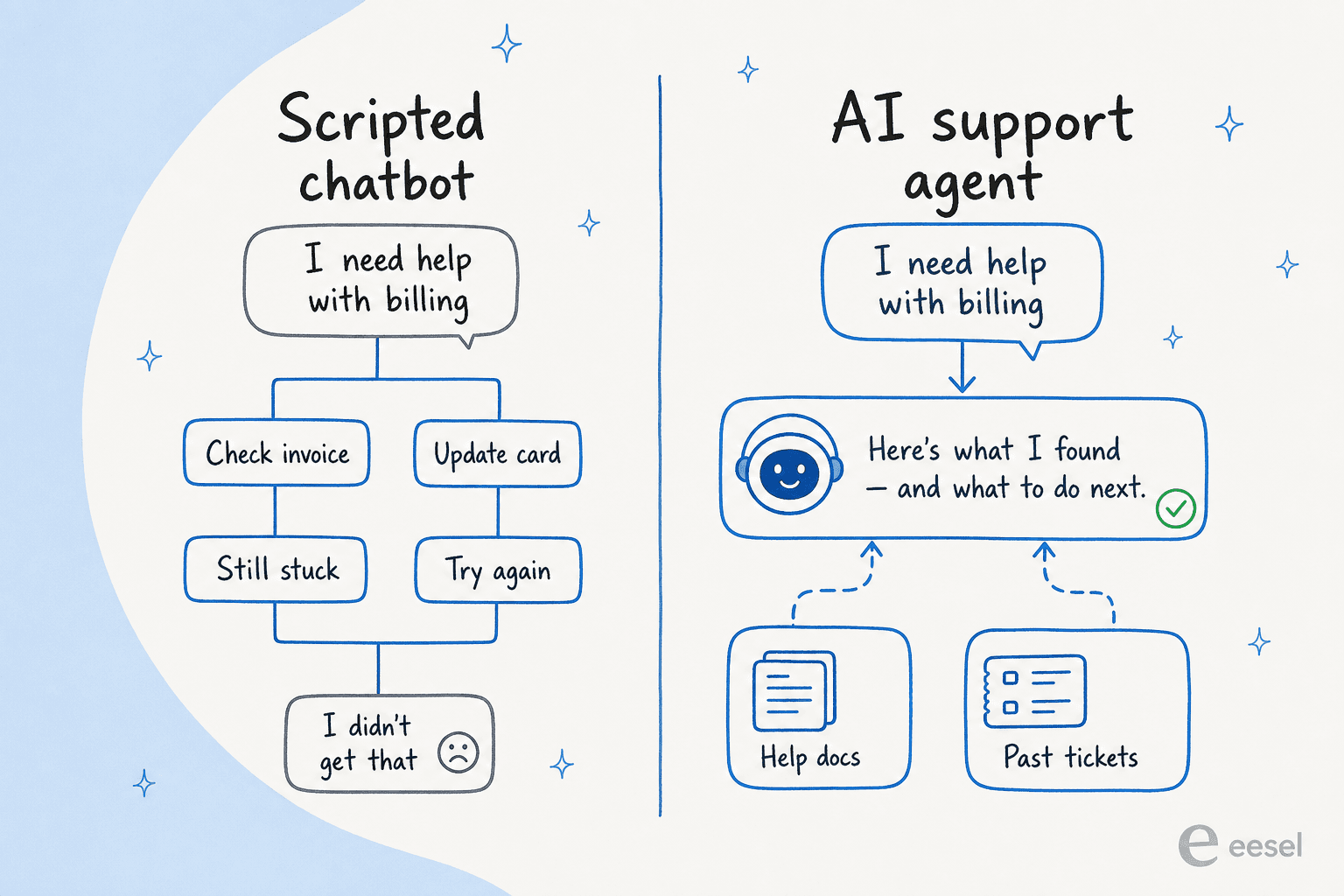
If you've only ever used the scripted kind, you'd be forgiven for thinking "support chatbot" is a dirty word. The distinction matters because it's the whole reason automation works now and didn't five years ago. We wrote a longer breakdown of AI agents versus rule-based chatbots if you want the full comparison, but for this guide, when I say "AI chatbot automation," I mean the agent kind.
What automated support chatbots can and can't handle
Here's the part most vendor pages skip. Automation is genuinely great at some things and genuinely bad at others, and pretending otherwise is how you end up with a bot that confidently gives wrong answers.
What it handles well:
- Repetitive, documented questions: "how do I reset my password," "what's your return window," "where's my order." This is the bulk of tier-1 volume for most teams.
- Questions answered somewhere in your help center or past tickets, which is more of them than you'd guess.
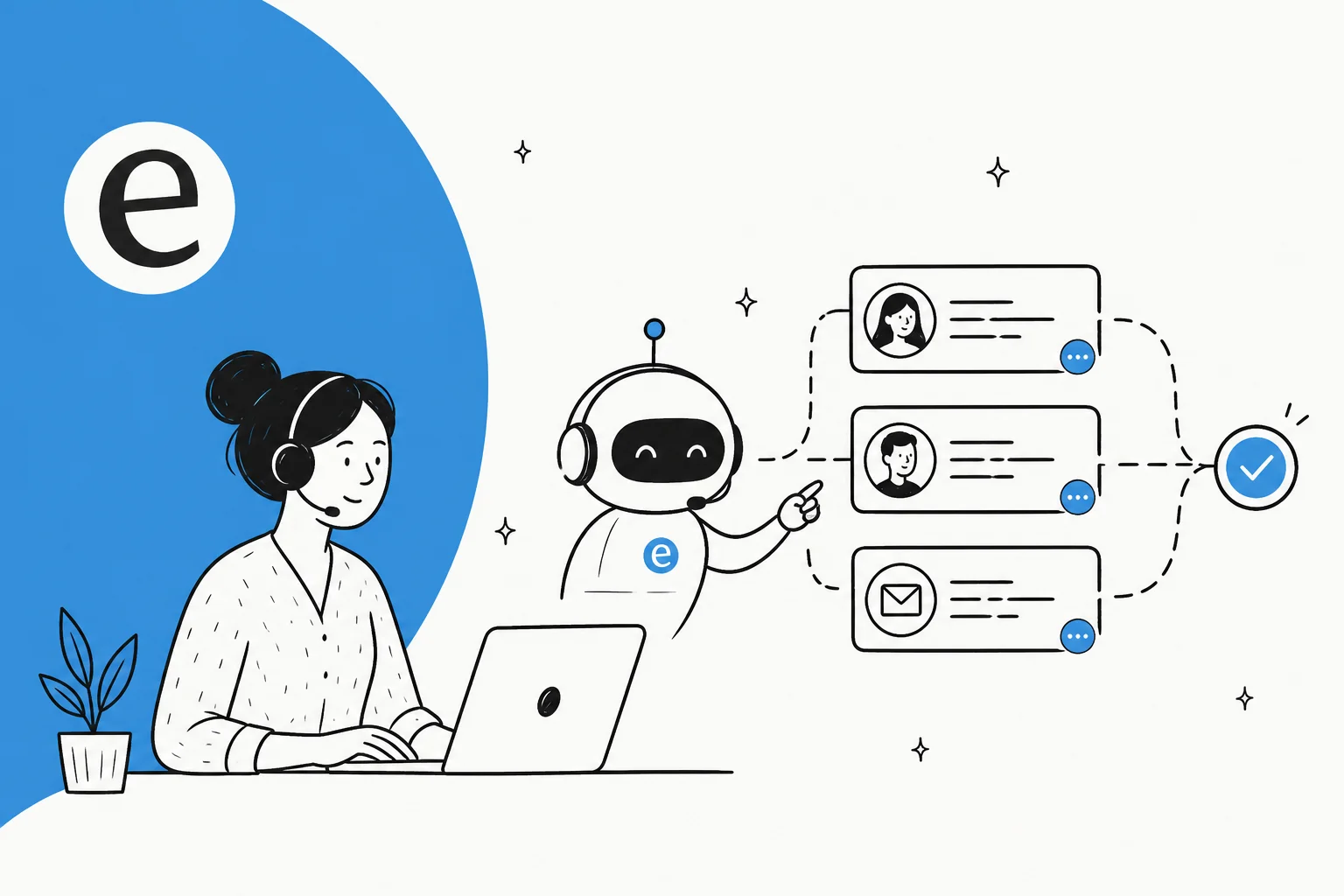
- Triage and tagging, even when it doesn't answer: reading a ticket in your ticketing system, categorising it, and routing it to the right person or leaving a suggested reply as an internal note.
- Multilingual support. A good agent answers in the customer's language without you writing anything twice.
What it shouldn't touch (yet):
- Anything requiring judgment, empathy under pressure, or a policy exception. An angry customer demanding a refund outside policy is a human moment.
- Questions where being wrong is expensive: billing disputes, account security, anything legal or medical.
- Novel problems with no precedent in your docs or history.
The single most useful thing a support lead told me on a call framed the whole strategy. Anonymised, she runs CX for a DTC supplements brand:
"The AI will never be able to answer 100% of the questions. I need an AI who is only handling the tickets that it's confident to handle, and all the other ones, leave them alone."
That's not a limitation to apologise for. That's the operating manual. The goal isn't 100% automation; it's automating the confident slice safely and leaving the rest to the people who are good at it. A tool that lets you draw that line precisely is worth more than one that claims it can do everything.

How AI support chatbot automation works, step by step
Under the hood, a modern support agent runs the same loop on every incoming message. It's worth understanding, because it explains both why it works and where it can go wrong.
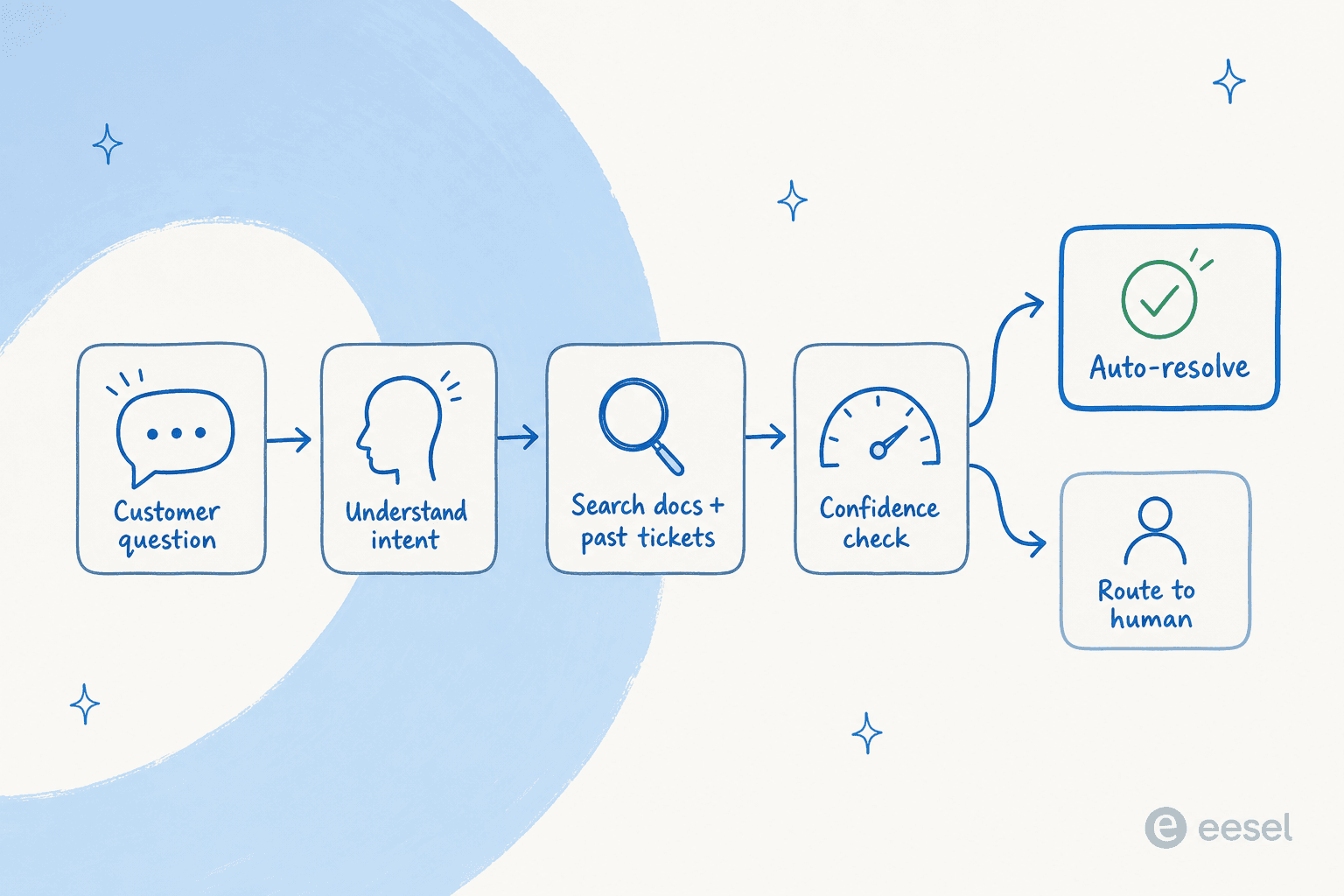
- Understand the question. The model reads the customer's message and works out what they're actually asking, including when the phrasing is messy or buried in a paragraph of context.
- Retrieve the answer. It searches your connected knowledge, your help center, internal docs, and crucially your past tickets, for the relevant facts. This is retrieval-augmented generation: the reply is grounded in your content, not the model's general training.
- Draft a grounded reply. It writes an answer using what it retrieved, in your tone, with the specific details (your return window, your plan names) rather than generic filler.
- Check its own confidence. Before anything goes out, it scores how sure it is. This is the safety valve.
- Act. High confidence, it can reply automatically. Lower confidence, it hands off (more on that next).
Step 2 is the one that separates a good deployment from a bad one. A chatbot trained only on your help-center articles knows what you've documented; a chatbot trained on solved tickets knows what your team actually says, including the edge cases that never made it into an article. That's why training on historical tickets is the most-requested capability I hear about, and why answers from a ticket-trained agent read like your team wrote them.
Confidence-based routing: automating without breaking trust
If there's one feature that makes the difference between "we automated support" and "we turned the bot off after a week," it's this one.
Confidence-based routing means the AI doesn't treat every ticket the same. It scores each answer and routes by how sure it is:
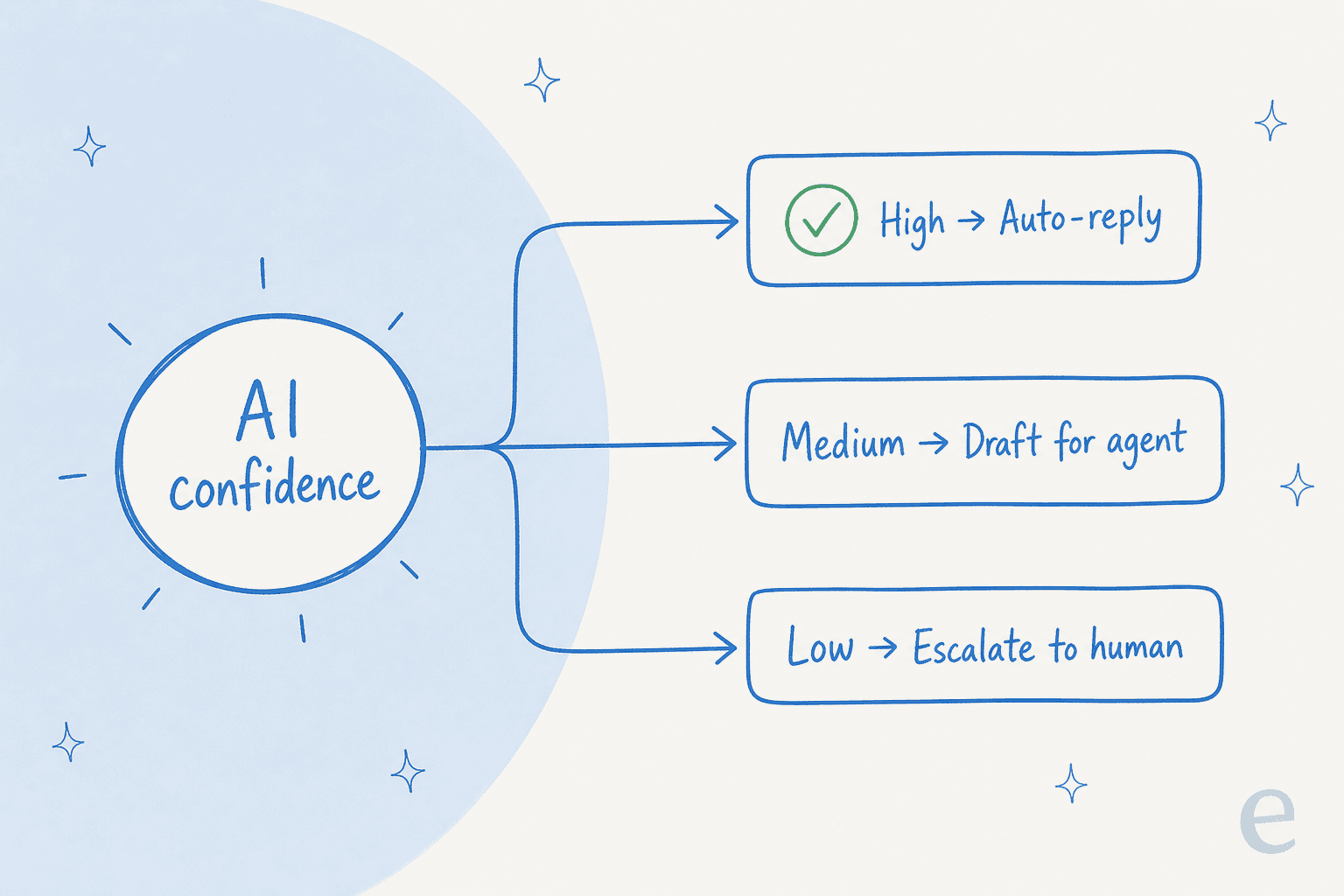
- High confidence → reply automatically. The customer gets an instant answer at 2am.
- Medium confidence → draft the reply and leave it for an agent to approve or tweak. This is copilot mode, and it's a great place to start.
- Low confidence → don't guess. Escalate to a human, or leave an internal note so the agent has a head start.
This is the mechanism that lets you sleep at night. The nightmare scenario with support automation, the one every buyer is secretly worried about, is a confident bot inventing a policy or a price. Routing on confidence is how you defuse that: the AI is structurally prevented from auto-sending anything it isn't sure about.
At eesel you also control which ticket types are even eligible for automation, and you tune the agent's behaviour in plain language rather than a rules editor. You can tell it "never promise a refund, always escalate billing disputes" the same way you'd brief a new hire.

How to set it up without a risky big-bang launch
The teams that succeed don't flip automation on for every ticket on day one. They ramp. Here's the rollout I'd actually recommend, and it's the one we've watched work across thousands of deployments.
- Connect your helpdesk and knowledge. Plug the AI into wherever your tickets already live, Zendesk, Freshdesk, Gorgias, Front, or a live chat widget, plus your help center and docs. No migration, no rebuilding your setup.
- Train it on past tickets. Point it at your history so it learns your answers and tone, not just your articles. This is what turns generic replies into ones that sound like your team.
- Simulate before you go live. This is the step people skip and regret. Run the AI against thousands of your past tickets and see exactly how it would have replied, what it would have resolved, and where the gaps are, all without a single customer seeing it. You fix the gaps, then re-run.
- Start in copilot mode. Let it draft, have agents approve. You get the speed benefit and build trust before you hand over the keys.
- Automate the confident slice, then widen it. Turn on auto-reply for the ticket types it nailed in simulation. Watch the numbers. Expand from there.

That simulation step is the one I'd fight for. When a prospect says "we tried a bot once and it was a disaster," the disaster was almost always a launch with no dry run, they guessed at what it could handle and let real customers be the test. Simulating against your own ticket history means you know your resolution rate before you turn anything on, not after.
What it costs, and whether it's worth it
Pricing is where support automation gets murky, because vendors bill in genuinely different units, per seat, per resolution, per conversation, per ticket, and they are not the same thing. Per-seat pricing punishes you for growing your team; per-resolution can spike unpredictably. The model I'd steer you toward is per ticket handled, because it maps cleanly to the value: you pay for work done, and nothing when a human takes over.
To make it concrete, here's the math on automating a slice of tier-1 volume. Plug in your own numbers:
For reference, here's how pricing scales at eesel: one fixed monthly price sized to volume, 1 credit per ticket handled, with no platform fee and no per-seat fee:
| Tickets automated / month | Plan | Monthly cost |
|---|---|---|
| Up to 100 | Free plan (100 credits) | $0 |
| Up to 500 | 500 credits | $299 |
| Up to 1,000 | 1,000 credits | $499 |
| Up to 2,500 | 2,500 credits | $999 |
| Up to 5,000 | 5,000 credits | $1,899 |
The reason the per-ticket cost comparison matters so much: automating 500 tickets a month on the $299 plan is under $0.60 each, versus what those same 500 tickets cost in agent time. Even at a conservative $5 fully-loaded per ticket, that's $2,500 of human work for $299 of automation. And only tickets the AI actually works on use a credit; spam and tickets it is told to skip do not count.
Common mistakes to avoid
A few patterns I see over and over, worth calling out so you can skip the pain:
- Launching with no simulation. You're guessing at your resolution rate and letting customers be the test. Dry-run against past tickets first, every time.
- Only training on help-center articles. Your docs are the polished version. Your solved tickets are where the real answers and the edge cases live. Train on both.
- Automating everything on day one. The confident slice first. Widen it as the numbers earn your trust.
- Chasing 100% deflection as the goal. Deflection is a vanity metric if it comes from customers giving up. A clean handover to a human is a good outcome, not a failure.
- Picking a tool you can't control. If you can't exclude ticket types, tune behaviour, or set confidence thresholds, you don't have automation, you have a liability. Our roundup of the best AI agents for customer service breaks down what to look for.
Try eesel for AI support chatbot automation
If you want to automate support the safe way, this is exactly what we built eesel to do. It plugs into your existing helpdesk in minutes, learns from your past tickets and help docs on day one, and lets you simulate against thousands of historical tickets so you see your real resolution rate before a single customer is involved.
One customer, Gridwise, saw eesel resolve 73% of their tier-1 requests in the first month, with results showing up during a 7-day trial. Another, Smava, runs a fully automated agent processing 100,000+ German-language tickets a month. And when the team at GENERAL BYTES weighed building their own on the raw LLM APIs, they landed on buying instead: "We could try to write our own LLM application but we didn't want to invest our time into that. We wanted something that we would not have to maintain."
It's free to start with 100 free credits and no credit card, and paid plans start at $299/month after that, so you can run a simulation and see the numbers on your own tickets before committing to anything.
Frequently Asked Questions
What is AI chatbot automation for support?
How much does AI chatbot automation for support cost?
Can an AI support chatbot answer questions without a human checking?
How do I train an AI chatbot on my own support content?
What happens if the AI chatbot gets a support question wrong?


Article by
Riellvriany Indriawan
Riell is a designer and writer at eesel AI with about two years of experience researching CX platforms, AI chatbots, and helpdesk software. She combines her design background with a sharp eye for how these tools actually look and feel in practice — making her comparisons unusually visual and user-focused.