What call center automation actually means
I work the support queue, so let me be blunt about the term. Call center automation is any software that takes a repetitive step in your contact center and does it without a human touching it. That is the whole idea. It used to mean rigid phone menus and canned macros; in 2026 it mostly means AI that can read a customer's message, find the answer in your docs, and either resolve it or route it to the right person.
The word "call center" is doing a lot of work here too. Most teams I talk to are running email, live chat, and social alongside the phone line, so "call center automation" in practice means contact center automation across every channel, not just voice. If you only automate the phone queue, you have automated maybe a third of your volume.
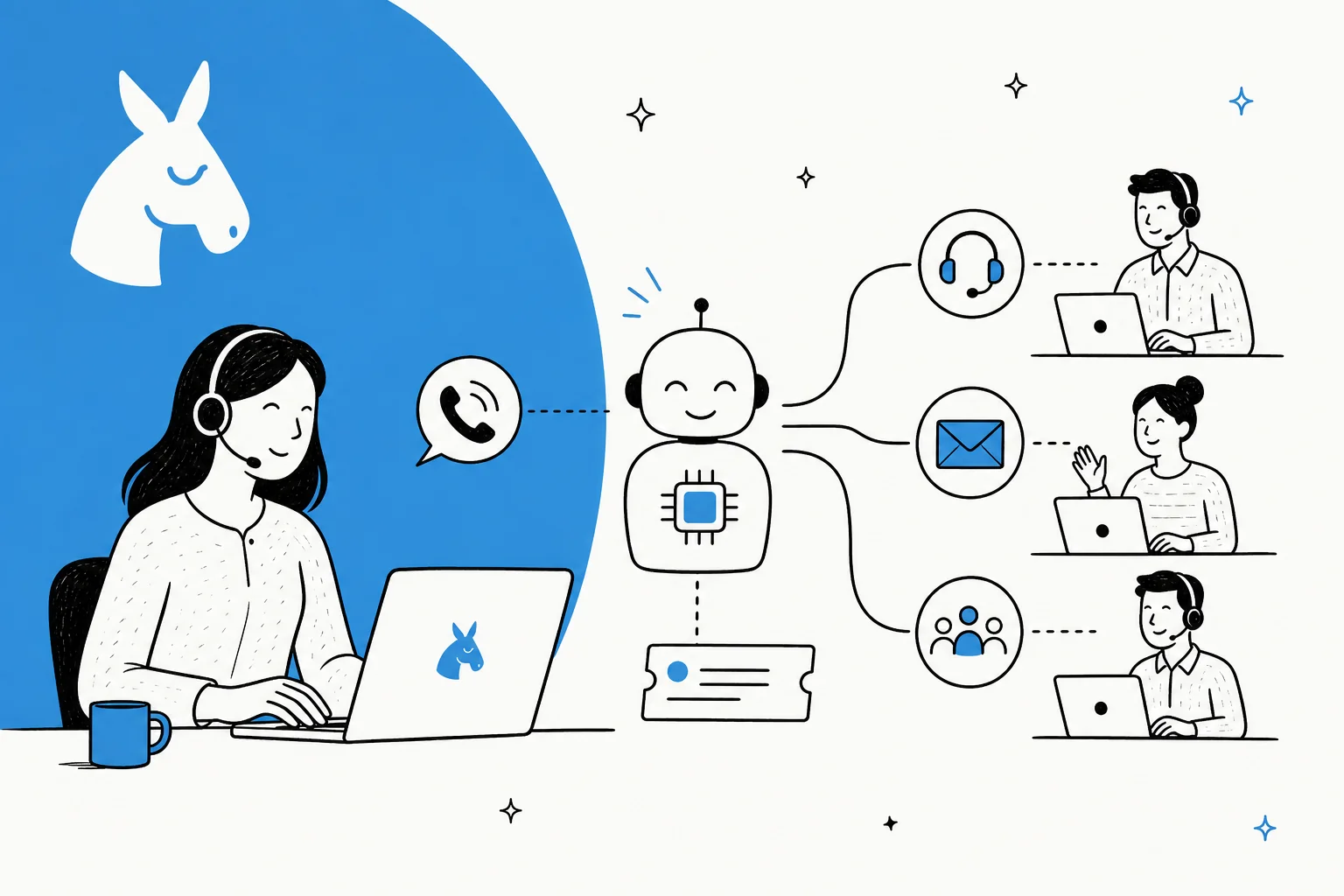
Here is the useful mental model: automation happens at several points along the life of a single contact, not in one magic box.
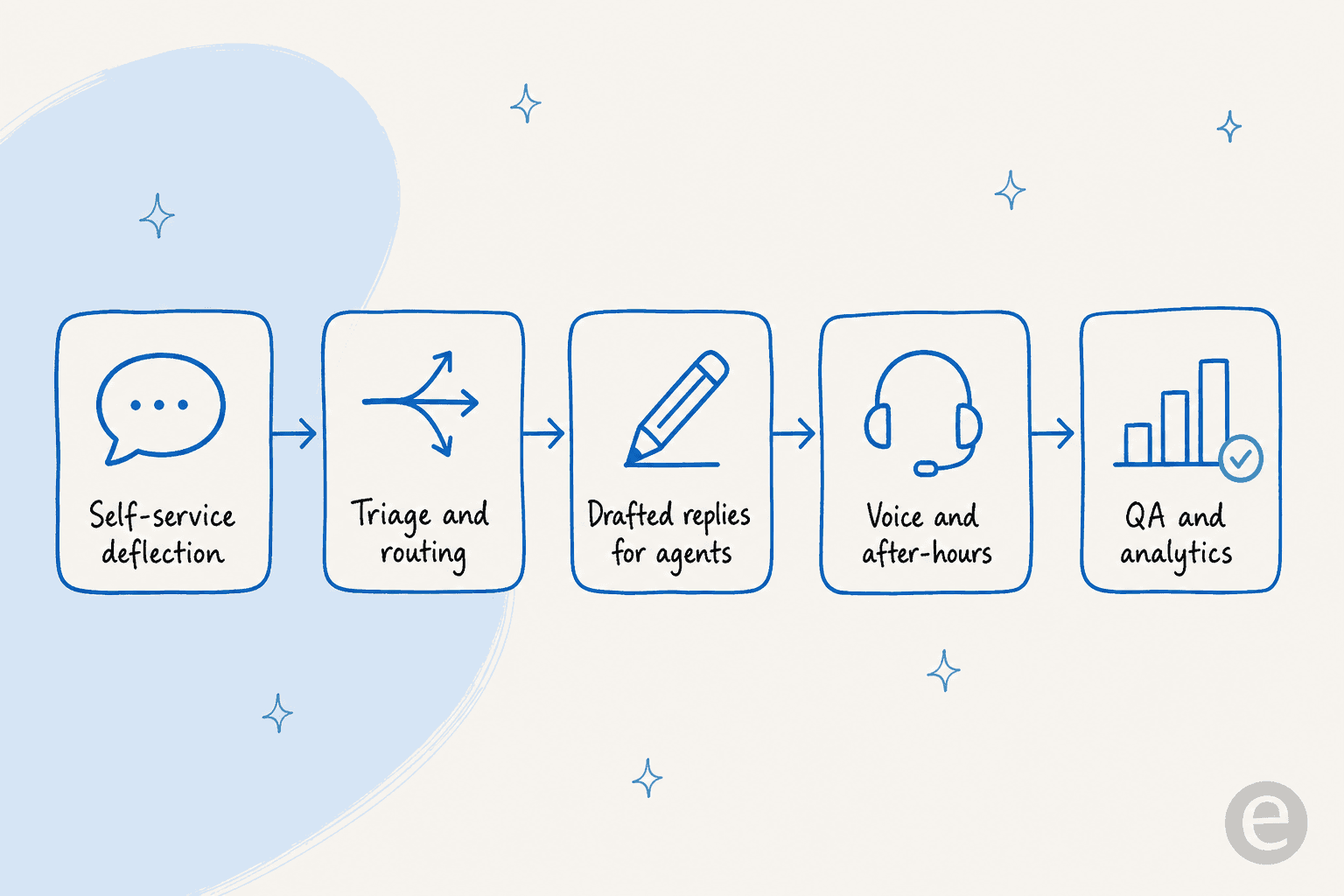
Each of those stages is a place you can hand work to software. You do not have to do all of them, and you definitely should not do them all at once.
The parts of a call center you can actually automate
When people say "we automated our call center," they usually mean one or two of these, not the whole thing. It helps to see them laid out so you can pick.
| Automation type | What it does | Effort to set up | Where the value is |
|---|---|---|---|
| FAQ deflection | Answers repeat questions in chat or a help widget before a ticket is created | Low | Cuts the most volume for the least work |
| Ticket routing and triage | Reads incoming contacts, tags them, assigns to the right queue or agent | Low to medium | Kills manual sorting and slow first response |
| AI ticket classification | Auto-labels by topic, sentiment, and priority | Low | Clean data for reporting and SLAs |
| Drafted replies (agent copilot) | Writes a suggested answer the agent reviews and sends | Medium | Speeds up agents without removing the human |
| Full auto-resolution | AI replies and closes the ticket end to end | Medium | Biggest headcount relief, highest risk if unmanaged |
| Voice and IVR | Handles or routes phone calls, sometimes with a voice agent | High | Real but expensive and slow to get right |
| QA and analytics | Scores conversations, spots trends, flags coaching moments | Low to medium | Turns a sampling job into full coverage |
The two on the left of that pipeline, deflection and routing, are where I would always start. They are the ticket automation wins that show up in your numbers within a week. Voice automation is real, but it is the hardest and most expensive to get right, so it belongs later in the plan, not at the front.
The point is to match the automation to the work, not to buy a platform and hope. An AI helpdesk agent that drafts replies is a completely different project from a voice IVR, even though a vendor might sell them under the same "automation" banner.
Where call center automation goes wrong
This is the part most guides skip, and it is the part I have actually watched break. The failure is almost never "the AI is not smart enough." It is "the AI answered something it should have left alone."
At eesel we have spent the last few years putting AI agents on live support queues, and the pattern is consistent: a bot that sounds confident on everything will eventually give a wrong answer with total conviction, and one bad refund answer erodes more trust than fifty good ones build. That is why the instinct to flip on "handle every ticket" from day one is the single most common way these projects go sideways.
The fix is confidence-based handling. Instead of asking the AI to answer everything, you let it answer only what it is genuinely confident about, and everything else goes to a human untouched.
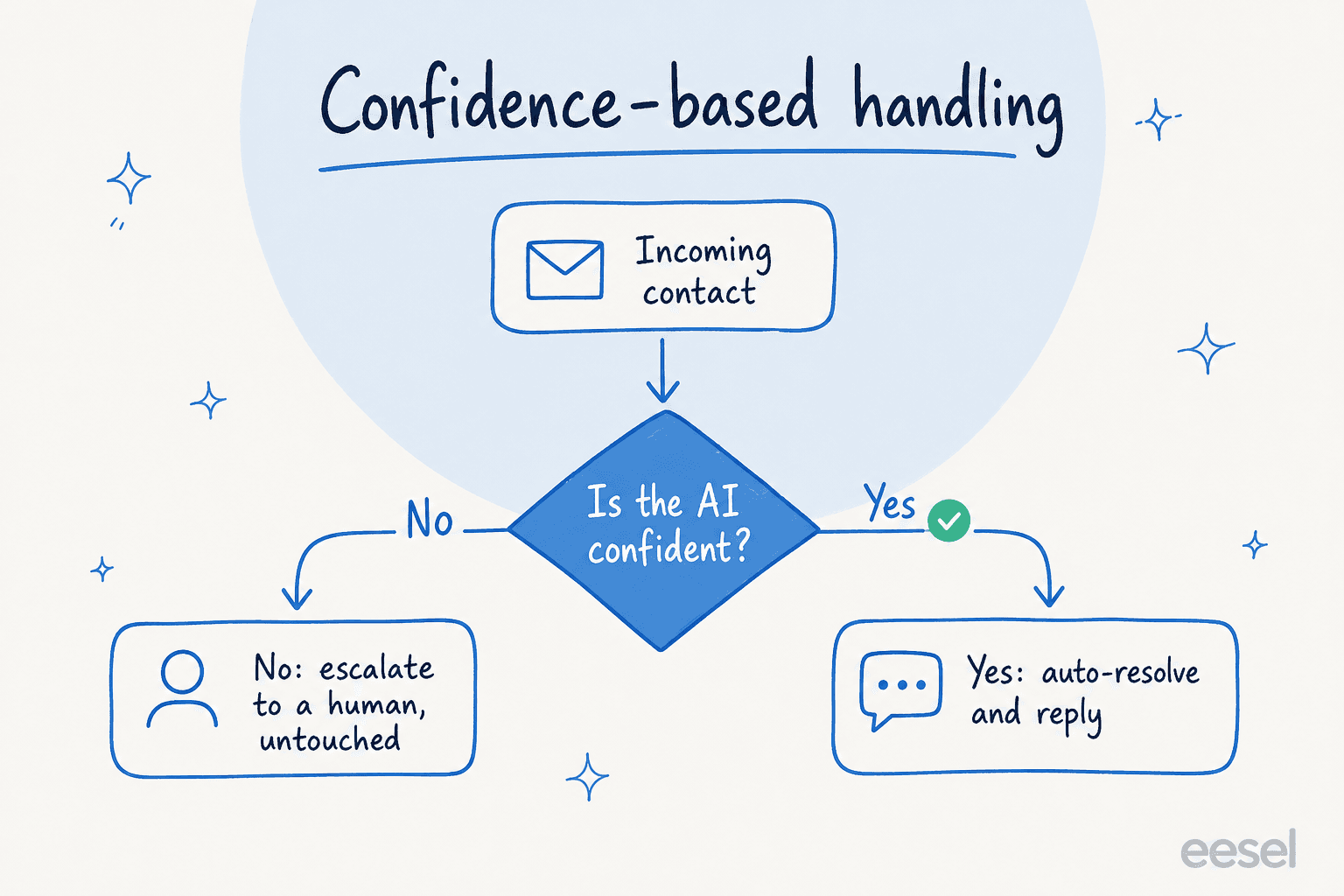
One CX lead I work with put the whole philosophy in a sentence: the AI will never answer 100% of questions, so what you actually want is an AI that only handles the tickets it is confident about and leaves the rest alone. That is the opposite of how most "automate everything" pitches are sold, and it is why our better rollouts start narrow and widen as trust builds. It is the same reason a good AI support agent exposes a confidence threshold and clean escalation rules instead of a single on/off switch.
What to automate first
Given all that, the sequencing question answers itself. Rank the options by impact against effort, and a clear starting corner appears.
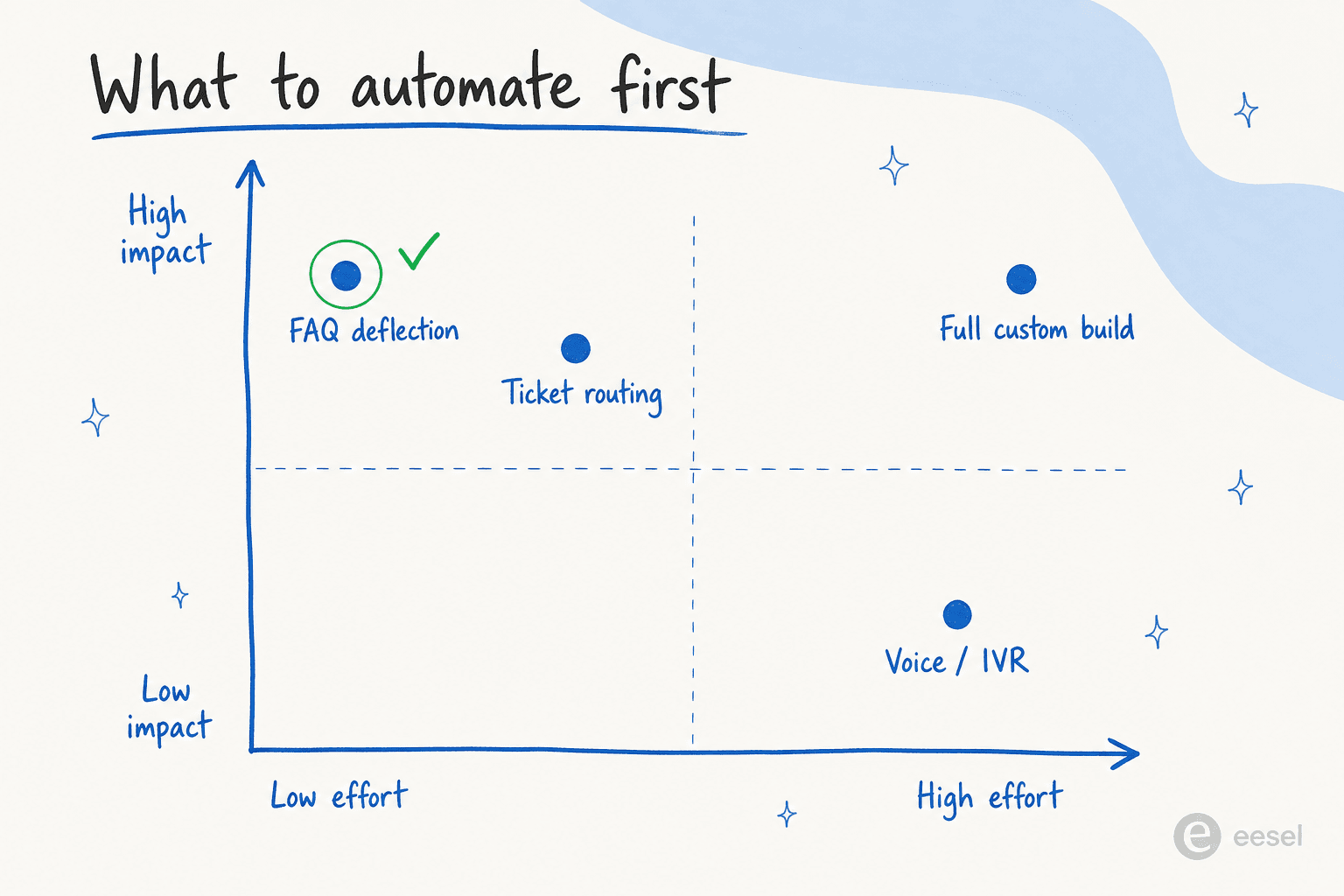
Start in the top-left corner: FAQ deflection and routing. They are low-effort, they hit the highest-volume tickets, and they are low-risk because deflecting a "where is my order" question does not carry the same downside as auto-issuing a refund. Once those are earning their keep and your team trusts the output, widen into drafted replies and selective auto-resolution. Save voice and any fully custom build for when you have a real reason and the budget.
Getting tier-1 deflection right is usually worth more than a fancy voice bot you launch a year late. In one week-long trial cohort, an AI layer handled 581 chats at 96% quality, mostly on exactly this kind of repetitive question. That is the volume you want to move first.
How to roll it out without breaking things
Here is the sequence I would actually follow, and it is deliberately unglamorous.
- Connect your existing tools first. Point the automation at your current helpdesk and knowledge base rather than migrating platforms. A migration turns a two-week project into a two-quarter one, and it is rarely necessary.
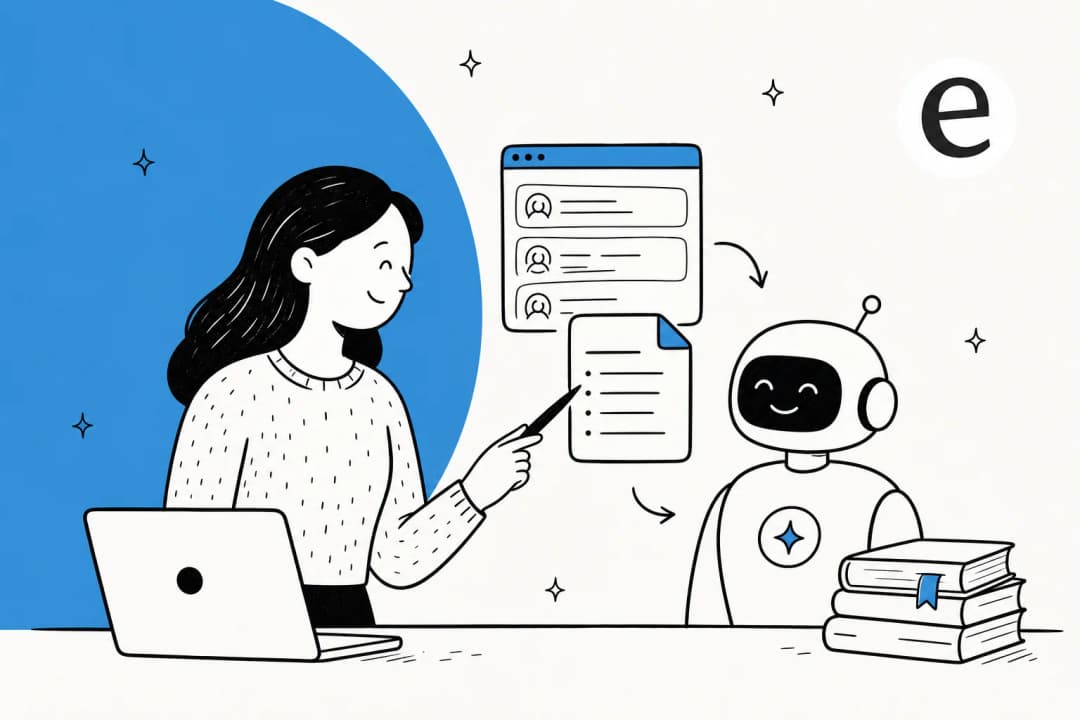
- Train on your own past tickets. Generic AI trained on the open web gives generic answers. Training on your historical tickets is what makes it sound like your team and know your policies.
- Simulate before you go live. Run the AI against thousands of your closed tickets and read what it would have said. This is the step that catches the embarrassing wrong answers before a customer ever sees one. We simulate every rollout this way for a reason.
- Start narrow, on your confidence terms. Turn it on for a few well-understood ticket types, keep everything else with humans, and widen only as the numbers hold.
- Watch the reports and adjust. Track deflection, resolution quality, and escalation rate, and tune from there.

The reason to run it on top of your existing stack is that it works with the tools your agents already use. Here is what that looks like connected to a helpdesk like Zendesk:
None of this requires ripping anything out. That is the whole point: the fastest customer service automation is the one that fits the workflow you already have.
What call center automation actually costs
Ask a vendor "how much" and you will get a monthly figure. The number that matters is cost per ticket, because that is what scales with your volume.
The pricing model is where teams get quietly burned. Per-resolution pricing sounds fair until a busy month arrives: the better your AI gets and the more volume you get, the bigger your bill. A team at 1,000 tickets a month at 80% resolution pays around $792 on per-resolution pricing; hit a Black Friday spike of 4,000 tickets and the same rate lands near $3,168 for the month. You are being charged more precisely when you need the automation most.
That is why I lean toward flat or usage-based pricing you can predict. eesel runs on $0.40 per ticket with no platform fee, so the math does not punish you for a good deflection rate or a seasonal spike. For context, an older flat plan at low volume could work out to more than $20 per AI reply, which is the kind of number that shows up in a cost-savings review and kills the ROI case.
Whatever you pick, get the real total cost before you sign: billable unit, add-ons, and what happens to your bill in your busiest month.
Try eesel for your call center
If you want call center automation that starts clearing tier-1 volume this week instead of next quarter, that is exactly what eesel is built for. It connects to your existing helpdesk, trains on your past tickets and help docs, and only auto-answers what it is confident about, so you are not gambling your customers' trust on an all-or-nothing switch.

The part I would push you to use is the simulation: run it over your own historical tickets, see the resolution rate and the exact replies it would have sent, then decide what to switch on. You can try eesel for free and be live in minutes, no migration required.
Frequently Asked Questions
What is call center automation?
How much does call center automation cost?
Which parts of a call center should I automate first?
Will call center automation replace support agents?
How do I keep an AI call center agent from giving wrong answers?
How long does it take to set up call center automation?


Article by
Riellvriany Indriawan
Riell is a designer and writer at eesel AI with about two years of experience researching CX platforms, AI chatbots, and helpdesk software. She combines her design background with a sharp eye for how these tools actually look and feel in practice — making her comparisons unusually visual and user-focused.