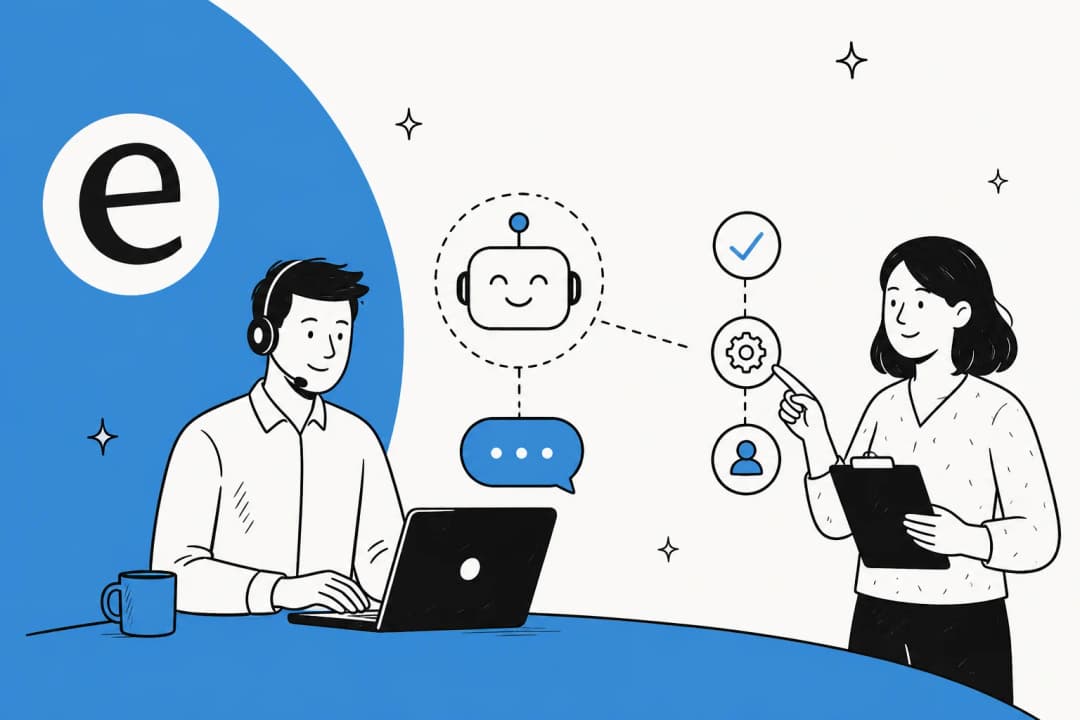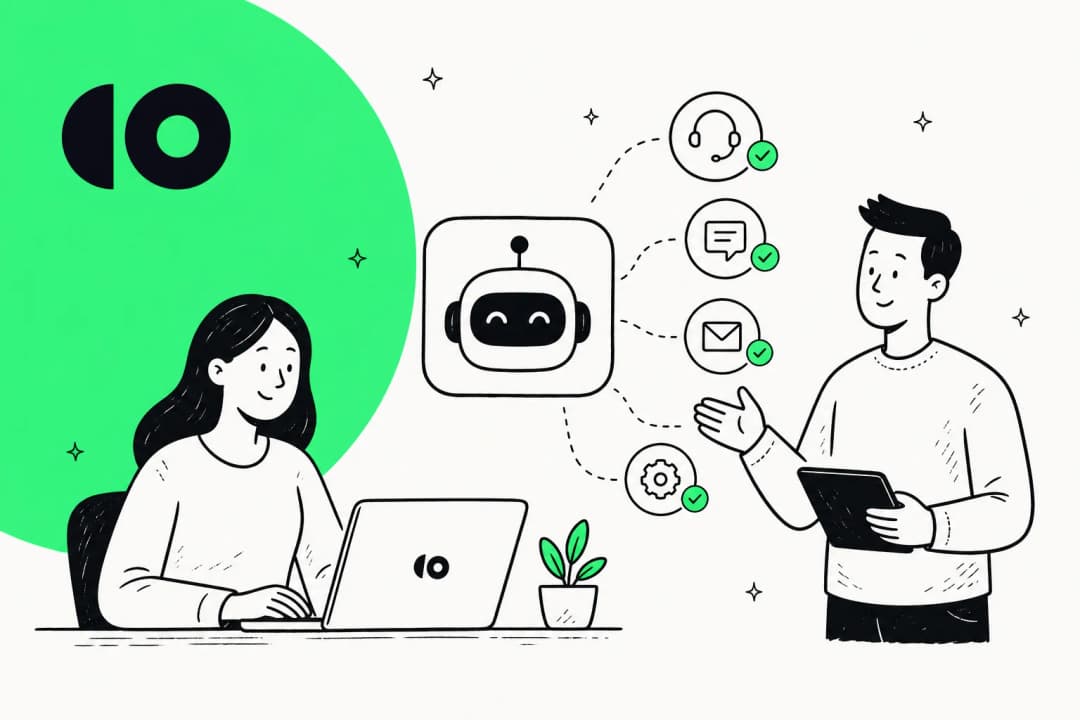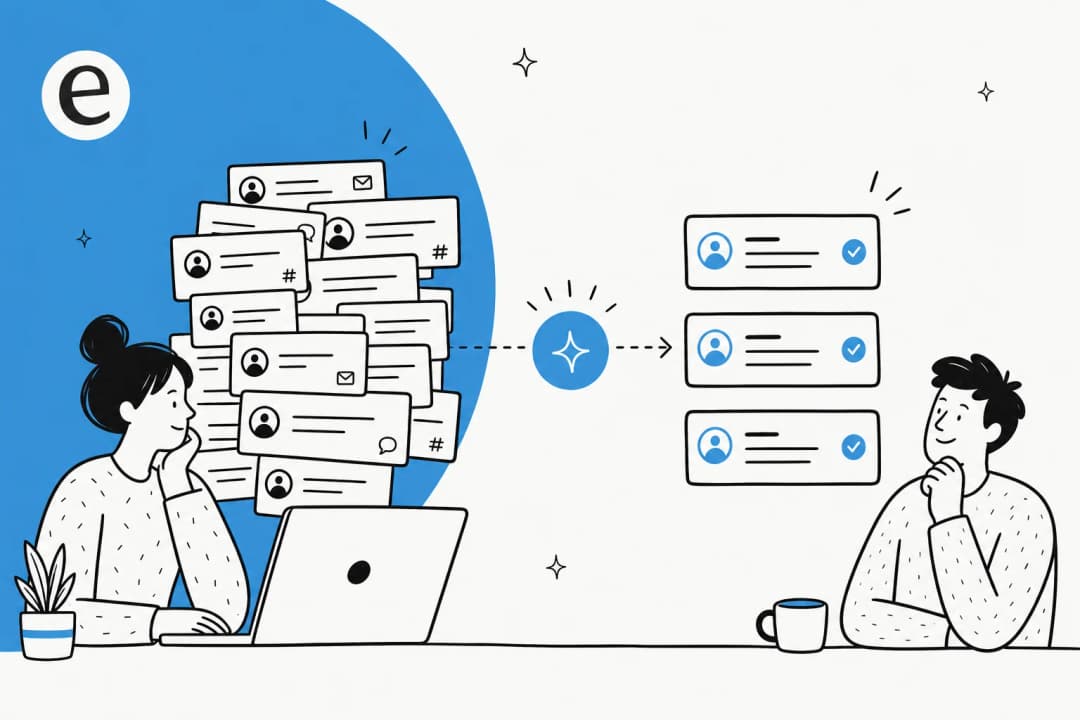
The honest answer: no, and you shouldn't want it to
I've spent the last three-plus years putting AI agents on live support queues, across teams running everything from 300 tickets a month to 100,000+ German-language tickets a month on Zendesk. So I'll skip the suspense: AI is not going to replace your support team. And in the demos I sit in, that's almost never the real question anyway. The teams shopping for AI in customer service are usually trying to keep up with growth, not to fire anyone.
The fear underneath "can AI replace my team" is usually one of two things. Either "am I about to be made redundant by a bot," or "am I about to bet my customer experience on something that confidently makes things up." Both are reasonable. We've watched a confident-sounding bot quietly give a wrong answer to a real customer, which is exactly why we now simulate every rollout against a team's historical tickets before a single live reply goes out. The technology is good. Really good. Unsupervised, it's also capable of being wrong with total confidence. Those two facts are the whole story.
The best framing I've heard came from a CX lead at a DTC supplements brand running about 7,000 Gorgias tickets a month. He told us, plainly: "The AI will never be able to answer 100% of the questions... I need an AI who is only handling the tickets that it's confident to handle and all the other ones, leave them alone." That's not a limitation to apologize for. That's the design goal. The win isn't replacing humans, it's letting the AI own the volume it's sure about so the humans get their time back for the work only they can do.
What AI actually takes off your team's plate
Look at any support queue for a week and a pattern jumps out: a large slice of it is the same handful of questions, over and over. One multi-brand e-commerce operator we spoke to, handling 500+ tickets a day, described their volume as dominated by refund requests, unsubscribes, and order tracking. That's the repetitive layer, and it's exactly what AI is good at.
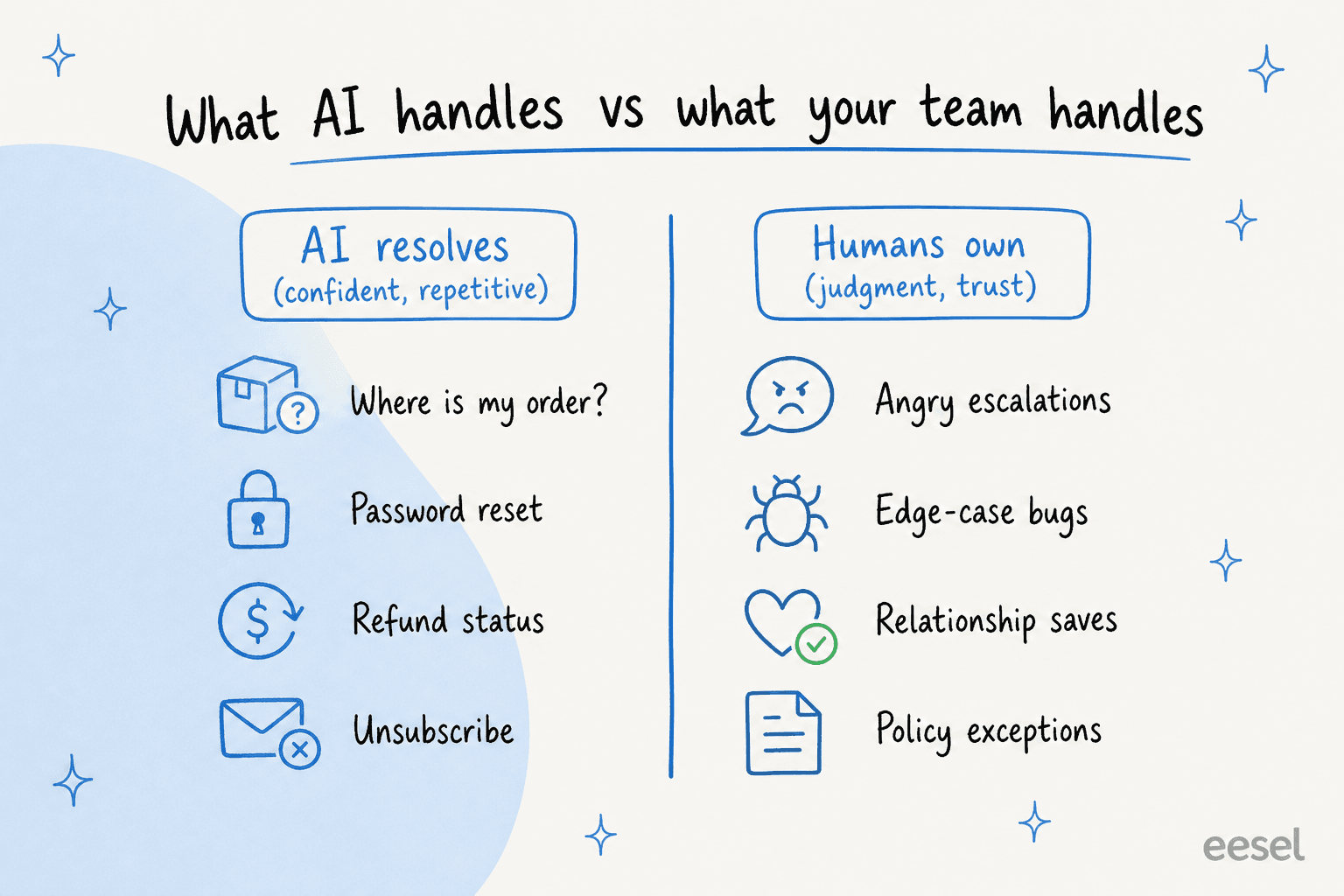
When AI is trained on your own past tickets and help docs, not just a generic FAQ, it gets surprisingly far on that layer. The same models can also auto-tag and triage the incoming queue so the right tickets land in the right place. In one week-long trial cohort, AI chat quality landed at around 86% "good" across 434 conversations, with citations. Another team drove 56 resolved tasks from just 9 synced macros on Zendesk. And the headline one again: a gig-economy driver-analytics app on Zendesk Business hit 73% tier-1 resolution in month one.
"In the first month, eesel is resolving 73% of our tier 1 requests. eesel offers easy Zendesk implementation and setup. Our team implemented and achieved results quickly during our 7-day trial."
Kim Simpson, Gridwise (eesel AI helpdesk agent)
The point of clearing that volume isn't a smaller team. It's a less miserable one. A small e-commerce team on the Team plan put it best in a review: the AI "relieves our small support team from being over ran by questions that can be easily answered by a simple ai." That's the realistic version of "replacing" support work. The boring 40-60% goes away; the people stay and do better work. If your goal is purely to shrink the queue, our guide on reducing support tickets with AI covers the deflection side in more depth.
What AI can't replace (and probably won't for a long time)
Here's where I'll be just as direct in the other direction. There's a whole category of support work that AI is bad at, and pretending otherwise is how you end up with the horror-story screenshots that go viral.
AI can't read a furious customer and decide that the right move is to break policy, refund immediately, and apologize like a human. It can't handle the novel bug that isn't in any doc yet. It can't make the judgment call on the edge case where the "correct" answer and the "right" answer diverge. And it can't carry the relationship with your highest-value accounts, the ones where a person remembering their history is the entire product. Those tickets are a minority of the volume but the majority of the value, and they're squarely human work.
This is also where trust gets won or lost. The single most common objection I hear from buyers isn't about price, it's about control: "there are certain tickets I don't want to go through AI." They're right to want that. A support lead at an SMS platform described their setup as AI covering the front line "until a human touch is needed," with the team handling "the issues that only we can." The teams that get this right don't aim the AI at everything. They fence off what it should never touch, and they keep a clean handoff to a human for the rest. Getting those escalation rules right is most of the work of a safe deployment.
"Finally! A coachable AI agent for supporting Customer Experience accessible to small businesses... we'll be moving forward with a subscription and are looking forward to seeing huge return on investment, specifically on enabling newer team members to have a 24/7 supervisor that coaches them."
Founder, WhenHoundsFly (G2 review)

How the model actually works: AI plus humans, gated by confidence
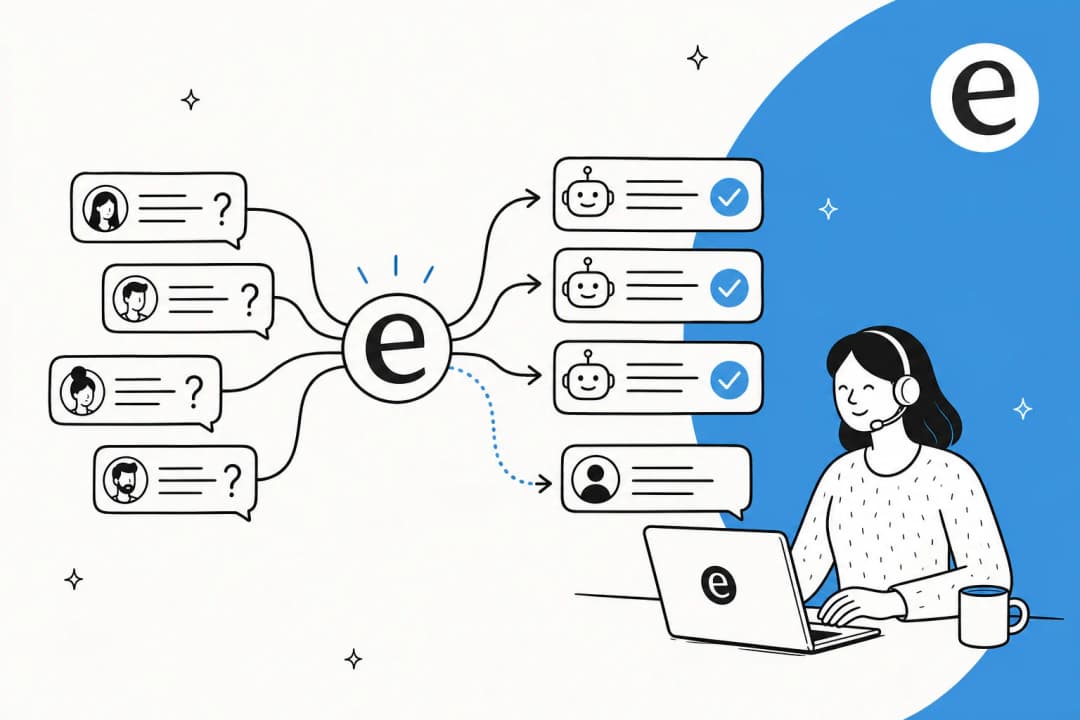
So if it's not replacement, what does the working setup look like? The mechanism that makes it safe is confidence-based routing. The AI scores how sure it is on each ticket, and you decide what happens at each level.
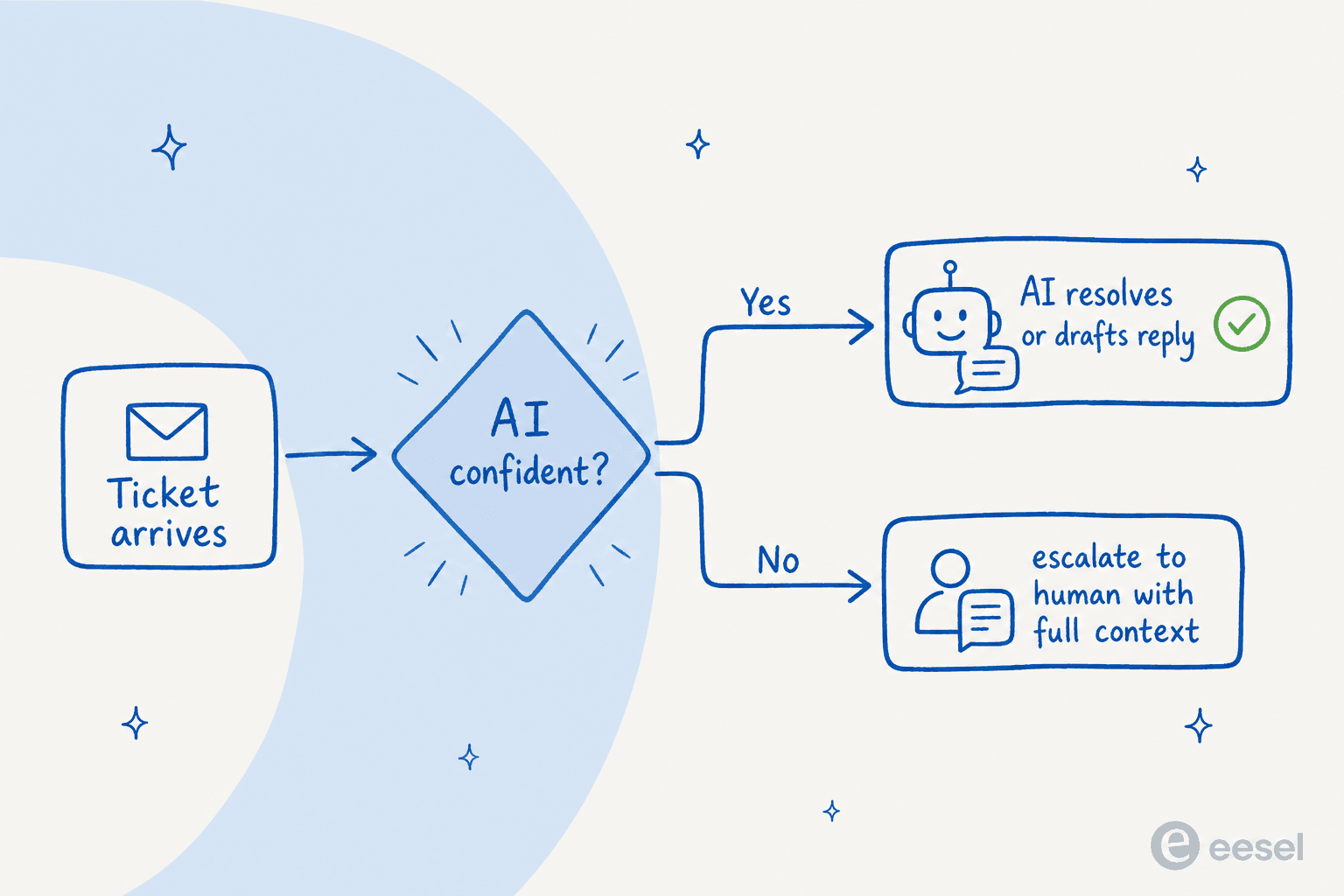
In practice that's three modes, and most teams move through them in order. First, copilot: the AI drafts a reply trained on your past tickets and knowledge, and a human reviews and sends. One records-governance SaaS team using draft replies across 5,696 interactions said it "greatly improved our speed and interactions with Zendesk and customers by providing accurate draft responses." Then, autonomous resolution on the ticket types where confidence is high, the AI replies and closes on its own. And underneath both, clean escalation: when confidence is low, the ticket goes to a person with the full context attached, no dead-end "sorry, I don't know" left sitting in the queue.
A service-desk lead at a logistics SaaS described the feel of it well: the AI is "curating well-formed responses with consistent, on-brand tone, still keeping our own style and still keeping that human touch." That's the bit people miss. Done right, AI doesn't make support feel more robotic. It makes the routine answers faster and more consistent, and frees the humans to be more human on the tickets that need it. If you're weighing tools for the copilot stage specifically, we tested the best AI agent assist tools separately.
What it actually costs versus a bigger team
The cost question is where "replace my team" usually comes from in the first place, so let's be concrete. The comparison isn't AI versus your whole team, it's AI versus the next hire you'd make to cover growing volume.
eesel runs on usage-based pricing starting at $0.40 per ticket, with no per-seat fees and no platform minimum on the standard plans. So the math is simple: if AI confidently resolves, say, 1,000 tickets a month, that's roughly $400, versus the fully-loaded cost of an agent who'd otherwise handle that volume. One Gorgias and Shopify customer doing around 700 tickets a week landed at about $1.07 per ticket all-in. That's the lever, you scale capacity with volume instead of with headcount, and you don't pay for an agent's worth of seats to do it.
What I'd actually caution against: choosing on sticker price alone. A bot that's cheap per reply but answers wrong costs you in refunds, churn, and re-opened tickets that never show up on the invoice (and the model running underneath makes a real difference to how often that happens). The real comparison is cost per correctly resolved ticket, which is why confidence routing matters to the economics, not just the safety. We dug into the full breakdown in AI agent vs human agent cost and how much AI saves in customer support if you want to model your own numbers.

Rolling it out without betting the queue on it
The fastest way to confirm AI won't replace your team, and to find the slice it will handle, is to roll it out in stages instead of flipping a switch. This is the part most "will AI take over support" articles skip, and it's the part that actually de-risks the decision.
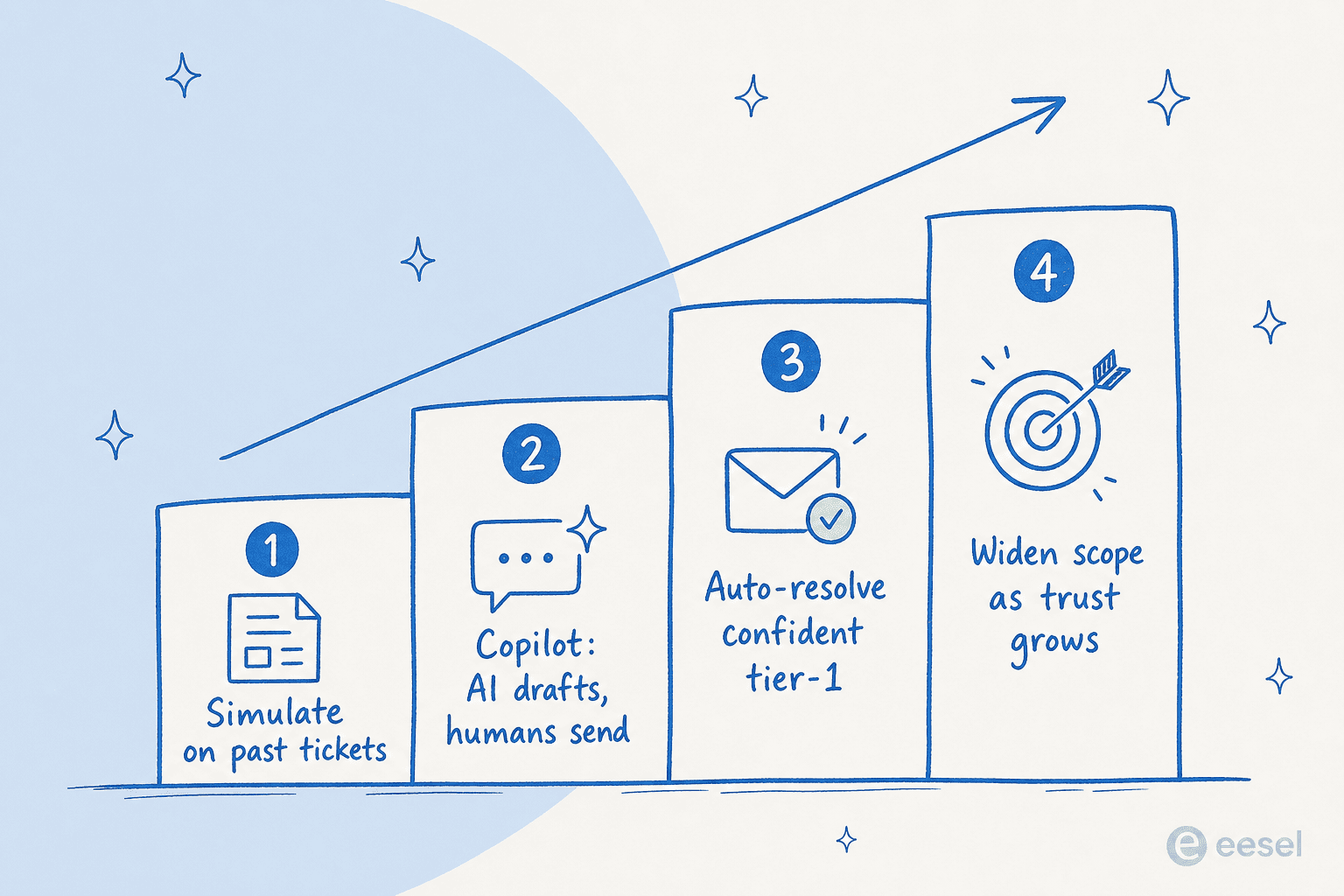
The first step is simulation. Before any customer sees an AI reply, run the agent against thousands of your historical tickets and read the report: what coverage you'd get by ticket type, where it's strong, where it's shaky. That's how you replace "I think it'll handle returns" with an actual number, and find the gaps in your knowledge base before they bite. Then run it as a copilot so your team is in the loop while it learns from their edits, turn on auto-resolution only for the categories it nails, and widen scope as the data earns it. Watch your resolution-rate metrics as you go, since they tell you when it's safe to expand.

One thing I'd flag honestly: this works best when your knowledge is in decent shape. If your docs are scattered or out of date, the AI inherits that, and simulation will surface it fast. That's not a reason to wait, it's a reason to start with simulation rather than a live queue. For a wider view of the tooling, our roundups of the best AI helpdesk software for 2026 and the best customer service AI are good next reads.
Try eesel
eesel AI is built around exactly the model in this post: AI on the confident tier-1 volume, humans on the rest, with you holding the controls. It learns from your past tickets and help docs on day one, drafts and resolves inside Zendesk, Freshdesk, Gorgias, Front and Slack, and routes anything it's unsure about to a person with full context.
The differentiator worth trying is the simulation mode: run it on your own historical tickets and see your real resolution number before you commit, no guesswork and no risk to the live queue. You can start with $50 in free usage and no credit card.

Frequently Asked Questions
Can AI replace my support team entirely?
How much of my ticket volume can AI actually handle?
Will AI customer service mean layoffs on my support team?
How do I stop AI from giving customers wrong answers?
How much does an AI support agent cost compared to hiring?
Does AI work with my existing helpdesk like Zendesk or Freshdesk?
How do I roll out AI support without risking my customer experience?


Article by
Alicia Kirana Utomo
Kira is a writer at eesel AI with a Computer Science background and over a year of hands-on experience evaluating AI-powered customer service tools. She focuses on breaking down how helpdesk platforms and AI agents actually work so that support teams can make better buying decisions.