What "deflection" actually means (and where it goes wrong)
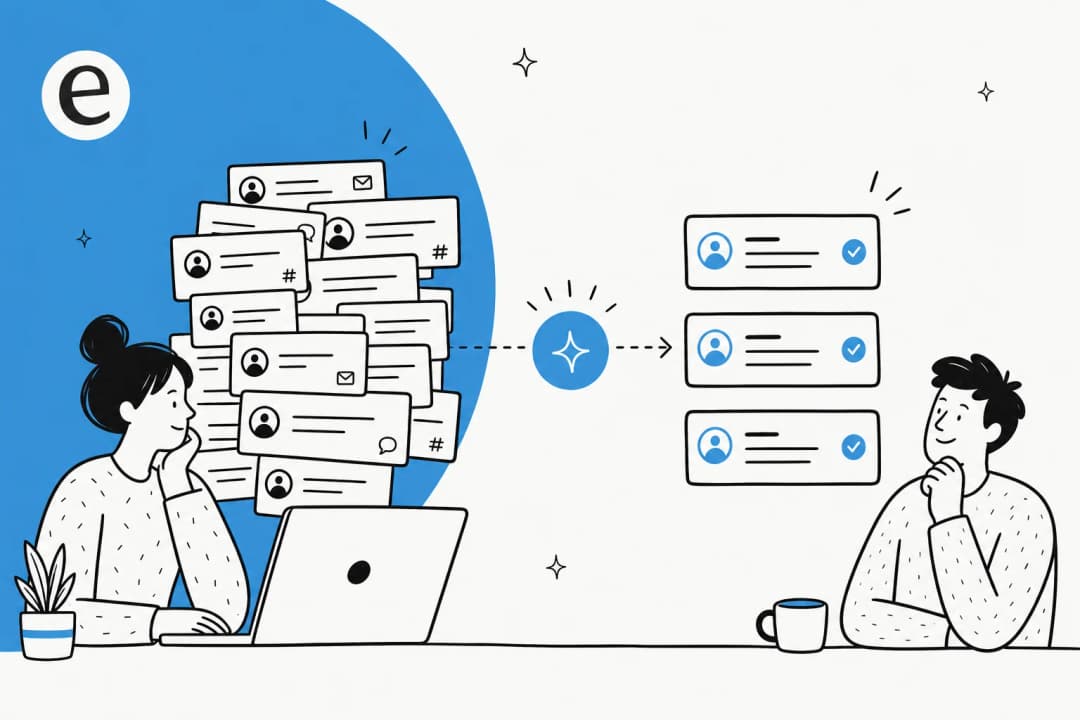
Deflection is just this: a customer had a question, and they got it answered without a human agent touching the ticket. Done well, it's a win for everyone. The customer gets an instant answer at 2am, your agents stop retyping the same shipping-policy reply for the hundredth time, and you don't pay the cost of a human for a question your help center already answers. It's one of the highest-leverage moves in customer support automation.
The problem is that "deflection" quietly became a synonym for "deflect blame off the queue." Plenty of bots hit a high deflection number by simply making it hard to reach a person: a chatbot that loops through three irrelevant articles, a contact form that hides the email address, a widget that answers "I'm not sure about that" and then does nothing. The ticket didn't get resolved. The customer just gave up, got annoyed, and often came back angrier a day later.
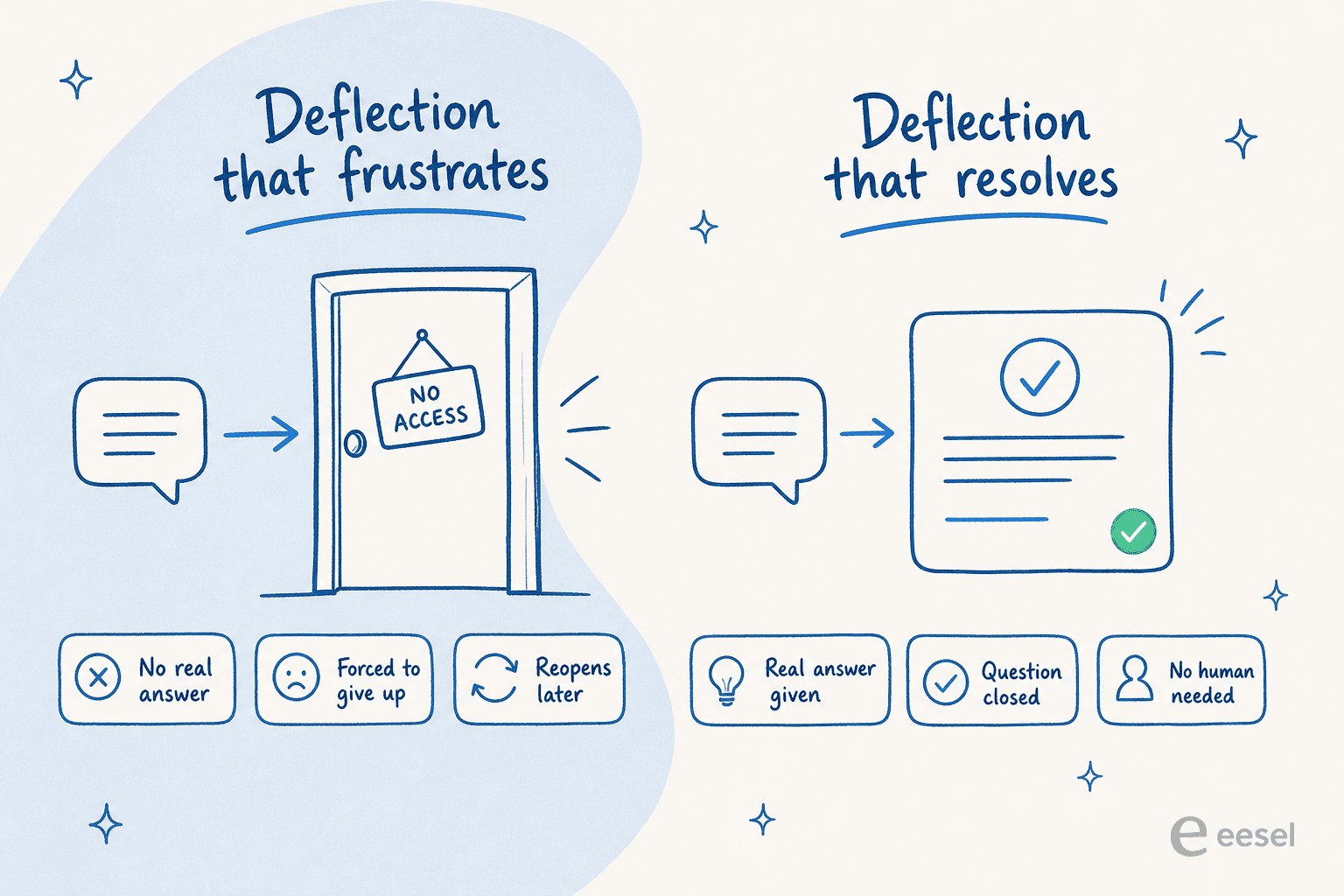
So hold onto one distinction for the rest of this guide: the goal is resolution, not deflection. A deflected ticket only counts if the customer actually got what they came for. Everything below is built to get you the first kind and not the second.
What I learned running AI deflection on live queues
I work on eesel's support side, so this isn't theory for me. We've spent years putting AI agents on live support queues across thousands of real tickets, and the lesson that stuck is that the AI being capable of answering something is not the same as it being safe to answer it autonomously.
Here's a concrete example. On a real trial for a German online jewelry retailer running about 1,000 tickets a month on Zendesk and Shopify, our analysis showed the AI hitting 93% triage accuracy and 100% spam detection. Sounds ready to auto-resolve everything, right? But only 12% of its drafts were good enough to send as-is, and it still had a 7% factual error rate. If we'd flipped the switch to full auto on day one, 7% of customers would have gotten a confident, wrong answer. That's the trap. Deflection done carelessly doesn't just fail to help, it actively misinforms people and you don't find out until the complaints roll in.
That experience is why every step below treats trust and control as the point, not an afterthought.
Step 1: Find out what's actually deflectable
Before you automate anything, figure out what your tickets are even made of. Most teams are surprised: a huge share of volume is a small number of repeated questions. Order status (WISMO, "where is my order"), password resets, refund eligibility, "how do I change my plan," basic product questions. That repetitive tier-1 layer is your deflection goldmine, and it's also the safest to hand to AI because the answers are stable and documented.
The fastest way to see this is to run a theme analysis on your last few months of tickets. A good AI helpdesk agent will cluster historical tickets by topic and tell you what percentage of volume each theme represents, so you're not guessing. If 35% of your tickets are WISMO and you already answer them the same way every time, that's 35% you can target first.

Resist the urge to start with your hardest, most emotional tickets. Billing disputes, account security, anything with a frustrated customer attached, those stay with humans for now. Deflection is about clearing the predictable volume so your team has room for the cases that actually need them.
Step 2: Get your knowledge into one place
An AI can only deflect a ticket if the answer exists somewhere it can read. This is the step teams skip and then wonder why their deflection rate is stuck at 10%.
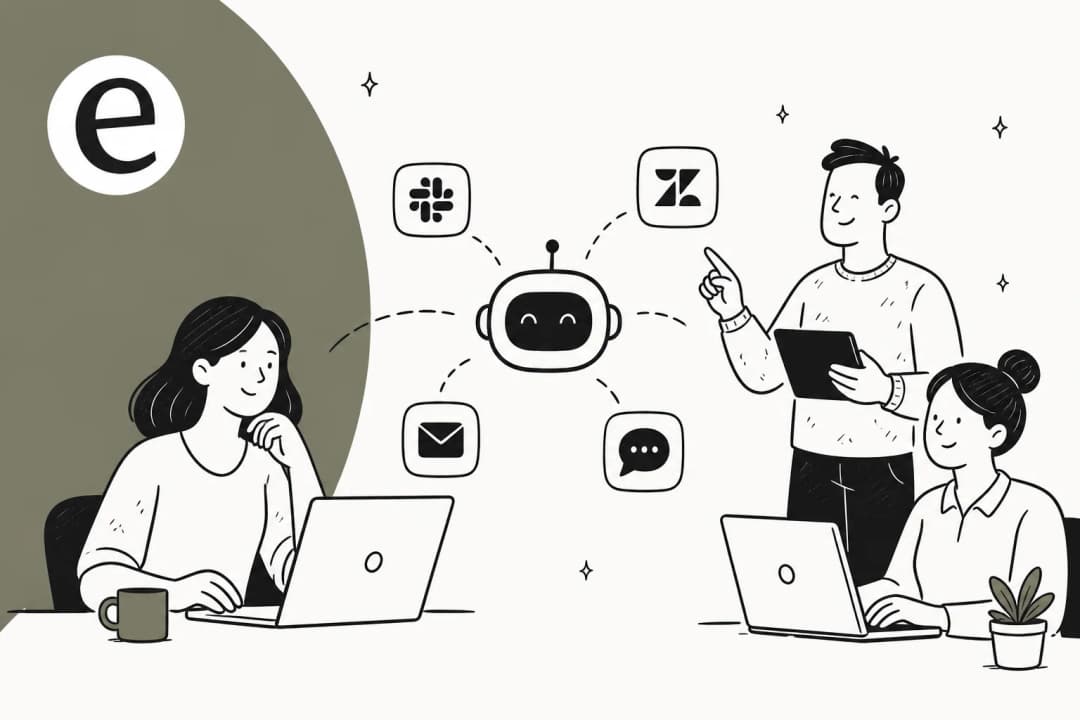
Your knowledge usually lives in more places than you think: a public help center, internal macros, past resolved tickets, a Notion or Confluence wiki, Google Docs, even Loom videos and Slack threads. The single most valuable source is often your own past tickets, because they capture how your team actually phrases answers, not the sanitized help-center version. One UK team drove 56 resolved tasks from just 9 synced macros, which tells you how much leverage sits in knowledge you already have.
Two practical moves here:
- Connect everything, then dedupe. Point the AI at your help center, your macros, and your historical tickets so it answers from real resolutions. Tools that learn from solved tickets, not just published articles, deflect noticeably more.
- Fill the obvious gaps. Theme analysis from step 1 will surface topics with high volume and no good doc. Write those articles before you go live. Some AI tools even draft the missing knowledge base articles from the gaps they find.
Step 3: Set up confidence-based routing
This is the step that separates deflection that works from deflection that backfires, and it's the single most common thing buyers tell me they need.
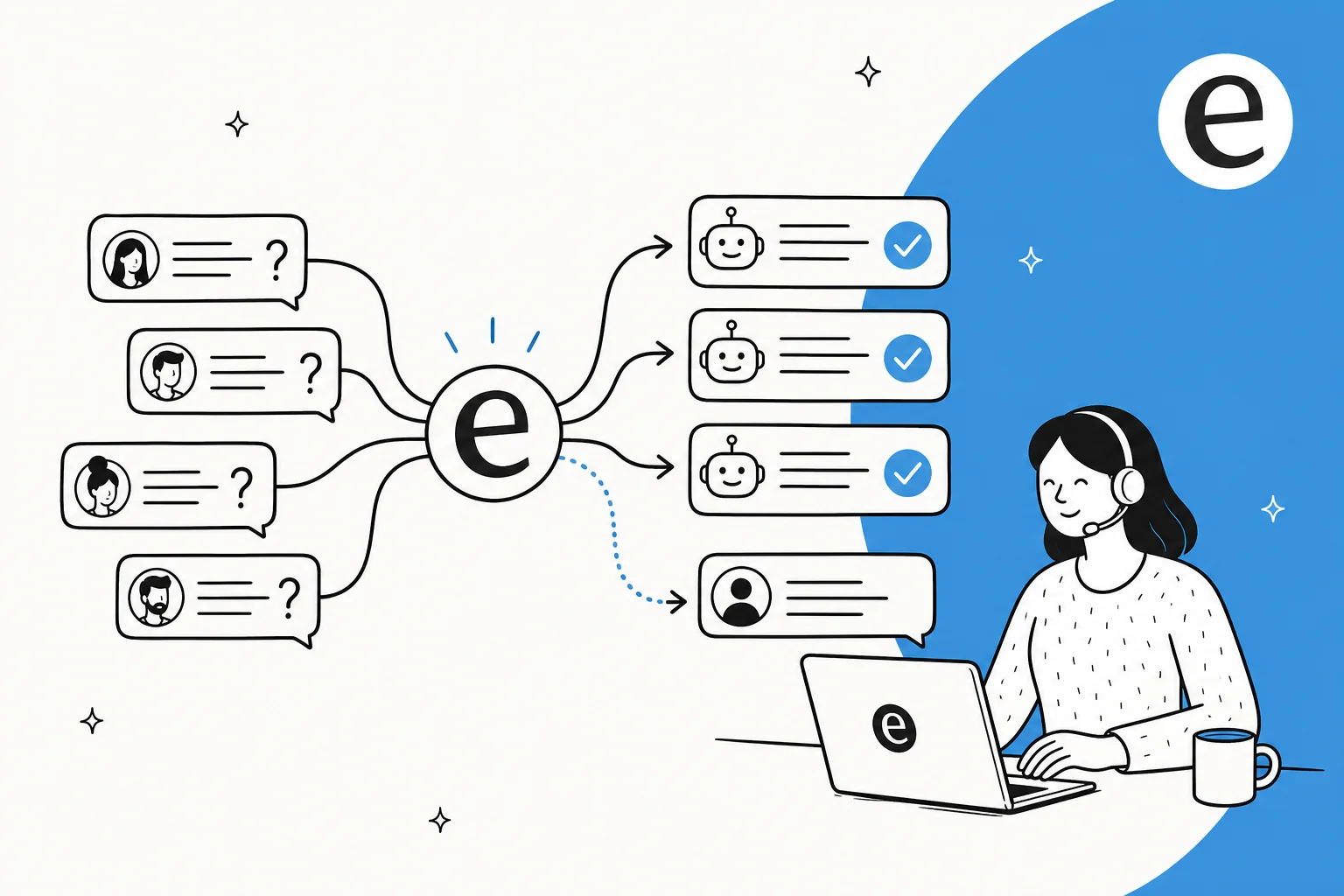
The principle is simple: the AI should answer only the tickets it's confident about, and quietly leave the rest for a human. One CX lead at a DTC supplements brand running about 7,000 Gorgias tickets a month put it to me about as plainly as anyone has. She said she could never check 7,000 tickets to see whether the AI guessed well, so she needed an AI that only handled the questions it was confident about and left all the others alone. That's the whole ballgame. An AI that answers everything at 70% confidence is worse than one that answers half your tickets at 99% confidence.
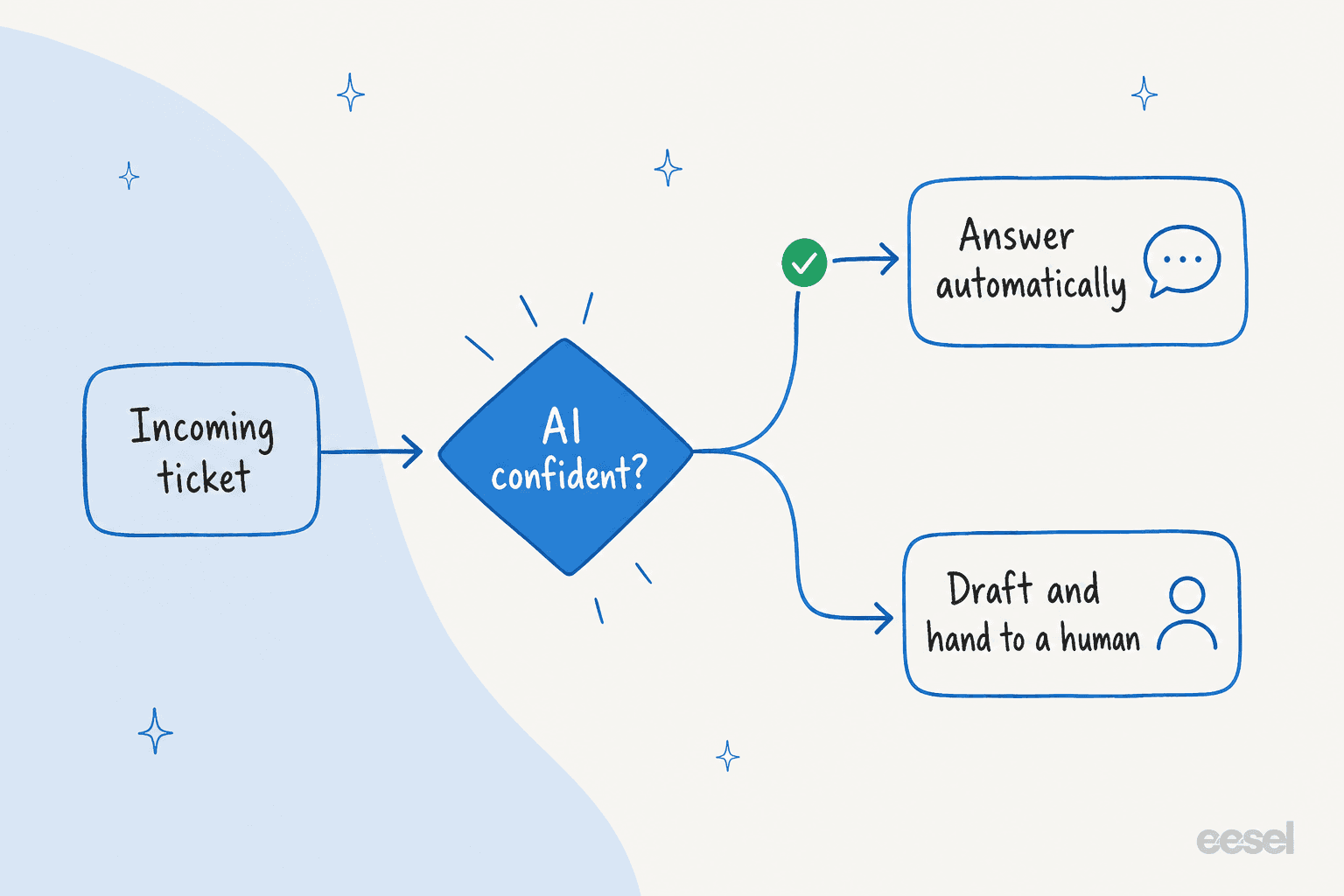
In practice, confidence-based routing means setting a threshold: above it, the AI sends the reply or resolves the ticket; below it, it drafts a suggested answer as an internal note for an agent, or routes the ticket to the right team without replying. You also want the ability to exclude whole ticket types from automation entirely, because some categories (think anything legal, or a churn-risk account) should never be touched by AI no matter how confident it feels.

The best part is you can usually configure all of this in plain language now, no rules engine required. You describe when the agent should jump in, what tone to use, and when to stay quiet, and it follows that.
Step 4: Build a clean handoff to humans
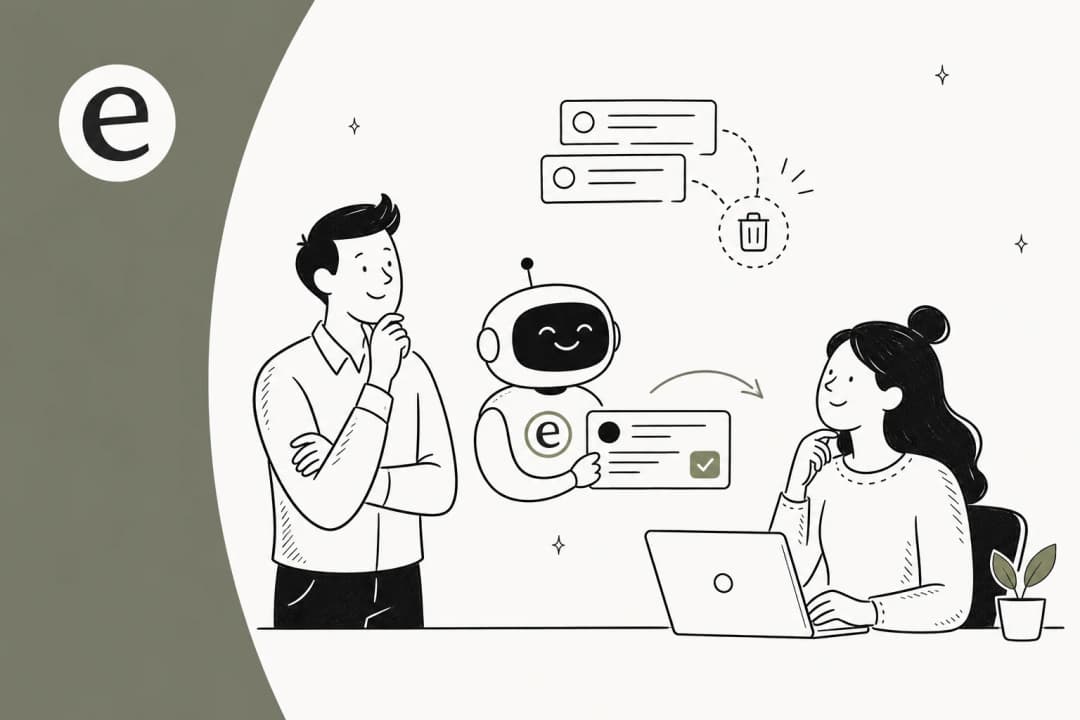
Deflection and escalation are two halves of the same system. The moment the AI can't help, the handoff has to be invisible to the customer. No "please start over," no losing the conversation history, no dead-ends.
A real chat from an SEO tool's website widget is the picture-perfect version. The customer asked how to delete keywords from their project, the AI answered from the docs. They asked how to delete search engines, answered again. Then they typed "can I talk to a human?" and the agent handed straight over to the support team without missing a beat. Two questions deflected, one clean escalation, zero friction. That's what good looks like.
When you set up handoff, make sure the AI passes the full conversation context to the human agent, so the customer never repeats themselves. And make the route to a person genuinely easy to find. Counterintuitively, an obvious "talk to a human" path increases trust in the bot, because people relax when they know the exit exists, and then they're happier to try the self-serve answer first.
Step 5: Simulate before you go live
Here's the step almost every guide skips, and it's the one that saves you from a public misfire.
Before you let the AI touch a single live ticket, run it against your historical tickets in a simulation. A proper helpdesk AI will replay thousands of past tickets, show you exactly how it would have responded, and give you a projected deflection rate broken down by theme. You find the gaps (a topic where it guesses, a tone that's off, a doc that's missing) and you fix them before any customer is exposed.
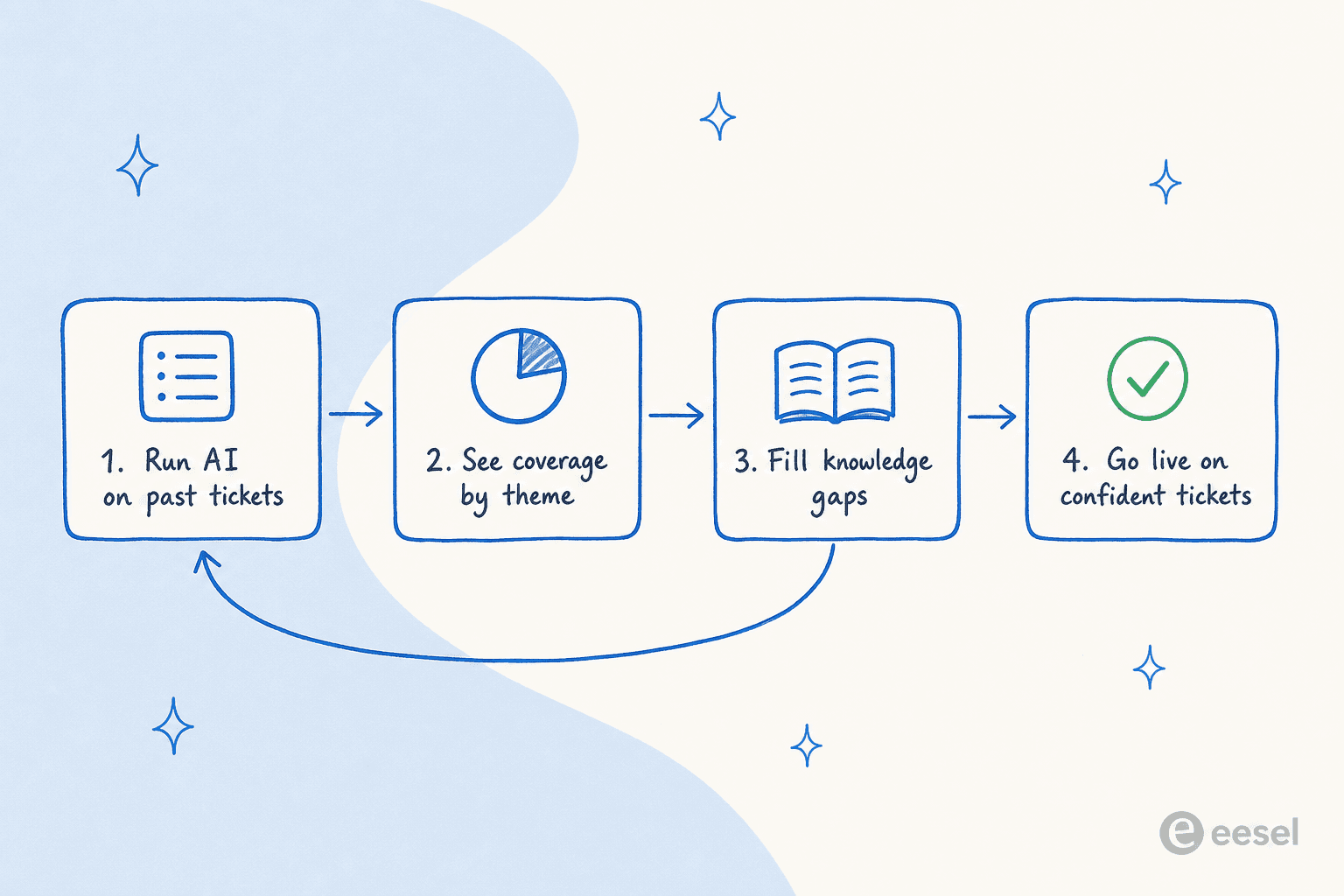
This is also how you set realistic expectations with your boss. Instead of promising "AI will handle 80% of tickets," you can say "simulation shows we'll safely resolve 42% in month one, here are the exact themes." Then you go live on just that confident slice, watch it, and expand. Start narrow and earn autonomy beats flip-everything-on-and-pray, every time.
Step 6: Measure the number that matters
If you measure raw deflection rate, you'll optimize for customers giving up. So measure the right things instead.
The number that actually matters is resolution rate: of the tickets the AI handled, how many were genuinely resolved without the customer coming back or escalating? Pair it with reopen rate and CSAT on AI-handled tickets to catch the "deflected but angry" cases. One internal IT team I know of started at 15% deflection and set a 55% target, tracking the climb as they fed the AI more knowledge, rather than declaring victory at a hollow number on day one.

A permissioned example of what good measurement reveals:
"In the first month, eesel is resolving 73% of our tier 1 requests. Our team implemented and achieved results quickly during our 7-day trial."
Kim Simpson, Gridwise (eesel AI helpdesk agent)
Notice the framing: not "deflected 73%," but "resolving 73% of tier-1 requests." That's the distinction this whole guide hangs on.
Common mistakes that tank deflection
A few patterns I see over and over:
- Turning on full autonomy before simulating. This is how 7% factual-error rates reach real customers. Simulate, go live narrow, expand.
- Treating deflection rate as the goal. It rewards making humans hard to reach. Track resolution rate and reopens instead.
- Starving the AI of knowledge. A bot pointed only at a thin help center will deflect almost nothing. Connect past tickets and macros too.
- Hiding the human. Burying the escalation path tanks trust and CSAT. Make "talk to a person" easy and the bot gets more use, not less.
- Set-and-forget. Deflection decays as your product and policies change. Review what the AI got wrong weekly and feed corrections back in.
Get these right and deflection stops being a vanity metric and starts being what it should be: your team doing less repetitive work, and your customers getting faster answers. That's also most of how teams reduce ticket volume without cutting service.
Try eesel
If you want to deflect tickets the way this guide describes, eesel is built around exactly this workflow. It plugs into your existing helpdesk, learns from your past tickets and help docs on day one, and lets you simulate against thousands of historical tickets so you can see your projected deflection rate before going live. The confidence-based routing means it only answers what it's sure about and hands everything else to your team, cleanly.
It works across Zendesk, Freshdesk, Gorgias, Front, Help Scout and 100+ other tools, with pay-as-you-go pricing and no per-resolution surcharge that punishes you for higher volume. You can start a free trial without a credit card and see your own deflection forecast in an afternoon.
Frequently Asked Questions
How do I deflect tickets with AI without annoying customers?
What is a good ticket deflection rate?
Can I deflect tickets with AI without a chatbot?
How much does AI ticket deflection cost?
How do I test AI deflection before exposing it to customers?
What kinds of tickets are safe to deflect with AI first?


Article by
Riellvriany Indriawan
Riell is a designer and writer at eesel AI with about two years of experience researching CX platforms, AI chatbots, and helpdesk software. She combines her design background with a sharp eye for how these tools actually look and feel in practice — making her comparisons unusually visual and user-focused.