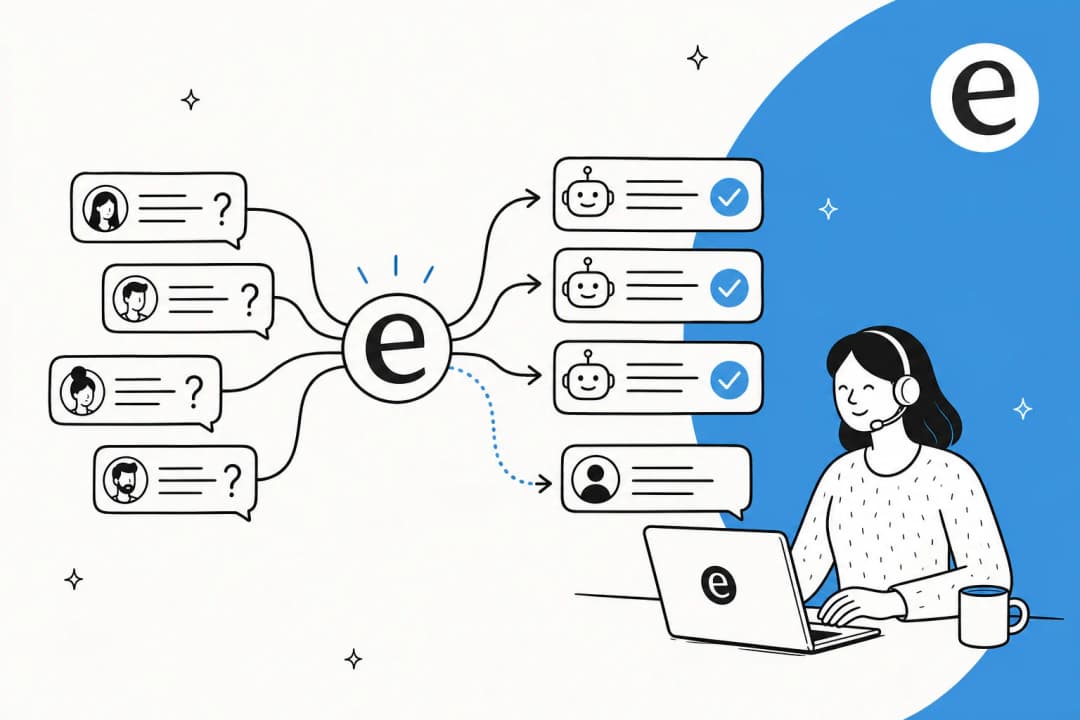
First, what's actually in your backlog?
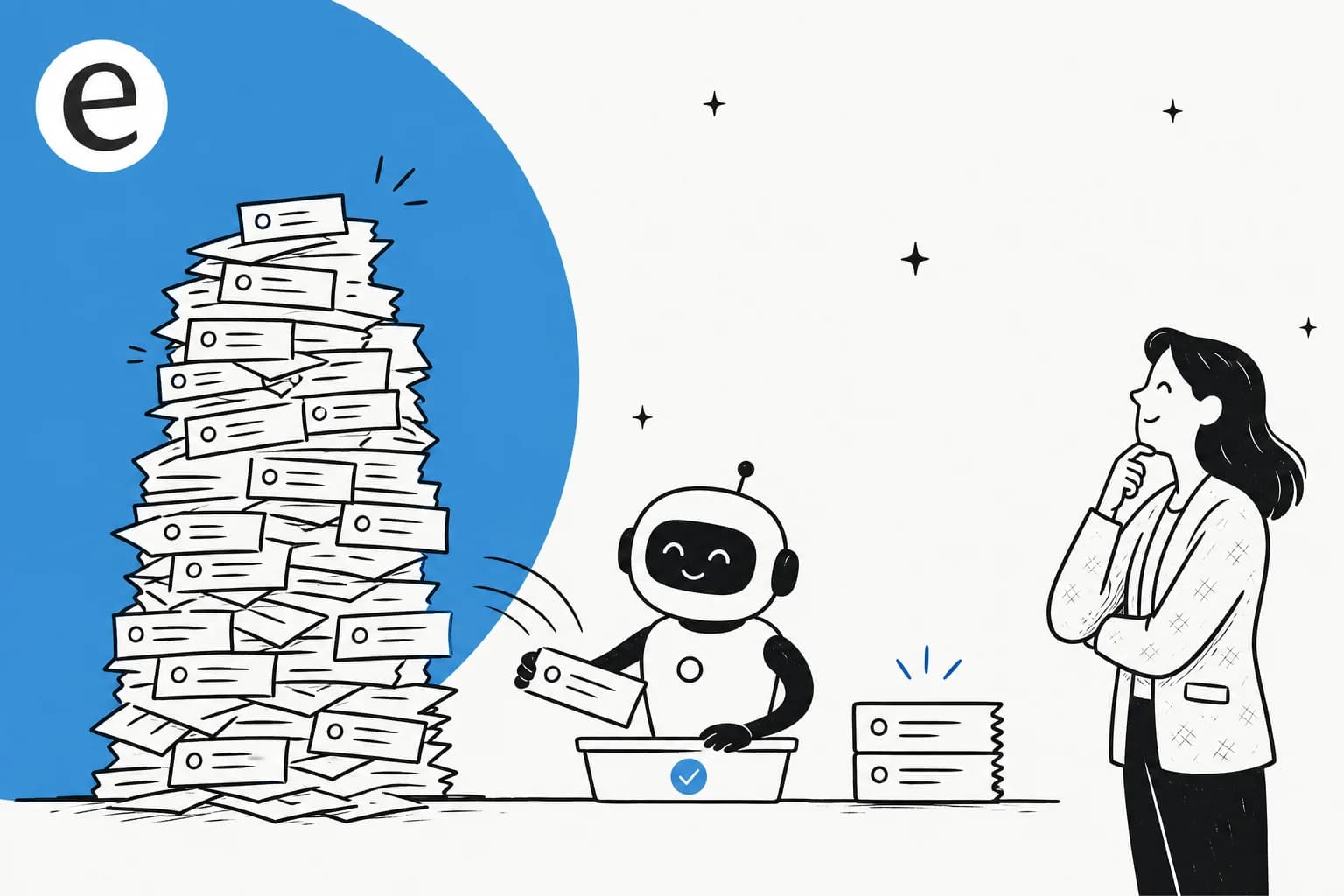
Before "can AI fix this," the more useful question is "what is this." Because a backlog almost never means your team is slow. It means the same easy questions are arriving faster than a small team can type the same answers.
I've spent a couple of years watching where search traffic for "reduce ticket volume" and "ticket backlog" actually comes from, and the pattern behind the keyword is always the same: a support lead under water, customers far outnumbering agents. One eesel customer, a small e-commerce team on Zendesk, put it plainly when they said AI "relieves our small support team from being over ran by questions that can be easily answered by a simple ai." That's the backlog in one sentence. It's not hard. It's repetitive.
When you actually break a queue down, most of it is a short list of recurring intents. A multi-brand e-commerce operator I talked to was handling 500+ tickets a day, and the volume was dominated by three things: refund requests, unsubscribes, and order tracking. That shape, a big repetitive base and a thin layer of real judgement calls on top, is what makes a backlog so clearable.
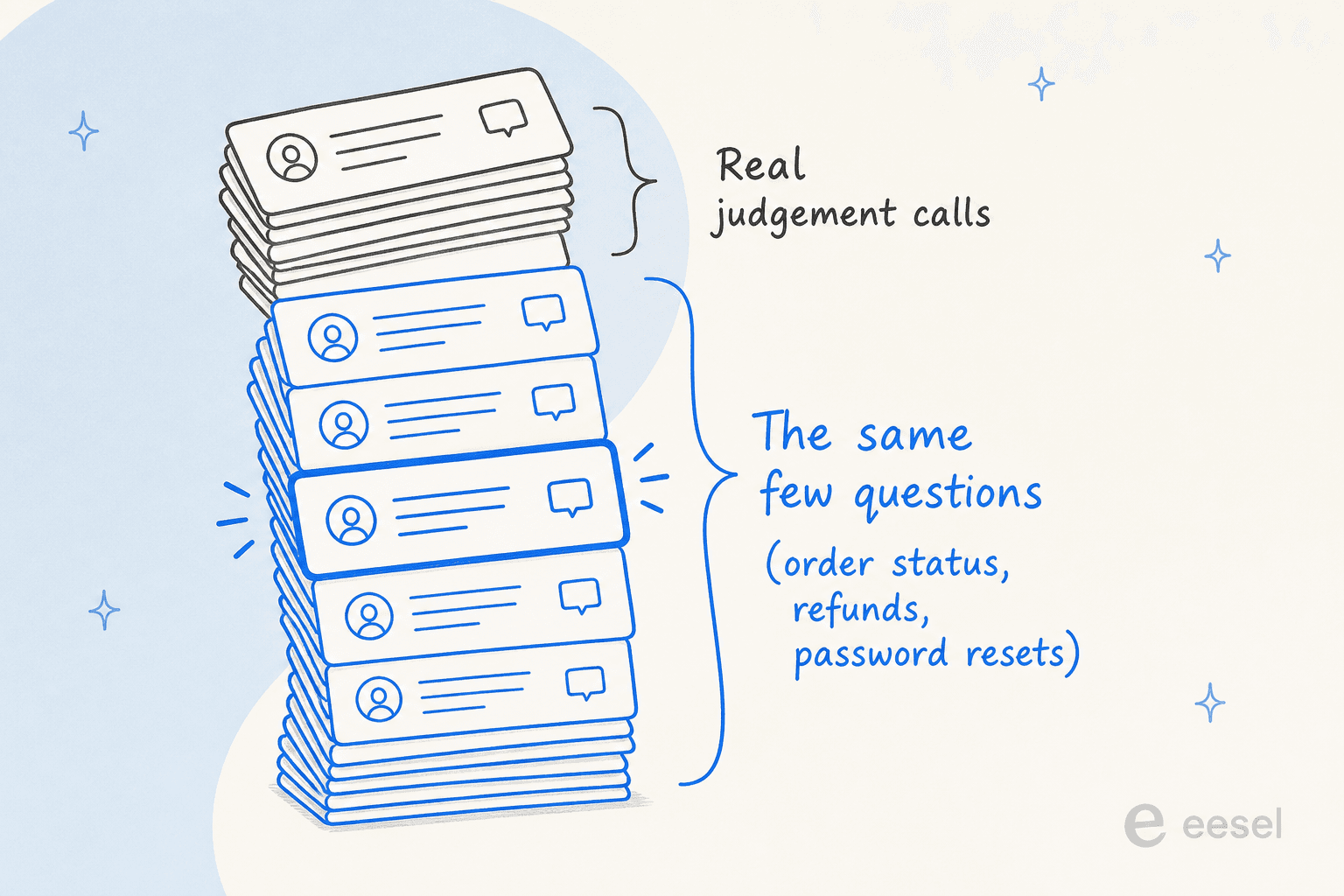
So the real question becomes narrower and far more answerable: can AI handle the repetitive base reliably enough that your people only see the tickets that need a person? That's a yes, with conditions worth understanding.
Can AI actually do this? The honest answer
Yes for the repetitive base. Carefully, for the rest.
This is where I'd rather be straight than sell. At eesel I've spent years putting AI on live support queues, across thousands of real tickets, and I've watched a confident-sounding bot quietly give a wrong answer, which is exactly why I now simulate every rollout against historical tickets before it goes live. So the claim isn't "AI clears everything." It's that AI clears the part of your backlog that's genuinely repetitive, and the numbers there are real.
A gig-economy analytics company on Zendesk resolved 73% of tier-1 requests in its first month with eesel, with results showing inside a 7-day trial. In a controlled trial on a German e-commerce inbox, the AI hit 93% triage accuracy and caught 100% of the spam (about a fifth of that inbox) with zero false positives. Those are the boring, repetitive categories, and they're exactly the backlog.
The honest counterweight: in that same trial, agents only sent about 12% of AI drafts completely as-is, mostly trimming an eight-sentence draft into a three-sentence reply. That's not the AI being wrong (the factual error rate was around 7%); it's tone and length, the kind of thing that improves fast once the AI trains on your team's past replies. The point of the example is the shape of reality: AI is excellent at the repetitive resolution and the triage, and it gets better at sounding like you over time.
So the split looks like this.
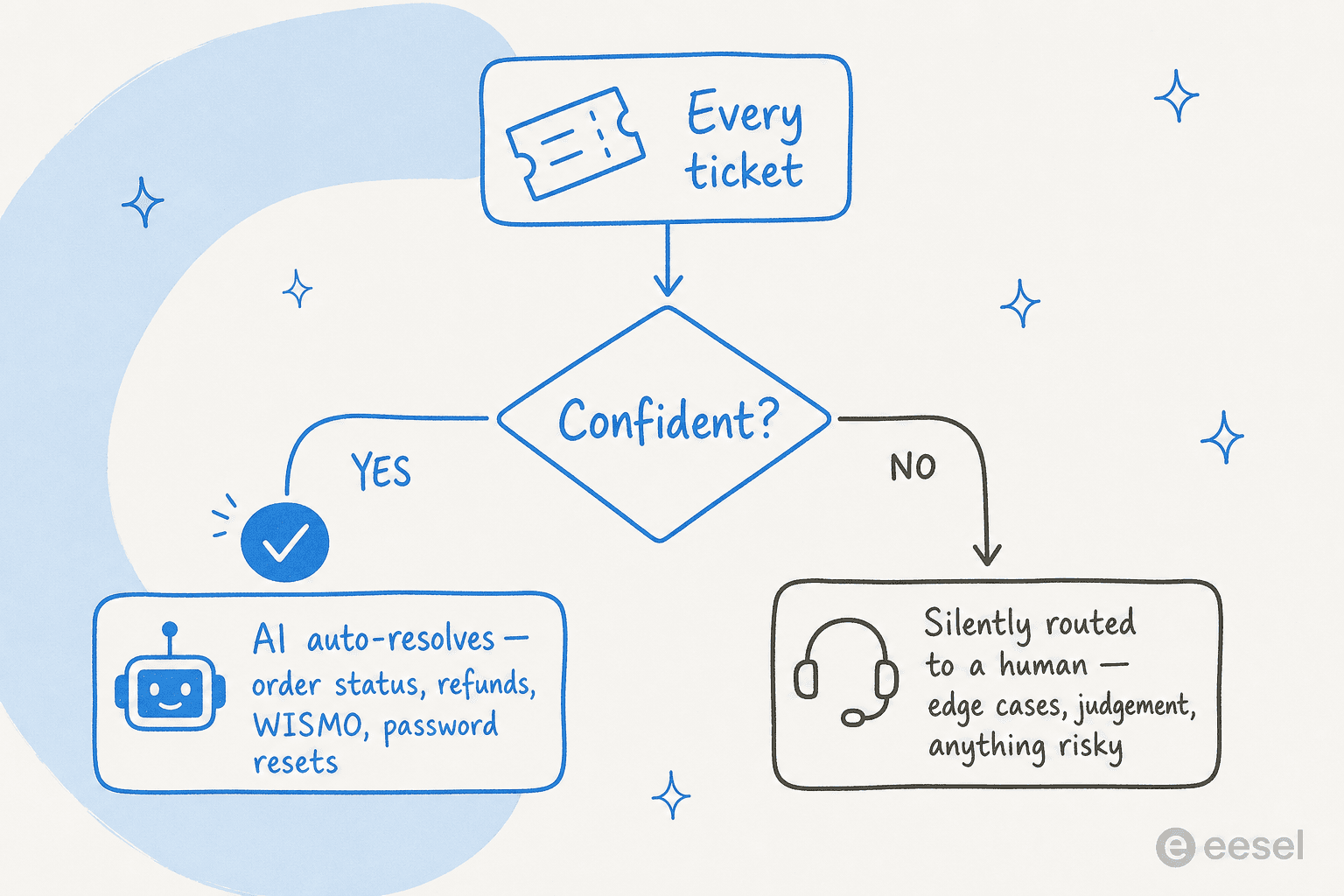
What AI reliably clears from a backlog:
- The "where is my order" tickets, refund and return status, password resets and account access, and anything already answered in a macro or help article.
- Triage and tagging of the whole queue, so even the tickets a human takes arrive sorted and summarized.
- Spam, which on some inboxes is a startling share of the pile.
What should stay with a person:
- Angry customers, edge cases, anything with money or legal weight, and anything the AI isn't confident about.
That last line is the entire safety model, and it came straight from buyers. As one CX lead running 7,000 tickets a month told me: "I need an AI who is only handling the tickets that it's confident to handle and all the other ones, leave them alone." That's confidence-based routing, and it's the difference between AI that drains a backlog and AI that creates a worse one.
How much of my backlog can AI actually take?
Abstract percentages don't help you decide. Your numbers do. Pick the closest match to your monthly volume and how repetitive your queue feels, and you'll get a rough read on how much AI could lift off your team, how much stays human, and what the AI side roughly costs at usage-based pricing.
Backlog drain estimator
A rough read, not a quote. AI cost assumes ~$0.40 per resolved ticket.
The number that matters isn't the cost line, it's the hours your team gets back when the repetitive pile stops landing on them. Compare it to the cost of another agent or how to measure ROI.
Most teams are surprised by how much of their queue lands in the "AI could take this" column once they're honest about how repetitive it really is.
How would I know it'll work before it touches a customer?
This is the question that actually stalls people, and it should. Letting AI loose on a live queue without proof is how you turn a backlog into an apology tour.
The answer is simulation. Before an eesel agent replies to anyone, you run it against your own historical tickets, hundreds or thousands of them, and read exactly what it would have said. You see coverage by topic, you see where it's confident and where it punts, and you find the gaps before a customer does. That's not a demo on someone else's data; it's your real backlog, dry-run.

Two more guardrails matter as much as the simulation:
- Confidence-based routing. The AI answers only what it's sure of and silently leaves the rest. No "sorry, I don't know" replies sent to customers, which is the failure mode buyers fear most.
- Answers grounded in your knowledge, with citations. A good agent answers from your help center and past tickets, not from the open internet, and shows its sources. If you want the deeper version, I wrote about preventing AI hallucinations and knowledge base training.
Run supervised for a week (AI drafts, humans send), watch where it's right, then hand it autonomy on the categories it's nailing. That co-pilot-then-autopilot path is the pattern almost every team I've onboarded actually wants, and it's how you build trust without betting the queue on day one.
What about the cost, really?
The estimator above gives you a rough monthly figure, but the model you pick matters more than the sticker.
The trap is per-resolution pricing. It sounds fair until your volume spikes: a tool that charges per resolved ticket bills you more in your busy season exactly when you can least afford it. In one cost analysis I ran for a ~1,000-ticket-a-month retailer, per-resolution pricing came to about $792 a month at normal volume, then ballooned toward $3,168 during a Black Friday surge to 4,000 tickets. Usage that's billed at a flat, predictable rate per ticket doesn't punish you for a good month or a busy one.
Against the cost of not clearing the backlog, almost any sane pricing wins. A backlog is slow response times, churned customers, and burned-out agents, and the alternative fix, another hire, is far more than $0.40 a ticket. If you want to put real numbers on it, I have a piece on how much AI saves in support and a fuller AI vs human cost breakdown. The short version: the cost savings come from the hours your team stops spending on the same five questions.
Reducing the backlog vs reducing it for good
Here's the part most "clear your backlog" advice skips: clearing it once is the easy bit. If you blitz the queue and then turn the AI off, the backlog rebuilds, because the repetitive tickets never stopped arriving.
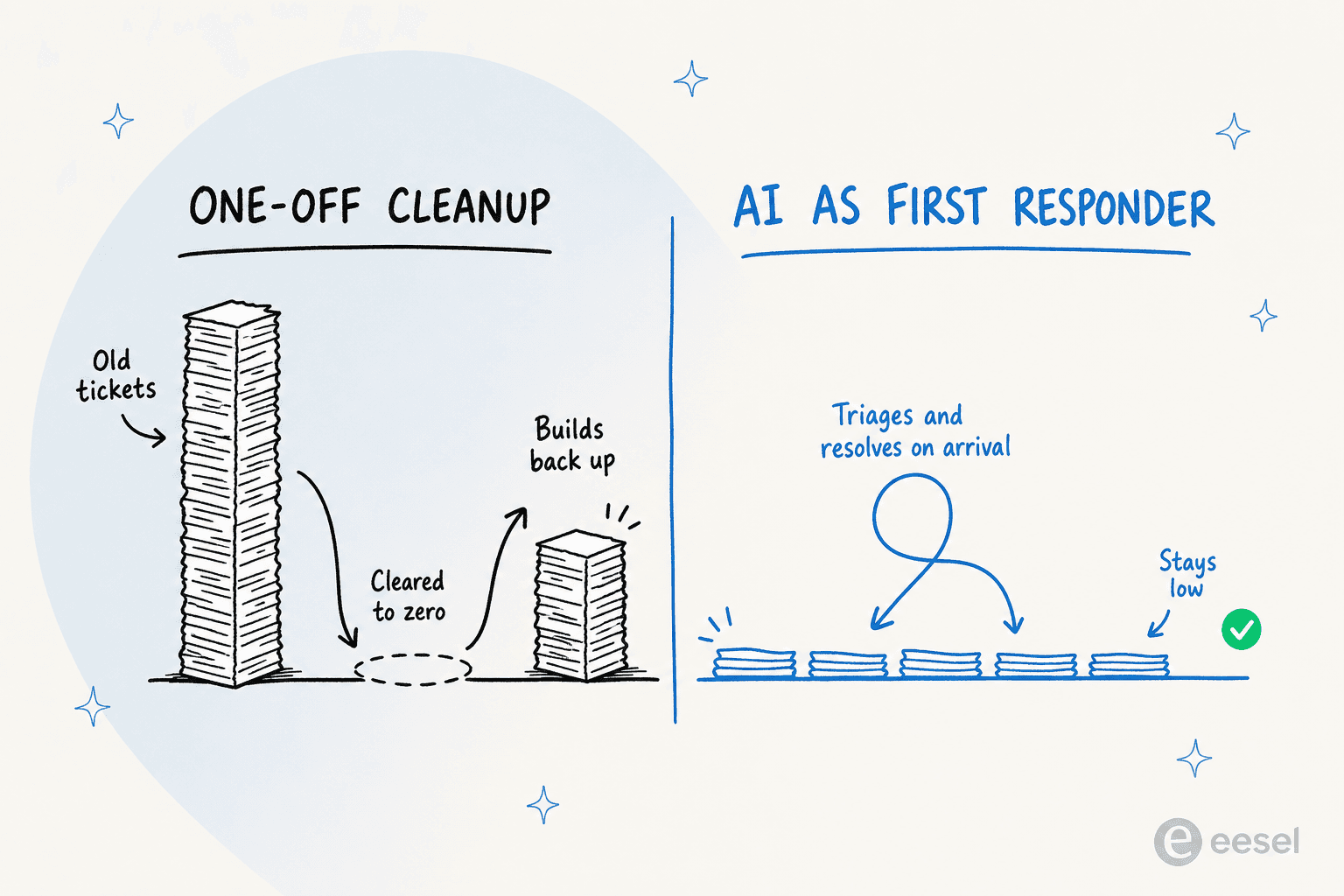
Reducing it for good means leaving AI on as your first responder. Every new ticket gets triaged and summarized on arrival, the repetitive ones get resolved on the spot, and your agents start their day with a queue that's already sorted instead of a wall. Feed the recurring questions back into your knowledge base and your self-service catches them even earlier, so the pile shrinks at the source. That's the difference between a one-off cleanup and a queue that simply stays drained, and it's where first response time quietly drops too.
It works in whatever helpdesk you already run, so there's no migration tax on top of the backlog you're already fighting.
Try eesel for your backlog
If your backlog is the same handful of questions piling up, that's exactly what eesel was built to drain. It plugs into the helpdesk you already use, whether that's Zendesk, Freshdesk, Gorgias, or Front, learns from your past tickets and help docs in minutes, and lets you simulate the whole thing on your real history before it replies to a single customer. The one thing I'd flag honestly: the win comes from the repetitive base, so it's a better fit for high-volume, recurring queues than for a backlog of genuinely bespoke tickets.
You can try eesel free, run a simulation against your own backlog, and see your real coverage number before you commit to anything.

Frequently Asked Questions
How do I reduce my support ticket backlog with AI?
Which tickets should AI clear first in a backlog?
Is it safe to let AI auto-reply to a backlog of customer tickets?
How much does it cost to reduce a ticket backlog with AI?
What's the difference between clearing a backlog and reducing it for good?
Can AI reduce a backlog without making customers feel ignored?


Article by
Kurnia Kharisma Agung Samiadjie
Kurnia is a software engineer and writer at eesel AI with two years of SEO experience, writing about AI tools, helpdesk software, and customer support. He pairs a developer's understanding of how these products are built with search-driven research into what actually ranks and resonates with the people searching for them.