
On any given Monday morning, a significant fraction of a typical IT team's ticket queue is the same request: I forgot my password. Again.
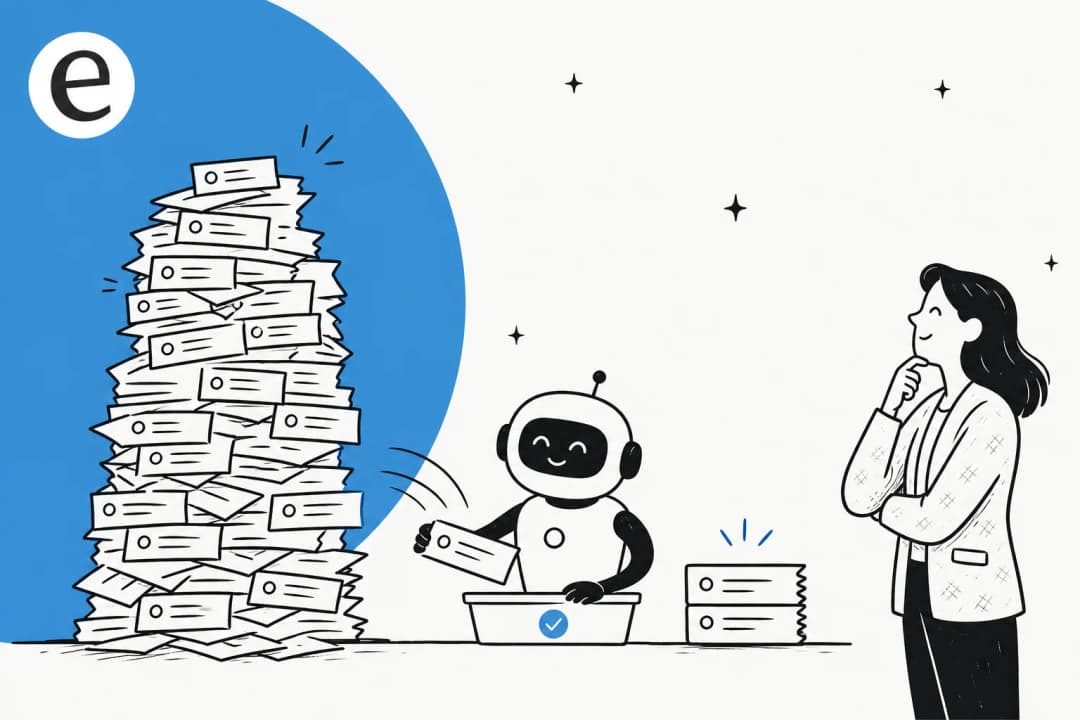
One practitioner described their queue on r/ITSupport: "Had 14 tickets before I even finished my first coffee today and most of them are the same basic stuff. 8 were just password resets for M365." A team on r/devsecops reported 500 resets per week across their 2,000-person org. Gartner estimates that 20-50% of all IT helpdesk tickets are password resets. Forrester puts the cost of each one at $70 in IT labor.
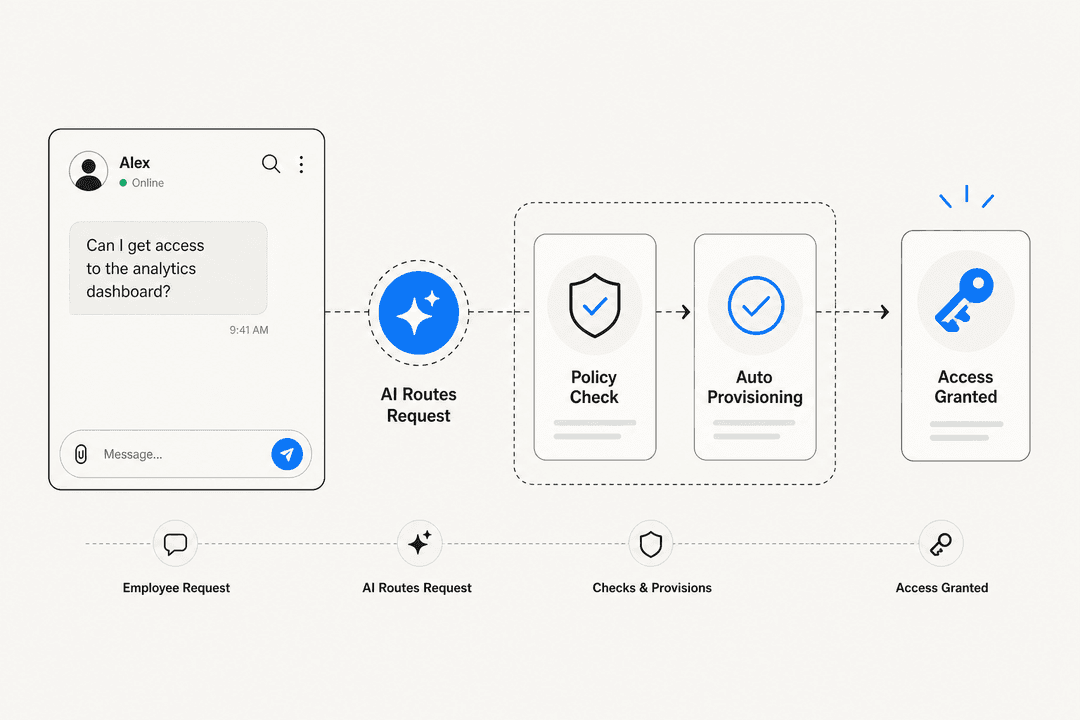
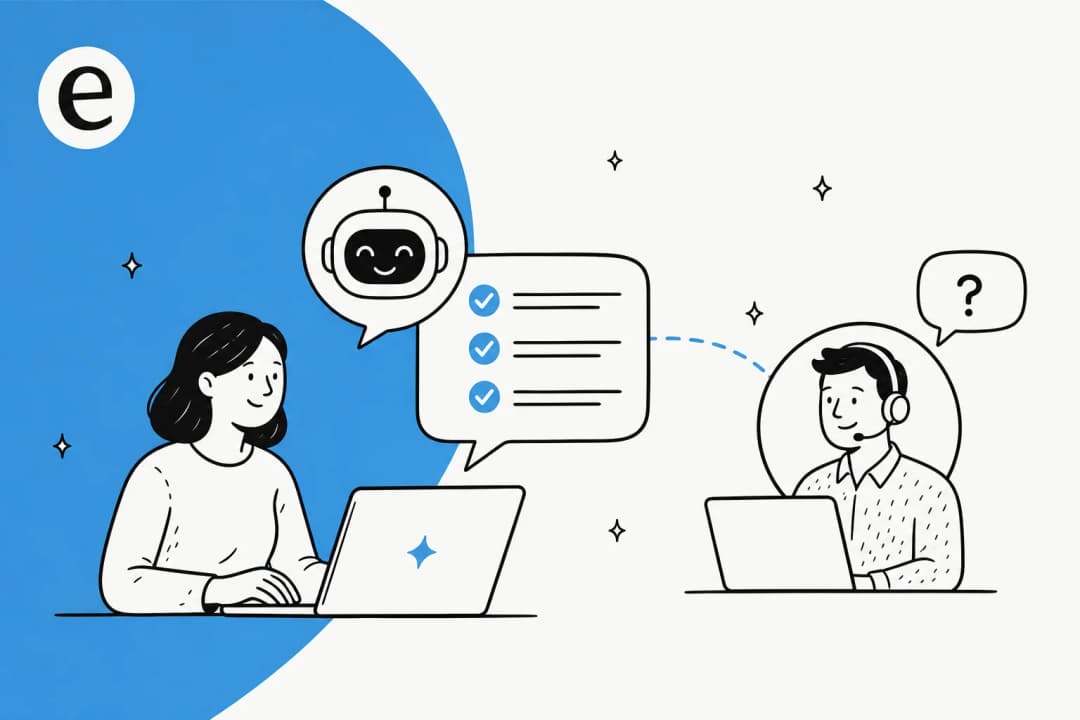
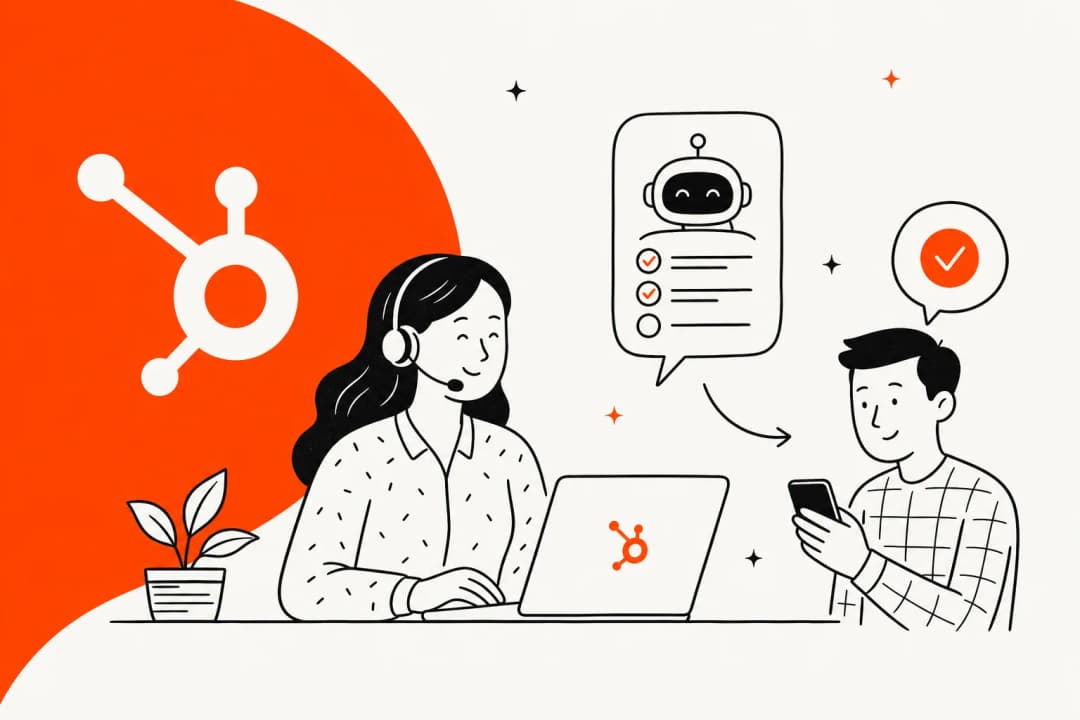
This is also the most automatable ticket category in IT support. AI agents can handle the full password reset lifecycle - receive the request, verify the user's identity, reset the credential in Active Directory or a cloud identity provider, log the action, close the ticket. The whole thing takes an average of 0.6 minutes when AI handles it, versus 45 minutes or more when a human does. Here is what the setup actually looks like.
Why password resets dominate your ticket queue
The numbers are consistent across nearly every IT support study available. Resolve.io reports that password-related tickets can account for up to 50% of all service desk volume and consume 31-40% of helpdesk time. The HDI baseline puts the floor at 10% of all help desk calls - and that data is over a decade old, before cloud SaaS added a dozen more passwords to the average employee's daily stack.
A few structural reasons keep the volume high. Modern password policies that require length, mixed case, and special characters make passwords harder to remember. In single sign-on environments, one forgotten password doesn't lock you out of one system - it locks you out of every application connected to that identity. Gaspar AI's analysis finds that employees lose an average of 11 hours per year to password-related issues. Weekend gaps amplify this: employees hit lockout screens after two days away from work, and the backlog lands on Tier 1 the moment the business day opens.
The cost compounds fast. For a 10,000-person organization with around 800 monthly resets, Forrester's $70 per ticket translates to $672,000 per year in labor - before you count the productivity time lost by the employees who are locked out and waiting. A miniOrange analysis at a mid-sized financial firm put the all-in cost at $87 per reset when IT labor and employee productivity loss were combined.
"We have been absolutely drowning in password reset requests. I am talking 500 a week across our 2000 person organization."

The r/ITCareerQuestions thread title says it plainly: "We're paying six-figure engineers to reset passwords." That is the problem AI automation is solving for.
What AI actually does when a reset request comes in
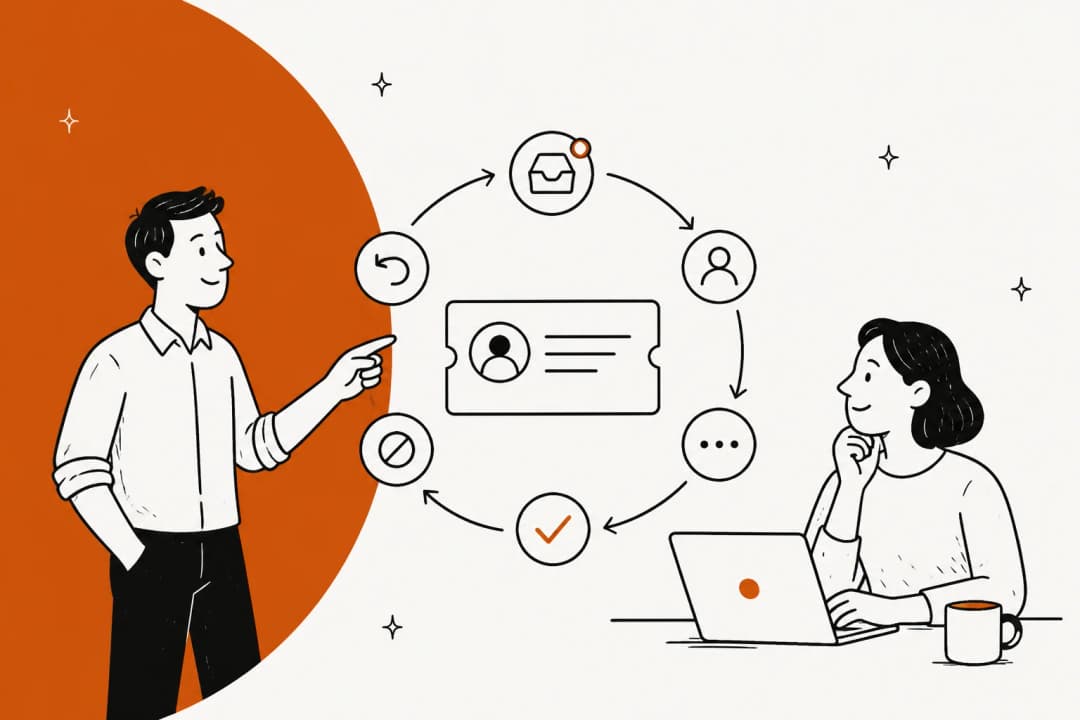
Modern AI password reset automation follows a structured flow that is largely consistent across enterprise implementations.
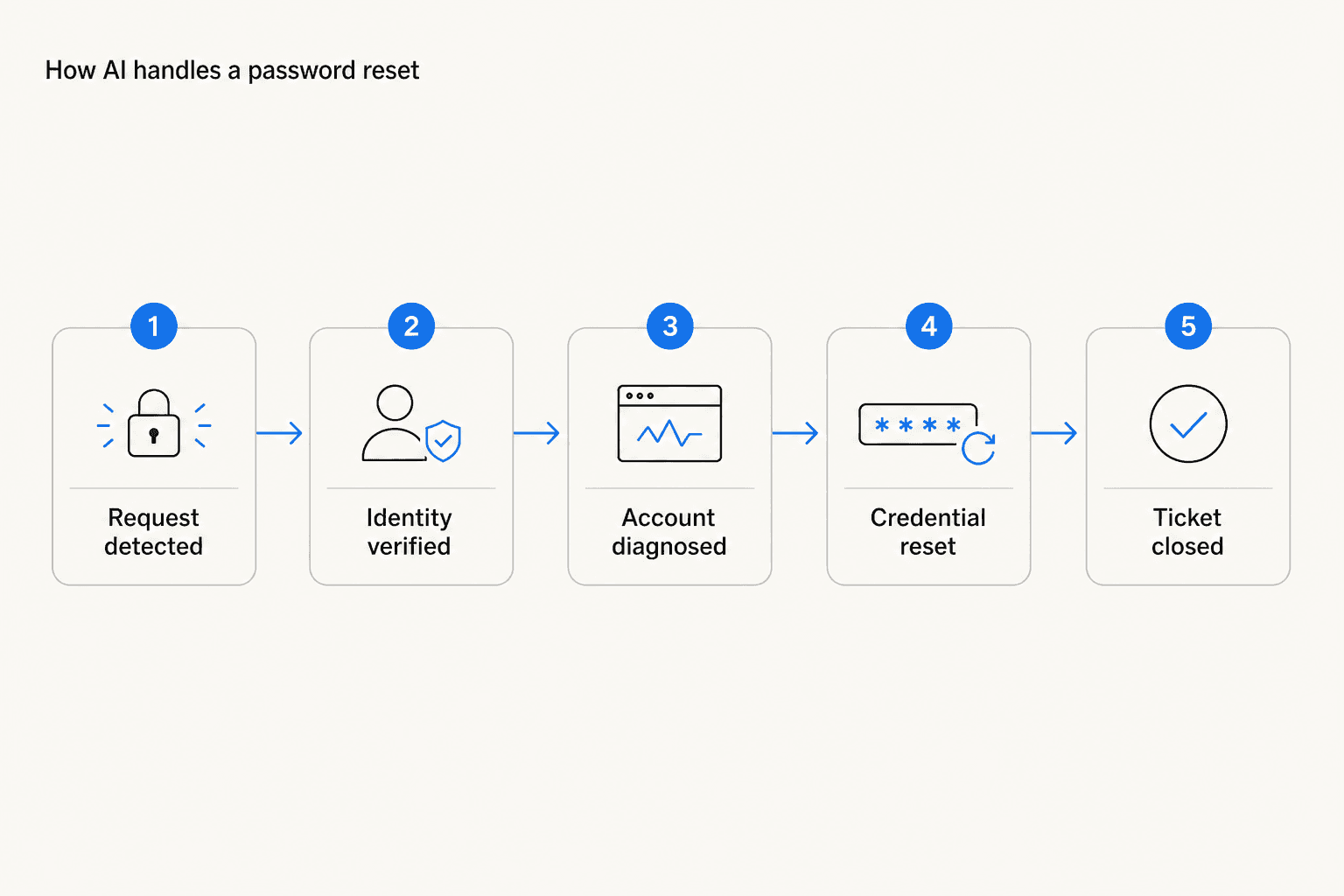
Step 1: Request capture. The user submits through whatever channel they are in - a Microsoft Teams message to the IT bot, a Slack DM, a self-service portal form, or a standard helpdesk ticket. The AI agent detects the intent and starts the workflow.
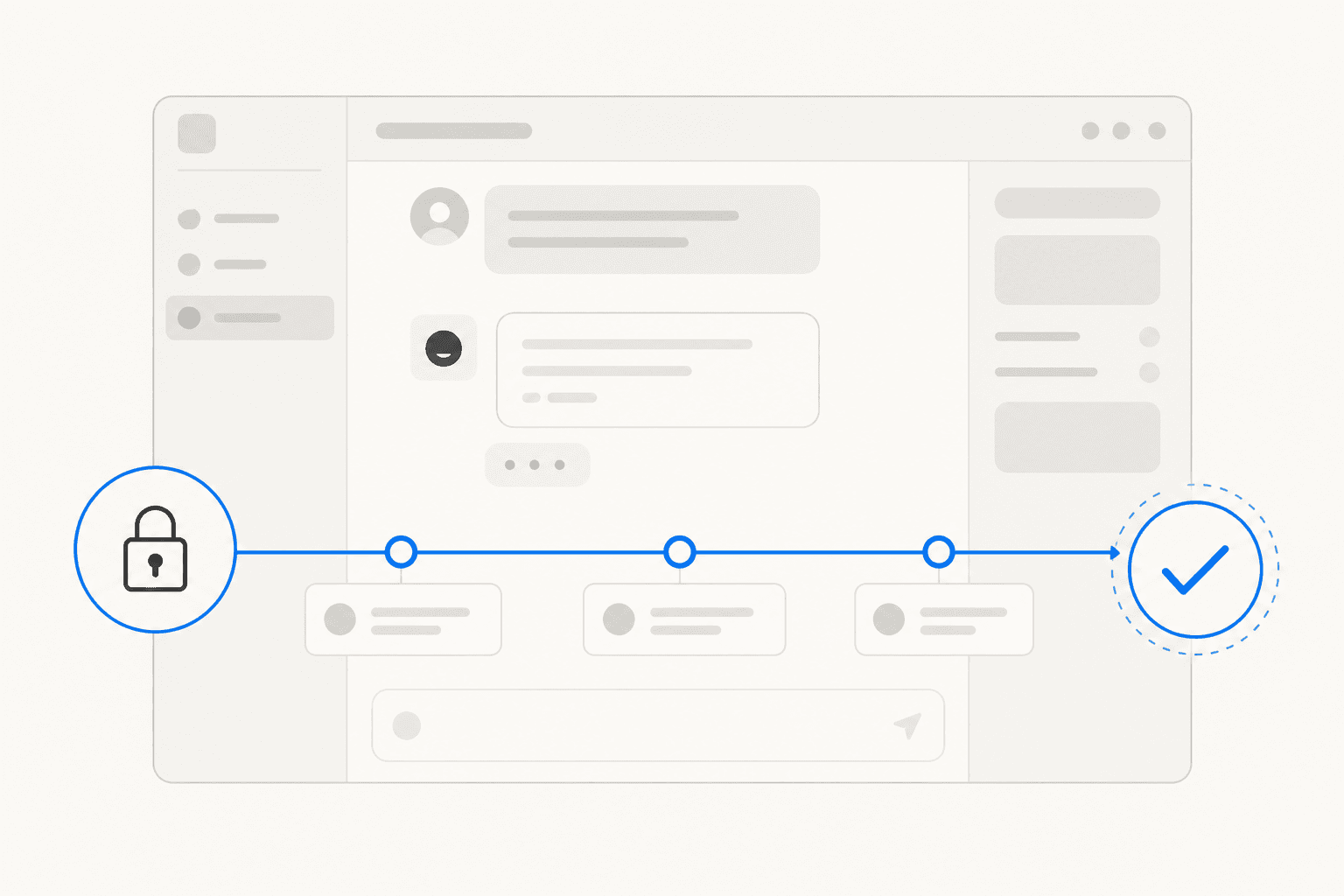
Step 2: Identity verification. Before touching any credentials, the agent verifies the user. This is almost always MFA-gated: the agent sends a challenge to the user's registered authenticator app, sends an SMS OTP, or emails a verification link. The user must pass the challenge to proceed. Some deployments also prompt for manager approval for accounts with elevated permissions.
Step 3: Diagnosis. The AI checks account status. Is it locked due to failed login attempts? Has the password expired by policy? Is there a sync issue between on-premises Active Directory and Azure AD? The diagnosis determines what action is needed.
Step 4: Reset and sync. The agent resets or unlocks the account directly in the appropriate directory service - Active Directory, Azure AD/Microsoft Entra, Okta, Ping Identity, or Duo Security. In SSO environments, the credential change propagates across all connected applications in the same step. The Palo Alto Networks XSOAR playbook adds encrypted credential delivery: the new password arrives in a password-protected ZIP, with the archive password sent through a separate channel to prevent interception.
Step 5: Closure and logging. The user receives confirmation. The interaction is logged automatically in the ITSM system and compliance audit trail. The ticket is marked resolved.
Zendesk's CX Trends 2026 data, compiled by Digital Applied, shows that password reset intents have the highest AI deflection rate of any support category - a median of 78%, with top-quartile teams reaching 91%. AI handles them with a 4.41/5 CSAT - the highest of any support intent measured.
Manual vs. AI: the actual numbers
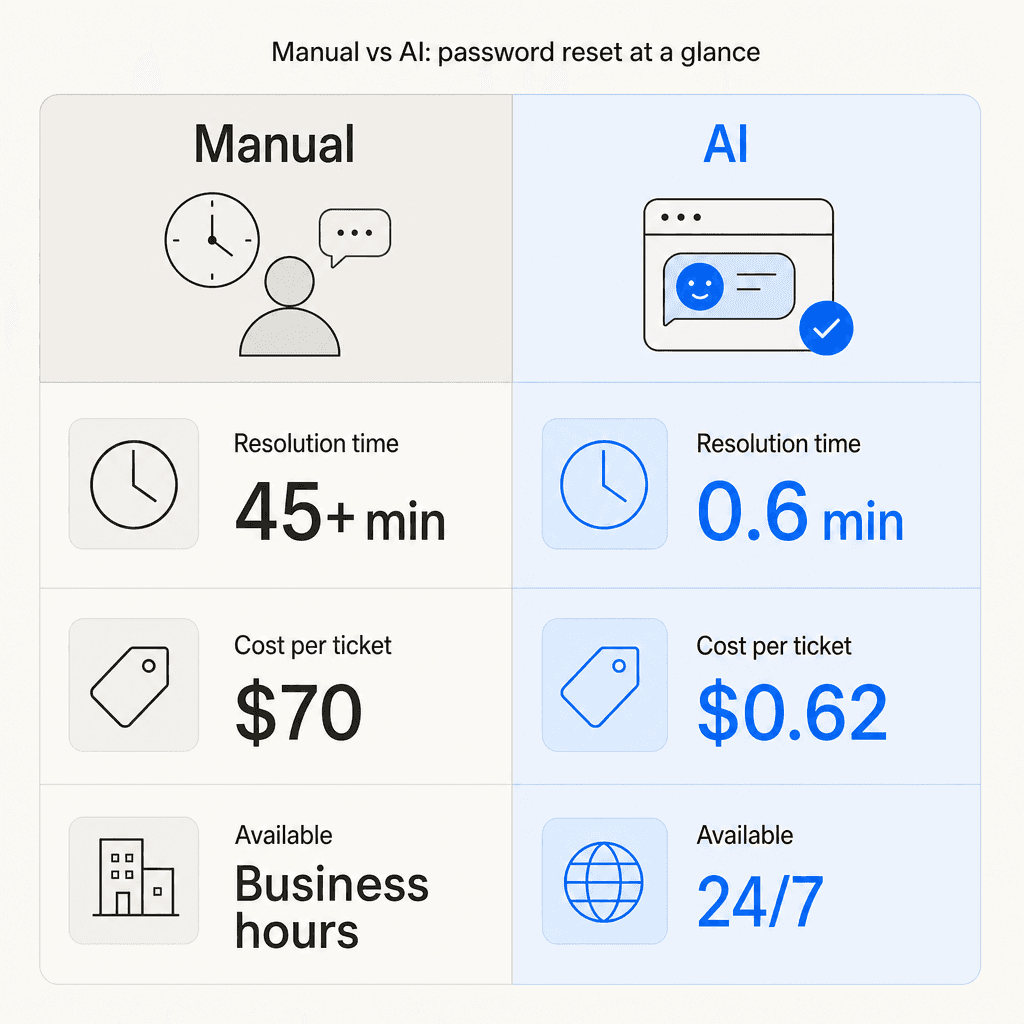
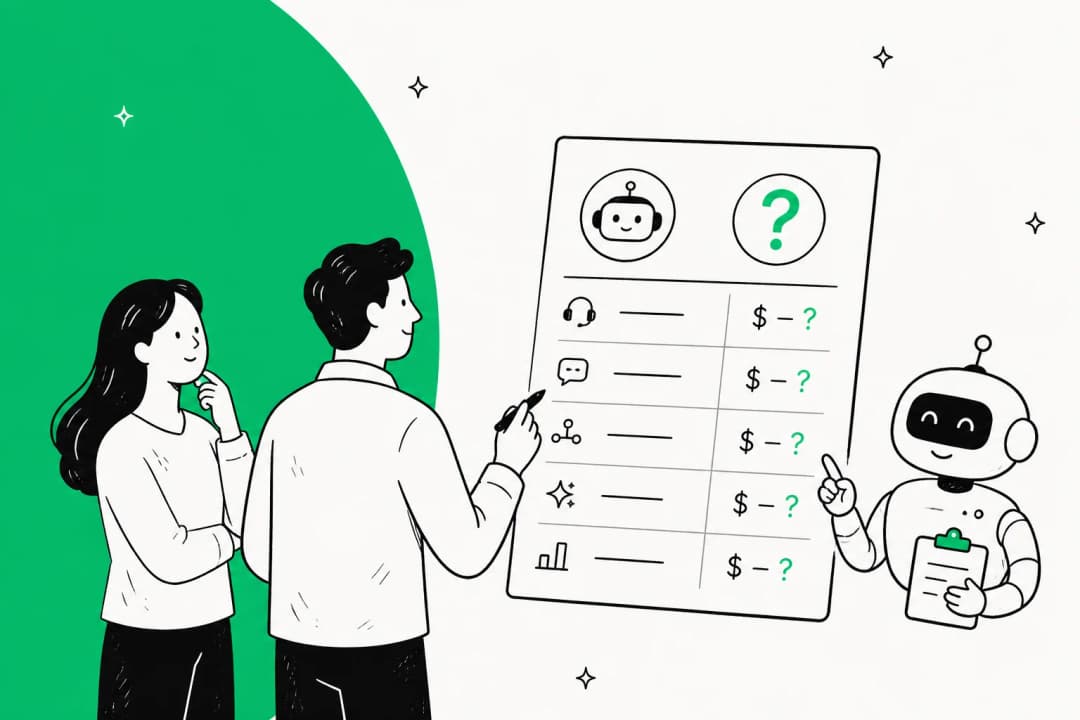
The gap is worth spelling out plainly. Digital Applied's 2026 compilation of Zendesk benchmark data puts AI resolution time for password resets at 0.6 minutes on average. Human agents average 11.4 minutes across all support intents - for password resets specifically, including queue wait time, the real-world figure is typically 30-45 minutes from ticket submission to confirmation.
| Manual | AI | |
|---|---|---|
| Resolution time | 30-45 min (incl. queue) | 0.6 min |
| Cost per ticket | $70 (Forrester) | $0.62 |
| Availability | Business hours | 24/7 |
| Deflection rate | - | 78% median, 91% top quartile |
The 24/7 availability column matters more than it looks on paper. Most IT helpdesks run on business hours. Employees locked out on Sunday evening, or after a late-night credential expiry, have no recourse. Automated reset handles these requests with the same speed and process regardless of when they arrive.
Making automated resets secure
The most common objection to AI password reset automation is security: if the AI handles credential changes without human review, doesn't that introduce risk? The evidence suggests the opposite is true when the implementation is done right.
The persistent concern in the security community is that Tier 1 agents are easy to social-engineer. As one practitioner noted on r/cybersecurity: "Feels like we spend millions on EDR and firewalls, but our real weak point is a 10 min phone call to a Tier 1 agent." A human agent can be talked into bypassing verification by a caller who sounds urgent or claims authority. An AI agent applies the same identity check to every request, every time, with no variation based on how the requester frames their situation.
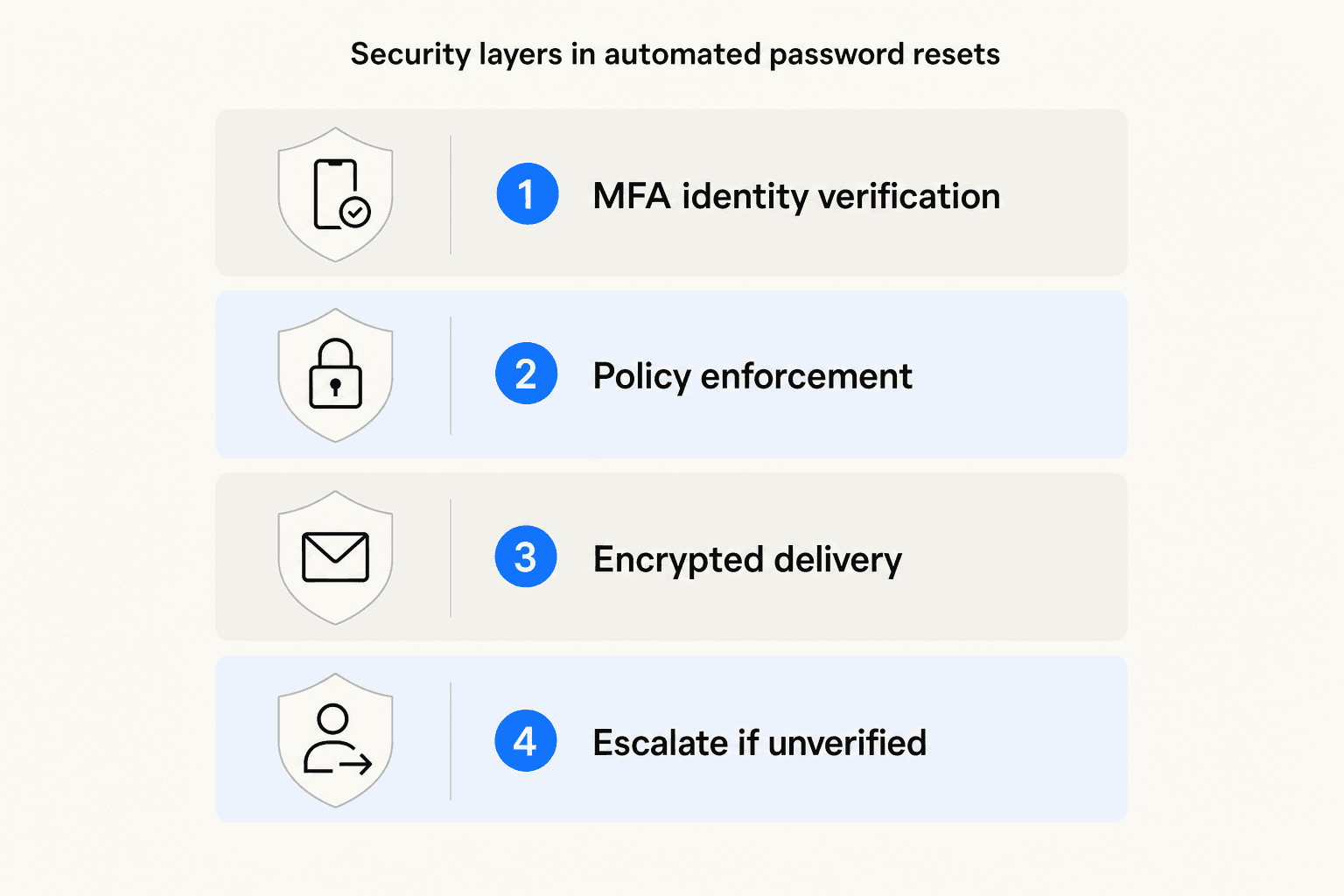
The controls that make this work:
- MFA-gated verification is the primary control. No reset proceeds without a second-factor challenge. If the user cannot pass, the AI escalates to a human rather than proceeding - removing the social engineering vector entirely.
- Password policy enforcement ensures the new or temporary credential meets the organization's complexity and expiry requirements before delivery.
- Encrypted credential delivery limits interception risk. Palo Alto's approach delivers credentials in a password-protected ZIP, with the archive password sent through a separate channel. Force-change on first login closes the window further.
- Permission validation blocks requests where the requester is trying to reset a credential they don't own - a key defense against social engineering that targets third-party accounts.
- Full audit logging records every AI-executed reset in the ITSM system and compliance audit trail, making access control processes straightforward to demonstrate to auditors.
One honest caveat: Digital Applied's 2026 data shows that 31% of users explicitly mistrust AI for account-changing actions - a figure that has stayed flat for two years. That is a design input, not just an attitude. Transparent escalation paths - where the AI clearly tells users "I cannot verify your identity, here is how to reach a human agent" - matter for adoption and for genuine trust.
Where implementations tend to go wrong
Password reset automation is technically straightforward. The failure modes are mostly in deployment and adoption.
The chatbot loop problem. When a user is already locked out and cannot pass identity verification, they need a clear path to a human. Implementations without this leave users circling - the AI keeps requesting verification the user cannot provide, with no exit. This pattern shows up consistently in end-user forums. A user on r/Reverb described it directly: "My account was locked and I'm stuck in a loop with the AI." Design the escalation rule before go-live, not after the first complaint.
The VPN chicken-and-egg. Remote employees who need VPN access to initiate a password sync cannot start VPN because they are locked out of the credential VPN requires. Solving this requires an out-of-band reset channel - a phone-based flow, secondary email OTP, or a web-only self-service portal that does not require the organization's VPN to reach.
User adoption as the actual blocker. The technology case is settled. The organizational case often is not. Self-service password reset (SSPR) has existed for years. What actually moves the needle is enforcement - turning off the manual helpdesk path for routine resets so users have no choice but to use the automated one. One r/helpdesk commenter captured the failure mode: "The stupid companies made password reset tools for the employees but refused to enforce them. So all the idiots still called in every day." Another team in the same thread solved it cleanly: "We can't change passwords anymore. They either have to change it themselves via Authenticator or get their manager to fill in a form... That has removed any password issues on our end."
SSO cascade complexity. In SSO environments, a credential change that fails to propagate across all connected applications leaves the user with a working password for some systems and a broken one for others. Test propagation coverage thoroughly in staging before go-live.
What to measure after you deploy
Four metrics cover most of what you need to track in the first 90 days. For a deeper breakdown of chatbot performance tracking, the chatbot analytics guide covers benchmarks and interpretation in full.
Deflection rate: the share of password reset tickets resolved without human intervention. The industry median for this intent is 78%. If you are landing below 60%, the knowledge base or identity verification configuration needs attention. The AI support ticket deflection guide covers how to diagnose and improve it systematically.
Mean time to resolution (MTTR): time from ticket submission to confirmed resolution. Pre-automation baselines for password resets typically run 30-45 minutes including queue wait. AI should push this below 5 minutes, with the actual reset step averaging 0.6 minutes.
Cost per reset: total helpdesk labor cost divided by reset volume. Track this monthly against your pre-automation baseline. The Forrester manual benchmark is $70; AI-assisted should trend toward $0.62-$2.00 depending on human escalation rate.
CSAT for reset interactions: AI-handled password resets achieve 4.41/5 CSAT in the Zendesk benchmark data - the highest score of any support intent. If your CSAT is lower, the friction is usually in the identity verification step or the handoff to a human when escalation is needed.
The customer support automation guide has a useful framing for how password resets fit into a broader automation strategy if you are planning to extend beyond this single intent.
Try eesel AI
eesel AI lets you deploy an AI helpdesk agent that handles password reset requests - and the rest of your Tier 1 queue - directly inside Slack, Zendesk, Freshdesk, or any of 100+ connected tools. Before the agent goes live, it runs a simulation against your historical ticket data to show its projected resolution rate by category - so you know what deflection rate to expect before a single user sees it.
At $0.40 per resolved ticket, eesel replaces the $70 Forrester baseline for manual resets. Teams like Gridwise resolved 73% of tier 1 requests in their first month. Smava now processes 100,000+ tickets per month fully autonomously in German via Zendesk. The automated IT ticketing comparison covers how eesel compares to platform-native options like Freshservice and Jira Service Management if you are still deciding on tooling.
The free trial gives you $50 in usage with no credit card required - enough to run the pre-launch simulation and test live resets before any commitment.