Let me guess: your IT team is drowning. The ticket queue is a never-ending flood of password resets, software access requests, and the classic "my internet isn't working." To make things more interesting, management has just discovered "AI" and is pushing your team to adopt it, thinking it’s some kind of magic wand. But you've seen the demos and read the Reddit horror stories about terrible AI that just pisses off users with a generic list of troubleshooting steps.
The absolute last thing you need is another overhyped tool that ends up creating more problems than it solves.
That’s why I decided to cut through the marketing fluff. I spent the last few weeks getting my hands dirty, testing the top AI IT help desk tools to see what really holds up. This isn't just another listicle. It’s a real review of the 7 best options for 2026, focused on what actually matters to IT teams: can it solve real problems? Will it drive my users crazy? And what’s the real damage to my budget?
Here’s an honest look at what each tool does well, where it falls short, and which one might be the right fit to give your team some backup, not another headache.
What is an AI IT help desk, really?
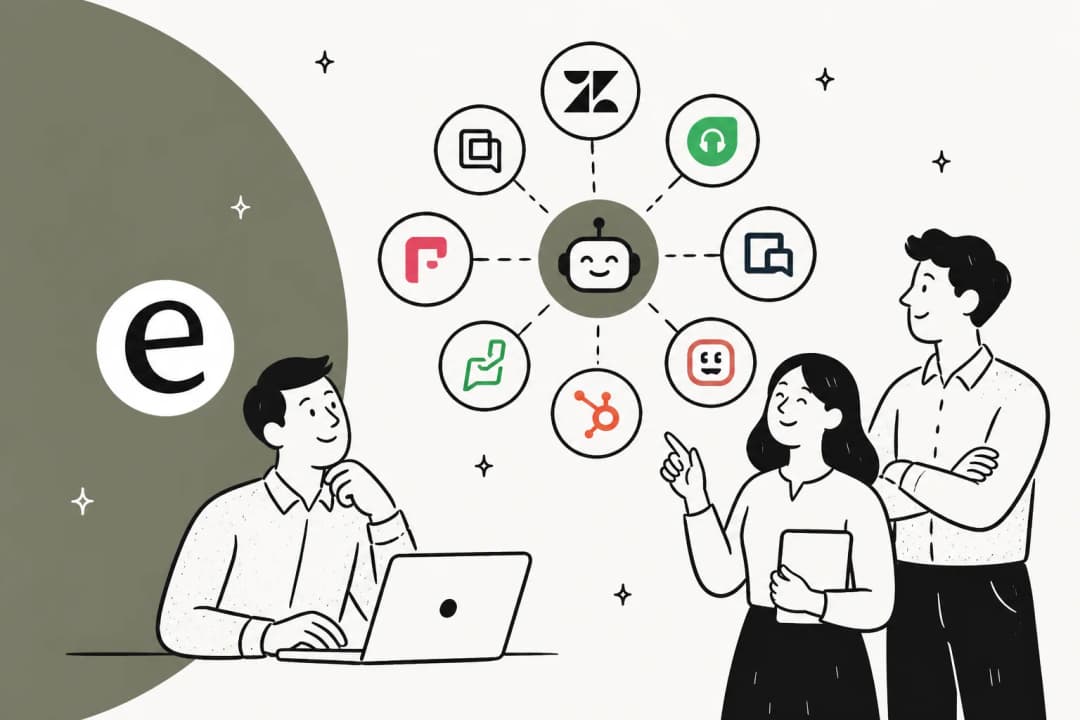
First off, let's get clear on what an AI IT help desk is and isn't. We're not talking about another simple chatbot that just spits out links to your knowledge base. Think of it as a smart automation layer that plugs into the tools you already use every day, like Jira, Zendesk, Slack, and Teams. The point isn't to rip and replace what you have: It's to make your current system work a lot smarter.
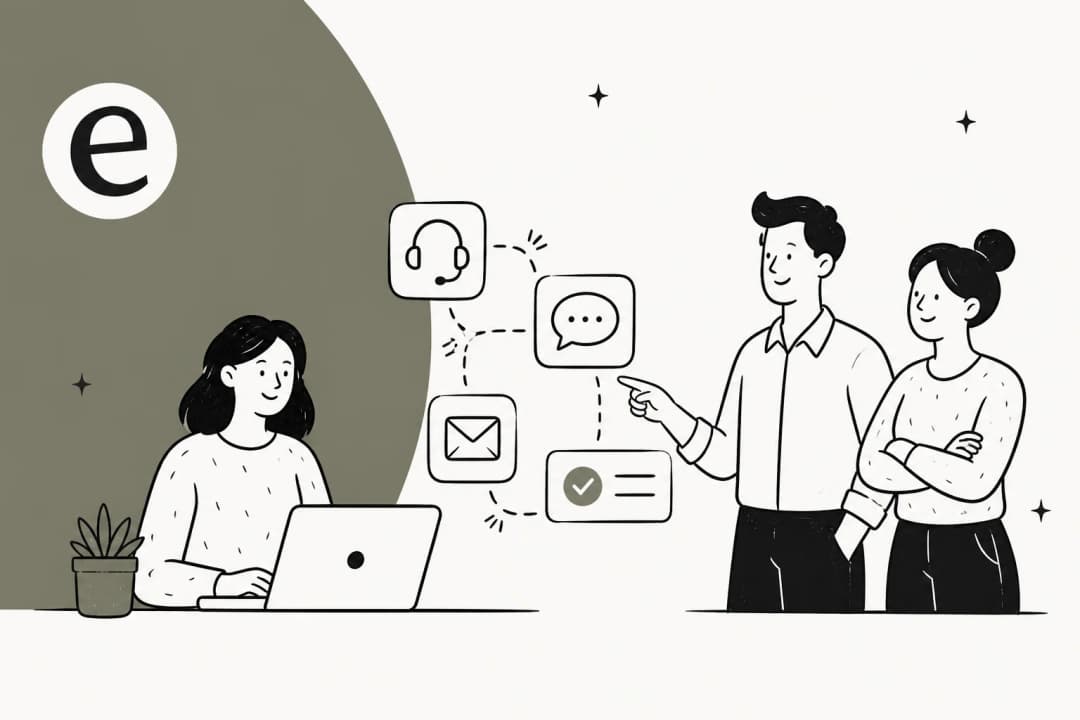
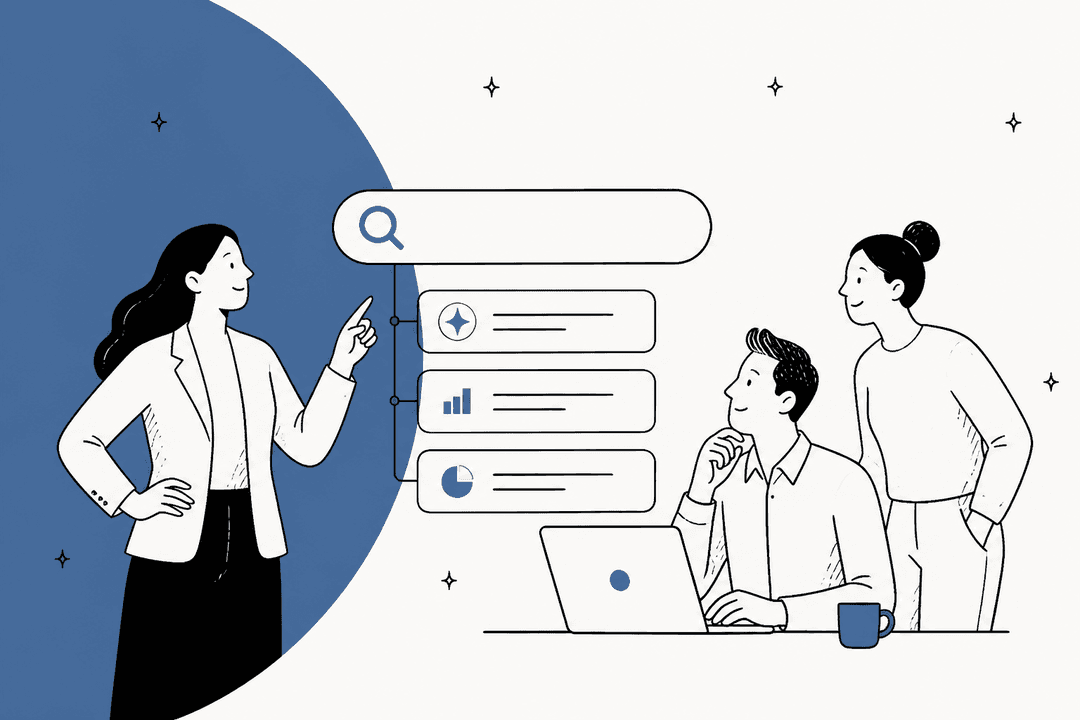
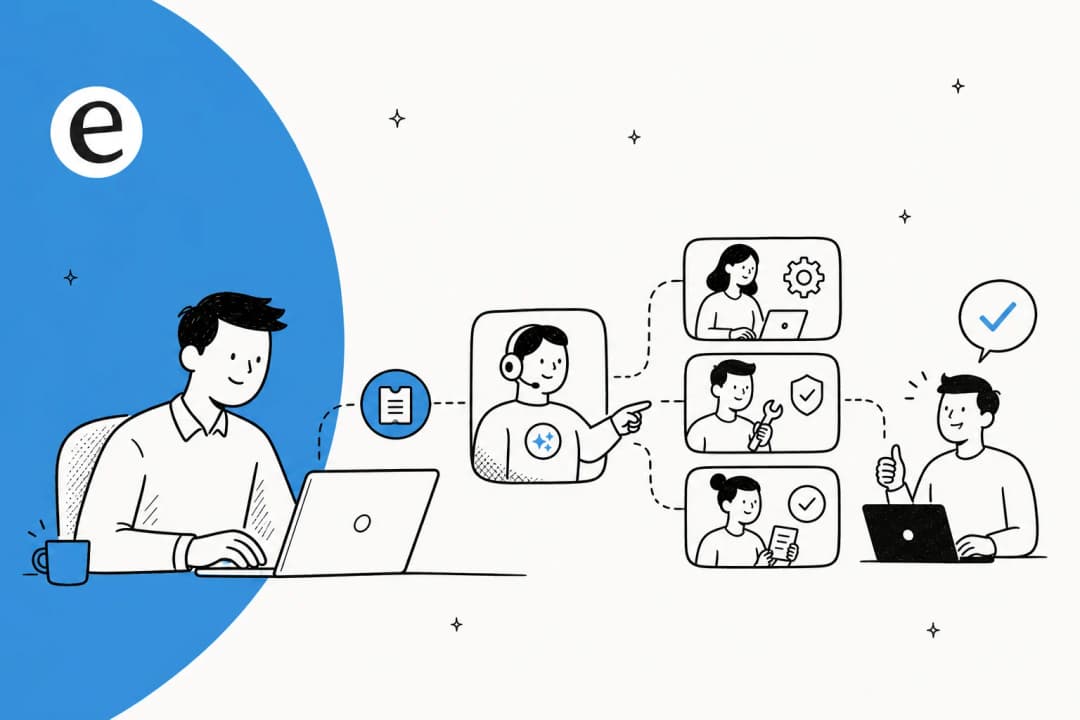
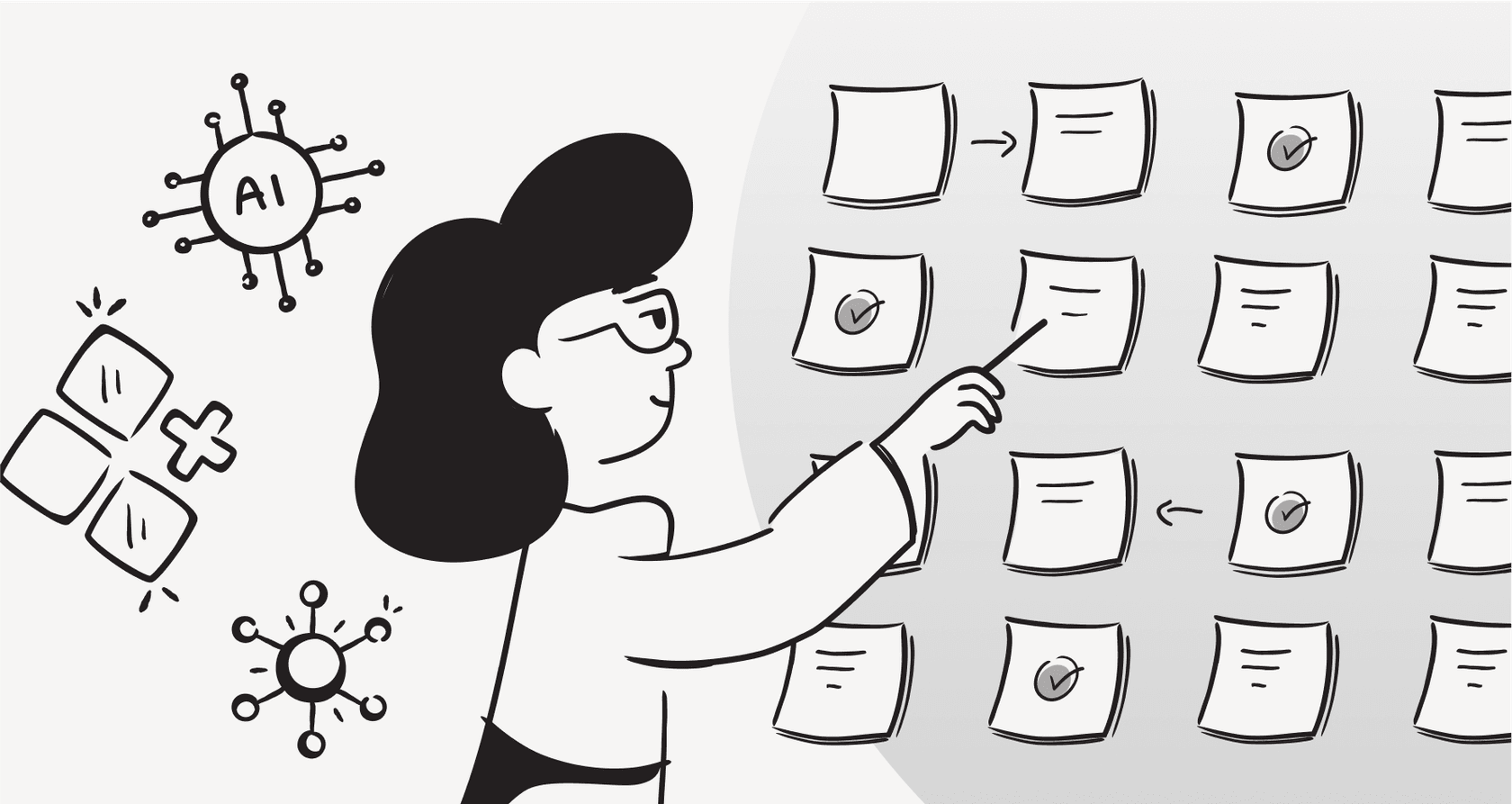
A good AI IT help desk should be able to perform several key functions, as this visual guide shows:
-
Figure out what employees are asking for in plain English, not just by matching keywords.
-
Instantly dig up answers from your internal docs, whether they're in Confluence, old tickets, or Google Docs.
-
Handle common tasks on its own, like routing tickets to the right person, categorizing issues, or even granting software access.
-
Know when it's stumped and pass the conversation to a human, along with the full context so your team doesn't have to ask, "so, what have you tried already?"
It’s the difference between a bot that leads to a dead end and a smart assistant that actually resolves those repetitive Tier-1 issues, freeing up your team to tackle bigger problems.
How we chose the best AI IT help desk software
I didn’t just scroll through feature lists. I judged these tools on a few key things that decide whether they’ll be a helpful teammate or just another problem to manage.
-
Conversational intelligence: Can it actually hold a conversation to troubleshoot an issue, or does it just dump a wall of text on the user? I looked for an AI that could ask clarifying questions, just like a real agent would.
-
Integration and setup: How much of a pain is it to connect to your existing tools? I gave extra points to solutions that play nice with your current stack (Jira, Zendesk, Slack, Microsoft Teams) without needing a six-month implementation project.
-
User experience: Will your employees actually like using it? I wanted tools that give direct, helpful answers instead of making people hunt for information.
-
Control and customization: Can you tell the AI how to behave? I looked for tools that let your team define the AI’s personality, set clear rules for when to escalate, and decide exactly what gets automated. Full control is a must.
-
Risk mitigation and security: Does the tool let you test the AI on old tickets before you unleash it on your company? A "simulation mode" is a huge plus. I also checked for the important stuff like SOC 2 compliance and solid data privacy policies.
-
Pricing model: Is the pricing straightforward? I was skeptical of tools with confusing "per-resolution" fees that basically charge you more when the tool works well.
The best AI IT help desk tools: A quick comparison
| Tool | Best For | Key Integrations | Pricing Model | Free Trial |
|---|---|---|---|---|
| eesel AI | Self-serve setup & risk-free testing | Zendesk, Jira, Slack, Teams, Confluence | Flat, interaction-based | 7-day trial |
| Risotto | Slack-native conversational AI | Slack, Teams, Jira, Freshservice, Zendesk | Per employee tier / Custom | 30-day trial |
| Moveworks | Large enterprises with complex needs | ServiceNow, Jira, Microsoft 35, Workday | Custom | Demo required |
| Freshservice | Teams in the Freshworks ecosystem | Freshworks Suite, Slack, Teams, Jira | Per agent, tiered | 14-day trial |
| Zendesk | An all-in-one customer & employee service platform | Salesforce, Shopify, Slack, 1000+ others | Tiered plans with scalable AI options | 14-day trial |
| Aisera | Cross-departmental workflow automation | ServiceNow, Jira, Salesforce, Workday | Custom | Demo required |
| Jira Service Management | Atlassian users wanting integrated AI power | Jira, Confluence, Slack, Teams | Per agent + scalable AI options | Free plan for 3 agents |
A deep dive into the 7 best AI IT help desk tools for 2026
Here’s a closer look at each tool, including what I liked and what you should be aware of.
1. eesel AI
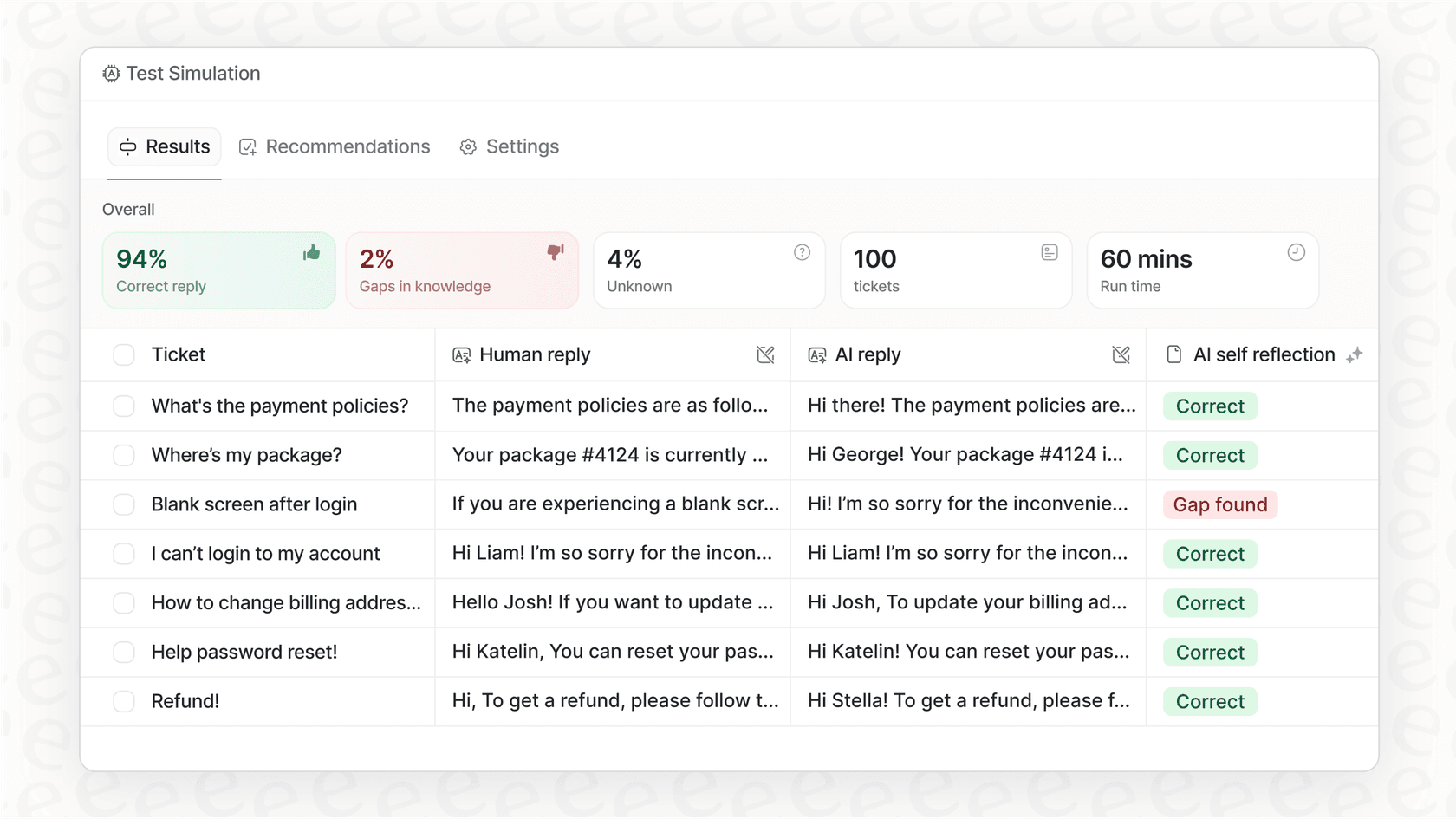
Why we picked it: eesel AI is all about putting the IT team in the driver's seat. Its self-serve platform is a welcome change: you can get it running in minutes, not months. The best part, by far, is its simulation mode. It runs the AI on your past tickets to show you exactly how it would perform and what your automation rate will be before it talks to a single user. This no-risk approach, plus its clear, interaction-based pricing, makes it a great choice for teams that are tired of vague promises and hidden fees.
Pros:
-
Truly self-serve: You can sign up, connect your knowledge docs, and go live without ever having to sit through a sales call.
-
Simulation mode: It predicts automation rates and accuracy using your own data, so you know what you’re getting. It’s the ultimate "try before you buy."
-
Predictable pricing: You pay a flat fee based on how many AI interactions you use, not "per-resolution." This means you don't get punished for successfully automating more tickets.
-
Fine-tuned control: You get to decide exactly which topics the AI should handle and which ones should go straight to a human.
Cons:
- The most powerful automation features, like automatic ticket replies and triage, are only on the Business plan.
Pricing: The Team plan is $299/month for up to 1,000 AI interactions. The Business plan, which unlocks full automation, is $799/month for up to 3,000 interactions. You can get a 20% discount if you pay annually.
2. Risotto
Why we picked it: Risotto is built to feel like it's just part of your company's Slack. It's really good at human-like, multi-step troubleshooting, asking follow-up questions just like one of your agents would. It also watches how your team resolves tickets in Slack and learns from them. Its two-way sync with Jira, Freshservice, and Zendesk keeps everything tidy without anyone having to jump between tools.
Pros:
-
Great at natural back-and-forth conversations.
-
Learns from how your agents solve problems to get smarter over time.
-
Good for automating software access requests with its built-in approval workflows.
Cons:
-
Pricing for bigger teams is custom, so you have to get on a sales call to get a quote.
-
While it works with Microsoft Teams and email, it’s pretty clear it was designed with Slack as the main focus.
Pricing: The Startup plan for companies with under 200 employees starts at $750/month (billed annually). Enterprise pricing is custom.
3. Moveworks
Why we picked it: Moveworks is the heavyweight champion for big companies, built to automate support across IT, HR, and finance. Its main strength is its ability to find information and take action across a ton of different enterprise systems, like ServiceNow and Workday. It's a very powerful tool for huge organizations (it's trusted by 10% of the Fortune 500) that need one AI to handle complicated requests across different departments.
Pros:
-
Connects deeply with a wide range of business applications.
-
Has top-notch security and compliance credentials, including SOC 2, ISO, and FedRAMP Ready status.
-
Can handle complex, multi-step tasks that go way beyond simple IT support.
Cons:
-
It costs a lot and isn't a realistic choice for small or medium-sized businesses.
-
Getting started is a long, complicated process that is entirely led by their sales team.
Pricing: Custom pricing only. You’ll have to request a demo and go through a full ROI analysis.
4. Freshservice
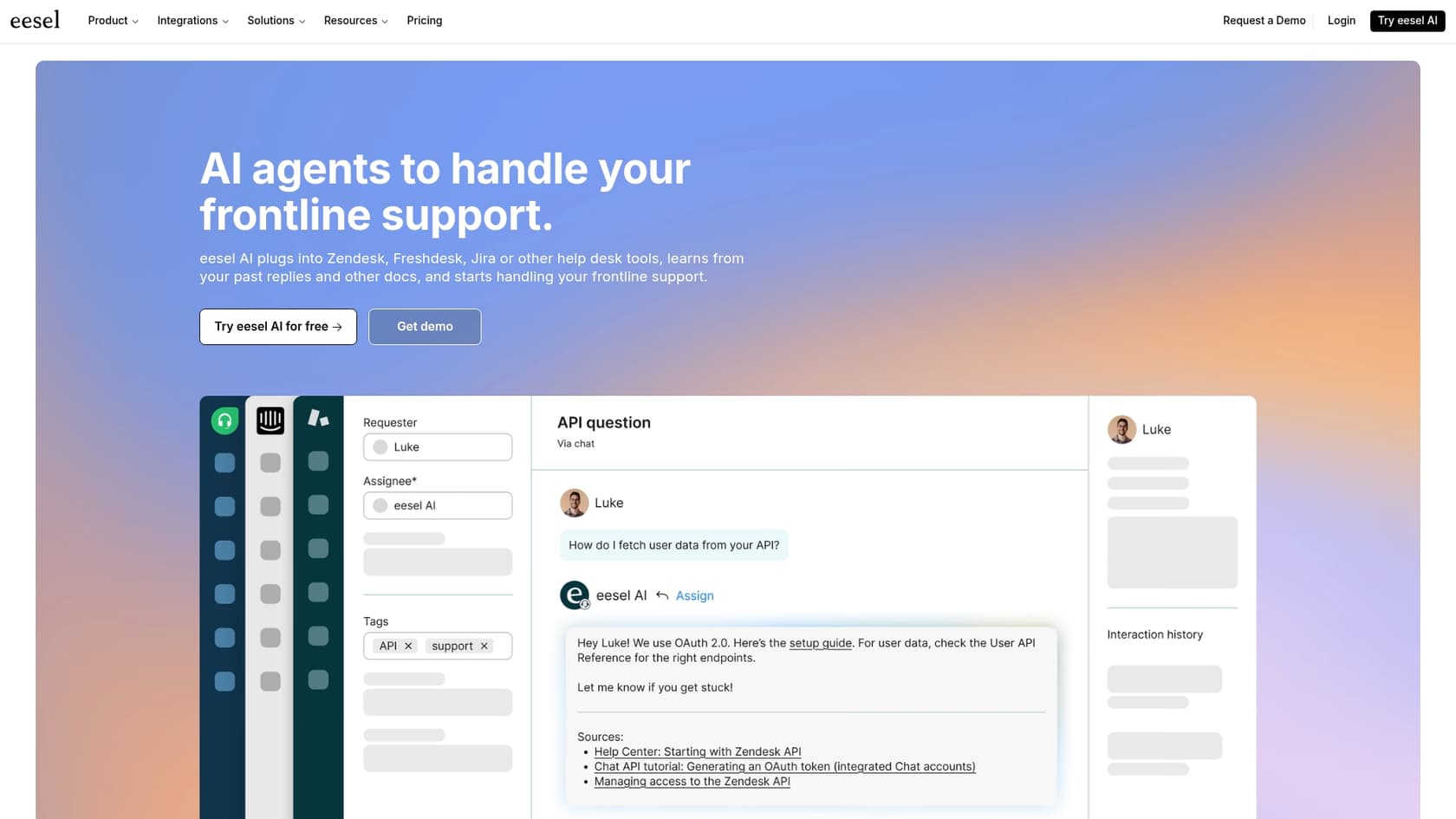
Why we picked it: If your team already uses Freshworks products, adding Freshservice is a no-brainer. Its AI agent, Freddy, is built right into the platform, helping with things like ticket classification, suggesting solutions for agents, and powering a self-service portal. For existing customers, it keeps everything in one familiar place.
Pros:
-
Works seamlessly with other tools in the Freshworks family.
-
Comes with strong ITSM and IT asset management features out of the box.
-
Offers a bunch of AI features, from helping agents with suggestions to a portal-based virtual agent.
Cons:
-
Many of the best AI features are only available in the more expensive plans or are sold as add-ons. For example, Freddy Copilot is an add-on for the Pro and Growth plans.
-
The integrations with chat tools like Slack often just feel like notification bots rather than true conversational assistants.
Pricing: Plans start at $19/agent/month. The Pro plan is $99/agent/month (billed annually), but expect to pay extra for the advanced AI stuff.
5. Zendesk

Why we picked it: Zendesk is a giant in the service world for a reason: Its platform is powerful, reliable, and can be configured to meet almost any organizational need. Its AI features bring helpful capabilities like smart triage, macro suggestions, and AI-generated replies to your workflow. It is an excellent choice for companies that want a mature, industry-leading platform for both external customer support and internal IT help, and it is supported by an impressive marketplace of over 1,000 integrations.
Pros:
-
A highly capable, all-in-one platform for both external customer support and internal employee help.
-
An expansive marketplace of third-party apps and integrations that provides unmatched flexibility.
-
Comprehensive reporting and analytics tools that deliver deep business insights.
Cons:
-
The advanced AI features are available as specialized add-ons, allowing teams to customize their toolkit as they grow. While these premium options like "Copilot" or the "Advanced AI agents" package are an additional investment, they provide robust, enterprise-grade functionality.
-
Due to its deep and extensive feature set, the platform may require some initial setup time to master, making it a powerful choice for teams that value scalability over simplicity.
Pricing: The Suite Team plan, which includes "Essential" AI agents, starts at $55/agent/month (billed annually), with additional powerful AI add-ons available for growing teams.
6. Aisera
Why we picked it: Aisera markets itself as an AI platform for automating tasks across the whole business, not just IT. With a library of over 1,000 pre-built workflows for HR, Finance, and IT, it’s aimed at large companies looking to scale automation beyond the help desk.
Pros:
-
Has a huge library of pre-built workflows for different departments.
-
Uses specific language models for different domains, which can lead to more accurate answers.
-
Integrates with a lot of enterprise systems like ServiceNow, Workday, and Salesforce.
Cons:
-
Since it's a jack-of-all-trades, its IT-specific features might not be as polished as tools built just for IT.
-
Setup is a big project that requires their sales team, so you can't just sign up and start playing around.
Pricing: Custom pricing, which means you have to sit through a demo and consultation.
7. Jira Service Management
Why we picked it: For teams that are already all-in on the Atlassian ecosystem, Jira Service Management (JSM) is a natural and highly capable choice. Its AI features, powered by Atlassian Intelligence, are designed to empower agents by summarizing tickets, drafting replies, and searching the knowledge base. The main draw here is how flawlessly it works with Jira and Confluence, providing a mature and trusted foundation for your entire operation.
Pros:
-
Deep, native integration with other Atlassian products.
-
A familiar feel for teams already using Jira and Confluence.
-
Built on a strong foundation of ticketing and project management.
Cons:
-
The AI is designed as a sophisticated assistant that empowers your agents with context and intelligence, ensuring that every response is backed by the full power of the Atlassian platform.
-
The Virtual Agent usage follows a flexible scaling model. While it includes 1,000 free conversations a month, it is designed to grow effortlessly alongside your organization's support needs.
Pricing: The Premium plan starts at $51.42/agent/month and includes most AI features, with scalable options available for the virtual agent as you grow.
3 tips for choosing the right AI IT help desk
Shopping for these tools can get confusing. Here are three things I learned to keep in mind:
1. Always try before you buy (the right way) Don't fall for a polished sales demo. Look for a tool that lets you test its AI on your own past tickets. This gives you a real, data-driven forecast of its accuracy and automation potential, letting you build a solid business case before spending a dime. This is something that tools like eesel AI do really well.
2. Watch out for tricky pricing Some vendors love to charge "per resolution" or use "consumption-based" models. This means your bill goes up as the AI does its job better, which just feels wrong. A flat, interaction-based pricing model is much easier to predict and means the vendor wins when you win.
3. Make sure you're still in charge The goal isn't to replace your IT team: It's to give them a hand. The best AI IT help desk tools let you set very specific rules for what gets automated and what needs a human touch. This ensures simple requests are handled instantly while the tricky stuff gets the expert attention it needs, keeping both your users and your agents happy.
Your IT team deserves a smart AI IT help desk, not another headache
The right AI IT help desk isn't some far-off dream anymore. It’s a real tool that can cut down on ticket volume, free up your skilled techs for more important work, and give employees the instant help they expect. But it shouldn't be another complex system to manage or a budget item that spirals out of control.
The trick is to pick a solution that's smart, easy to set up, and gives you complete control without any surprise bills.
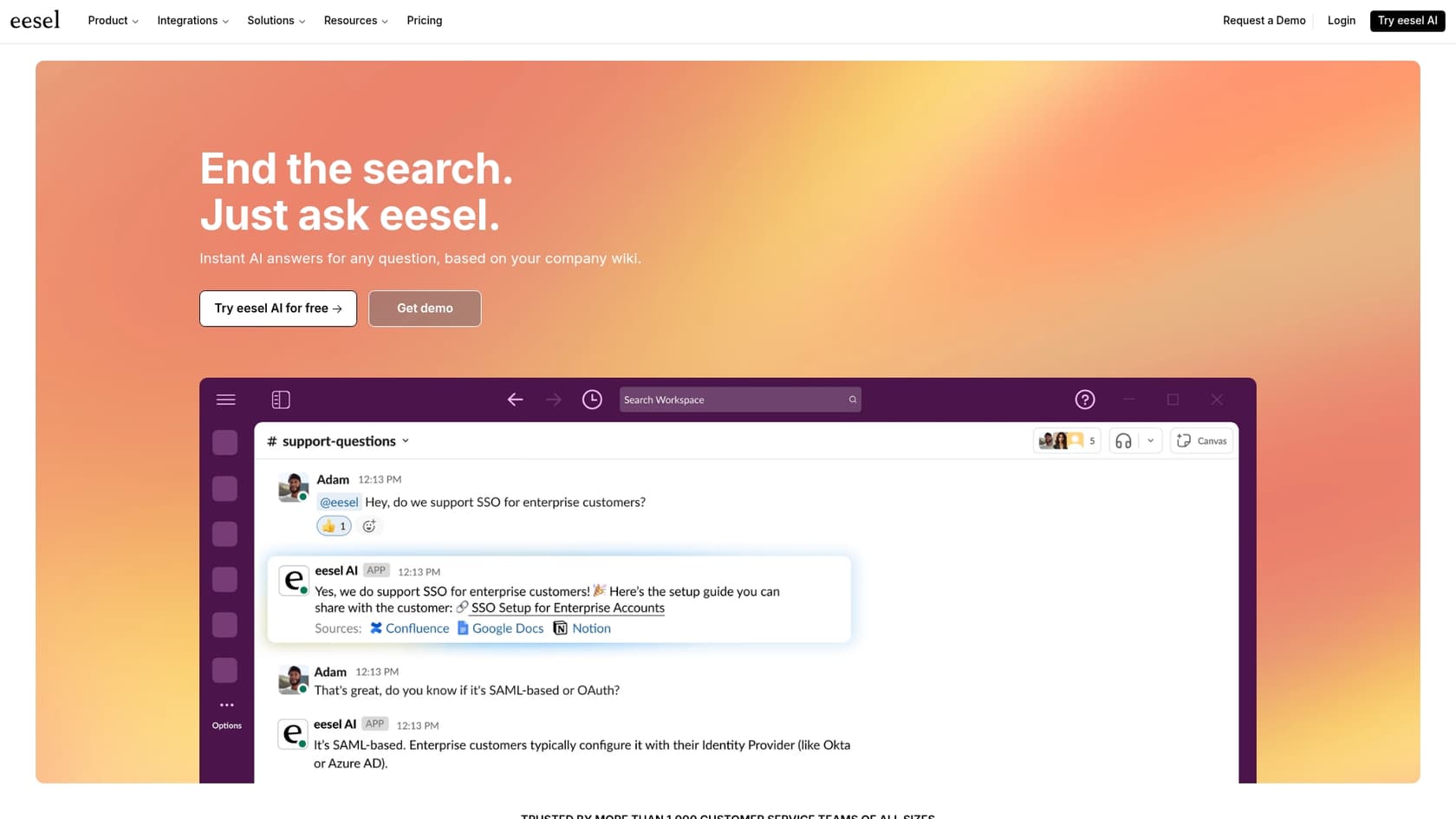
eesel AI's AI Internal Chat really delivers on this. It's fully self-serve, connects to your existing tools in minutes, and lets you test everything with zero risk using its simulation mode.
Ready to see how much time you could actually get back? Start your free 7-day trial of eesel AI today.
Frequently asked questions
What exactly is an AI IT help desk, and how does it differ from a basic chatbot?
An AI IT help desk goes beyond simple chatbots by understanding natural language and solving problems contextually. It acts as a smart automation layer that connects to your existing tools, providing direct answers and automating tasks like ticket routing or software access.
How effectively can an AI IT help desk integrate with our current systems like Jira, Zendesk, or Slack?
The best AI IT help desk tools are designed to integrate seamlessly with your current stack, including platforms like Jira, Zendesk, Slack, and Microsoft Teams. They should connect without lengthy implementation projects, making your existing system significantly smarter.
What are the primary benefits our IT team can expect from implementing an AI IT help desk?
Implementing an AI IT help desk can significantly reduce your team's ticket volume, especially for repetitive Tier-1 issues like password resets. This frees up your skilled technicians to focus on more complex problems and strategic initiatives, leading to happier users and a more efficient IT department.
How important is security when choosing an AI IT help desk, and what should I look for?
Security is paramount. When choosing an AI IT help desk, look for tools with strong compliance credentials like SOC 2 and robust data privacy policies. Some solutions also offer features like simulation modes to test performance without risking live data.
Can we really test an AI IT help desk's performance on our own data before rolling it out?
Yes, ideally. Leading AI IT help desk solutions offer simulation modes that allow you to test the AI's accuracy and automation potential on your own historical tickets. This provides a data-driven forecast of its performance before it interacts with any live users.
What types of common IT issues can an AI IT help desk typically resolve without human intervention?
An effective AI IT help desk can resolve many common, repetitive IT issues independently. This includes answering FAQs, performing password resets, categorizing and routing tickets, and even granting basic software access. It aims to handle simple requests instantly.
What kind of pricing models should I be aware of when considering an AI IT help desk solution?
You'll typically encounter flat-fee, per-agent, or consumption-based pricing models for an AI IT help desk. It's crucial to watch out for "per-resolution" or "consumption-based" fees, as these can lead to unpredictable costs that increase as the AI performs better. Flat, interaction-based pricing is often more transparent.