
Why churn and support are more connected than most leaders think
Most support teams are evaluated on handle time, CSAT scores, and ticket volume. Retention is usually owned by customer success or sales. The two functions rarely talk directly.
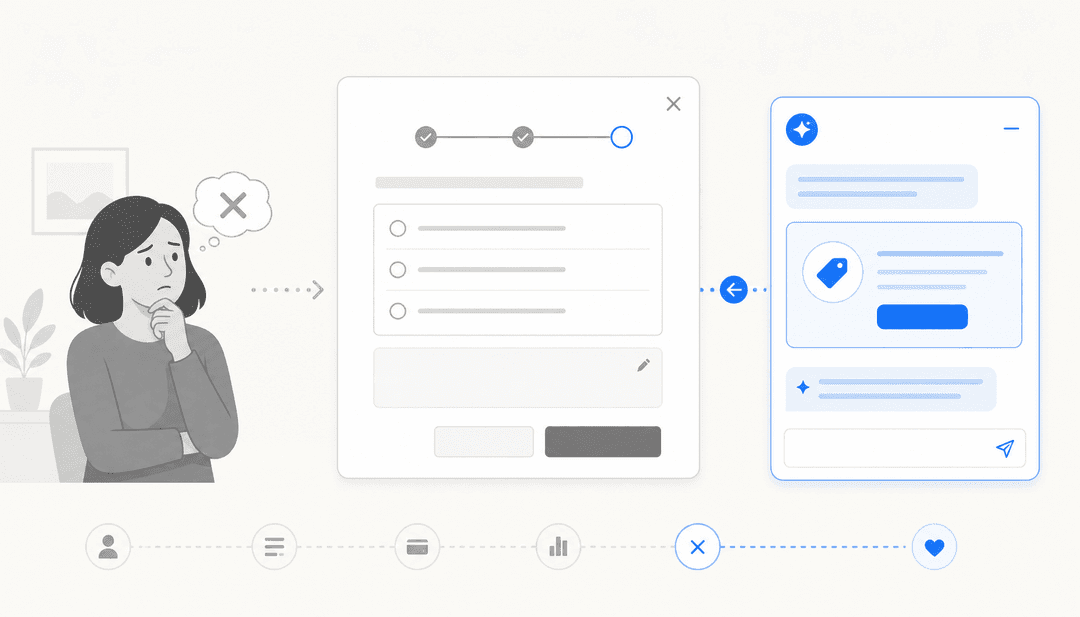
That disconnect is expensive. According to the U.S. Chamber of Commerce, 67% of customer churn is caused by a service or product issue that went unresolved after the first support interaction. Not a pricing problem. Not a competitor stealing the account. A ticket that should have been fixed and wasn't.
The link between support quality and revenue retention is well-documented. Research cited by Forbes puts it bluntly: 96% of customers will leave after just one bad service experience. And on the flip side, 93% of customers will make an additional purchase from your company if they have a positive service experience.
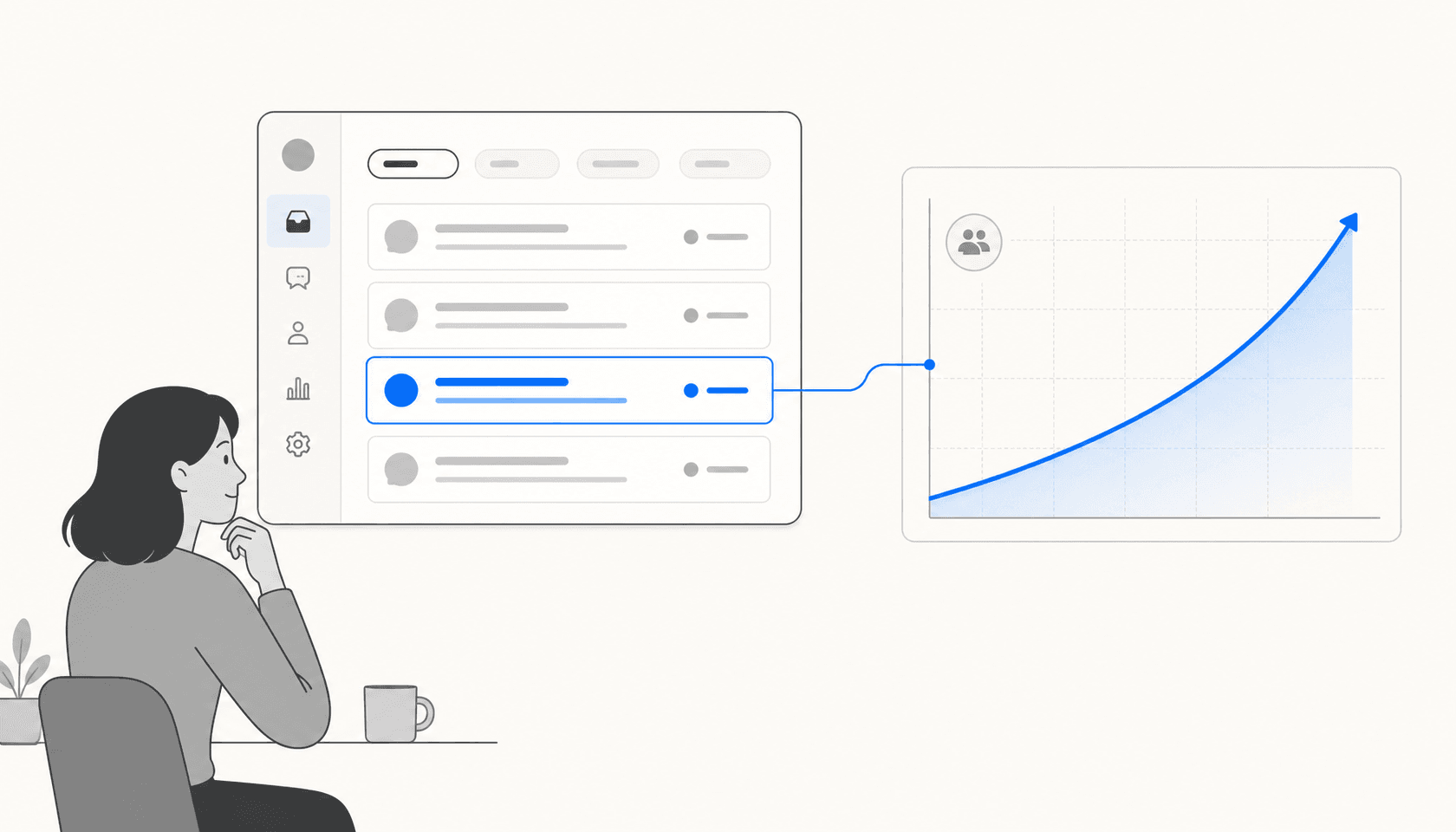
Bain & Company's foundational research shows that increasing retention by just 5% can boost profits by 25% to 95%, depending on industry. Support isn't a cost center that happens to exist near the revenue — it's a direct driver of whether customers stay.
The problem is execution. Most support teams are under-resourced relative to ticket volume. 70% of agent time is spent on repetitive tasks. The people who should be catching frustration signals and escalating at-risk accounts are stuck closing low-complexity tickets manually. That's where AI changes the math.
The support failures that consistently drive churn
Before getting into what AI can do, it helps to name the specific failure modes that push customers out the door. Most of them aren't dramatic. They're small frictions that compound.
Slow first responses. Customers who wait hours or days for a reply don't experience that as a minor inconvenience. They experience it as a signal that your company doesn't prioritize them. Every hour of waiting increases the chance they'll go looking at alternatives.
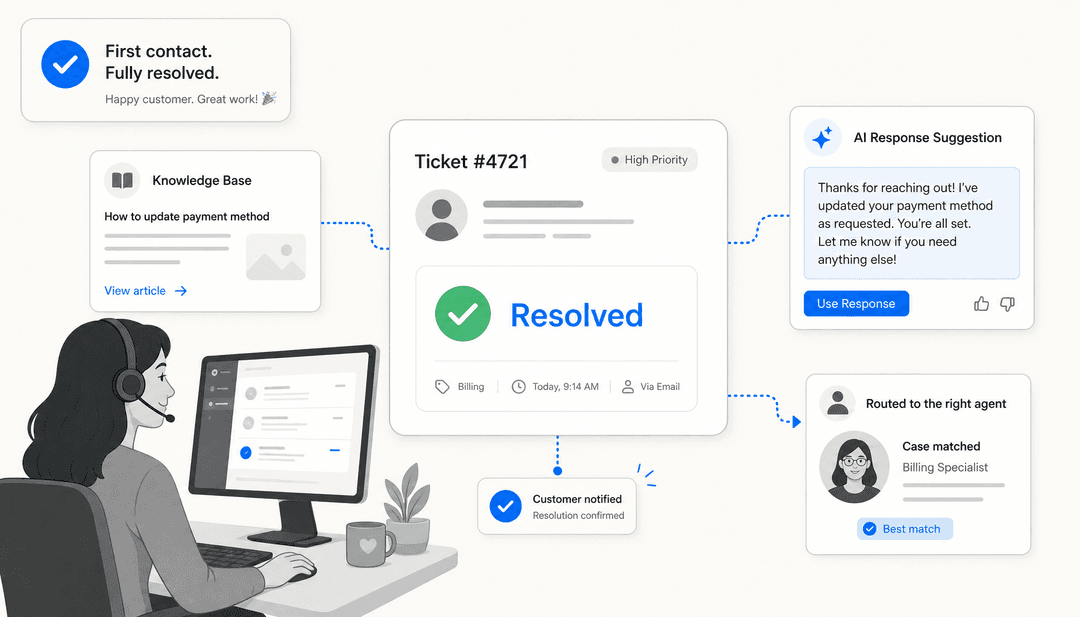
Unresolved issues on first contact. The 67% stat above points here. When a customer contacts support and leaves without a resolution, they're more likely to leave the product too. FCR (first contact resolution) correlates directly with retention — not as a proxy metric, but as a causal mechanism.
Inconsistent or wrong answers. When a customer gets different information depending on which agent they reach, or receives guidance that conflicts with your actual product behavior, trust erodes. An outdated help article that causes a customer to misconfigure something — and then escalate twice — is a retention risk disguised as a knowledge management problem.
No visibility into at-risk signals. Support teams talk to every customer, but rarely have a systematic way to surface which accounts are about to churn. A customer who opens five tickets in two weeks, uses increasingly frustrated language, and asks how to export their data is probably evaluating alternatives. Without a system to flag that pattern, those signals get buried in the queue.
Overloaded agents who can't escalate thoughtfully. When agents are handling 80+ tickets a day manually, they don't have bandwidth to notice when an enterprise account's communication tone has shifted. The judgment calls that prevent churn get squeezed out by volume.
How AI addresses each failure mode
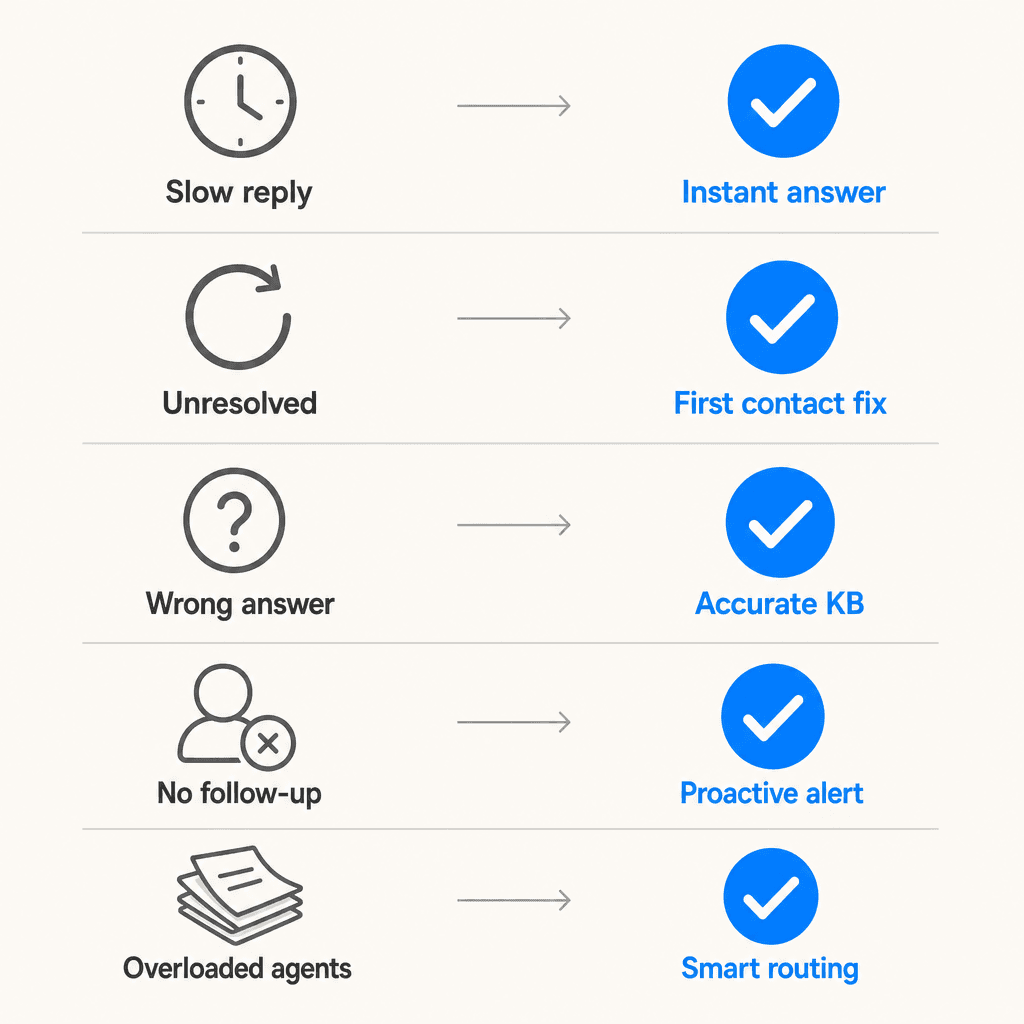
Instant deflection of routine tickets
The fastest way to improve response time is to stop making customers wait for a human to answer questions the AI can handle immediately. AI tools for customer support can resolve common questions about order status, account settings, billing, feature availability, and policy — with a reply time measured in seconds rather than hours or days.
This matters for churn in two ways. First, customers with simple problems get resolved before frustration builds. Second, it frees human agents to focus on the complex, high-stakes interactions that actually require judgment — the ones that can turn an at-risk customer into a retained one.
eesel AI works directly inside Zendesk, Freshdesk, Gorgias, and other helpdesks — it doesn't replace the tool, it layers on top. When a ticket comes in, the AI drafts a reply immediately, drawing from past resolved tickets, help center articles, Confluence, Notion, Google Docs, and any other connected sources. In supervised mode, agents approve before sending. As confidence builds, the AI sends autonomously on the categories it handles reliably.
Gridwise saw eesel resolve 73% of tier-1 requests in its first month. Smava runs 100,000+ tickets per month in German with full automation. At that volume, even a 20% improvement in response time has a measurable impact on CSAT and, by extension, renewal rates.
Confidence-based routing for complex and frustrated customers
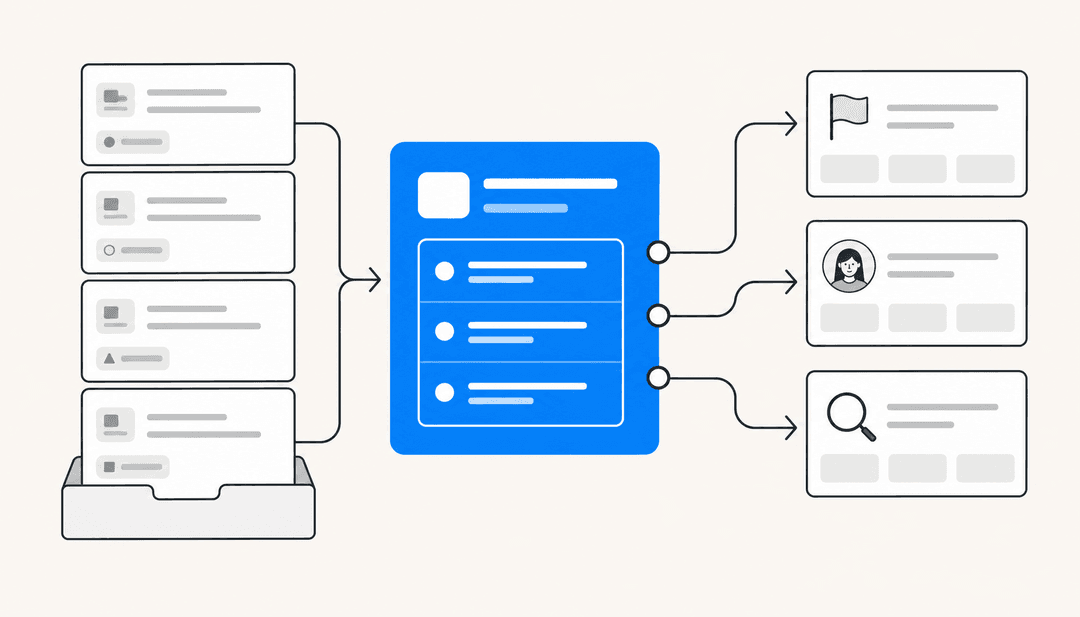
Not every ticket should be deflected. A frustrated enterprise customer raising their third billing issue in a week needs a thoughtful human response, not an automated template. The challenge is getting the right tickets to the right people without manual triage.
AI does this through confidence scoring. Every time eesel generates a response, it evaluates how confident it is in that answer. High-confidence replies — the account-settings question, the shipping status lookup — can be sent autonomously. Low-confidence replies queue as drafts for human review. Escalation triggers are configured in plain English: "Escalate all billing disputes to the senior team," or "Route any ticket mentioning 'cancel' to the retention queue."
This creates a system where the humans who remain get the tickets that actually need human judgment. According to Gartner analyst Jonathan Schmidt, "agent roles have shifted from more or less execution to more judgment-oriented. The routine issues are automated or removed or deflected." That's the intended outcome: agents spending time on conversations that can genuinely change a customer's decision about whether to stay.
Freshdesk Freddy AI Copilot includes sentiment detection that surfaces the customer's emotional state at ticket open, giving agents a head-start on how to frame their response. Zendesk Copilot similarly shows intent, sentiment, and relevant entities before an agent starts typing. These features help agents catch the tone of a conversation before they inadvertently make it worse.
Proactive detection of at-risk signals
The most powerful churn prevention isn't reactive — it's catching signals before the customer decides to leave. Support data is the best (and most underused) source of those signals.
Research from Mosaic AI identifies eight reliable early warning signals in support data: increasing ticket volume from an account, declining product usage or stalled adoption, repeated failed workflows, negative sentiment shifts, key stakeholder disengagement, missed SLAs, and data export inquiries. The problem is that manually monitoring these across hundreds of accounts isn't feasible for most teams.
AI solves this by processing every conversation — human-handled and bot-handled — and flagging specific risk patterns automatically. A customer account that generated 2 tickets last month and 11 this month, with language trending from "could you help" toward "this is unacceptable," stands out in the data even if no individual agent noticed the shift.
eesel's theme analysis feature surfaces recurring patterns from recent tickets and presents them to administrators — which categories are spiking, where sentiment is declining, what topics are generating the most escalations. This is support intelligence as a retention tool, not just an operational report.
The downstream integration matters too. When support flags an at-risk account, that signal needs to reach the customer success team or account manager quickly enough for them to do something about it. Clear escalation paths — support to success handoffs, renewal-window flagging inside the helpdesk view — turn signal into action.
Keeping knowledge accurate
An outdated help article or a knowledge base that doesn't reflect current product behavior is a churn risk disguised as a content problem. When customers read documentation that sends them in the wrong direction, they open support tickets. When support resolves those tickets with informal guidance that contradicts the official docs, trust in the company erodes.
eesel automatically identifies knowledge base gaps by analyzing what questions the AI can't answer confidently, then drafts new KB articles to fill those gaps. The simulation feature runs the AI against thousands of historical tickets before going live and shows exactly where coverage is thin — which categories get deflected, which ones require human escalation, and what documentation needs to be created or updated first.
In the simulation view on eesel's platform, you might see: "23 tickets last week asked about pro-rated refunds, but your docs only cover full cancellations." That's a specific, actionable gap. Add the refund policy, re-run the simulation, and coverage goes from 28% to 91%. That's not just an AI improvement — it's a product of your support data surfacing what customers actually need to know.
24/7 coverage without the headcount
Customers in different time zones, or customers who hit problems outside business hours, are a specific churn risk. An urgent billing issue that goes unacknowledged for 16 hours while your team sleeps creates a very different customer experience than one that gets an answer in 90 seconds.
AI doesn't have office hours. eesel answers tickets around the clock in 80+ languages, detecting the customer's language automatically and responding in kind. For global businesses, this is the difference between a customer in Tokyo who gets help immediately and one who waits until your San Francisco team arrives.
The average first response time with eesel is under 2 minutes. At peak volume — a product outage, a billing cycle, a feature release — that number holds, because the AI doesn't get overwhelmed the way a human queue does.
Tools to look at
eesel AI
eesel AI is the most direct fit for teams that want to reduce churn through better support without replacing their existing helpdesk setup. It connects to Zendesk, Freshdesk, Gorgias, Help Scout, and others, learns from your past resolved tickets, and handles support end-to-end.
Key capabilities for churn prevention:
- Autonomous ticket resolution with confidence-based draft routing
- Theme analysis to surface at-risk patterns across the ticket queue
- Automatic KB gap detection and article drafting
- Simulation mode to test performance before going live
- Configurable escalation rules via plain English (no workflow builder required)
- Per-ticket pricing at $0.40, no platform fee, free trial with $50 credits
The graduated autonomy model — start in supervised copilot mode, promote to agent mode as confidence builds — means teams can adopt incrementally without betting the customer experience on an AI from day one.
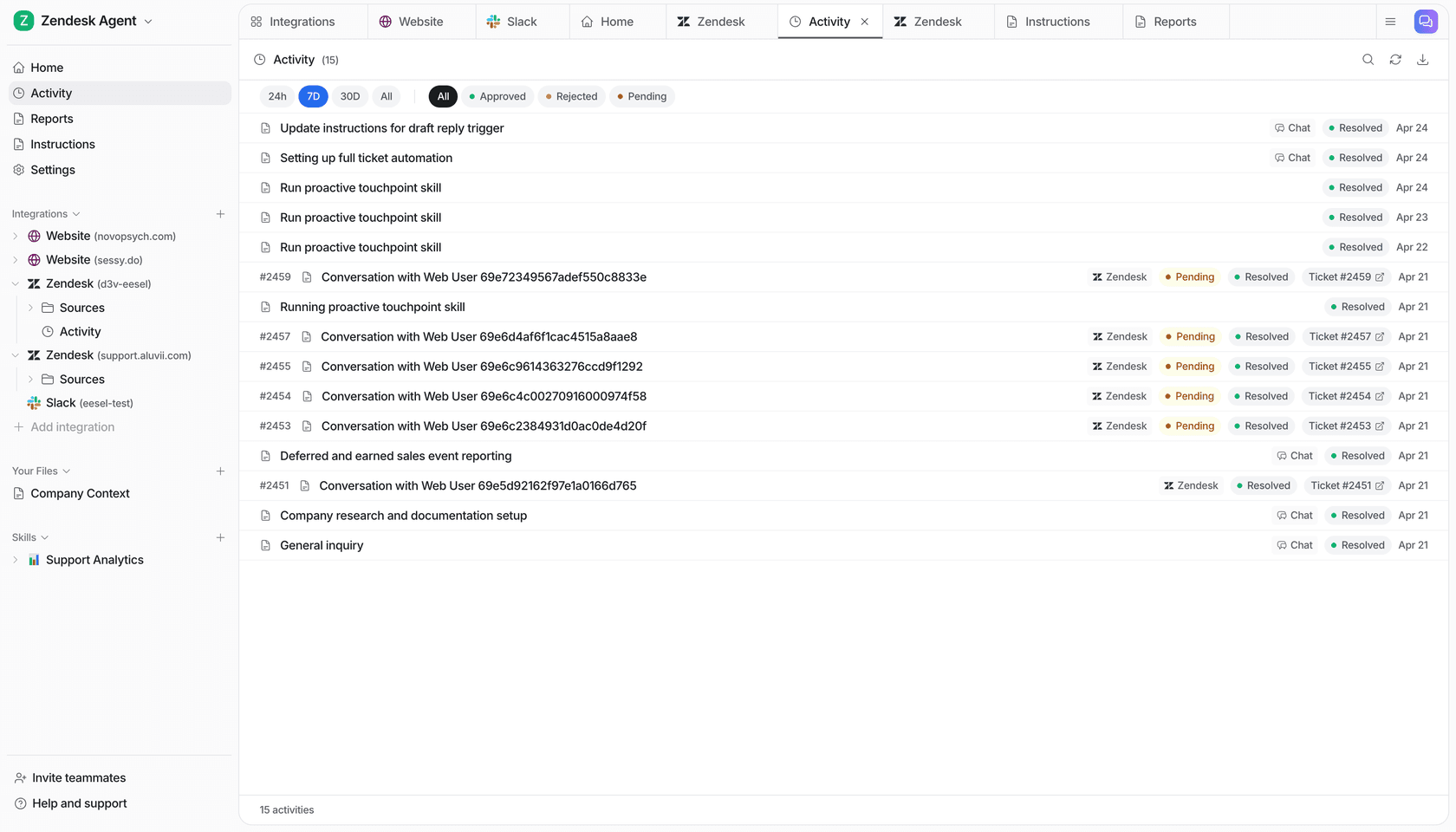
"In the first month, eesel is resolving 73% of our tier 1 requests. eesel offers easy Zendesk implementation and setup. Our team implemented and achieved results quickly during our 7-day trial."
— Kim Simpson, Gridwise (source)
"We have been using this app in our business for the past 2 months and the results are incredible! It really relieves our small support team from being overrun by questions that can be easily answered by a simple AI."
— Oil Stores Support, Oil Stores (source)
Zendesk AI Copilot
Zendesk AI Copilot is a paid add-on for existing Zendesk subscribers. It shows agents intent, sentiment, and relevant entities at ticket open, surfaces reply suggestions from the knowledge base, and supports automated action-taking via third-party integrations (Shopify, Jira, Slack) guided by natural-language business procedures.
Surveyed Zendesk Copilot users report 82% increased agent productivity and 76% time savings. One customer (Rotho) went from 40 to 120 tickets handled per agent per 8-hour shift. This is native to the Zendesk ecosystem — knowledge sources outside Zendesk's own help center aren't included without additional setup.
For a detailed look at how the Copilot add-on works and what it costs, see this deep dive on Zendesk AI Copilot.
Freshdesk Freddy AI
Freshdesk's Freddy AI Copilot gives agents writing assistance, real-time sentiment scoring, auto-triage recommendations, and a reply suggester that surfaces knowledge base articles as agents read incoming tickets. Freddy AI Agent handles autonomous ticket resolution end-to-end, with pre-built integrations for Shopify, Stripe, and FedEx.
Freshworks claims up to 80% query resolution rate and 60% increased agent productivity for teams using Freddy AI Agent. Freddy AI Copilot is a paid add-on across Freshdesk tiers.
For more on how these tools compare in practice, the AI tools for customer support teams roundup covers the full field.
How to implement AI for churn prevention in your support team
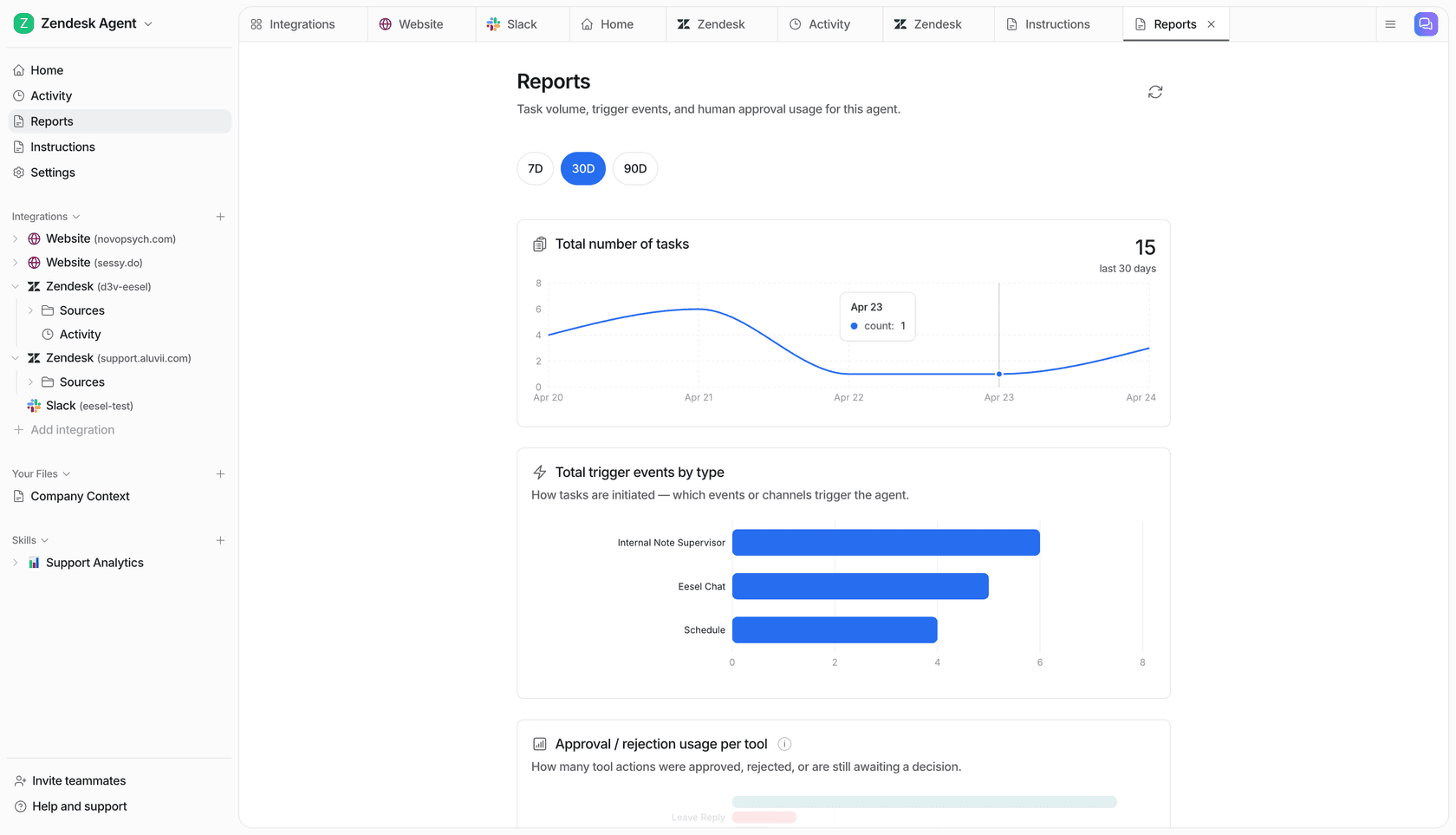
Step 1: Connect your existing helpdesk and knowledge sources
The fastest path to value is adding AI to what you already have. With eesel, this means connecting Zendesk or Freshdesk, pointing the AI at your past resolved tickets and help center articles, and letting it start learning. You can also connect Confluence, Notion, Google Docs, and other knowledge sources where your team stores information — the more context the AI has, the better its answers.
Setup takes under 15 minutes for most helpdesk integrations. You don't need to migrate data or stand up new infrastructure.
For a practical walkthrough of setting this up from scratch, the customer support workflow automation guide covers the process step by step.
Step 2: Run a simulation before going live
Before the AI responds to any real customers, run it against a sample of your historical tickets. eesel's simulation mode shows you per-category performance: where it's strong, where it's uncertain, and which topics need better documentation before you'd want to trust it autonomously.
This step prevents the AI from compounding existing knowledge gaps at scale. If your refund policy documentation is thin, the AI will tell you — and draft replacement articles for you to review. Fill the gaps, re-run the simulation, and go live only when you're confident in the coverage.
Step 3: Start supervised, then expand autonomy
Put the AI in copilot (draft) mode first. Every reply it generates goes to an agent for approval before sending. This isn't just a safety net — it's how the AI learns your tone, your escalation preferences, and your edge cases. The more edits and corrections it receives, the better future responses get.
After a few weeks of supervised operation, look at the data: which ticket categories is the AI handling accurately and consistently? Promote those to autonomous mode. Keep the others supervised until confidence is established. Most teams find they can move a significant portion of their tier-1 volume to autonomous within the first month.
Step 4: Set up churn signal monitoring and escalation routing
Configure escalation rules that route specific risk signals to the right people. In plain English, this might look like:
- "If a ticket includes the word 'cancel', copy the account's CSM and tag it as retention-risk"
- "Route all tickets from accounts with 5+ open tickets this month to senior support"
- "Flag any account where sentiment has trended negative for 3+ consecutive tickets"
Pair this with a weekly theme analysis review — what patterns is the AI surfacing? Are specific ticket categories spiking? Is a particular customer segment showing elevated frustration? These reviews are where the churn prevention value compounds over time.
Step 5: Measure the right things
Track these metrics to understand the actual retention impact:
| Metric | What it tells you |
|---|---|
| First contact resolution rate | Are issues getting resolved on first touch? |
| First response time | How long before customers hear back? |
| Escalation rate by ticket category | Which categories need better coverage? |
| Theme-level CSAT | Where is satisfaction declining? |
| At-risk account response time | How fast are flagged accounts getting attention? |
The connection between these metrics and churn isn't always immediate — a customer who churns in month 4 might have had their first bad support experience in month 2. Track cohorts over time to see whether support improvement correlates with improved renewal rates in the accounts that were previously most at risk.
What good looks like
The best customer service AI platforms aren't just replacing agents with bots — they're redistributing work so that human judgment goes where it matters most. Routine, answerable questions handled immediately. Complex, emotionally charged interactions handled by experienced humans with full context and no backlog pressure.
For churn prevention specifically, this matters because the interactions that retain customers are usually not the ones AI handles alone. They're the ones where a customer is genuinely frustrated, genuinely uncertain about value, or genuinely considering alternatives. If your agents are buried in password resets and order status checks, they don't have bandwidth for those conversations.
Teams using support automation tools effectively report agents focusing on more complex, strategically important interactions — not because the AI took their jobs, but because the AI cleared the queue enough for them to do the work that actually requires them.
The math is simple: fewer unresolved tickets means fewer frustrated customers. Fewer frustrated customers means fewer cancellations. And an AI that can monitor every ticket for churn signals, surface the ones that need human attention, and close the knowledge gaps that cause repeated escalations — that's a retention program built into your support stack.
You don't need a dedicated customer health scoring platform or a six-figure CS tech investment to start. A well-configured AI helpdesk agent, connected to your existing tools and knowledge sources, covers most of the high-leverage tactics described above. eesel offers a free trial with $50 in credits and no credit card required — a low-friction way to see what the deflection rate and resolution speed look like for your actual ticket volume before committing.
For teams looking to go deeper on specific helpdesk implementations, these guides cover the major platforms:
- AI for Zendesk: the new AI agent features in 2026
- Freshdesk AI agent assist: setup, features, and best practices
- Best AI helpdesk tools in 2026
- AI support ticket deflection: strategies to cut volume 20-60%
Sources: U.S. Chamber of Commerce via Ozmo (2024), Forbes/Shep Hyken (2020), Bain & Company via Delight.fit, Mosaic AI churn signals research (2026), Business+AI AI customer success agent guide (2026), CX Dive/Gartner (2026), eesel.ai customer testimonials and case studies (2026)

Frequently Asked Questions
Share this article

Article by
eesel writer team
The eesel writer team creates content to help support teams get the most out of AI.