Every engineering team has a triage backlog they're not proud of. Bug reports pile up faster than anyone can read them. Some are duplicates of tickets filed last month. Some are critical regressions disguised as low-priority noise. Some are assigned to the wrong person, or not assigned at all. The queue grows, the sprint planning meeting turns into an hour-long excavation, and actual fixing gets pushed.
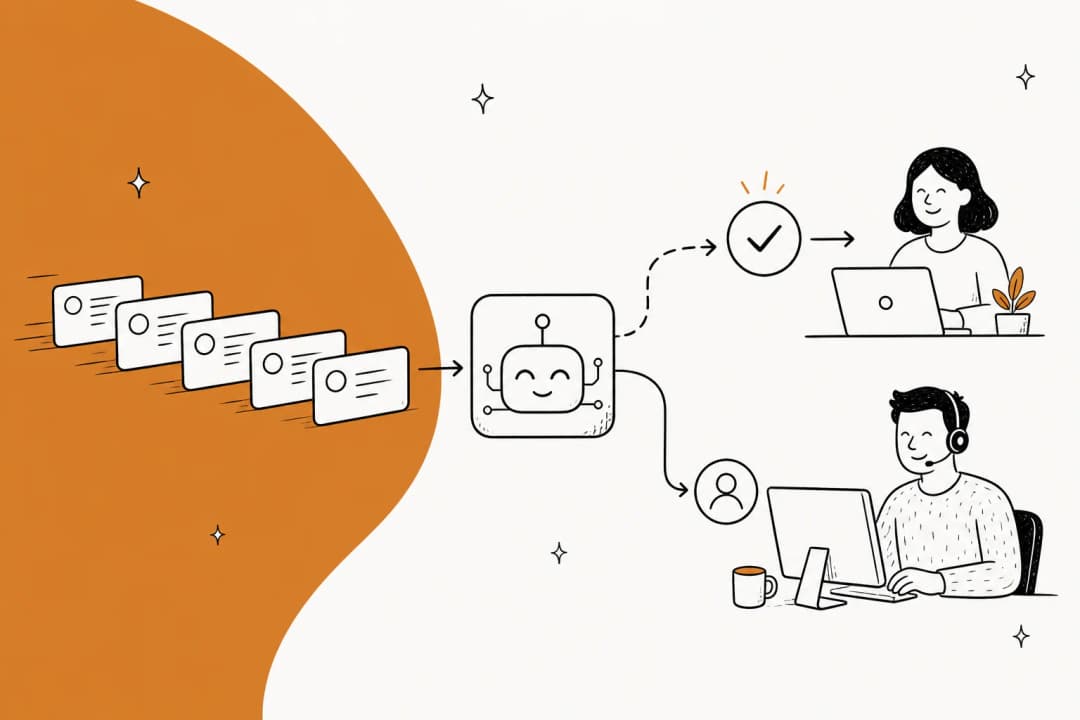
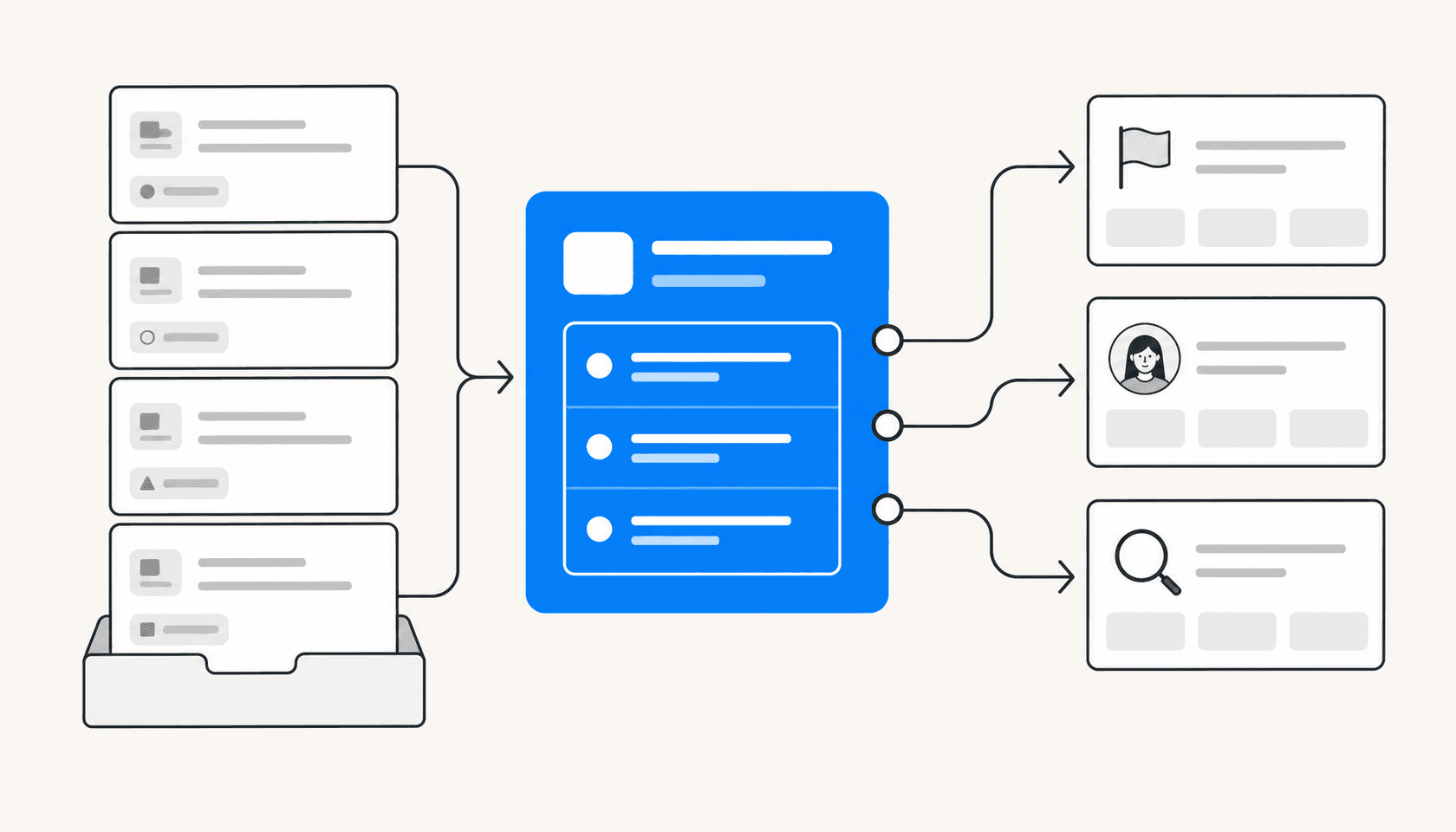
AI triage addresses this directly. It's not a chatbot layer on top of your issue tracker. It's a pipeline that reads incoming reports, compares them to historical data, scores their severity, detects duplicates, and routes them to the right place — before a human has to open a single ticket.
This post covers how that pipeline actually works, which tools have shipped native AI triage in 2026, and where a tool like eesel AI fits in for teams that want this layer without switching trackers.
What bug report triage involves
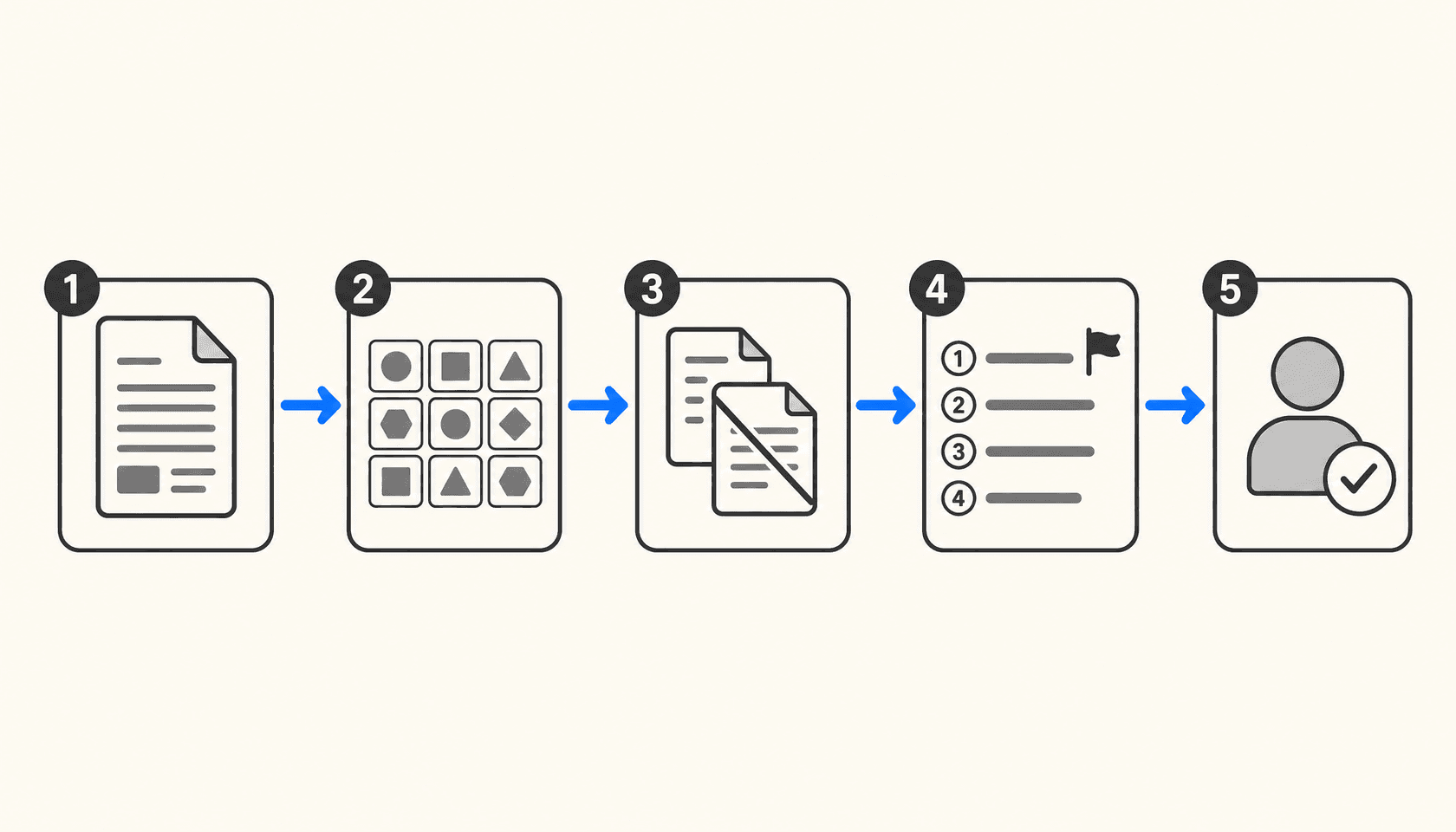
Before AI can improve triage, it helps to be precise about what triage actually is. Most teams treat it as a single activity, but it's five distinct jobs:
Capture — collecting bug reports from all the places they come from: crash reporting tools, customer support tickets, Slack messages, GitHub issues, email.
Classify — deciding what kind of issue this is (crash, regression, performance, UI defect) and tagging it with the right labels so it's findable.
Deduplicate — recognizing that this report describes the same underlying issue as one already in the backlog, and linking or closing accordingly.
Prioritize — scoring the issue's urgency and impact, so the team knows whether this needs fixing today, this sprint, or can wait.
Assign — routing the issue to the engineer or team most qualified to fix it, based on codebase ownership, recent relevant commits, or domain expertise.
Manual triage runs all five through a human every single time. That's the thing AI replaces — not the human judgment on hard cases, but the repetitive reads on the straightforward ones.
How AI handles each step
Classification
AI classification uses NLP to read the issue title, description, stack trace, and any attached metadata, then predicts the appropriate labels. Modern systems use transformer architectures (BERT, RoBERTa) rather than keyword matching, so "app won't open" and "fails to launch on startup" map to the same category even without shared words.
The model learns from historical label decisions. If your team has consistently tagged a certain type of stack trace as a memory leak, the classifier picks that pattern up. Over time it develops team-specific conventions rather than generic defaults.
Deduplication
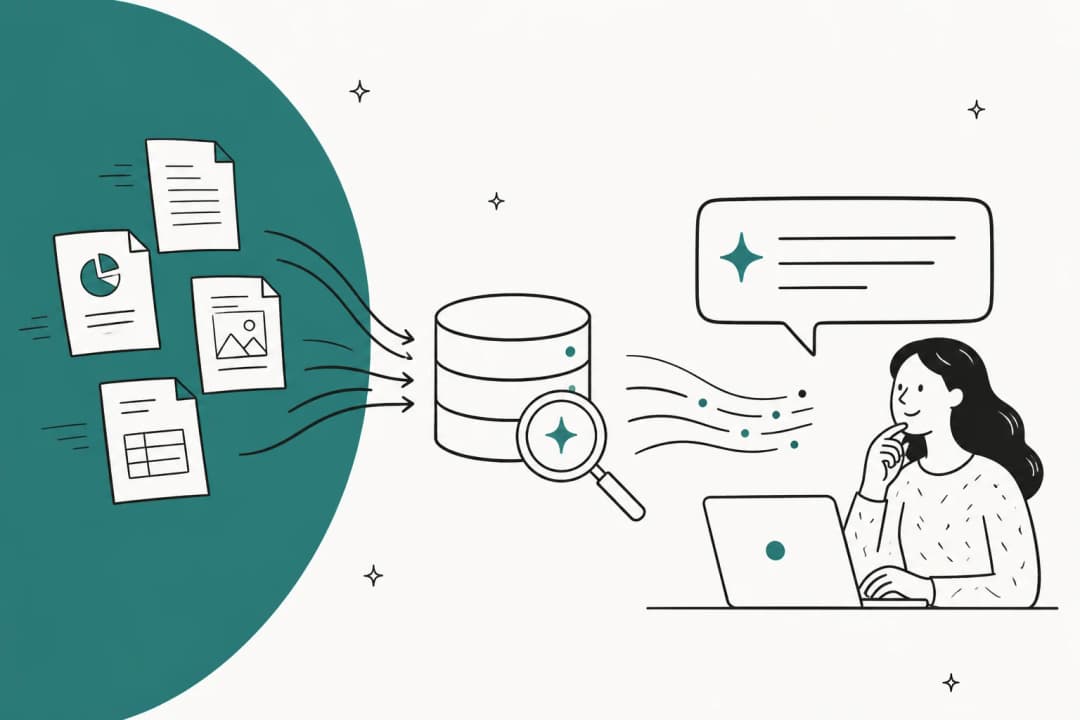
Deduplication is where AI earns its keep most visibly. The approach is semantic — the system encodes each incoming issue as a vector embedding and compares it against an index of existing open issues. Issues that describe the same root cause will have similar vectors even when the descriptions are phrased completely differently.
Ranger's bug triage system uses this exact technique, noting that vector embeddings let the model recognize that "the app won't open" and "fails to launch" describe the same core issue. Without semantic matching, most of these duplicates pass through as new issues and inflate the backlog.
Prioritization
Priority scoring combines content analysis with context. The AI reads the bug description and stack trace, then cross-references: how many users are affected, how critical is the code path involved, does this match the signature of a previously P0 issue? Some systems pull in CI/CD data — a regression introduced in yesterday's deploy gets higher urgency than a minor UI quirk present for months.
Bugpilot's triage guide notes that automated priority scoring cuts manual triage time by up to 80% and reduces the risk of critical bugs hiding in low-priority noise — the failure mode that quietly kills retention.
Assignment
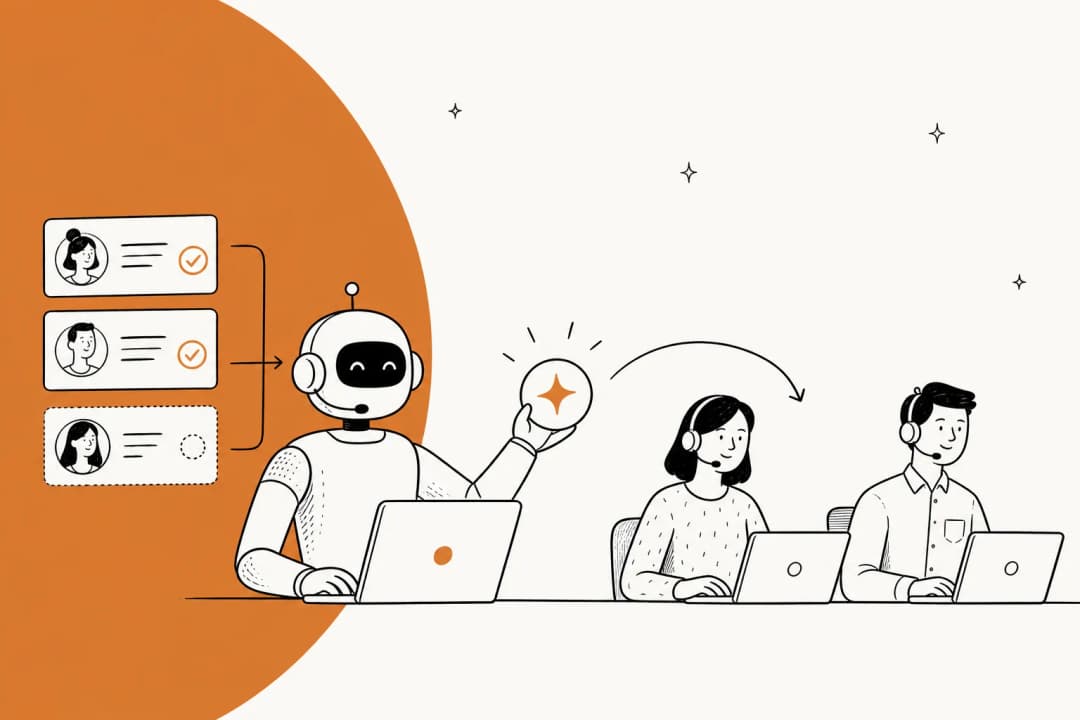
Auto-assignment routes the issue to an engineer based on codebase ownership (who last touched the relevant file), historical patterns (who fixed similar issues before), and current workload. The Webelight triage system uses gradient boosting models trained on assignment history to make these predictions, with organizations reporting 40% improvements in mean time to resolution and 60-70% reductions in manual triage effort.
One important implementation note: full auto-assignment works well for routine issues where confidence is high. For ambiguous or high-severity bugs, the recommended pattern is surfacing the AI's suggested assignee to a human reviewer rather than applying it automatically. The right threshold depends on your team's tolerance for incorrect routing.
The tools with native AI triage in 2026
Sentry Seer
Sentry Seer is the AI debugging layer built into Sentry's error tracking platform. It sits closest to the source of bugs — production errors — and does things no issue-tracker AI can: reading stack traces, distributed traces, structured logs, and code context together to identify root cause and generate fix suggestions.
The workflow is: Sentry captures a production error, Seer's Autofix agent analyzes the root cause, generates a code fix, and can either surface it for human review or hand off to an external coding agent (Claude Code or Cursor Cloud Agents) for implementation. It can also create a GitHub PR directly from within Sentry.
Seer is available on Team ($26/month) and Business ($80/month) plans as a subscription add-on. The Team tier covers the basics; Business adds anomaly detection and 90-day insights lookback. The free Developer tier doesn't include Seer.
Where Sentry is strong: errors that come from production monitoring, where the full runtime context (traces, logs, session replays) matters for diagnosis. Where it doesn't extend: internal bug reports from support channels, feature requests, or issues filed manually that never hit a Sentry event.
Linear Triage Intelligence
Linear Triage Intelligence takes a different angle. Rather than debugging errors from production, it focuses on organizing the issues that land in your Linear inbox — whether they come from integrations, Slack, or direct submission.
When an issue enters triage, Linear's AI assesses it against historical workspace data and surfaces suggestions: which team should own it, who should be assigned, which labels apply, and whether it duplicates an existing issue. Each suggestion shows the model's reasoning in plain language, and you can accept or decline individually. For high-confidence cases, teams can configure specific suggestion types to auto-apply.
Triage Intelligence is a Business plan feature, starting at $16/user/month billed annually. The free and Basic plans ($10/user/month) get basic in-composer suggestions but not the full historical-pattern analysis. Linear Agent, also in beta, lets teams trigger automated workflows when issues enter triage — including code-aware tasks like diagnosing app behavior once the Code Intelligence feature ships.
Worth knowing: Linear's model doesn't train on your data. Suggestions run through AI subprocessors without permission to train on your workspace. You can tune behavior per team using natural language guidance in settings.
GitHub Copilot SDK
GitHub's approach to issue triage is more open-ended: the Copilot SDK lets teams build triage tooling that uses the same AI powering Copilot Chat. The reference example is IssueCrush, a swipeable card interface where maintainers can get instant AI summaries of open issues and act on suggested recommendations like "needs investigation", "ready to implement", or "close as duplicate."
GitHub has also shipped this more formally: their internal accessibility issue workflow uses GitHub Actions, Copilot, and the Models API to classify WCAG violations, severity, and impacted user segments, with Copilot auto-filling around 80% of structured metadata including recommended team assignment. The same pattern works for any issue category.
The Copilot SDK approach is flexible but requires building. It suits teams with the engineering capacity to wire up GitHub Actions workflows; it's not a no-configuration toggle. Copilot code review, which catches bugs before PRs merge rather than triaging issues after, starts consuming GitHub Actions minutes from June 2026.
Jira with Atlassian Rovo
Jira's AI triage lives inside Atlassian's Rovo platform, which brings search, chat, and automation agents into Jira Service Management and Jira Software. Rovo agents can triage incoming issues, suggest resolution steps, apply labels, set priority, and route with full context attached — connecting to Confluence knowledge, historical Jira data, and other Atlassian tools.
For engineering teams using Jira Software (not just JSM), Atlassian Intelligence surfaces similar issues, suggests assignees based on commit history, and flags knowledge gaps where documentation is missing or underperforming. The depth varies by plan; Premium and Enterprise tiers get the most complete Rovo agent access.
If you want the full picture on automating Jira with AI or comparing the top AI tools built for Jira, those guides cover the native vs third-party tradeoffs in more detail.
Where the gaps are
Each tool above covers its slice well. The problem is that bug reports don't arrive from a single source.
Sentry sees production errors but not the support ticket a customer filed via Zendesk about the same crash. Linear sees issues that reach the Linear inbox but not the Slack message where a user casually mentioned a broken flow. GitHub sees issues but not the customer context sitting in a CRM or help center.
The other gap is knowledge context. Native tool AI is optimized for the platform's own data: Jira AI knows past Jira tickets, Linear AI knows past Linear issues. Neither knows your internal runbooks, your Notion docs, your past Slack discussions about why a particular component was built the way it was.
Using eesel AI as the triage layer
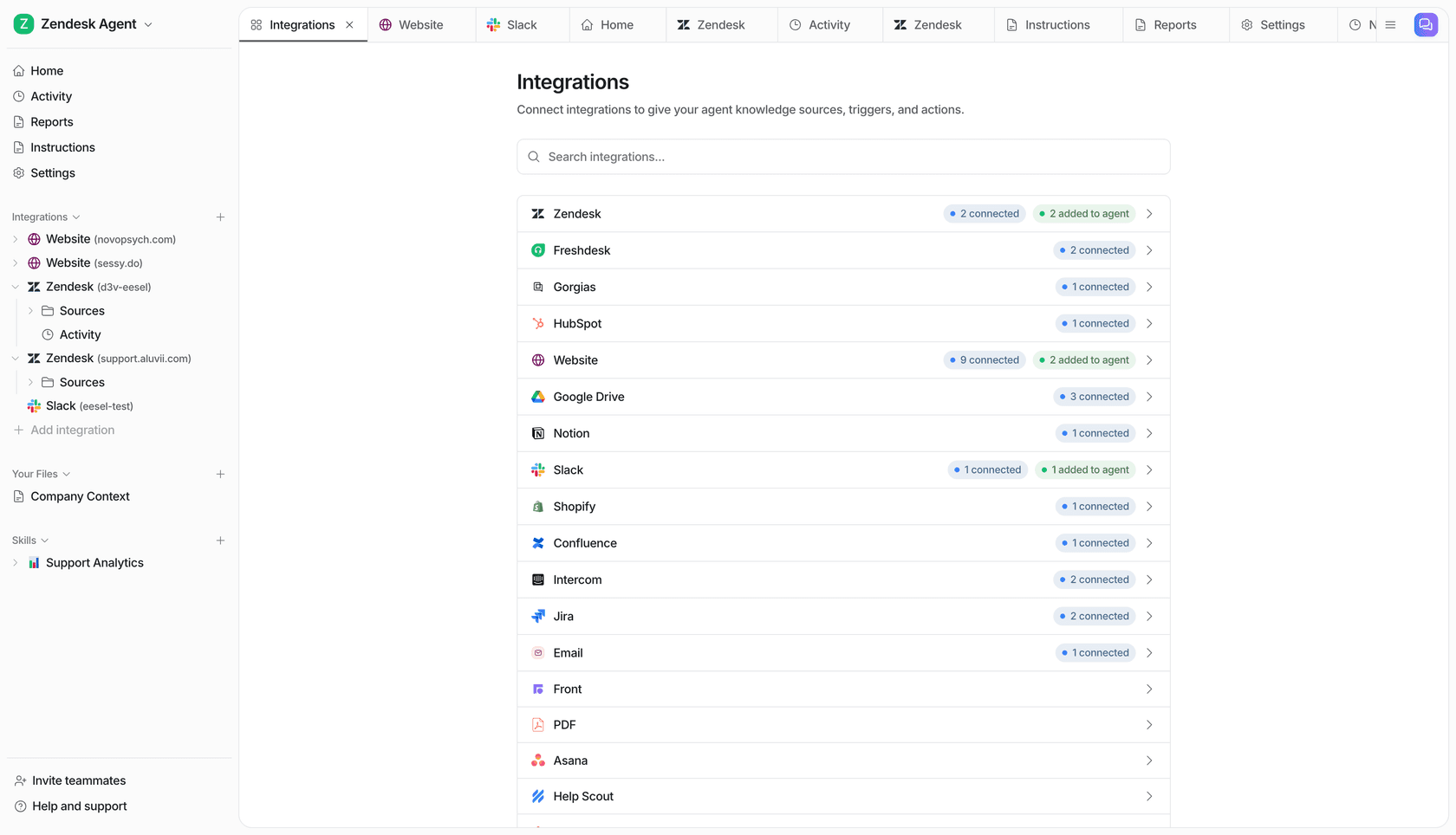
This is where eesel AI fits. Rather than building triage logic into a single tool, eesel sits on top of your existing tracker and brings in knowledge from wherever it lives — past Jira tickets, Google Docs, internal wikis, uploaded files — to classify and route issues with more context than the native tool has.
The practical workflow: a support ticket comes in mentioning a specific error. eesel reads it, checks similar past issues (including ones that crossed from support into Jira), labels the severity, and creates a pre-filled Jira ticket with the relevant context attached. If a matching open issue already exists, it links rather than creates. If it's a high-priority customer, eesel checks the billing system and escalates accordingly.
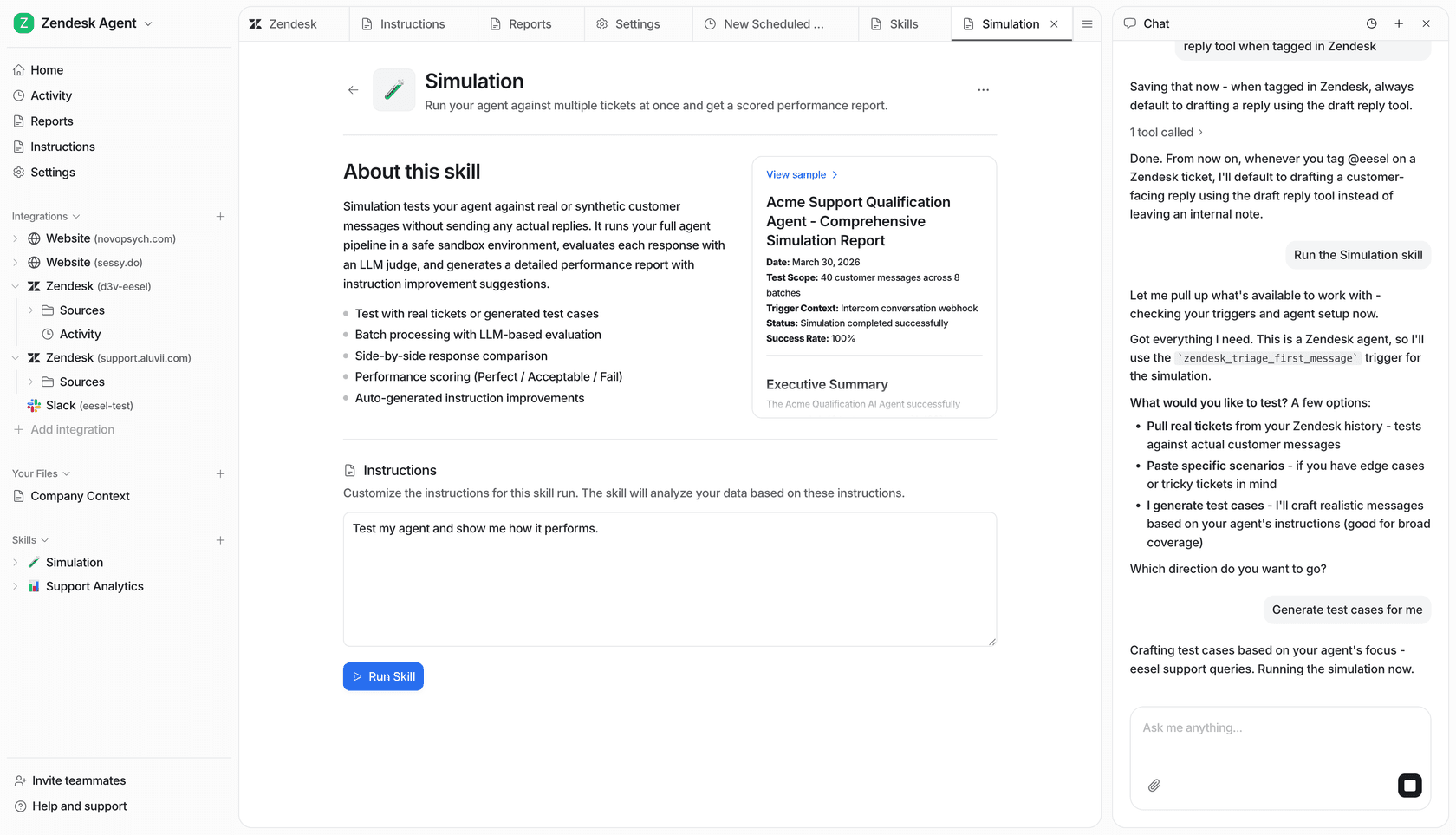
What makes this useful for triage specifically is the simulation mode: before going live, you test the agent on historical tickets to see what it would have classified and how accurately. You tune it without risking mislabeled production issues.
The same logic works for Linear — eesel can receive bug reports from Slack or Teams, triage them, and push enriched issues into Linear's inbox for Triage Intelligence to pick up from there.
For a full breakdown of how AI tools for Jira compare — native vs layered vs custom — that guide covers the tradeoffs for different team sizes and setups.
The workflow in practice
Pulling the tools together, a mature AI triage setup in 2026 looks roughly like this:
| Layer | Tool | What it handles |
|---|---|---|
| Error capture | Sentry + Seer | Production crashes, stack traces, autofix |
| Issue organization | Linear Triage Intelligence | Assignment, labels, duplicates in Linear inbox |
| Manual/custom reports | GitHub Copilot SDK | Flexible triage for GitHub-based projects |
| Cross-tool routing | eesel AI | Triage from support/Slack → Jira or Linear, multi-source knowledge context |
| Enterprise workflows | Jira Rovo | Jira Service Management triage, Atlassian Knowledge |
The right combination depends on your team's issue intake: mostly production errors (Sentry is central), mostly internal engineering issues (Linear or Jira with their native AI), or a mix of support-originated and engineering-originated reports (eesel adds the connective layer).
The consistent pattern across teams that have implemented this: automated triage improves QA processes by 31-45% and the highest-value gains come not from automating the easy classifications but from catching the high-priority issues that manual review misclassifies as low priority. That's the failure mode AI handles most reliably — it doesn't get tired, doesn't skip the tenth report of the day, and doesn't discount a regression because the description was filed by a non-technical user.
A note on confidence thresholds
Every production deployment described above uses a hybrid model: full auto-apply for routine, high-confidence cases; human review surfaced for complex or ambiguous ones. The threshold at which you trust AI assignment fully depends on your team's consequences for a mislabeled critical bug.
Start with AI suggestions shown to a human reviewer. Watch the acceptance rate. When it hits 85%+ for a given label or assignee suggestion, that category is ready for auto-apply. This calibration step is what separates teams that see real triage throughput gains from teams that end up with an AI that surfaces noise faster than before.
For more on what AI-powered ticketing systems look like across different support structures, or how automated ticketing compares to manual in practice, those guides cover the full landscape. And if your triage problem starts upstream — at the point where bugs are first reported by customers — the Jira Slack automation guide shows how to close that channel gap.