First, find where the money actually goes
Before you automate anything, get honest about the cost you're trying to cut. "Support is expensive" is not a plan. "62% of our tickets are password resets, order-status checks, and refund questions, and each one takes an agent four minutes" is a plan.
When you break a typical support budget down, it looks like this:
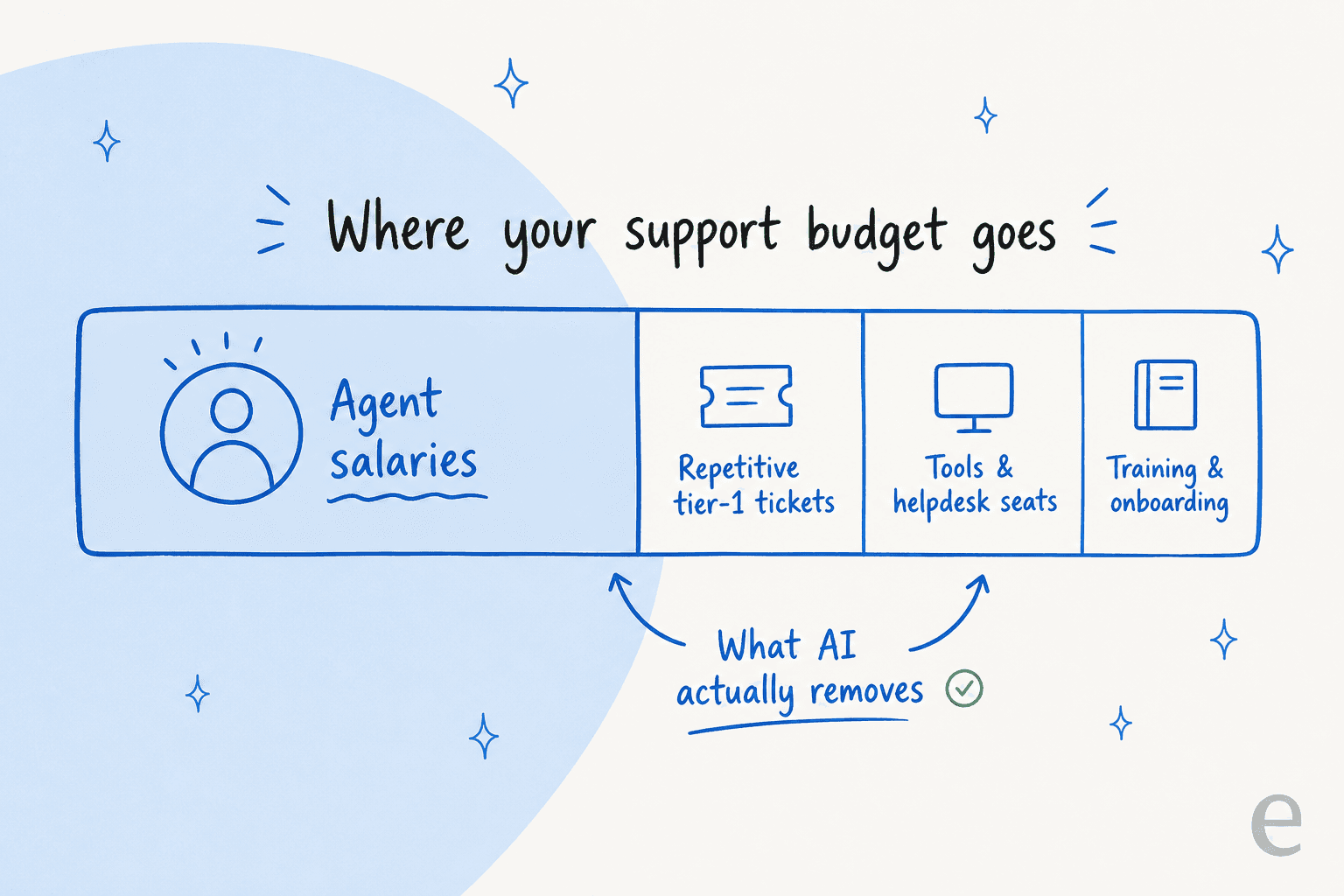
The overwhelming majority of the cost is people, and the most wasteful slice of that is your best-paid, hardest-to-hire agents spending their afternoon answering the same five questions. That's the slice AI removes cleanly. The tooling line and the onboarding line matter, but they're rounding errors next to salary time spent on tickets that never needed a human.
So the goal isn't "deflect as many tickets as possible." It's take the highest-volume, lowest-complexity tickets off your humans entirely, and make the tickets that do need a human faster to close. Everything below is in priority order of cost saved per hour of setup.
Step 1: Deflect the repetitive tier-1 tickets first
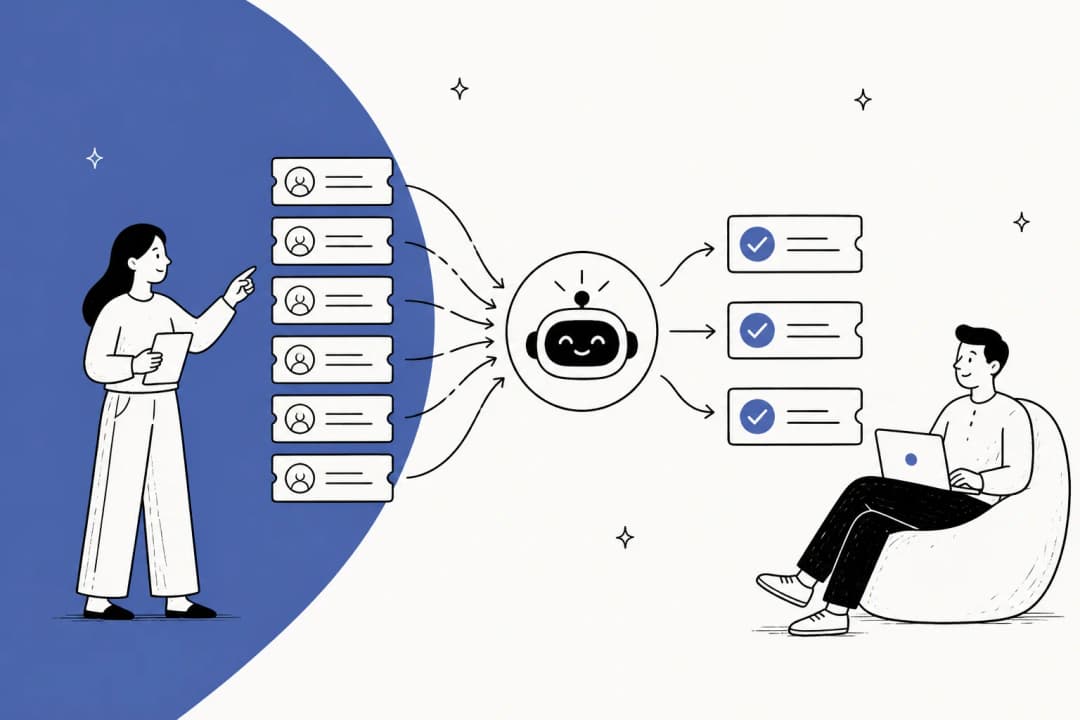
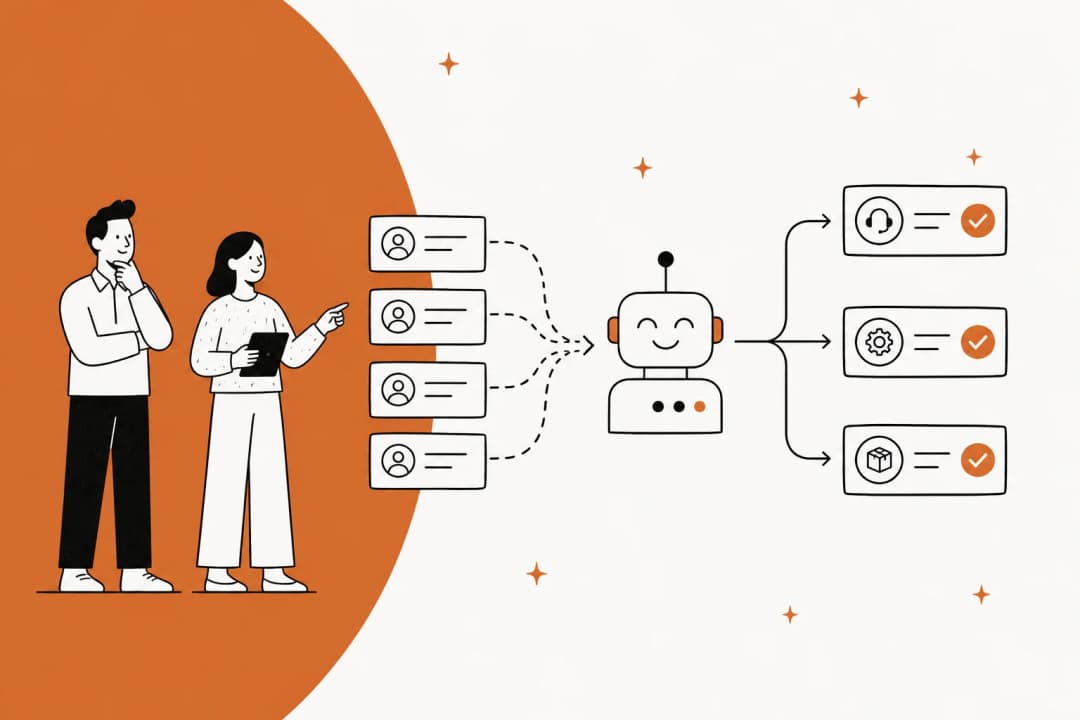
This is the biggest line item, so it's where you start. Stand up a customer-facing AI agent on your help center and chat widget, trained on your existing knowledge base, and let it fully resolve the questions it's confident about, before they ever become a ticket.
The mechanics matter more than the marketing. A good setup looks like this:
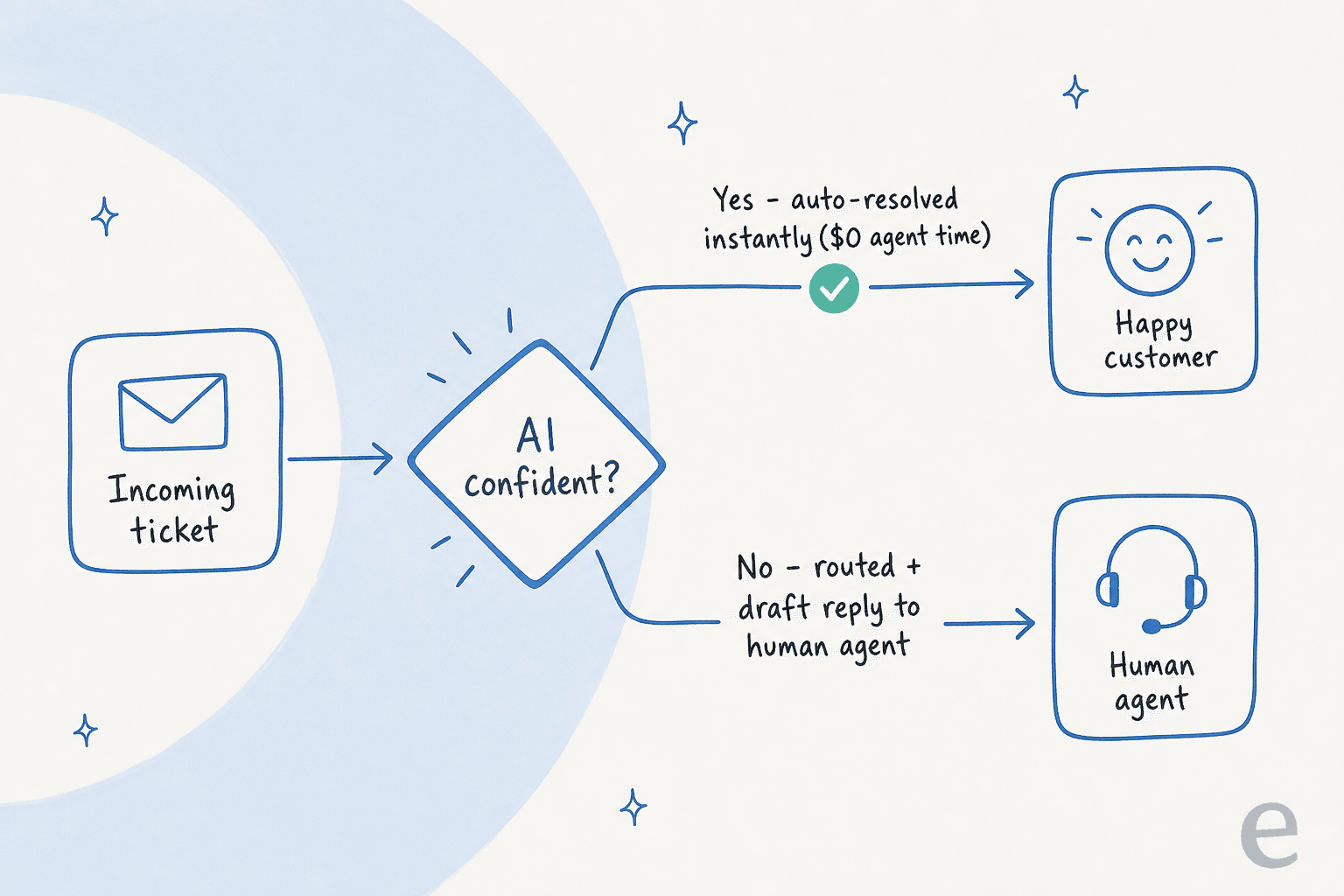
The confidence gate is the whole game. An AI that tries to answer everything is the one that tanks your CSAT and creates angry follow-up tickets, which cost more than the original. An AI that only answers what it can source from your docs, and quietly hands the rest to a human, is the one that saves money without anyone noticing it's there.
The numbers back this up. An internal IT helpdesk running on Jira Service Management started at 15% deflection on the way to a 55% target once their AI first responder was trained on the right docs. A gig-economy analytics app on Zendesk put it more bluntly:
"In the first month, eesel is resolving 73% of our tier 1 requests. eesel offers easy Zendesk implementation and setup. Our team implemented and achieved results quickly during our 7-day trial."
Kim Simpson, Gridwise (G2 review)

Every one of those resolved tickets is agent time you didn't pay for. If you do nothing else from this guide, deflect the repetitive questions and you've captured most of the available saving.
Step 2: Put AI in copilot mode for everything else
Not every ticket should be auto-resolved, and pretending otherwise is how teams get burned. The tickets that genuinely need a human, edge cases, account-specific issues, anything emotional, still cost you full agent time to handle. So make that time cheaper.
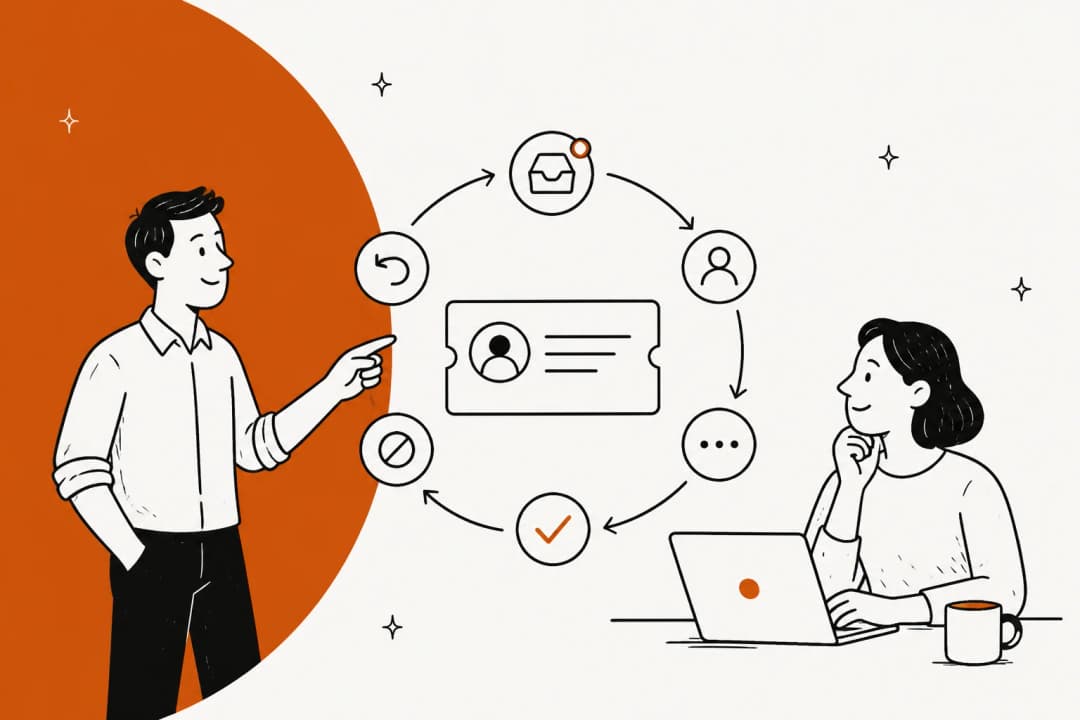
In copilot mode, the AI reads the incoming ticket, pulls the relevant context from your knowledge base and past tickets, and writes a complete draft reply. Your agent reviews, tweaks, and sends. The ticket still gets a human's judgement, but the agent spends 30 seconds editing instead of four minutes researching and writing.

This is the step most cost-cutting plans skip, and it's a mistake, because it compounds. A payments company using AI copilot over their internal docs reported up to 80% time savings on finding answers and onboarding new hires (Alex Capurro, Chief Innovation Officer, Global Pay). Faster onboarding is a real cost line too: new agents reach full productivity in days instead of months when an AI is coaching them through every reply.
Step 3: Automate the triage, tagging, and routing
There's a hidden cost between every ticket arriving and an agent touching it: somebody, or some clunky rule set, has to read it, tag it, prioritise it, and route it to the right queue. At volume, that sorting work is a part-time job nobody put on the budget.
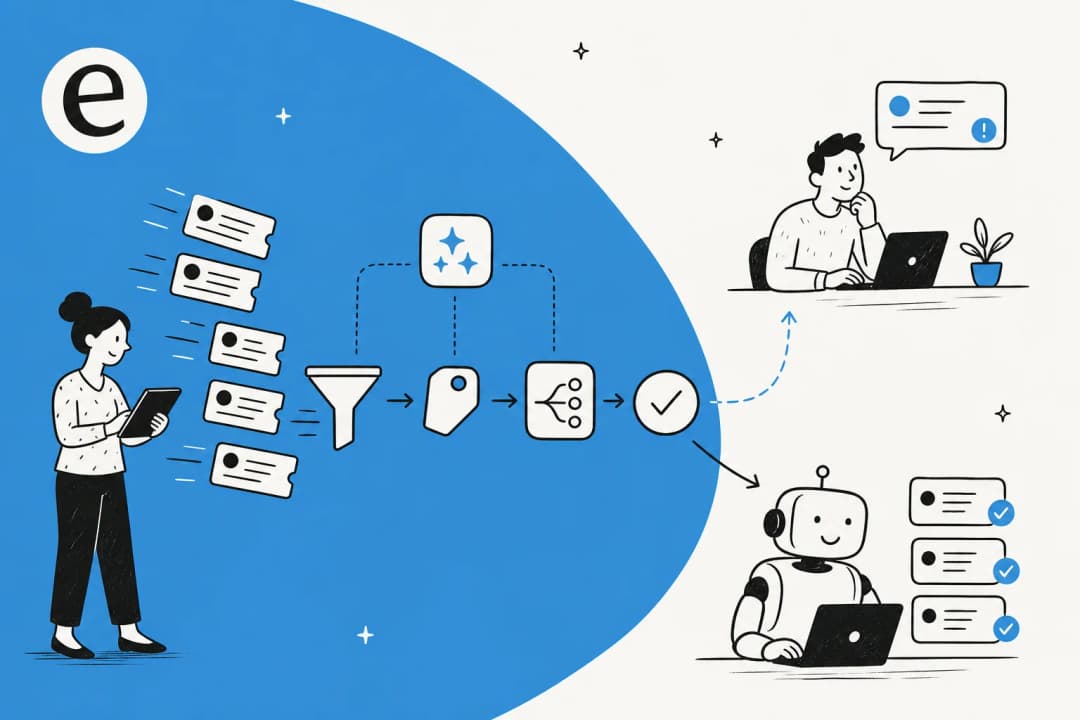
Hand it to AI. A good ticket triage setup reads each incoming ticket, classifies it, applies the right tags, and routes it, then leaves a suggested reply as an internal note so the assigned agent starts from a head start instead of a blank box. In one real trial on live Zendesk traffic, the AI hit 93% triage accuracy and caught 100% of spam with zero false positives, which is a chunk of manual sorting that simply stops happening.

This is the least glamorous step and one of the most reliable savers, because it works on 100% of your tickets, not just the ones the AI resolves. Even a ticket that's destined for a senior agent gets to them tagged, prioritised, and pre-researched. You can read the fuller version in our guide to support ticket automation.
Step 4: Train on your real past tickets, then simulate before going live
Here's the scar that shaped how we build: I've watched a confident-sounding bot quietly give wrong answers to real customers, and the cleanup cost more goodwill than the deflection ever saved. The fix is to never let an AI meet a customer until you know how it behaves.
Two things make the difference:
- Train it on your historical tickets, not just your help docs. Your docs describe how things are supposed to work. Your past tickets show how customers actually ask, the edge cases, and the answers your best agents really gave. Training the AI on that ticket history is what takes it from "plausible" to "correct."
- Simulate against thousands of past tickets before launch. Run the AI over tickets you've already closed and compare its answers to what your team actually did. You get a realistic resolution rate and a list of gaps before a single customer is affected, instead of finding out in production.
Skipping the simulation step to "save time" is the most expensive shortcut in this whole guide. Spend the afternoon. Our implementation guide walks through both in detail.
Step 5: Watch the pricing model, or it'll eat the savings
You can do everything above perfectly and still end up worse off, because of how the AI itself is priced. This is the part nobody warns you about, and it's worth a hard look before you sign anything.
Per-resolution and per-message pricing sound fair ("you only pay when it works!") but they have a nasty property: they charge you most exactly when you can least afford it. The whole point of AI support is to handle volume spikes without scrambling for staff, but if every resolution costs you, a spike means a spike in your bill too.
The math from a real customer analysis makes it concrete:
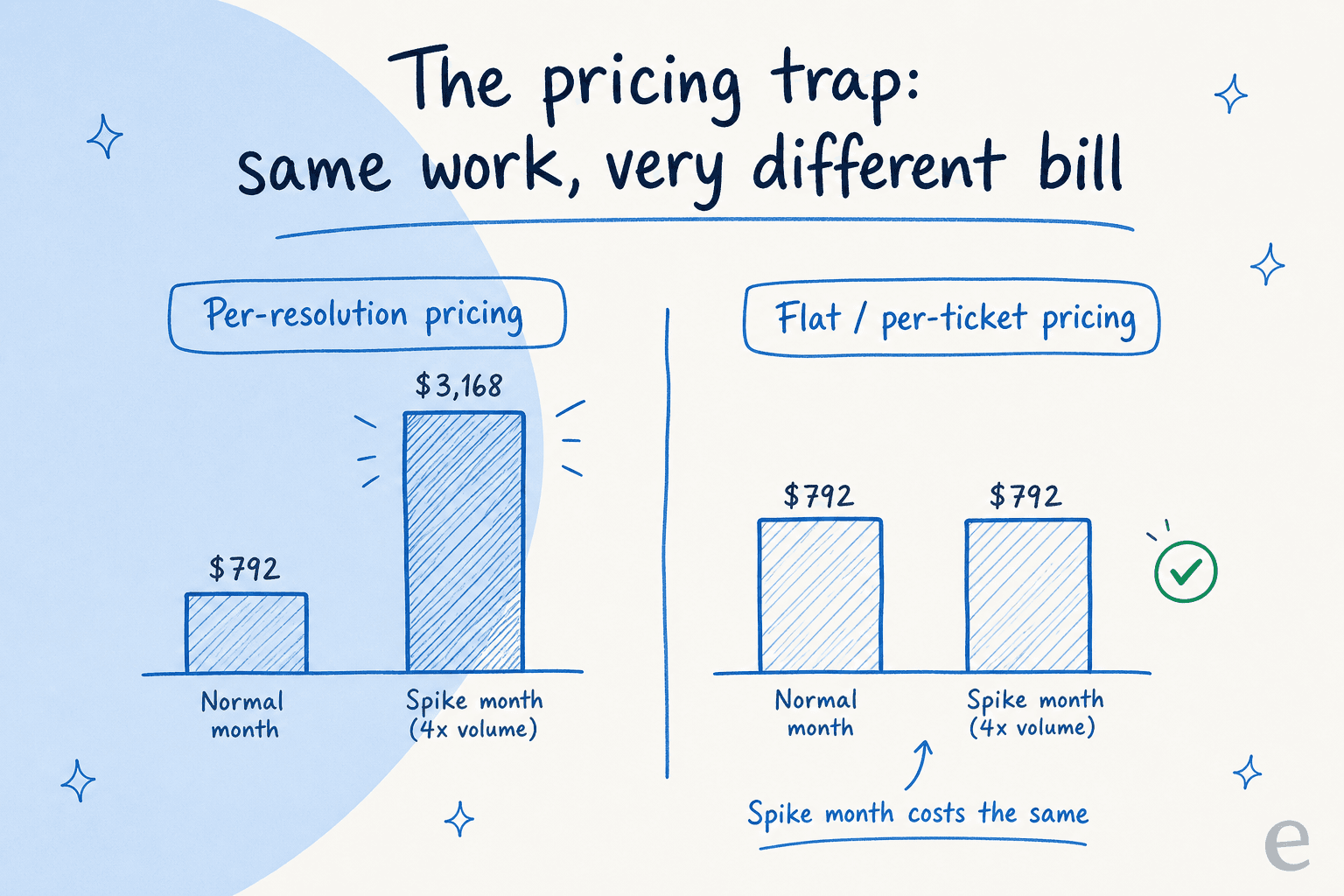
| Scenario | Per-resolution pricing | Flat / per-ticket pricing |
|---|---|---|
| Normal month (1,000 tickets, 80% resolved) | $792 | $792 |
| Spike month (4,000 tickets, 80% resolved) | $3,168 | $792 |
| You're penalised for… | higher resolution and higher volume | nothing |
Per-resolution billing also quietly penalises you for getting better: the more the AI resolves, the bigger the bill, so success costs more. We've heard from high-volume teams, one at 17,000 tickets a month, another needing 40,000+ interactions, for whom usage-based pricing simply didn't pencil out. The principle to anchor on: predictable beats clever. A flat or per-ticket model keeps November's bill the same as March's, which is the whole reason you're automating in the first place. We made the case in full in AI agent vs human agent cost.
Step 6: Measure cost per ticket, not vanity metrics
Once it's running, measure the right thing. "Deflection rate" is easy to inflate and easy to fool yourself with, a ticket that gets "deflected" into an angry follow-up wasn't deflected, it was deferred at a markup.
Track two numbers instead:
- Fully resolved without a human - the share of tickets the AI closed end to end, with the customer satisfied. This is real saved cost.
- Cost per ticket, all-in - total support spend (salaries + tools + AI) divided by total tickets. If AI is working, this trends down over time even as volume grows.

A few well-chosen AI customer service metrics tell you whether the project paid for itself far better than a single headline percentage. If cost per ticket isn't falling, something upstream is wrong, usually the AI is scoped too narrowly, or it's resolving things badly and generating follow-ups.
Common mistakes that cost more than they save
A quick list of the ways I've seen this go sideways, so you can dodge them:
- Automating low-volume, high-complexity tickets first because they're "interesting." Start with the boring high-volume ones; that's where the money is.
- Letting the AI answer everything with no confidence gate. One wrong refund answer can cost more than a hundred deflections saved.
- Skipping simulation. Going live blind is how you find your gaps in front of customers.
- Building it yourself to "save money." A raw LLM API is cheap; maintaining, retraining, and monitoring it is not. As one team building Bitcoin ATMs put it, "we could try to write our own LLM application but we didn't want to invest our time into that. We wanted something that we would not have to maintain" (Karel, GENERAL BYTES case study). The full build vs buy breakdown is worth a read before you commit engineers.
- Choosing per-resolution pricing without modelling a bad month. Model the spike before you sign.
Try eesel for support cost reduction
If you want the playbook above without stitching it together yourself, that's what we built eesel AI to do. It plugs into your existing helpdesk, Zendesk, Freshdesk, Gorgias, and others, in a few minutes, trains on your past tickets and help docs out of the box, and lets you simulate the whole thing against your real ticket history before it answers a single live customer.

The part most relevant to this guide: pricing is flat and predictable, with no per-resolution penalty, so a busy month doesn't become an expensive one. You can start the same confidence-gated, deflect-then-draft setup described above and watch cost per ticket move. It's free to try, and you'll see your projected resolution rate from the simulation before you commit.
Frequently Asked Questions
How much can AI realistically reduce support costs?
What is the cheapest way to add AI to my helpdesk?
Does reducing support costs with AI hurt CSAT?
Should I build my own AI support agent or buy one?
How do I measure whether AI is actually reducing my support costs?


Article by
Rama Adi Nugraha
Rama is a software engineer at eesel AI with two years of experience writing about B2B SaaS, AI tools, and customer support technology. Based in Bali, Indonesia, he brings a developer's perspective to product comparisons — cutting through marketing copy to what the integrations and APIs actually do.