How I reviewed Helpshift
I work on a support queue every day, so I read AI support tools through one question: when a real customer is frustrated at 11pm, does this thing actually solve the problem, or does it just make the ticket disappear? I spent years watching confident-sounding bots give wrong answers, which is the whole reason the team I work with now simulates every AI rollout against historical tickets before a single customer sees it.
For this review I went through Helpshift's own platform pages, docs, and pricing, plus what real reviewers say on G2 and Capterra. I have not run Helpshift in production for a year, so I will be clear about what I saw in the product versus what users report. Let's get into it.
What Helpshift is now (and who it's for)
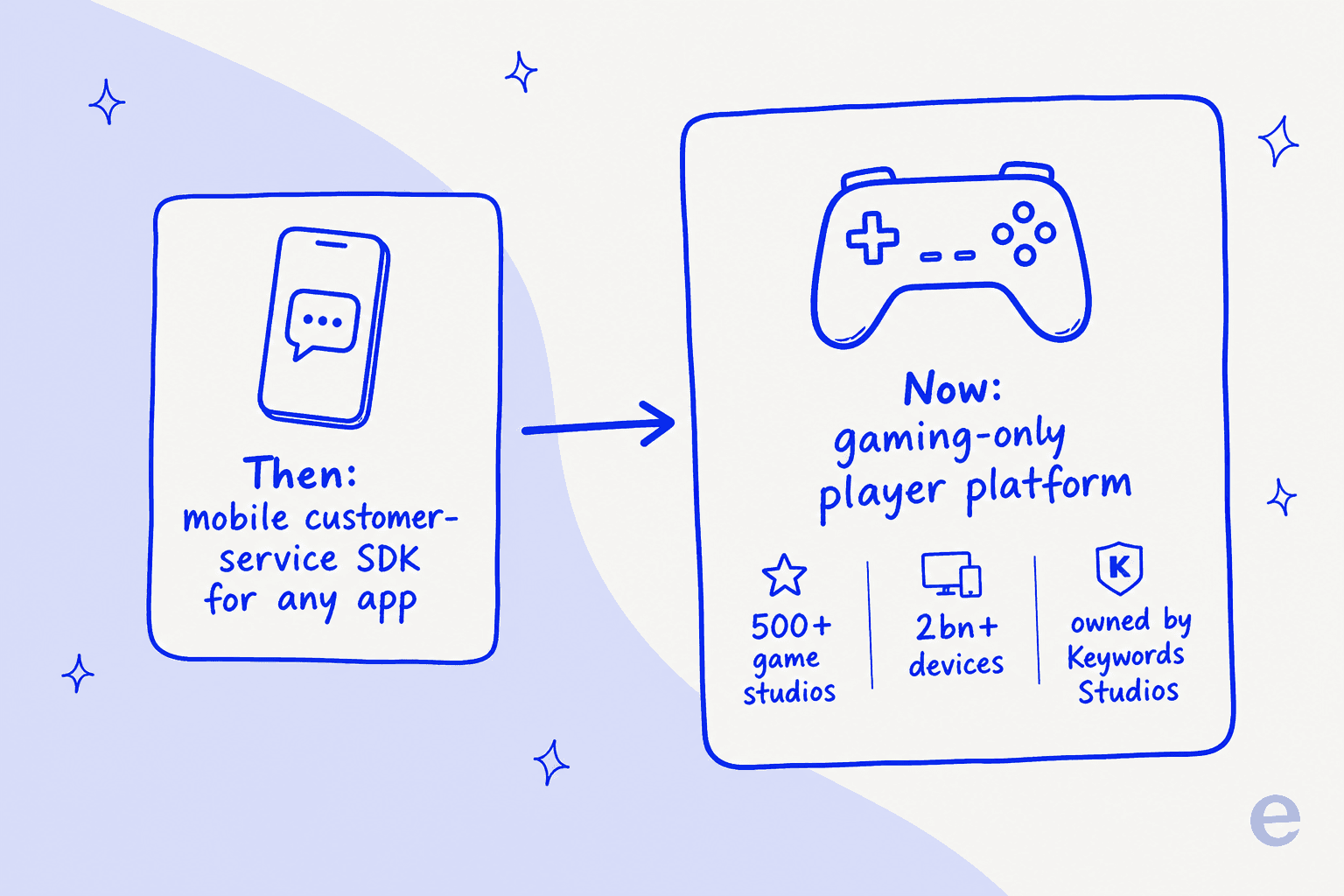
Helpshift started life as a mobile-first, in-app customer-service SDK. That history still shows in the product. But the company it is today is different: it now bills itself as "the AI-native player engagement platform for games", it is owned by Keywords Studios (the gaming-services group that bought it for up to $75m), and every surface of the marketing is built for game studios.
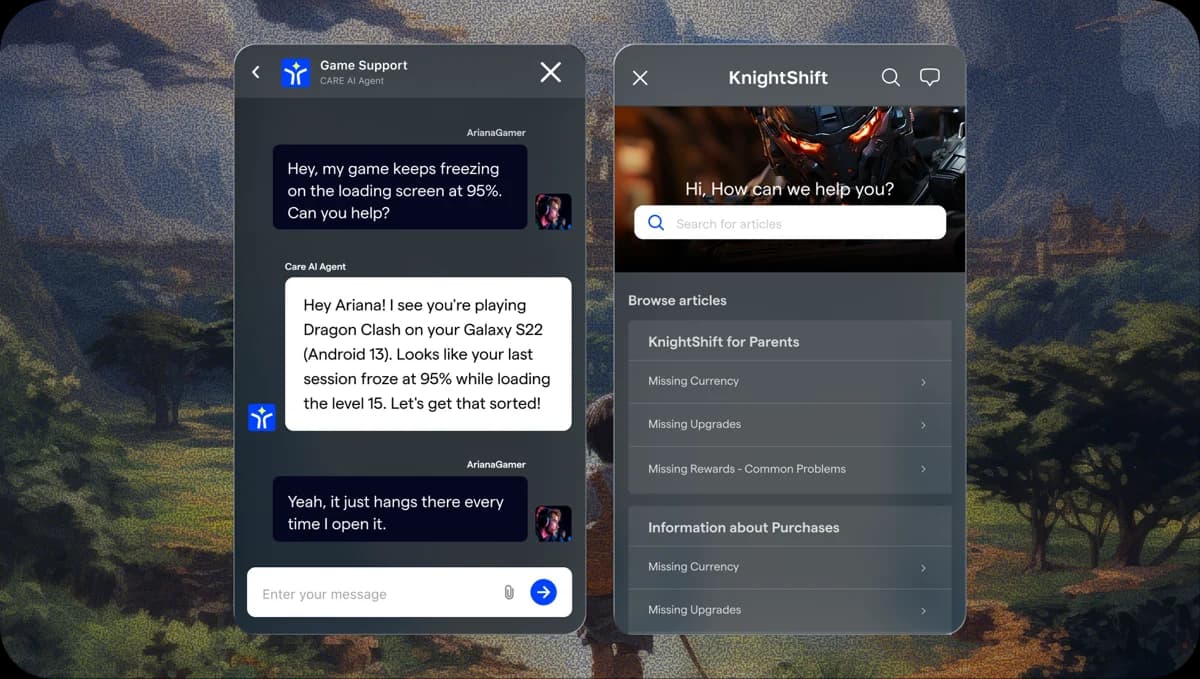
The scale is real. Helpshift cites 500+ game studios, 2bn+ devices, and 70%+ automation rates, with named logos like EA, Sega, Ubisoft, and Supercell. If your "customers" are players reporting a lost in-game reward, this is a serious, purpose-built option.
The flip side is what this pivot means if you are not a game studio. The case studies are games. The reviewer base is gaming-skewed (Computer Games is the single largest reviewer industry on G2). The roadmap features (Community AI trained on Discord and Steam, Trust & Safety moderation) are gaming features. None of that is a knock on Helpshift, it is a clear strategic choice. It just means the question for most readers isn't "is Helpshift good?" but "is Helpshift still built for me?"
How Helpshift's AI actually works
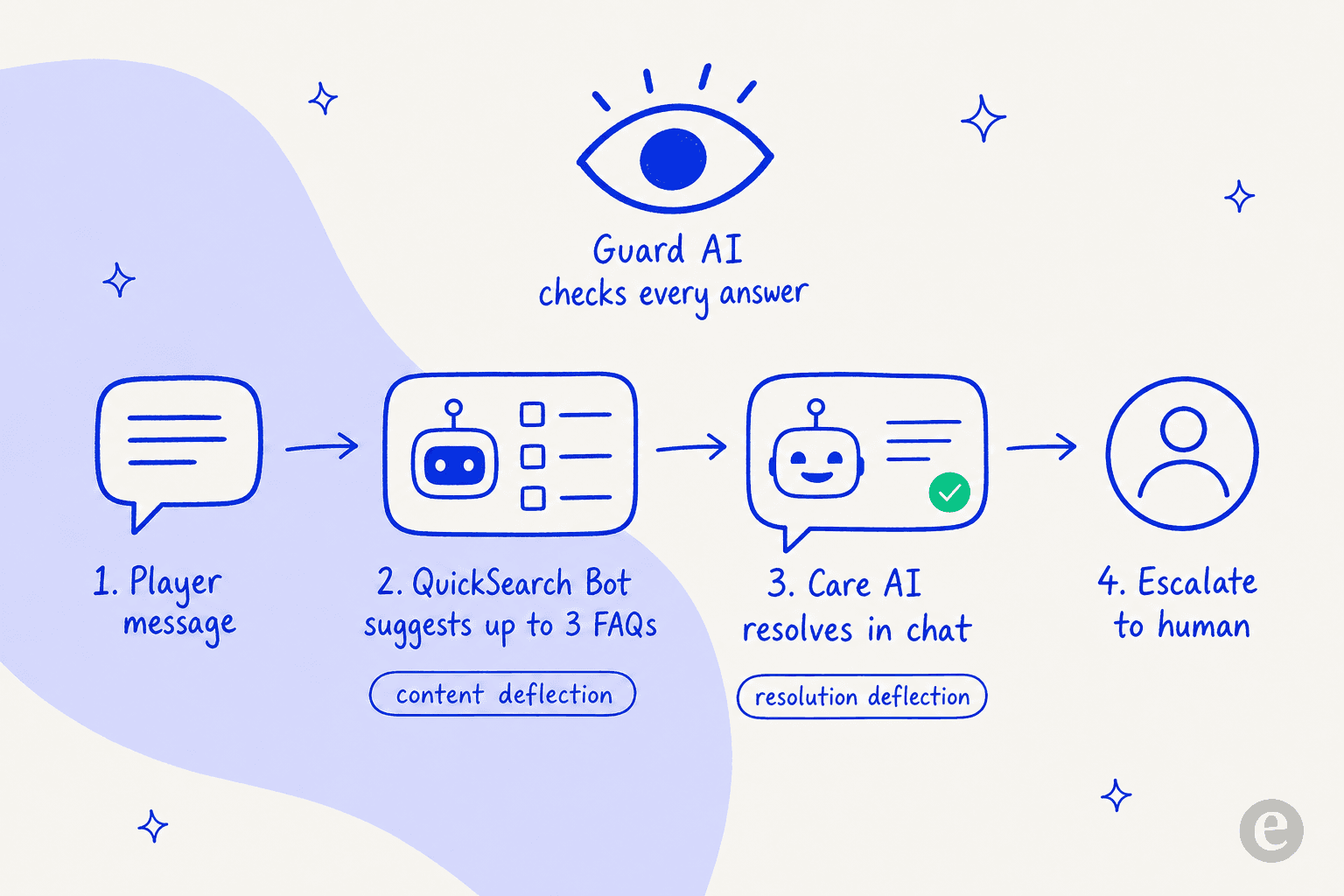
Underneath the gaming branding, Helpshift's AI is a deflection engine with a sensible escalation path. It deflects in two complementary ways, then hands off to a human when the automated route runs dry.
QuickSearch Bot and content deflection
The QuickSearch Bot is the front door. It reads the user's first message and suggests up to three relevant FAQs before a ticket is ever opened. The user taps "that helped" (deflected) or "I need more help" (a ticket is created). It is fast and it deploys without developer help, which is genuinely nice.
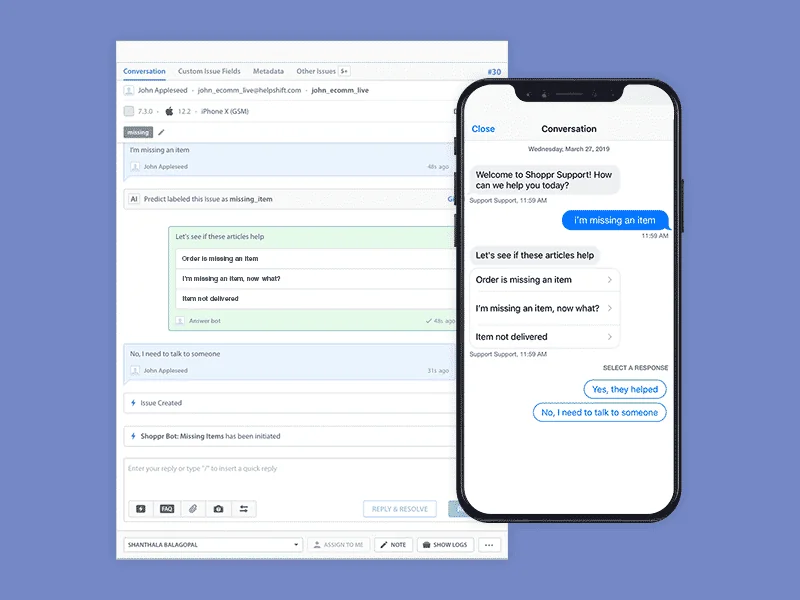
This is classic content deflection, and its ceiling is the quality of your FAQs. If a topic isn't well documented, QuickSearch can't surface it, and the user falls through to the queue. It is closer to a smart knowledge-base search than a true agent.
Custom Bots, Care AI, and resolution deflection
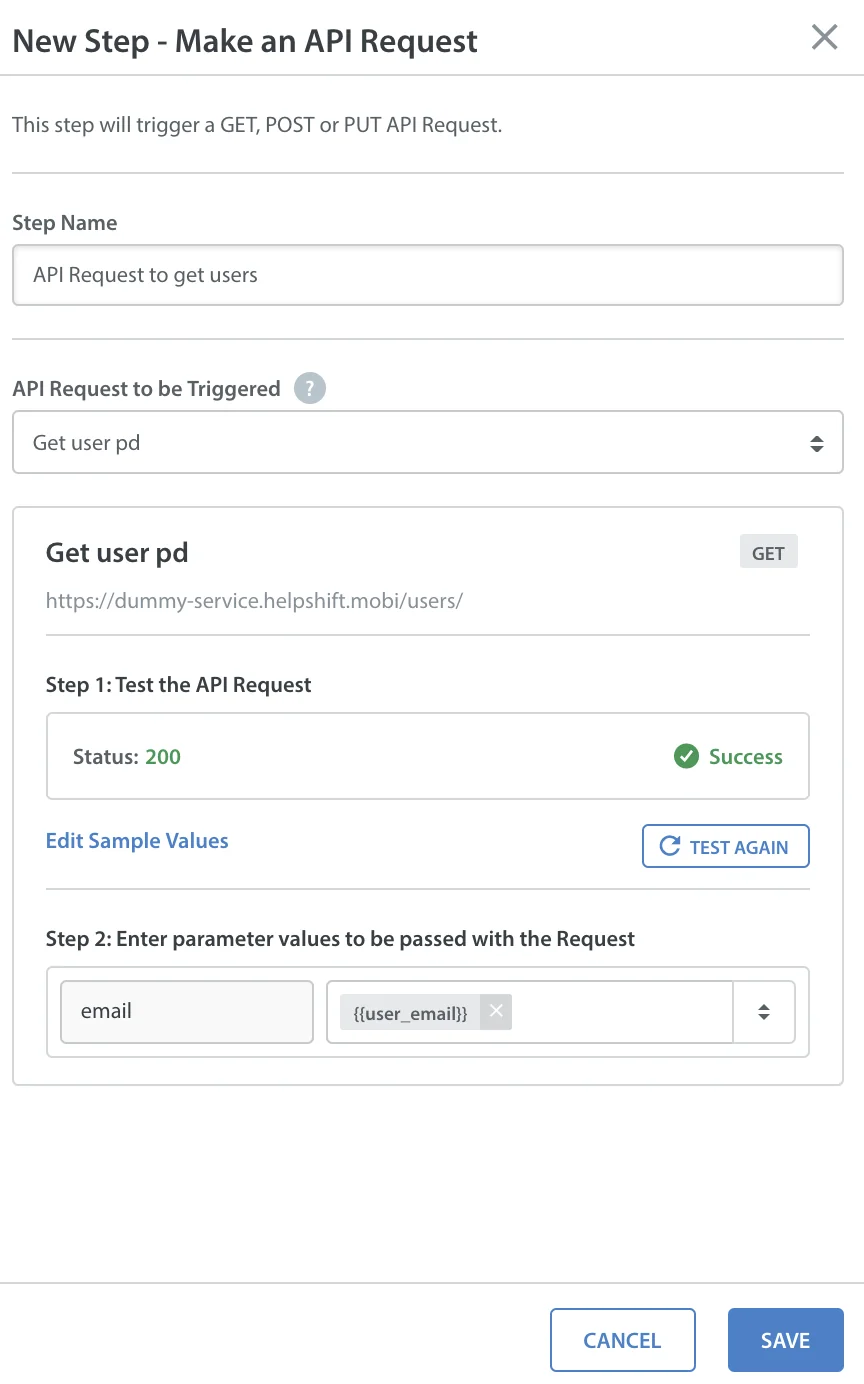
The deeper layer is where Helpshift gets more interesting. Custom Bots, built in a code-free visual builder, let you drop "Send AI-powered FAQ" or "AI Powered Answer" steps anywhere in a flow, branch on user replies, and even make API calls to your own systems.
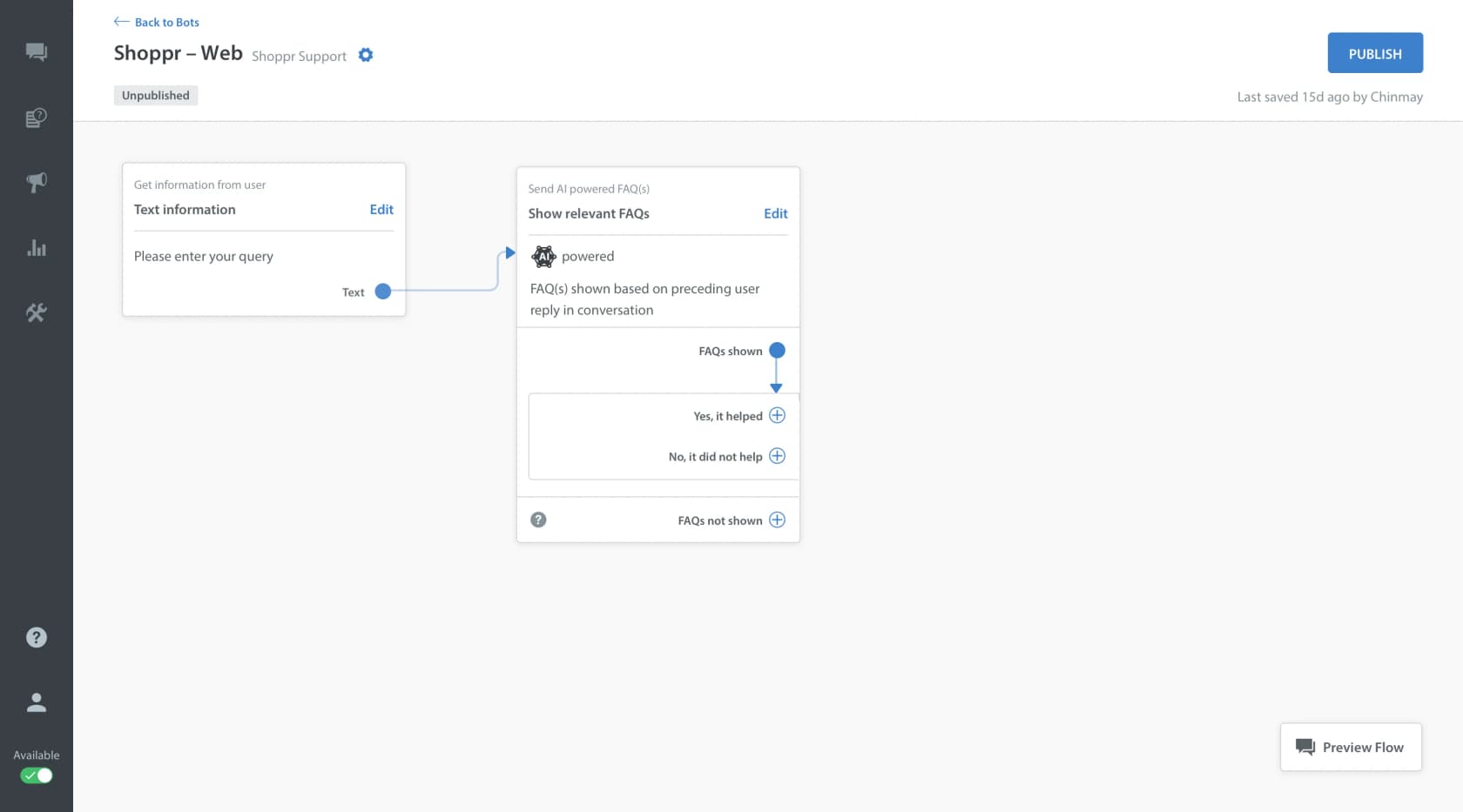
On top of the bots sits Care AI, the generative agent that actually resolves issues in conversation, "grounded in approved knowledge and governed by confidence scoring." Behind the scenes, AI classification and automated routing decide, per message, whether to stay automated or call in a human. This is real ticket automation, not just FAQ matching, and the flow builder is one of Helpshift's strongest features.
Guard AI, the guardrail layer
Helpshift's answer to the "the bot made something up" problem is Guard AI, a governance layer that monitors AI and human conversations in real time to enforce policy and prevent hallucinations. You configure the agent's role and guardrails (prompt-injection blocking, irrelevant-content filtering) in a settings panel.
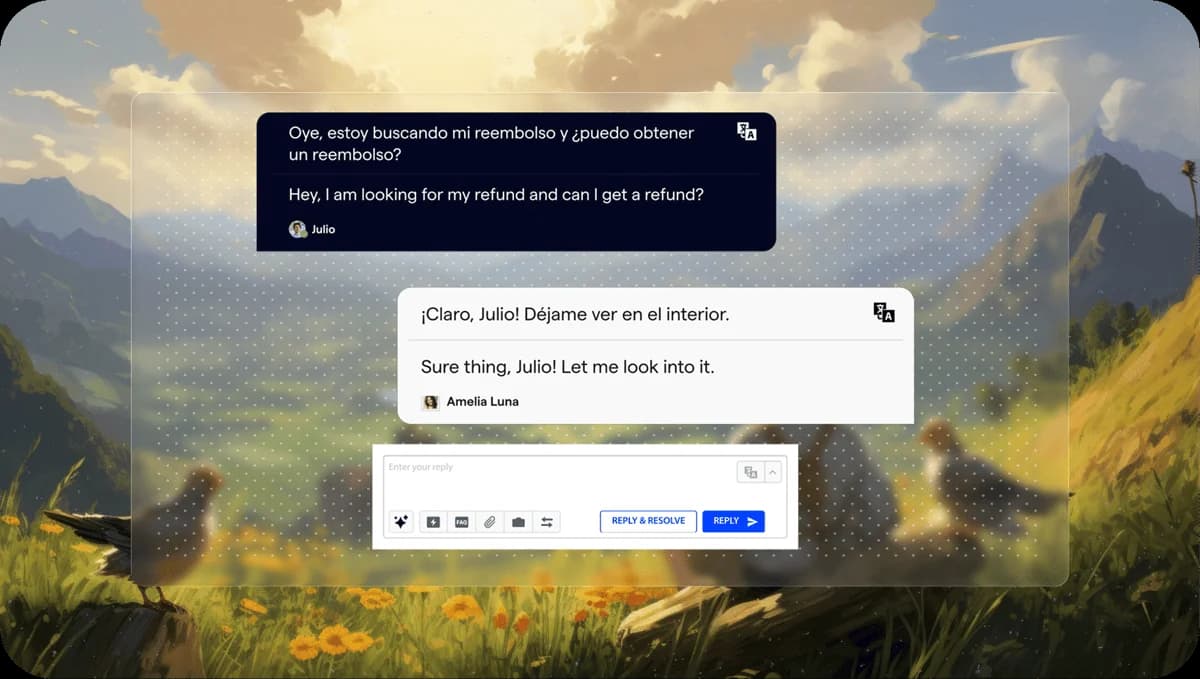
There is also an AI Agent Copilot for human agents and Language AI covering 70+ languages, with auto-translation inline in the agent reply box.
The deflection-rate trap
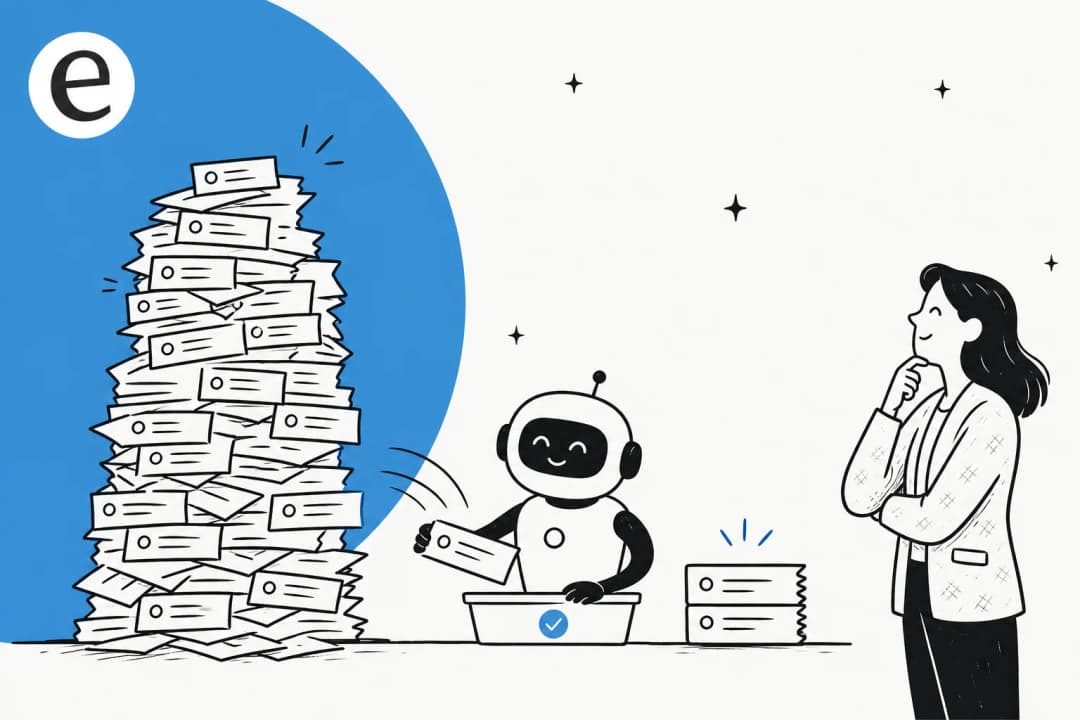
Here is the part I care about most, because it is where a lot of AI support buying goes wrong. Helpshift, like a lot of vendors, leads with deflection. Its case studies cite Rovio at 91% deflection and SYBO at 77% automation. Impressive numbers. But deflection on its own tells you almost nothing about whether customers were helped.
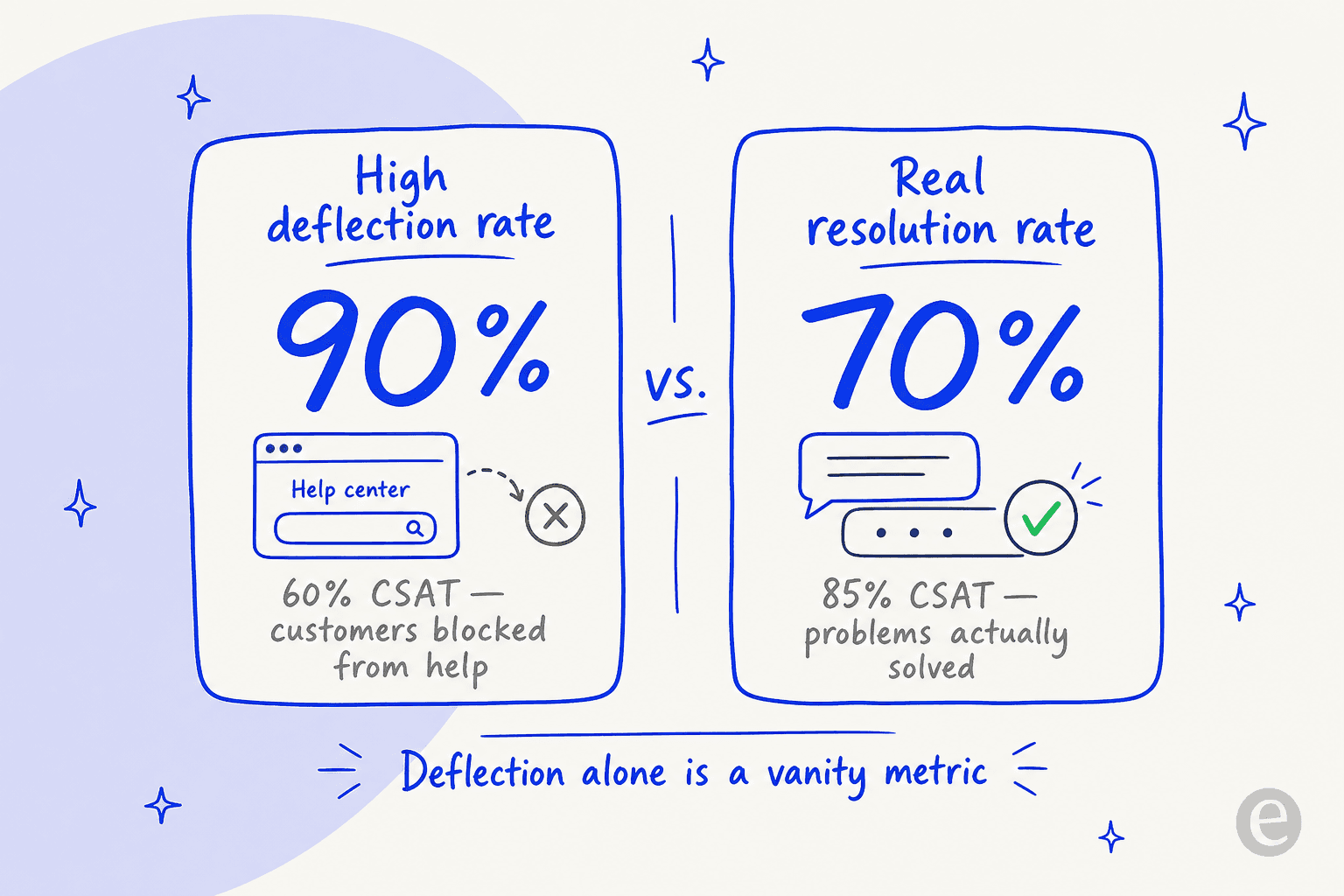
A deflected ticket just means the customer didn't reach a human. Maybe they got their answer. Or maybe they gave up. The metric counts both as a win. As one operator put it in a thread on deflection metrics:
"A 90% deflection rate with 60% CSAT means you're blocking customers from help, while a 70% deflection rate with 85% CSAT means you're efficiently solving problems. The number alone is meaningless."
You can hear the customer side of this clearly. In one r/automation thread, a user vented about exactly the failure mode deflection-first design encourages:
"I've rephrased it four times. 'Here are some articles that might help.' I DONT WANT ARTICLES. it's like companies are using these bots specifically to make it harder to reach support, not easier."
And the handoff is where it really bites. An operator at IrisAgent shared a hard number in the same thread:
"Most companies it's like 8-10 back and forths before the bot gives up. Some never do. They just keep looping you through the same 'did this help?' flow until you rage quit and call the phone number instead."
The sharpest version of this is gaming-specific. After a wave of false bans in ArcRaiders, a player reverse-engineered the incentive, arguing the support system "prioritizes a high deflection rate... when they say 'solved', they mean that the AI declared the matter closed and dismissed it, regardless of the problem actually being properly addressed." That is the worst case of optimizing for the wrong number.
None of this means Helpshift's AI is bad. It means you should never buy on the deflection number alone. Ask any vendor, Helpshift included, what their customer-confirmed resolution rate and CSAT look like together, and weight that far more heavily.
Helpshift pricing
Helpshift pricing is now quote-only. The official pricing page lists no plan names and no rates, describing pricing as "solution-based and modular" and routing you to a "Request Pricing" form. Quotes are assembled from interaction volume, which modules you activate, and your language and geography coverage.
For a sense of the shape (these are historical and third-party figures, not the live published rate), here is what has circulated:
| Source | Model | Indicative cost |
|---|---|---|
| Helpshift official page | Quote-only, solution-based | No published numbers (source) |
| eesel's Helpshift pricing writeup | Usage-based per ticket | ~$0.40 per ticket, $250/mo default cap |
| Featurebase comparison | Per seat + per resolution | ~$29/seat/mo + $0.29 per AI resolution |
| checkthat.ai profile | Starter tier + overage | ~$150/mo for 250 issues, $0.45 per extra |
| Free trial | No card required | 30-day trial |
The consistent signal is that Helpshift bills on interaction volume rather than per seat, which is the right model for support. The catch is the opacity: you can't budget against a number you can't see, and reviewers note help and docs are gated behind the enterprise plan. If predictable, transparent pricing matters to you, that is a real friction point worth weighing against more open options.
What real users say
Helpshift sits at a solid 4.3/5 on G2 from 381 reviews and 3.9/5 on Capterra, though Trustpilot is a rough 1.9/5 (that one is end-players venting about in-game support, not buyers). The praise and the complaints are consistent enough to trust.
What people like: the polished in-app SDK, easy self-service FAQs, and fast onboarding. A games player-experience lead on Capterra wrote that "the easily searchable FAQs have been extremely helpful for self service support."
What people don't: the reporting. By far the most consistent complaint is thin analytics. One Capterra reviewer summed it up bluntly:
"The analytics are thin and not quite usable. Management of user roles is extremely limited and messy. Views are a nightmare to manage as an admin and it's far too easy to break them."
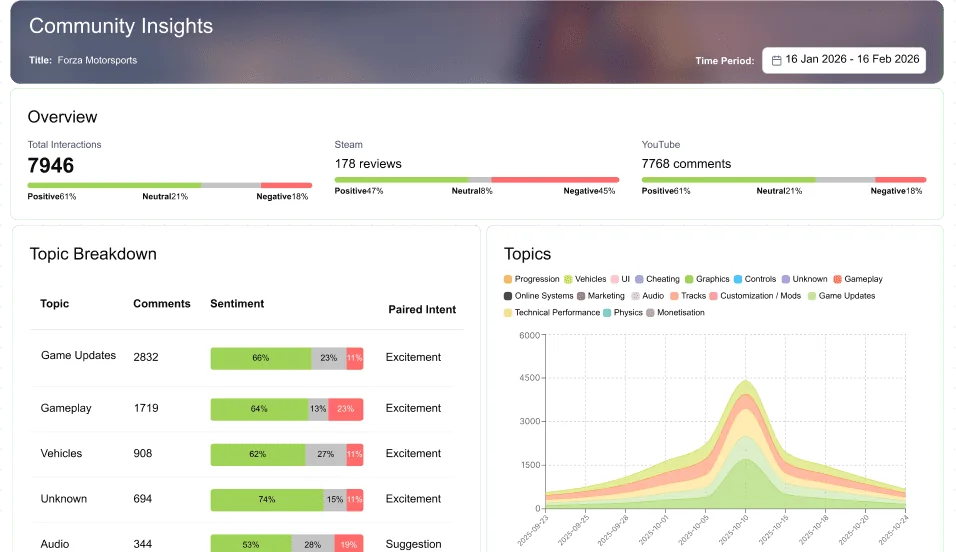
That matters a lot for the deflection-versus-resolution point above: if the reporting is weak, it is harder to tell whether your AI is solving problems or just closing them. Helpshift's newer gaming-focused insights are slicker, but they are built for community sentiment, not classic support QA.
A few reviewers also flag the missing parity with general helpdesks: "it does the basic job, but don't expect a fully developed solution like Zendesk." Again, that tracks with a product that has narrowed its focus to gaming.
So, is Helpshift right for you?
The honest answer depends almost entirely on what you support. Pick the row that sounds like you.
Should you shortlist Helpshift in 2026?
If you landed on the second row, you are most of the readers here, and the good news is the move is straightforward: keep your existing helpdesk and add an AI layer that was designed for it.
Try eesel for non-gaming support
If you run support on Zendesk, Freshdesk, Front, Gorgias, or Zoho Desk, eesel is the alternative I would reach for. It is not a Helpshift add-on, it is a self-serve AI helpdesk agent that sits on top of the tools you already use and learns from your past tickets and help docs on day one.

The thing that addresses the deflection-rate trap head on: before you go live, you can simulate the AI against thousands of your real past tickets and see exactly what it would have resolved, by theme, with the gaps surfaced. You aren't trusting a vendor's gaming case study, you are watching it run on your own support history. eesel already resolves real tickets for teams like Gridwise, which hit 73% tier-1 resolution in its first month.

Pricing is the opposite of opaque too: usage-based at around $0.40 per ticket, with no per-seat fees and a free trial that includes $50 of usage. You can see it working inside a real helpdesk below.
Helpshift made a clear bet on gaming. If you are in that world, it is a strong, mature choice. If you are not, do not contort your support stack to fit a tool that stopped being built for you. Keep your helpdesk, add AI that was made for it, and judge it on real resolution, not on a deflection number.
Frequently Asked Questions
What is Helpshift's AI and what does it do?
How much does Helpshift cost?
Is a high deflection rate actually good?
Is Helpshift good for non-gaming customer service?
What are the best Helpshift alternatives?
Can I test an AI support agent before going live?
How much does an AI support agent cost compared to Helpshift?


Article by
Riellvriany Indriawan
Riell is a designer and writer at eesel AI with about two years of experience researching CX platforms, AI chatbots, and helpdesk software. She combines her design background with a sharp eye for how these tools actually look and feel in practice — making her comparisons unusually visual and user-focused.