Why your backlog is almost certainly clearable
I work the support queue, so I'll say the quiet part out loud: a backlog feels like a mountain of unique problems, but it almost never is. It's a small number of question types, repeated hundreds of times, that piled up because there were more customers than there were people to answer them.
That's the exact situation that creates backlogs in the first place. One director of support at a fast-growing EdTech company put it plainly when describing why they leaned on automation:
"As a fast-growing startup with a small team, our customers far outnumber our employees. It's crucial that we have robust self-service solutions as well as tools to supercharge the efficiency of our client-facing teams."
Jon Miron, Director of Support, Yellowdig case study
When customers outnumber agents, the queue wins. And the tickets that win it are rarely the gnarly ones; they're the "where is my order" and "how do I reset my password" tickets that any AI support agent can answer from a macro you already wrote.
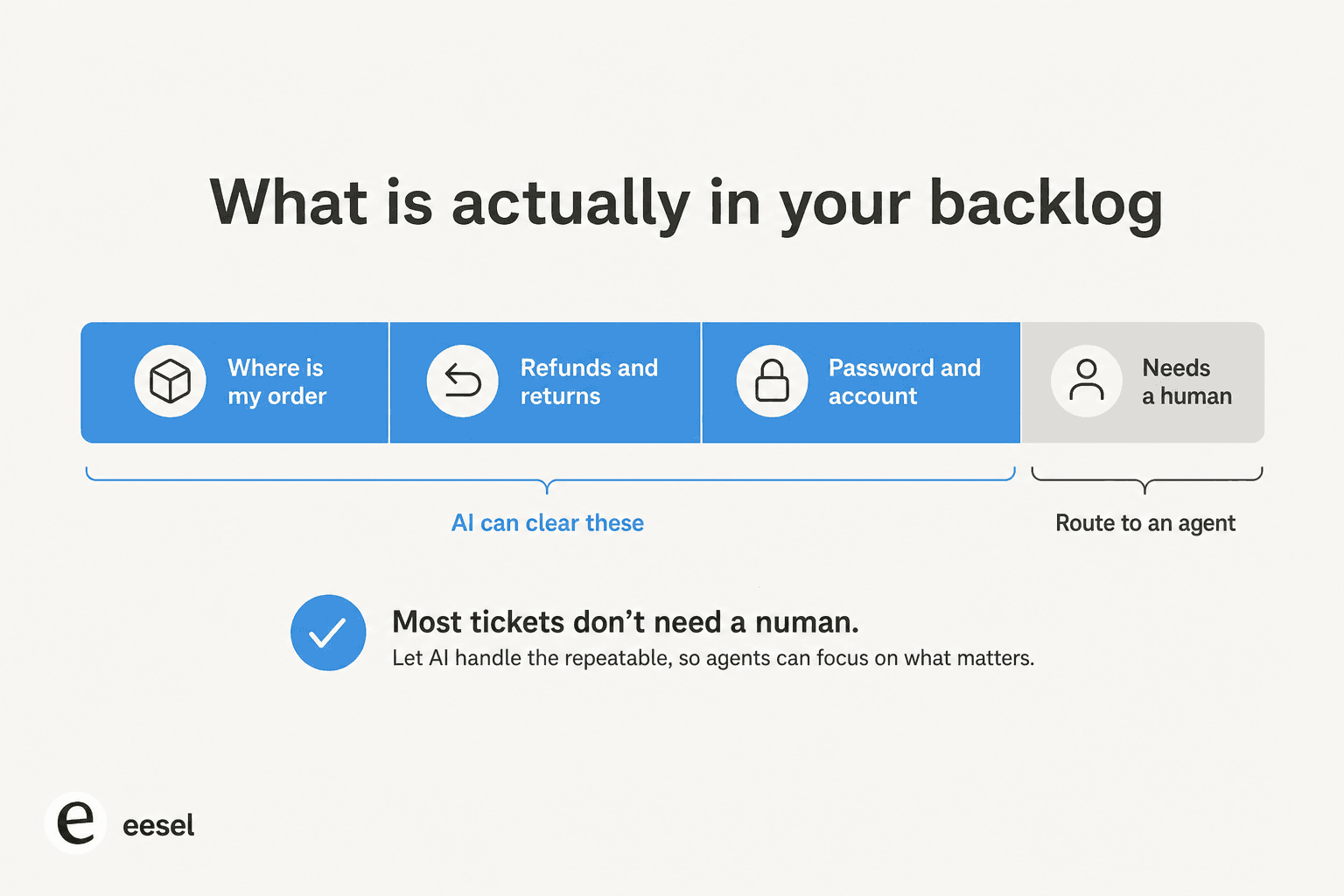
This is why I'm confident your backlog is clearable before I've even seen it. When we look at a new customer's history, the repetitive share is usually huge. In one trial on a German jewelry retailer's real Zendesk traffic, eesel hit 93% triage accuracy and 100% spam detection across roughly 1,000 monthly tickets, with category draft usefulness above 93% for returns, refunds, and product questions. That's the part of the queue that AI eats for breakfast.
Before you start: what you need
You don't need a data team or a six-week project. You need three things:
- A helpdesk the AI can plug into. Zendesk, Freshdesk, Gorgias, Help Scout, or whatever you run. If you're still picking one, here's a roundup of AI helpdesk software for 2026.
- Your existing answers. Past tickets, macros or saved replies, and help-center articles. This is the AI's training material, and it's the single most-requested thing I hear customers ask for: people want the agent trained on their own ticket history, not a generic model.
- A short list of "safe" question types. The five-ish categories you answer the same way every time. That's your first automation target, and nothing else.
That's it. The backlog you're staring at is actually your richest asset here, because it's the raw material the AI learns from.
Step 1: Connect your helpdesk and let AI learn your history
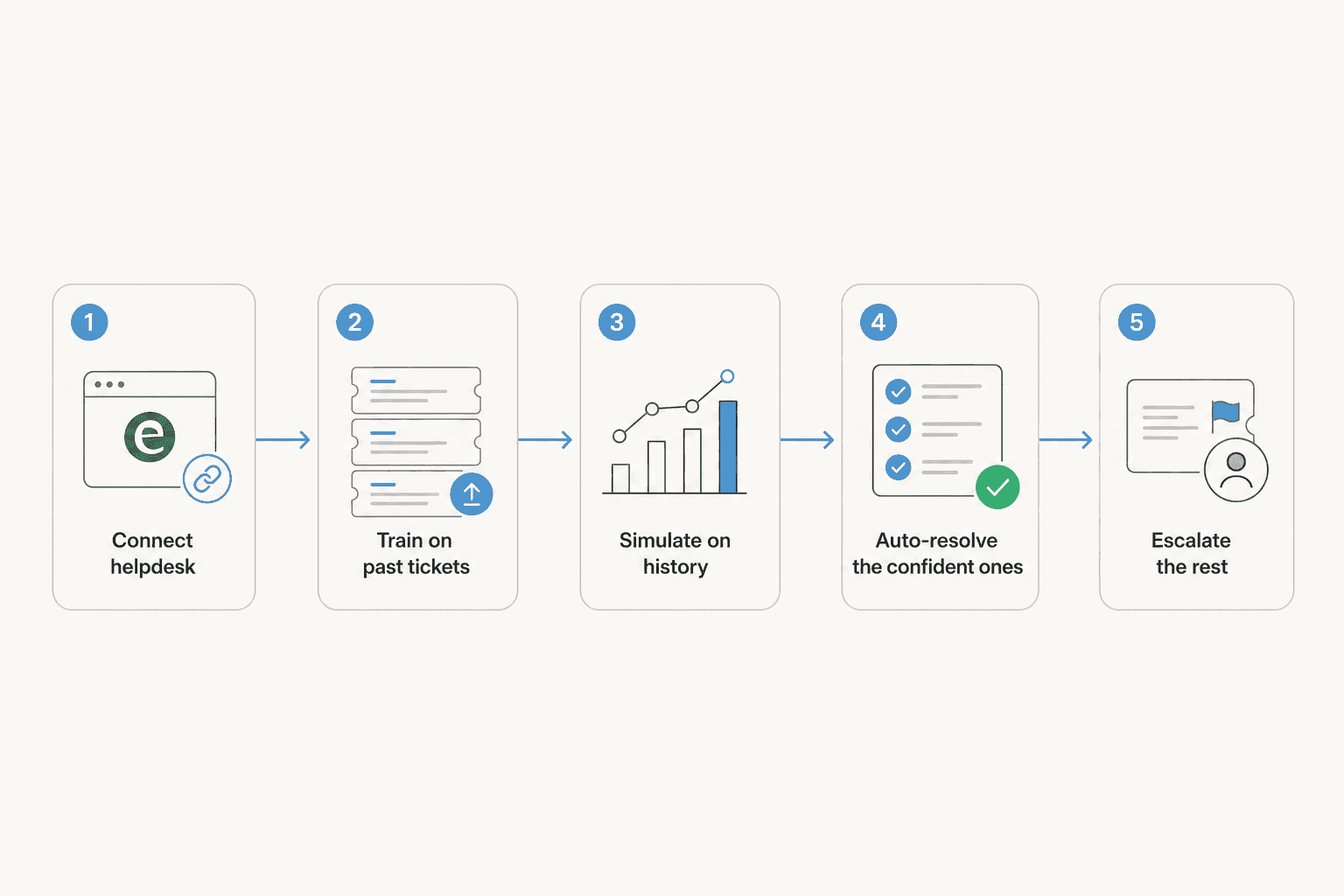
The first move is to connect the AI to where your tickets already live and let it read your past resolutions, macros, and help docs. A good AI helpdesk agent treats those as its sources: it learns how your team answers, in your voice, with your policies.

The part teams underestimate: this is fast now. Self-serve tools connect in minutes, which is a world away from the multi-week onboarding the older vendors still quote. One gig-economy analytics company on Zendesk got real results inside a 7-day trial (more on their numbers below). If a vendor tells you clearing your backlog starts with a quarter-long implementation, that's the vendor's problem, not yours.
Step 2: Simulate before you let it touch a real customer
This is the step that separates a clean rollout from a scary one, and it's the one I'd never skip.
We learned this the hard way over years of putting AI on live queues: a confident-sounding bot will quietly give wrong answers if you let it, and on a 7,000-ticket backlog nobody is going to read back every reply to catch it. A CX lead at a high-volume DTC brand doing around 7,000 tickets a month framed the fear exactly right on a call with us. The AI will never answer every question, she said, but "I cannot go and check all my 7,000 tickets to see if the AI actually made a good answer." Her ask was simple: "I need an AI who is only handling the tickets that it's confident to handle, and all the other ones, leave them alone."
That's why I simulate every rollout against historical tickets first. You run the AI over a slice of your real backlog in a safe mode where it doesn't send anything, and you read what it would have replied. You get to see the resolution rate, spot the categories where it's shaky, and tune it before a single customer is involved. It turns "I hope this works" into "I've seen exactly what this does."
Step 3: Auto-resolve the repetitive tickets, route the rest
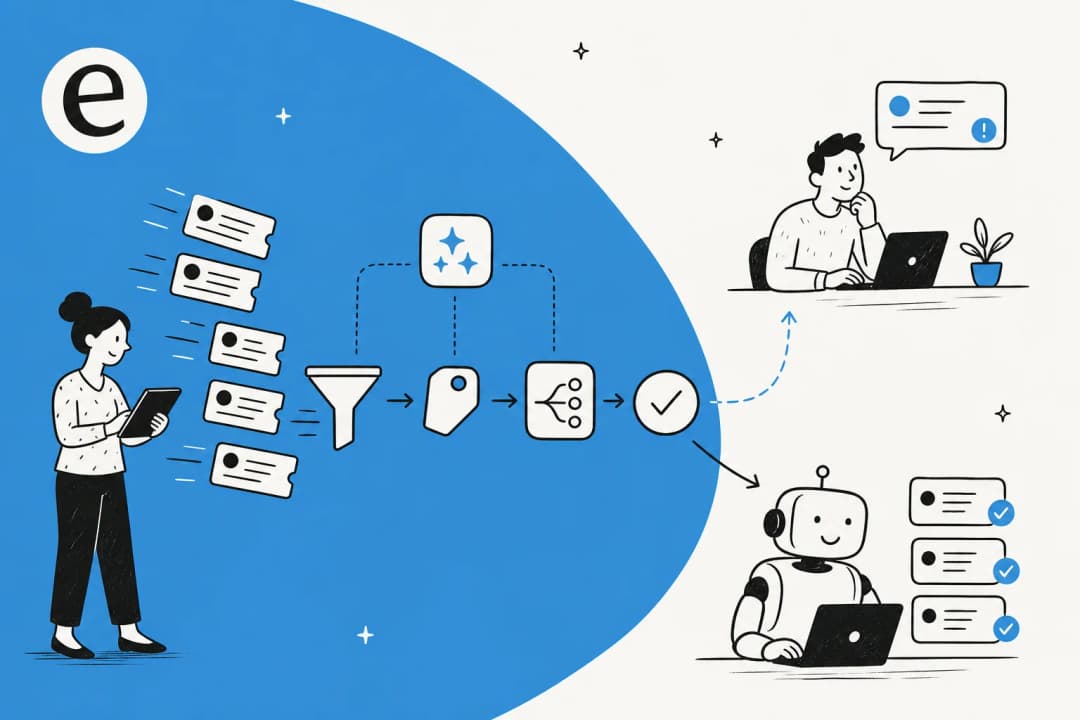
Now you drain the queue. Point the AI at your safe categories and let it resolve them end to end, while everything outside its confidence threshold gets triaged and routed to the right human.
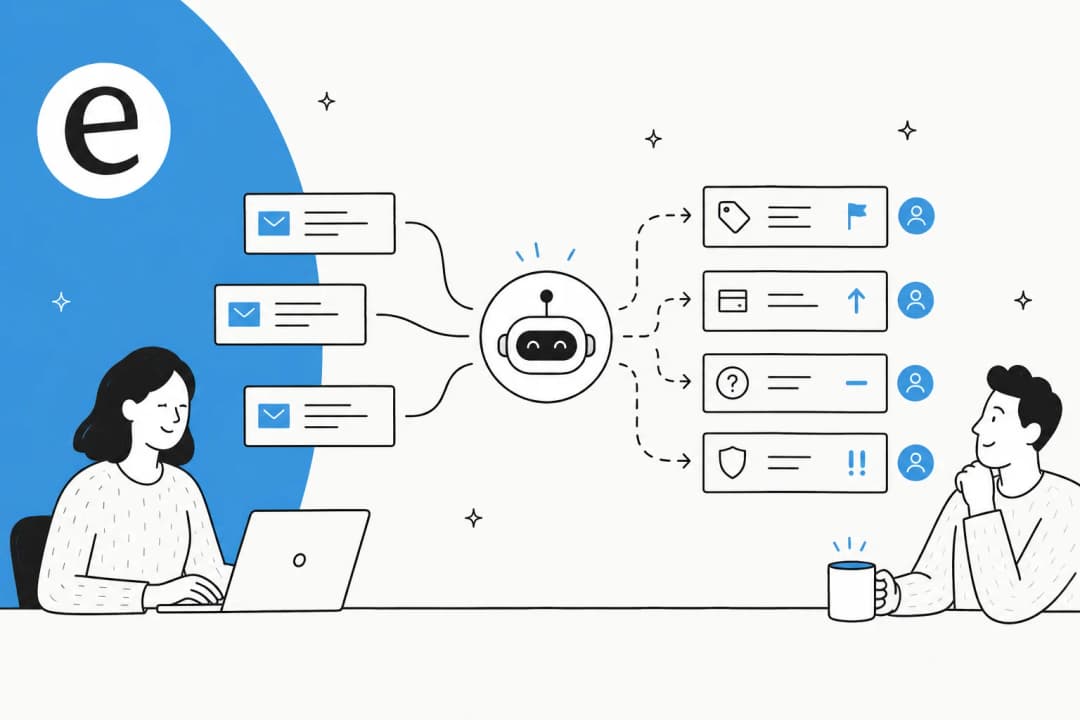
This is also where automations beyond replies pull their weight: tagging, assignment, and status updates. A driver-analytics company on Zendesk that resolved 73% of its tier-1 requests in the first month called out that the platform also handled "ticket tagging, assignment, and status updates" automatically, not just drafting answers. That housekeeping is half of what makes a backlog feel unmanageable, so automating ticket tagging and routing clears it alongside the replies.
The leverage here is real. One UK team drove 56 resolved tickets from just 9 synced macros, and were still using the agent more than a month after their trial expired. You don't need a huge knowledge base to start; you need the handful of answers that come up most.
Step 4: Roll out in phases, not all at once
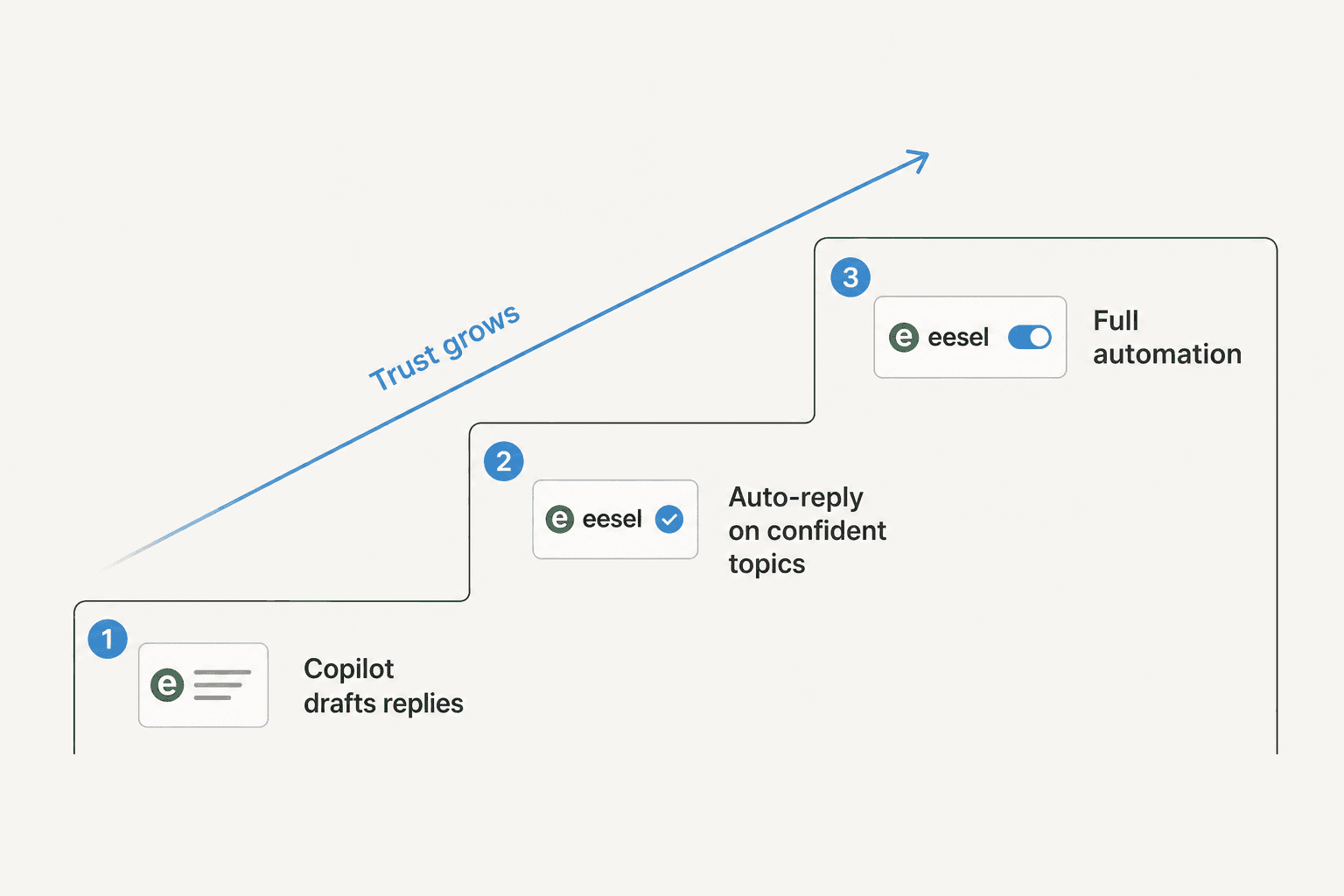
The mistake I see teams make is flipping AI to full automation on day one and then panicking. The pattern that actually works, and the one most customers ask for, is a ladder:
- Copilot first. The AI drafts replies, your agents review and send. You build trust and the queue starts moving because typing the answer is the slow part.
- Auto-reply on your most confident categories. Once simulation and copilot mode show the AI is solid on, say, order status, let it handle that category autonomously.
- Widen the scope. Add categories as the data earns it. Full automation is a destination you arrive at, not a switch you flip blind.
The point of the ladder isn't caution for its own sake. It's that each rung gives you evidence for the next, so by the time AI is auto-resolving a big chunk of the backlog, you already know it's safe because you watched it get there.
Step 5: Keep the backlog from coming back
Clearing a backlog once is satisfying. Keeping it cleared is the actual win.
Leave the AI on as your first responder so new tickets get triaged and the repetitive ones resolved the moment they arrive, instead of pooling overnight into tomorrow's backlog. Then close the loop: every common question the AI fields is a candidate for a better help article or a self-service answer that stops the ticket from ever being filed. Watch your reports to see which categories still leak, and feed those back in.

This is also where the economics get nice. One e-commerce account handling around 700 tickets a week ran the AI at roughly $1 per ticket, which is the kind of number that reframes a backlog from "we need to hire" to "we already have the capacity." If you want the deeper math, here's an honest look at how much AI saves in support.
Common mistakes to avoid
- Automating everything at once. Confidence-gating is the whole game. Let the AI handle what it knows and leave the rest to humans.
- Skipping simulation. If you can't see what the AI would have replied before it replies, you're gambling. Test it on your history first.
- Treating it as a one-time cleanup. A backlog cleared by hand grows back. A backlog cleared by an always-on first responder stays cleared.
- Forgetting the housekeeping. Replies are visible; tagging, routing, and status updates are the invisible work that clogs a queue. Automate triage and routing too.
- Buying on demo, not on data. A slick demo proves nothing about your tickets. Make any tool prove itself on your backlog before you commit.
Try eesel for clearing your backlog
If you want the fastest path through everything above, this is the part of the queue eesel was built for. It plugs into Zendesk, Freshdesk, Gorgias, Help Scout and more, learns from your past tickets and macros, and then does the one thing that makes a backlog safe to automate: it lets you simulate the agent on your real ticket history before it touches a customer, so you can see the resolution rate and tune it first.

It's a no-code setup you can have running in minutes, confidence-gated so it only auto-resolves what it's sure about, and free to try. Point it at the backlog you're staring at right now and watch which tickets it would clear.
Frequently Asked Questions
How do I clear a support ticket backlog with AI quickly?
What kind of tickets should AI handle first when clearing a backlog?
Is it safe to let AI auto-reply to a backlog of customer tickets?
How do I stop the support backlog from coming back?


Article by
Riellvriany Indriawan
Riell is a designer and writer at eesel AI with about two years of experience researching CX platforms, AI chatbots, and helpdesk software. She combines her design background with a sharp eye for how these tools actually look and feel in practice — making her comparisons unusually visual and user-focused.