What "deflecting tickets with AI" actually means
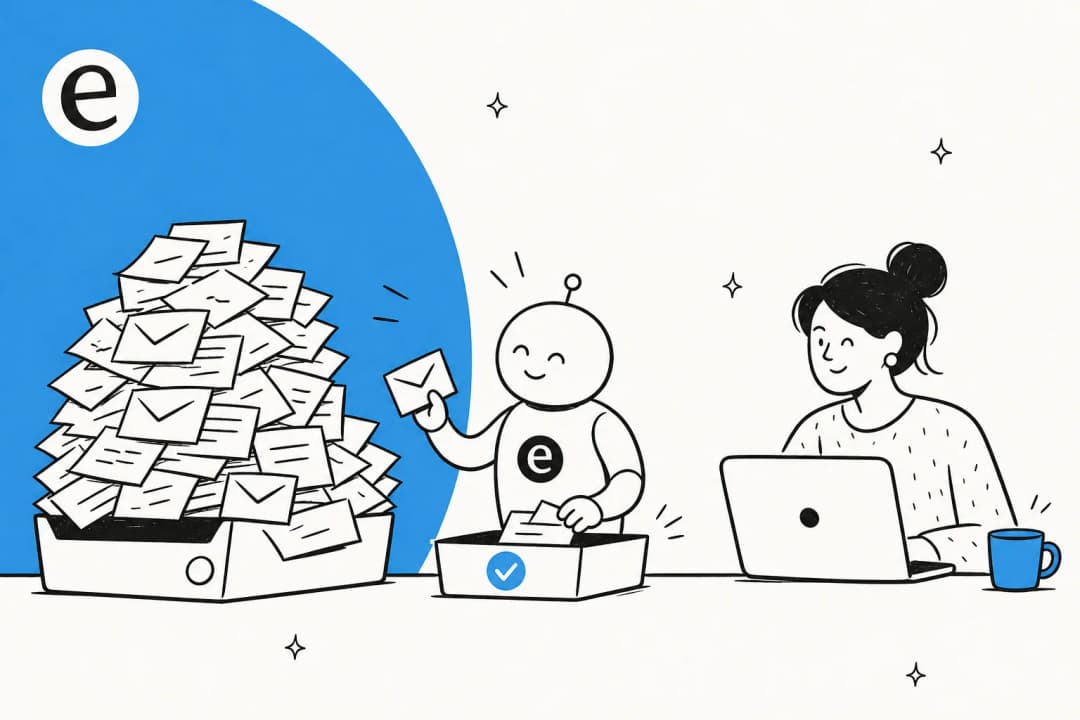
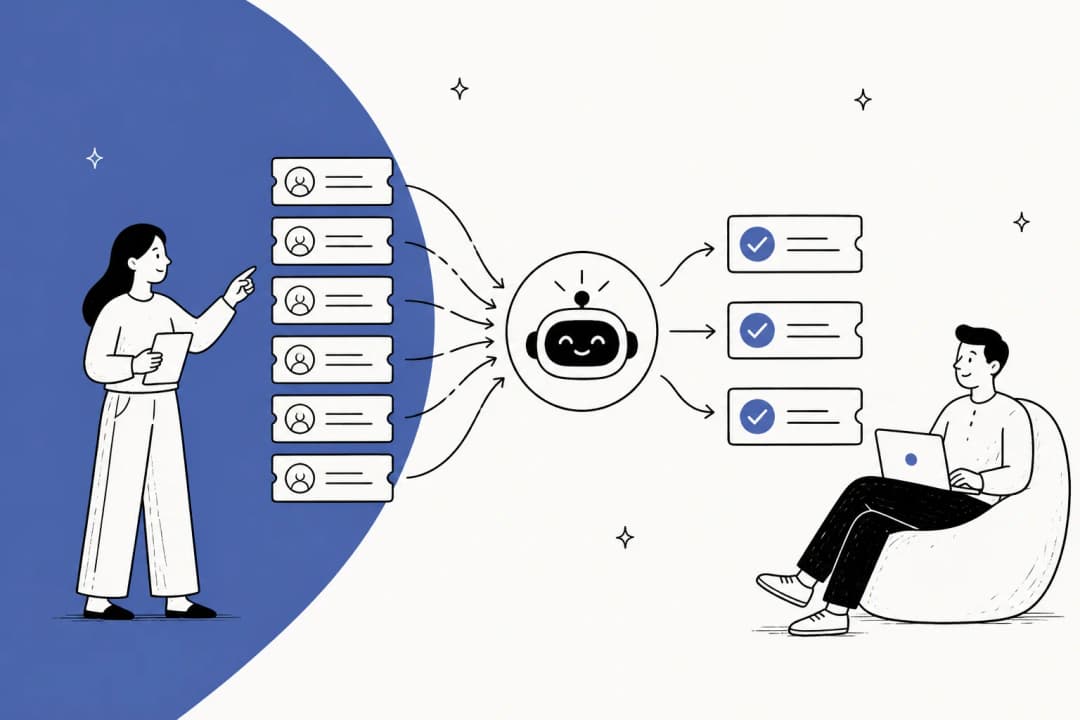
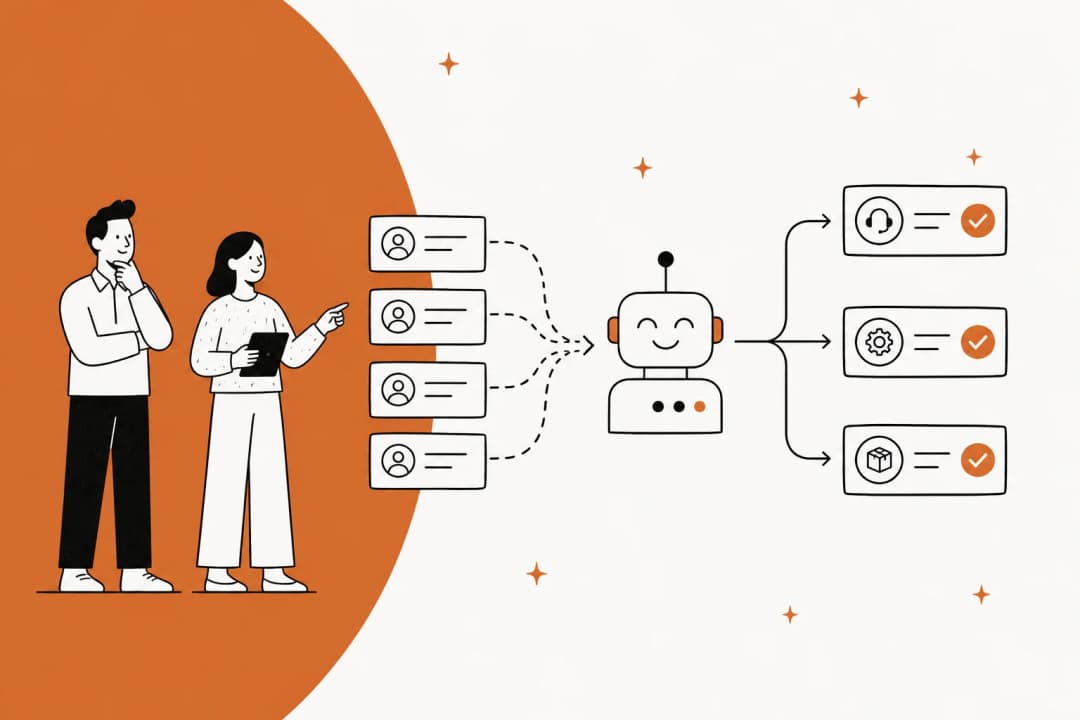
Ticket deflection is when a customer question gets answered before it turns into a ticket sitting in someone's queue. The customer gets help immediately, usually from a chat widget or an automated reply, and your team only handles what the AI couldn't.
That's the clean definition, and it's the goal behind most AI customer service automation projects. Here's the catch that nobody puts on the sales slide: deflection and resolution are not the same thing. A ticket is "deflected" the moment a human didn't have to open it. It's "resolved" only when the customer actually got their answer and didn't need to ask again. Those two numbers drift apart fast, and the gap is where deflection projects quietly fail.
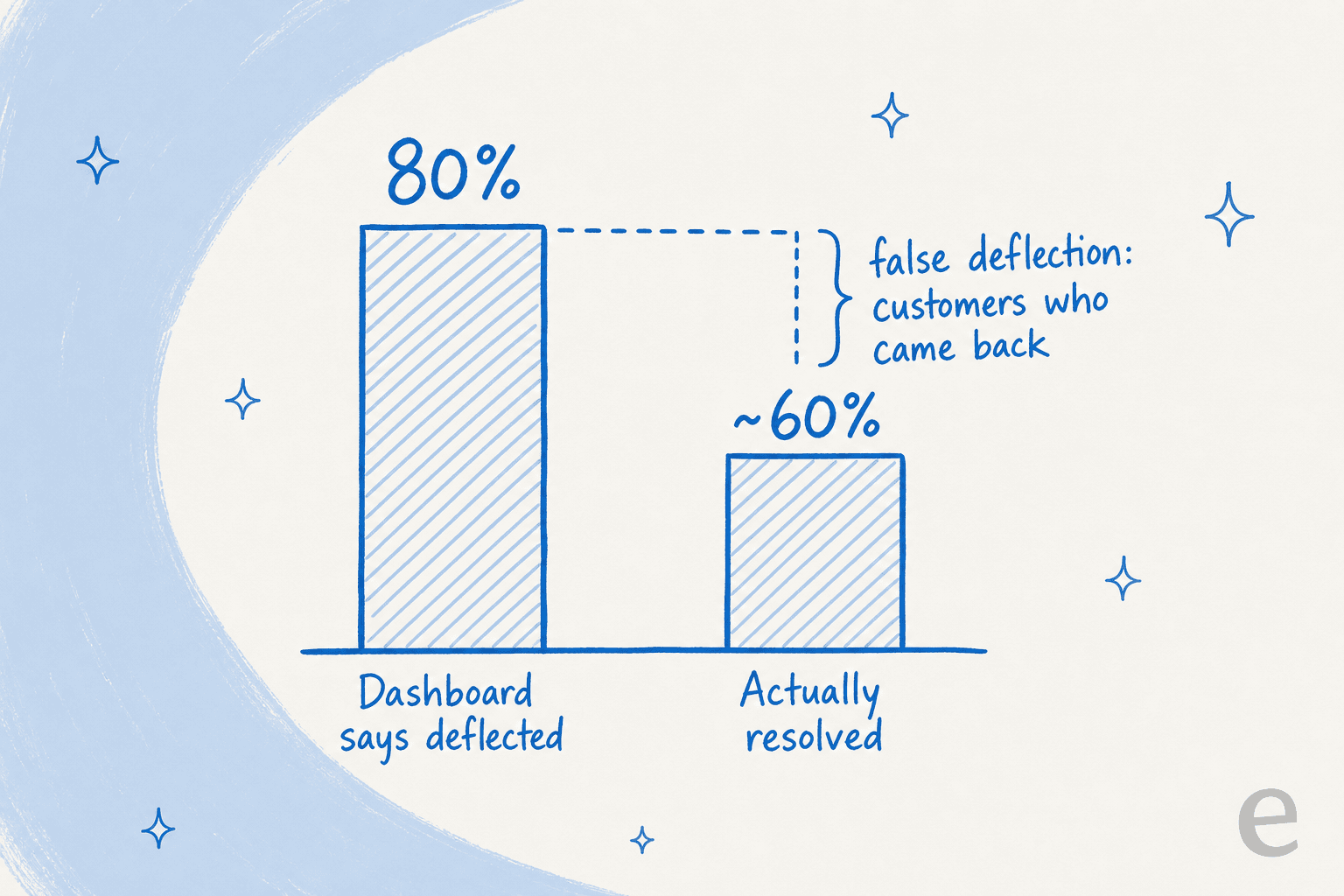
The dashboard says you deflected 80%. But some of that 80% is customers who hit a bot wall, gave up, and re-contacted you through a different channel, which your deflection metric never counted. Most teams overestimate their real deflection by a wide margin the first time they measure it properly. That's why I'd push you to track deflection rate and re-contact rate side by side from day one, instead of celebrating the headline number.
The most expensive version of this is when deflection rate becomes a team KPI. The second you reward "fewer tickets," people start making it harder to reach a human: the contact button gets buried, the bot loops, the AI answers questions it should have escalated. The metric goes up and the customer experience goes down. There's a reason a chunk of companies using AI for support frame their goal as better self-service rather than fewer tickets. If you take one thing from this section, make it this: deflection is a result, not a target.
So how does AI actually deflect a ticket?
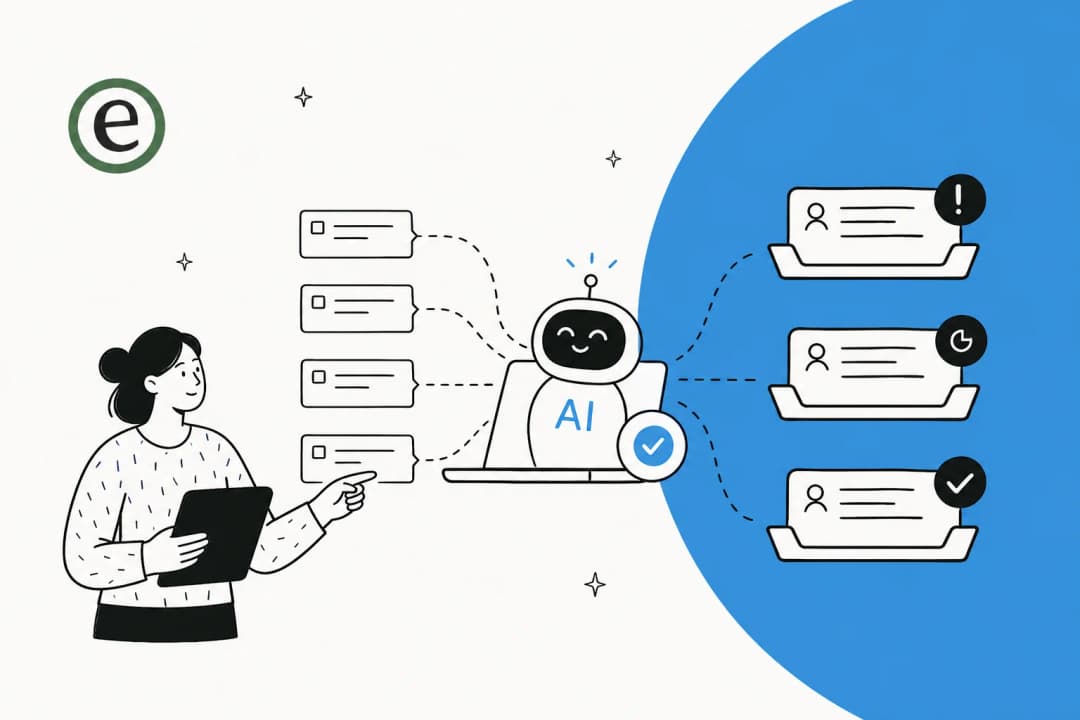
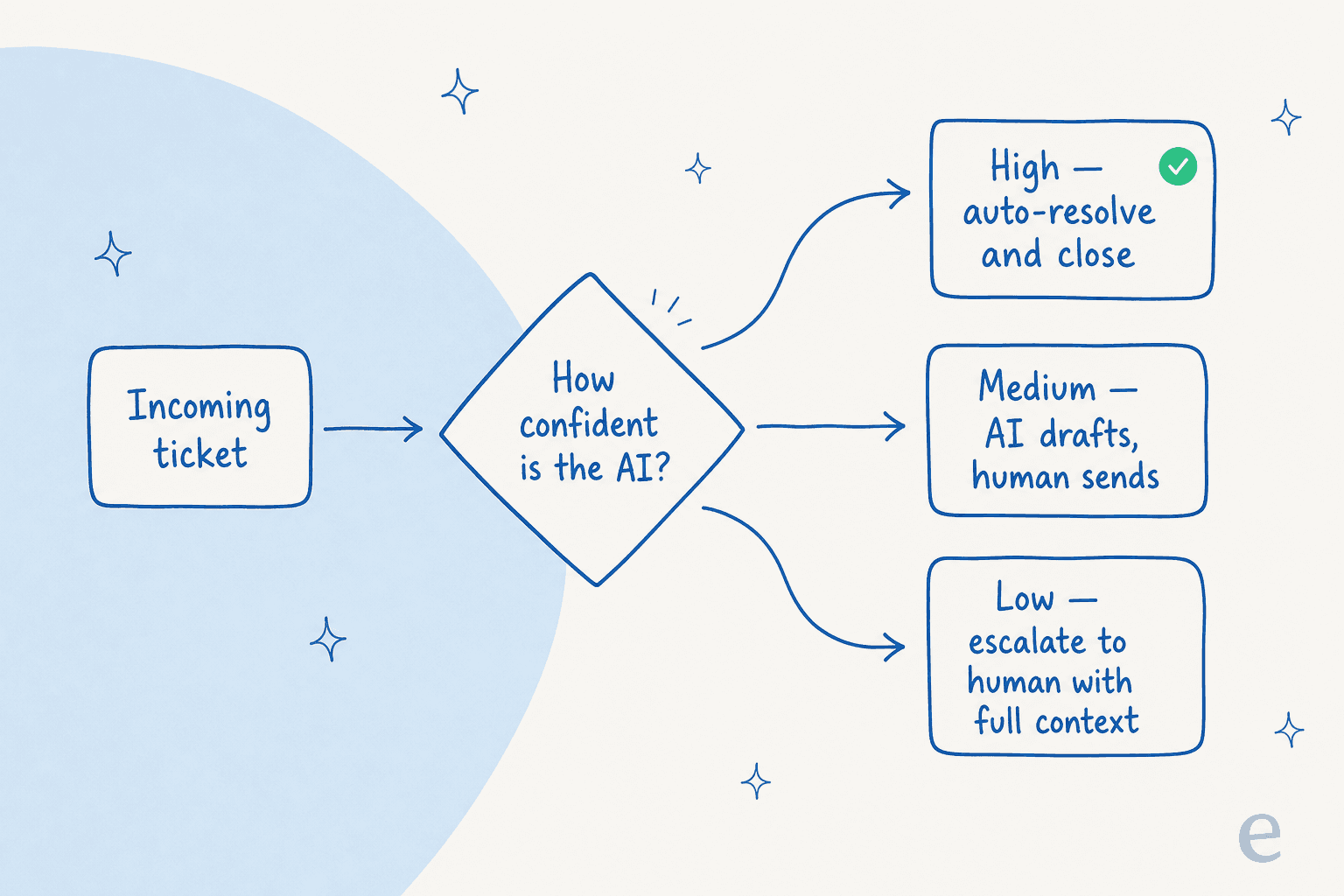
Modern AI deflection is a long way from the keyword chatbot of 2018. A good AI helpdesk agent reads the customer's question in plain language, searches your knowledge for a grounded answer, and then makes a routing decision based on how confident it is. It's the same engine behind a modern customer service chatbot, just pointed at deflection instead of conversation.
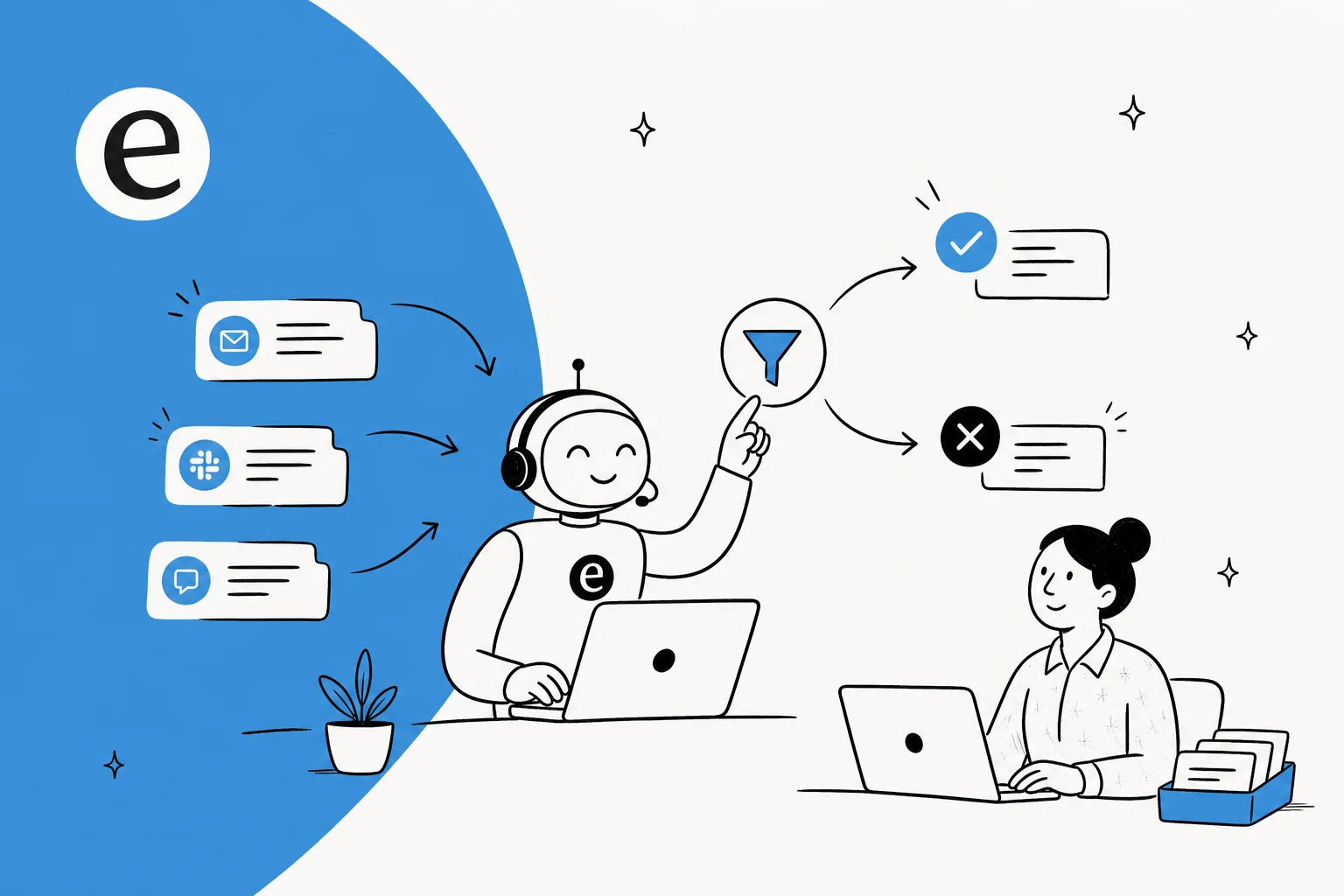
That confidence decision is the whole game. The strongest setups don't try to answer everything; they answer what they know and get out of the way on everything else.
This is exactly what buyers ask me for. One CX lead at a supplements brand doing around 7,000 tickets a month put the whole requirement in one breath on a call:
"The AI will never be able to answer 100% of the questions, but if it tries and just answers 'sorry I don't know this,' I cannot go and check all my 7,000 tickets to see if the AI actually made a good answer. I need an AI who is only handling the tickets that it's confident to handle and all the other ones, leave them alone."
That's the bar. Not "deflect everything," but "deflect what you're sure about, and silently leave the rest for a person." The reason this matters so much is the second half: an AI that answers a question it shouldn't have isn't deflecting a ticket, it's creating a worse one. I'll come back to that.
The quality ceiling here is set by your knowledge, not by the model. The AI is, underneath, a knowledge-retrieval system with a chat interface. Feed it stale or thin documentation and it will confidently retrieve the wrong thing. Train it on your solved tickets, your help center, and your internal docs, and the same model suddenly looks brilliant. If you're starting from scratch on the content side, our guide on training AI on your knowledge base is the place to begin.

How to actually do it: a rollout that produces real deflection
Here's the part most "how do I deflect tickets" articles skip. The difference between a deflection project that works and one that churns customers is almost never the AI vendor. It's the rollout. This is the sequence I'd run.
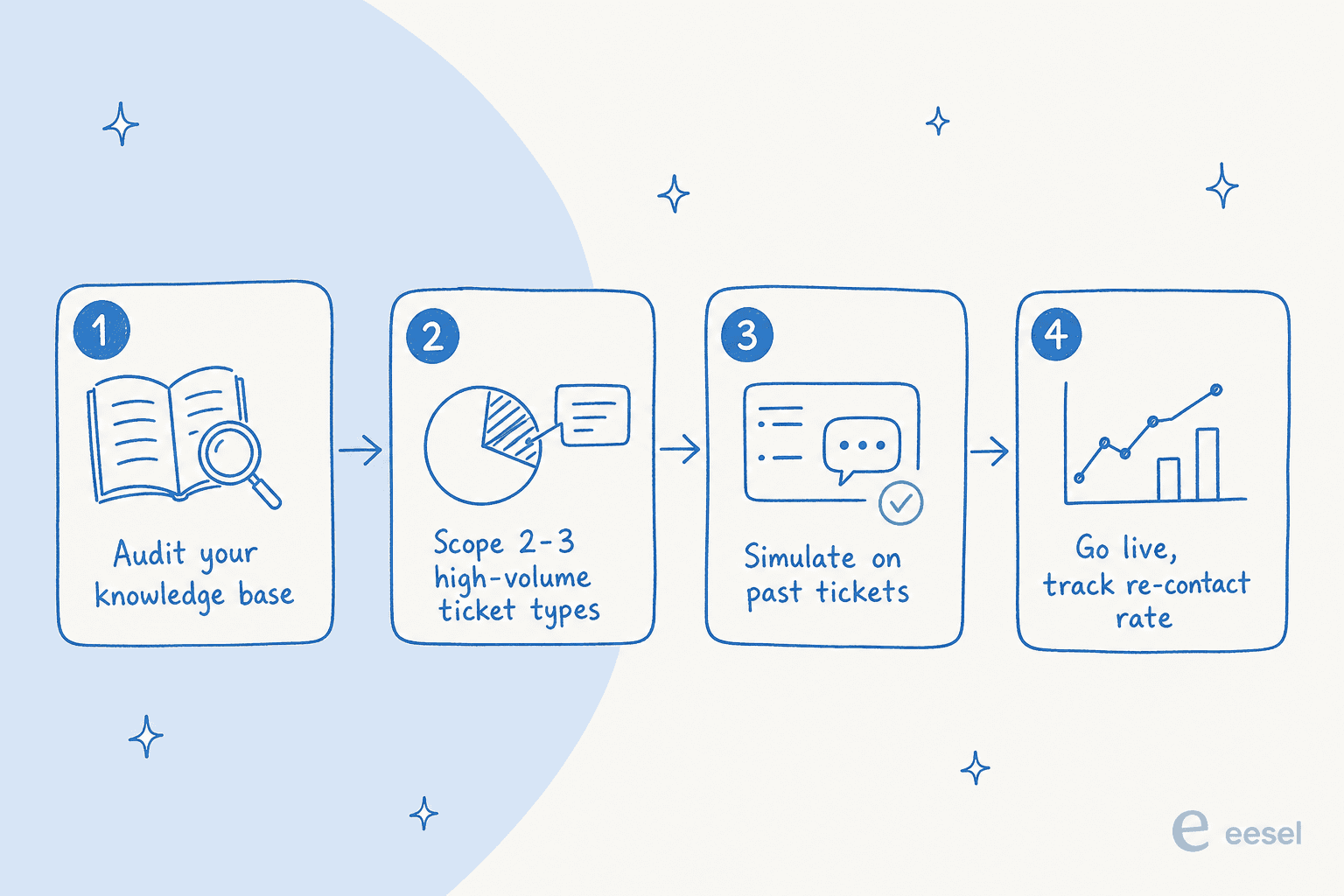
1. Audit your knowledge before you audit vendors
Pull your top 20-30 question types and check, honestly, whether a current, correct answer exists for each. Where it doesn't, that question type is out of scope for the AI until you write the content. This is unglamorous and it's the single highest-leverage thing you'll do. Skipping it is how teams end up with a confident bot trained on documentation that contradicts itself.
2. Scope tight: two or three question types, not everything
Resist the urge to point the AI at your whole inbox on day one. The high-deflection-potential questions are the repetitive tier-1 questions: order status, password resets, subscription changes, returns, "where is my order." A multi-brand e-commerce operator I spoke with summed up his entire volume as refunds, unsubscribes, and order tracking, which is a near-perfect starting scope. Nuanced complaints, billing disputes, and gnarly technical bugs stay with humans for now.
3. Simulate on your real tickets before going live
This is the step I'd refuse to skip. Before a single customer sees the AI, run it against your last few thousand real tickets and see what it would have said. You get a coverage estimate by topic, you find the gaps, you fill them, and you re-run, all without any risk to a live customer. eesel's simulation mode does exactly this, and it turns "we think we'll deflect 50%" into a number you can actually defend to your boss.
4. Start in copilot mode, then grant autonomy
Almost every team I work with wants the same adoption curve: run the AI as a copilot drafting replies for agents first, watch it for a couple of weeks, then flip the confident ticket types to full auto. It's the safe way to build trust, and it means your agents are training the AI on their real replies the whole time. One support manager described his goal as wanting AI to "handle 60% of the incoming tickets and know when to pull a real person in," which is exactly what graduated autonomy gives you.
The nice thing about this rollout is it works inside the helpdesk you already have. You don't rip out Zendesk self-service or migrate off Gorgias to deflect tickets; the AI layers on top and deflects from the chat widget, the ticket form, and email. It's worth thinking about deflection by channel, since live chat deflection behaves differently from email. If you're on Shopify, our Shopify customer service guide covers the e-commerce specifics.
The mistakes that turn deflection into churn
I've watched enough rollouts to know the failure modes are predictable. They're the difference between an AI customer service workflow that holds up and one that quietly leaks trust. Here are the ones that actually bite.
The AI confidently gives a wrong answer. This is the nightmare. We've had paying customers whose bot fabricated an answer when the knowledge base had nothing relevant: one invented subscription details that went out to real customers, another answered a product question with "Oxygen" pulled from its general training. The fix is a hard rule that the AI falls back to a human when retrieval comes up empty, instead of improvising. This is the same root cause behind most cases of an AI chatbot answering incorrectly.
Blocking your best customers. When deflection is the goal, high-value accounts hit the same bot wall as everyone else, and those are exactly the people you can least afford to frustrate. Build a rule that routes VIP or enterprise accounts straight to a human, and use escalation rules tied to your CRM tags.
No real escalation path. A customer who has to re-explain their whole issue after the bot gives up is a customer halfway out the door. Whatever the AI can't handle should arrive at a human with the full transcript, the customer's account context, and the reason it escalated. Getting AI escalation right does more for satisfaction than squeezing another few points out of your deflection number, and clean chatbot escalation is what keeps a handoff from feeling like a dead end.
Letting the knowledge base rot. A bot trained on last quarter's docs gives last quarter's answers. Treat every escalation as a signal: it's usually a knowledge gap or a scope error pointing you at the next thing to fix. The teams that win run a weekly habit of feeding solved tickets back into the knowledge base.
How do you know it's actually working?
If you only track deflection rate, you'll optimize for the wrong thing. These are the numbers I'd watch instead, and most of them live in your customer service KPIs dashboard already, alongside the broader AI customer service metrics worth tracking.
| Metric | What it tells you |
|---|---|
| True deflection rate | Conversations where the customer did not come back within 48 hours |
| Re-contact rate (48h) | The direct signal for false deflection; if it's rising, your bot is closing, not solving |
| Escalation rate by topic | A spike in one category means a knowledge gap or wrong scope there |
| Cost per true resolution | The number your CFO cares about, not cost per deflection |
| CSAT on AI conversations | The trust check; a drop after rollout means you've scoped too wide |
The honest move is to measure AI deflection against your old human baseline so you're comparing like for like. Our walkthrough on measuring deflection and the deeper piece on containment rate both get into the mechanics, and the wider playbook on how to reduce support tickets with AI ties it together. The reporting only matters if it changes what you do next: every week, the re-contact and escalation data should hand you a short list of knowledge to fix.

A real example of why the unit matters: I helped put together a cost comparison for a jewelry e-commerce team weighing per-resolution pricing against a flat rate. At 1,000 tickets a month and 80% resolution, per-resolution pricing ran about $792. Come Black Friday at 4,000 tickets, the same model jumped to over $3,000, while a flat per-ticket rate stayed put. Worth checking whether a vendor's quoted "resolution rate" counts auto-closing the spam that's already 20%+ of most inboxes.
Try eesel for ticket deflection
If you're trying to deflect tickets specifically, eesel is built for the safe version of this. It's an AI helpdesk agent that plugs into Zendesk, Freshdesk, Gorgias, Help Scout, and 100+ integrations, learns from your past tickets and help center on day one, and only auto-resolves the questions it's genuinely confident about.
The differentiator for a deflection project is the simulation mode: you run the AI against thousands of your real past tickets and see your projected deflection by topic before you go live, so you're not guessing. And because pricing is a flat $0.40 per ticket handled with no per-seat fees, your bill doesn't punish you for deflecting more or for a seasonal spike. Real teams lean on it at scale: one customer runs a fully automated agent through more than 100,000 tickets a month, and another resolved 73% of tier-1 requests in the first month.
You can start with $50 of free usage, no credit card, and run a simulation on your own tickets in an afternoon. Try eesel and see your real deflection number before you commit to anything.

Frequently Asked Questions
How do I deflect support tickets with AI without making customers angry?
What's a realistic ticket deflection rate with AI?
How much does it cost to deflect tickets with AI?
What's the difference between ticket deflection and ticket resolution?
Can AI deflect tickets in Zendesk, Freshdesk, or Gorgias?


Article by
Riellvriany Indriawan
Riell is a designer and writer at eesel AI with about two years of experience researching CX platforms, AI chatbots, and helpdesk software. She combines her design background with a sharp eye for how these tools actually look and feel in practice — making her comparisons unusually visual and user-focused.