What "ROI" actually means for AI customer service
Strip away the jargon and ROI is one line: (value returned − cost to run) ÷ cost to run. The hard part isn't the division, it's being honest about both sides.
On the cost side, you've got the obvious line item (what you pay the vendor) plus the quieter ones: setup time, the hours your team spends training and supervising the AI, and the cost of any answer it gets wrong. On the return side, there are four levers worth naming, because most business cases only count the first one and undersell themselves:
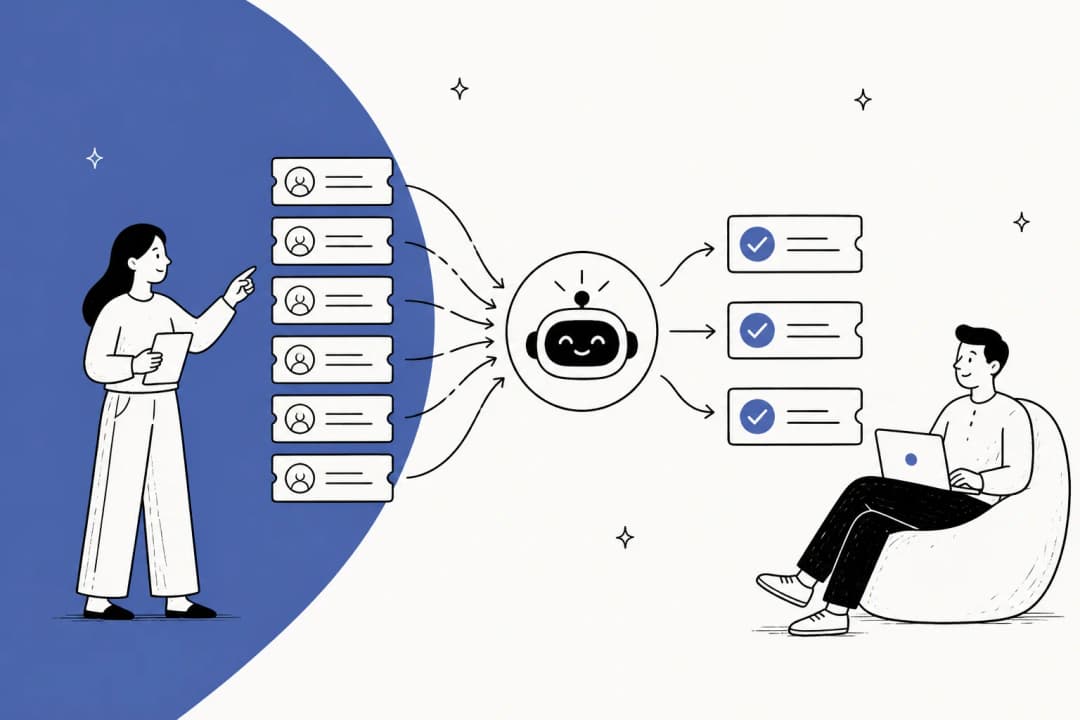
- Tickets deflected or resolved without a human ever touching them. The headline lever.
- Agent hours freed up for the complex tickets that actually need a person.
- Faster resolution and response times, which show up in CSAT and retention long before they show up in a spreadsheet.
- 24/7 coverage you didn't have to staff for.
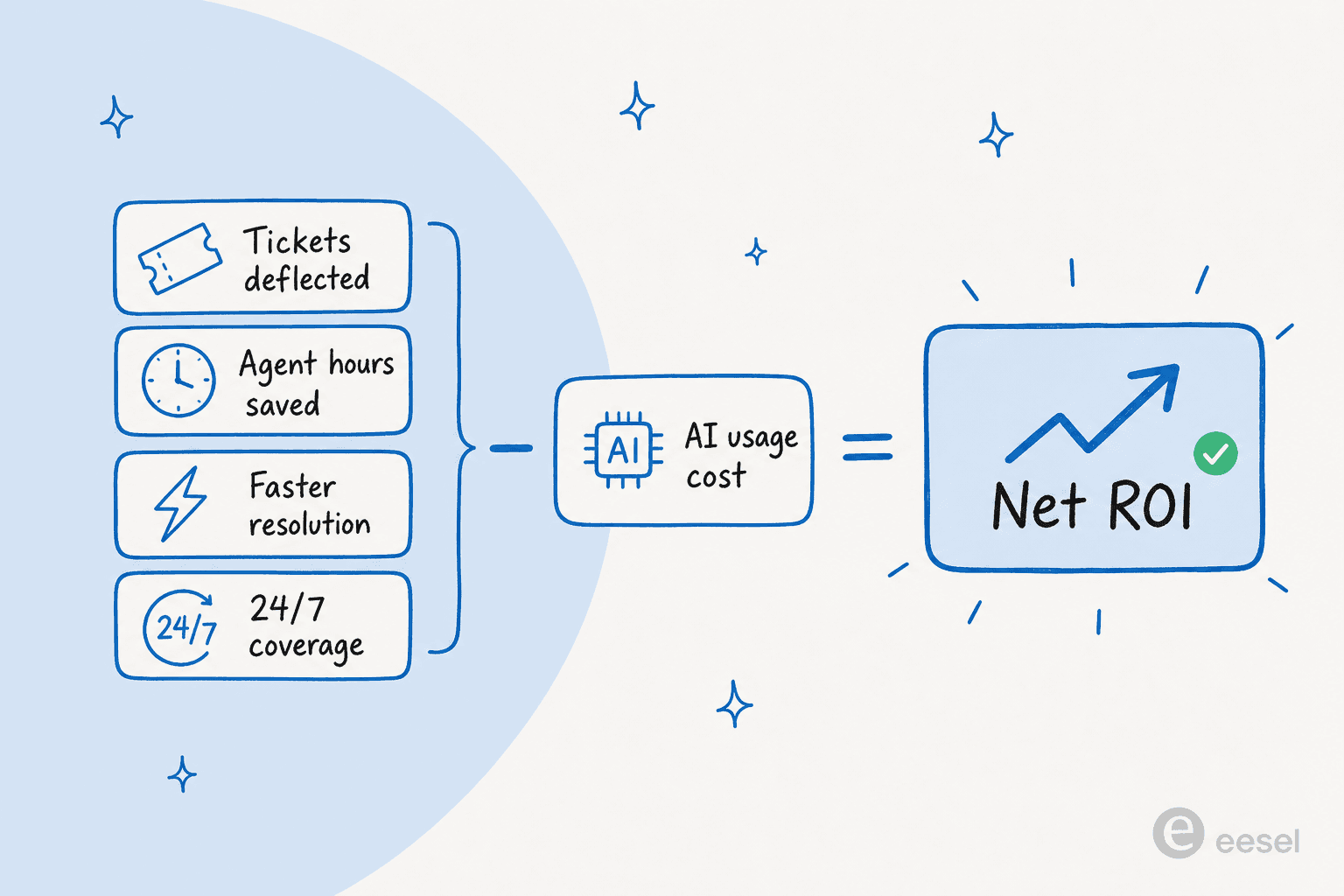
The reason I lead with the full set of levers is that the single most common mistake I see is teams pricing the project on deflection alone, then being surprised when the AI pays for itself three times over once they count the agent hours and the after-hours coverage. If you only want to measure one thing, measure cost per ticket before and after. But if you want the real number, you count all four. Our AI vs human agent cost breakdown is a good companion if you're trying to put a dollar figure on lever one.
What it actually costs (and the pricing trap nobody warns you about)
The sticker price is the easy part. What wrecks ROI math is the pricing model, not the price.
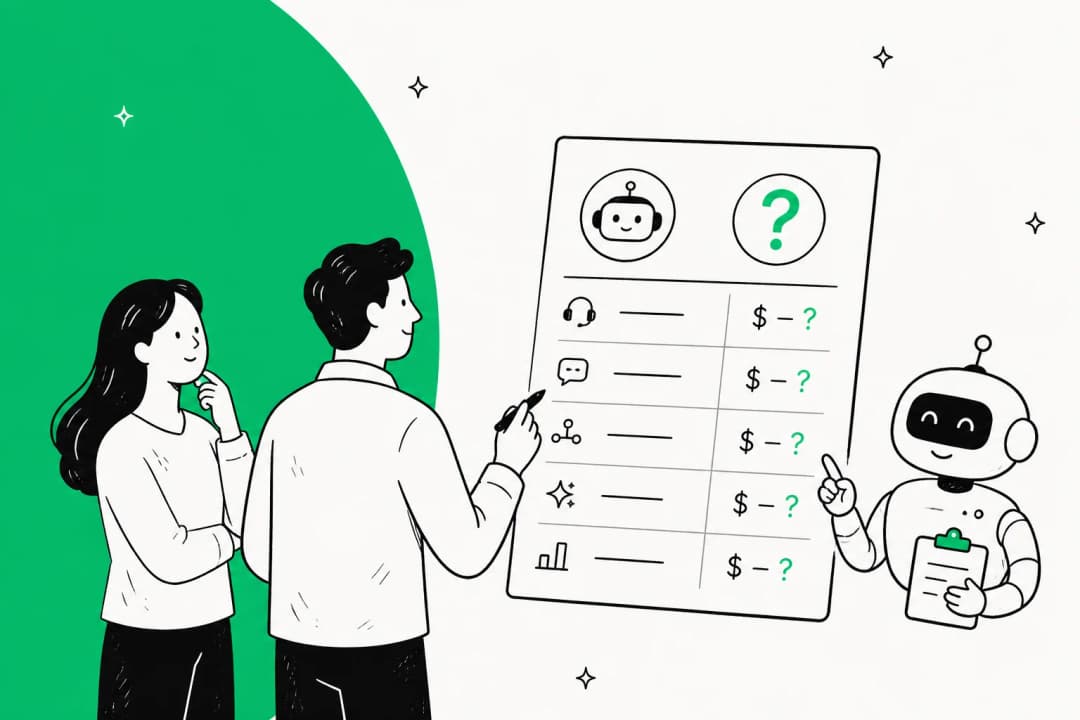
Usage-based, per-ticket pricing is the model I'd push almost any team toward, because the unit is something you already think in: a ticket. Here's what that looks like with eesel's pay-as-you-go pricing, which starts at $0.40 per ticket with no platform fee, no per-seat charge, and no minimum:
| Tickets handled per month | Monthly cost |
|---|---|
| 100 | $40 |
| 500 | $200 |
| 1,000 | $400 |
| 2,500 | $1,000 |
A ticket is one ticket no matter how many back-and-forth messages it takes, and you're never charged for tickets your humans handle. If you route only 200 of your 1,000 monthly tickets to the AI, you pay for 200.
Now the trap. A lot of vendors price per resolution instead of per ticket, and on paper it sounds fair ("only pay for what works"). In practice it quietly penalizes you twice. First, every time the AI gets better at resolving tickets, your bill goes up, which is a deeply weird incentive to sign up for. Second, volume spikes hit you at full force: an internal cost analysis we ran for one ~1,000-ticket-per-month retailer showed that at 80% resolution they'd pay around $792 a month, and a Black Friday surge to 4,000 tickets at the same rate would balloon that to roughly $3,168, while a flat or per-ticket model keeps the bill predictable. The unit you're billed in is one of the biggest hidden levers in your support economics, and most ROI spreadsheets never model the bad month.
I've watched this play out in our own win-back conversations: one mid-market team that churned told us, plainly, that they'd switched to a cheaper system and would have stayed if cost and reliability had been better. Cost and predictability beat almost everything else in the buying decision, which is why the pricing model is part of the product, not a footnote to it.
What teams actually get back
Costs are concrete; returns are where people get vague. So here are real numbers from real deployments rather than "teams save time with AI."
- Gridwise, a gig-economy driver-analytics app on Zendesk, resolved 73% of tier-1 requests in its first month, with results landing during a 7-day trial.
- Global Pay (Global Payments) reported up to 80% time savings finding answers across their documentation, which is the agent-hours lever, not the deflection one.
- A UK support team drove 56 resolved tasks from just 9 synced macros on Zendesk, a reminder that you don't need a perfect knowledge base to start seeing return.

The pattern across all of these is the same, and it's the thing I'd underline twice: the return comes from training the AI on your history, not your help center. A help center is written for the wrong audience half the time (admins, when your tickets come from end users), but your past resolved tickets are a record of how your best agents actually answered. That's why a tool that learns from solved tickets tends to outperform native helpdesk AI that only reads your published docs. If you're weighing options, our roundup of the best customer service AI platforms gets into which tools do this well.
Run your own numbers
Abstract ROI is unconvincing. Plug in your own volume, your fully-loaded cost to handle a ticket with a human, and the share you'd let the AI take. The calculator does the rest.
If the net saving number looks too good, that's the point: even at a conservative $5 fully-loaded cost per human ticket and only 45% automation, the gap is large. Sanity-check your own cost-per-ticket against our AI vs human agent cost numbers before you take this to finance.
How to measure it properly (without fooling yourself)
This is the section that separates a real ROI case from a hopeful one. Two ideas do most of the work.
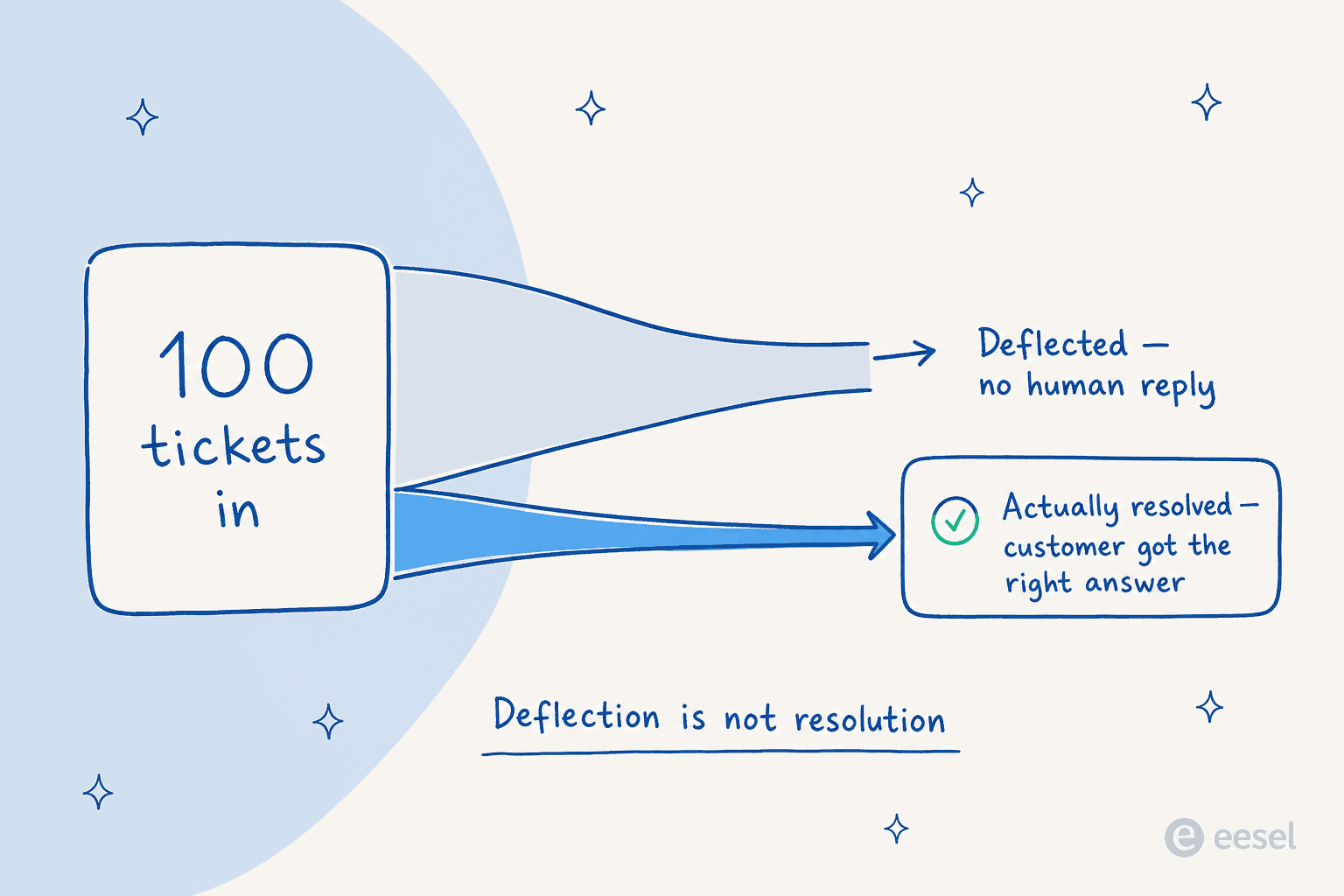
Deflection is not resolution. A deflection just means a ticket didn't reach a human. It says nothing about whether the customer got a correct answer or rage-quit to a competitor. Resolution means the customer's problem was actually solved. If you report deflection and call it ROI, you'll eventually get caught when CSAT drops, so measure resolution and treat deflection as a supporting metric at best.
Measure against a baseline, or you're guessing. You can't claim savings if you never wrote down what a ticket cost you before. So the framework I'd run is four steps:
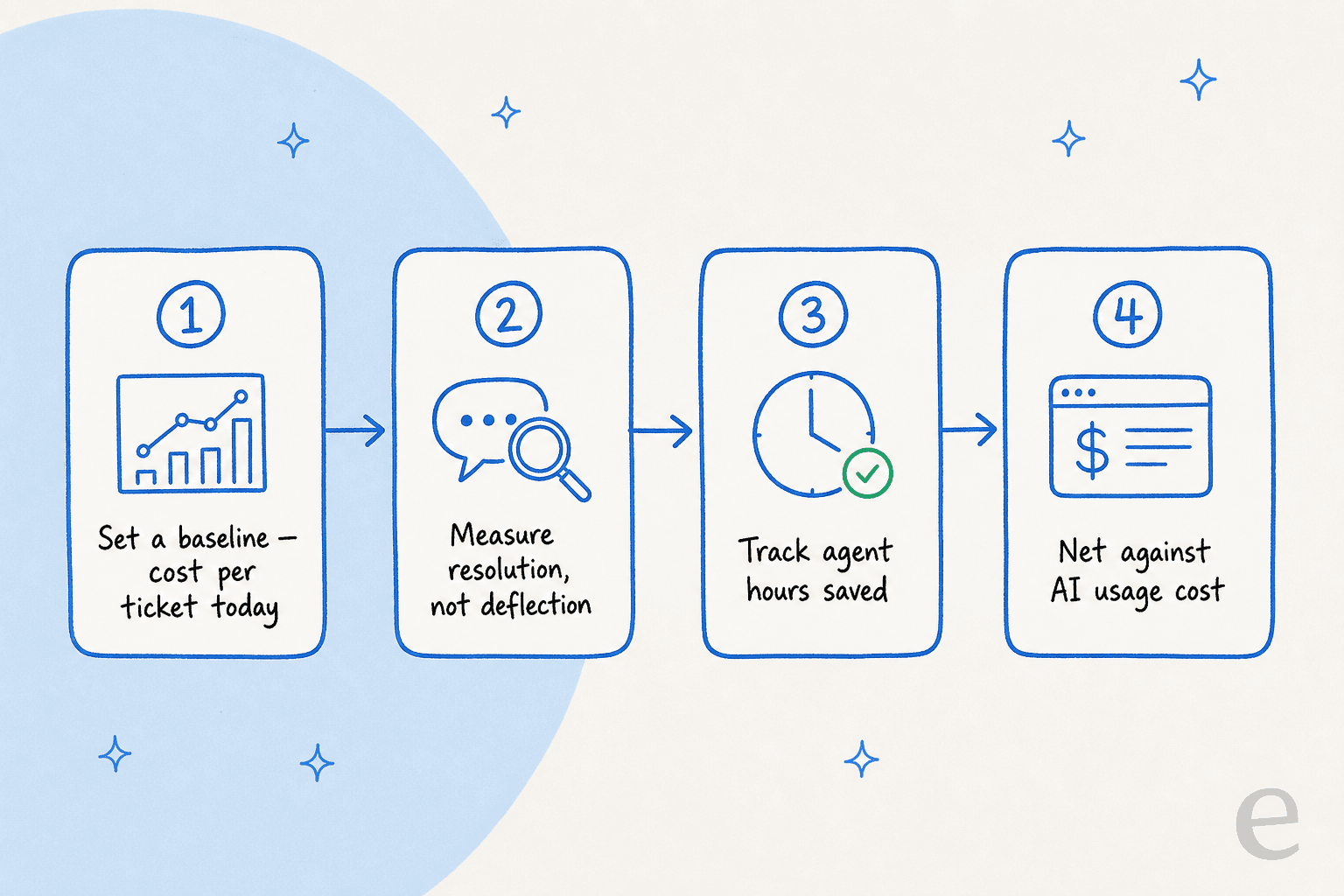
- Set a baseline. What does a ticket cost you today, fully loaded (salary, tools, overhead, divided by tickets)?
- Measure resolution, not deflection. Track the share of tickets the AI fully resolves, and spot-check quality.
- Track agent hours saved, then convert them to dollars or to capacity you didn't have to hire for.
- Net it against AI usage cost to get a true number.
The reason I trust this approach is that it's also how I'd de-risk the rollout itself. The best AI support tools let you simulate against your historical tickets before going live, so you see projected resolution rate by ticket type, find the gaps, and fix them before a single customer is affected. That simulation is your baseline and your forecast in one. If you want the longer version, we wrote a full framework for measuring AI support ROI and a step-by-step on deflection vs human deflection. For the broader metric set, our AI customer service metrics and customer service KPIs guides cover what to put on the dashboard.
Where the ROI math usually goes wrong
A few failure modes I see often enough to call out:
- Counting deflection as resolution. Covered above, and it's the big one.
- Ignoring the bad month. If your pricing scales with volume and resolution, model a peak season before you sign. The resolution-rate math on Zendesk AI agents is a good gut-check here.
- Forgetting the supervision cost. Early on, someone reviews the AI's drafts. That's real time. It shrinks fast as the AI learns from corrections, but budget for it in month one.
- Letting the AI answer everything. The teams with the best ROI are the ones that hold the AI to a confidence threshold and let it escalate cleanly when it's unsure. A confident wrong answer costs more than a clean handoff. Our guide to AI agent escalations covers how to set that up.
- Skipping the baseline. No baseline, no provable ROI. Full stop.
Building the business case
When you take this to a decision-maker, lead with the three numbers that survive scrutiny: current cost per ticket, projected resolution rate (from a simulation, not a vendor's brochure), and net monthly saving after AI cost. Pair them with one qualitative point that finance can't model but customers feel: faster responses and round-the-clock coverage. If you want a structured starting point, our framework for measuring AI support ROI doubles as a business-case template, and the companies already using AI for customer service make useful comparables.
The honest caveat: AI customer service is not free ROI for every team. If your volume is tiny, your tickets are all bespoke, or you can't get clean access to your past tickets, the return shrinks. It's worth saying that out loud, because a business case that only lists upside is the one that gets picked apart.
Try eesel for AI customer service ROI
If you want to see the ROI on your tickets rather than a generic calculator, that's exactly what eesel AI is built for. It plugs into your existing helpdesk (Zendesk, Freshdesk, Gorgias, Front and others), trains on your past resolved tickets and docs on day one, and lets you simulate against your historical tickets so you get a projected resolution rate and cost number before you go live. Pricing is per ticket with no per-seat fees, so the ROI math stays predictable as you scale.

The simulation is the part I'd actually use to build your business case, because it turns "AI might help" into "here's the resolution rate and the dollar number on our real queue." You can try eesel free, or read the full AI helpdesk agent breakdown first.
Frequently asked questions
How do you calculate the ROI of AI customer service?
What is a realistic ROI for AI customer service in the first year?
Is AI customer service worth the cost for a small team?
Which metrics should I track to prove AI customer service ROI?
Why does per-resolution pricing hurt the ROI of AI customer service?


Article by
Kurnia Kharisma Agung Samiadjie
Kurnia is a software engineer and writer at eesel AI with two years of SEO experience, writing about AI tools, helpdesk software, and customer support. He pairs a developer's understanding of how these products are built with search-driven research into what actually ranks and resonates with the people searching for them.