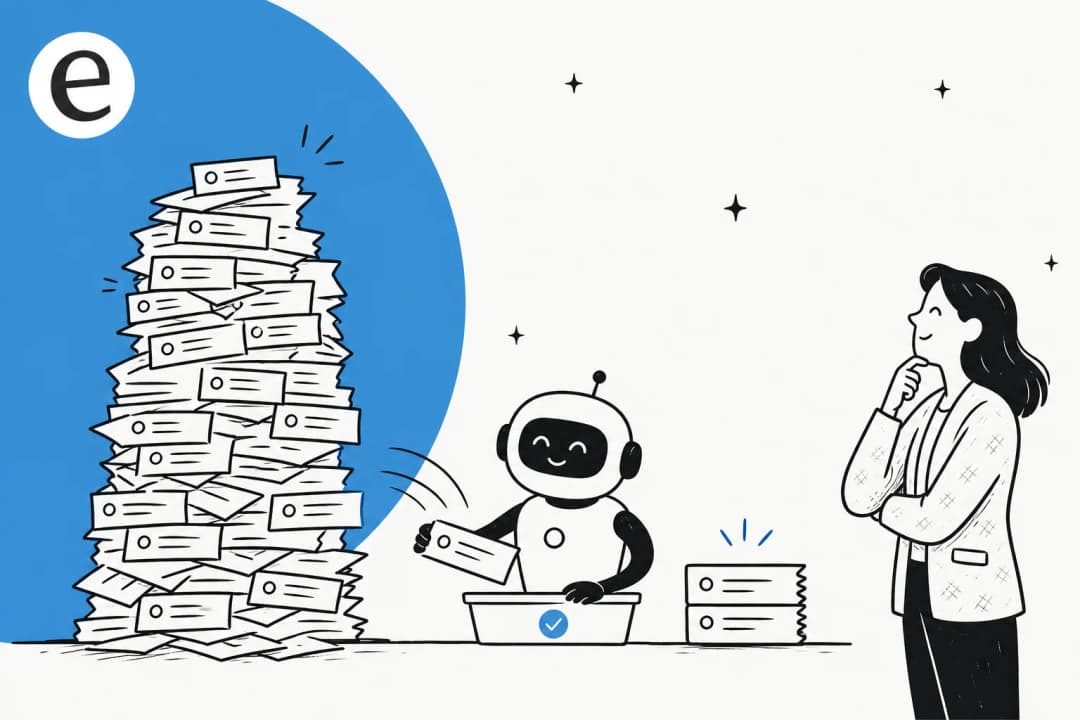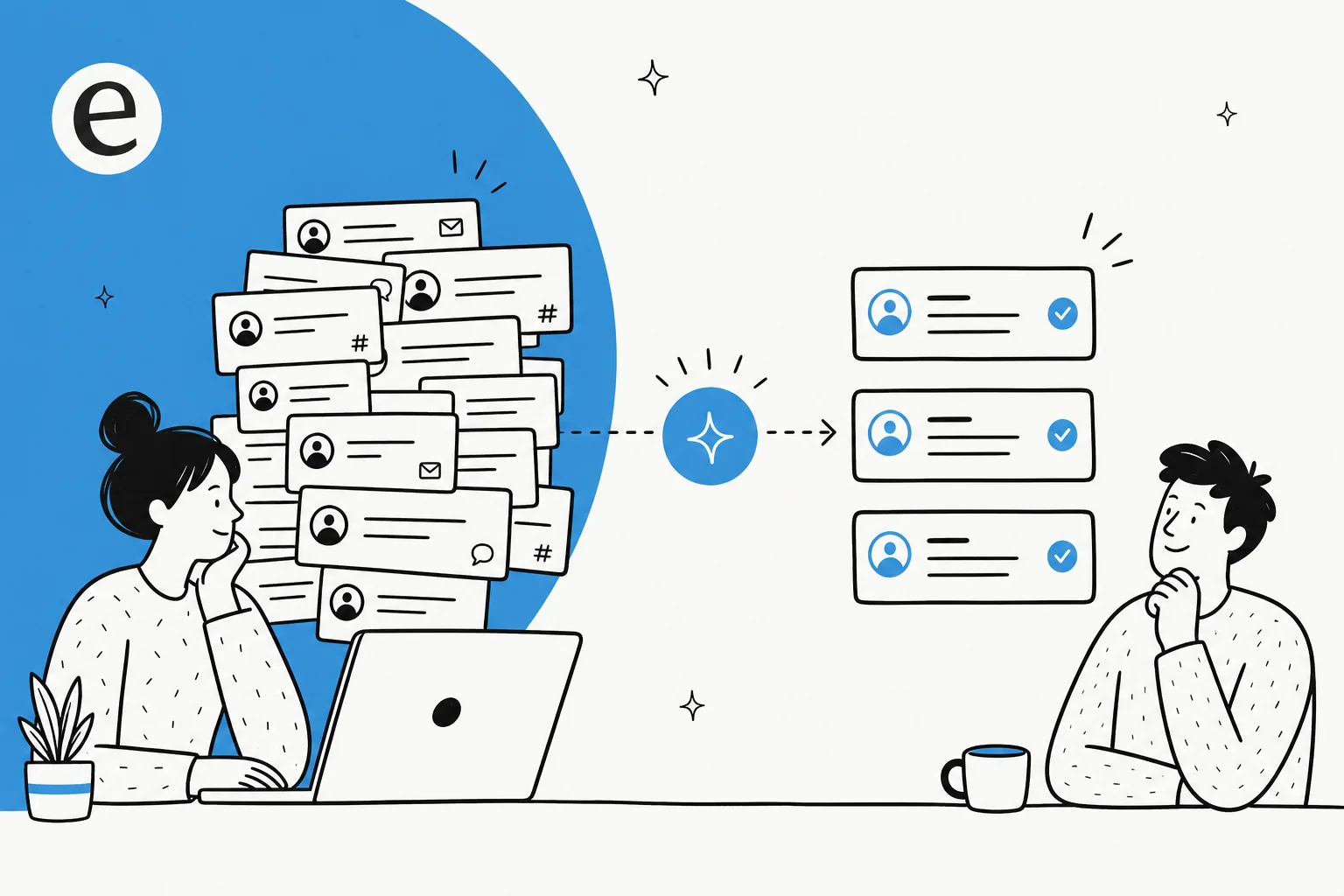
So, can AI actually summarize support tickets?
Yes, and I would go further: of all the things teams ask AI to do in a support queue, summarization is the one I trust most. I work the support side at eesel, and we have spent the last few years putting AI agents on live customer queues, which means I have watched the failure modes up close. The scary ones are about action, an agent confidently telling a customer the wrong refund policy. Summarization is lower stakes by design, because most of the time a human reads the summary next and catches anything off.
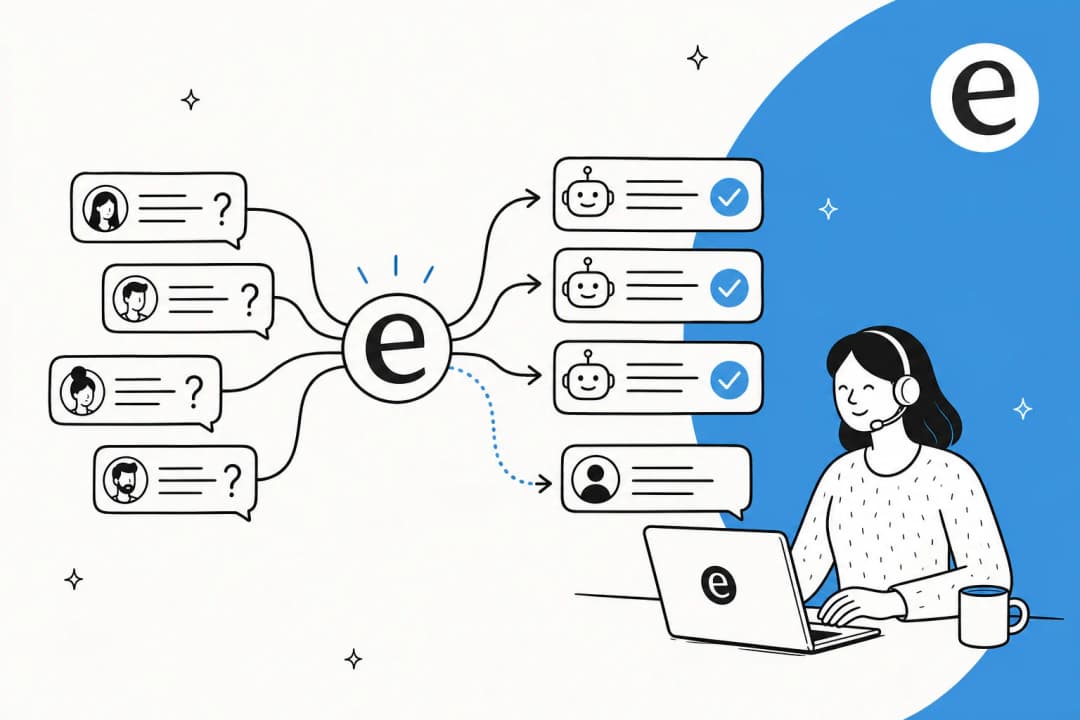
The proof is in how the work already happens. When an AI agent acts as first responder on a ticket, the first thing it does is read and condense. One of our deployments processes 100,000+ support tickets a month on Zendesk in German, fully automated. Another handles 50,000+ tickets a month on Freshdesk. None of that volume is possible without the AI first reading each thread and boiling it down to what matters before it drafts, tags, or routes. Summarization is the quiet step underneath all of it.
So the honest answer is not just "can it," but "it already is," on a lot of queues. The more useful questions are what kind of summary you want and where you should still keep a human in the loop. Let's break those down.
What "summarizing a support ticket" actually means
"Summarize a ticket" sounds like one task, but in a real support workflow it is at least four different jobs, and they carry very different risk. Lumping them together is how teams either over-trust AI on the risky ones or under-use it on the safe ones.
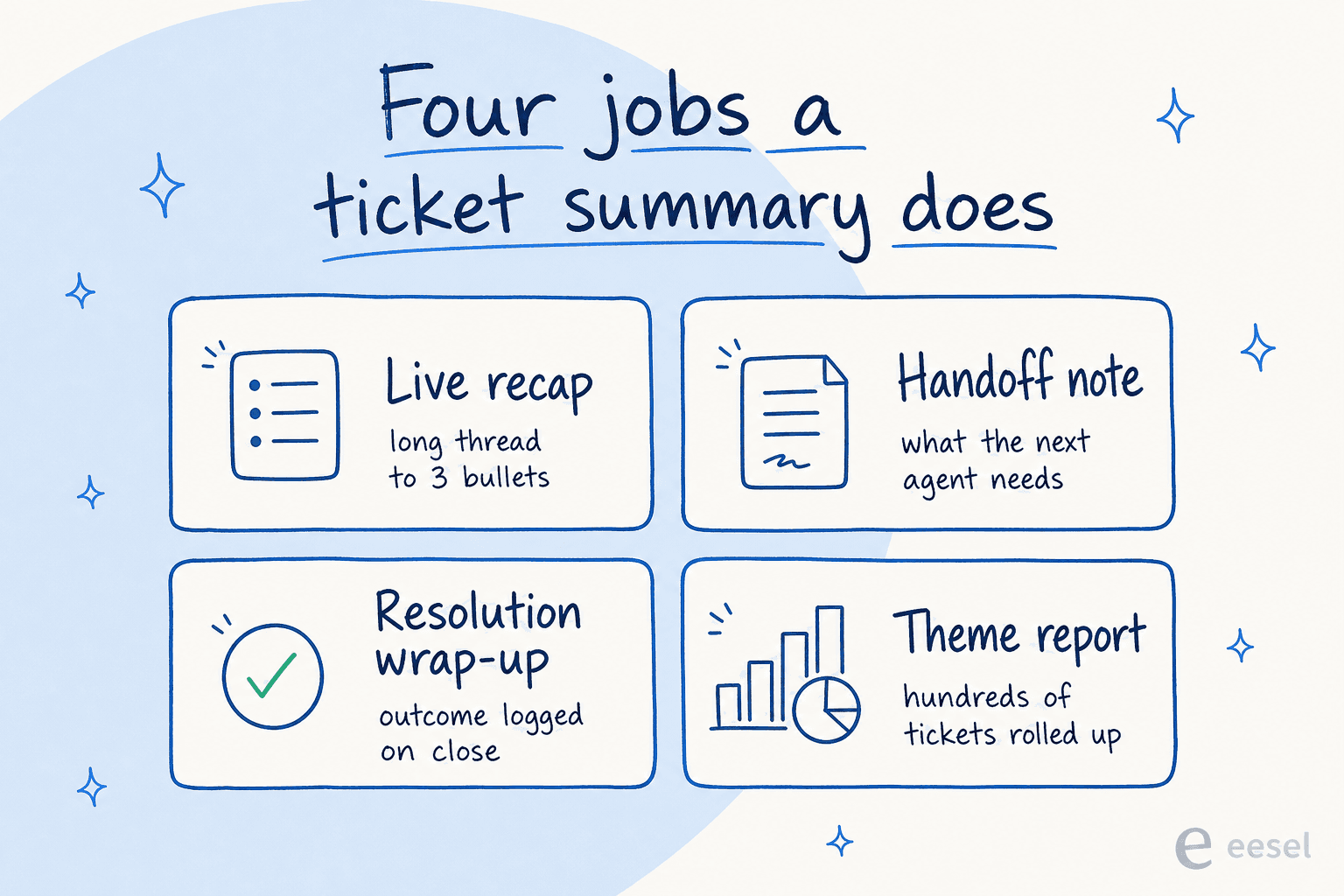
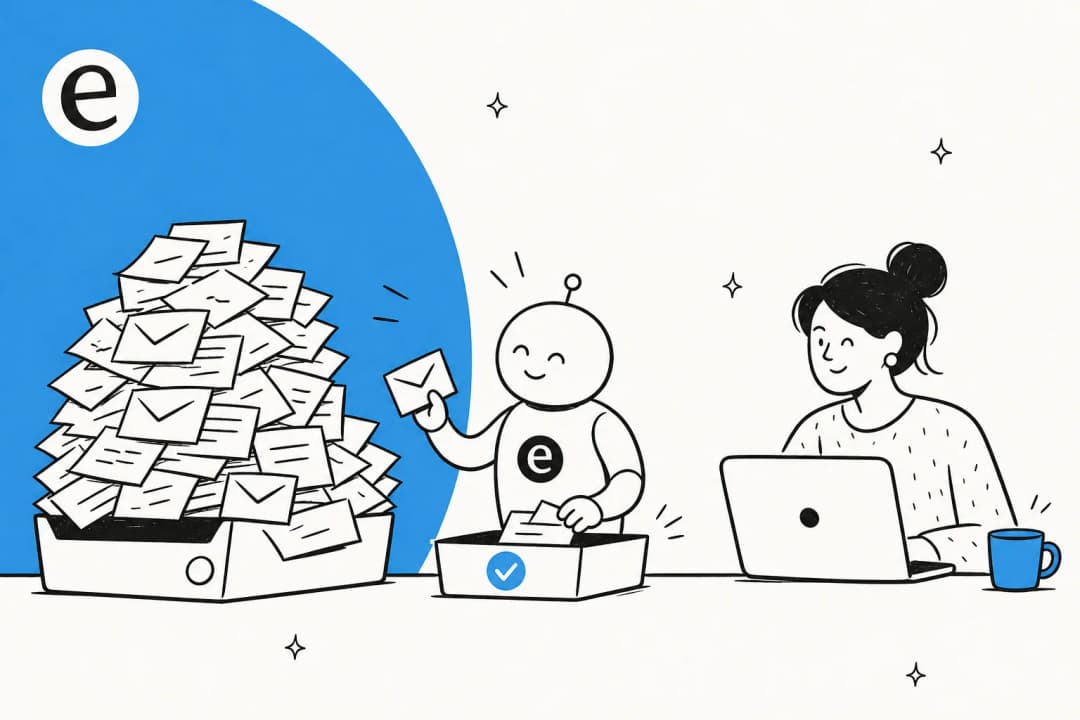
- Live recap. An agent picks up a ticket that already has 28 back-and-forth messages. Instead of reading the whole thread, they read three bullets: the issue, what has been tried, where it stands. This is the bread-and-butter use and the safest one.
- Handoff and escalation notes. When a ticket moves from tier 1 to tier 2, or from support to engineering, the AI writes the "here is what the next person needs to know" note. It saves the receiving agent from re-reading everything and saves the customer from repeating themselves.
- Resolution wrap-up. On close, the AI logs a one-line outcome and root cause. Over thousands of tickets, those wrap-ups become searchable institutional memory instead of a graveyard of "Resolved" with no detail.
- Theme and trend reports. Roll a week or month of tickets into recurring topics. This is less "summarize a ticket" and more "summarize the queue," and it is often where the biggest payoff hides.
If you want the deeper version of each, our practical guide to ticket summarization walks through the workflows. The point here is simpler: decide which job you actually want before you judge whether AI is "good enough," because the bar for an internal recap is nothing like the bar for a customer-facing one.
How AI ticket summarization works under the hood
You do not need to know the math, but the shape of the process explains both the strengths and the failure modes. A large language model does not "read" a ticket the way you do; it takes the text you give it as context and predicts a condensed version that keeps the salient parts. The quality of the output is decided almost entirely by what you put into that context window.
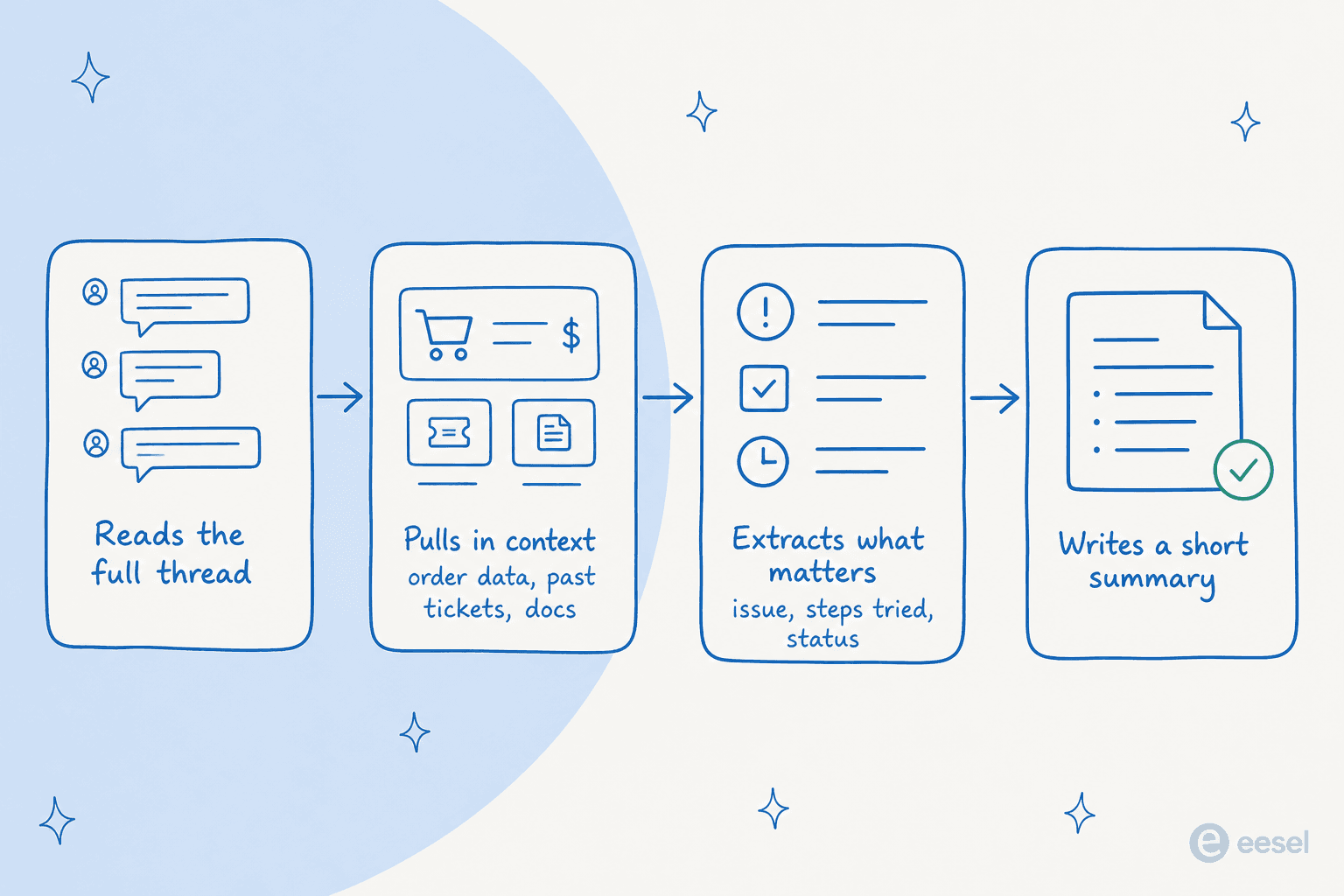
The step that separates a useful summary from a generic one is the second box: pulling in context. A model that only sees the visible thread can summarize what was said. A model wired into your helpdesk can also see the customer's order, their past tickets, and the relevant help doc, so the summary reflects what is actually going on, not just what is in the latest message. This is the same plumbing behind ticket triage and ticket automation; summarization is just one job the same engine performs.
A real example from our own queues makes it concrete. A field engineer once raised a deep hardware fault, full of error codes and network details, on a Zendesk ticket. Before drafting anything, the AI ran several document searches across PDF manuals, read two of them in full, and produced a structured summary of the problem with isolation-test steps. That is summarization doing real work: not paraphrasing the customer's message back at them, but reading widely and condensing it into something an agent can act on.

Where AI summaries genuinely help
The clearest win is time, and it shows up in two places. The obvious one is the live recap that saves an agent from reading a wall of messages. The less obvious one is onboarding: new hires get up to speed faster when every ticket carries a clean summary instead of raw history. One fintech customer using AI to find and condense answers reported up to 80% time savings on getting to information and onboarding people.
The second win is consistency. Humans write handoff notes when they have time and skip them when they are slammed, which is exactly when a good note matters most. An AI writes the same structured summary every time, on the busy days too. Here is how one service desk lead put it about the draft-and-summarize workflow:
"It is getting us to the right articles really quickly and easily, as well as curating well-formed responses with consistent, on-brand tone, still keeping our own style and still keeping that human touch."
Eddie Stephens, Service Desk Lead, CartonCloud (eesel case study)
The third win is the one teams underrate: summarizing the queue, not just the ticket. Rolling hundreds of conversations into themes tells you which topics are worth a new help article, which bug keeps generating tickets, and where self-service is leaking. That report used to take an analyst a day of tagging and reading. Now it is a standing job. It pairs naturally with AI ticket tagging, so the themes line up with the categories you already track.

Where AI summaries fall short
I would be doing you a disservice if I only sold the upside. There are three places where AI summaries slip, and knowing them is what keeps the rollout honest.
The first is missing context. If the AI can only see the thread, it cannot summarize what the thread does not mention. A customer writes "it is broken again," and a context-blind model dutifully summarizes "customer reports it is broken again," when the useful summary would have said "third recurrence this month, previously escalated to engineering." The fix is not a better model, it is more context, which is why summary quality tracks so closely with how well the tool is wired into your data.
The second is overconfidence. A language model will write a fluent, plausible summary even when it has misread the situation, and a confident-but-wrong summary is more dangerous than no summary, because the next agent trusts it and stops reading the original. We have watched this exact pattern in production: the worst failure mode is an agent that sounds sure of itself while being wrong. This is the whole reason we simulate every rollout against past tickets before going live, so you see where the AI gets it wrong on history rather than on a real customer.
The third is sameness. Ask AI to summarize and you can get a grammatically perfect summary that strips out the one weird detail that actually mattered. Good summarization keeps the anomaly; lazy summarization smooths it away. This is fixable with the right prompt and guardrails, but it is worth checking for rather than assuming.
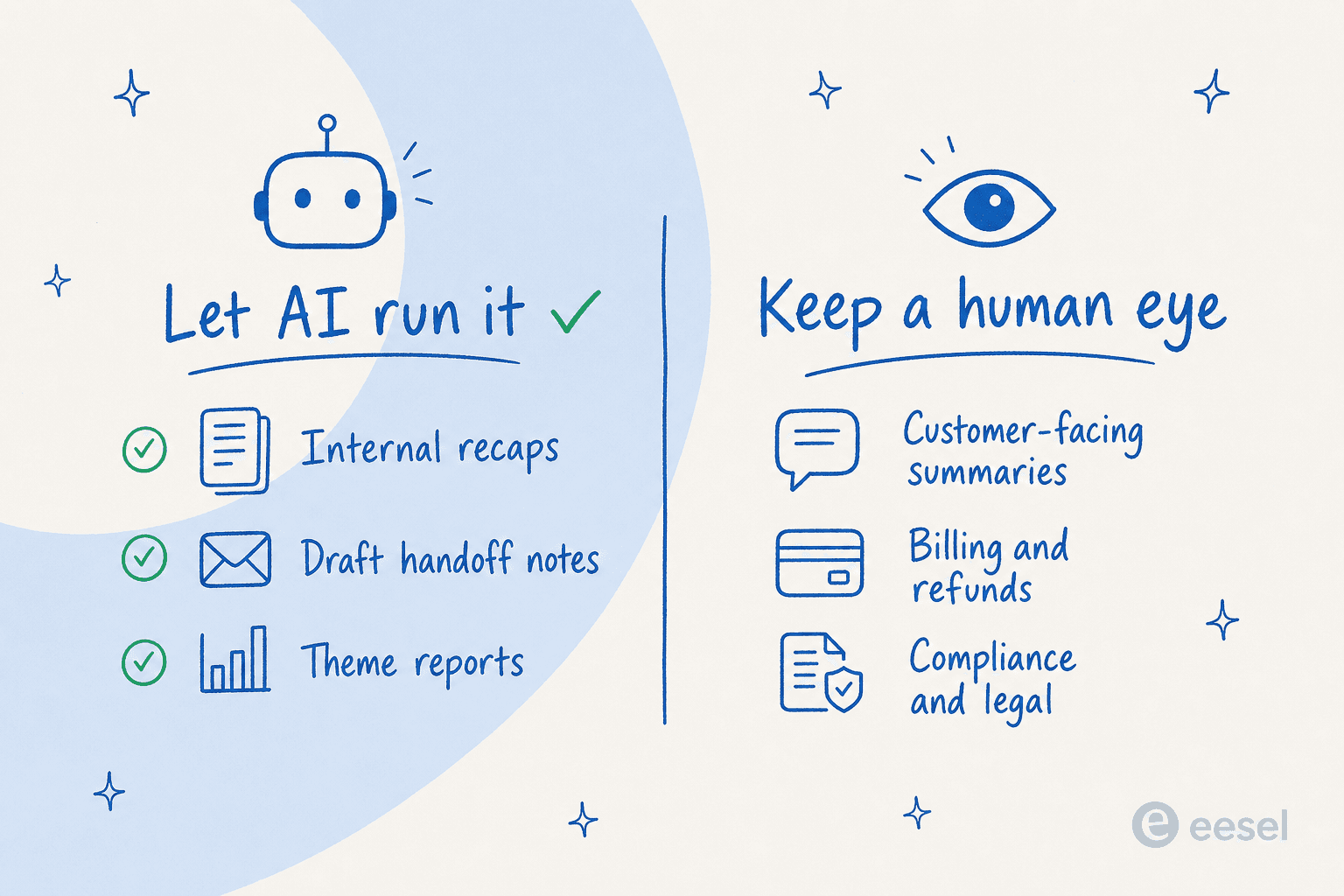
So the practical rule is to match autonomy to stakes. Let AI run the internal, low-risk summaries unsupervised, and keep a human eye on anything a customer reads or anything touching money, compliance, or legal.
Native helpdesk summaries vs a dedicated AI layer
Most modern helpdesks now ship some form of summary button, and they are genuinely handy for the live recap. The question is whether a built-in button is enough, or whether you want summarization to be part of a wider agent that also drafts, triages, and learns. Here is the honest comparison.
| Approach | What it summarizes | Trained on your history? | Best for |
|---|---|---|---|
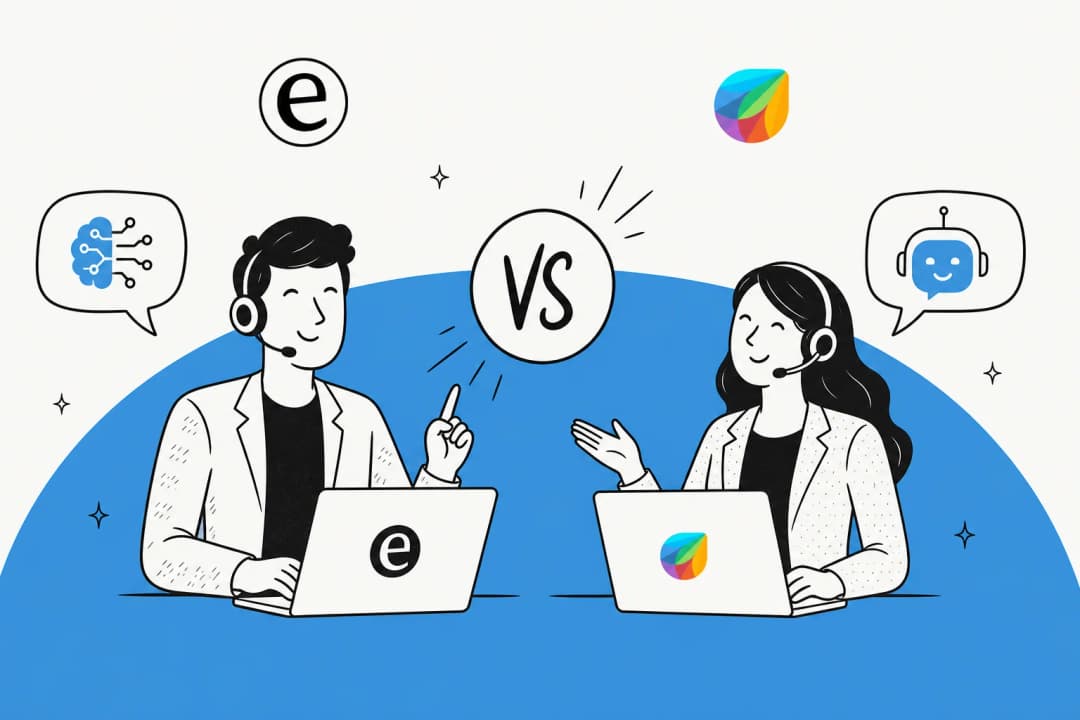
| Native helpdesk AI (Zendesk AI Summaries, Freddy Copilot) | The current ticket thread, inside that one helpdesk | Limited; mostly the visible conversation | Quick live recaps if you live in one tool |
| A general model (paste into GPT) | Whatever you paste in | No; it has no access to your data | One-off summaries, experiments |
| Dedicated AI layer (eesel) | Thread plus past tickets, docs, and order data, across helpdesks | Yes; learns from your solved tickets and KB | Summaries, drafts, triage, and reports as one system |
Native tools are the right call if you only want a recap button and you never plan to leave your current helpdesk. The case for a dedicated layer is that summarization rarely lives alone: the same context that writes a good summary also writes a good draft reply and a good triage decision, so doing all three in one place is both cheaper and more consistent than stitching three separate AI add-ons together. If you are weighing the options, our roundups of the best AI helpdesk software and the cheapest AI apps for helpdesk compare them on price and capability.
Try eesel for ticket summarization
If you want AI summaries that actually reflect your account, eesel plugs into your existing helpdesk and learns from your solved tickets and help docs, so a summary reads like your best agent wrote it, not like a generic recap. The same agent that summarizes a thread also drafts the reply, triages the ticket, and rolls your queue into theme reports, all under one usage-based price that starts at $0.40 per ticket with no per-seat fee.
The part I would not skip is simulation: before anything goes live, eesel runs against your past tickets so you can see exactly how it summarizes and responds on real history, then tune it before a single customer is affected. It connects to every major helpdesk, from Zendesk to Freshdesk, Gorgias, Front, and HubSpot, and there is a free trial with no credit card if you want to point it at your own queue and watch it work.

Frequently Asked Questions
Can AI summarize support tickets accurately?
What is the best AI to summarize support conversations?
How does AI ticket summarization actually work?
Is it safe to let AI write customer-facing ticket summaries?
Can AI summarize hundreds of tickets to find trends?
How much does AI ticket summarization cost?


Article by
Riellvriany Indriawan
Riell is a designer and writer at eesel AI with about two years of experience researching CX platforms, AI chatbots, and helpdesk software. She combines her design background with a sharp eye for how these tools actually look and feel in practice — making her comparisons unusually visual and user-focused.