Why this question is the right one to ask
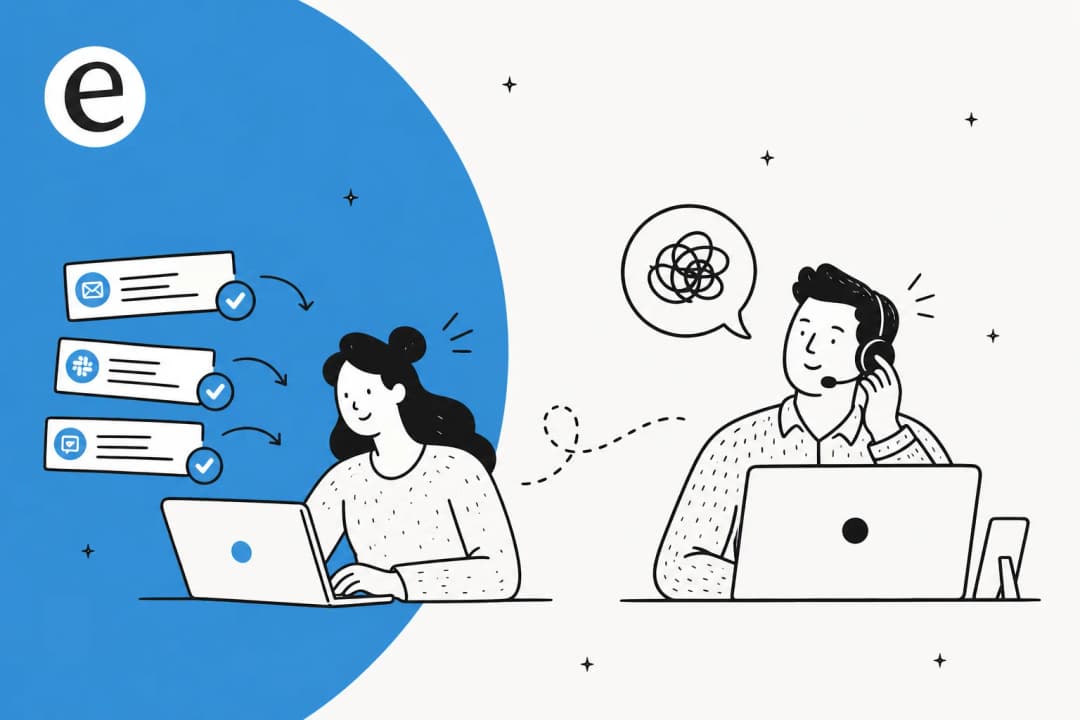
I work eesel's support queue, so I read the worried version of this question every week. It usually sounds like "I love the idea, but what happens when it gets one wrong in front of a customer?" That instinct is correct. The teams who get burned by AI support are almost always the ones who flipped it on for every ticket and walked away.
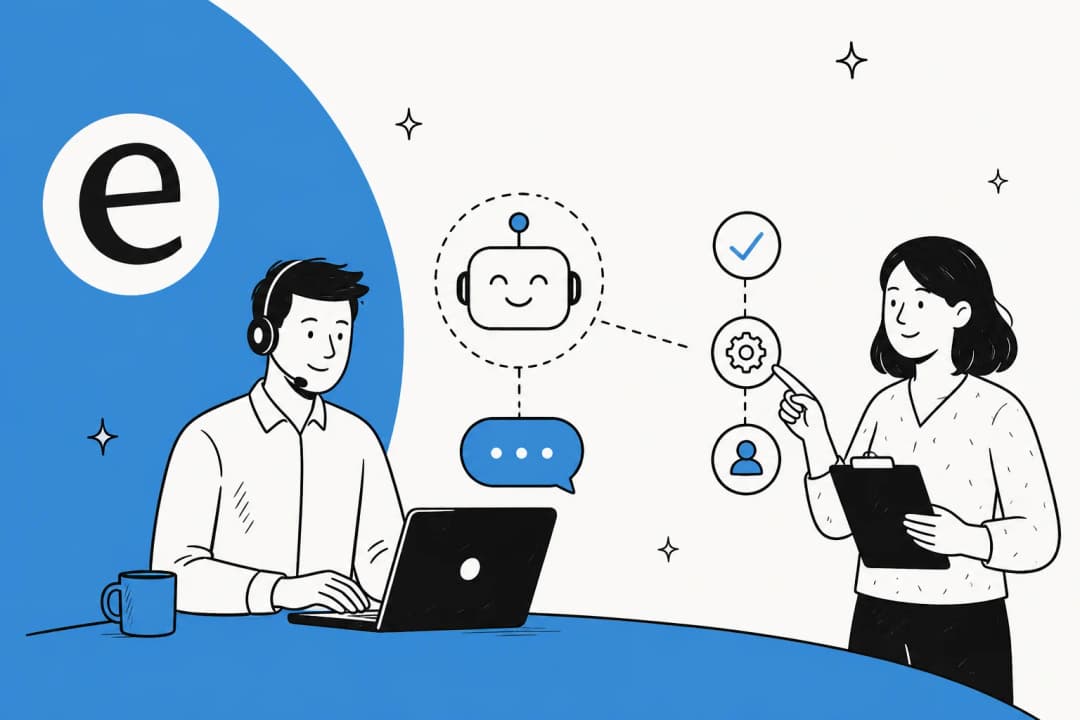
Here is the reframe I would offer. The honest answer to "is it safe" is not a flat yes or no, it is "it is exactly as safe as the guardrails you put around it." A car is safe with brakes, seatbelts, and a lane you stay in. An AI support agent is safe with confidence thresholds, grounded knowledge, simulation, and human handoff. Same idea. The rest of this post is the seatbelts.
Where letting AI answer actually goes wrong
Before the fixes, it is worth being precise about how an AI answer goes bad, because "it hallucinates" is too vague to defend against. There are really three failure modes, and they all trace back to one root cause: the AI answering from the wrong source.
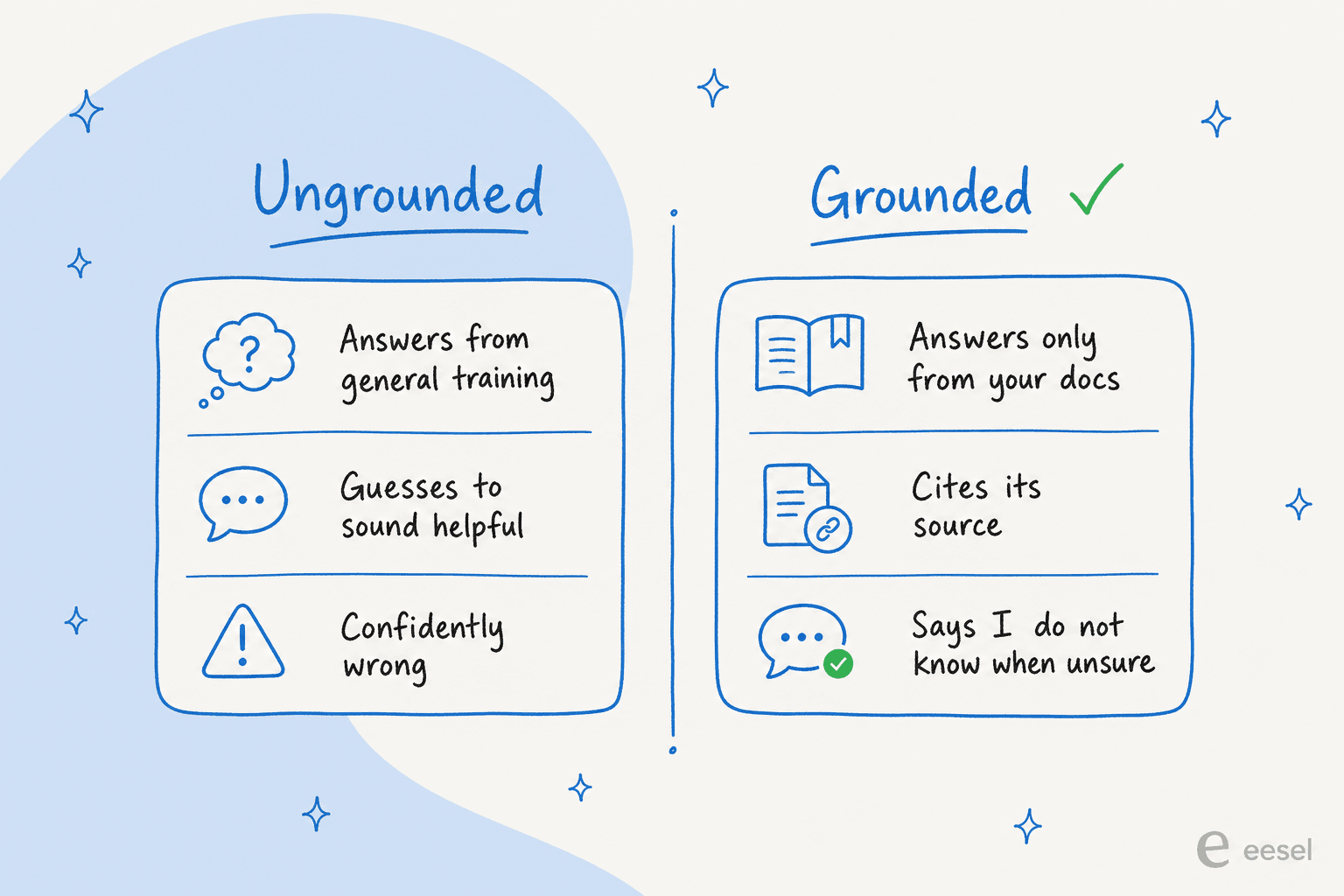
- It guesses to sound helpful. A model's default instinct is to produce a fluent answer, even when it does not actually know. One of our B2B customers, a Danish vehicle-telematics team on Zendesk, hit this early: the bot told customers "yes, we support your car model" for brands that were not in their database, because the help center said "we support all models." As their team put it, the setup was "trial and error in the beginning."
- It over-promises. I have seen drafts that cheerfully commit the business to things it cannot do. One ecommerce manager flagged it bluntly in our dashboard: "stop promising customers things we can't do. We cannot guarantee this customer's order to them by Friday." A human knows not to say that. A naive bot does not.
- It is confidently wrong on the edges. The first two are loud. This one is quiet, and it is the one that erodes trust, an answer that reads perfectly and happens to be false.
Notice that none of these are "the AI is dumb." They are all the AI answering when it should not have, or from a source it should not have used. Which is good news, because both of those are things you can control.
Safety is a setup problem, not a model problem
The single biggest objection I hear, and the one that decides most deals, is the fear of the AI replying to everything. A CX lead at a DTC supplements brand running about 7,000 tickets a month said it better than I can:
"The AI will never be able to answer 100% of the questions, but if it tries and just answers 'sorry I don't know this,' I cannot go and check all my 7,000 tickets to see if the AI actually made a good answer, then the point is a little bit gone. I need an AI who is only handling the tickets that it's confident to handle and all the other ones, leave them alone."
CX lead at a DTC supplements brand, from an eesel sales call
That is the whole thesis of safe AI support in one paragraph. A safe agent is not one that answers everything correctly, it is one that knows what it does not know and gets out of the way. Everything below is a way to enforce exactly that.
Control 1: let it answer only what it is confident about
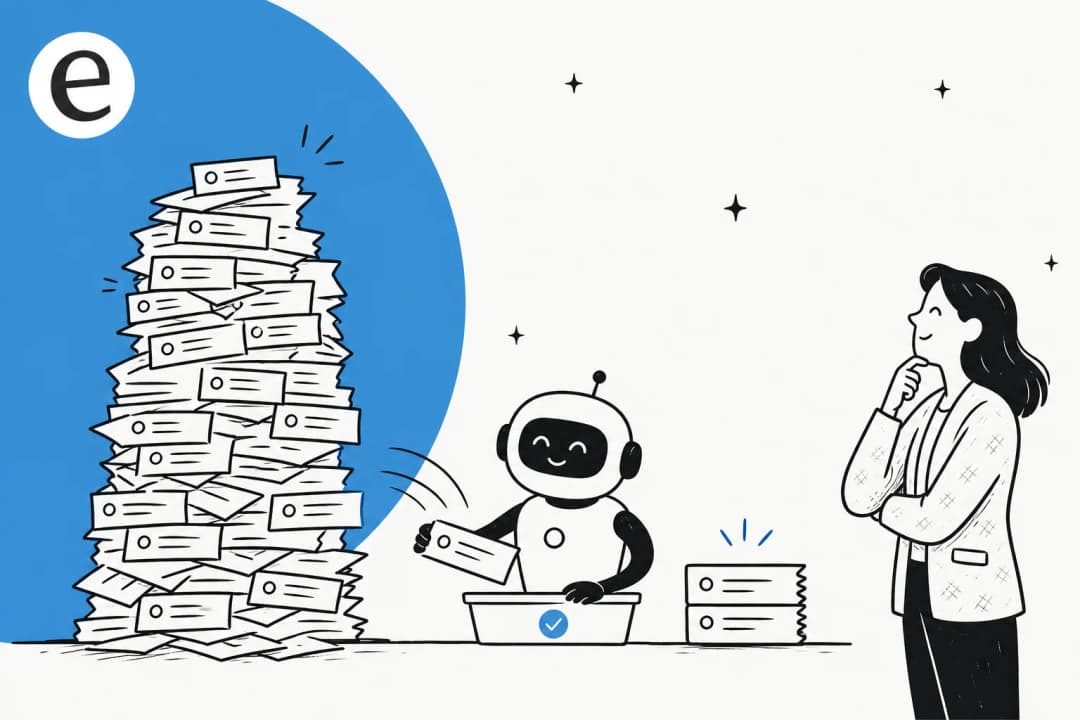
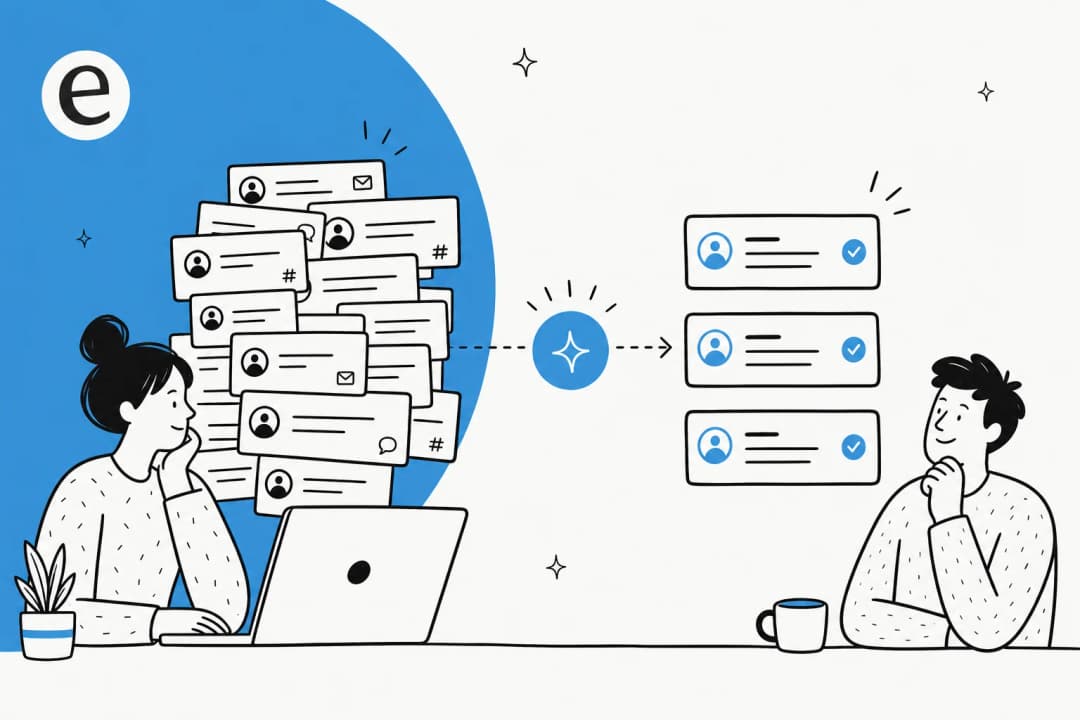
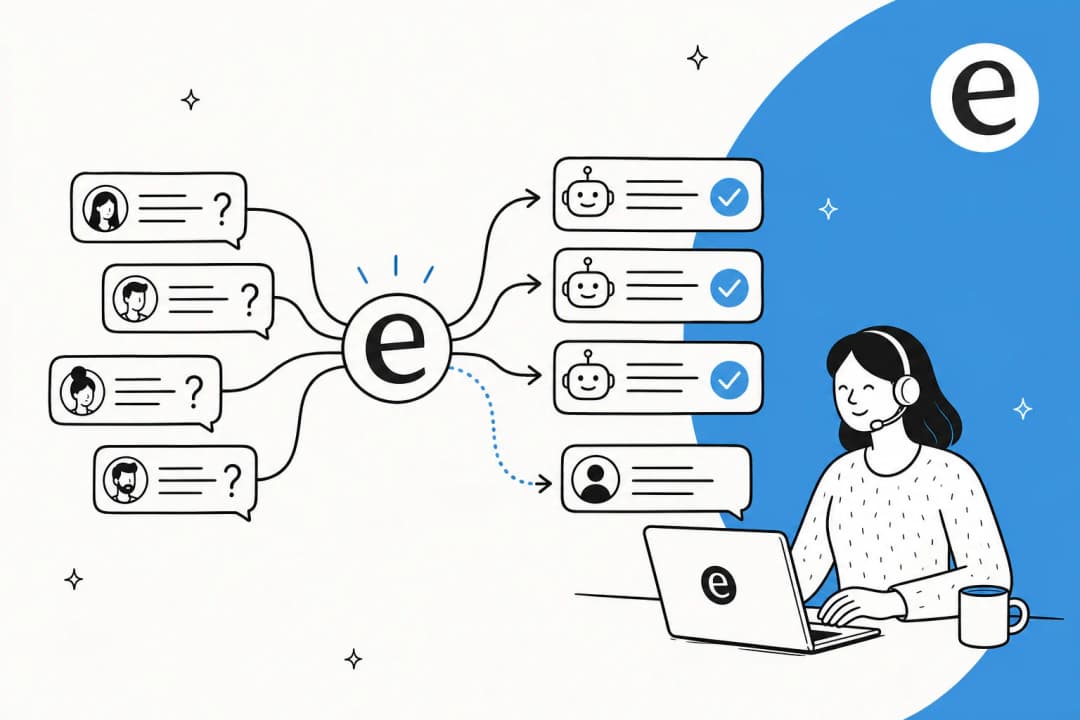
This is the control that turns "scary" into "safe," and it is the one the supplements lead above was asking for. Instead of forcing a reply on every ticket, a well-built agent scores its own confidence against your knowledge, then routes: high confidence and grounded, it can reply; anything below the bar, it stays silent and hands off to a human.
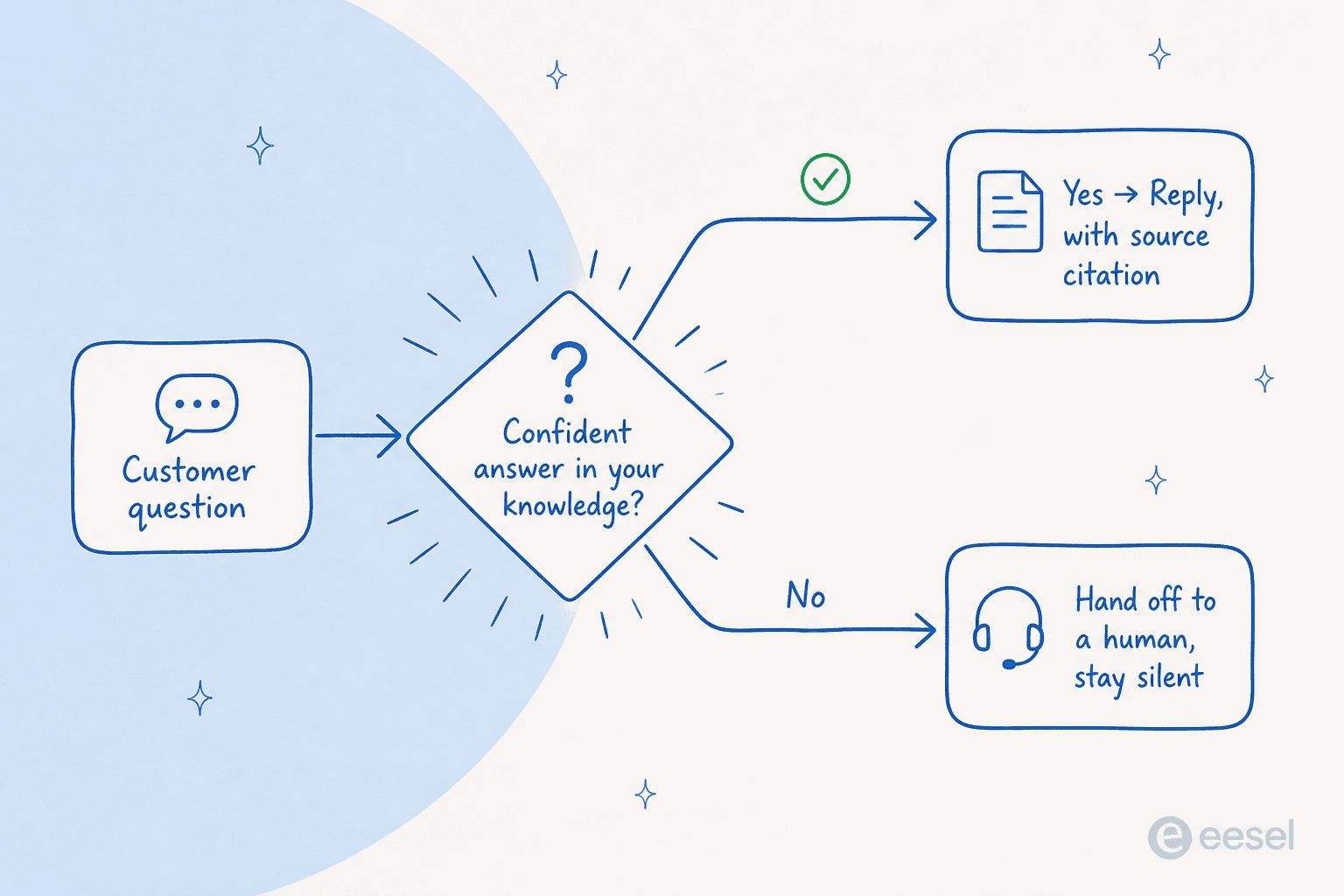
The reason this matters so much: the cost of a wrong answer is far higher than the cost of a missed one. A ticket the AI quietly leaves for a human is just a normal ticket. A ticket the AI answers wrong is a trust problem and a cleanup job. So you tune the agent to be a little shy, and you only widen its scope once you trust it. This is also why we lost a couple of early deals before confidence-based routing was front and center, it is genuinely the deal-breaker feature for serious support teams.
You can watch this play out in the dashboard, which tickets the agent took, which it routed, and how confident it was on each.

Control 2: ground every answer in your own knowledge
Confidence routing decides whether to answer. Grounding decides what the answer is made of. A safe agent answers only from sources you approve, your help center, past tickets, and internal docs, not from whatever the underlying model absorbed during training.
This is a question buyers ask us directly. A technical evaluator at a semiconductor-hardware company asked, almost word for word, "does it use some kind of other ChatGPT if it doesn't know the answer, and can that be turned off?" The answer is the heart of safe AI support: the agent should answer only from your org's knowledge, and say "I don't know" otherwise. When it does answer, it should show its working with a citation, so an agent or a customer can click through to the source. A co-founder of a legal-tech company summed up why that matters in a regulated space:
"In legal tech you can't afford to get anything wrong, there's a fine line between being helpful and overstepping into legal advice. With eesel we can set exact guardrails on sourcing and it always provides transparent citations."
Co-founder of a legal-tech company, eesel case study
Citations are not a nice-to-have, they are the audit trail that lets you trust an answer at a glance. In one helpdesk sample, about 86% of AI chats answered correctly with citations attached, which is exactly the kind of number you want to be able to verify rather than take on faith.

Control 3: test it on your real tickets before it goes live
Here is the control most people skip, and the one I would never launch without. You do not have to find out how the AI behaves in production. You can replay your historical tickets through it first and see exactly how it would have answered every one, before a single customer is involved.
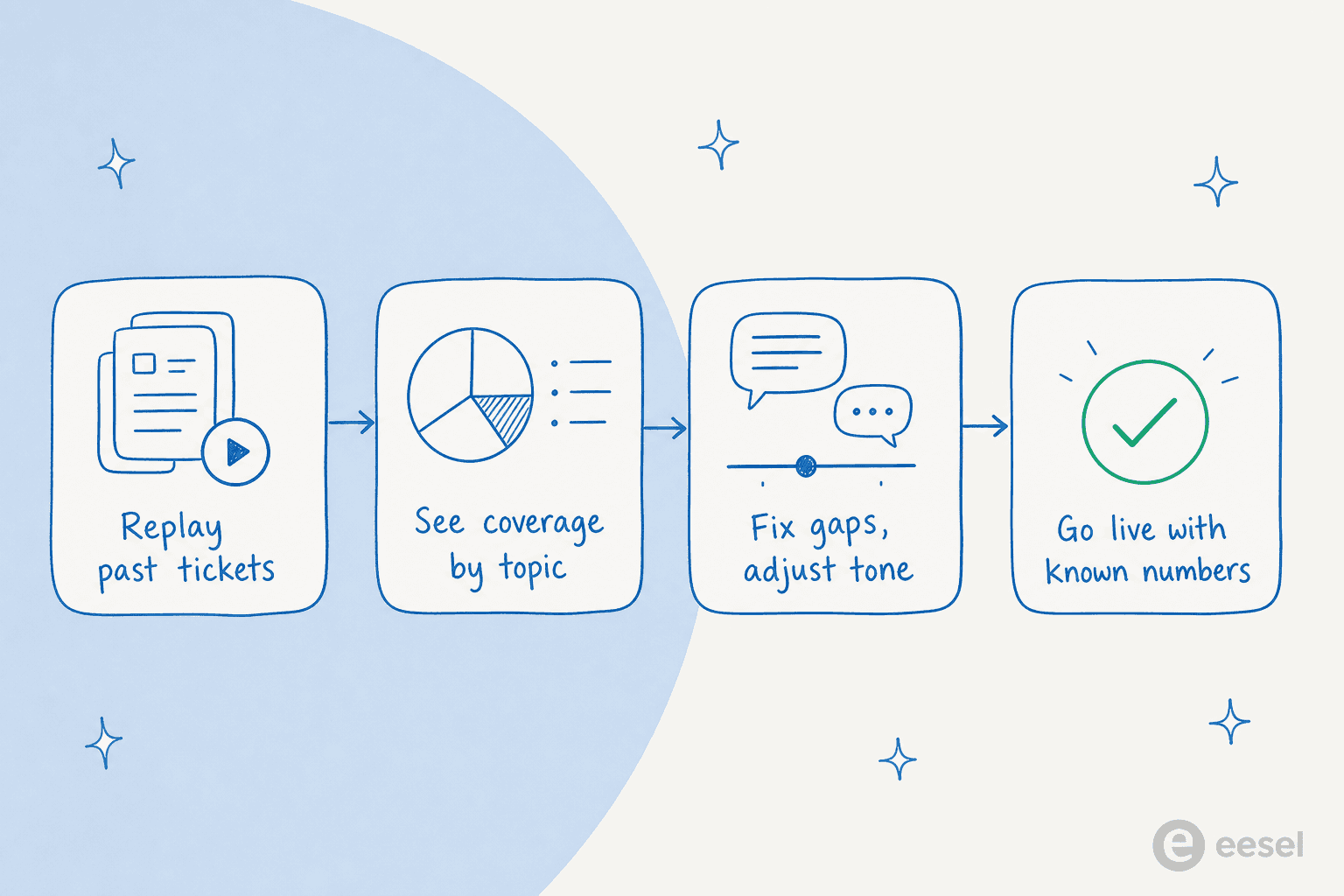
This is why we simulate every eesel rollout against past tickets first. A simulation tells you your real coverage by topic, where the gaps are, and where the tone is off, so you fix it in private. In one real-traffic trial for a German online jewelry retailer doing around 1,000 tickets a month, the simulation surfaced honest, specific numbers: 93% triage accuracy, 100% spam detection with zero false positives, and a 7% factual error rate on drafts. That last number is the point, you want to know it is 7% and fix it, not discover it from an angry customer.
Compare that to the alternative. Going live blind and using a retrospective monthly report to catch mistakes does not work, because, as that same supplements lead told us, "the customer doesn't want to wait for me to do my monthly report." Simulation moves the mistakes to before launch, where they are cheap. It is also what lets you start small: route 200 of your 1,000 monthly tickets, prove it, then widen.
Control 4: keep a human in the loop and control what the AI touches
Safe does not mean fully autonomous on day one. The teams who trust AI most are the ones who started it as a drafting copilot, reviewed its work, and granted autonomy ticket type by ticket type as it earned it. The controls that make this real:
- Exclude ticket types entirely. Real buyers ask for this constantly, "there are certain tickets I don't want to go through AI." Refunds over a threshold, legal, anything sensitive, you can keep those human-only.
- Clean escalation and handoff. When the agent is unsure or the customer asks for a person, it should pass the full context to a human, not dead-end. One SMS-platform support lead described their setup as AI "answering quick questions when the team is unavailable and letting us handle the issues that only we can."
- A learning loop you can see. Every time an agent rejects or edits a draft, that correction should make the next answer better. Buyers check for this directly ("do you track if I approve or reject answers?"), and the honest answer should be yes.
You should be able to adjust all of this in plain language, not by filing an engineering ticket.

What about data privacy and security?
"Safe" is not only about accuracy. The other half of the question, the one that becomes a hard blocker for healthcare, finance, and enterprise buyers, is where does our data go. I have watched deals stall on exactly this: a US physical-therapy platform that needed HIPAA, a podcasting company that could not move without SOC 2. These are fair gates, so here is how a serious AI support setup should answer them, using eesel's own security posture as the reference.
| Concern | What a safe setup looks like |
|---|---|
| Does our data train the model? | No. With eesel, customer data is never used for model training, and each workspace is fully isolated. |
| Sensitive data / PII | Optional PII redaction strips card numbers, emails, phone numbers, SSNs, and API keys at ingestion, before anything reaches the AI. |
| Encryption | AES-256 at rest, TLS 1.2+ in transit. |
| Data residency | Hosted on AWS in US East by default, with EU data residency available on request. |
| Compliance | GDPR and CCPA compliant; SOC 2 Type II is in progress with continuous monitoring via Vanta. |
| Deletion | Data is fully purged within 60 days of a deletion request, per GDPR. |
A note on honesty here, because it matters for trust: eesel's SOC 2 Type II is underway, not yet certified. If you are a buyer with a hard SOC 2 gate today, that is a real thing to weigh, and I would rather tell you than have you find out in procurement. For most teams, the data-never-trains-the-model and PII-redaction guarantees are the controls that actually move the needle on day-to-day safety.
So, is it safe to let AI answer customer questions?
Yes, with the guardrails on. Here is the verdict I would give a colleague: do not let AI answer everything, let it answer what it is sure of. Ground it in your own knowledge, make it cite its sources, simulate it against your real tickets before launch, exclude the ticket types you are not ready to hand over, and keep a human one click away. Do that and you get the upside, faster responses, 24/7 cover, 73% of tier-1 requests handled in month one for one team, without betting your brand on a bot's confidence.
The unsafe version is the one with no brakes: every ticket, full autonomy, no simulation, no citations. That version absolutely will embarrass you. The safe version is mostly a matter of how you set it up, and that part is in your control.
Try eesel for safe AI support
eesel AI is an AI helpdesk agent built around the four controls above. It plugs into helpdesks like Zendesk, Freshdesk, Front, and Gorgias, learns from your past tickets and help docs, and only answers what it is confident about, citing its sources as it goes.
The differentiator I would point to: you can simulate it on your ticket history and see your real coverage and accuracy numbers before it talks to a single customer, so "is it safe" stops being a leap of faith and becomes something you can measure. It is usage-based at about $0.40 a ticket with no per-seat fee, and free to try.

Frequently Asked Questions
Is it safe to let AI answer customer questions?
Will an AI support agent make up answers (hallucinate)?
How do I test an AI agent before customers see it?
Does my customer data get used to train the AI model?
How much does it cost to let AI answer customer questions?


Article by
Riellvriany Indriawan
Riell is a designer and writer at eesel AI with about two years of experience researching CX platforms, AI chatbots, and helpdesk software. She combines her design background with a sharp eye for how these tools actually look and feel in practice — making her comparisons unusually visual and user-focused.