Meta Muse for Confluence: getting your wiki into Meta's WhatsApp AI in 2026

Kira

Katelin Teen
Last edited September 29, 2026
What "Meta Muse for Confluence" actually means
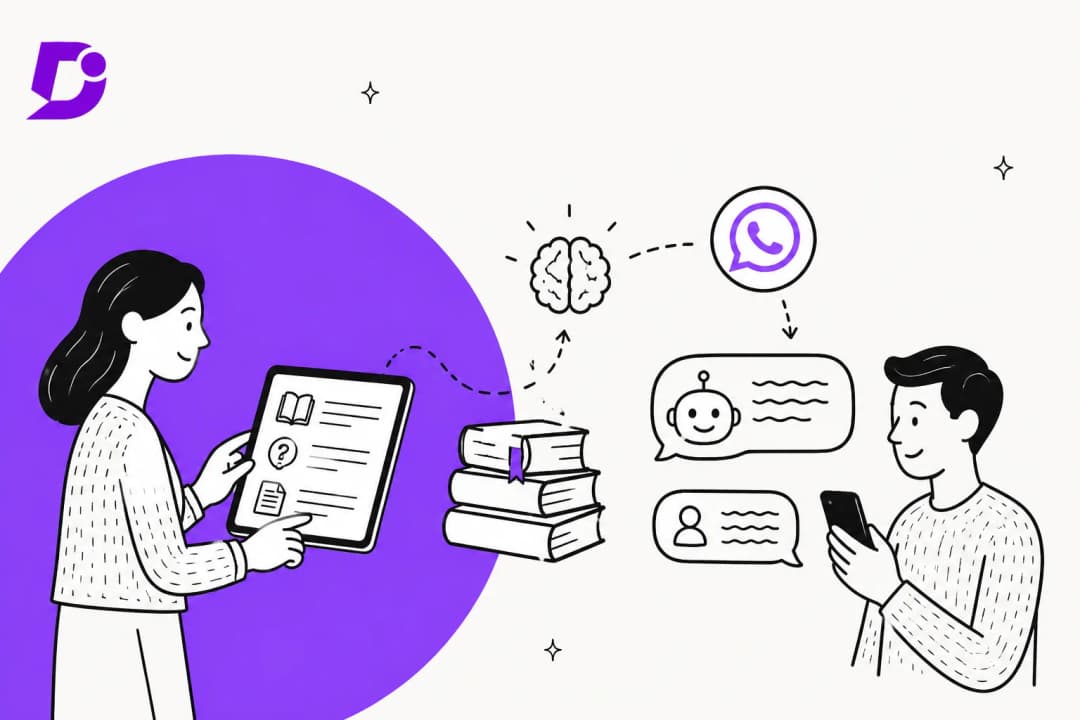
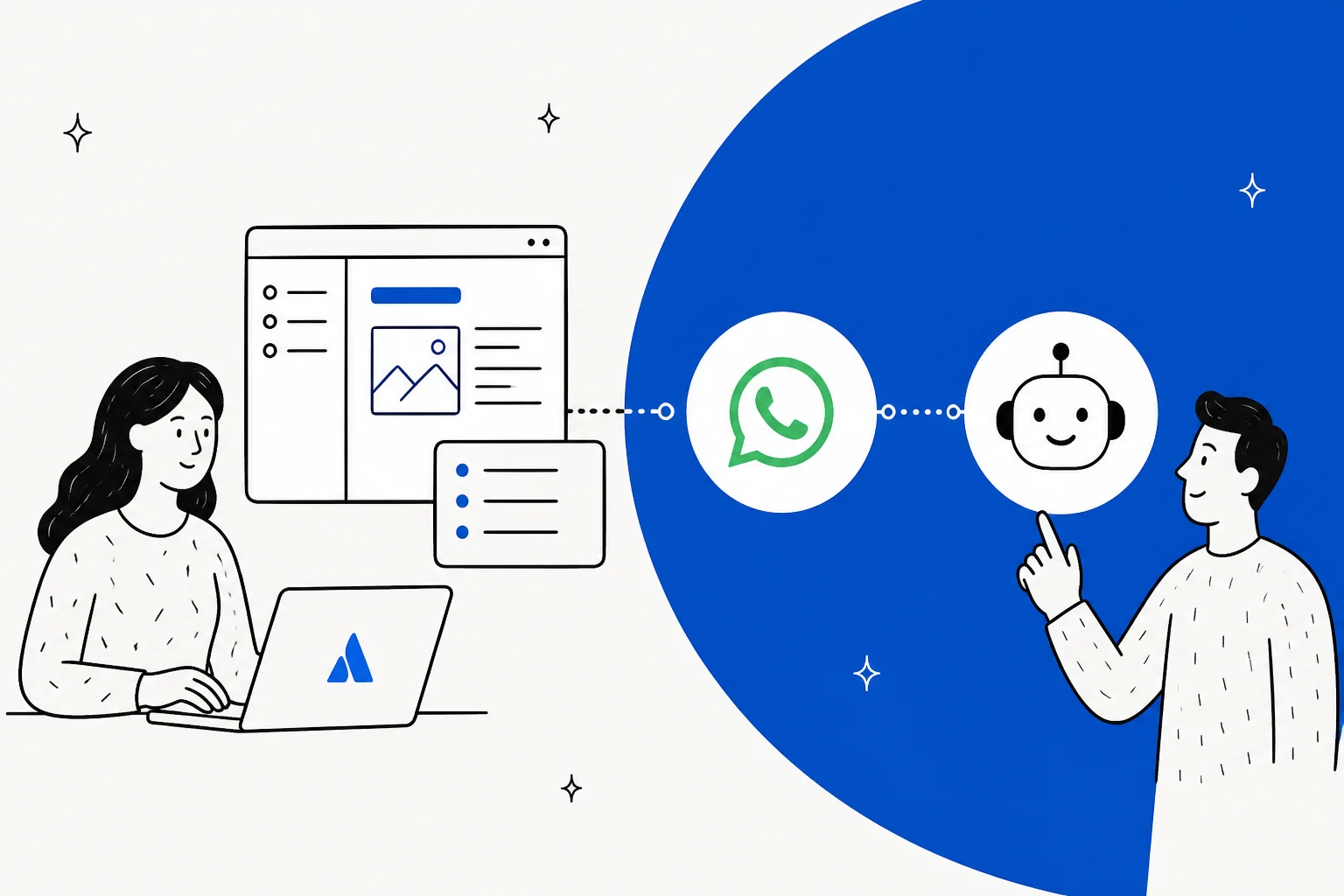
I build agent features for a living, and even so Meta's 2026 naming takes me a minute to untangle. Three Meta products carry the Muse name or sit close to it, and only one of them talks to your customers:
- Muse, the personal AI agent Meta launched for consumer errands. It isn't built to answer a business's customers.
- Muse Spark 1.3, the model, sold through the Meta Model API. You could build a Confluence bot on it yourself. My Muse Spark 1.3 overview has the model details.
- Meta Business Agent, which Meta launched in June as the AI that answers customers on WhatsApp, Messenger and Instagram. Meta says more than one million businesses already use it.
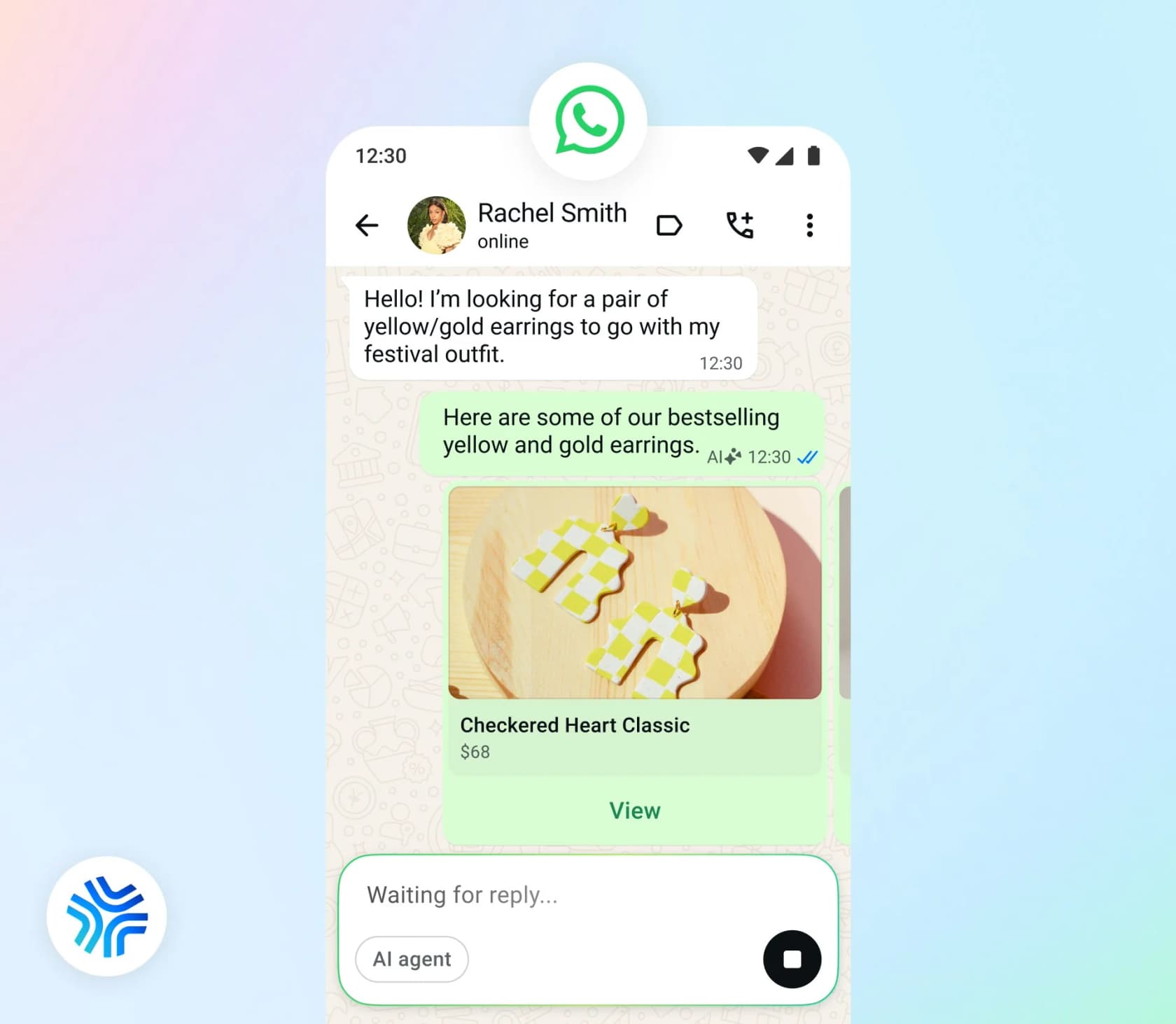
Confluence is a different kind of fit from the helpdesk posts in this series. Zendesk, Freshdesk and Jira Service Management are places where conversations land. Confluence is where the answers live. So the question isn't how a WhatsApp chat reaches your team, it's how your wiki reaches the bot.
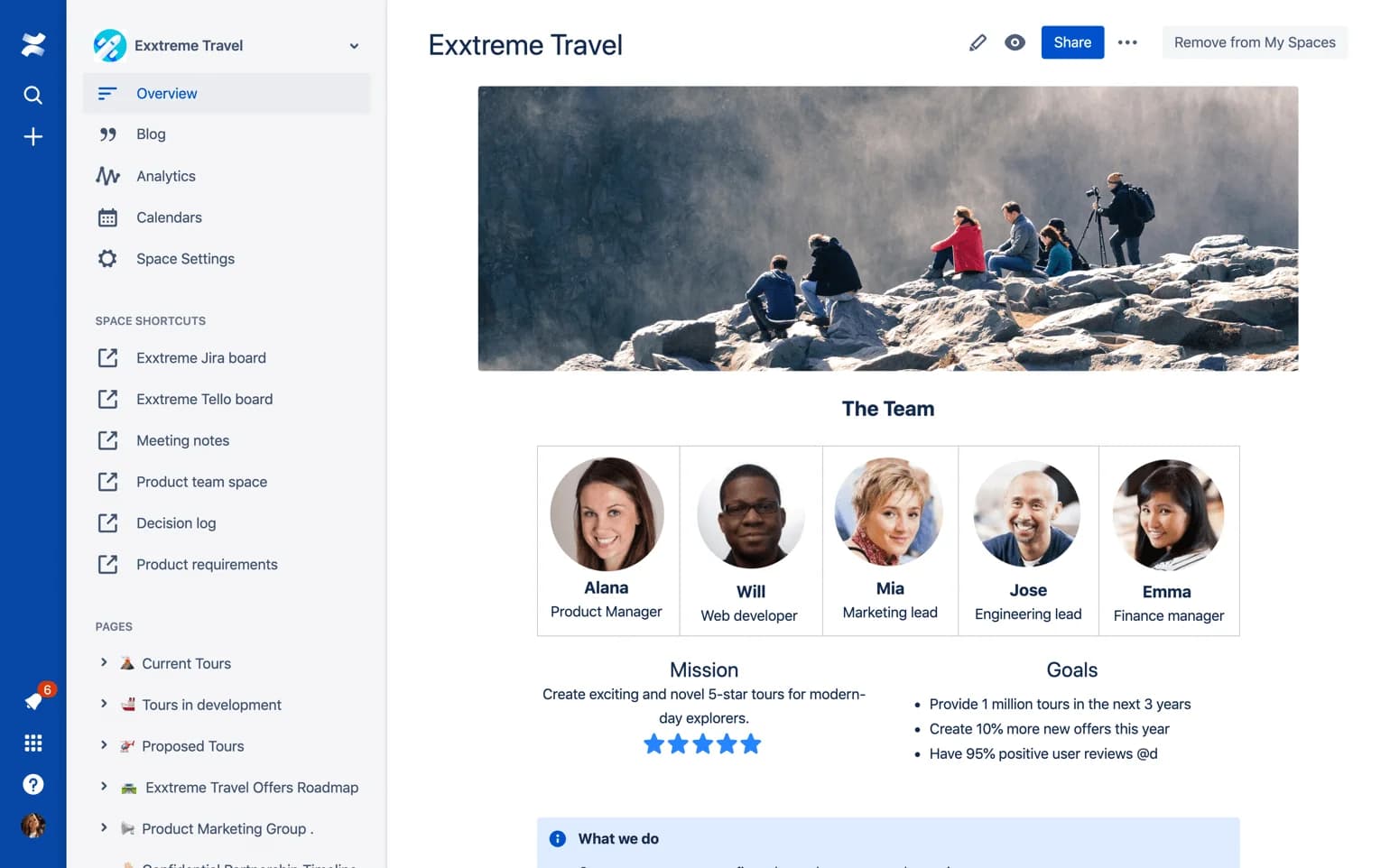
This is also a problem that eesel knows well, since before the helpdesk teammate its first growth engine was an AI app on the Atlassian Marketplace that answered questions from Confluence. One customer I'd point to is GENERAL BYTES, a Bitcoin ATM maker with more than 12,000 machines in over 60 countries. They put a 329-article Confluence knowledge base behind a customer bot on Telegram, which is the same messaging-app shape as WhatsApp. What made that work was the part Meta's agent leaves to you: the bot reads the latest Confluence pages as they change.
Four ways Confluence content can reach Meta's agent
Meta's capabilities page lists four knowledge sources on the Platform API: Business Info, FAQs, Files and Websites. Actions and lookups go through connectors, which are HTTP or MCP integrations you define. Nothing in the docs mentions Confluence, Notion or any other wiki by name.
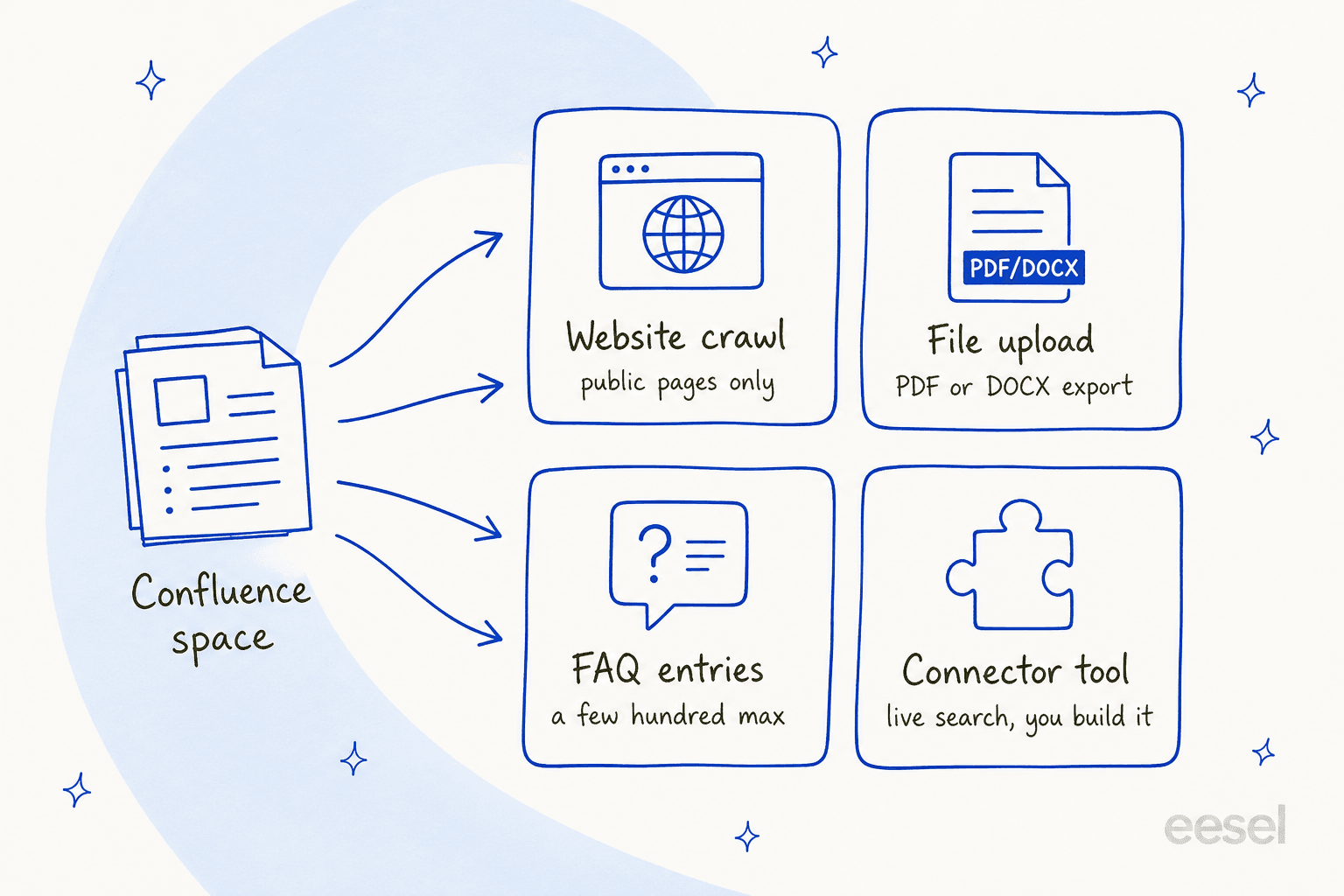
Here's how the four compare before I go through each one:
| Route | Meta input | Confluence setup | Private pages? | Freshness | Main catch |
|---|---|---|---|---|---|
| Public crawl | Websites API | Anonymous access on a space, Standard plan and up | No | Next recrawl, interval not published | Whole space becomes public and Google-indexed |
| Export and upload | Files API | PDF or Word export | Yes, if you export them | Never, until you re-upload | Old files stay live until you delete them |
| FAQ rewrite | FAQs API | None, you rewrite by hand or script | Yes | When you update the entry | Quality drops past a few hundred entries |
| Live connector | HTTP or MCP connector | Service account plus API scopes | Yes, per the account's permissions | Live | You build and maintain it |
Route 1: make the space public and let Meta crawl it
This is the easiest route to set up, which is also the one with the biggest trade-off.
Meta's Websites API crawls a URL and pulls its content in. By default it takes "the whole domain", and you can narrow it with subdomain, URL-pattern and single-URL fields. Meta's support agent guide calls this crawling "your public website", and the request has no field for a login or cookie. So a Confluence space behind an Atlassian sign-in can't be crawled.
To make a space crawlable, you'd turn on anonymous access. That's a paid feature: the Confluence pricing page puts anonymous access on Standard and above, and the Free plan doesn't have it. It works in three layers. A site admin allows anonymous users on the site, a space admin toggles it on per space, and pages set to Restricted stay hidden. New spaces start closed "even if the global settings is enabled", per Atlassian's setup guide.
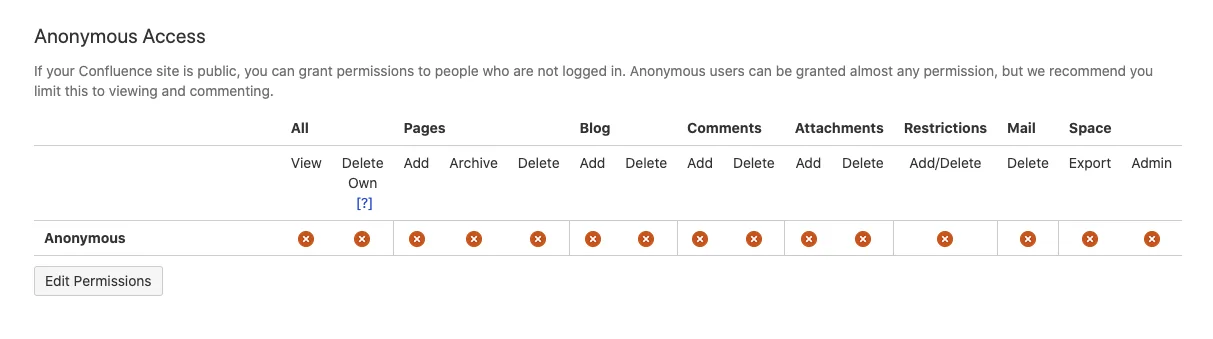
The trade-off is in Atlassian's own words: once anonymous users have access, "your content will be indexed by search engines." That's fine for a public help center and a problem for a wiki that mixes customer docs with internal notes. If your customer articles already sit in a JSM knowledge base, you can make that public too, but only when it runs on a paid Confluence plan, and it works the same way underneath.
What about Confluence's public links? Those don't help much here. Atlassian says it has taken steps "to make sure search engines do not index our public links", per its public links security page, so a crawler can't find them unless you list each URL in Meta's single_urls field. And a public link ignores page restrictions, so it's easy to expose something you didn't mean to.
Scope the crawl tightly, because Meta's guide warns that crawling a whole site "dilutes the help content the agent should be answering from." With Confluence, that means pointing the crawl at one customer-facing space and not the whole site.
Route 2: export pages and upload them as files
If the content has to stay private, you can export it and hand Meta the files. Confluence can export a single page to PDF or Word, and space admins can export a whole space as one PDF.
Meta's Files API takes .pdf, .doc, .docx and images, with CSV and XLSX when extraction is on. The limit is 100,000,000 bytes per file. HTML, Markdown and zip files aren't on the list, so Confluence's HTML space export won't go straight in. Two export details are worth knowing too: PDF exports never include comments, and blog posts are left out of a space PDF.
The part that matters most is what happens next. Meta's support guide says:
"There is no update call. To replace a document, delete the old entry and upload the new one, otherwise the agent draws on both versions and can quote a term you have already withdrawn."
Picture a refund policy that changes from 30 days to 14. If someone uploads the new PDF and forgets the old one, the agent can quote either number to a customer on WhatsApp. So in practice, this route means writing a script that exports changed pages and deletes the previous file by its ID, then uploads the new one. The Files API allows 1,000 requests an hour, and that is plenty for such a job.
Meta also pushes back on uploading everything: "a large document set makes the agent slower to find the right passage." A 300-page space PDF is the kind of upload that advice is about. If you want the thinking behind a well-shaped AI knowledge base, the Confluence AI knowledge base guide covers how to structure one.
Route 3: rewrite articles as FAQ entries
Meta's FAQs API stores question-and-answer pairs, and unlike files, they can be updated. The agent treats each entry on its own: it "answers from it, rather than inferring an answer from your other knowledge sources." That makes FAQs the most predictable input for your highest-stakes answers.
The ceiling is low. Meta warns that "Adding too many FAQs (generally beyond a few hundred) can degrade the agent's ability to find the right answer." So FAQs work for your top 50 or 100 questions, not a whole wiki. Meta's own advice is to take your top ticket drivers from last quarter and write entries for those. For a Confluence team I'd do the same thing, rewriting the top articles as tight Q&A pairs, then the long tail goes to one of the other routes.
Route 4: build a connector that searches Confluence live
This is the only route that keeps private content both private and fresh, and it's also the only one that you have to build.
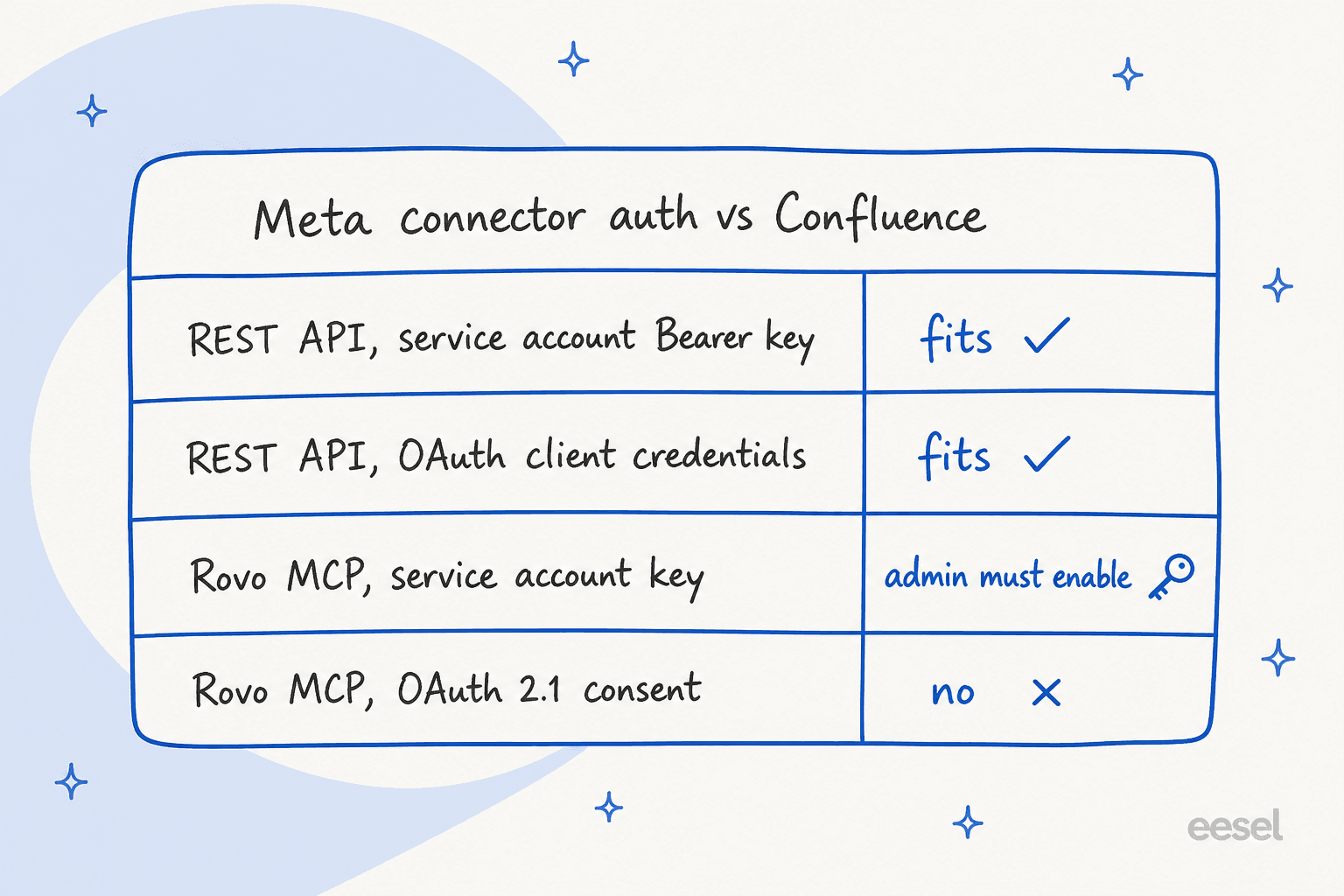
Meta's connectors reference lets you point the agent at an HTTP API or a remote MCP server. Auth is limited: "Currently, only OAUTH2_CLIENT_CREDENTIALS, API_KEY, and NONE are supported." Basic auth is listed but not supported. That rules out the normal way people sign in to Atlassian tools, which is a browser consent screen.
The good news is that Atlassian service accounts fit. A service account API token works as a Bearer header against the Atlassian gateway, and Atlassian's service account token page uses a Confluence endpoint as its example: https://api.atlassian.com/ex/confluence/{cloudId}/wiki/rest/api/space. Service accounts also support OAuth client credentials, which matches Meta's other auth type. Atlassian gives each organization 5 free service accounts, and they don't count toward your Confluence user limit, per Understand service accounts.
A basic Confluence connector needs two tools:
- Search, using CQL on the v1 search endpoint (
/wiki/rest/api/search?cql=...) with thesearch:confluencescope. - Get page, using the v2 page endpoint with
read:page:confluenceand abody-formatparameter.
There are three catches that I'd plan for in advance. First, page bodies come back as Confluence storage format or ADF JSON unless you ask for the rendered view, so the agent reads a lot of markup. Meta's connector tools reference warns that oversized responses "degrade agent response quality", and it offers a transformation_spec to trim them. Second, the service account sees what its permissions allow, so grant it one space rather than adding it to a broad group. Third, Meta's docs describe connectors for actions and customer lookups, like order status and tickets. They never describe a connector as a knowledge source, so a "search Confluence" tool is something you'd have to test carefully rather than something Meta documents.
The other option is the Atlassian Rovo MCP server at https://mcp.atlassian.com/v2/mcp, which already has a searchConfluence tool. Its default sign-in is OAuth 2.1 with a consent screen, which Meta can't do. A service account API key sent as a Bearer token does work, but only "if enabled by your organization admin", per Atlassian's API token auth page. Every call also needs a cloudId. My Claude for Confluence post has more on the Rovo MCP tools and their quirks.
Developers who've used Confluence search through MCP tend to rate it well, which is a point in this route's favor:
"Considering how poor the Confluence search function is, the results from Confluence via an MCP-powered search are remarkably good. I was able to solve one or two obscure, company-specific issues purely by using the MCP search, and I'm convinced that finding these pages would have been almost impossible without it."

The freshness problem nobody puts in the demo
Most Meta Business Agent write-ups stop at the setup, but for a Confluence team the bigger question is what happens on a Tuesday when someone edits a page.
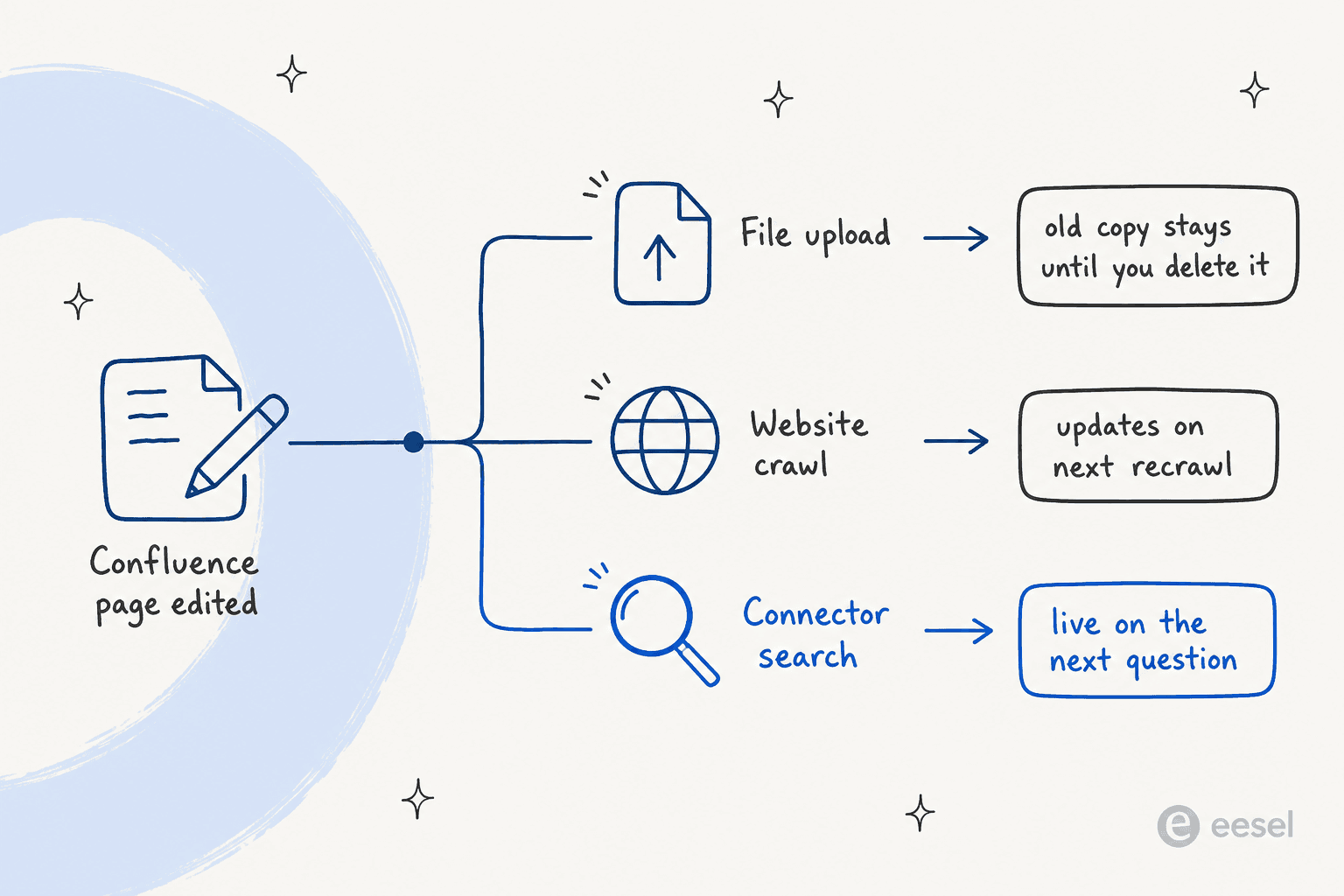
Meta says crawled websites are "periodically recrawled" but doesn't give an interval, and its guide adds: "Website knowledge is a snapshot taken at crawl time... re-crawl whenever those pages change materially." Files never refresh on their own. FAQs change only when you call the API. Only a live connector sees an edit straight away.
The other half of freshness is whether the wiki was accurate to begin with. An AI answering from Confluence is only as good as what's in it, and plenty of engineers are blunt about that:
"How can AI search into documentation, if the documentation is a thousands of obsolete and contradicting Jira tickets, few outdated Confluence pages with mail attachments and handful of excel files on SharePoint?"
Grounding is also something you set up with a prompt. Meta has no "answer only from knowledge" switch. Its sample instruction reads: "Answer policy questions from the documented policies only, and say you will check with a colleague rather than guessing when the answer is not there." An early Business Agent tester on Reddit put the risk plainly:
"Consistency is a problem. I saw the same product come back at two different prices in two replies. If you don't ground it properly, it just makes things up."

This is the lesson eesel learned early with Confluence customers, which is why every rollout gets tested against real past questions before the bot answers anyone. A bot that answers confidently from a stale page is worse than one that says it'll check. The linking Confluence to a knowledge bot walkthrough shows the sync side of that setup.
What it costs
There are two bills here: Meta's and Atlassian's.
| Cost line | Price | Source |
|---|---|---|
| Meta Business Agent, WhatsApp Platform | $2.00 per 1M tokens, about 16 to 20 cents a simple conversation and 40 to 50 cents a complex one | Meta pricing |
| Your team's WhatsApp replies, from Oct 1, 2026 | Per message at utility rates, after 1,000 free per number per month | Meta pricing |
| Confluence Free | $0, 10 users, no anonymous access or public links | Confluence pricing |
| Confluence Standard | $6.70 per user a month, includes anonymous access | Confluence pricing |
| Confluence Premium | $13.20 per user a month | Confluence pricing |
| Atlassian service accounts | 5 free, up to 250 with Atlassian Guard Standard | Atlassian Support |
A Confluence team on the Free plan hits a wall straight away: no anonymous access, so no public crawl route. That team would upgrade to Standard or go the export route, and the other choice is to build a connector. The Confluence pricing and Confluence AI pricing breakdowns go deeper on the Atlassian side, and the Rovo pricing explainer covers Atlassian's own AI credits.
On the Meta side, the October 1 change is the one to watch. Meta's pricing page says each message is billed "either as a Meta Business Agent message or as a service message, never both", so the AI's replies bill as tokens and everything your team sends after a handoff bills as service messages. My WhatsApp API pricing explainer has the full rate history.
Where Meta's agent stops for a Confluence team
Meta's agent is a reasonable pick for some teams, and it helps to know where it ends:
- One AI per number. Meta's Platform overview says a number already "running another AI agent" is blocked, because "an active authorized-agent integration blocks Meta Business Agent." You pick one bot for each WhatsApp number.
- Meta surfaces only. It answers on WhatsApp, Messenger, Instagram and a website plugin that's tied to Shopify for now. It doesn't answer in email, a helpdesk, Slack or Teams, which is where most Confluence readers ask their questions.
- No citations setting. Nothing in the docs makes the agent link the Confluence page it answered from. Compare that with tools built for Confluence, where the source link is the point. The Confluence search AI guide shows what that looks like.
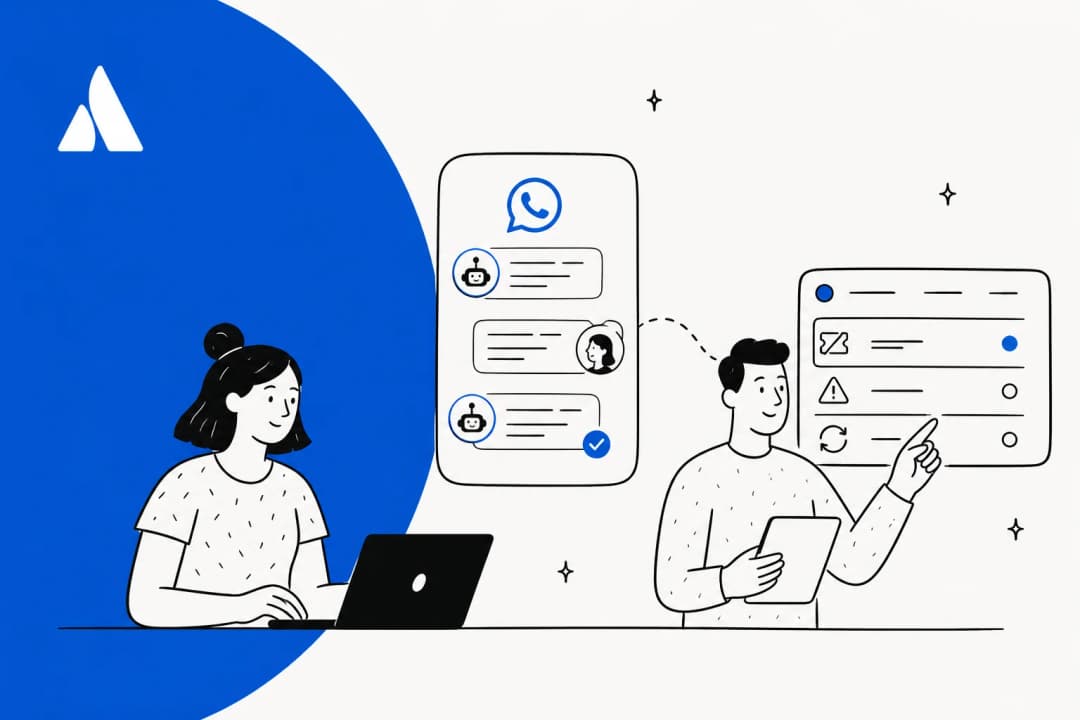
- Handoff is a routing change, not a ticket. Once Business Agent takes the number, your existing WhatsApp inbox moves to standby. My Zendesk version of this post walks through Meta's Conversation Routing, and the AI agent handoff guide covers what a good handoff looks like.
- Internal wikis don't belong on WhatsApp. Most Confluence spaces are written for staff, so before choosing any route you should split out a customer-facing space, or else there is a risk of the bot quoting internal notes to a customer.
Which setup fits your Confluence team
Here's how I'd pick:
| Your situation | Route I'd use |
|---|---|
| Customer docs already in a public help center on Confluence Standard | Scoped website crawl of that space |
| Under 100 stable articles, WhatsApp only | FAQ entries for the top questions, plus a crawl or a few files |
| Private docs that change monthly | Export and upload, with a script that deletes the old file first |
| Private docs that change weekly, and an engineer to spare | HTTP connector with a service account, v1 search plus v2 page reads |
| Confluence on Free, no engineer | Upgrade to Standard for the crawl, or use a tool that reads Confluence natively |
| You also answer in a helpdesk, Slack or website chat | A Confluence-native AI across every channel, and decide which bot owns WhatsApp |
If you're still comparing tools rather than routes, my best AI for Confluence roundup and best AI for WhatsApp support list come at it from each end.
Weighing a general-purpose assistant instead? The ChatGPT for Confluence guide covers OpenAI's route. The Grok Bot version covers xAI's.
And if you're tempted to build the connector yourself, the build vs buy post is worth ten minutes first. GENERAL BYTES looked at building their own and decided against it: "We wanted something that we would not have to maintain and something that somebody else will work on improving."
Try eesel with Confluence
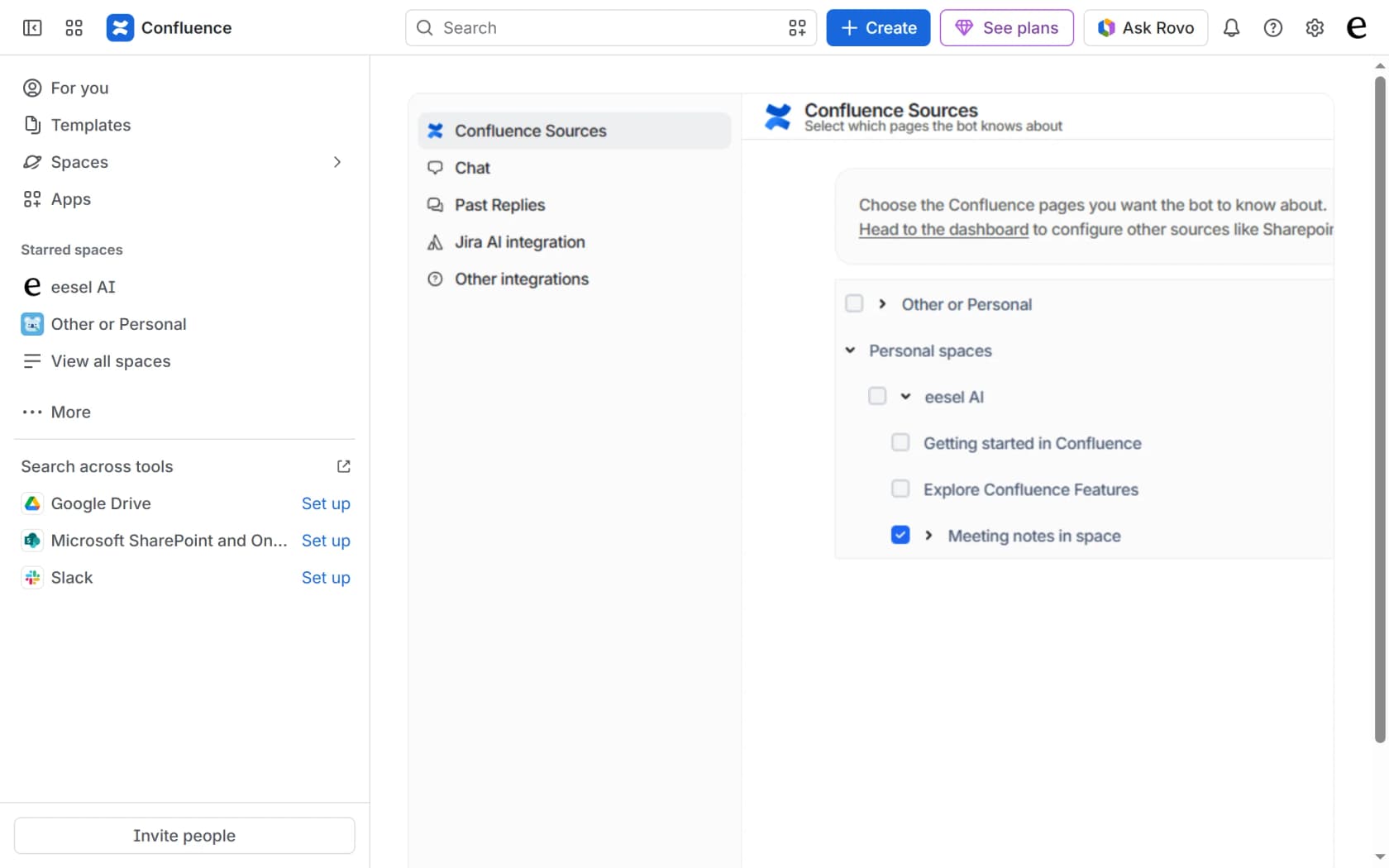
Every route above ends with someone on your team keeping Meta's copy of your wiki in sync. eesel skips that step. It's an AI teammate for your helpdesk: you pick the Confluence spaces and pages it reads, ticking a parent page brings its children along, and the eesel Confluence docs put it simply: "Edits re-index on their own." Every answer links the page it came from.
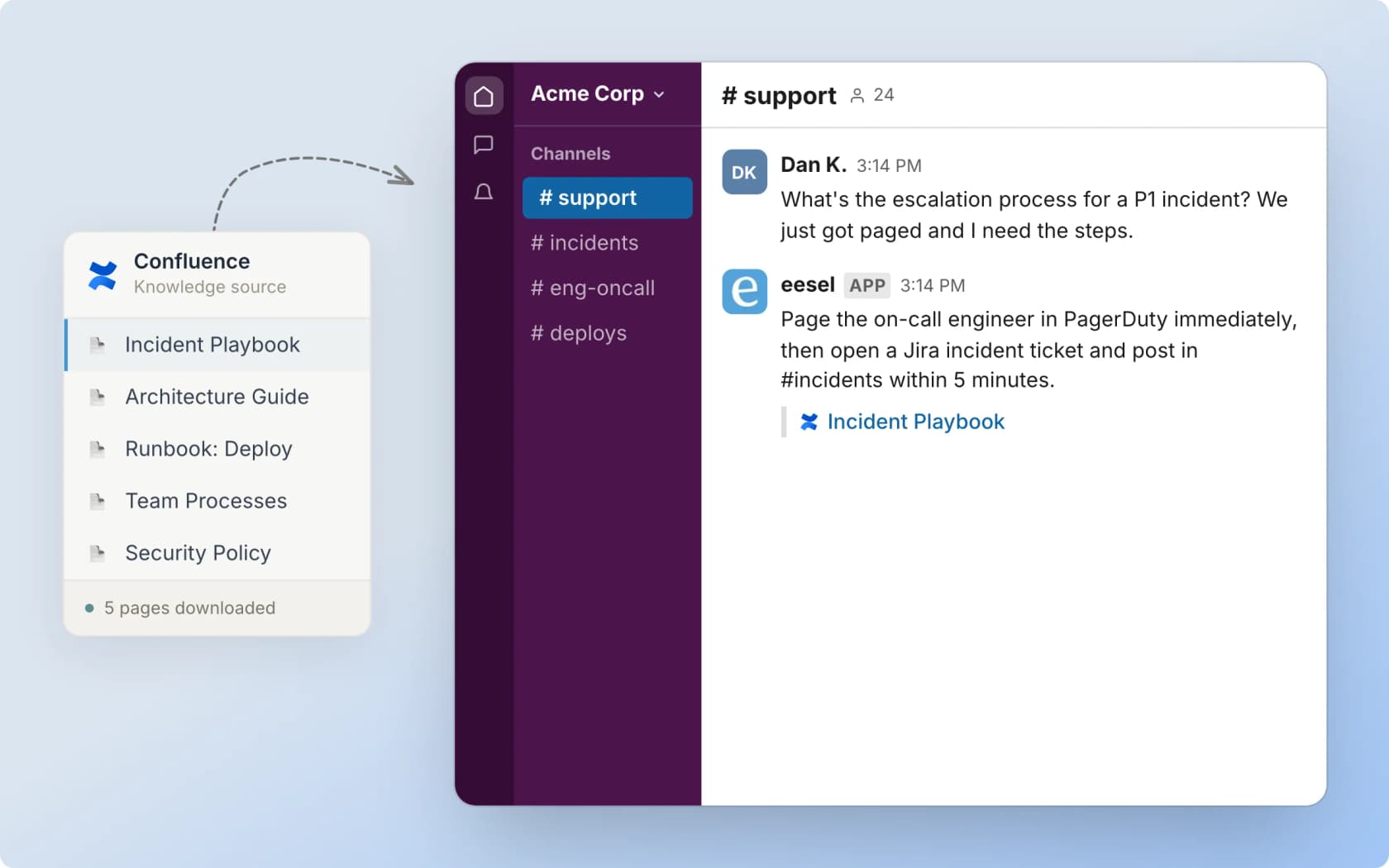
That same knowledge then answers wherever your customers and team ask: your helpdesk, Slack, Microsoft Teams, a chat bubble on your site, or a Chat tab inside Confluence itself. It pools Confluence with your help center and past tickets, so one reply can draw on all three. Flemming Ottosen, Development Director at Simployer, described what they needed as "a turnkey solution for Confluence that met our GDPR requirements and could serve different teams through dedicated Slack bots."
If WhatsApp is the channel you need, check eesel's WhatsApp integration too, and keep Meta's one-AI-per-number rule in mind when you choose. The free plan comes with 100 credits and no card, and paid plans start at $299 for 500 tickets or chats a month. Try eesel on one Confluence space and see how it answers.
Frequently Asked Questions
Can I use Meta Muse with Confluence?
Does Meta Business Agent connect to Confluence directly?
Can Meta's agent crawl a private Confluence space?
What happens when I update a Confluence page Meta's agent already uses?
How much does Meta Muse for Confluence cost?
Can I use the Atlassian Rovo MCP server with Meta Business Agent?
Is there a better AI for answering customers from Confluence?



Article by
Kira
Kira is a writer at eesel AI with a Computer Science background and over a year of hands-on experience evaluating AI-powered customer service tools. She focuses on breaking down how helpdesk platforms and AI agents actually work so that support teams can make better buying decisions.