What "Meta Muse for Jira Service Management" actually means
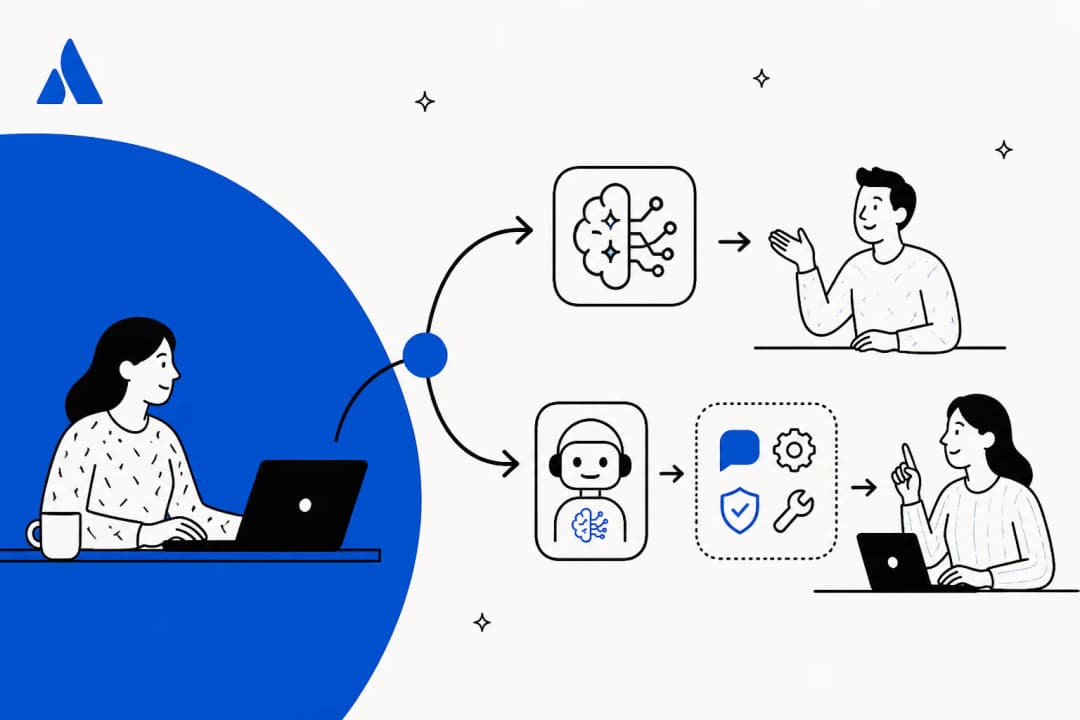
I spend most of my week reading other companies' API docs, and Meta's 2026 naming is the bit that takes longest to untangle. Three Meta products carry the Muse name or sit near it, and only one of them talks to your customers:
- Muse, the personal AI agent Meta launched in September for consumer errands. It isn't built to answer a business's customers.
- Muse Spark 1.3, the model, sold through the Meta Model API. You can build a JSM bot on it, which I cover further down. The Muse Spark 1.3 overview has the model detail.
- Meta Business Agent, which Meta launched in June as the AI that answers your customers on WhatsApp, Messenger and Instagram. This is the product a JSM team is really weighing.
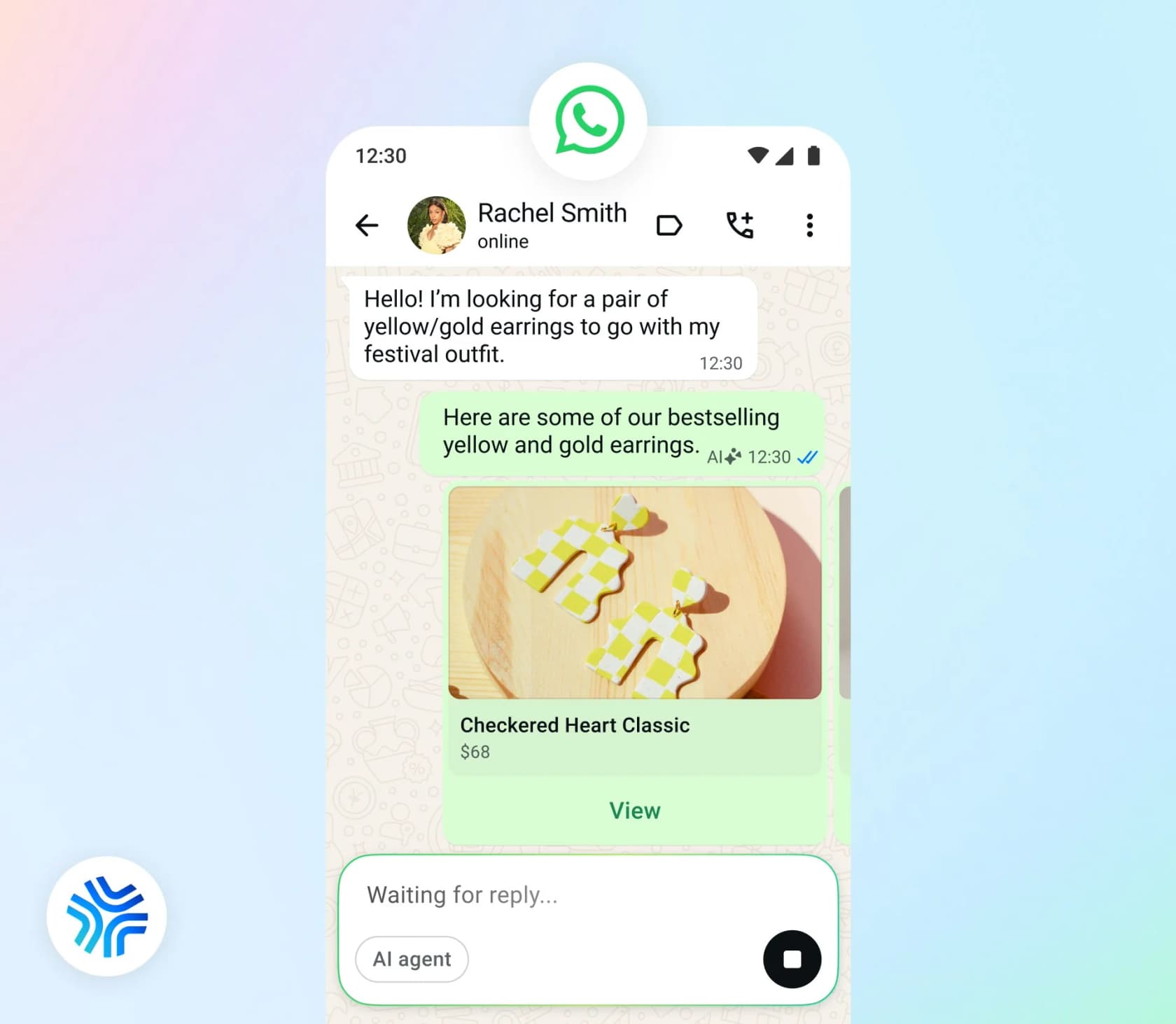
My Meta Muse for customer support guide has the three-way breakdown. This post stays on the JSM side, meaning how WhatsApp gets into a service project at all, what happens once Meta's agent takes the number, how the auth fits, and what the whole thing costs.
On a different helpdesk? The Meta Muse for Zendesk and Freshdesk posts cover those.
There are Zoho Desk and HubSpot versions too.
One thing is worth saying before the plumbing starts. JSM is used for two different jobs: internal IT and HR service desks, where employees raise requests from Slack or Teams, and external customer service, which Atlassian now sells as Customer Service Management inside the Service Collection. If your JSM project is an internal IT desk, your employees are almost certainly not on WhatsApp with you, and this whole post is really just a curiosity. The Meta question only gets real when customers outside your company message you on WhatsApp.
How WhatsApp reaches Jira Service Management today
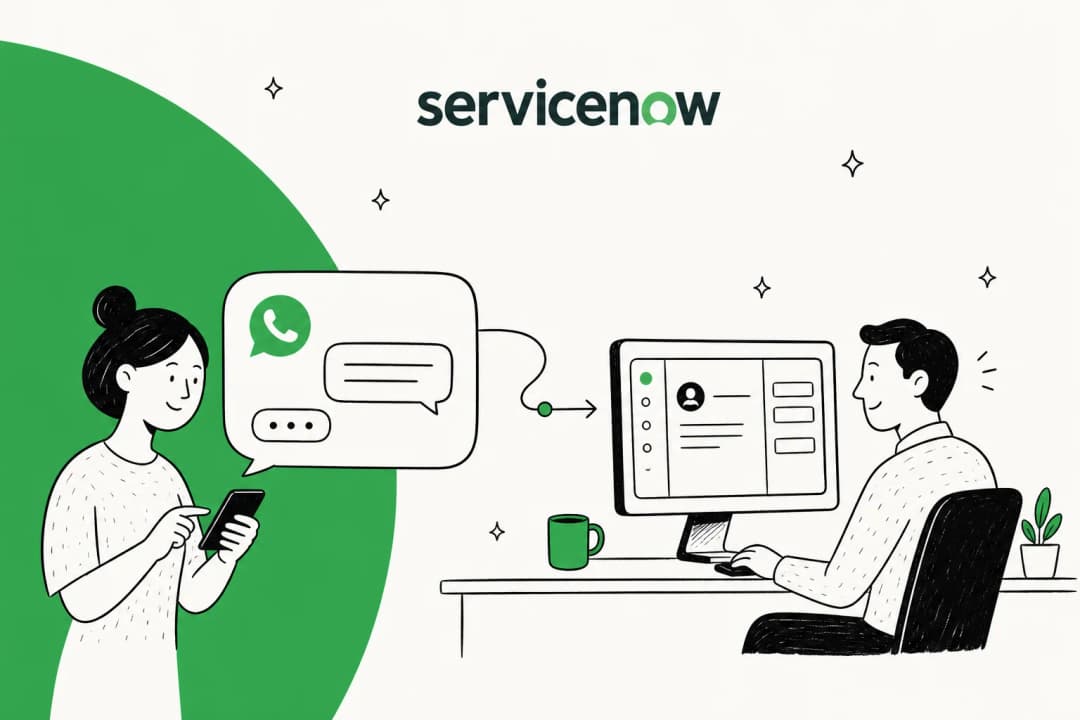
This is the part that shapes everything below: WhatsApp isn't a JSM channel. Atlassian's request channels doc lists "email, help centers and portals within them, chat and a customizable widget," and chat there means Slack. Its customer requests page adds Microsoft Teams. That's the full native list.
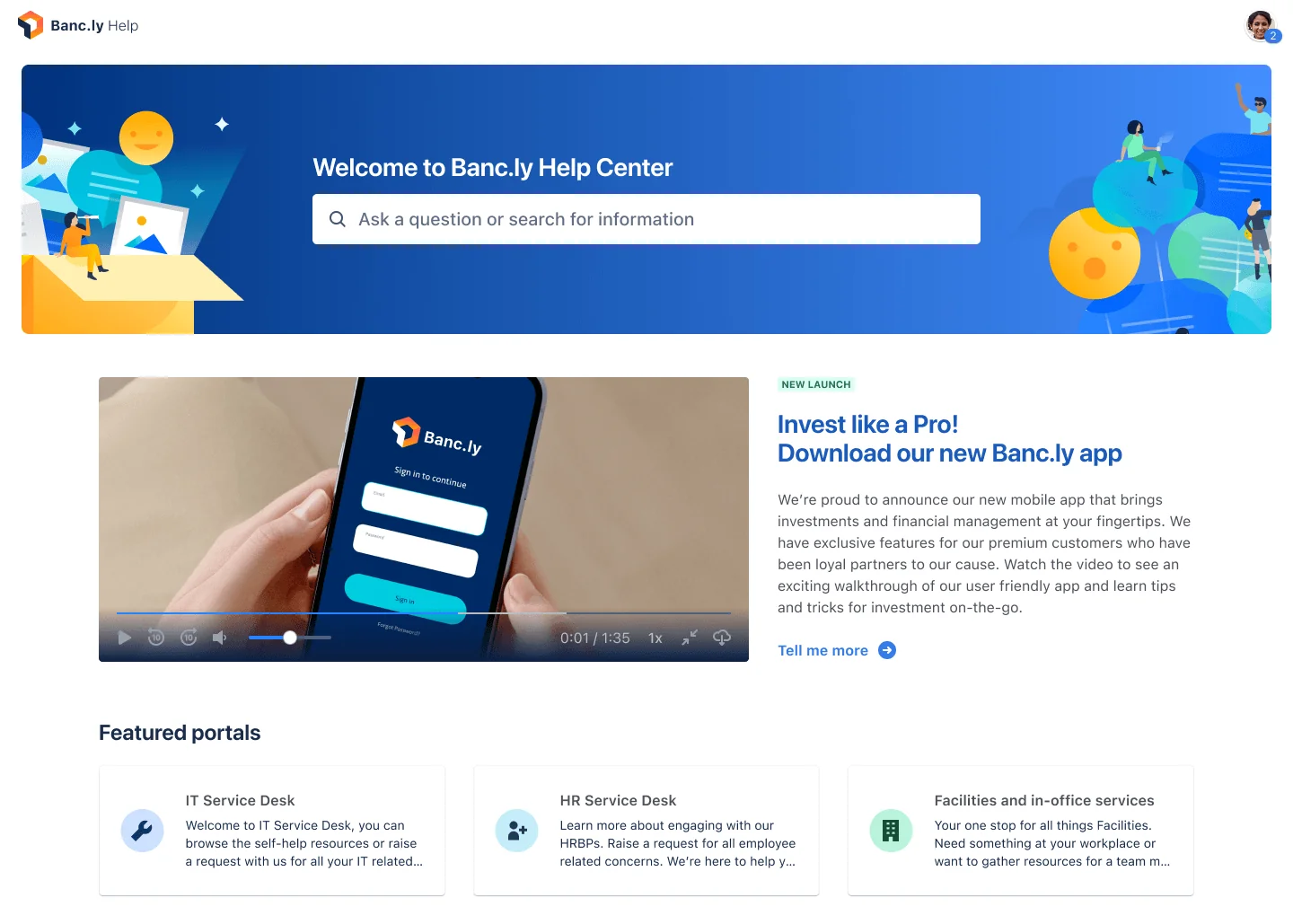
Customer Service Management doesn't close the gap either. Atlassian's CSM page says customers "move seamlessly across web, chat, email, voice, and live support," and it has a Voice AI that turns calls into work items with transcripts. WhatsApp isn't named, and a native WhatsApp channel didn't turn up anywhere in Atlassian's CSM docs, at least not that I could find.
JSM customers have been asking for it for years. On Atlassian's own community forum, one admin wrote:
"I want to integrate our Service Desk with WhatsApp to ensure users can do Password reset from their whatsapp."
The standard answer, from a volunteer Community Champion in a 2024 thread, is still the right one in 2026: "You'll need one of the WhatsApp integration apps available on the Atlassian Marketplace to do this, or develop an integration of your own."
The Marketplace apps that bridge WhatsApp and JSM
Here are the six WhatsApp apps I found on the Atlassian Marketplace, with install counts as listed on 2026-09-29. None of the listings rendered a per-user price, so check each one's pricing tab before you commit.
| App | Vendor | Installs | How it turns WhatsApp into JSM work |
|---|---|---|---|
| WhatsApp Channel for Jira | Ticblue | 47 | First message from a number creates a ticket, later messages become comments |
| WhatsApp Virtual Agent for Jira | Ticblue | 3 | Menu and decision-tree flows, escalations create work items |
| WhatsApp Integration for Jira | 123x.dev | 152 | Uses Meta's Cloud API directly, creates and updates issues |
| OmniChat for JSM | Evolutio | 118 | Runs through Infobip, maps phone numbers to JSM customers |
| Chat for JSM | Appfire | 1,227 | Live chat widget plus WhatsApp Business inbox inside Jira |
| Hey WhatsApp Me for Jira | Choulle digital | 3 | Forge app, auto-creates customers and a WhatsApp queue |
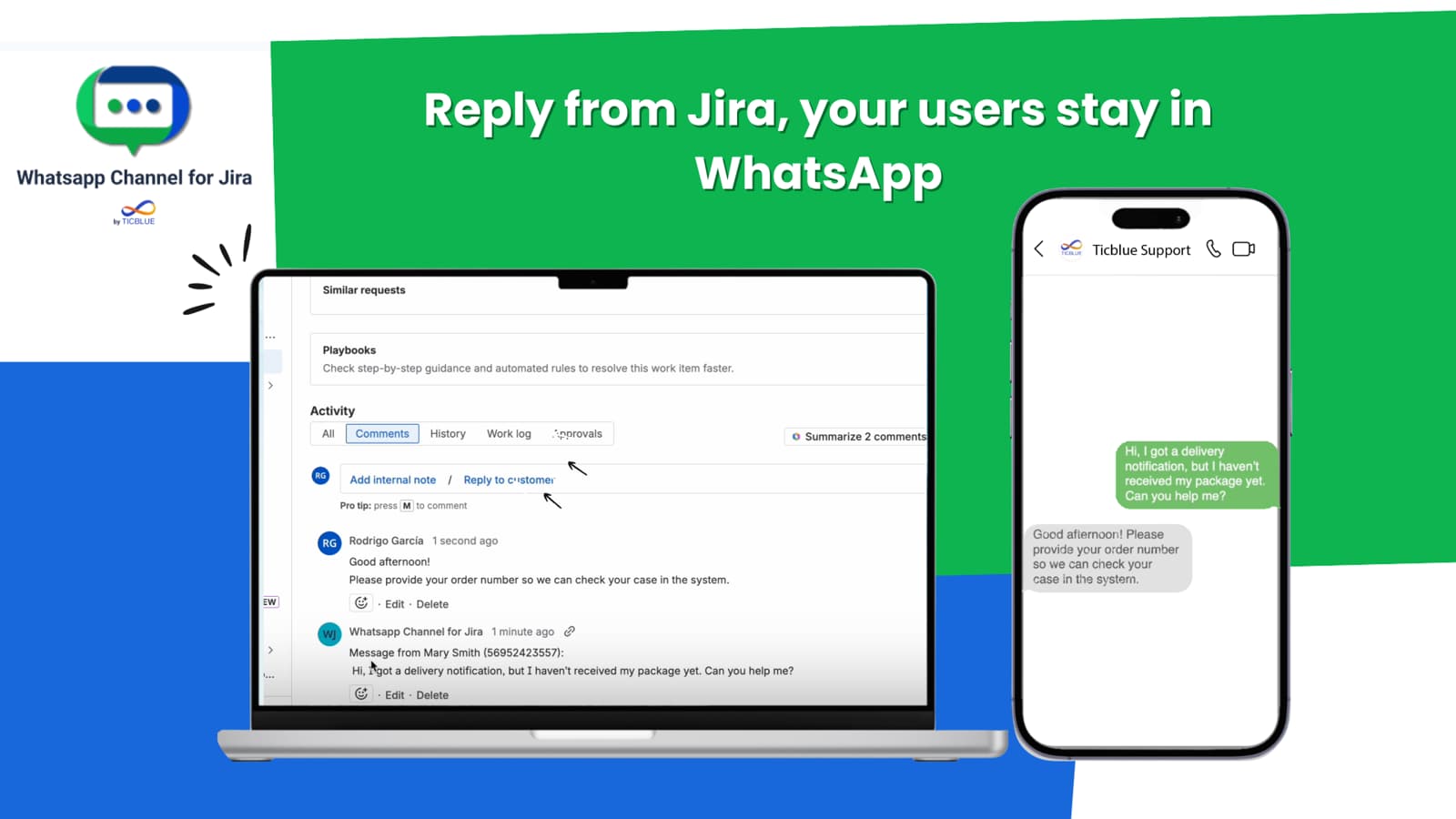
Two details from these listings matter for the Meta question. First, every one of them is itself an app connected to your WhatsApp number, either straight to Meta's Cloud API or through a provider like Infobip. Second, two of them already put a bot on the number: Ticblue's Virtual Agent runs decision trees, and Hey WhatsApp Me has an optional "AI Concierge" with your own OpenAI key. Keep that in mind, it comes back later.
There's also an identity problem that the apps solve quietly in the background. JSM's customer API creates a customer from "an email address and display name." A WhatsApp user arrives with a phone number and nothing else. Apps like Hey WhatsApp Me "auto-creates customers" and OmniChat lets you "Add a phone number for existing JSM Customers," so they're doing a mapping step that you'd otherwise have to build.
What happens when Meta Business Agent joins that number
Meta's docs got a lot more detailed in September, and that detail matters if your WhatsApp number already feeds JSM through one of these apps.
It answers first, and your WhatsApp app moves to standby
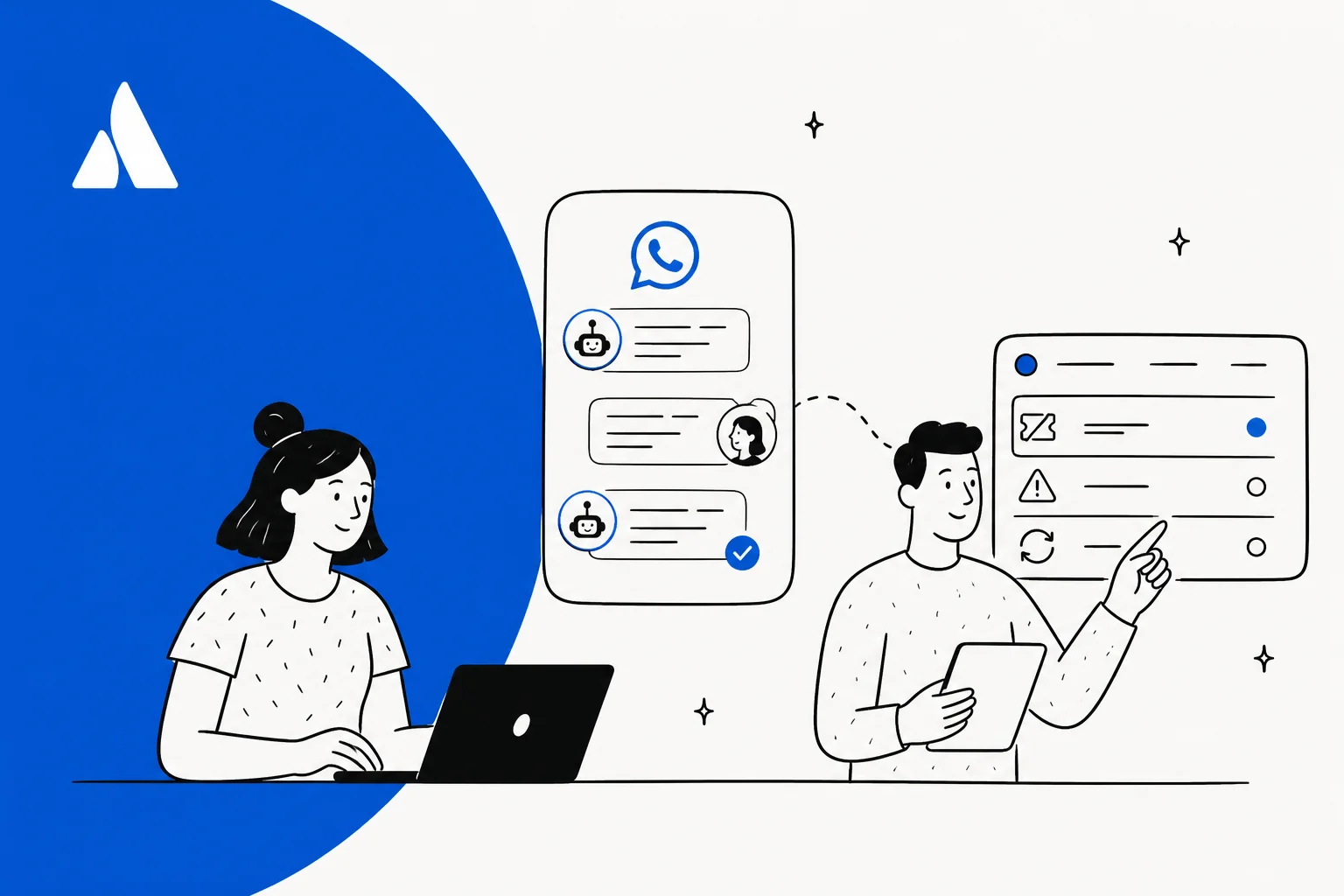
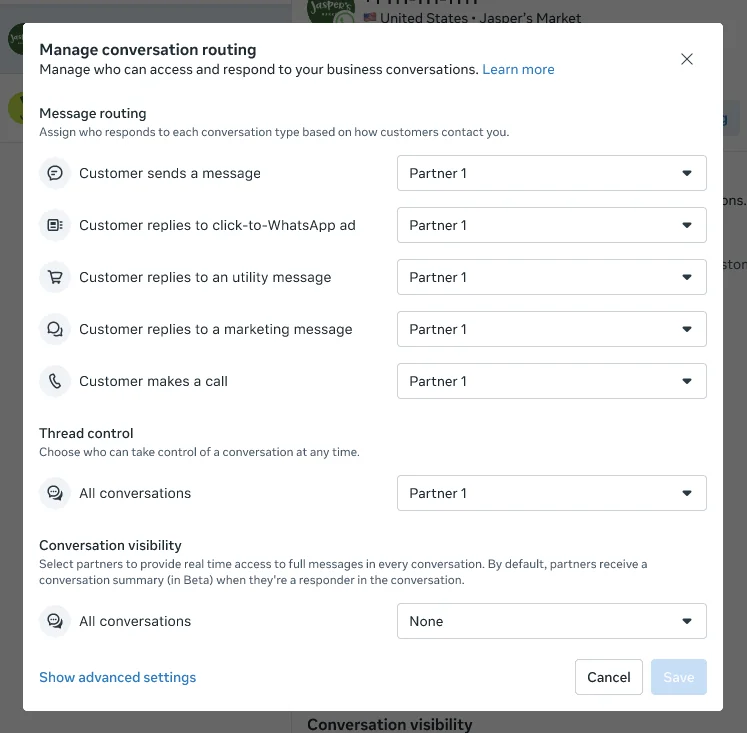
Meta's Conversation Routing decides which connected app answers each message. Your Marketplace app is one of those apps. When you switch on Business Agent, "The agent becomes the sole primary for messaging entry points" and "Previous primary destinations move to standby so they retain context," per Meta's routing setup guide.
In plain terms, new WhatsApp messages hit Meta's agent first and not your JSM queue. You can split by entry point, for example keeping your JSM app as primary for direct messages and putting the AI on click-to-WhatsApp ads. That setup lives only in Meta Business Suite, and Meta says so directly: "There is no public API for configuring Conversation Routing."
One AI per number, so pick your bot
Meta's Platform overview sets the eligibility rule: the number must be "Not already running another AI agent on that number," because "an active authorized-agent integration blocks Meta Business Agent."
Meta doesn't spell out exactly what counts, though. The reading I'd plan around is that a Marketplace app running its own bot on the number counts, so Ticblue's Virtual Agent flows or Hey WhatsApp Me's AI Concierge would have to be switched off first. A plain bridge app that only passes messages to human agents in JSM should be fine as the standby and escalation partner.
Handoff goes through the thread, and Atlassian isn't a named partner
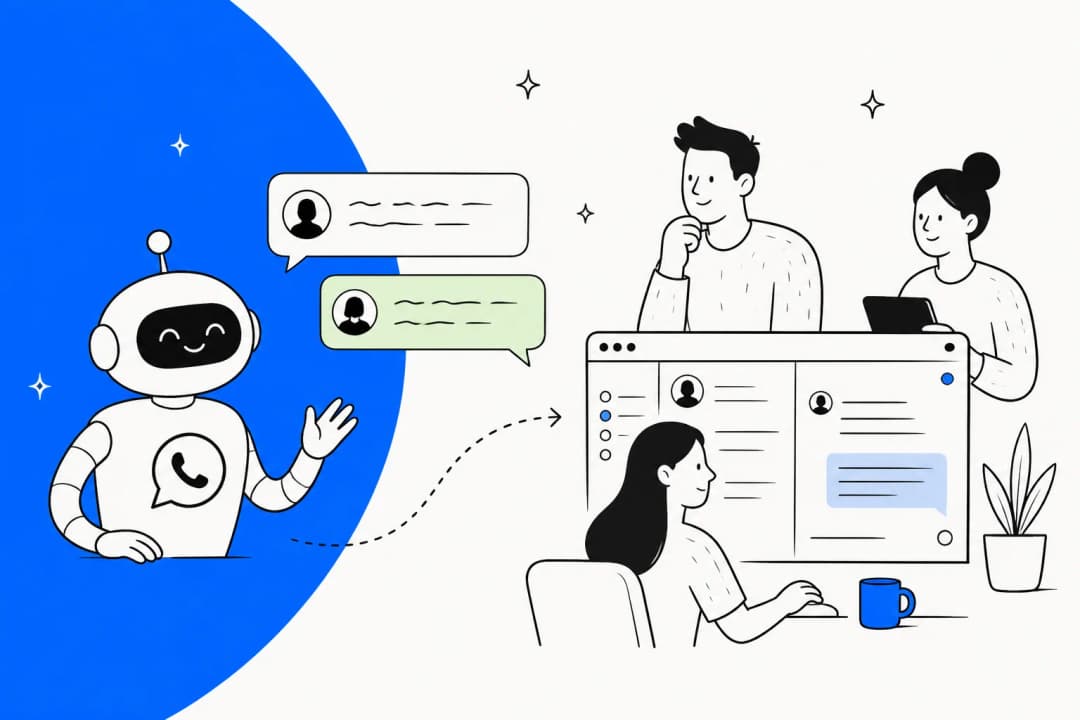
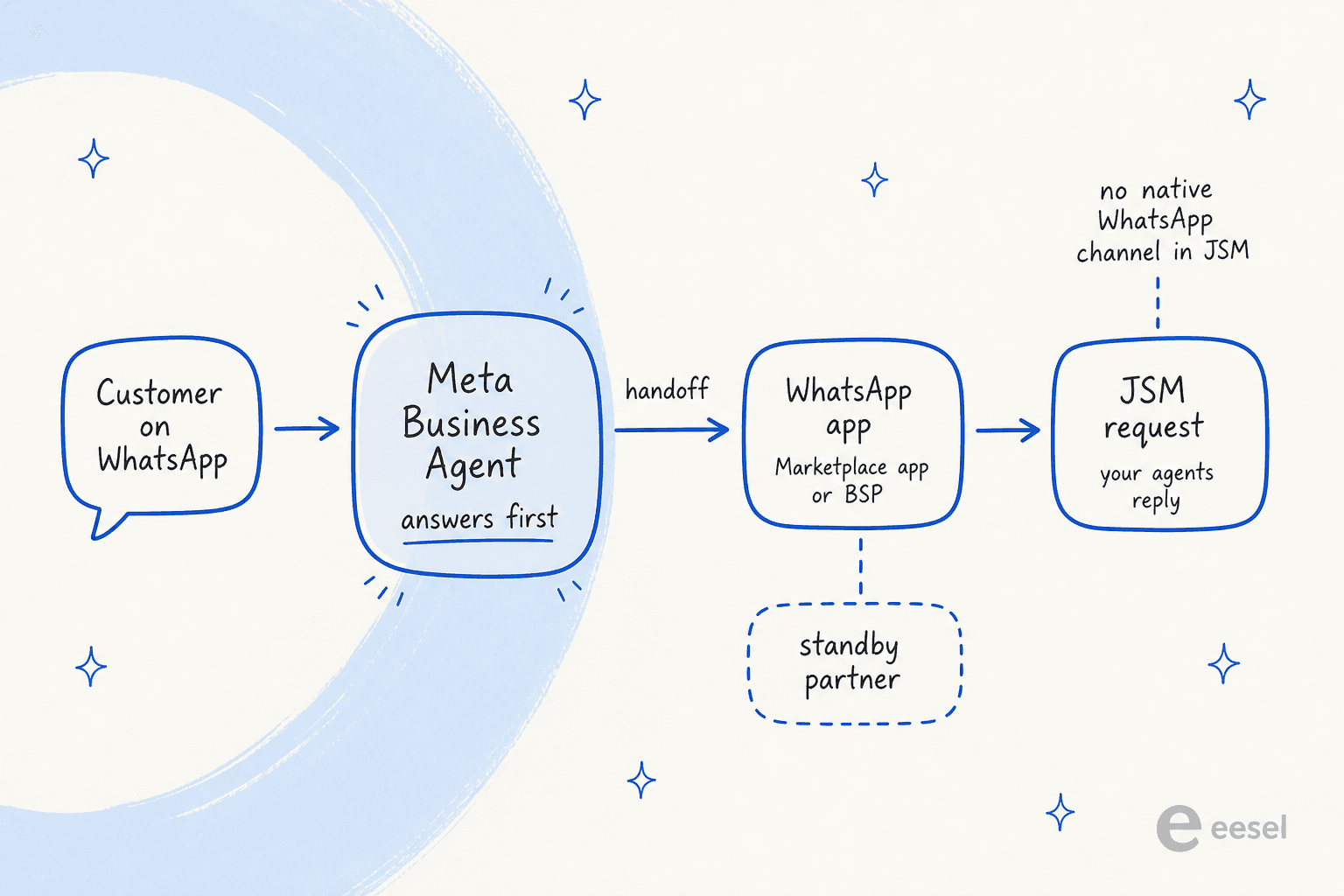
When Business Agent hands off, the chat doesn't move to a Meta inbox. It stays in the same WhatsApp thread, and only ownership passes to another app on the number. Meta's customer support guide lists "A staffed destination for handed-off conversations" as a prerequisite, and a plain handoff goes to whichever app you set as the "escalation partner," per the thread control docs.
For a JSM team, that partner is your Marketplace app, and the app is what creates the request. When Meta introduced Business AI (the earlier name for Business Agent), it named "Salesforce, Microsoft Dynamics 365 Contact Center, ServiceNow, Zendesk, Gorgias and Klaviyo Service." The June launch post names "Shopify, Zendesk, and Shopee." Atlassian isn't on either list, and none of the six app listings mention Business Agent. Going by Meta's routing docs, a handoff should land in the app as a normal conversation, which is also why I'd test it on a spare number first, before any real customer is involved.
A few more handoff details worth knowing:
- Context travels in a 2,000-character note. The handoff event carries a free-text
metadatafield Meta suggests using "to carry the ticket or order reference." Whether your app copies it into the JSM request is up to the app vendor. - You don't control the triggers. Handoff fires on low confidence, integrity issues or a customer asking for a person, and "You do not configure the triggers," per Meta's capabilities page. My AI agent handoff guide covers what a good one looks like.
- Meta warns about the 2am handoff. Its guide says: "An agent that hands off at 02:00 into an unstaffed queue produces a worse outcome than one that says when the team is next available and raises a ticket." JSM already has SLA calendars for exactly this, which is an argument for letting the agent raise a request directly (next section).
A BSP consultant with early Platform access flagged the accuracy side:
"Consistency is a problem. I saw the same product come back at two different prices in two replies. If you don't ground it properly, it just makes things up. No third-party connectors yet. CRM, order systems, anything to actually complete a sale - not there yet."

Connectors have shipped since that July post, and that brings me to the part where JSM turns out to be a surprisingly good fit.
Connecting Meta's agent to the JSM API: the auth actually fits
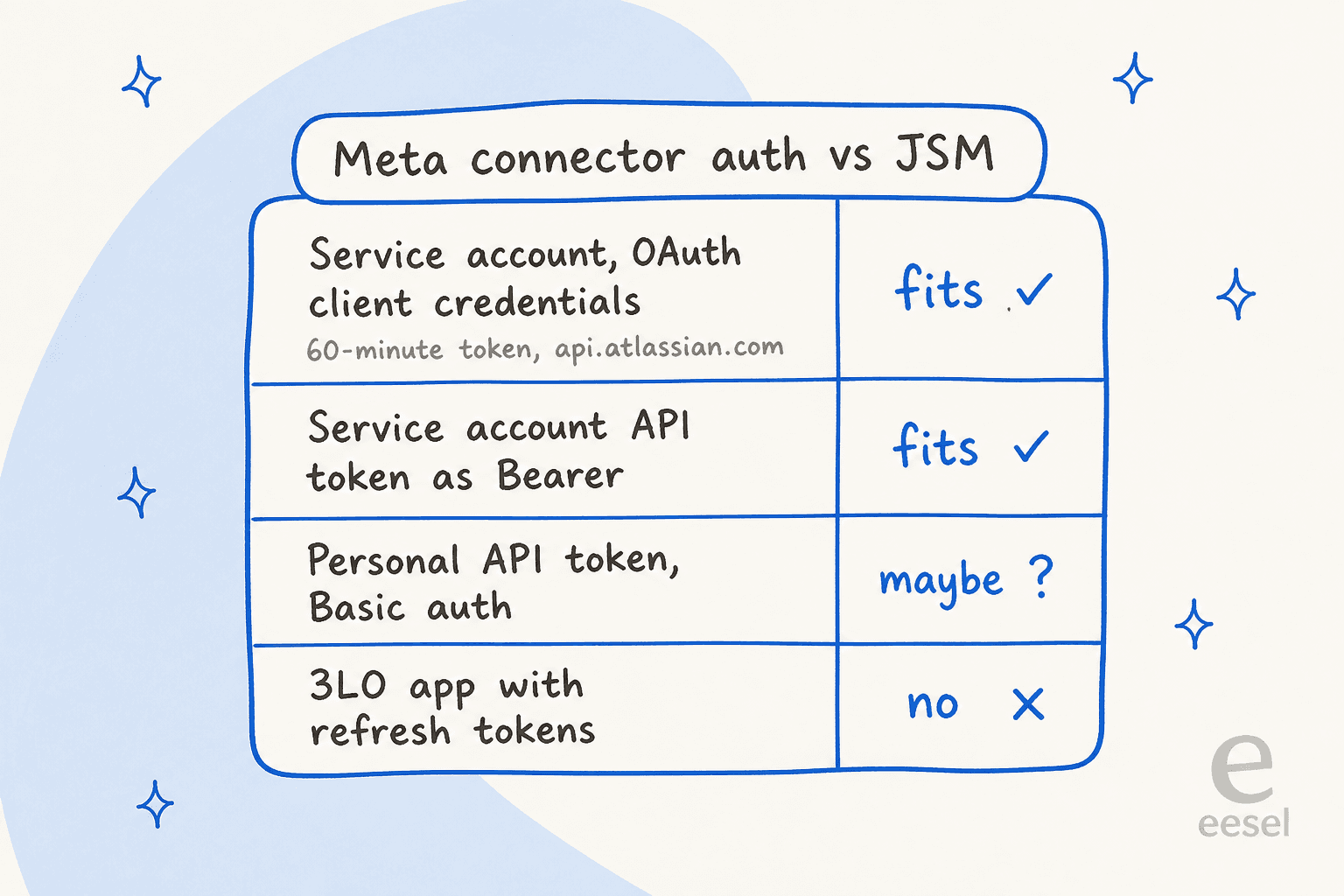
Business Agent takes actions through connectors, which are HTTP APIs or remote MCP servers you define yourself. Meta's connectors reference says: "Currently, only OAUTH2_CLIENT_CREDENTIALS, API_KEY, and NONE are supported." That line is where the Freshdesk and Gorgias versions of this setup broke, because both want Basic auth, and where Zoho Desk got fiddly because of its refresh tokens.
Atlassian is different, and service accounts are the reason. I build this kind of connector for a living, so it was the nicest surprise of the whole research pass.
- Service accounts do OAuth 2.0 client credentials. Per Atlassian's OAuth credential guide, you POST
client_id,client_secretandgrant_type=client_credentialstohttps://auth.atlassian.com/oauth/tokenand get a Bearer token "valid for 60 minutes." That's the exact grant Meta'sOAUTH2_CLIENT_CREDENTIALStype expects, with a token URL, client ID and secret, and form-urlencoded body. - Service-account API tokens take Bearer. Atlassian's service account token page says "You can use Bearer token authentication or basic authentication in the HTTP header" on the
api.atlassian.comgateway, with an expiry of 1 to 365 days. That maps onto Meta'sAPI_KEYwith aBearerprefix. - You get five for free. Atlassian provides "5 free single service account" per organization, up to 250 on Atlassian Guard Standard, and service accounts "do not count towards your user limit."
The routes that don't fit are the older ones. A classic personal API token is Basic auth with your email, per Atlassian's API token docs, and Meta lists BASIC as unsupported. You could try pre-encoding it into an API_KEY header, though then the bot is tied to a real person's account. And an OAuth 2.0 (3LO) app is authorization-code only with rotating refresh tokens, which Meta's connector has no way to store.
The tools you'd define, and three catches
With auth sorted, the connector is a handful of JSM REST calls, using the request API:
- Create the request.
POST /rest/servicedeskapi/requestwithserviceDeskId,requestTypeIdandrequestFieldValues. Meta's own example is acreate_support_tickettool whose summary the agent fills from the chat, and its macros can bind the WhatsApp phone number and conversation ID into fields so the agent doesn't guess them. - Look up status. A GET on the request, so the agent can answer "any update on my laptop replacement?" without a handoff.
- Add a comment. The comment endpoint takes a
publicboolean. Customers only see public comments, so the connector has to set it deliberately.
The catches, all from Atlassian's docs:
- The cloudId goes in the URL. Service account tokens only work on
https://api.atlassian.com/ex/jira/{cloudId}/..., not onyourcompany.atlassian.net. Your connector base URL has to carry it. - Scopes are picky. A JSM user in an Atlassian Community thread found service-account tokens worked for listing service desks but not requests, and relayed Atlassian Support's answer: "For fetching requests, the scope
read:user:jirais required." Plan for granular JSM scopes plusread:user:jira. - Customers are email-keyed.
raiseOnBehalfOf"is not available to Users who have the customer permission only," and creating a customer needs the "Jira Administrator Global permission." For a phone-only WhatsApp user, you either raise the request as the service account and put the number in a field, or keep that mapping in the Marketplace app.
What about the Rovo MCP server as an MCP connector? It accepts service account keys as Bearer tokens, if an admin enables API-token auth, per Atlassian's MCP auth docs. But its four JSM tools are on-call alert tools, not request tools, which my Claude for Jira Service Management post digs into. For a support connector the plain REST route is simply cleaner, in my view.
Meta flags the silent-failure risk in its own guide: "A failed ticket is invisible: the agent has already said a colleague will be in touch, the shopper waits, and nobody finds out until they message again angrier." Use the connector's test run endpoint before you let the agent promise anything.
What it costs: Meta Business Agent vs JSM's own AI
This is where the comparison gets a bit odd, since the three AIs don't answer on the same channels.
| Cost line | Meta Business Agent | JSM virtual service agent | CSM AI agent |
|---|---|---|---|
| Unit | Tokens, $2.00 per 1M (Meta pricing) | Assisted conversation (Atlassian licensing) | Resolution (Atlassian licensing) |
| Included | None | 1,000 per month | None |
| Price after that | About 16 to 20 cents simple, 40 to 50 cents complex (Meta's examples) | From $0.30 each, with volume discounts | $1.00 per resolution, no charge for failures |
| Plan needed | WhatsApp Business Platform number | Service Collection Premium ($51.42 per agent) or Enterprise | Service Collection Standard ($20 per agent) and up |
| Where it answers | WhatsApp, Messenger, Instagram | Slack or Microsoft Teams, not both | Web, chat, email and voice |
| WhatsApp fee on its replies | None extra, billed once as tokens | n/a, not on WhatsApp | n/a, no native WhatsApp |
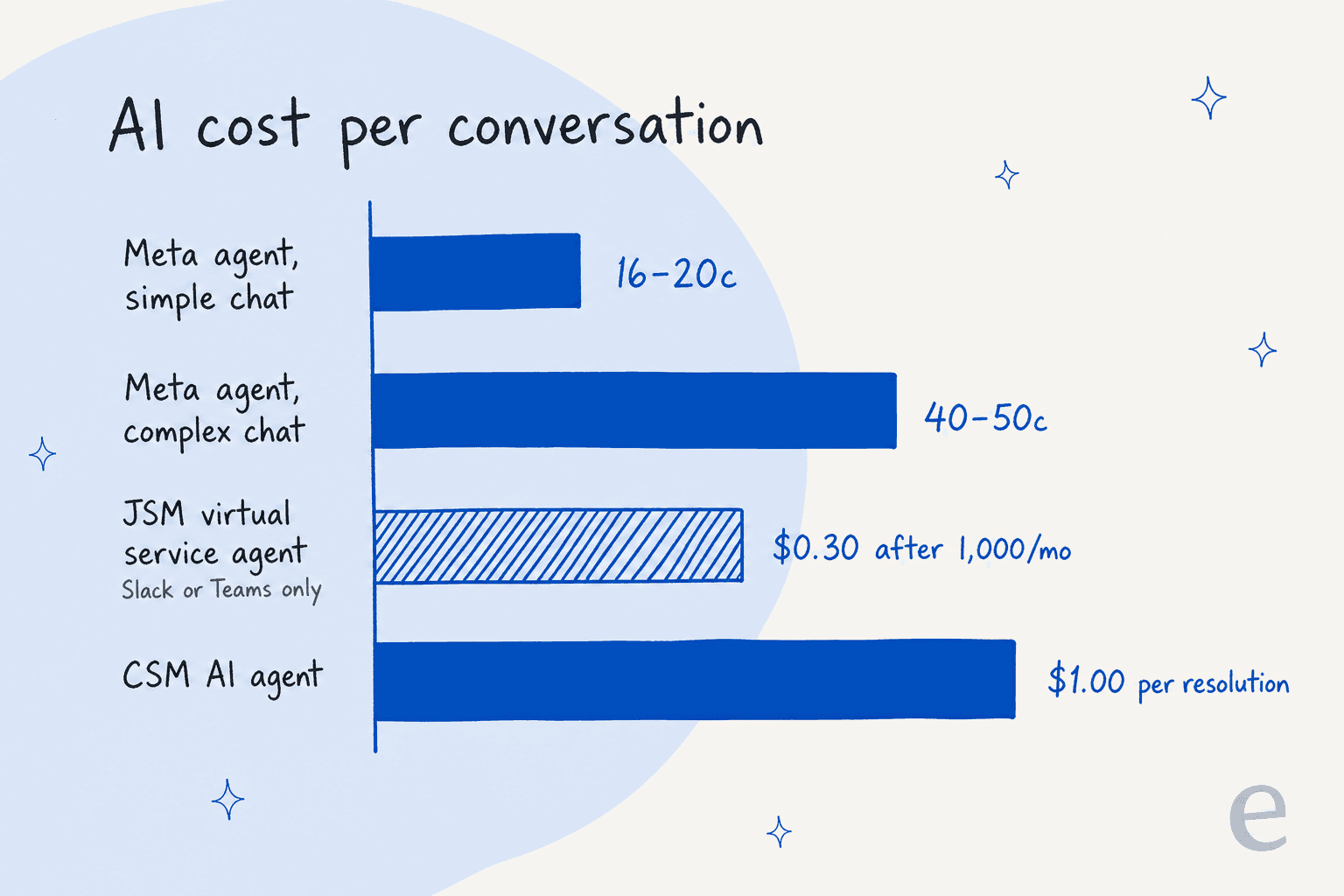
Two things jump out. The virtual service agent's unit is broader than it looks: Atlassian counts a conversation as assisted if it was "matched to an intent, regardless of whether the virtual service agent resolves the issue or escalates it." So an escalated chat still bills. And Meta's agent is the only one of the three that actually answers on WhatsApp, which is why a JSM team that needs WhatsApp keeps landing on it. The Atlassian Intelligence and Rovo pricing explainer and the is JSM AI worth it post go deeper on the Atlassian side.
Early Business Agent users noticed the per-message math fast:
"My concern is that the per-message cost is insanely high at approximately 5 cents per message."
Don't forget the Marketplace app on top of that. Every bridge app is priced per user through Atlassian, and on a 50-agent project that line item is worth checking before you look at the AI bill.
October 1 changes the math for your agents' replies
The change most JSM teams on WhatsApp will actually feel isn't the AI price. From October 1, 2026, Meta charges service messages per message after 1,000 free per phone number per month. Meta's pricing page says each message is billed "either as a Meta Business Agent message or as a service message, never both."
For a JSM setup, that means every reply an agent sends from a work item through the Marketplace app becomes a paid service message once the number passes the free tier. Picking Meta's agent doesn't dodge that. It only changes who writes the first few replies: Business Agent messages bill as tokens, and everything your team sends after the handoff bills as service messages. How the app vendor passes those fees through (a Meta account you own, or credits with a BSP like Infobip) is worth asking before the 1st. My WhatsApp API pricing explainer has the full rate history, and the Meta policy changes post covers what Meta did to third-party bots.
Building your own JSM bot on Muse Spark
The third route skips Business Agent and builds straight on the model. It's the closest one to my day job, so I can say what it really involves.
On the model side, Muse Spark 1.3 costs $1.25 input and $4.25 output per 1M tokens on the standard tier (Meta Model API docs). The cheaper contributor tier is off the table for support, because Meta's terms say "You must not submit sensitive, confidential, or personal information to the Discounted Services." A JSM request is full of names, emails and device serials. My Muse Spark 1.3 review covers where the model is strong.
On the JSM side, everything else is yours:
- The WhatsApp bridge. You still need a Marketplace app or your own Cloud API integration to get messages in and replies out, since JSM won't do it.
- Auth. A service account with client credentials, the cloudId baked into your base URL, and a token refresh every 60 minutes. Honestly the easy part of the whole thing.
- Knowledge. Confluence pages, request history and resolved comments, kept in sync. Rate limits apply here: Atlassian's points-based limits have covered OAuth apps since March 2, 2026.
- The loop. Read the request, draft a reply or an internal comment, set the request type and assignee. For a first version I'd ship it writing internal comments only, so nothing reaches a customer without a person.
- Escalation and testing. Your own confidence threshold, plus a replay of real requests before anything goes live. My build vs buy guide lays out the full list.
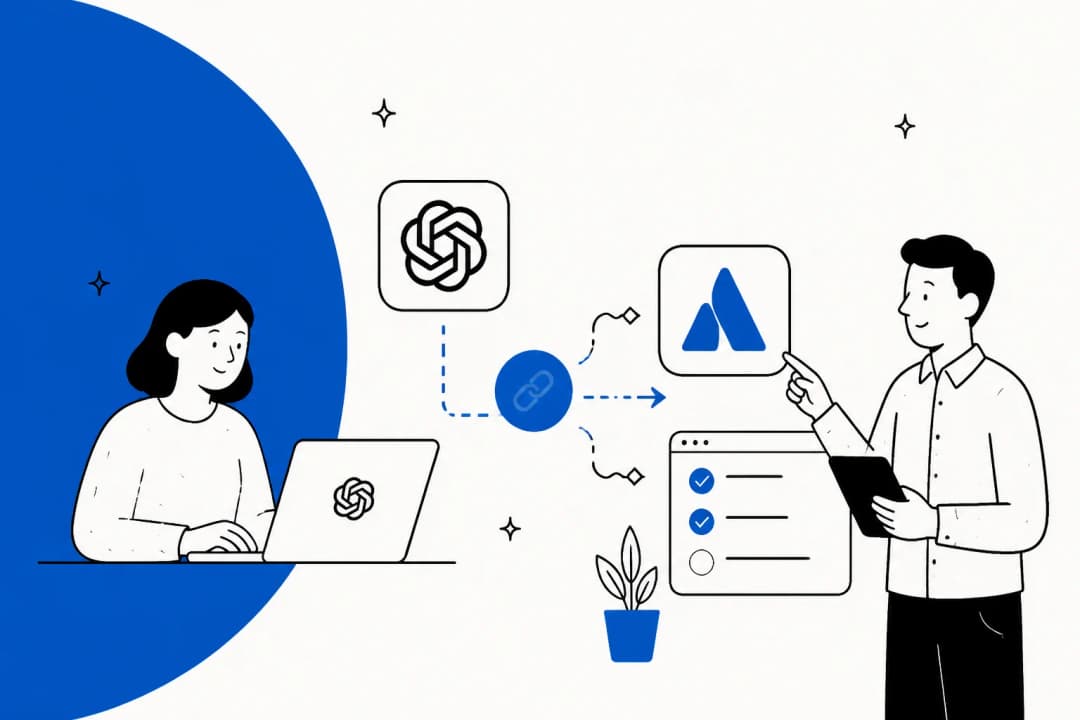
I've watched plenty of teams weigh this path, and my advice is always the same: count the maintenance too, not only the build. The same build on other models is covered in Grok for Jira Service Management and ChatGPT for Jira Service Management.
Where Meta's agent stops for a JSM team
None of this is hidden and it's all in Meta's own docs, but it lands harder when your team lives in JSM:
- It only answers in Meta's apps. Your JSM project also takes the portal, email, Slack and Teams. Business Agent covers none of them, so you'd run two AIs with two sets of rules. My AI chatbot for JSM post covers the rest.
- Your request history isn't a knowledge source. Meta's support guide tells you to "export the top drivers from your helpdesk for the last quarter" and write FAQ entries by hand. Your Confluence knowledge base and years of resolved requests stay out of reach.
- It doesn't know your SLAs or request types. JSM's value is structure: request types, queues, SLA clocks, approvals. Meta's agent sees a chat, not a service project, unless your connector teaches it.
- Regulated industries are excluded. Businesses in finance, health, government, alcohol or gambling can't use the Platform.
- Accuracy still needs grounding. Meta's help center warns "Some AI messages may be inaccurate or inappropriate."
One commenter in r/WhatsappBusinessAPI put the boundary well:
"If you look at the current AI agent closely, it can only do things inside Meta, but nothing outside it."
That's the reframe I'd leave a JSM team with, more or less. Meta's agent is a front door for WhatsApp. JSM is where the work actually lives, with its request types, SLAs and history, and the AI that earns its keep is the one that works there.
Which setup fits your JSM team
Here's how I'd pick, going by where your requesters write in and how your team works.
| Your situation | Best fit | Why |
|---|---|---|
| Internal IT or HR desk, employees on Slack or Teams | Not Meta at all | Your requesters aren't on WhatsApp; look at the virtual service agent or an AI inside JSM |
| External customers mostly on WhatsApp, simple product questions | Meta Business Agent plus a bridge app | Only option here that answers on WhatsApp natively |
| Customers on WhatsApp plus portal and email | An AI that works your JSM requests | One set of rules and one history across every channel |
| Engineering team that wants full control | Muse Spark API plus JSM REST and a bridge app | Cheap per token, service-account auth is clean, but you own the rest |
| Finance, health or another regulated vertical | Not Business Agent | Excluded from the Platform |
For most JSM teams I talk to, it's the first or the third row that applies. Either WhatsApp isn't a channel at all, or it's one channel among several, and the requester who messages on WhatsApp, follows up by email and later comments in the portal needs all of that on one request. So the AI choice inside JSM ends up mattering more than the Meta question.
If you're comparing those, my best AI for JSM roundup and the JSM AI overview are good next reads.
The JSM alternatives list helps if you're rethinking the tool itself, and best AI for WhatsApp support covers WhatsApp across helpdesks.
Try eesel in Jira Service Management
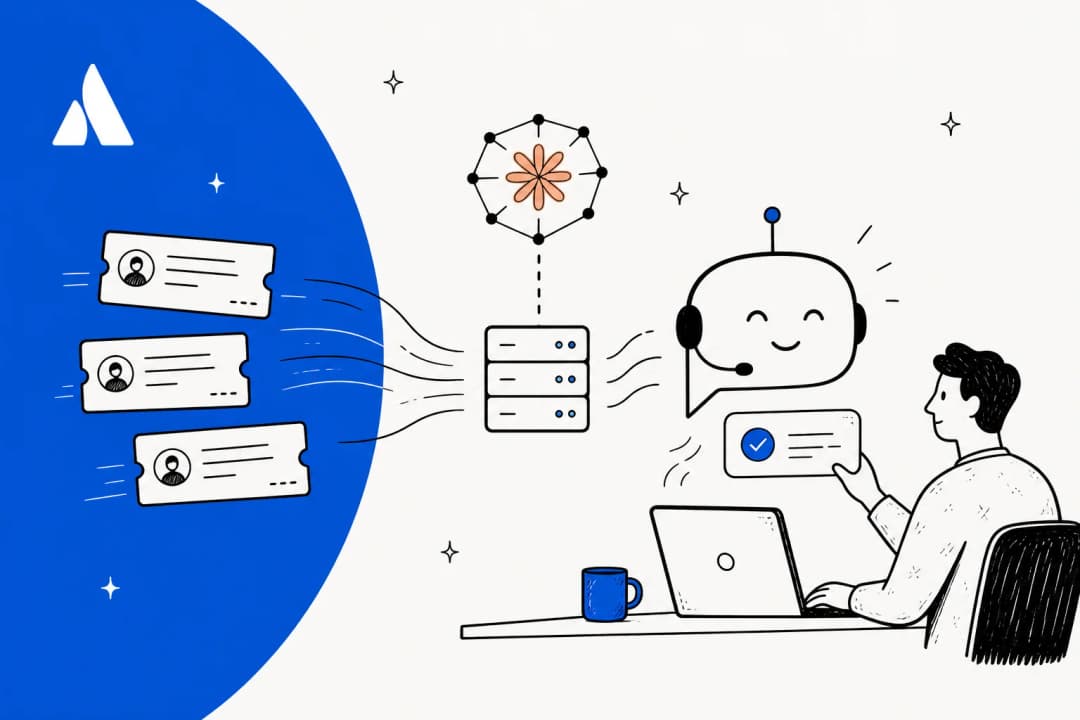
eesel is an AI helpdesk teammate that joins Jira Service Management like a new hire. It picks up a request when someone raises it or comments on it, reads the history, looks up related issues, then replies to the reporter, leaves an internal note, moves the issue on, assigns it or labels it for triage. It learns from your help center, Confluence and past requests, and it follows plain-language instructions about which requests it may touch.
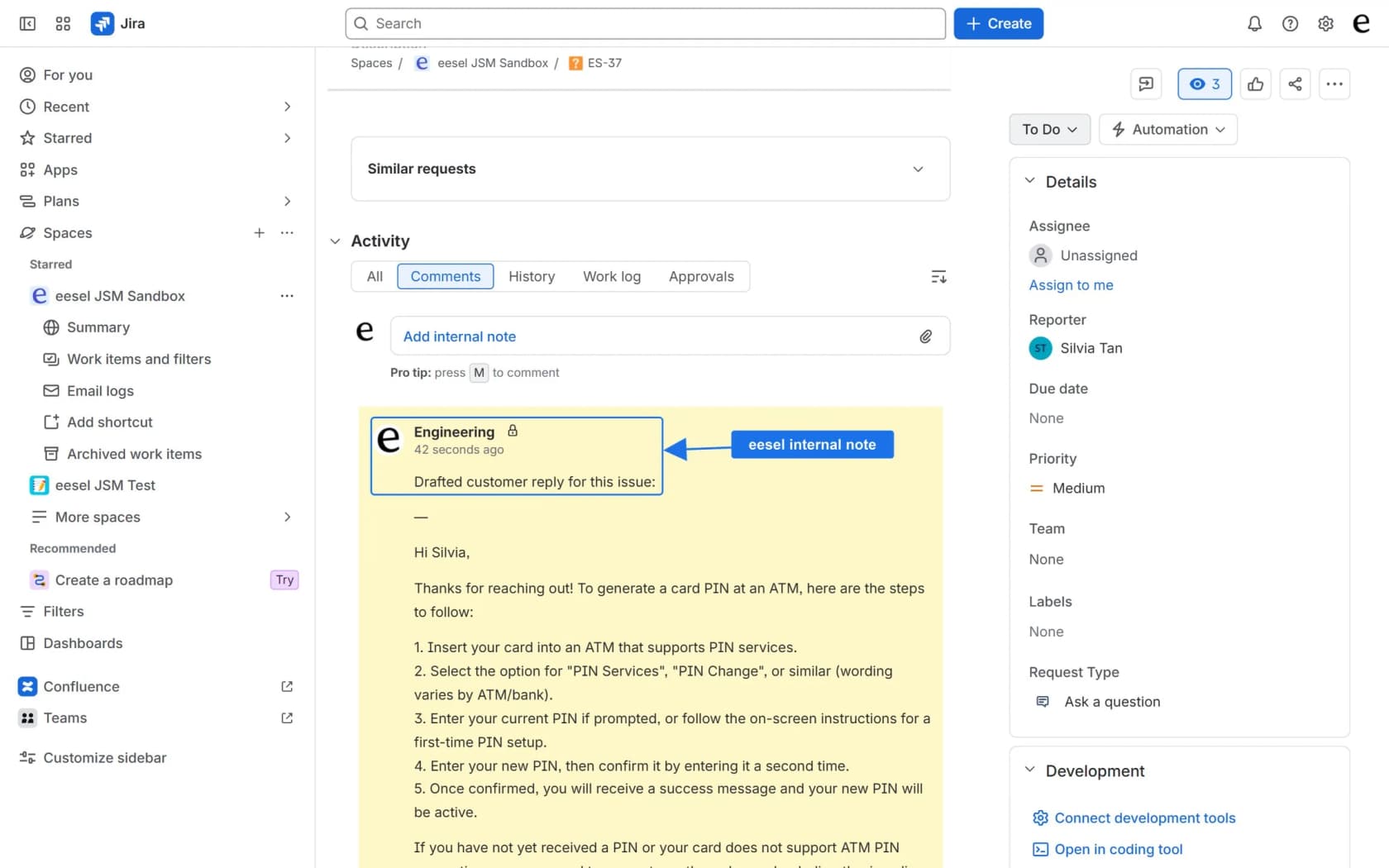
It already runs at scale on JSM: Design.com handles over 50,000 requests a month through it, and Gridwise's Kim Simpson said on eesel's JSM page, "In the first month, eesel is resolving 73% of our tier 1 requests." It also answers on WhatsApp itself, so if you'd rather have one AI across WhatsApp and your JSM queue, it can take the number's one AI seat instead of Meta's agent. Pricing is a fixed monthly credit plan, where a request or chat counts as one credit however many replies it takes.
If you'd rather script it, the eesel CLI lets you, or a coding agent like Claude Code or Cursor, run eesel integrations connect jira, check eesel status and list eesel automations from a terminal, against the same teammate you'd set up in the dashboard.
Try eesel free with 100 credits and no card, and see how it handles your JSM requests before the October 1 WhatsApp pricing change lands.
Frequently Asked Questions
Can I use Meta Muse with Jira Service Management?
Does Jira Service Management support WhatsApp natively?
Does Meta Business Agent integrate with Jira Service Management?
How much does Meta Business Agent cost compared with JSM's own AI?
Can the JSM virtual service agent answer on WhatsApp?
What changes for WhatsApp support costs on October 1, 2026?
Can I build a Jira Service Management bot on Muse Spark instead?
What is the best AI for Jira Service Management if WhatsApp is only one channel?


Article by
Rama Adi
Rama is a software engineer at eesel AI with two years of experience writing about B2B SaaS, AI tools, and customer support technology. Based in Bali, Indonesia, he brings a developer's perspective to product comparisons — cutting through marketing copy to what the integrations and APIs actually do.