8 Jira Service Management AI alternatives in 2026 (that keep JSM)

Riellvriany Indriawan

Katelin Teen
Last edited October 7, 2026

Why are JSM teams looking past the built-in AI?
I'm Riell, and I work the support queue at eesel every day. What I see with Jira Service Management teams is pretty consistent, they love JSM for tickets, SLAs and queues, and then they hit a wall the moment they try to put AI in front of requesters. Here's what that wall is made of, in the order people usually run into it.
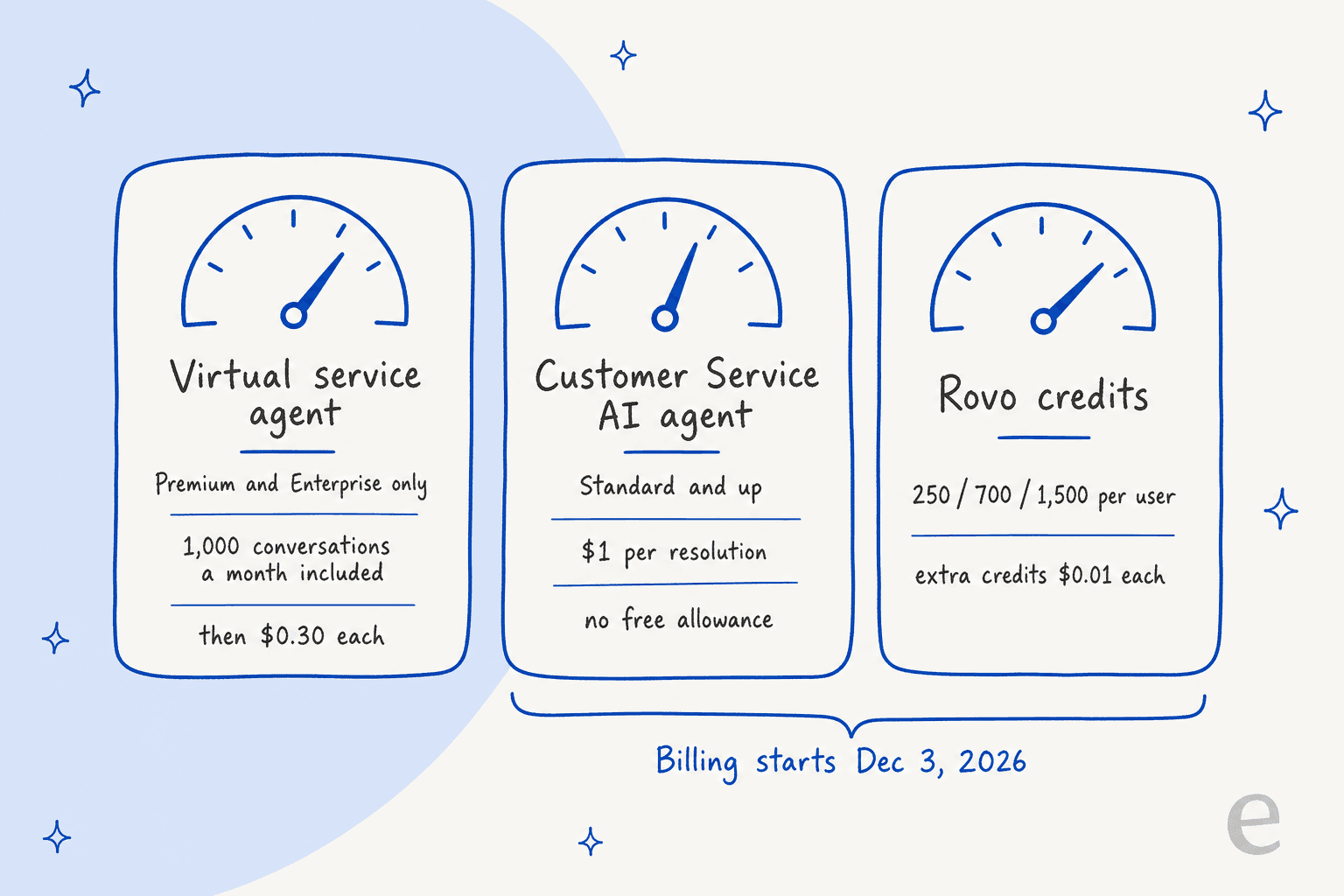
There are three AI meters, not one. Atlassian now sells JSM inside the Service Collection, and the AI is split into three pieces that are billed separately:
| AI piece | Plans | What you pay | What counts |
|---|---|---|---|
| Virtual service agent | Premium and Enterprise only | 1,000 assisted conversations a month included, then from $0.30 each | Any conversation matched to an intent, even if it escalates, plus AI answers the customer marks resolved or abandons |
| Customer Service AI agent | Standard and up | $1.00 per resolution, no included allowance, charged from December 3, 2026 | A conversation an LLM judges resolved with no handoff or work item |
| Rovo credits | Standard and up | 250 / 700 / 1,500 credits per user a month, extra usage $0.01 per credit from December 3, 2026 | A basic AI event costs 10 credits |
The virtual service agent needs Premium. On the licensing page, Premium lists at $57.30 per agent a month for 1 to 15 agents, against $25 on Standard. For a 10-agent desk that works out to $323 a month extra, and the AI hasn't answered a single question yet. One IT manager described the gate bluntly on Reddit: "to leverage NLP and AI-powered conversational support we need to be on their Premium plan which is tight for a smaller/med business" (u/New_Passenger_2120).
It answers from Confluence only. The virtual service agent's AI answers need a Confluence knowledge base space linked to the service project, and that space must be set to "All logged-in users". So if your runbooks sit in Google Drive or Notion, the agent never sees them.
"Deflected" sometimes means "gave up". Of all the complaints, this is the one I'd weigh most, since it changes what the dashboard is telling you:
"One example: virtual agent will count a ticket as 'successfully deflected' if the user gives up responding and it auto closes. That's not a successful deflection, that's an awful user experience."

Rovo in the service desk can be hard to debug. One admin running 15 to 20 JSM service desks wrote up their Rovo-in-Slack problems in detail, and they range from invalid-field errors to tickets created in the wrong service desk:
"Telling the user it created a tickert, telling them the summary/description it usded, but NOT actually creating the ticket and providing them SOMEONE ELSES TICKET... It's been exhausting to try to debug all of this since... there is no debugging in Slack for Rovo."
And the December pricing change pushed people to look around. When the per-resolution charge was announced in September, one JSM admin replied that unwanted AI prompts had "made me evaluate alternatives coming up to our renewal period" (u/RichW100, r/jira). If you're still deciding whether the native route is worth it at all, my piece on whether JSM AI is worth it runs the numbers.
What does JSM's own AI still do well?
Before you swap anything out, let me be fair about this. The native AI has real strengths, and for some teams it is the right answer.
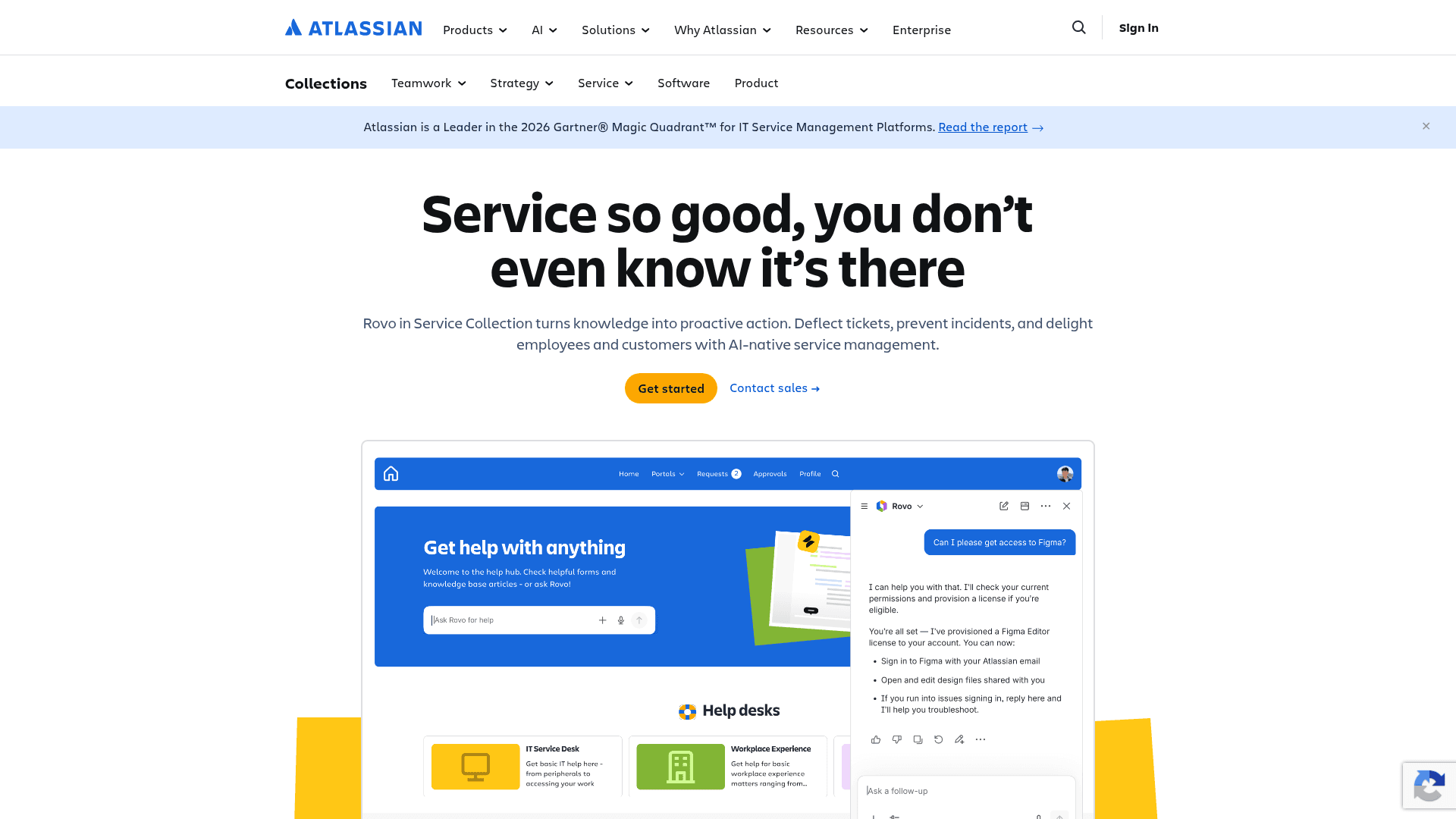
- It's already in the building. No vendor review, no new contract, no extra login. If you're on Premium anyway, the 1,000 included assisted conversations a month are effectively free.
- It covers every JSM channel. The virtual service agent runs in Slack or Teams, on the portal, over email, and in the help center, plus the embedded widget.
- People like Rovo search. Even in threads full of complaints, people point at Rovo search and triage inside automations as the parts that work. One wrote that Rovo search "will pull answers from your internal docs, link the doc, etc." (u/dessydes, r/jira).
- Rovo reaches beyond Atlassian. Rovo itself (not the virtual service agent) has connectors for tools like Google Drive, SharePoint and Slack.
So here's my take. If you're on Premium and your knowledge lives in Confluence, and also your volume stays under 1,000 conversations a month, try the virtual service agent first. Everyone else should read on.
How I picked these Jira Service Management AI alternatives
I began with the question a real buyer would ask. When I asked ChatGPT the question a JSM admin would ("we use JSM and tried the built-in AI, what else could we use?"), it searched for JSM AI agent integrations, the Atlassian Marketplace, and specific vendors' JSM pages. So I searched the same places, then went to each vendor's own docs to see what the integration does in practice.
Each tool here had to clear three tests:
- It keeps JSM as the system of record. Tickets, SLAs and reports stay in JSM. (If you want to leave JSM entirely, that's a different post: my Jira Service Management alternatives roundup.)
- It has a documented JSM integration. A Jira logo on an integrations page isn't enough. Two well-known names missed the cut for exactly that reason: Forethought lists a bare Jira logo with no JSM documentation I could find, and Macha supports Zendesk, Freshdesk, Gorgias and Front as help desks but treats Jira as a tool to call, not a desk.
- It doesn't need Premium. The whole point is to get AI without paying for the upgrade.
I also pulled the Marketplace data through its public API, and the category turns out smaller than you'd think: the two most-installed AI support apps for JSM have 198 and 194 installs.
Jira Service Management AI alternatives at a glance
| Tool | Best for | Who it answers | Where it answers | JSM plan needed | Starting price | Billing unit | Free option | Rating | Security |
|---|---|---|---|---|---|---|---|---|---|
| eesel | Customer replies inside JSM requests | Customers and employees | Inside the JSM request, Slack | Any | $299/mo for 500 credits | Per ticket or chat handled | 100 free credits | 4.8/5 (19, Marketplace) | SOC 2 Type II underway, HIPAA on Enterprise |
| Koji | Chat on the JSM portal | Customers and employees | JSM and Refined portals | Any (Cloud) | $100/mo for 10 users | Per Jira user | Free trial | 4.7/5 (11, Marketplace) | SOC 2 Type II, GDPR, EU residency |
| HelpDesk+ | Slack ticketing on a budget | Employees | Slack | Any (Cloud or Data Center) | $0 up to 10 users | Per Jira user | Free up to 10 users | 4.5/5 (7, Marketplace) | Cloud Fortified |
| Workativ | Mid-size IT desks that need actions | Employees | Slack, Teams | Any | $99/mo | Per session | Demo only | 4.8/5 (3, G2) | SSO and RBAC on Enterprise |
| Siit | Slack or Teams front door for JSM | Employees | Slack, Teams | JSM Cloud | $23 per admin/mo (AI from $89) | Per admin | 14-day trial | 5.0/5 (29, G2) | SOC 2 Type II, GDPR |
| Moveworks | Large enterprises | Employees | Slack, Teams | Any | $150 per user/yr (AWS listing) | Per employee | Demo only | 4.4/5 (131, G2) | SOC 2, ISO 27001, HIPAA, FedRAMP |
| Aisera | Enterprises with many systems | Employees | Web chat, Slack, Teams, email | Any | Quote only | Contract | Demo only | 4.4/5 (146, G2) | Not published on its own site |
| Rovo MCP + Claude | Your own agents, not requesters | Your agents | Claude, ChatGPT, Cursor | Any Cloud plan, incl. Free | $0 for the server | AI client plan | Yes | n/a | No FedRAMP or HIPAA |
Which Jira Service Management AI alternative fits you?
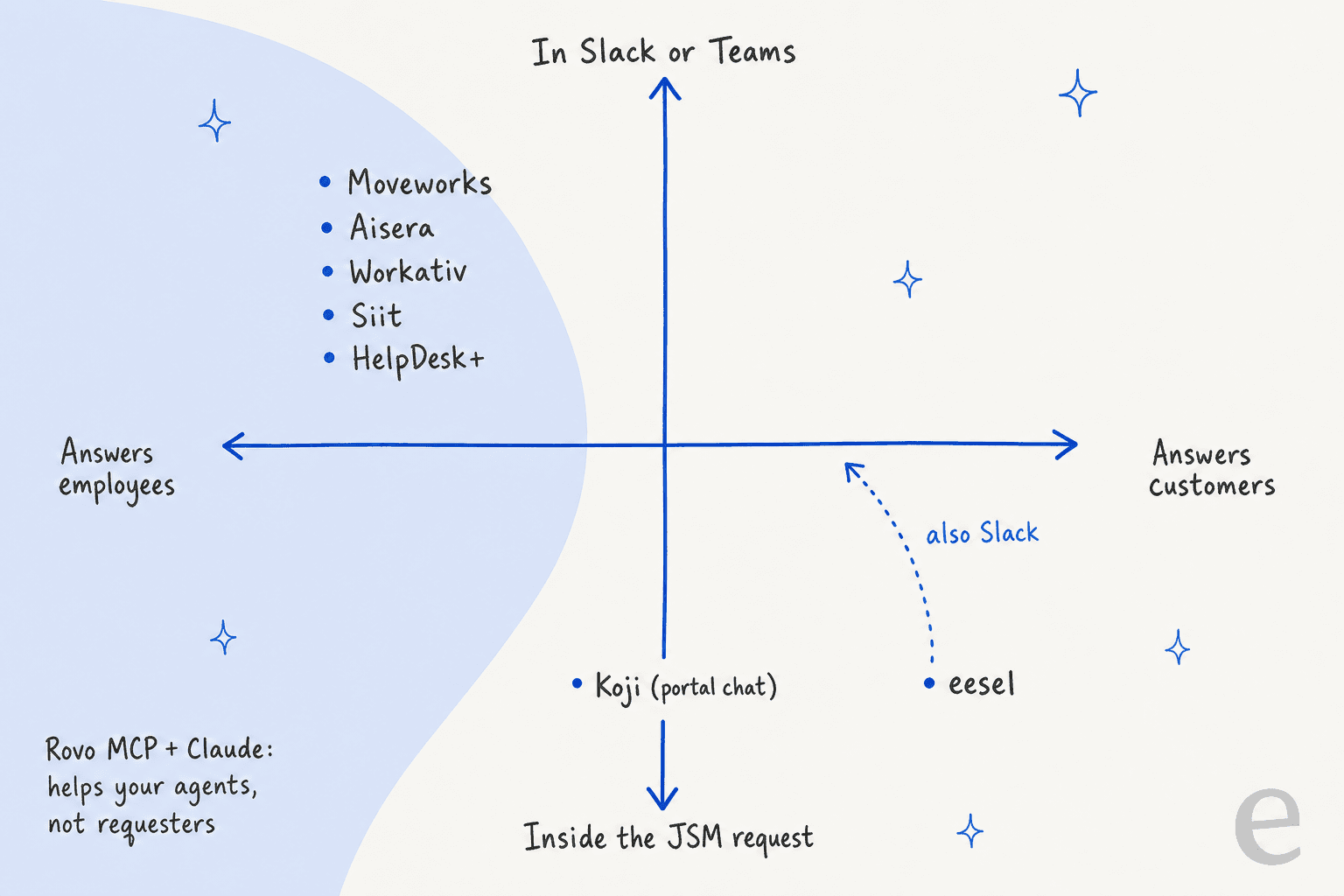
Most comparison posts sort these tools by price, but I'd sort them by where the answer lands, since that decides whether your requesters ever see it.
The left side of that map is crowded, with five of these tools built for employees asking IT for help in Slack or Teams. That's useful, but if your JSM project serves external customers through the portal or email, those five won't reply to them. The bottom right is where the reply shows up as a comment on the JSM request, and that is where your SLA clock and your reporting already live.
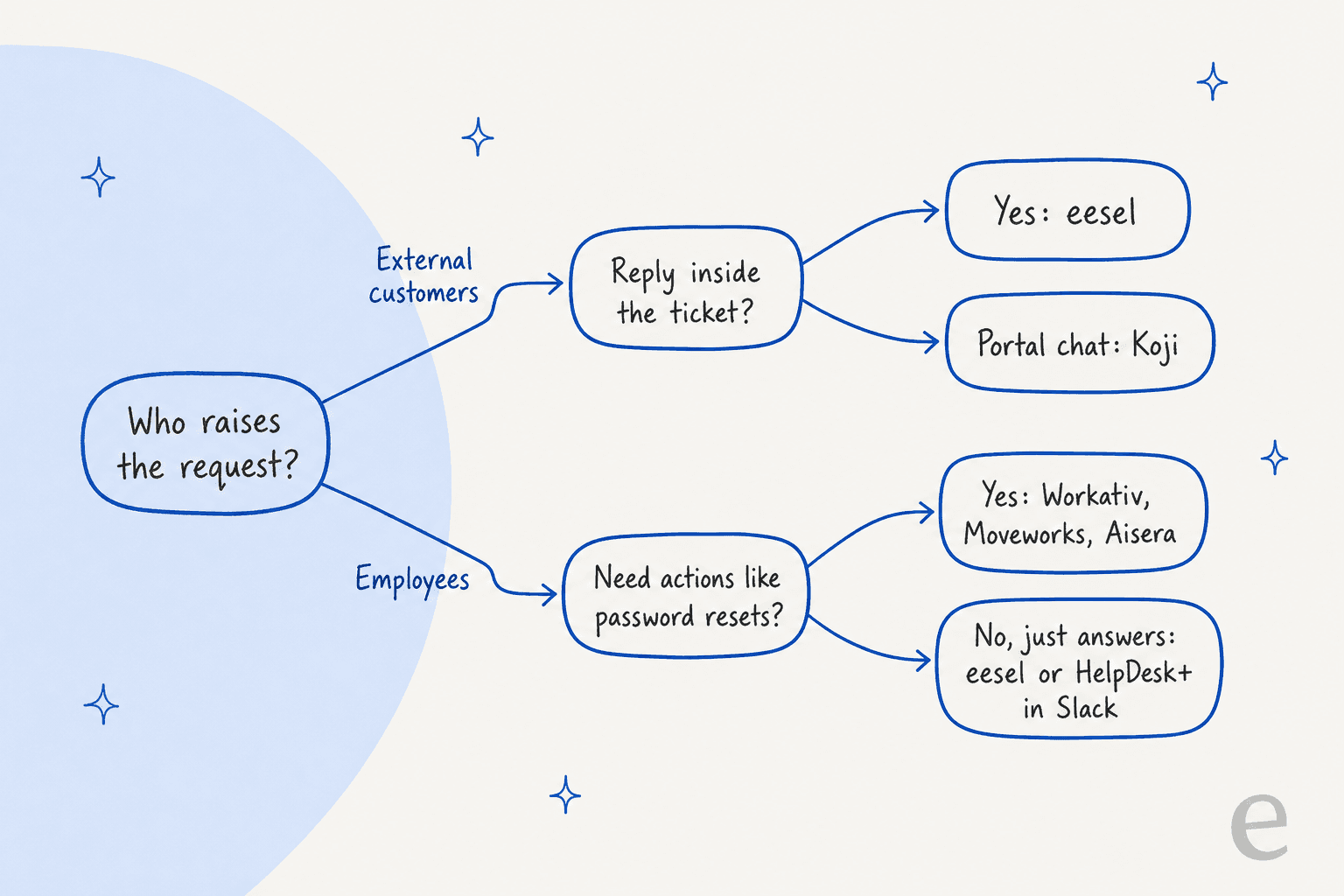
The second fork is about actions. If half your tickets are "reset my password" or "give me access to Figma", you want a tool that can execute in Okta or Entra, not one that only writes a good answer. Before you book a single demo, sort your last 200 requests into "needs an answer" and "needs an action", because that ratio picks the tool faster than any feature grid.
1. eesel
Best for: JSM teams that want an AI to reply to customers inside the request itself, on any plan.
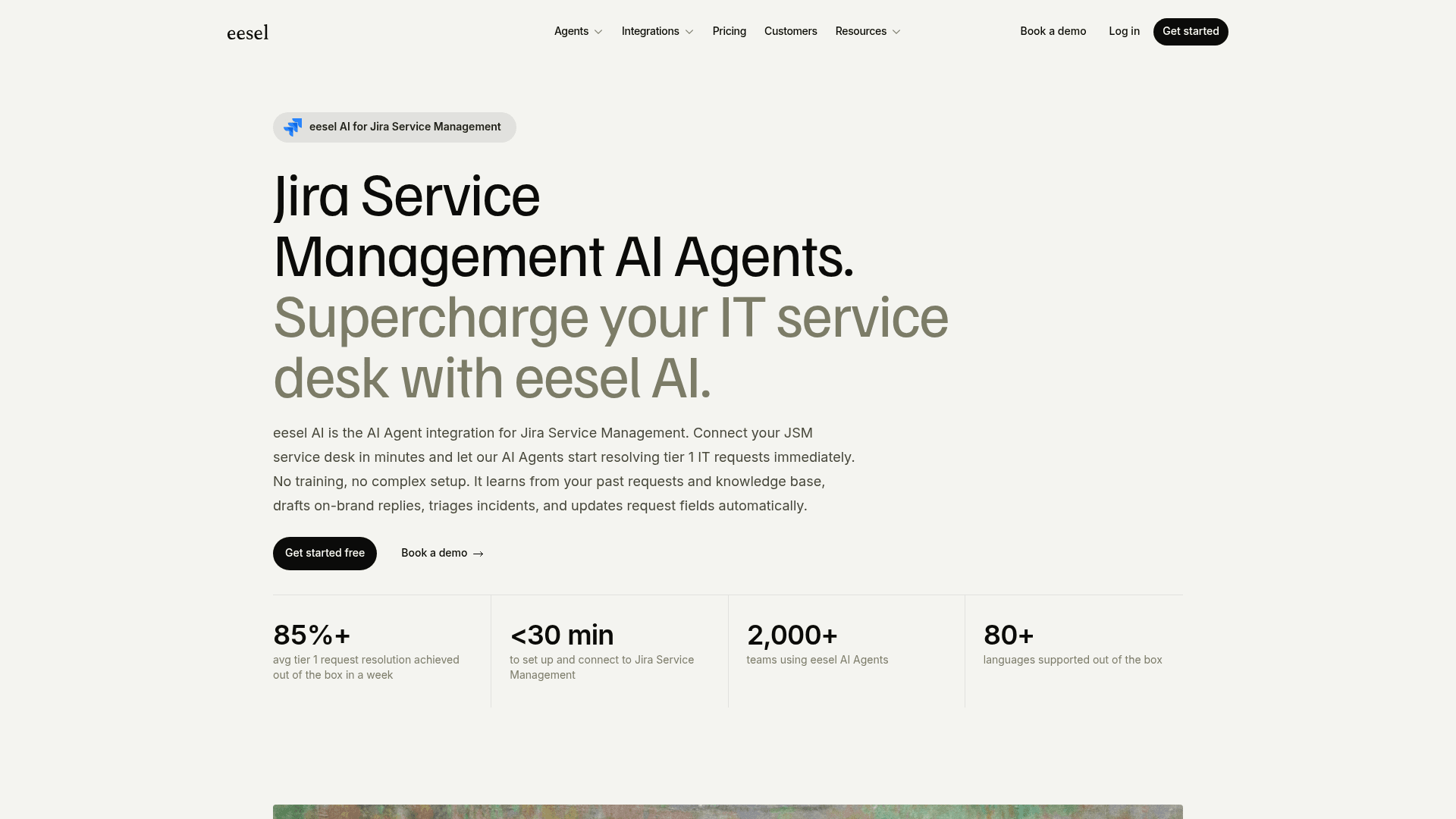
eesel is an AI helpdesk teammate. You connect it to JSM and tell it in plain language which requests to handle, then it works the queue like a new support hire who already read your docs.
How it works with Jira Service Management
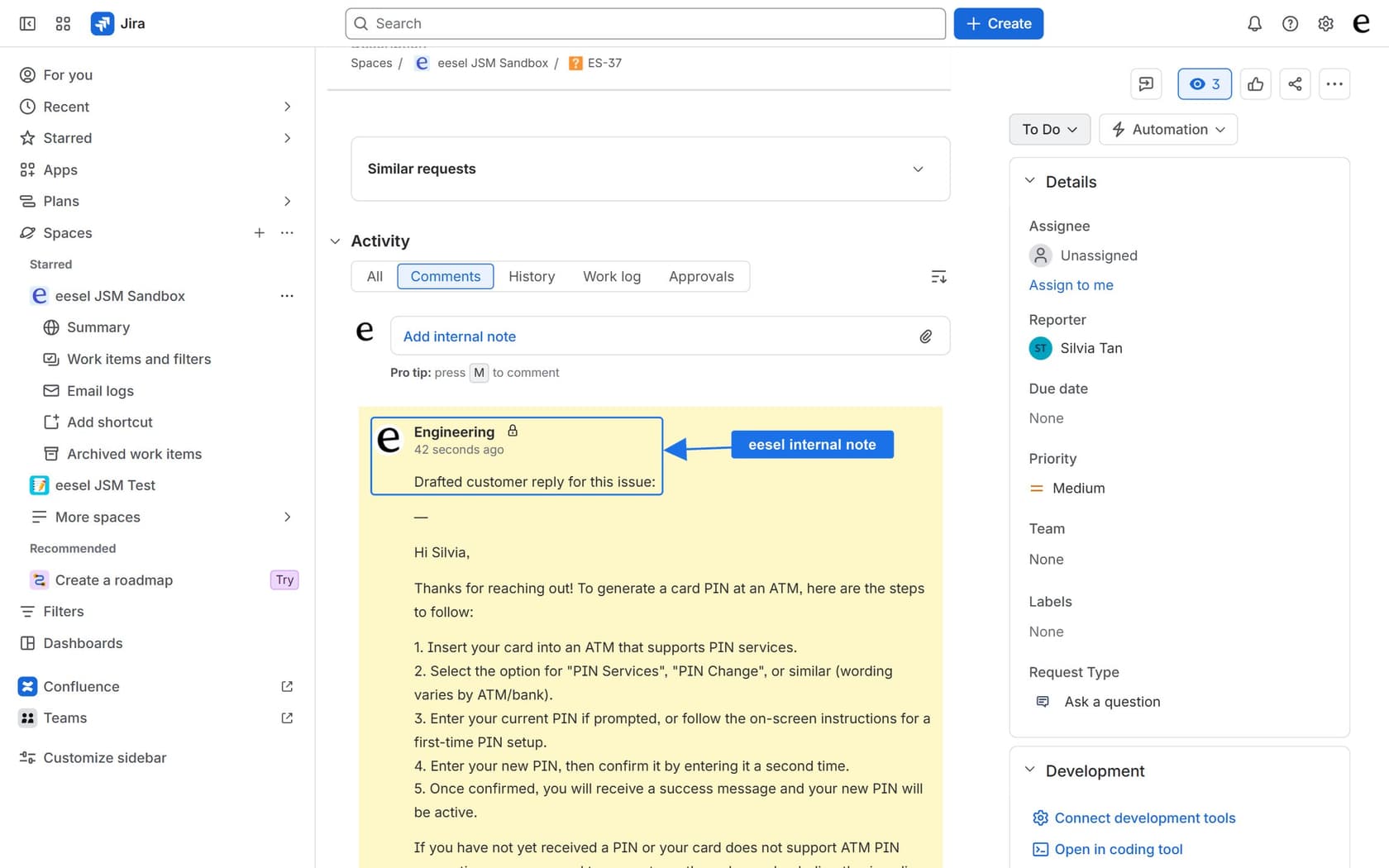
You connect with your Atlassian site name, an account email and an API token, and eesel sets up a Jira automation rule that wakes it when a request is created or commented on. From there it can:
- Reply or draft. "Reply to Issue" posts a public comment the reporter sees, and "Leave Note on Issue" writes an internal note. These are two separate actions, so draft mode can't accidentally leak to the customer.
- Triage. Assign, label, transition, update priority, due date and custom fields, and create new issues.
- Look things up. Search related or duplicate issues with JQL before answering.
- Ask first. Every action can run on its own, ask for approval, or stay off.
It answers from Confluence, Google Drive, Notion, your help center and uploaded files, so you're not limited to linked Confluence spaces. The same teammate answers employee questions in Slack from the same knowledge, which matters if your JSM project is an internal IT helpdesk.
InDebted, a fintech, runs it like this: eesel is the first responder on its Jira helpdesk tickets, deflecting 15% of incoming Jira tickets today, with 55% projected, for a 5 to 10 person IT team supporting hundreds of employees (InDebted case study).
"It reduces the need for a human to have to deal with an issue that could be resolved by referring to documentation or by walking the user through steps."
Jason Loyola, IT Team, InDebted
If you'd rather set it up from a terminal, the eesel CLI drives the same teammate. With npx @eesel/cli you can connect JSM and upload knowledge, and also switch on automations. Every command returns JSON, so Claude Code, Cursor or Codex can do the setup for you, and whatever you configure shows up in the dashboard too.
Pros
- Replies land inside the JSM request, as a public comment or an internal note.
- No JSM plan requirement, so Standard teams skip the Premium jump.
- Knowledge from more than Confluence: Drive, Notion, help center, files.
- Per-action approvals, and an activity log of what it searched and why.
Cons
- It doesn't answer chats in the JSM Messenger widget; it works on requests and comments.
- Only two triggers: request created and request commented. A status or field change doesn't start a run.
- It reads JSM issues live instead of training on your request history, so your Confluence and docs do the heavy lifting.
- No identity connectors like Okta or Entra, so it routes a password reset rather than doing it. Microsoft Teams isn't self-serve yet; Slack is.
Pricing
From eesel's pricing page: a ticket or a chat is 1 credit, whether or not it resolves. Free is $0 for 100 credits. Paid plans are fixed monthly batches: $299 for 500 credits, $499 for 1,000, $849 for 2,000, up to $1,749 for 5,000. No seat or platform fees, unlimited agents, and overage is off by default ($0.80 a credit if you switch it on with a cap).
My take: pick eesel if your requesters are customers, or if you want one AI working both the JSM queue and Slack. Skip it if most of your tickets need identity actions, since that is Workativ or Moveworks territory.
2. Koji (Konverso)
Best for: teams that want a chat agent on the JSM portal for both customers and employees.
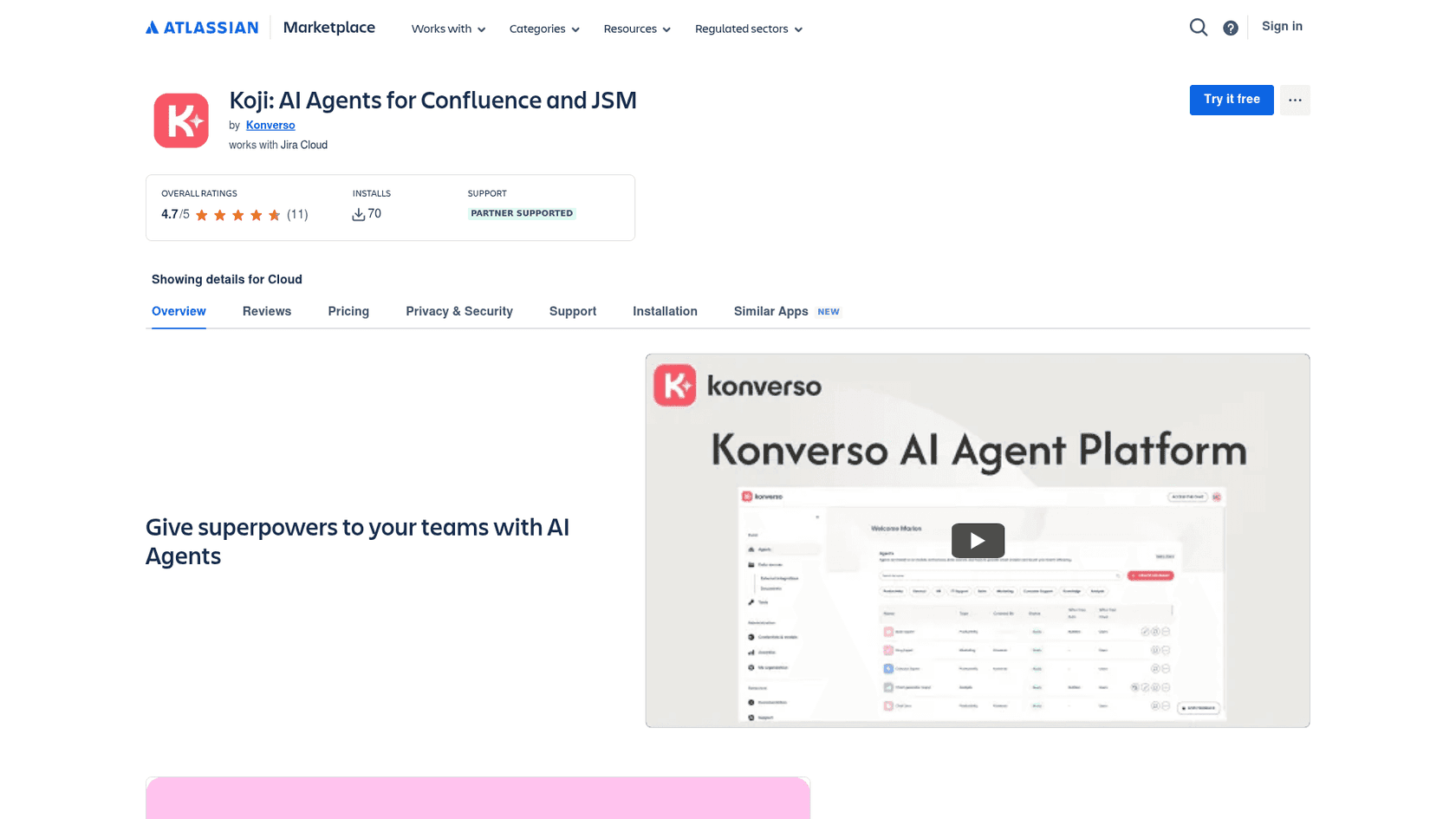
Koji is a Marketplace app from Konverso that puts an AI agent on your JSM or Refined portal.
How it works with Jira Service Management
Per its listing, Koji answers questions from Confluence with automated retrieval, and can create, view, track and comment on support requests from the chat. It runs for internal and external users, which makes it one of the few portal options in the list that serves customers.
Pros
- Customer-facing chat on the portal, without the Premium upgrade.
- Creates and tracks requests from the conversation.
- The listing states SOC 2 Type II, GDPR compliance and EU data residency.
Cons
- Knowledge is Confluence-centred, like the native agent.
- Priced per Jira user on your site, so a large site pays for users who never chat.
- Small footprint: 70 installs.
Pricing
The Marketplace pricing API lists $100 a month for up to 10 users, then $10 per user up to 100.
My take: a sensible pick if portal chat is the experience you want and your knowledge already lives in Confluence. But if your users mostly email in, an in-ticket agent will see more of your volume.
3. HelpDesk+ (Appfire)
Best for: small IT teams that want Slack ticketing with AI suggestions for almost nothing.
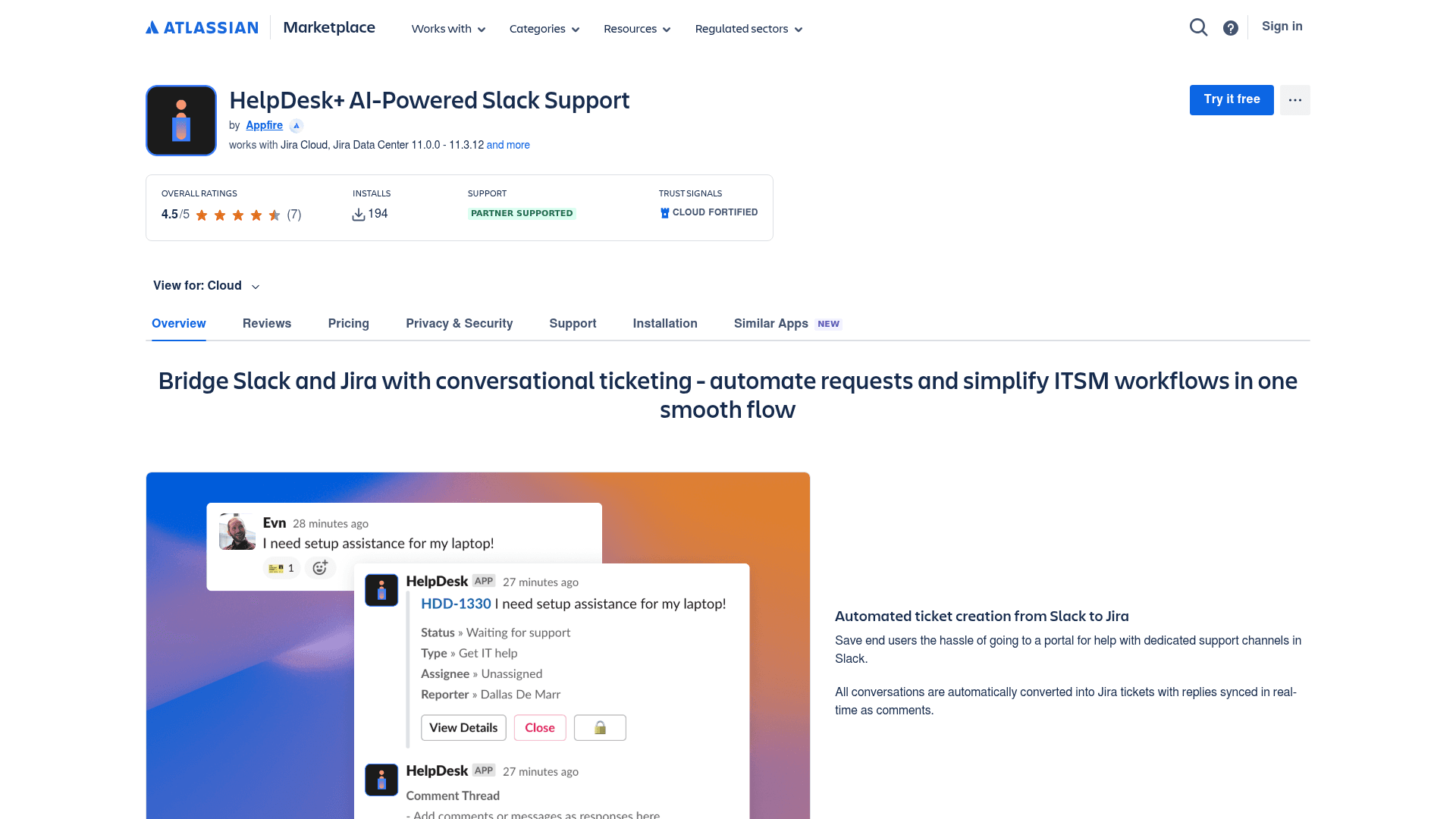
HelpDesk+ is Appfire's Slack-first ticketing app, and the second most-installed AI support app for JSM at 194 installs.
How it works with Jira Service Management
Per the listing, Slack conversations become Jira tickets with replies synced back as comments, and "smart auto-responses" recommend knowledge base articles in the thread. It's the Slack and ITSM pattern, packaged as an app.
Pros
- Free for up to 10 users.
- Cloud Fortified, Atlassian's higher security and reliability bar for apps.
- Works with Jira Cloud and Data Center.
Cons
- The AI suggests articles; it doesn't write tailored answers or work the ticket.
- Slack only, so no help for portal or email requesters.
- 7 reviews, so thin public feedback.
Pricing
$0 for up to 10 users, then $1.82 per user up to 100, per the Marketplace pricing API.
My take: the cheapest way to get a Slack front door with light AI, though I'd treat it as ticket intake and not an AI agent.
4. Workativ
Best for: mid-size IT teams that want password resets and access requests handled in Slack or Teams.
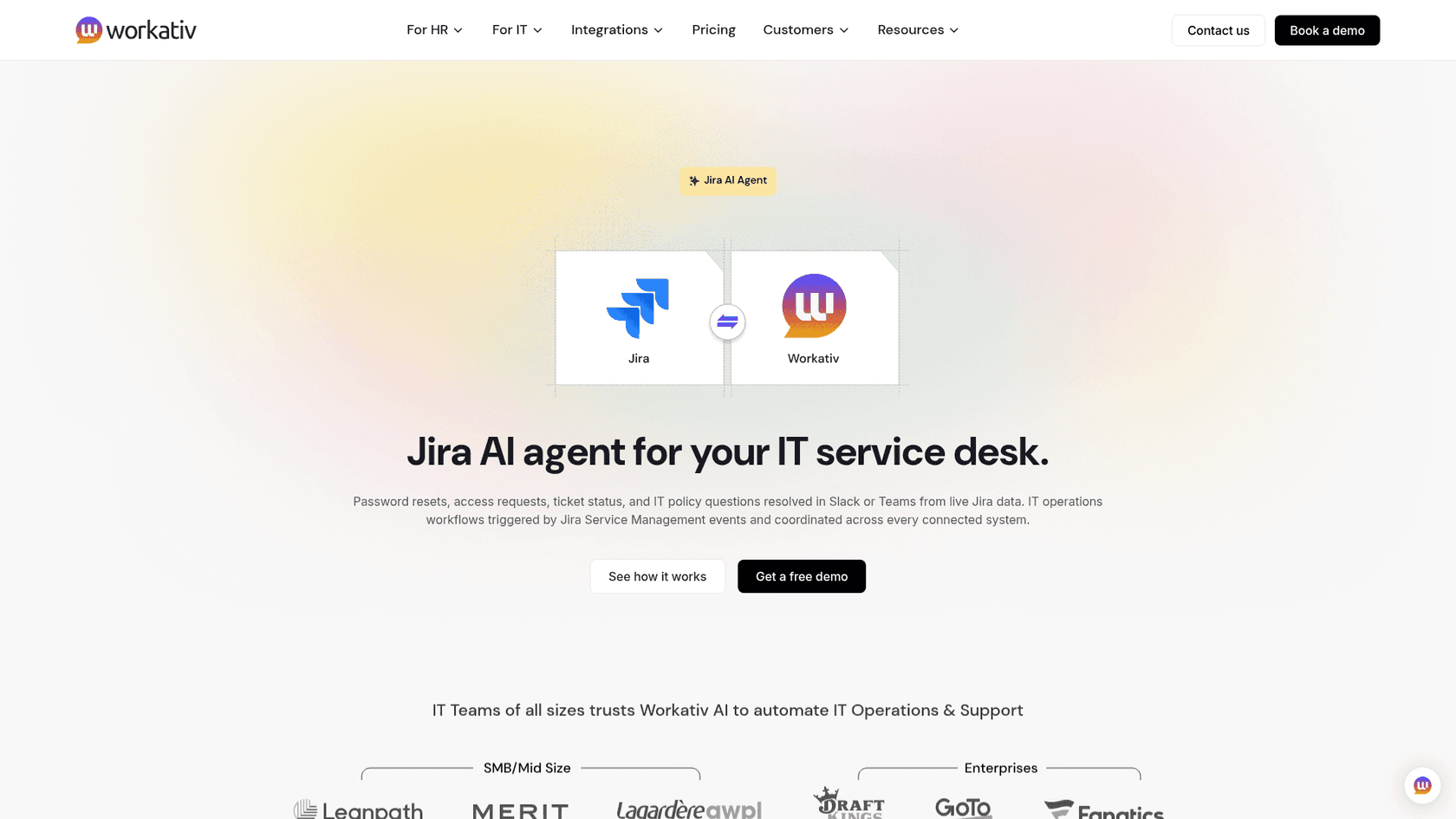
Workativ is an employee support agent that sits in front of JSM and actually does things instead of just answering. I've covered its quirks in detail in my Workativ alternatives post.
How it works with Jira Service Management
Per Workativ's Jira page, it resolves password resets, access requests, ticket status and IT policy questions in Slack or Teams "from live Jira data", builds ticket creation and access request routing point-and-click, and hands off to a live agent on the service desk. JSM events can trigger workflows across Okta, Azure AD and Workday.
Pros
- Real actions in identity tools, which is the job eesel and Koji don't do.
- Unlimited employees, no per-head pricing.
- A vendor case study claims NMDC Group resolves 78% of 6,000 monthly IT requests in Slack.
Cons
- Employee-only; it won't answer your external customers.
- No public help center or docs site, and every plan routes to a sales call.
- Only 3 G2 reviews, the newest from July 2024.
Pricing
Per Workativ's pricing page, Business is $349 a month; earlier captures showed Starter at $99 a month for 200 sessions. Plans are session-capped, and the agent stops answering when you run out. More in my Workativ pricing breakdown.
My take: the strongest action-taking option below enterprise prices. Before you sign, ask how long a session lasts, since that number decides whether 200 sessions is a month or a week.
5. Siit
Best for: IT teams that want a Slack or Teams front door synced two ways with JSM.
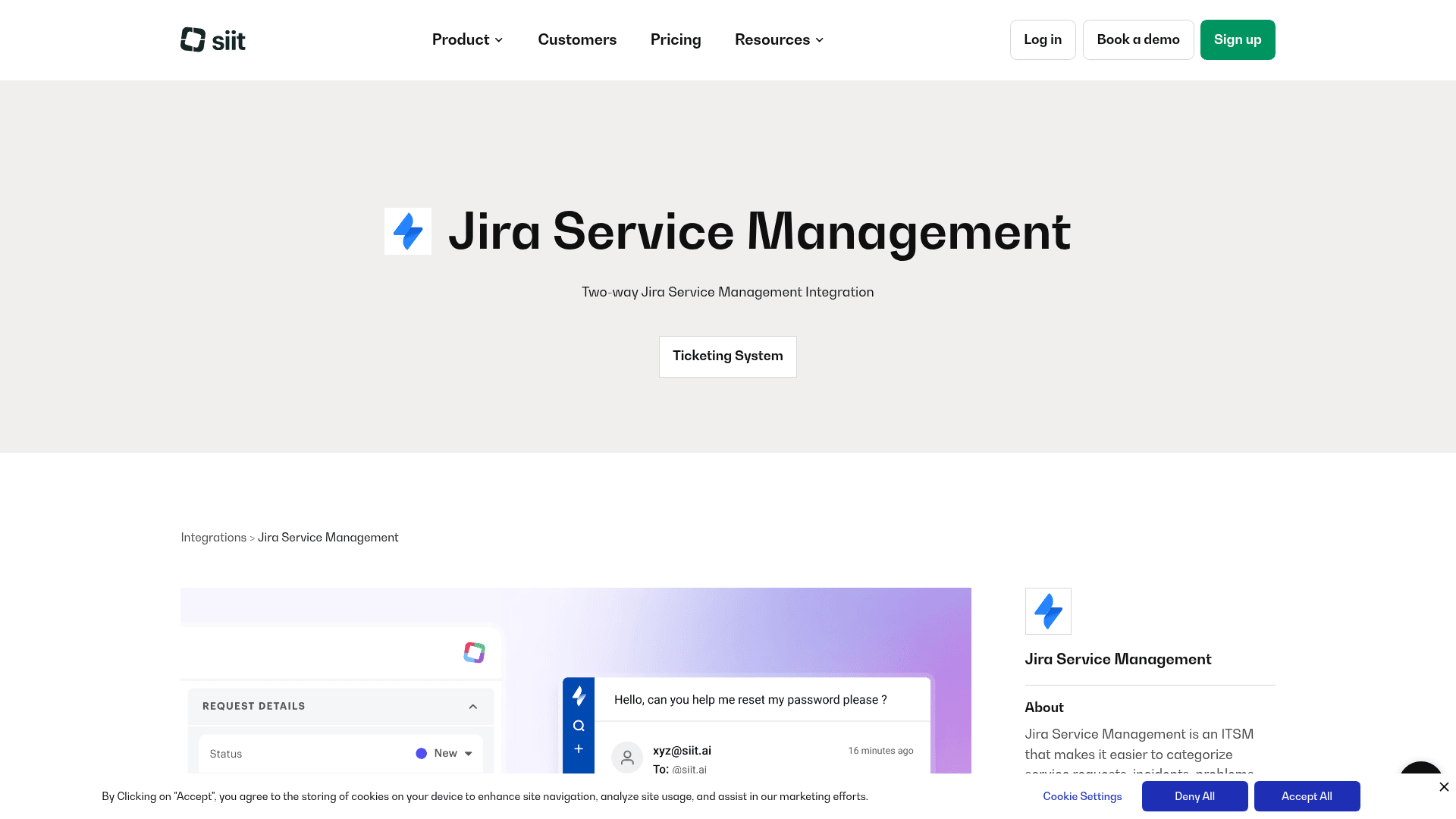
Siit is a Slack- and Teams-native IT service desk from Paris, and against JSM it plays the front-end role. I reviewed it in full in my Siit review.
How it works with Jira Service Management
Siit's JSM page describes a two-way sync between JSM Cloud and Slack or Teams: messages in chat post to the matching Jira ticket, and Jira updates post back to chat. JSM stays the system of record. The page doesn't say whether Siit's AI agents act on JSM tickets themselves, so ask in the demo.
Pros
- Priced per admin, with unlimited employees.
- Its AI can act in Okta, Entra, JumpCloud and device management tools.
- Strong reviews: 5.0 from 29 on G2.
Cons
- All the AI sits on the
$89Pro plan; below that it's ticketing and workflows only. - Answers come from Notion, Confluence or Slab.
- JSM Cloud only, and employees only.
Pricing
Per Siit's pricing page: Essentials $23, Standard $45, Pro $89 per admin a month, billed annually, with a 14-day trial. If you're comparing it against similar tools, see Serval vs Siit.
My take: good for an employee desk that lives in Slack and wants actions, but budget for Pro from day one or you won't get the AI you came for.
6. Moveworks
Best for: large enterprises with thousands of employees and a sales-led budget.
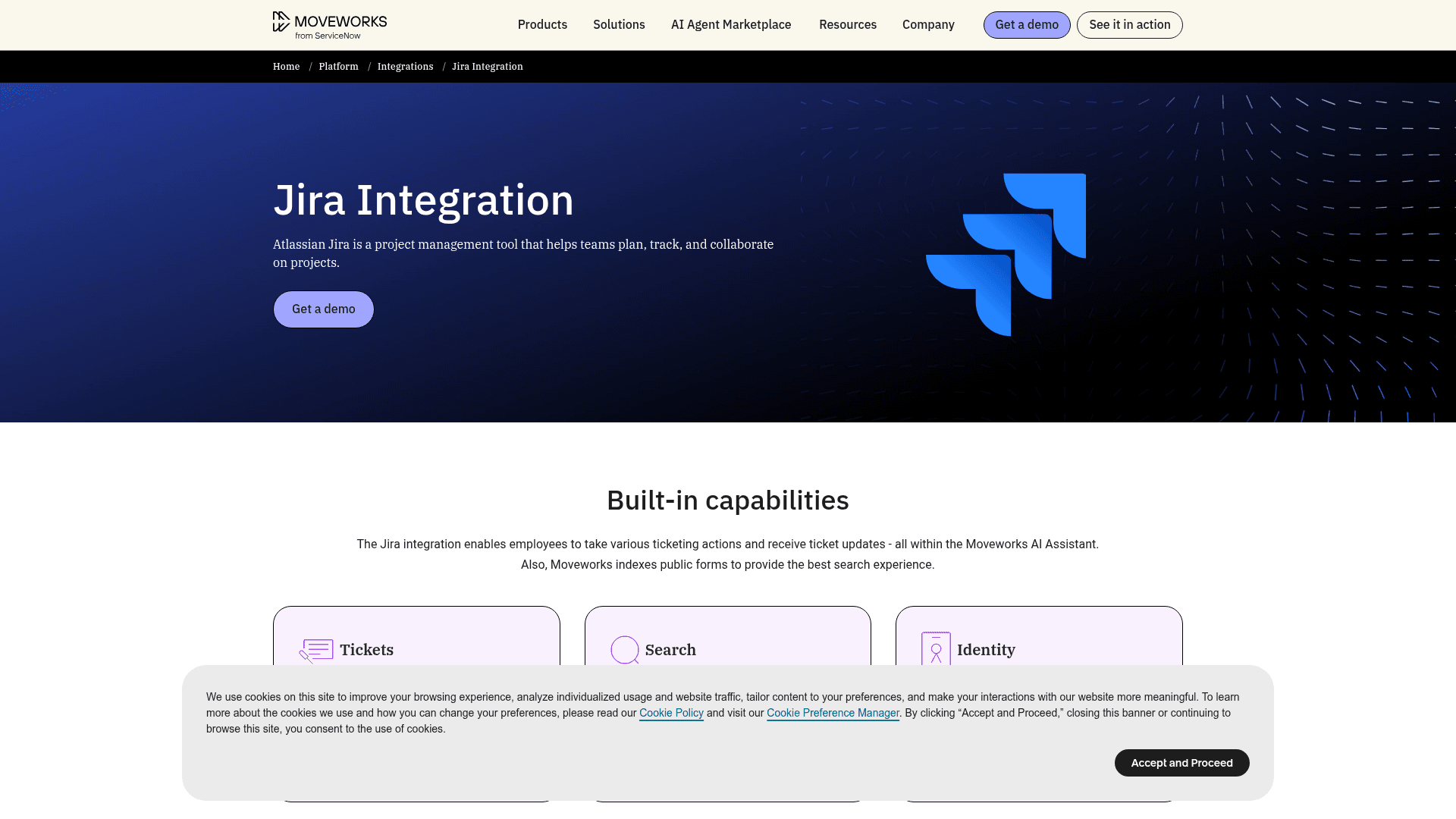
Moveworks is now owned by ServiceNow, after the acquisition closed in December 2025. It still connects to JSM, which is a little ironic, so it's worth asking about on your renewal roadmap.
How it works with Jira Service Management
Per its integration page, employees can query, create, update, resolve and reopen tickets and receive updates inside the Moveworks assistant. Setup is heavy: the access requirements call for a dedicated service account, a Moveworks Marketplace app for user identity, an "Any Status to Resolved" transition, and every end user set up as a customer in the service project.
Pros
- Deep enterprise security: SOC 2, ISO 27001, HIPAA, GDPR and FedRAMP, per Moveworks.
- Broad action library across IT and HR systems.
- 4.4 from 131 reviews on G2, now listed as ServiceNow EmployeeWorks.
Cons
- Employee-only, no customer-facing use.
- Approvals for Jira are an installable plugin, not built in.
- Long rollout; Moveworks cites an 8-week typical time to value.
Pricing
Quote-only. The one public figure is an AWS Marketplace listing at $150 per user per year for 1,000 to 2,500 users. My Moveworks pricing post has the detail.
My take: only on the shortlist if you're a large enterprise, and for anyone under 1,000 employees the floor rules it out.
7. Aisera
Best for: enterprises running JSM alongside several other systems of record.
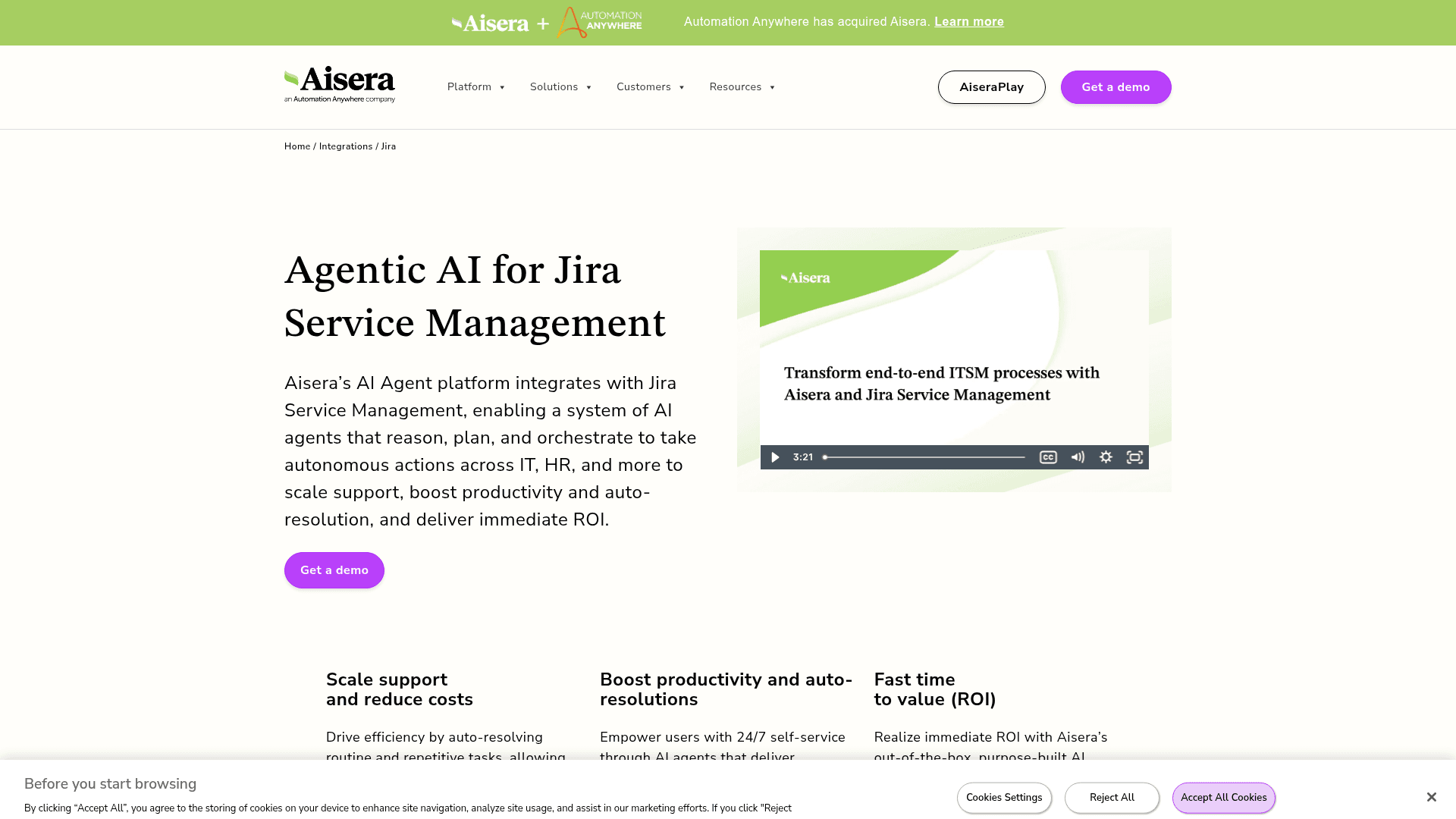
Aisera is now "an Automation Anywhere company", and demo requests route there.
How it works with Jira Service Management
Aisera's JSM page talks about autonomous actions across IT and HR. The public docs are narrower: the Jira Service Desk connector ingests tickets from chosen projects on a schedule, using OAuth or an API token. I couldn't find public docs for creating or resolving JSM tickets, so treat that as a demo question.
Pros
- Many channels: web chat, Slack, Teams, email, Google Chat and voice.
- 100+ connectors for enterprises with mixed stacks.
- 4.4 from 146 reviews on G2.
Cons
- G2 reviewers flag heavy tuning; one calls it "technically solid" but says it "demands extensive and detailed fine tuning".
- Mostly built for employees; customer-facing portal use isn't documented.
- Needs a sales-led tenant, no self-serve trial.
Pricing
Quote only; there's no public pricing page. My Aisera pricing post covers what's known, and Aisera vs Moveworks compares the two enterprise picks.
My take: a fit for large IT and HR orgs that want one AI across many systems, but too heavy for a team that just wants its JSM queue answered.
8. Rovo MCP server with Claude or ChatGPT
Best for: giving your own agents an AI assistant that can read and update Jira, for free.
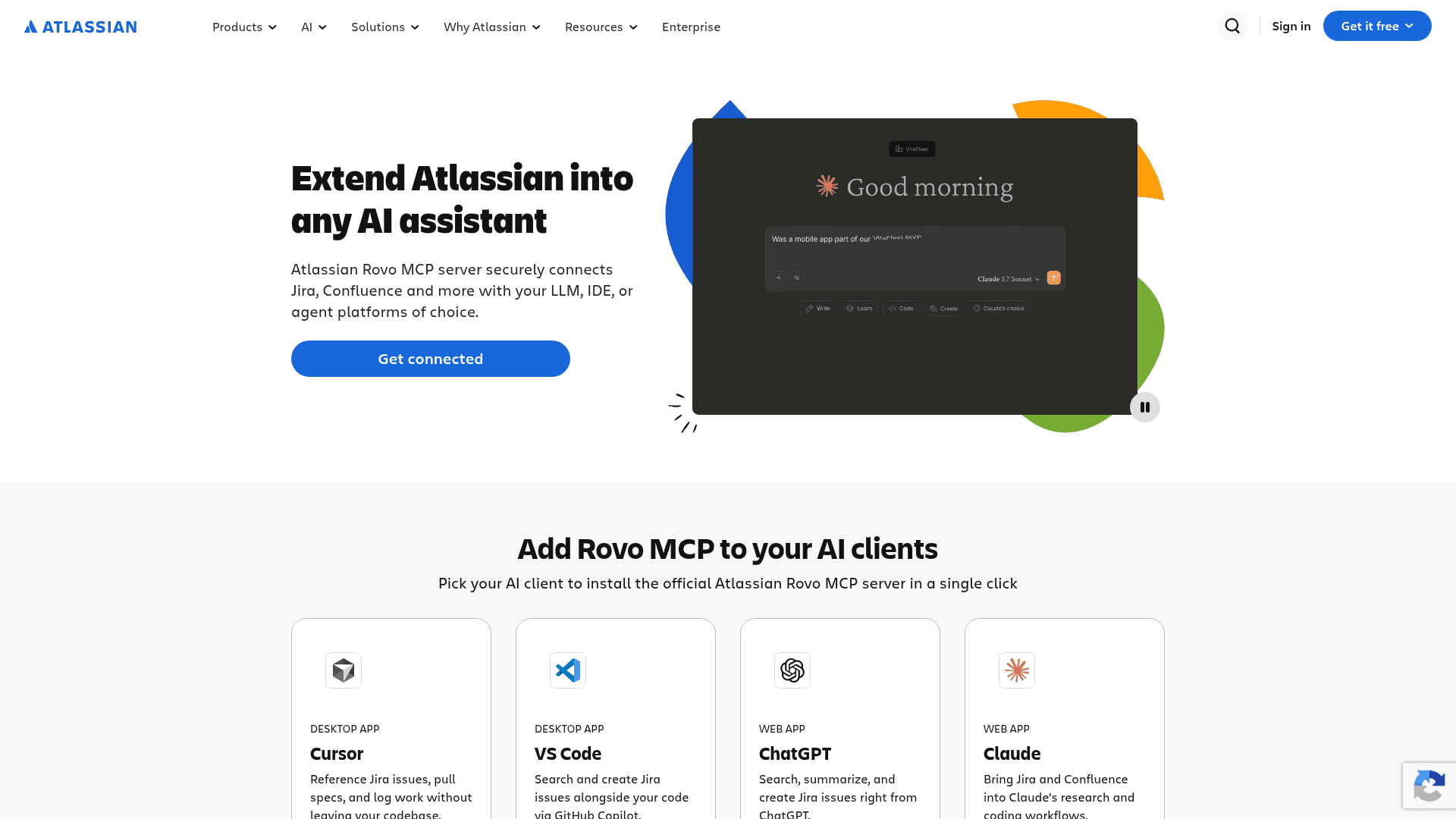
This is the do-it-yourself route: Atlassian's free MCP server connects Jira and Confluence to Claude, ChatGPT, Cursor and other AI clients. If MCP is new to you, my guide to MCP for customer support explains the idea.
How it works with Jira Service Management
Your agent opens Claude or ChatGPT and asks it to find, summarize, edit or comment on Jira work items. The catch is in Atlassian's supported tools list: the four Jira Service Management tools are all on-call alerts and schedules, and they only work with API-token login that an org admin has to enable. There's no tool for requests, request types, queues or SLAs, so the AI sees a Jira work item, not a service desk request. The comment tool also doesn't say whether a comment goes to the customer, while JSM's own request API has a public-or-internal switch.
Pros
- Free on every Atlassian Cloud plan, including Free, per Atlassian.
- Uses the AI client your team already pays for.
- Great for agent research: summarizing long threads, finding similar issues.
Cons
- It helps agents; it never answers a requester on its own.
- Rate limits start at 500 calls an hour on Free, per Atlassian.
- No FedRAMP or HIPAA, per Atlassian's own page, and Cloud only.
Pricing
The server is free. Atlassian notes that enriched Teamwork Graph calls cost 1 to 10 Rovo credits each, on top of your Claude or ChatGPT plan. My guides to Claude for JSM and ChatGPT for JSM walk through setup.
My take: worth turning on for your agents regardless of what you pick for requesters. Just don't mistake it for a support AI.
What does each route cost at your volume?
Sticker prices don't compare cleanly here, because each option counts something different: Atlassian's virtual service agent counts assisted conversations (including escalated ones), the Customer Service AI agent counts resolutions, and eesel counts every ticket or chat handled. That's why you should plug in your own numbers.
A worked example with the default numbers: a 10-agent desk with 2,000 AI conversations a month and a 50% resolution rate pays about $623 a month for the virtual service agent route ($323 Premium upgrade plus $300 for the 1,000 conversations over the allowance), about $1,000 a month for the Customer Service AI agent once billing starts, and $849 a month on eesel's 2,000-credit plan.
I'll be honest about what that shows, eesel isn't always the cheapest line. If you're already on Premium and stay under 1,000 conversations, the native agent costs you nothing extra. Where the math flips is when you'd only be upgrading for the AI, or when your volume runs past the allowance, and also when you want the AI working the email and portal requests in the ticket itself rather than only in a chat. For the wider picture, my Jira AI pricing guide breaks down every Atlassian AI line item.
What about the other Marketplace AI apps?
The Marketplace has a long tail of smaller AI apps for JSM, and most of them help your agents rather than answer requesters:
- Smart AI for Jira (198 installs) drafts replies from a Confluence knowledge base, plus summaries and release notes. Free up to 10 users.
- AI Support+ for Jira (96 installs) posts an internal diagnosis on each new ticket and drafts customer replies. Cloud Fortified and listed as free.
- AI Ticket Assistant by Deviniti (48 installs) guides people through raising a ticket and fills in fields.
- CORA (15 installs) is a portal chatbot that answers from Confluence and creates requests.
And if you've decided the problem is JSM itself rather than its AI, tools like Atomicwork replace the service desk outright, starting from $25,000 a year per its pricing page. For more Jira-specific apps, see my lists of Jira AI apps and the best AI for ITSM.
Try eesel on your JSM queue
If your JSM requests come from customers, or you want one AI on both the queue and Slack, eesel is the alternative I'd start with. It joins your Jira Service Management project in an afternoon, drafts internal notes on new requests so you can check its work, and only starts replying on its own when you say so. It runs on any JSM plan, which means no Premium upgrade, and it learns from Confluence, Google Drive, Notion and your help center, not just linked spaces.
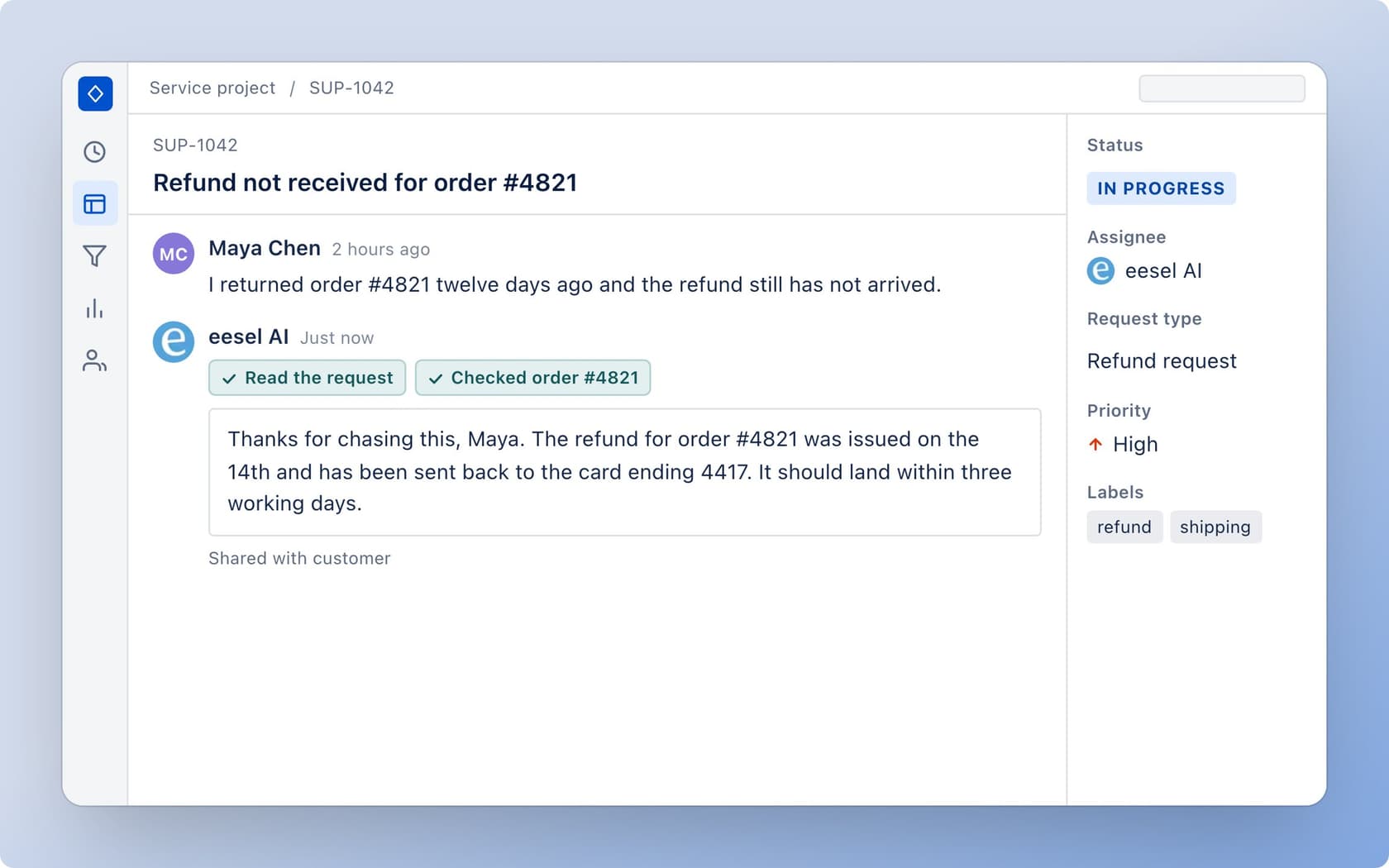
Start on 100 free credits, point it at one service project, then compare its drafts with what your team would have sent. Try eesel on your own JSM requests before December 3 lands.
Frequently Asked Questions
What is the best Jira Service Management AI alternative?
Is Jira Service Management AI included in every plan?
How much does Jira Service Management AI cost after December 3, 2026?
Can I use Jira Service Management AI alternatives on the Standard plan?
Can I use ChatGPT or Claude with Jira Service Management?
Do I need Confluence for Jira Service Management AI alternatives?
Will a JSM AI alternative replace my agents?


Article by
Riellvriany Indriawan
Riell is a designer and writer at eesel AI with about two years of experience researching CX platforms, AI chatbots, and helpdesk software. She combines her design background with a sharp eye for how these tools actually look and feel in practice — making her comparisons unusually visual and user-focused.