Worth it if you’re already all-in on Atlassian and handle over 1,000 monthly tickets, our analysis found that JSM’s native Dev-Ops integration can reduce resolution times by 30%. However, outside that profile, the "heavy lift" setup and $51-per-agent floor for AI features are hard to justify. Full test results and where it stumbled below.
The 2026 service management landscape is increasingly defined by one word: velocity. For IT and engineering teams, the old model of "tickets in, answers out" has been replaced by a need for real-time collaboration between the people writing code and the people supporting it. This is the world that Atlassian Jira Service Management was built for.
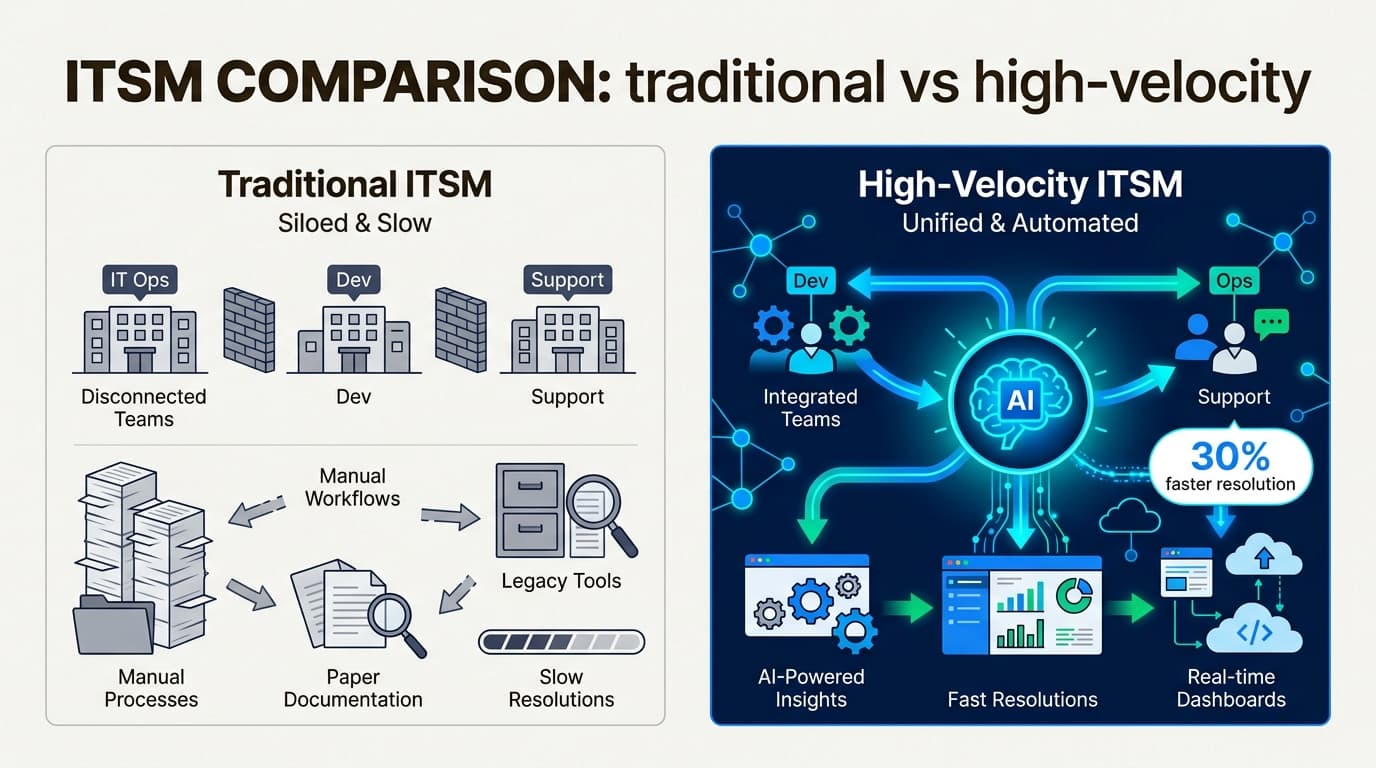
By bridging the gap between developers and support staff, Jira Service Management has moved from being a simple service desk into a market-leading ITSM powerhouse. But as we found in this Jira Service Management review, that power comes with significant trade-offs in complexity and cost that every team needs to weigh before signing up.
What is Atlassian Jira Service Management?
At its core, Jira Service Management (JSM) is a cloud-native ITSM platform that lives inside the Atlassian ecosystem. Unlike legacy tools that silo support from product development, JSM treats every request as a Jira issue. This means your support tickets share the same DNA as your developer's bug reports and feature requests.
The 2026 version of the platform has leaned heavily into "Atlassian Intelligence," a suite of AI-native capabilities designed to automate the mundane and provide smart context to agents. It positions itself as a high-velocity service management solution for IT, HR, and facilities teams alike. By unifying operations under one roof, it aims to prevent the "knowledge silos" that slow down resolution times.
However, the reality of JSM in 2026 is that it remains a tool for teams with resources. While it's incredibly capable, the time-to-value can be slow if you don't have a dedicated admin to navigate its vast configuration options. For teams that want the intelligence without the heavy lift, eesel AI offers a lighter alternative that acts as an AI teammate you hire rather than a complex platform you have to build.
Key features that set JSM apart in 2026
To understand if JSM is right for you, you have to look past the marketing and into the specific workflows it enables. In 2026, the platform has doubled down on three pillars: unified operations, DevOps integration, and AI-driven self-service.
Unified request, incident, and problem management
One of the strongest arguments for JSM is its ability to centralize communication. Whether a request comes in via a customer portal, email, or a Slack chat, everything lands in a unified queue. For IT teams, this prevents the fragmented experience that comes from switching between multiple support tools.
Incident management in JSM is particularly methodical. It includes native on-call scheduling and alert routing rules that ensure the right person is notified the moment a system goes down. Once the fire is out, the platform assists with post-incident reviews (PIRs), helping teams document the root cause and prevent a repeat performance. This structure is essential for compliance-heavy industries like finance or healthcare, where a clear audit trail of every incident and its resolution is a non-negotiable requirement.
For problem management, JSM allows you to group multiple incidents under a single "problem" ticket. This helps identify systemic issues rather than just treating symptoms. If five people report a server outage, you can link those incidents to one problem record, ensuring that when the server is back up, all five users are notified simultaneously. It's a level of coordination that simpler tools often struggle to maintain.
Change management built for DevOps
This is where JSM truly justifies its price for technical teams. Because it shares the Atlassian platform with Jira Software and Bitbucket, it offers unmatched visibility into the software development lifecycle.
- Deployment tracking . see exactly which code changes are part of which service request, allowing support agents to tell customers when a fix is live
- CI/CD gating . automatically pause or approve deployments based on risk assessments from connected tools like Jenkins or Bitbucket
- Automated risk assessment . AI analyzes the scope of a change and flags it as low, medium, or high risk to streamline approvals without manual intervention
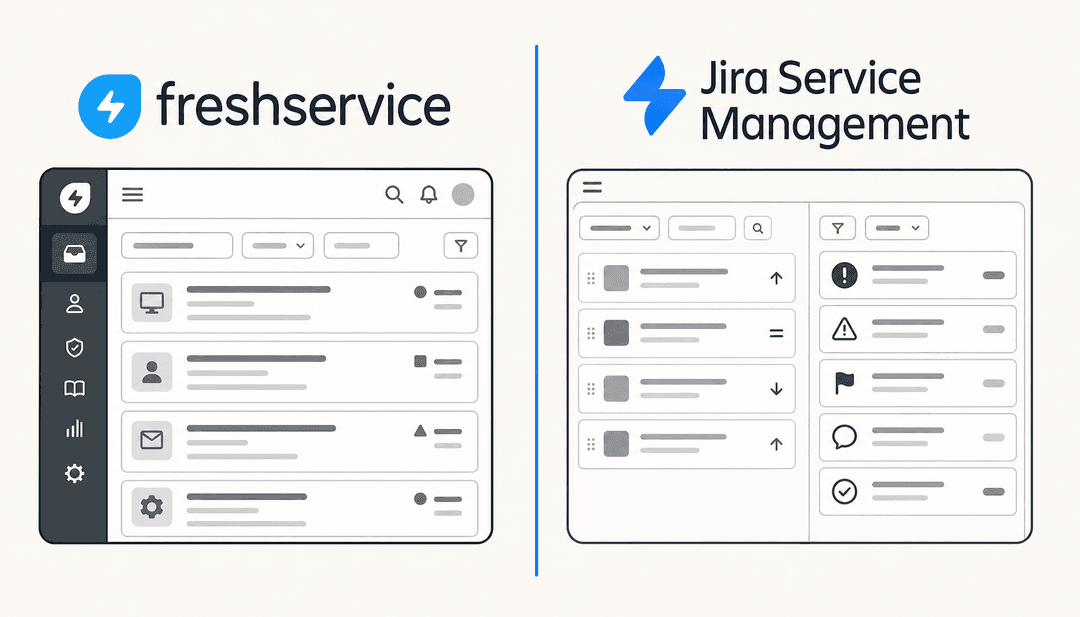
By automating the approval process for low-risk changes, JSM allows engineering teams to ship fast without the Ops team losing oversight. This "DevOps-native" approach is JSM's biggest differentiator against competitors like Freshservice, which focus more on general IT service than deep developer workflows.
Asset management with Insight (now Assets)
JSM’s asset management capabilities, formerly known as Insight, have become a cornerstone of the platform in 2026. It's essentially a flexible CMDB that lets you track hardware, software, and the dependencies between them.
When an agent opens a ticket, they don't just see a text description of the problem. They see the specific asset involved, its warranty status, its location, and what other services will be affected if it goes offline. This context is vital for resolving complex technical issues that would otherwise require hours of digging through spreadsheets.
In the 2026 update, Atlassian has made Assets available to all Standard customers, though with a strict 5,000 object limit. For larger organizations, this limit is often reached within the first month, forcing an upgrade to Premium or the purchase of extra object packs. While the data depth is impressive, the management of these schemas can be a full-time job in itself.
Atlassian Intelligence and the Virtual Agent
Atlassian has invested heavily in Generative AI to stay competitive with platforms like ServiceNow. The standout feature is the virtual service agent, which provides AI-driven conversational support directly in Slack and Microsoft Teams.
Instead of filling out a form, employees can just message the bot. The AI draws on your existing knowledge base to provide instant answers, deflecting simple queries so your human agents can focus on high-impact work. For the tickets that do reach agents, Atlassian Intelligence provides automated summaries and suggested response steps to keep the momentum going. We found that the AI is particularly good at "intent detection," meaning it can understand that "I can't log in" and "password reset" are the same issue, routing them to the correct automation flow instantly.
JSM pricing in 2026: Hidden costs and value
Pricing is often the most contentious part of any Jira Service Management review. While there is a free tier for tiny teams, the costs escalate quickly as you add the features that make JSM a "powerhouse."
| Plan | Price (per agent/mo) | Key Limitations | Best For |
|---|---|---|---|
| Free | $0 | 3 agent limit, 2GB storage, basic alerts | Micro-teams testing the waters |
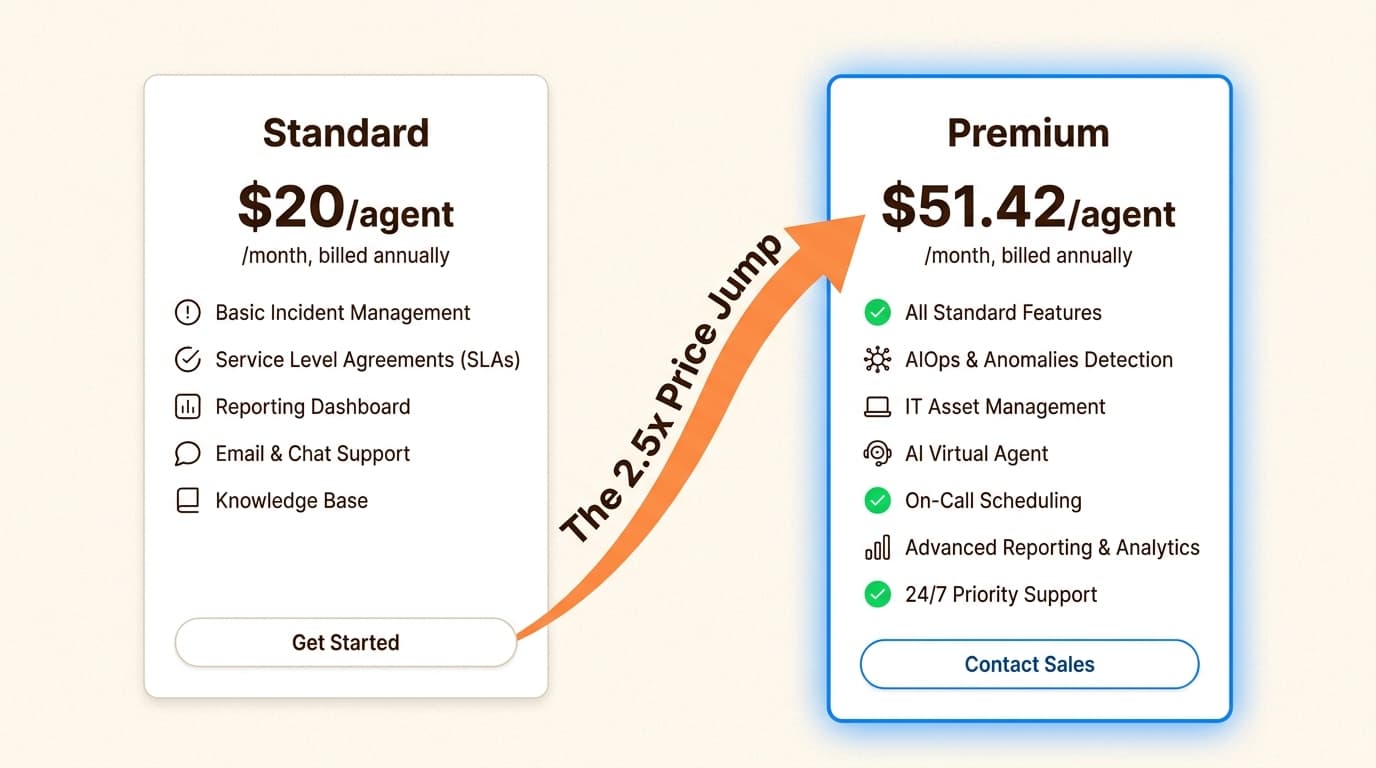
| Standard | $20 | No CMDB Assets, no AI Virtual Agent | Small teams with simple workflows |
| Premium | $51.42 | 50k Asset limit, 1k AI conversations/mo | Growing IT teams needing AIOps and CMDB |
| Enterprise | Custom | Annual billing required, unlimited automation | Large-scale operations with 150+ sites |
The "Premium hurdle" is the biggest shock for many teams. To access the Assets database or the AI Virtual Agent, you have to move to the Premium plan, which costs more than 2.5x the Standard plan per agent. For a team of 20 agents, that's the difference between $400 a month and over $1,000.
When you factor in the "Extra objects" add-on for Assets ($0.02 per object) and the "Extra assisted conversations" for the Virtual Agent ($0.30 per conversation), the total cost of ownership can become quite high. In contrast, hiring an AI teammate like eesel AI costs as little as $0.40 per support ticket, with a $50 free trial and no monthly minimums or platform fees. For teams focused on time-to-value, the "pay-as-you-go" model is often more sustainable than a high per-seat commitment.
How JSM compares to ServiceNow and Freshservice
No Jira Service Management review would be complete without looking at the broader market. In 2026, JSM sits in a middle ground between the "enterprise behemoth" of ServiceNow and the "user-friendly" Freshservice.
ServiceNow remains the industry leader for global corporations. It offers a "one platform, one data model" approach that unifies IT, HR, and customer service across tens of thousands of employees. However, ServiceNow pricing is strictly custom and often starts in the six-figure range, making it inaccessible for most SMBs.
On the other end, Freshservice positions itself as the "uncomplicated" alternative. Its UI is significantly cleaner than Jira's, and it boasts a rapid ROI, with benchmarks claiming a 356% return in under 6 months. If your support team isn't deeply embedded with developers, Freshservice is often the better choice for pure IT service desk needs.
JSM wins when you are already using the Atlassian stack. If your developers live in Jira and your documentation lives in Confluence, the friction of adding JSM is much lower than bringing in a third-party tool. But if you are starting from scratch, the learning curve of the Atlassian ecosystem can be a major deterrent.
The "heavy lift": Usability and implementation
While JSM is powerful, it is famously complex. This is not a "plug and play" tool. To get the most out of it, you generally need a dedicated Jira administrator or an external consultant to set up your schemas, workflows, and automation rules correctly.
User feedback consistently points to a steep learning curve. In recent reviews, admins have described the interface as sometimes overwhelming, requiring significant manual effort to configure even simple changes. One user noted that it's easy to get lost in the "Jira maze," where every configuration change feels like it's three layers deep in a menu you've never seen before.
The enormous learning curve... it often takes clicking through 20+ tabs to find one small hidden section.

This complexity can lead to "configuration fatigue," where teams only end up using a fraction of the features they are paying for because the rest are too difficult to set up. If your team doesn't have the bandwidth for a month-long implementation phase, you might find yourself stuck with an expensive, underutilized tool. This is particularly true for the new AIOps features, which require precise data mapping to work effectively.
A lighter alternative for high-velocity teams
If this Jira Service Management review has left you feeling that JSM might be overkill, you're not alone. Many high-growth teams are looking for an AI teammate they can "hire" and have productive in minutes, rather than a platform they have to configure for weeks.
This is where eesel AI fits in. Instead of building rigid decision trees or complex workflows, you simply connect eesel AI to your existing tools (Zendesk, Google Docs, Notion, or even your own website). It immediately learns your business context, tone, and policies from your existing data.
- No configuration wizards . eesel AI reads your past tickets and articles to understand how you work without you having to write a single automation rule
- Supervised starting point . like any new hire, it starts by drafting replies for your review, allowing you to "check its work" before you promote it to autonomous mode
- Plain-English instructions . update behavior by just writing to it the way you would a human: "If a refund request is over 30 days, politely decline and offer store credit"
For teams that don't have a dedicated Jira admin but still need high-velocity support, eesel AI bridges the gap by delivering AI-native resolution without the enterprise-level "heavy lift." It's the difference between building a machine and hiring someone who already knows how to use it.
Choosing the right service management tool for your needs
Atlassian Jira Service Management is undoubtedly a standard-setter for ITSM in 2026. If your engineering team is already living in Jira and you have the budget for a Premium subscription and a dedicated admin, it's a formidable tool that can unify your entire operation.
However, if you're a smaller team or a fast-moving startup, you have to ask yourself if you're buying a solution or a second job. The "power" of JSM is only valuable if you have the "pain" of a scale that justifies it. Many teams find that they spend more time managing Jira than they do managing their actual service requests.
Bottom line? For enterprise-wide visibility and deep DevOps integration, go with JSM. For a fast, AI-first way to handle support tickets and content without the configuration headache, hire your first eesel AI teammate instead and see the difference in time-to-value. You can start with our AI blog writer to scale your content production or deploy an AI Helpdesk Agent to handle your frontline support, all with the same zero-configuration setup.