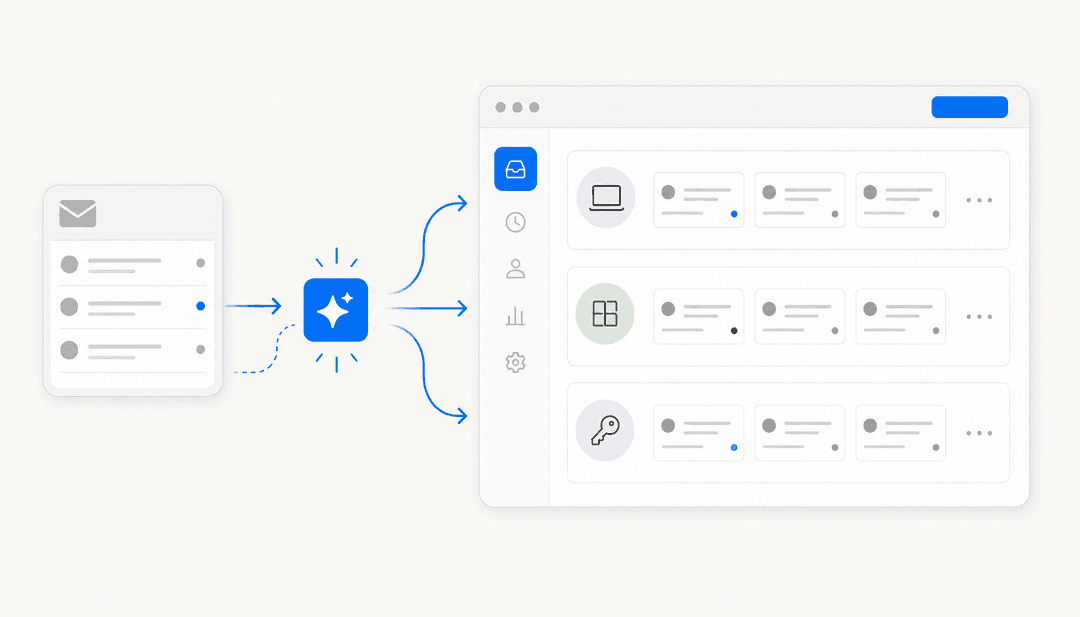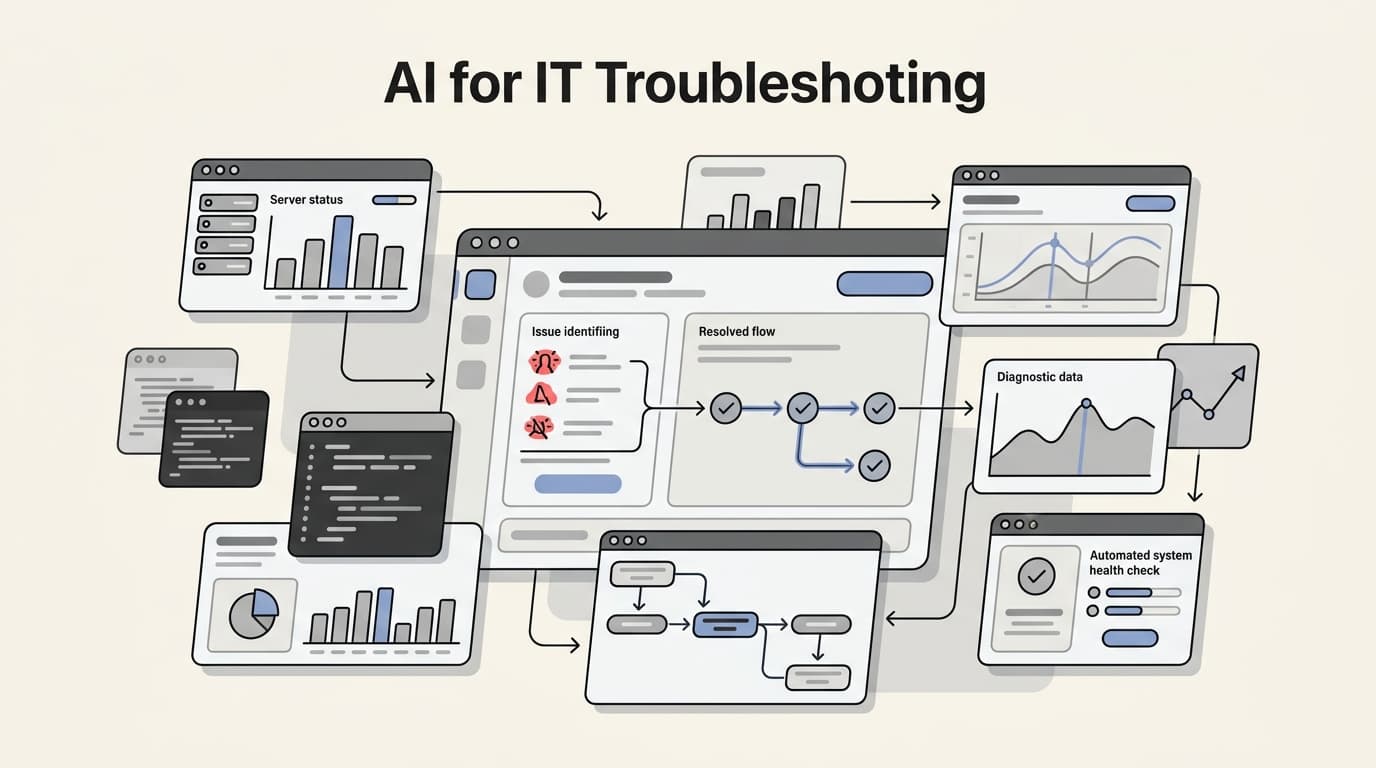
Roughly 70% of "AI ticket triage" deployments get rolled back within six months, and the reason is almost never model quality. Instead, it is that the routing rules were never documented to begin with. Here is how AI-guided troubleshooting actually works end-to-end, and how it is reframing the IT support desk in 2026.
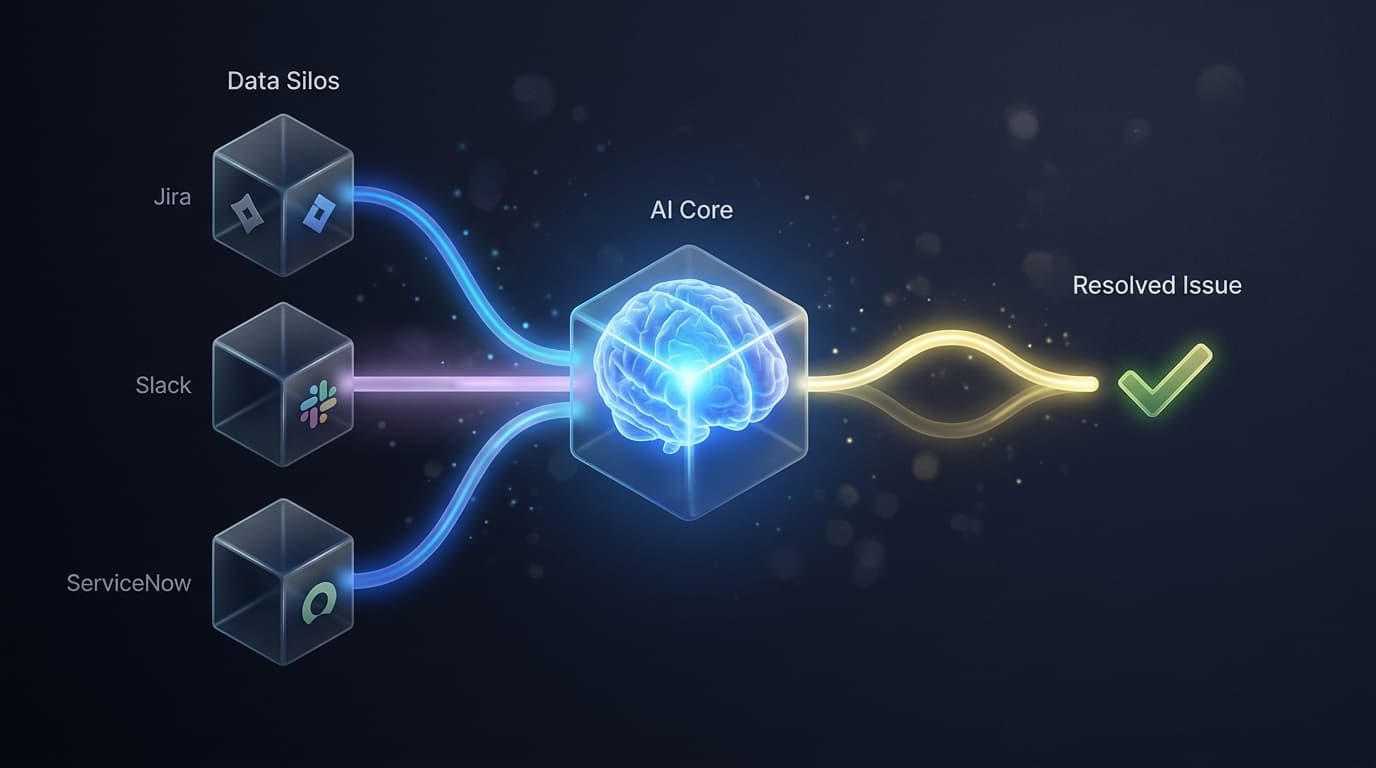
The modern IT landscape is a sprawl of fragmented data. Between Jira tickets, ServiceNow records, and Slack threads, tribal knowledge is scattered across a dozen silos. When a critical system goes down, the traditional response is a manual search for the right documentation or the right expert. But in 2026, the industry is moving away from simple keyword searching. We are shifting toward guided resolution, where AI does not just find the document; it interprets the operational context and maps out the exact path to a fix.
What is AI-guided troubleshooting?
At its core, AI-guided troubleshooting is the evolution of the service desk from a reactive mailbox to a proactive diagnostic engine. Traditional help desks rely on manual ticket handling, where an agent reads a description, searches for a related ITIL framework article, and hopes the instructions are still relevant.
Guided resolution moves past this static search. It uses context-aware diagnostics to understand the "why" behind an issue. This requires connecting three distinct pillars: users, assets, and service status. When an employee reports a "slow laptop," a guided system does not just suggest clearing the cache. It checks the asset's age, looks for recent patch failures in the device management logs, and verifies if there is a known performance spike affecting that specific hardware model.
This shift is critical because it addresses the "data silo" problem. In most organizations, the info needed to solve a problem lives in one tool, while the person who needs it is working in another. By implementing AI for ITSM, teams can create a unified layer that surfaces the right answer at the right time.
Generative AI vs. Causal AI for IT operations
One of the biggest shifts we have seen in 2026 is the clarification of which AI engine to use for which problem. Not all AI is built for the same task, and using the wrong model can lead to hallucinations or inefficient resolution paths.
Generative AI: The synthesis engine
Generative AI, powered by Large Language Models (LLMs), excels at synthesizing information from unstructured data. If your knowledge lives in Confluence pages, PDF manuals, or historic ticket notes, Generative AI can read thousands of pages in seconds and provide a human-like summary.
A prime example is Amazon Q Business, which acts as a generative assistant built on Amazon Bedrock. It leverages unified search across various enterprise data sources to answer complex questions and even automate routine tasks through its Action Library.
However, Generative AI operates on correlation. It predicts the next most likely word based on its training. This is perfect for general user queries, but it can be risky for critical infrastructure where a single wrong command can cause a massive outage.
Causal AI: The logic engine
Causal AI takes a fundamentally different approach. Instead of predicting the next word, it uses mathematical models like Bayesian Networks to map out cause-and-effect relationships.
Tools like Dezide use this causal decision engine to guarantee an optimal resolution path. Unlike an LLM that might offer three different suggestions, a causal model calculates the probability of various root causes and suggests the "cheapest" next step, whether that is a diagnostic question or a specific repair action. This is the "exact science" of detection, and it ensures that junior technicians can resolve complex issues with the same accuracy as a senior engineer.
3 key benefits of implementing AI for IT troubleshooting
Why are IT leaders making this transition now? It comes down to three measurable outcomes that directly impact the bottom line.
1. Faster Mean Time to Resolution (MTTR)
The most immediate benefit is a drastic reduction in resolution time. When technicians are guided through a proven logic tree, they spend less time guessing and more time fixing. Case studies from causal AI deployments show that junior techs can resolve complex industrial and IT issues up to 70% faster than they could without the tool.
2. Knowledge preservation and retention
IT departments are facing a "tribal knowledge" crisis as experienced experts retire or move on to new roles. When that knowledge is trapped in their heads, the department's efficiency takes a hit the day they leave. AI-guided systems facilitate knowledge capture by letting experts build dynamic guides that learn from every interaction. This prevents "knowledge drain" and ensures that the collective intelligence of the team is always accessible.
3. Proactive maintenance and predictive alerts
In 2026, the goal is to stop "firefighting" and start preventing fires before they start. By using AI monitoring and alerting, IT teams can identify hardware failure patterns before they lead to downtime.
LogMeIn Resolve is a strong example of this in action. It combines AI-powered insights (the "Brain") with automated problem resolution (the "Brawn"). This allows teams to move from reactive support to proactive prevention, identifying device health issues through natural language prompts and automated reporting.
Common challenges and limitations to consider
Despite the benefits, implementing AI for IT troubleshooting is not as simple as flipping a switch. There are several hurdles that teams must navigate to be successful.
- The "Data Silo" problem: AI is only as effective as the data it can access. If your documentation is outdated or fragmented across disconnected systems, the AI will provide incomplete or incorrect advice.
- Explainable AI: Many "black box" AI models provide answers without showing the work. For IT operations, trust is built on transparency. Techs need to see mathematically proven logic behind a recommendation before they execute it on a production server.
- Integration hurdles: Legacy on-premise systems often lack the APIs needed for modern AI assistants. Making AI work across a varied BYOD (Bring Your Own Device) landscape requires a unified platform that can talk to different operating systems and management tools.
- Trust and verification: Moving from "black box" AI to transparent, explainable reasoning is essential for teams that manage critical infrastructure.
How to choose the right AI troubleshooting platform
Choosing a platform requires looking past the marketing buzz and evaluating how the tool fits into your existing workflow. We recommend evaluating platforms based on three criteria:
- Integration Support: Does it connect to your helpdesk, documentation, and device management tools?
- Logic Model: Does it use Generative AI for synthesis, Causal AI for critical paths, or a hybrid of both?
- Ease of Deployment: Can you build guides and automation without a team of data scientists?
When choosing an AI service desk solution, consider the following comparison of the leading platforms:
| Platform | Core AI Type | Best For | Pricing Model |
|---|---|---|---|
| Amazon Q Business | Generative AI | Large enterprise search and app creation | Per-user subscription + Index capacity |
| Dezide | Causal AI (Bayesian) | Critical infrastructure and complex troubleshooting | Custom (Contact for demo) |
| LogMeIn Resolve | Hybrid AI | Unified IT management and remote support | Subscription-based (Trial available) |
| iFixit FixBot | Specialist Gen AI | Hardware-specific repair and manual uploads | Monthly/Annual Subscription |
Amazon Q Business pricing tiers
If you are looking at the AWS ecosystem, it is important to understand how the pricing scales with your needs.
| Plan | Monthly Price | Key Inclusions |
|---|---|---|
| Lite | $3 per user | Basic Q&A, browser extension, file insights |
| Pro | $20 per user | Full capabilities, Amazon Q Apps, QuickSight Reader Pro |
Note that Amazon also charges for index capacity. The Starter Index is roughly $0.140 per hour per unit, while the Enterprise Index is $0.264 per hour per unit. Each unit covers up to 20,000 documents or 200 MB of text.
iFixit FixBot pricing
For teams focused heavily on hardware repair, iFixit's specialist assistant offers a more accessible entry point.
| Plan | Monthly Price | Annual Price | Key Inclusions |
|---|---|---|---|
| Free | $0 | $0 | Basic chat on web and mobile |
| Enthusiast | $8.99 | ~26% off | Visual diagnostics, manual uploads, hands-free voice |
Getting started with AI-driven IT support
The future of the IT helpdesk is guided, not searched. By shifting from a model where technicians act as human search engines to one where they are guided by intelligent teammates, organizations can resolve issues faster and preserve the expertise that keeps them running.
At eesel, we built our AI for IT operations teammate to bridge the gap between your fragmented tools and your support team. Instead of spending hours searching for a fix, our teammate connects to your existing Jira, ServiceNow, and Slack channels to surface the exact resolution path in seconds.
Whether you are looking to automate AI triage for incoming tickets or provide your senior techs with a better way to capture their know-how, the first step is centralizing your knowledge. When you hire an AI teammate, you are not just adding a tool. You are adding a colleague that learns from your tools, adapts to your rules, and helps your team stay ahead of the next critical outage.