If your team uses Jira, you know the feeling. Tickets pile up, repetitive questions flood your queue, and your agents spend more time on manual tasks than solving real problems. As projects scale, the overhead of ticket management becomes a bottleneck that slows everything down.
AI add-ons fill this gap. Instead of replacing your team, these tools automate the repetitive work so your people can focus on what matters.
We tested and compared the top AI add-ons for Jira across different use cases, from IT service management to software testing and sprint planning. We evaluated each tool on integration quality, knowledge source flexibility, ease of setup, pricing transparency, and real-world performance.
Here's what we found.
What are AI add-ons for Jira?
AI add-ons for Jira are smart systems that connect directly to your Jira instance to automate tasks, generate content, and resolve issues. Think of them as digital teammates that handle the routine work while your human team tackles complex problems.
There are three main types:
- Native AI: Built directly into Jira by Atlassian, like Atlassian Intelligence and Rovo
- Marketplace apps: Third-party add-ons from the Atlassian Marketplace that install directly into Jira
- External integrations: Standalone tools that connect to Jira via API, like specialized helpdesks or testing platforms
Key capabilities vary by tool but typically include ticket automation, test case generation, work breakdown into subtasks, knowledge management, and intelligent routing.
Teams are adopting these add-ons in 2026 because they deliver measurable results: faster resolution times, reduced manual work, and better use of your team's expertise.
How we chose the best AI add-ons for Jira
To make this comparison useful, we judged each tool on criteria that actually matter day-to-day:
- Integration quality: How well does it connect with Jira? Does it feel native or like a clunky add-on?
- Knowledge source flexibility: Can the AI learn from multiple sources, or is it limited to one knowledge base?
- Ease of setup: Can a team lead get it running in an afternoon, or does it require developer time?
- Pricing transparency: Are costs predictable, or do you get surprise bills during busy periods?
- Real-world performance: What do actual users report about reliability and results?
Best AI add-ons for Jira: comparison at a glance
| Tool | Best for | Key AI feature | Pricing model | Free trial |
|---|---|---|---|---|
| eesel AI | Knowledge unification | Learns from past tickets | Per interaction | Yes |
| Atlassian Intelligence | Native Jira users | Virtual agent, work breakdown | Included in Premium | N/A |
| Smart AI for Jira | Sprint planning | AI work breakdown, release notes | Per user | Yes |
| Requirements and Test Management (RTM) | QA teams | AI test case generation | Per user | Yes |
| QMetry Test Management | Enterprise testing | AI-driven test orchestration | Per user | Yes |
| Zephyr Scale | Large-scale testing | AI-enhanced automation | Per user | Yes |
1. eesel AI
Best for: Teams with knowledge scattered across multiple platforms

eesel AI takes a different approach from most Jira AI tools. Instead of forcing you to consolidate everything into a single knowledge base, it learns from wherever your knowledge already lives: past Jira tickets, Confluence pages, Google Docs, Notion, PDFs, and dozens of other sources. You can learn more about our Jira Service Management integration on our website.
The AI Agent connects directly to Jira Service Management and handles frontline support tickets end-to-end. It can draft replies for your team to review, or once you're confident, send responses autonomously. When issues need human attention, it escalates with full context so customers never have to repeat themselves.
What makes eesel AI stand out is the simulation mode. Before going live, you can run the AI against thousands of your historical tickets to see exactly how it would perform. This gives you concrete metrics on resolution rates and time savings before customers ever interact with it.
Key features:
- Learns from 100+ knowledge sources including past tickets, docs, and help centers
- Simulates performance on historical data before going live
- Plain-English escalation rules (no code required)
- Works across email, chat, social, and messaging apps in 80+ languages
- Takes real actions: looks up orders, processes refunds, updates ticket fields
Pros:
- Self-serve setup, live in minutes without talking to sales
- Unified knowledge from scattered sources
- Transparent per-interaction pricing with no surprise fees
- Up to 81% autonomous resolution rate in mature deployments
Cons:
- Specialized for knowledge unification rather than being a full helpdesk platform
Pricing:
| Plan | Monthly | Annual | Bots | Interactions/month |
|---|---|---|---|---|
| Team | $299 | $239/mo | Up to 3 | 1,000 |
| Business | $799 | $639/mo | Unlimited | 3,000 |
| Custom | Contact sales | Custom | Unlimited | Unlimited |
Source: eesel AI pricing
2. Atlassian Intelligence
Best for: Teams already deep in the Atlassian ecosystem
Atlassian Intelligence is the built-in AI solution that comes with Jira Cloud Premium and Enterprise plans. It's powered by Rovo, Atlassian's AI platform, and includes out-of-the-box agents for common workflows.
The Virtual Agent handles customer inquiries in Jira Service Management by pulling from your knowledge base. It works in your help portal, Slack, or Microsoft Teams. The Work Breakdown feature uses AI to break complex tasks into manageable subtasks with summaries and descriptions.
For developers, Rovo Dev turns Jira work items into code, accelerating software delivery. The Workflow Builder Agent lets you create custom workflows using everyday language instead of complex configuration.
Key features:
- Virtual agent for JSM with knowledge base integration
- Work breakdown (AI-generated subtasks with summaries)
- Natural language to JQL conversion
- AI-powered summaries of documents and comment threads
- Rovo Chat for cross-tool search
Pros:
- Seamless native integration with no additional setup
- No extra cost for Premium/Enterprise users
- Works across Jira, Confluence, Slack, and other Atlassian tools
- Familiar interface for existing Atlassian customers
Cons:
- Requires a well-maintained Confluence knowledge base for best results
- Doesn't automatically learn from past ticket context
- Advanced features may incur usage-based fees
Pricing:
Atlassian Intelligence is included in Jira Service Management Premium ($15.25/agent/month) and Enterprise plans. No additional AI costs, though some advanced features may have usage fees.
Source: Atlassian JSM pricing
3. Smart AI for Jira
Best for: Development teams needing sprint planning assistance
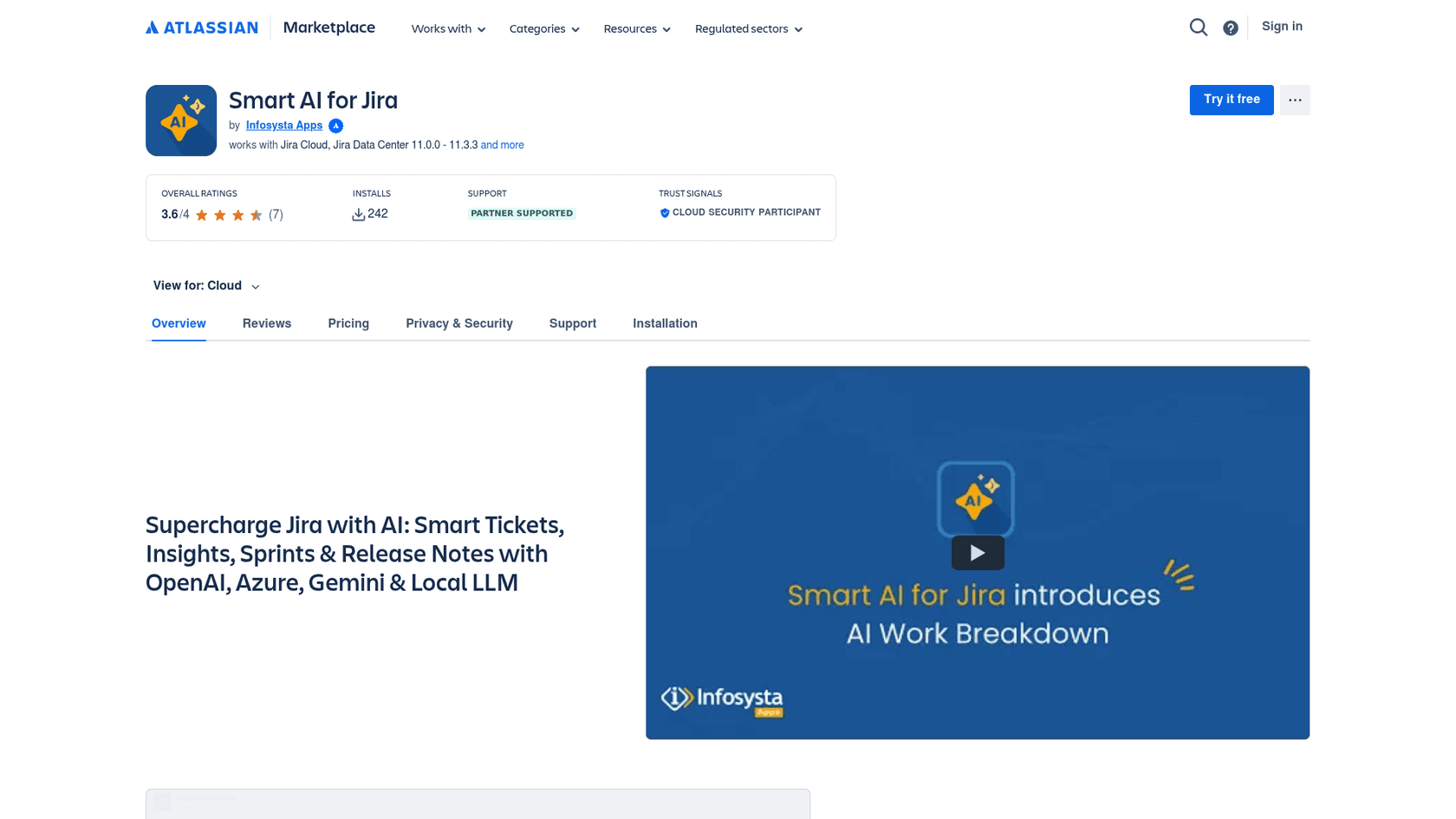
Smart AI for Jira is a Marketplace app by Infosysta Apps that brings AI capabilities directly into Jira for ticket management, sprint planning, and documentation.
The AI Work Breakdown feature generates child tasks automatically from parent issue details. You can review, edit, remove, or accept all suggested tasks in one click. The Sprint Planning Assistant creates realistic sprint plans from your backlog, grouping related work and balancing workloads across sprints.
For Jira Service Management teams, it can generate instant replies from your Confluence knowledge base and summarize large volumes of tickets for analysis.
Key features:
- AI work breakdown (generate child issues from parent details)
- Sprint planning assistant with workload balancing
- Release notes generation
- AI-powered replies from Confluence KB
- Custom AI prompts for team-specific needs
Pros:
- Supports multiple LLM providers: OpenAI, Azure, Gemini, and Local LLM
- Local LLM option for data privacy requirements
- Project and user group permission controls
- Customizable AI prompts
Cons:
- Smaller install base (242 installs)
- Newer product with evolving feature set
- Pricing not publicly listed
Pricing:
Paid via Atlassian. Contact vendor for specific pricing.
Source: Smart AI for Jira Marketplace
4. Requirements and Test Management for Jira (RTM)
Best for: QA teams wanting unified requirements and test management
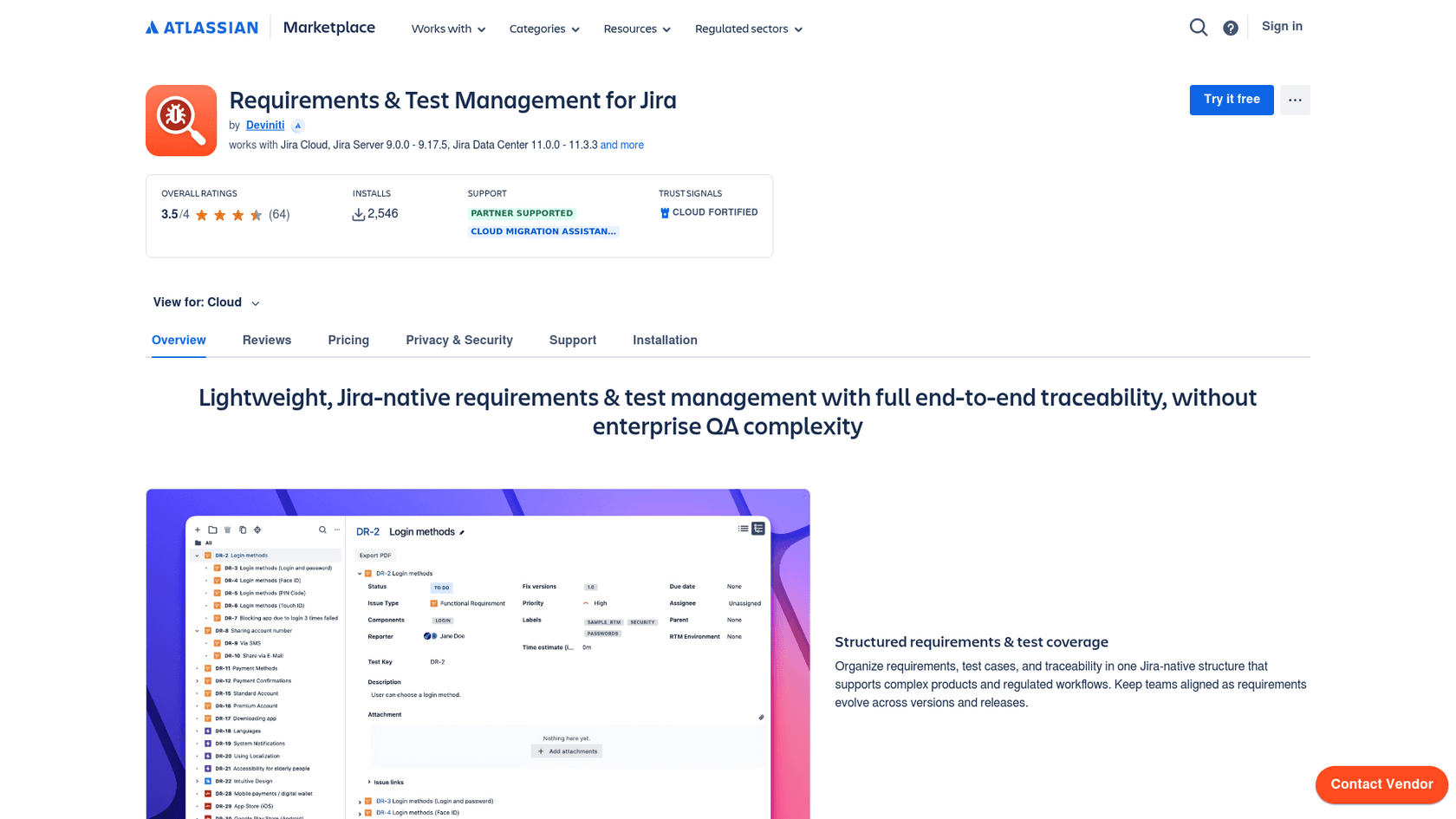
RTM by Deviniti is a Jira-native add-on that combines requirements management, test case creation, and defect tracking in one place. Its AI feature generates test cases complete with steps and preconditions from your requirements.
The tree-structured organization lets you categorize test artifacts with folders and subfolders. Traceability features link requirements to test cases and defects, giving you clear visibility into coverage. The app supports test automation through REST API integration with Jenkins, GitHub, Bitbucket, and other CI servers.
Key features:
- AI-generated test cases with steps and preconditions
- Hierarchical organization with folders and subfolders
- Requirements-to-test-to-defect traceability
- Test automation support via REST API
- Customizable real-time reporting
Pros:
- Comprehensive requirements-to-defect traceability
- Works with Software, JSM, and Business projects
- Strong customer support reputation
- Intuitive interface
Cons:
- Learning curve for teams new to Jira
- AI focused on test case creation only
Pricing:
| Users | Price per user/month |
|---|---|
| Up to 10 | Free |
| 11-100 | $1.82 |
| 101-250 | $1.36 |
| 251-500 | $0.91 |
| 500+ | $0.22 |
Source: RTM Marketplace
5. QMetry Test Management for Jira (QTM4J)
Best for: Enterprises needing scalable test management
QMetry provides AI-enabled test management designed for agile and DevOps teams. Now part of SmartBear, it brings enterprise-grade capabilities to Jira with AI-powered test case creation and orchestration.
The AI can generate test cases automatically from user stories and requirements. Test case versioning lets you maintain multiple versions to track changes over time. Data parameterization allows you to reuse test cases with different data sets, reducing redundancy.
With 140+ off-the-shelf reports and customizable dashboards, QMetry gives you comprehensive visibility into testing progress and quality metrics.
Key features:
- AI-powered test case creation from requirements
- Test case versioning and data parameterization
- Natural language search for tests and defects
- Flaky test detection with execution history
- 140+ reports with customization options
Pros:
- Strong enterprise scalability
- Detailed quality metrics and analytics
- Good fit for regulated industries
- Comprehensive reporting capabilities
Cons:
- Higher per-user cost than some alternatives
- May be complex for smaller teams
Pricing:
| Users | Price per user/month |
|---|---|
| Up to 10 | Free |
| 11-100 | $3.80 |
| 101-250 | $2.85 |
| 251-500 | $1.90 |
| 500+ | $0.50 |
Source: QMetry Marketplace
6. Zephyr Scale
Best for: Large teams with complex testing requirements
Zephyr Scale by SmartBear is a comprehensive test management solution with AI-powered automation capabilities. It offers both Standard and Advanced editions to match different team needs.
The AI-enhanced test automation (HaloAI) lets you create, modify, and execute automated tests without code or scripts. AI-powered test step suggestions help you write better tests faster. The record-and-playback feature captures test executions for replay and validation.
With 70+ out-of-the-box reports, end-to-end traceability, and cross-project reusability, Zephyr Scale is built for organizations with extensive testing requirements.
Key features:
- AI-enhanced test automation with HaloAI
- AI-powered test step suggestions
- Record-and-playback test execution
- 70+ built-in reports and dashboard gadgets
- BDD/Gherkin support for behavior-driven development
Pros:
- Most comprehensive feature set in the category
- Strong automation capabilities without coding
- Enterprise-grade reporting
- Cross-project test reusability
Cons:
- Higher pricing than alternatives
- Complex for medium and small teams
- Zephyr Automate (expanded automation) sold separately
Pricing:
| Users | Price per user/month |
|---|---|
| Up to 10 | $10 flat fee |
| 11-100 | $6.49 |
| 101-250 | $4.87 |
| 251-500 | $3.25 |
| 500+ | $0.37 |
Source: Zephyr Marketplace
Choosing the right AI add-on for your team
The best AI add-on for Jira depends entirely on what you're trying to accomplish. Here's a simple framework:
For IT Service Management:
- Choose eesel AI if your knowledge is scattered across multiple platforms and you want an AI that learns from all of it
- Choose Atlassian Intelligence if you're already invested in the Atlassian ecosystem and want native integration
For Software Testing:
- Choose RTM for unified requirements and test management with strong traceability
- Choose QMetry for enterprise-scale testing with detailed analytics
- Choose Zephyr Scale if you need the most comprehensive feature set and can handle the complexity
For Sprint Planning:
- Choose Smart AI for Jira if you want AI assistance with work breakdown and sprint planning
Key considerations:
- Knowledge sources: Does the AI need to learn from multiple platforms, or is Confluence sufficient?
- Team size and budget: Per-user pricing adds up quickly for large teams
- Data privacy: Do you need local LLM options for compliance?
- Integration complexity: How much setup time can you afford?
Start automating your Jira workflows with AI
AI add-ons for Jira have moved from nice-to-have to essential for teams managing significant ticket volume. The right tool can save hours of manual work each week while improving response quality and consistency.
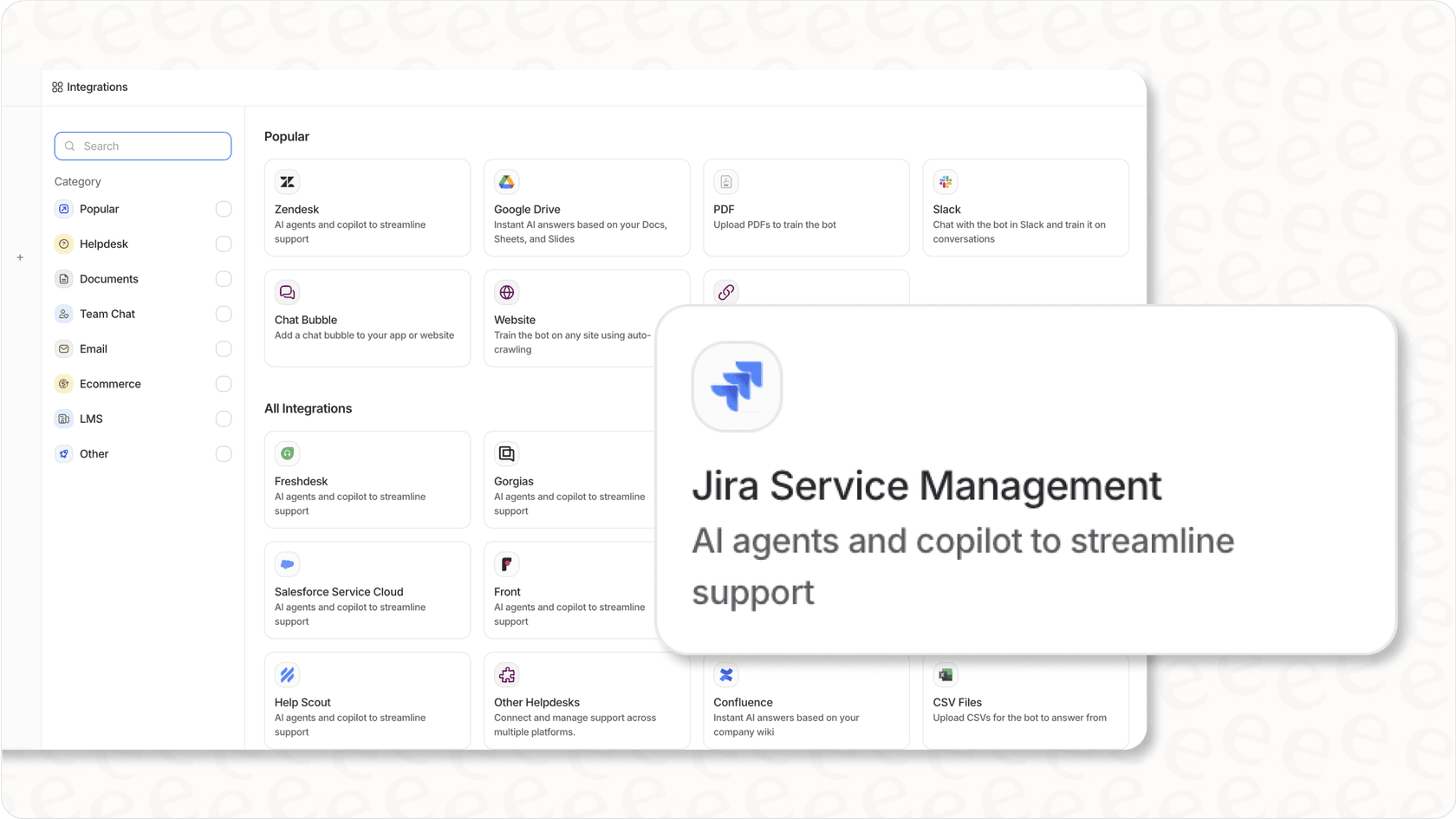
If your team's knowledge is scattered across multiple platforms (and whose isn't?), eesel AI stands out as the option that actually learns from all of it, not just your Confluence pages. The ability to simulate performance on historical tickets before going live means you know exactly what you're getting before customers see it.
Most tools on this list offer free trials. Our recommendation: test the ones that fit your use case with real data from your Jira instance. The best AI add-on is the one that actually solves your specific problems.
Ready to see what AI can do for your Jira workflows? Try eesel AI free or book a demo to see it in action.