How I reviewed ChatGPT Space
I'm a software engineer and writer at eesel, and big part of my job is turning messy internal notes into pages other people (and AI) can rely on. So when OpenAI shipped a doc tool that agents can edit, I read it in the same way I'd read a new helpdesk integration: every docs page, every permission rule, every "coming soon."
For this review I went through all five ChatGPT Space docs pages, both help center articles, the admin guide, the DevDay recap from September 29, the launch-day status incident, and the first reactions on X and Hacker News. I also checked Space against the pricing pages, this way the cost numbers below are exact.
There is one lesson from eesel's years of putting AI on live support queues that shaped how I read the sharing docs. On one rollout, a bot told a customer "yes, we support your car model" for a brand that wasn't in the product at all, because a knowledge base page said "we support all models." Whatever a team writes on a shared page is what an agent will confidently repeat, and Space makes that page the shared context for ChatGPT and every dot on your team, so the fine print matters more than usual.
What is ChatGPT Space, in plain terms?
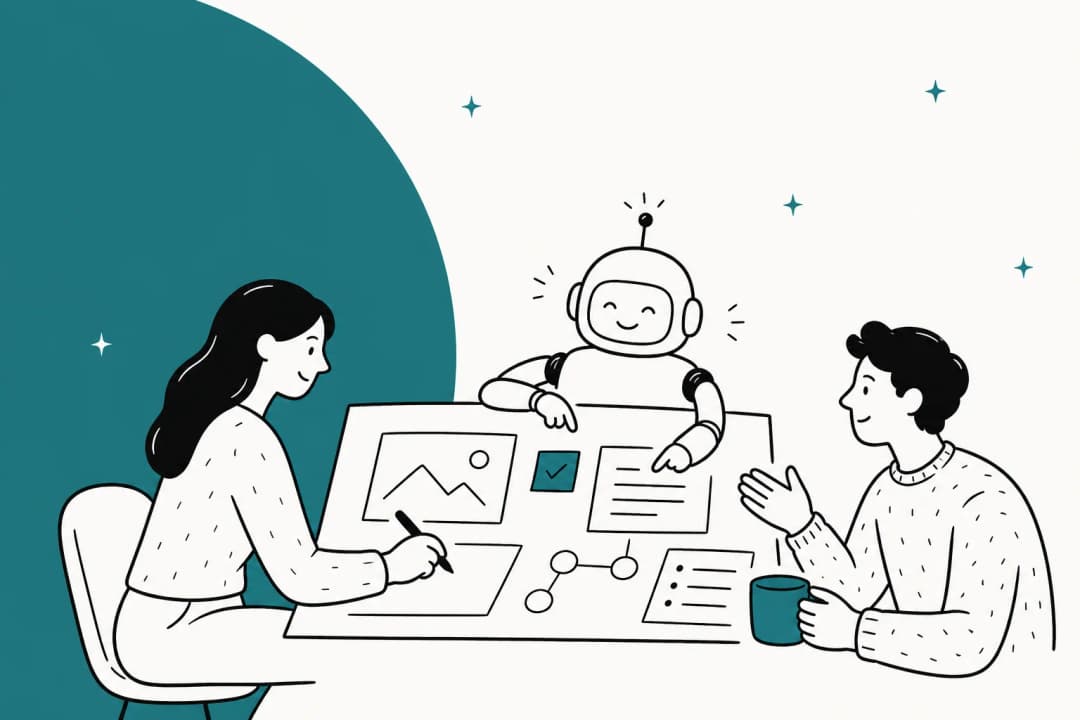
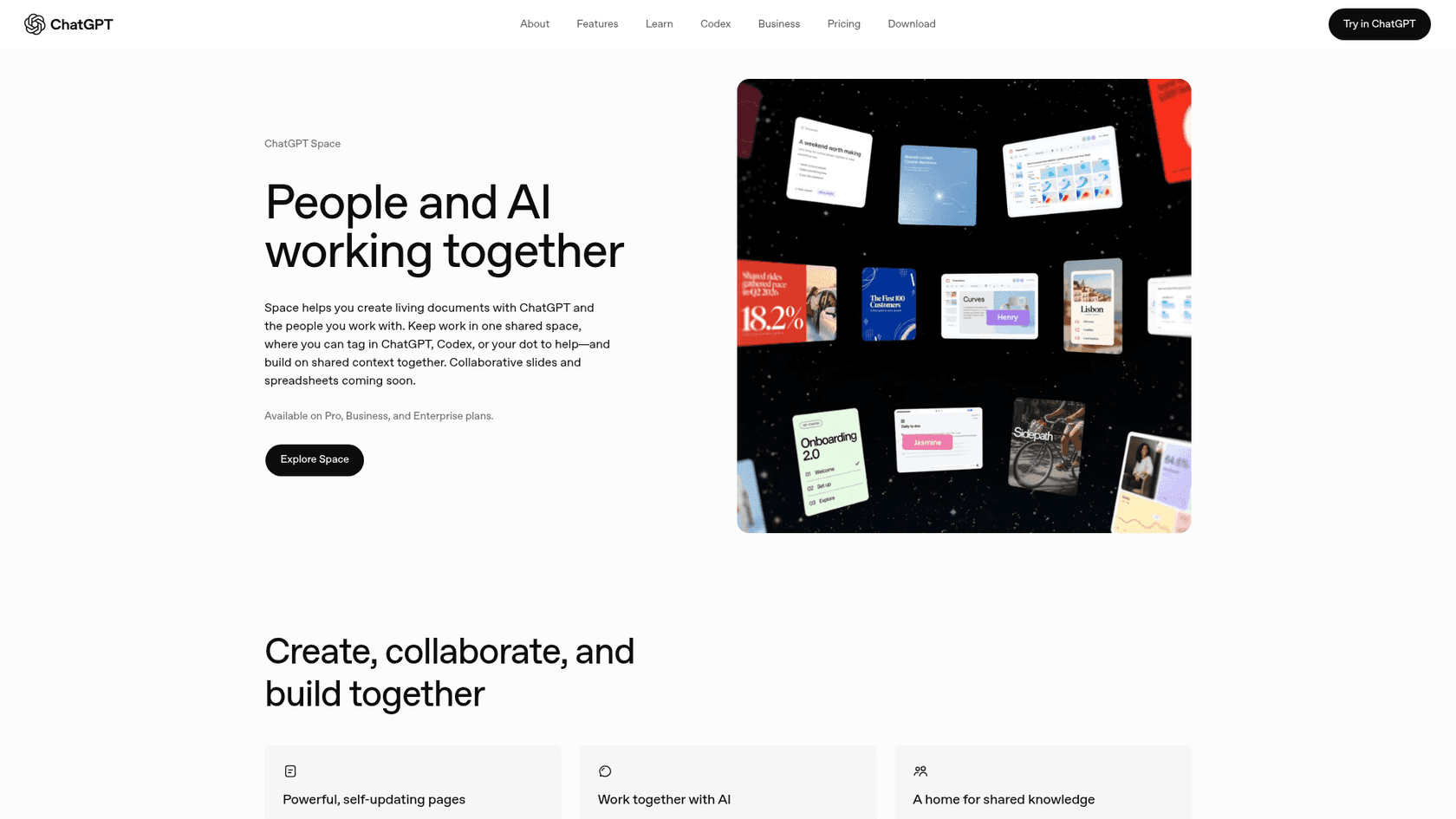
ChatGPT Space is a home for the pages and files you make in ChatGPT, and it replaces Library, while your Projects stay where they are. Inside Space you get three things:
- Pages: editable documents that you and ChatGPT write together, with subpages, comments, tables, images, and interactive visualizations.
- Spaces: folders for a topic or team. When you share the space, everyone gets its pages too.
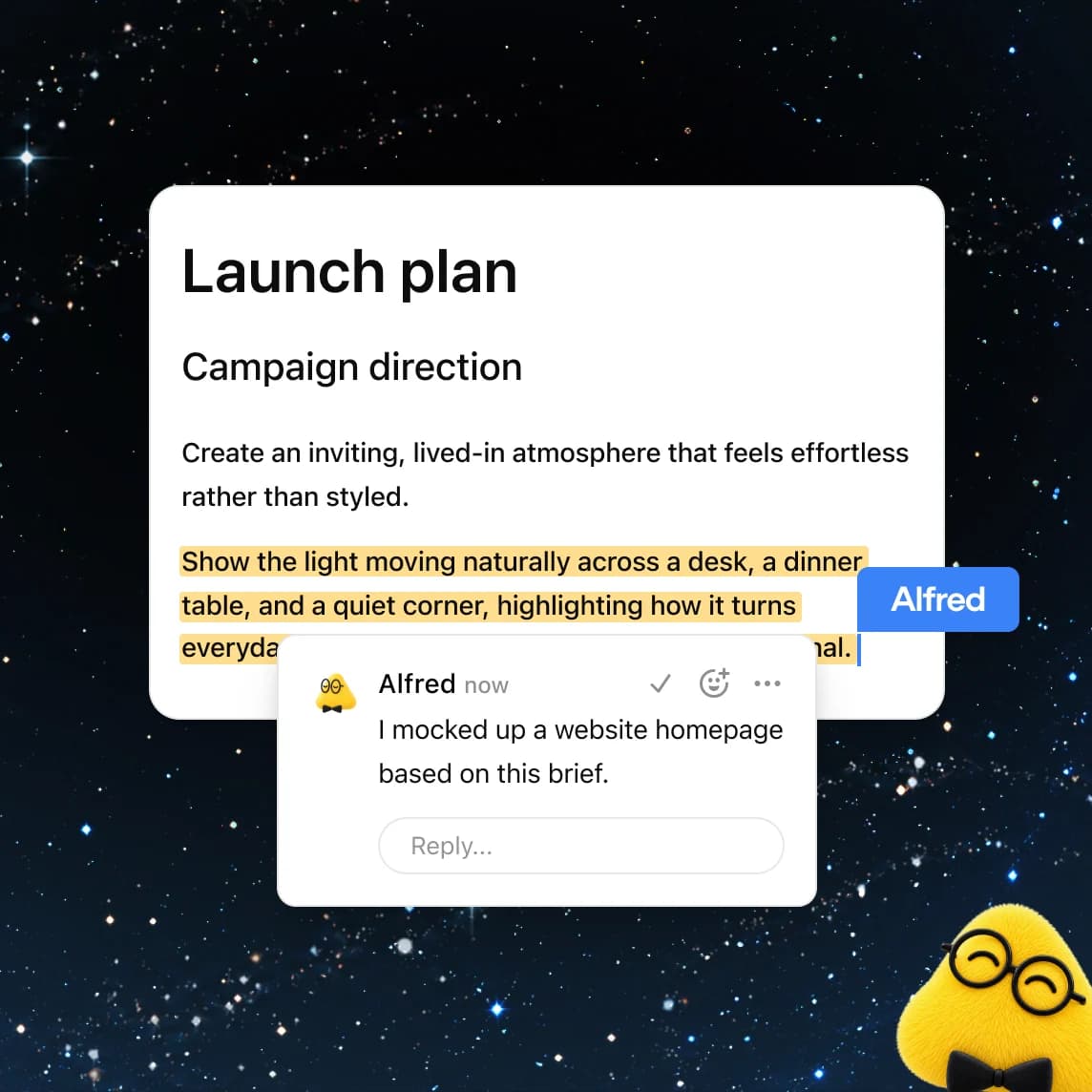
- Agents on the page: type
@ChatGPTor@dotin the text or a comment and the agent answers or edits in place, and Codex can be tagged too.
The launch sits next to OpenAI Dots, the always-on agents running on GPT-6 Astra that OpenAI announced the same day, and Space is the place where a dot's work is meant to land. Claire Vo put the split quite well on launch day:
"imo: @OpenAI dots slightly overhyped and space underhyped - every company I know wants an AI-native collaboration workspace (docs, slides, sites)"
ChatGPT Space review scorecard
Here's how I'd score it on the five things that decide if a team should move its working docs into Space.
| Area | Score | Why |
|---|---|---|
| Page editor | 4/5 | Slash menu, subpages, tables, prompt blocks, interactive visualizations, text-selection "Ask for change" |
| Agents in the doc | 4/5 | @ChatGPT and @dot inline or in comments, each person uses their own ChatGPT |
| Launch completeness | 2/5 | Keep updated, slides, spreadsheets, mobile editing, and Canada/UAE data residency not live; Pages errors on day one |
| Sharing and privacy model | 3/5 | Clear docs, view/comment/edit roles, but memory text and inherited access are easy to miss |
| Value for money | 3.5/5 | Free on top of Business and Pro, but not on Plus, and the Business path needs 2 seats |
| Overall | 3/5 | Strong core, thin launch, easy to try if you're already paying |
Your weights probably won't match mine, a team that only needs a shared doc will score it higher than a team that needs slides next week.
What ChatGPT Space gets right
The good news first, because there's a lot of it. On paper, the editor reads like something designed by people who already watched teams fighting over a doc before.
The slash menu is a real editor, not a chat box
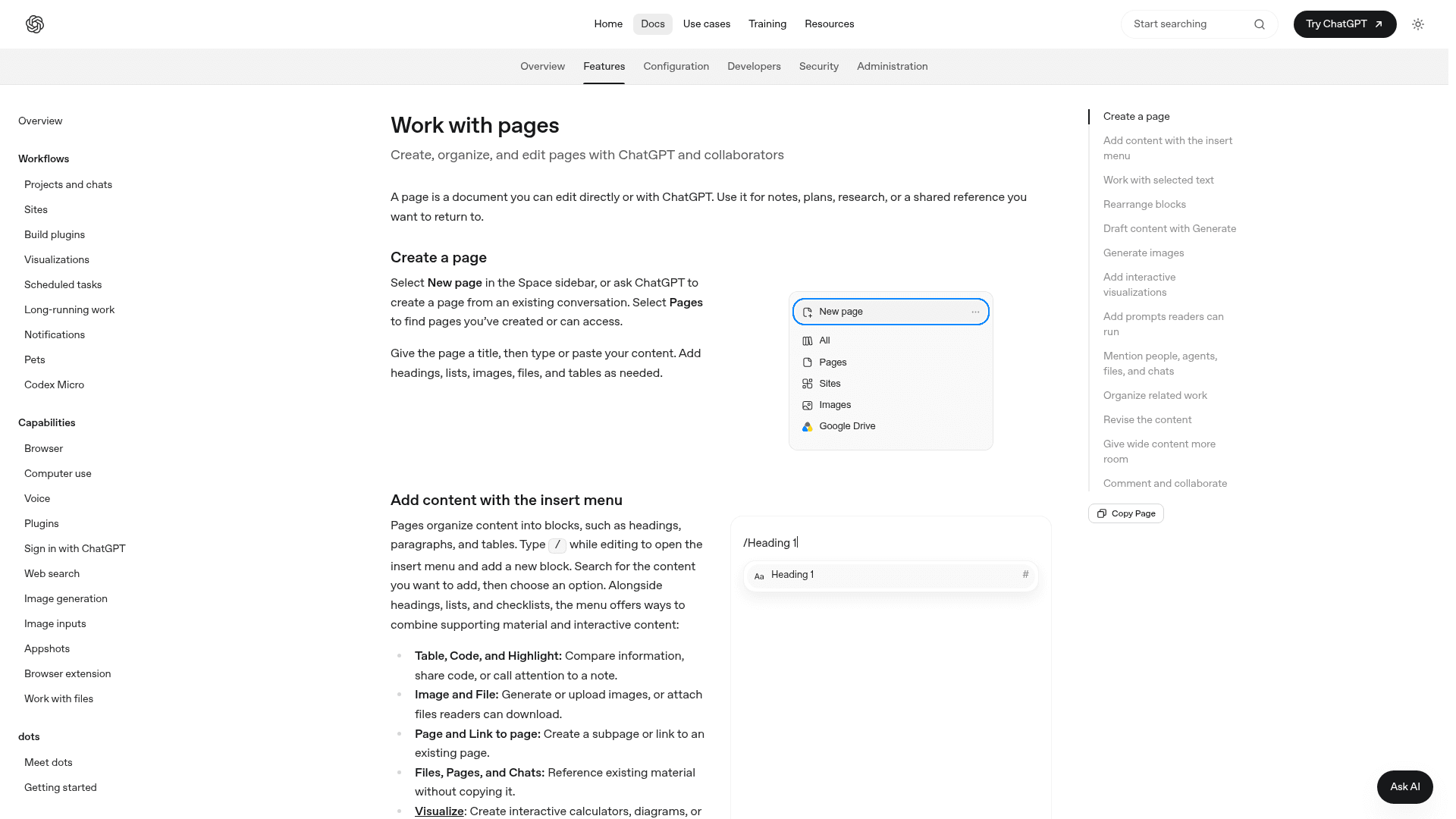
Type / on a page and you get the full insert menu from the Pages docs: headings, checklists, tables, code, highlights, images, files, subpages, and links to other pages. The more interesting additions are the AI ones. Generate drafts text in place. Visualize builds an interactive calculator, diagram, or screen design right in the page. A Prompt block stores a request that any reader can run with one click, which is a nice way for leaving "summarize the open decisions on this page" for the next person.
Select any sentence and a floating toolbar offers Ask for change or Comment. That's the right shape for AI editing, you point at the exact words, the agent proposes new ones, and you accept or undo. It's much closer to how Notion AI and Google Docs AI handle inline edits than to the old ChatGPT canvas.
Agents are first-class collaborators
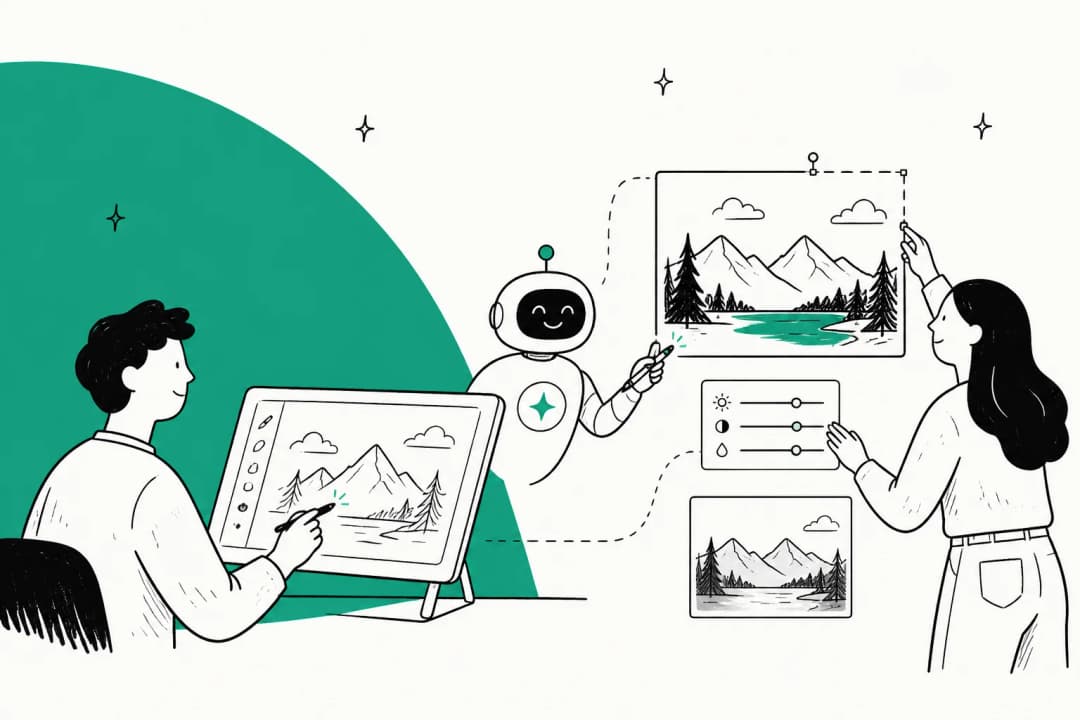
In Space you don't need to copy text out to a chat and paste the answer back. The agents guide lays out four ways to ask: the side conversation for bigger revisions, Ask for change on a selection, @ChatGPT or @dot inline, and a mention inside a comment thread. The comment route is my favourite, because the request and the change live next to each other, in the place where the team can see them.
One detail I like: each person works with their own ChatGPT. Two teammates editing the same page will each bring their own agent, their connected apps and their instructions. OpenAI's docs are upfront that this also means collaborators "may use different agents, connected tools, or instructions," so agree who changes what.
It's included in plans people already pay for
There's no Space add-on. If your team is on ChatGPT Business, Enterprise, or Pro, Space is just there, it takes over Library's job. That makes the trial cost zero for a lot of teams, which is the main reason my score isn't lower.
Where ChatGPT Space falls short at launch
None of these are dealbreakers on their own, but together they're the reason I'd call this a strong beta rather than a finished product.
"Self-updating pages" aren't in the product yet
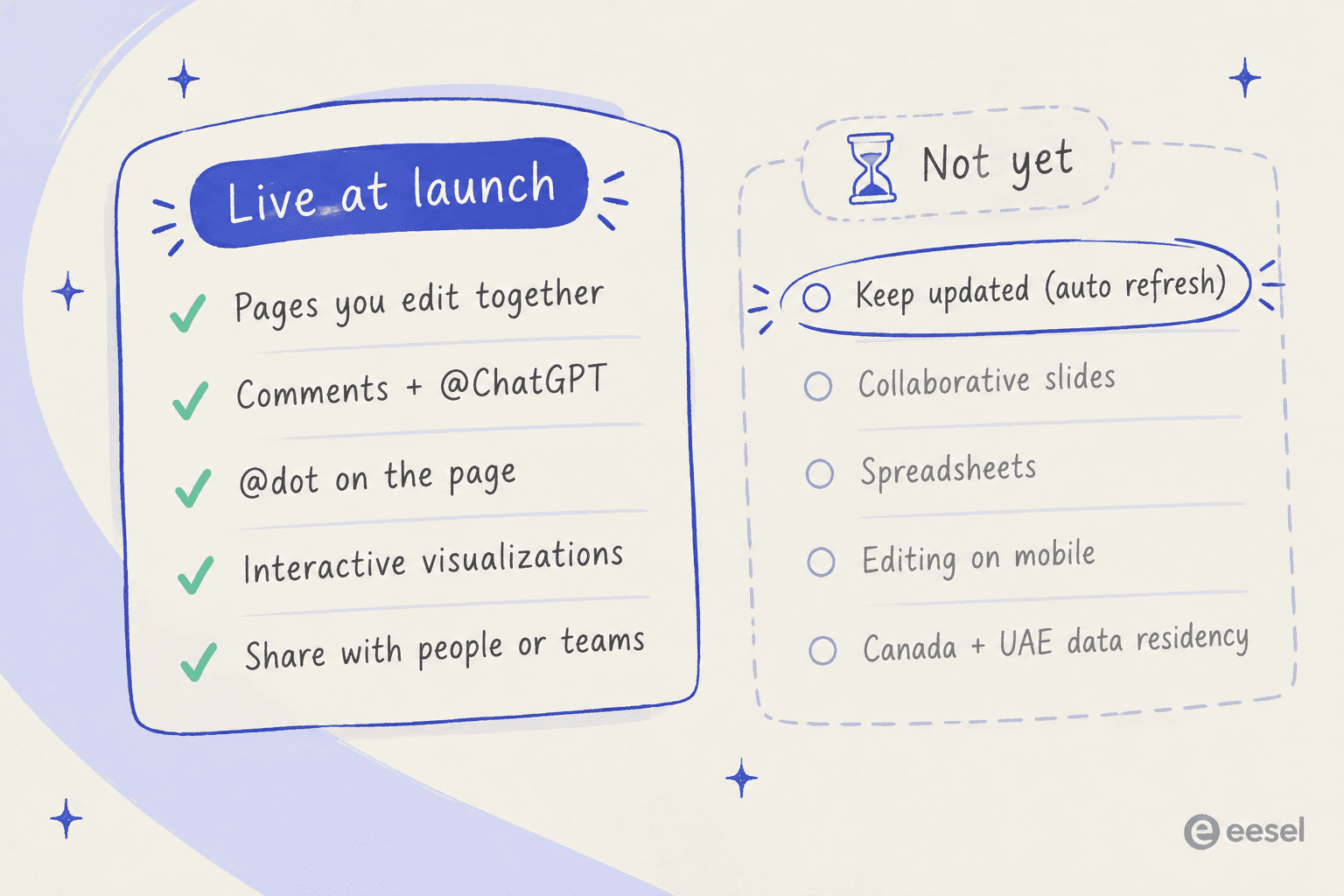
The Space landing page lists "Powerful, self-updating pages" as its first feature and promises "A to-do list that updates itself." The getting started article says it plainly: "Automatic page updates with Keep updated are not available at launch."
The agents guide adds a warning that is worth to read twice: writing a cadence in a page "doesn't by itself confirm that a task is scheduled." Today the workaround is a separate scheduled task that you create in chat or ChatGPT Work, then check its timing, whether it's enabled, and an actual run. That works, but in terms of upkeep it's a second system to watch, not a page that looks after itself.
Slides, spreadsheets, and mobile editing are "coming soon"
Collaborative slides were one of the more flashy DevDay demos, and they're listed as arriving "in the coming weeks." Spreadsheets are the same. On mobile you can find, read, and share pages, but you can't create or edit them, which for a team that does real work from phones is a big hole in first week.
Launch day was bumpy
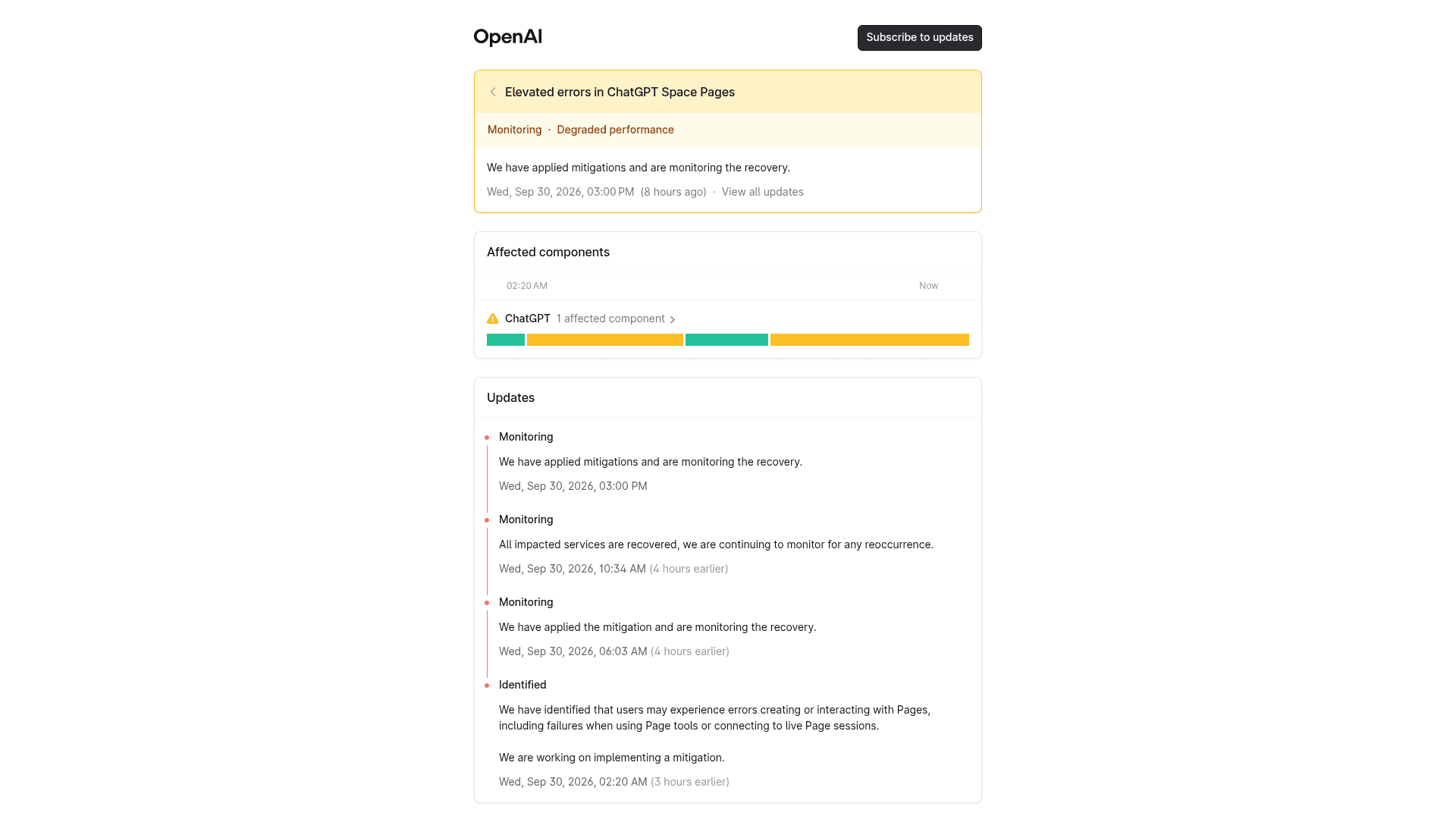
Within hours of release, OpenAI's status page opened an incident titled "Elevated errors in ChatGPT Space Pages." Users could hit "errors creating or interacting with Pages, including failures when using Page tools or connecting to live Page sessions." It moved to monitoring the next day. New products break, and OpenAI was transparent about it, still it's worth knowing if you tried Space on day one and then bounced.
Speed was also brought up. One Hacker News commenter, reacting to the demo video rather than hands-on use, wrote:
"I heard they use GPT Space (like Notion) together with Slack and use it like a human colleague, but watching the actual demo video, the speed is so slow it's shocking.."

Some regions and workspaces have to wait
Space is "coming soon for Enterprise and Business workspaces with data residency in Canada or the United Arab Emirates." In managed Enterprise workspaces, an admin may also need to turn sharing on before anyone can collaborate, so check both before you plan a rollout.
Is ChatGPT Space safe for shared work?
This is the section I'd send to whoever owns your internal knowledge base or picks your internal knowledge base software. OpenAI documents the rules well in its sharing, data, and controls article, and most of them are sensible, but three of them are easy to trip over.
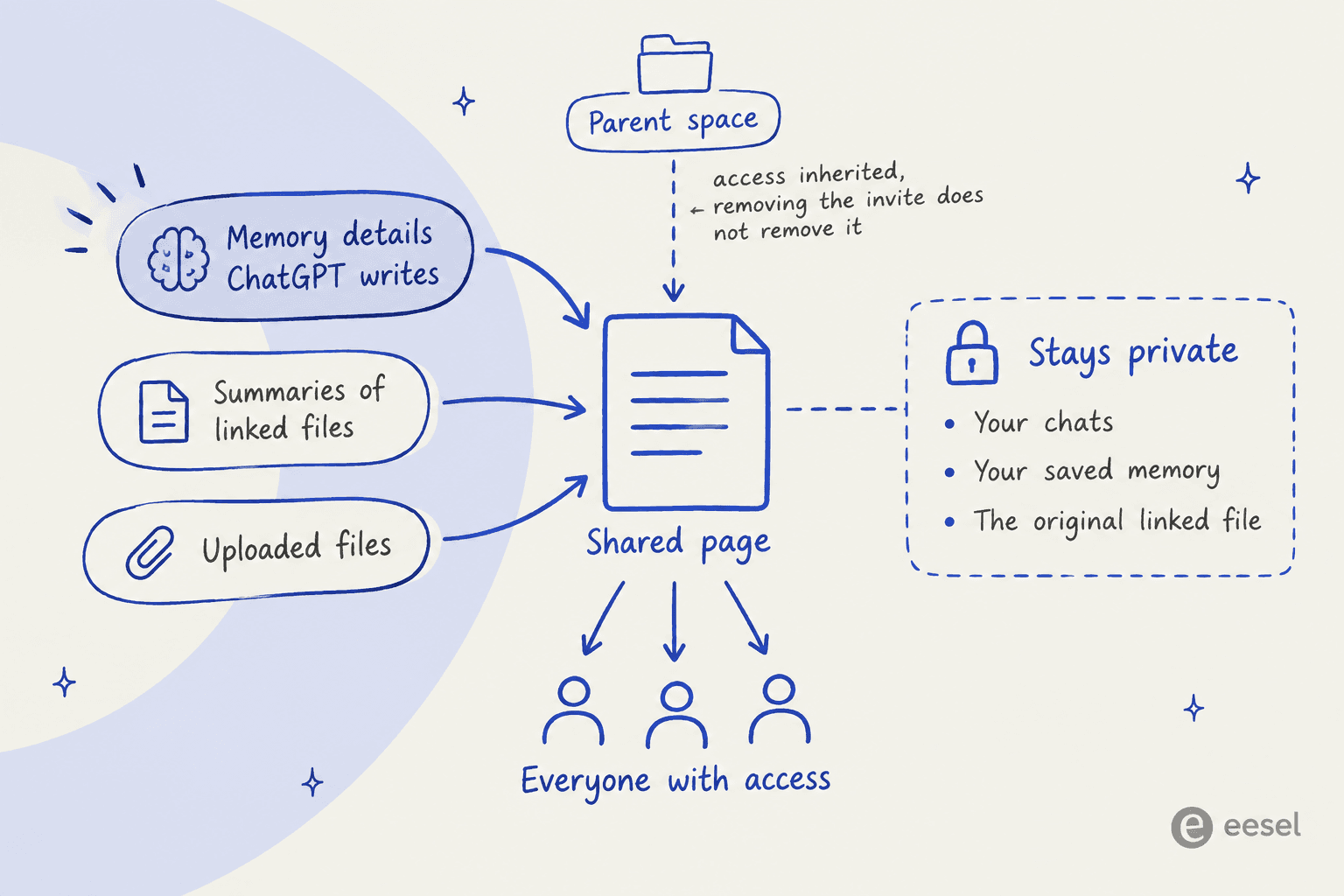
1. Memory can leak onto the page. Sharing a page doesn't share your chats or your saved memory. But if ChatGPT uses something from memory to write the page, that detail is now visible to everyone who can read it. OpenAI's own example is a project brief that pulls in context from an old conversation, so read the page before you share it.
2. Summaries travel, even when the file doesn't. A file linked through a ChatGPT connector, like Google Drive, keeps its own permissions, so a teammate may not be able to open it. But anything you or ChatGPT copied or summarized from that file onto the page is readable anyway.
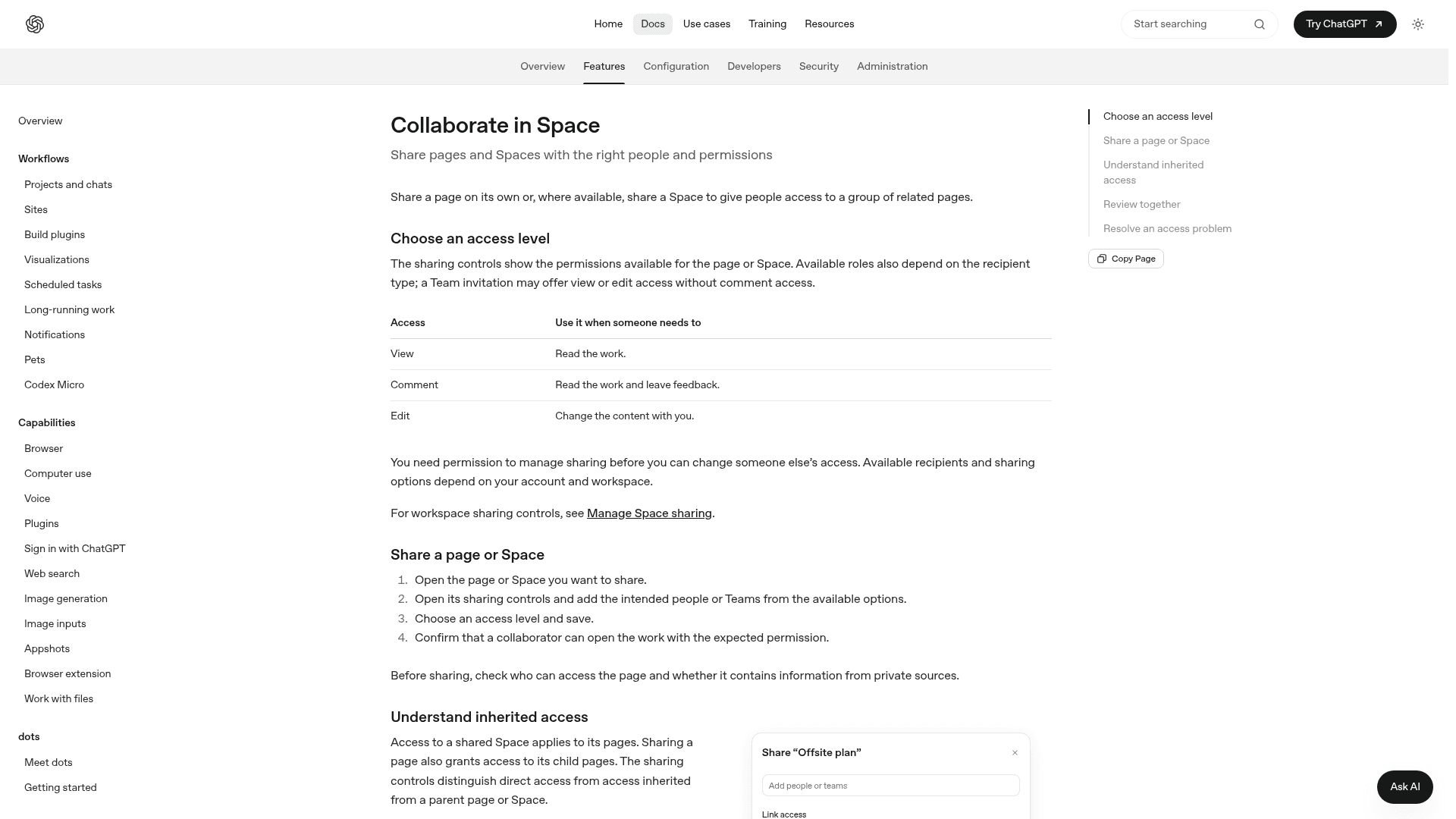
3. Removing an invite doesn't always remove access. The collaboration docs explain that pages inherit access from their parent page or space. "Removing a direct invitation doesn't remove access that someone still inherits from a parent page or Space." On the admin side, turning sharing off "blocks new shares and permission changes, but existing shared access remains."
Training settings follow the person and not the page. On personal plans, if a teammate's agent reads your shared page, their "Improve the model" setting applies, not yours. OpenAI doesn't train on Business or Enterprise data by default, which is one more reason for running shared work on a workspace plan. The admin guide also warns that pages and files "may contain prompt injections," and that safeguards "reduce, but do not eliminate, this risk." That's an honest line, and it's the same one I would give about any agent that reads shared docs, which is why human handoff rules matter.
What ChatGPT Space really costs
Space has no price of its own, so the real question is about which plan gets you in. Here's every route, from the ChatGPT pricing page and OpenAI's business pricing.
| Plan | Price | Space | Dot in Space | Notes |
|---|---|---|---|---|
| Free | $0 | No | No | |
| Go | $8/month | No | No | |
| Plus | $20/month | No | No | The most common paid plan is left out |
| Pro | From $100/month | Yes | Yes, first dot included | Solo plan, 3 usage tiers |
| Business, Standard seat | $20/seat/month annual, $25 monthly | Yes | No | 2-seat minimum, no training on your data by default |
| Business, Premium seat | $100/seat/month annual, $125 monthly | Yes | Yes | 5x Standard usage, no 5-hour limit |
| Enterprise | Contact sales | Yes | Beta, admin-enabled | Admin sharing controls, Compliance API |
The surprise for most people is that Plus doesn't get Space at all. The good news is the cheapest team route is quite modest. Two Standard Business seats cost $40/month on annual billing, and you can mix in a Premium seat only for the person who needs a dot. The ChatGPT Pro 500 review and OpenAI Dots pricing breakdowns go deeper on the Pro tiers.
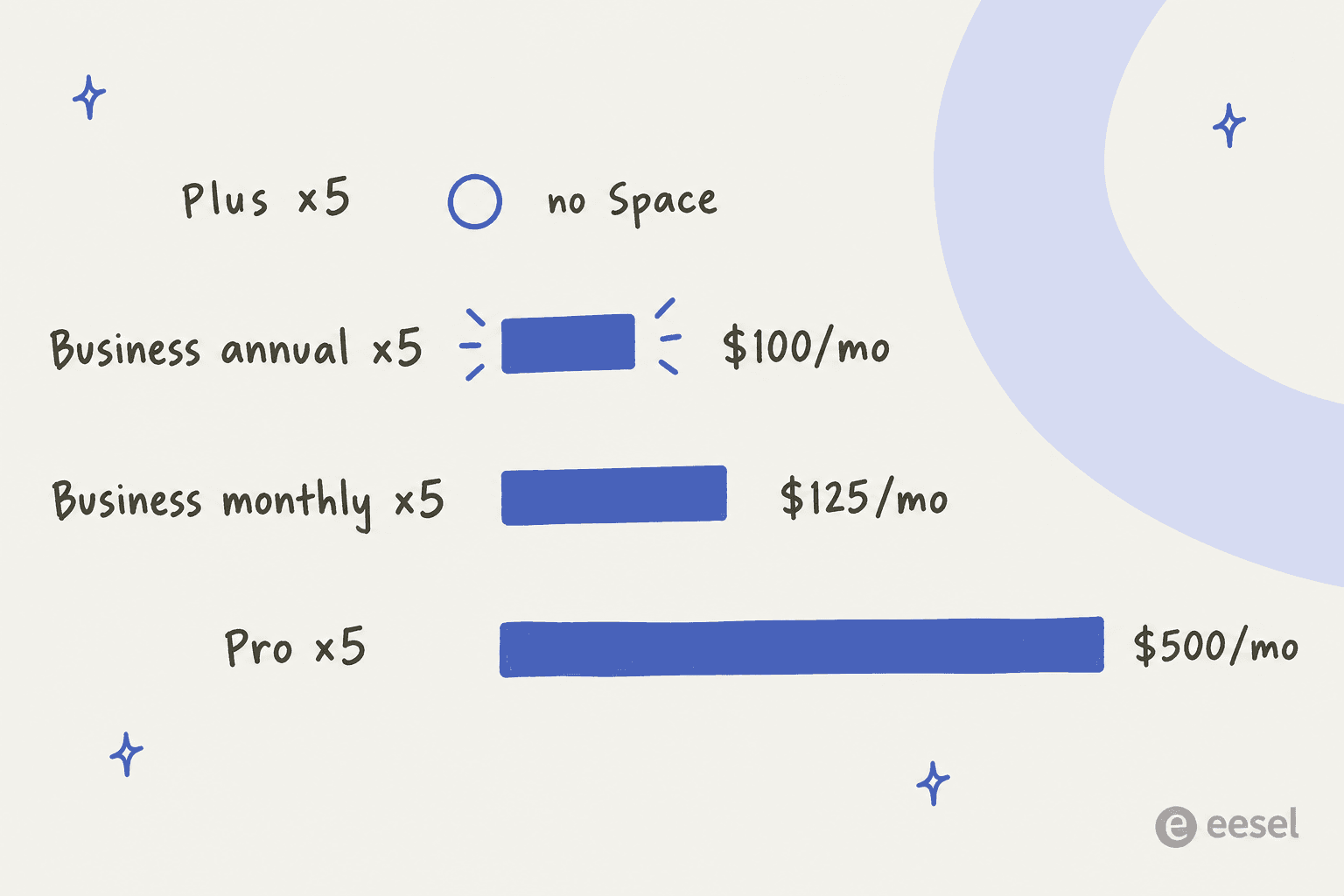
Plug in your own team to see the gap between the Business route and the option of putting everyone on Pro:
How ChatGPT Space compares with Notion and Google Docs
Almost every early reaction was reaching for the same comparison. Peter Yang asked it directly under Claire Vo's post:
"Spaces is basically @NotionHQ ? What’s the OpenAi version of Slack? :)"
And one reply to OpenAI's own launch post summed up the skeptic view in eleven words:
"every ai lab eventually ships google docs with worse fonts"
That's funny, and a little bit unfair. The honest difference is in where the AI sits, and it's the same question behind Microsoft Copilot and Slack AI. In Notion or Google Docs, AI is a feature inside a document tool. In Space, the document is a surface inside an AI tool, so your connected apps, your dot, and Codex are one @ away. The trade-off is maturity, since Notion has years of databases, templates and mobile editing that Space doesn't have yet.
| ChatGPT Space | Notion with Notion AI | Google Docs with Gemini | |
|---|---|---|---|
| AI inside the doc | @ChatGPT, @dot, Codex | Notion AI | Gemini |
| Where the AI lives | The doc sits inside ChatGPT | AI sits inside the doc tool | AI sits inside the doc tool |
| Slides and spreadsheets | Coming soon | Databases instead of sheets | Google Slides and Sheets |
| Mobile editing | Not at launch | Yes | Yes |
| Cheapest team entry | $40/month for 2 Business seats | See Notion pricing | Google Workspace plans |
If your team already lives in ChatGPT all day, Space is the lowest-friction place to keep shared docs, and it will likely get better quickly. If your docs live in Notion, Confluence, ClickUp, or Coda and work fine, I wouldn't migrate this month.
And if the real problem is finding things across all of them, then it's a search job for a tool like Glean, not a new doc tool. The Notion AI vs ChatGPT comparison and the Notion alternatives roundup are good next reads.
Where Space fits, and where it doesn't
Space is a place to write things down with AI, it's not a worker that picks up a job and finishes it. That line matters for two kinds of teams in particular.
Support teams. Space is a fine place to draft runbooks, macros, and policy pages for your AI customer support setup with ChatGPT's help. It doesn't read your helpdesk queue or tag tickets, and it doesn't reply to customers. And remember the car-model story from before: a page that says "we support all models" becomes an agent that tells customers so. The docs need to live somewhere an AI support agent can learn from them, like an AI knowledge base, and be tested against real past tickets before it talks to anyone.
Content teams. Pages are a nice surface for drafting, and Generate plus Visualize will speed up a first draft. They won't research a keyword, pull sources, generate images, and publish to your CMS. That's a different kind of job, closer to what the best AI for blog writing does end to end.
For everyone else, the fit is quite simple: teams that share plans, meeting notes, and project dashboards, and already pay for ChatGPT Business, should move that work into Space now.
The ChatGPT Work review covers the other half of OpenAI's workplace push, and the best AI teammates list compares tools that own a job instead of a document, including Claude Cowork and Grok Bot.
My verdict on ChatGPT Space
Use it now if your team is on ChatGPT Business, Enterprise, or Pro and you share plans, notes, or dashboards. It costs nothing extra and it replaces Library, plus the @ChatGPT comment workflow is the most promising inline AI editing design OpenAI has shipped. Read the sharing rules first and review every page before you share it.
Wait if you'd upgrade from Plus just for Space (check ChatGPT pricing first), you need collaborative slides or spreadsheets this month, your team edits from phones, or your workspace uses Canada or UAE data residency.
Look elsewhere if the job is answering customers or publishing content. Space holds the knowledge, but it doesn't do the work. A ready-made AI teammate is the faster path there, as I found in the OpenAI Dots review too, and the AI employee explainer helps tell the categories apart.
eesel, for teams whose docs need to do a job
If this review left you thinking "we already have the docs, we need AI that actually uses them," that's exactly the gap eesel fills. eesel is an AI teammate platform, where you hire a ready-made teammate for one job. Today that's an AI helpdesk teammate for support and an AI blog writer for content.
For a support team, the helpdesk teammate joins Zendesk, Freshdesk, Gorgias, or Front and learns from the pages you already keep in Google Drive, Notion, or Confluence, plus your past tickets and macros. Before it answers even a single customer, you run it against your historical tickets in a simulation and read every reply it would have sent. That's the step that catches a "we support all models" page before a customer does.
And the part Space hasn't shipped yet, which is recurring work, is already built in. You can give the teammate a scheduled job, hourly, daily, weekly, or on a custom schedule, like the example on the screen itself: a summary of every support ticket from the last 24 hours.
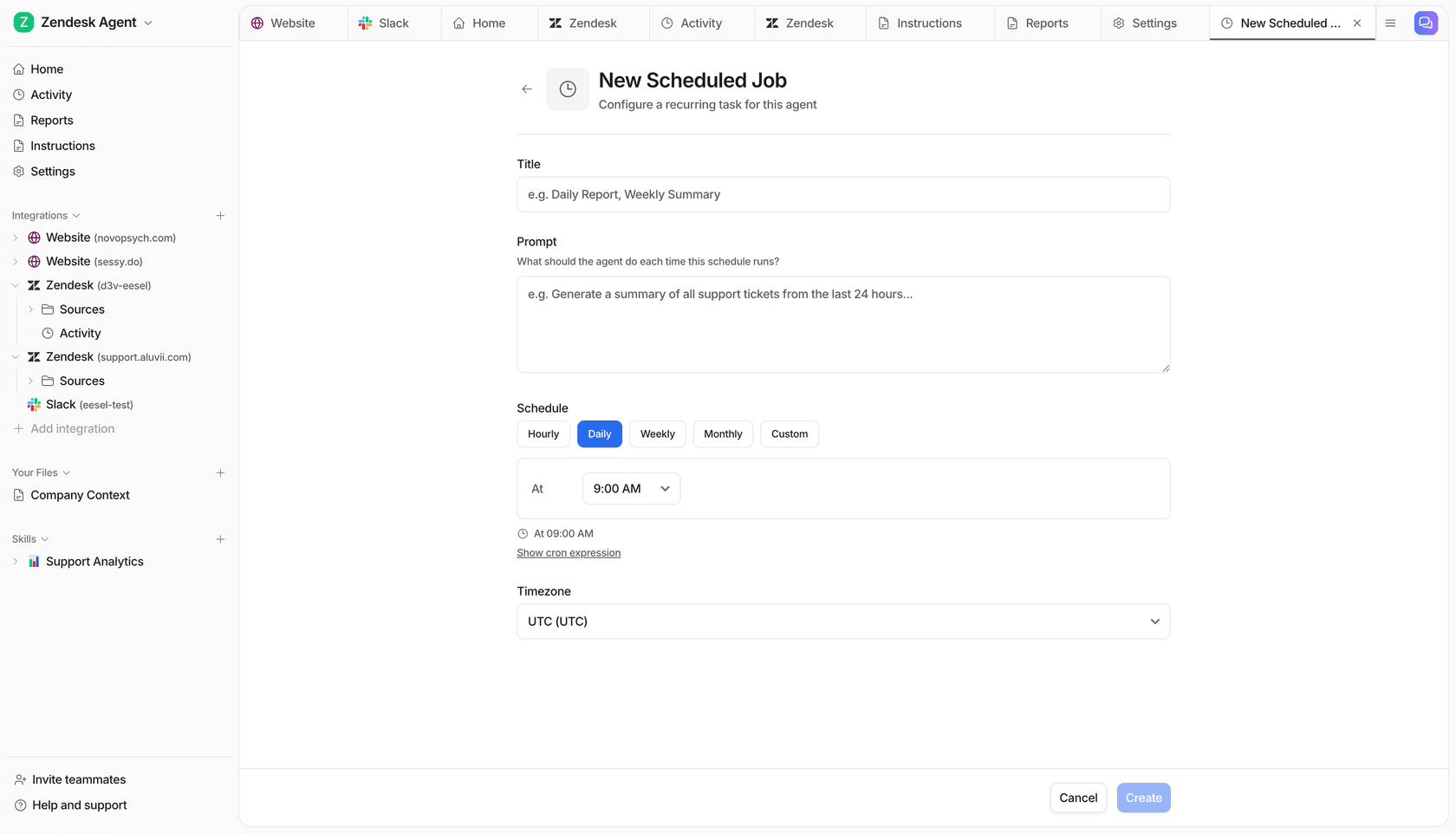
Pricing is public: a free plan with 100 credits, then teammate plans from $299/month for 500 credits, where one ticket or chat is one credit. See the pricing page, or try eesel and watch a helpdesk teammate answer your real past tickets the same afternoon.
Frequently Asked Questions
Is ChatGPT Space worth it?
What does this ChatGPT Space review rate it?
How much does ChatGPT Space cost?
Is ChatGPT Space a Notion replacement?
Do ChatGPT Space pages update themselves?
Can I use ChatGPT Space for customer support docs?


Article by
Kurnia Kharisma
Kurnia is a software engineer and writer at eesel AI with two years of SEO experience, writing about AI tools, helpdesk software, and customer support. He pairs a developer's understanding of how these products are built with search-driven research into what actually ranks and resonates with the people searching for them.