What "ChatGPT for Work" actually means
The name trips people up, so let me untangle it first. "ChatGPT for Work" is an umbrella for OpenAI's paid company plans, and there are two of them:
- ChatGPT Business (the plan formerly branded "Team") for growing companies, self-serve, starting at two seats.
- ChatGPT Enterprise for large organizations, sold through OpenAI's sales team.
Then there's a third thing wearing the same name: ChatGPT Work, a new agent that ships bundled with both paid plans. OpenAI pitches it as "a new agent in ChatGPT that helps teams turn ambitious goals into finished work." It writes documents, builds slide decks, generates spreadsheets, and runs tasks in the background. So "ChatGPT Work" is both a family of plans and a feature inside those plans. Keep that split in your head and the rest of this makes sense.
Underneath, both plans run OpenAI's current models (the pricing table lists GPT-5.5 Instant plus the GPT-5.6 reasoning family) and the full feature set: Codex for coding, deep research, Projects, custom GPTs, and connectors into your company tools.
The ChatGPT Work agent, up close
This is the part OpenAI is most excited about, and it is genuinely useful. Instead of chatting back and forth, you hand the agent a goal and it goes off and produces the artifact. Ask it to pull market data into a spreadsheet and run the analysis, and it works the sheet directly rather than dumping text at you.
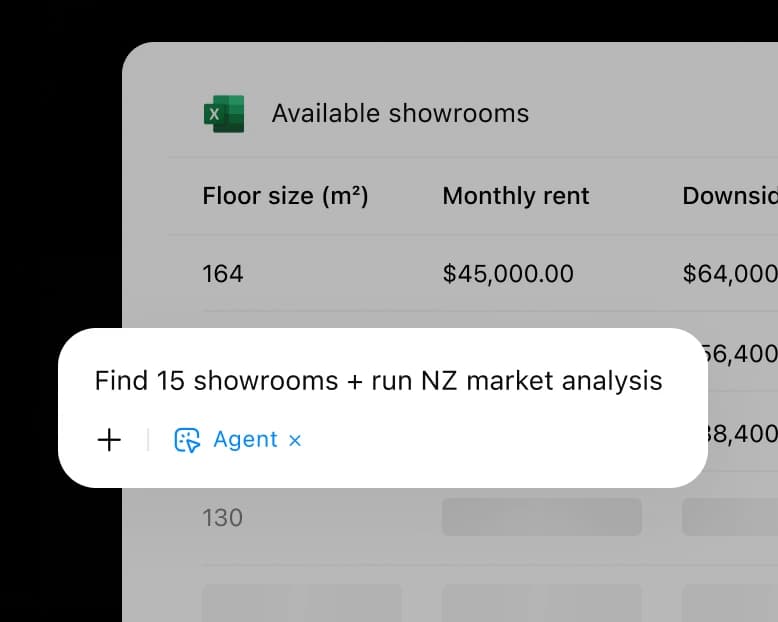
The agent leans on an "Approve for me" control (visible in the prompt bar) so it can take multi-step actions with a human checkpoint, and it can run on a schedule. For a marketer building a campaign brief or an ops lead turning meeting notes into a plan, this is a real time-saver, and it is the closest OpenAI has come to a true AI agent for day-to-day office work.
The catch is scope. The ChatGPT Work agent is a brilliant generalist. It is not wired into any one workflow deeply, which is exactly the trade-off you'd expect from a tool meant to do a bit of everything.
Connecting to your company data
The other half of "for Work" is context. Out of the box, ChatGPT knows nothing about your business. The paid plans fix that with connectors that pull knowledge in from the tools you already use, Microsoft SharePoint, GitHub, Google Drive, Box, Outlook, Teams, and more.
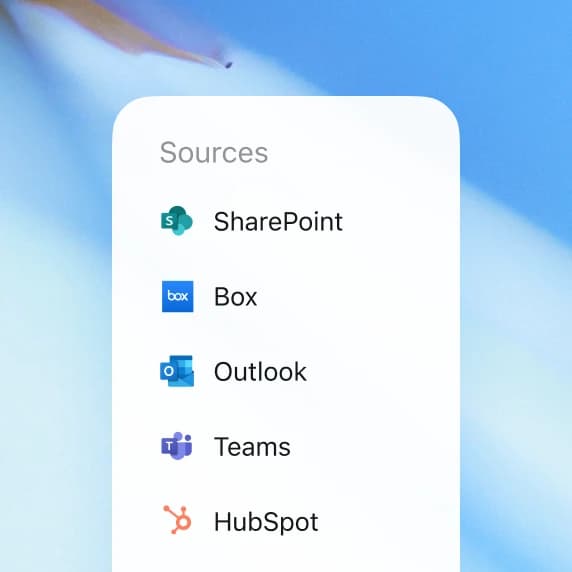
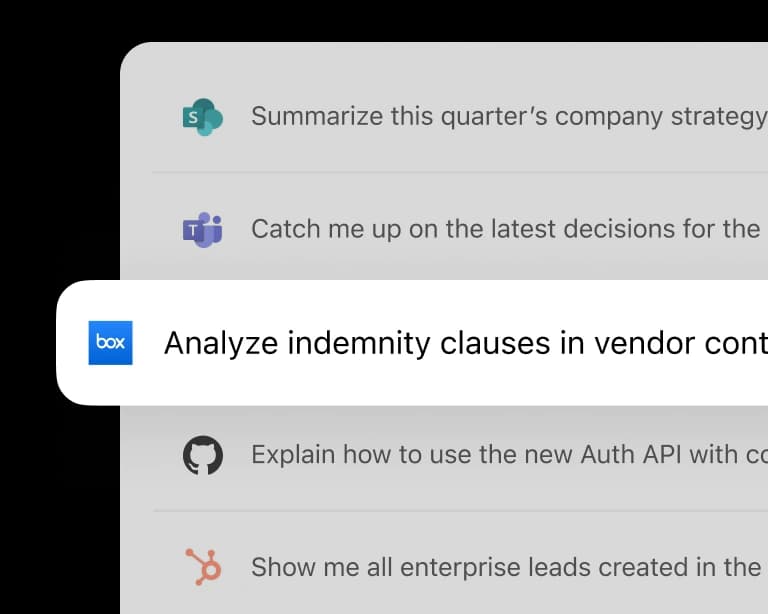
Once connected, you can ask it to "summarize this quarter's company strategy" from SharePoint or "analyze indemnity clauses in vendor contracts" from Box, and it reasons over your actual documents. This is the feature that turns ChatGPT from a clever writing tool into something that knows your company, and it's the strongest argument for paying per seat.
ChatGPT for Work pricing
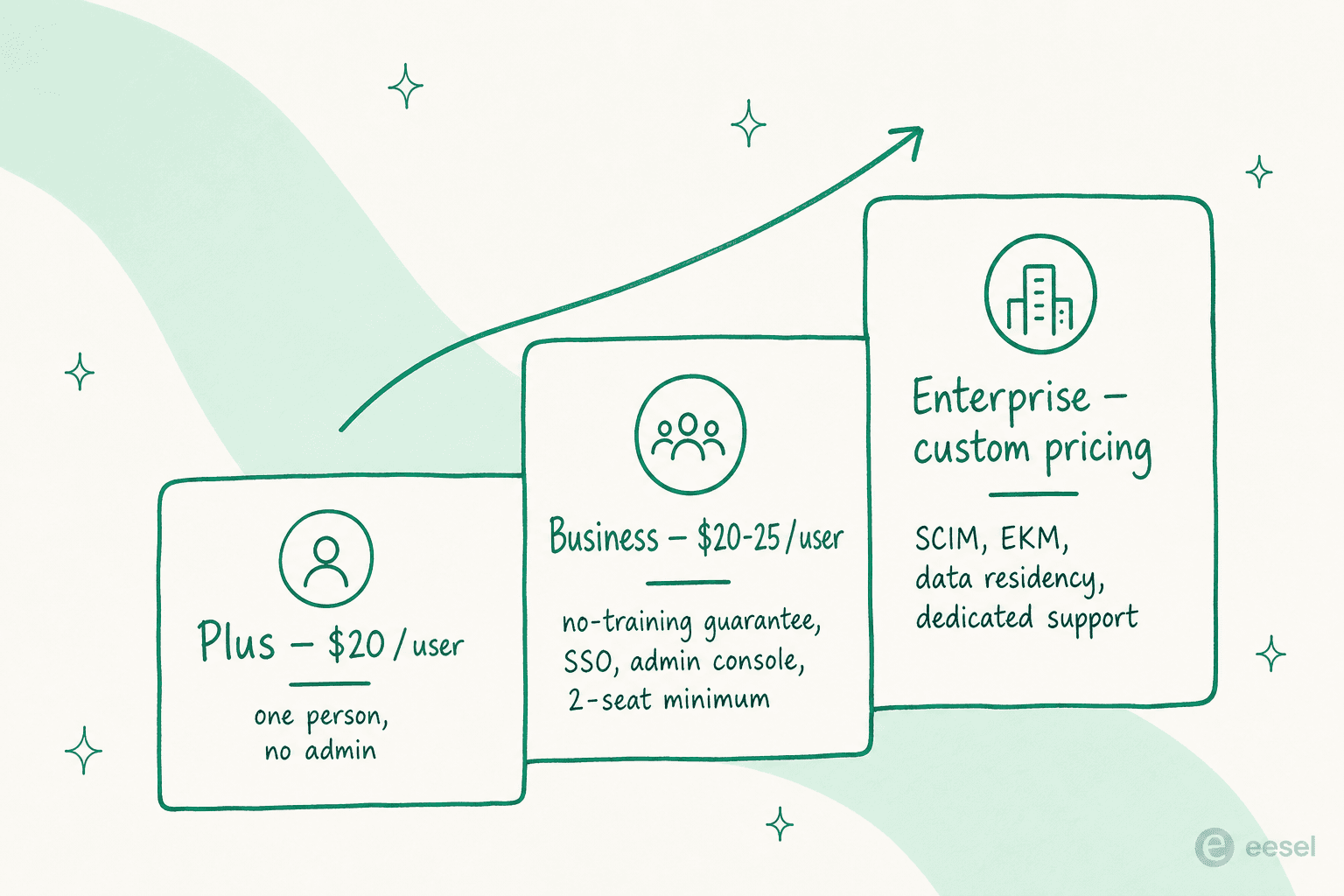
Here's the number you came for. ChatGPT Business is $20 per user per month billed annually, or $25 billed monthly, with a two-seat minimum. ChatGPT Enterprise is custom, quote-only pricing on an annual contract with volume discounts. There is also a 75% nonprofit discount on either plan.
| Plan | Price | Seat minimum | Billing | Best for |
|---|---|---|---|---|
| Plus (for contrast) | $20 / user / mo | 1 | Monthly | One person, no admin needs |
| Business | $20 / user / mo annual, $25 monthly | 2 users | Monthly or annual | Growing teams |
| Enterprise | Custom (contact sales) | Volume-based | Annual only | Large-scale rollouts |
The cost climbs as you move up, but so does what you're actually buying, which is mostly governance rather than smarter output:
A worked example. A 25-person marketing team on Business, billed annually, is 25 × $20 × 12 = $6,000 a year. Pay monthly instead and it's $25 a seat, or $7,500. One thing to watch, flagged repeatedly by admins: on the Business plan, any member can invite new users, and each invite auto-adds a paid seat with no approval gate. A growing workspace can quietly balloon the bill, so keep an eye on seat count.
What you're really paying for over Plus
This is the question every buyer eventually asks, and the Reddit threads are full of it: if Plus is $20 and Business is $20-25, what does the premium buy? The uncomfortable answer is that it's not better models or exclusive features. It's four things: a data-privacy guarantee, admin controls, higher usage limits, and a shared workspace.
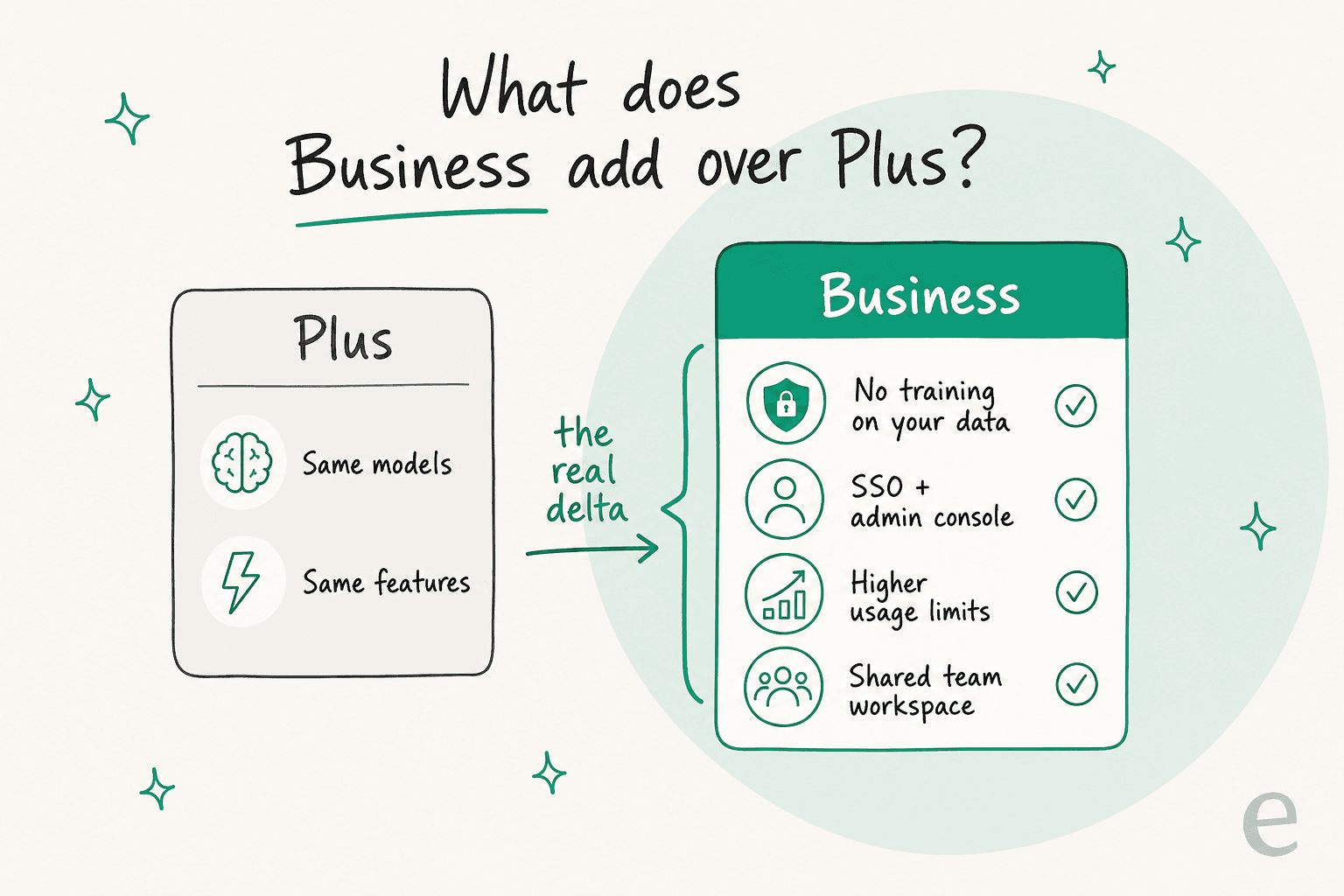
The privacy piece is the one that actually drives purchases. On the paid work plans, OpenAI doesn't train on your business data by default. That's the difference between "employees are pasting our roadmap into a personal chatbot" and "our data stays governed," which is why security teams push for it:
"Paid ChatGPT company accounts make higher privacy and no-model-training guarantees. Teams license and Enterprise licenses do not train [on your] data."

The admin story is the other real win, and it's what finally made Business viable for smaller shops. The old Enterprise tier had a 150-seat minimum; Business drops that and adds SSO at a public price:
"PSA: ChatGPT now has a $25/user/mo Business Plan with SSO, without the 150-seat minimum requirement with Enterprise."
Security and admin: Business vs Enterprise
If both plans share every productivity feature, why does Enterprise exist? Almost entirely for security, compliance, and governance. Business covers the basics (SAML SSO, admin console, SOC 2 Type 2, domain verification, no-training-by-default). Enterprise is where the heavy controls live.
| Control | Business | Enterprise |
|---|---|---|
| SAML SSO, admin console, SOC 2 | Yes | Yes |
| No training on your data | Yes | Yes |
| SCIM provisioning | No | Yes |
| Enterprise Key Management (EKM) | No | Yes |
| Role-based access controls | No | Yes |
| ISO 27001 / 27017 / 27018 / 27701 | No | Yes |
| IP allowlisting | No | Yes |
| Data residency (10 regions) | No | Yes |
| Analytics dashboard | No | Yes |
| Dedicated onboarding + SLAs | No | Yes |
| GPT Instant context window | 54K | 128K |
Enterprise also bumps the GPT Instant context window from 54K to 128K tokens (roughly 40 pages of input versus 250) and promises "fastest" response priority plus white-glove support. If you need SCIM, data residency, or a signed security review, that's the tier. If you don't, Business gives you the same day-to-day experience for a public price.
What real users say
The vendor page is all Fortune 500 logos and 5 million business users. The reviews are more textured. The single most common complaint, and G2's top negative tag with 107 mentions, is inaccuracy, the "I still have to check its work" tax:
"ChatGPT has issues. It makes small logic mistakes. Acts too confident with technical stuff. I give it long prompts with rules about what not to do. It ignores those rules sometimes. That means I have to check its work all the time. Slows me down."

That's worth sitting with, because it's the exact failure mode that matters when the output is customer-facing. A confident-but-wrong draft is a minor annoyance for an internal memo and a real problem for a support reply.
Where it clearly helps is the blank-page, first-draft work, and the positive reviews are consistent on that:
"In my work as a project manager, I mainly use it to improve reports, write professional emails, organize technical documentation, and brainstorm solutions when I'm evaluating different options. It's not a replacement for my own judgment, but it definitely helps me work more efficiently."
And against the obvious rival, Microsoft 365 Copilot, sentiment tilts toward ChatGPT on raw quality even from people inside the Microsoft ecosystem:
"Copilot, generally, is a poor comparison to ChatGPT. ChatGPT Enterprise will be 10x better."
The counterweight is that some Enterprise buyers find the rollout doesn't match the sales pitch in week one. Powerful model, still a tool you have to operationalize.
Where ChatGPT for Work isn't the right tool
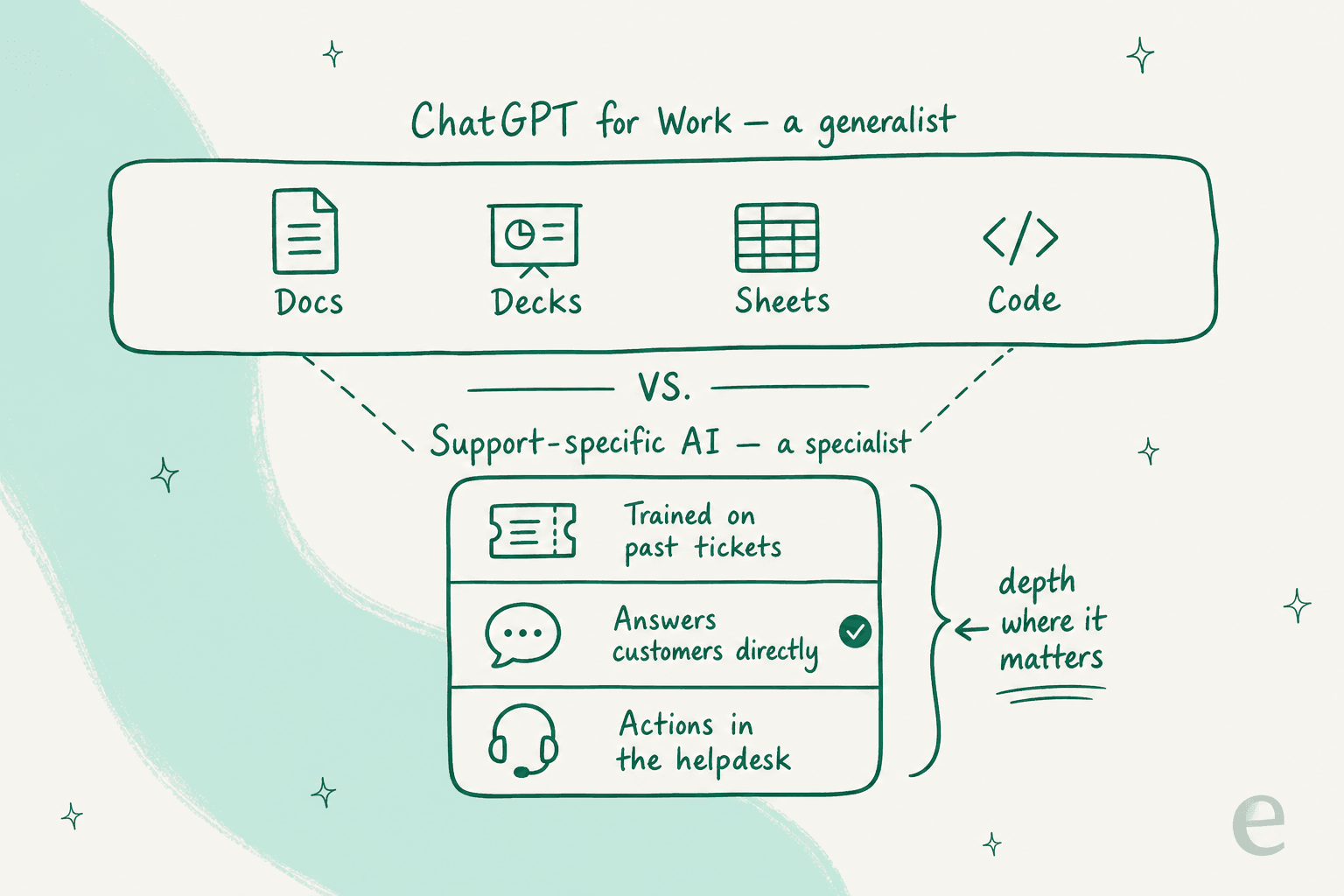
Here's the take I'll defend. ChatGPT for Work is an excellent generalist, and that is precisely why it's a poor fit for a job like customer support. Support isn't "write me something." It's answering a specific customer with the right answer, knowing when to escalate, and doing it inside your helpdesk. A generalist that's good at everything is, by definition, not tuned for that.
I've spent years putting AI agents on live support queues, and the pattern is always the same: the tools that work are trained on the company's own history and know when to stay quiet. One CX lead I heard from put the whole thesis in a sentence:
"The AI will never be able to answer 100% of the questions. I need an AI who is only handling the tickets that it's confident to handle and all the other ones, leave them alone."
a DTC supplements CX lead
ChatGPT for Work has no concept of your past tickets, no built-in confidence threshold for when to hand off, and no way to actually resolve a ticket inside Zendesk or Gorgias. You could bolt some of that on with the API and a lot of engineering, but at that point you're building a support product, not buying one.
Try eesel for customer support
If the reason you're eyeing ChatGPT for Work is customer support, this is where I'd point you instead. eesel is an AI support agent that plugs into your existing helpdesk, Zendesk, Freshdesk, Gorgias, Help Scout, in a few minutes and trains on your past tickets and help center so it answers like your team does.

The differences that matter for support are the ones ChatGPT for Work doesn't have: you can simulate the AI on your historical tickets before it ever replies to a real customer, so you see the resolution rate up front instead of hoping; you decide exactly which tickets it handles and which it leaves for a human; and it's priced per resolution, not per seat, so scaling your team doesn't scale your AI bill. It's free to try, and you can watch it work against your own tickets before committing.
Frequently Asked Questions
How much does ChatGPT for Work cost?
Is ChatGPT Business worth it over ChatGPT Plus?
What is the ChatGPT Work agent?
Does ChatGPT for Work keep company data private?
Can ChatGPT for Work handle customer support tickets?


Article by
Kurnia Kharisma
Kurnia is a software engineer and writer at eesel AI with two years of SEO experience, writing about AI tools, helpdesk software, and customer support. He pairs a developer's understanding of how these products are built with search-driven research into what actually ranks and resonates with the people searching for them.