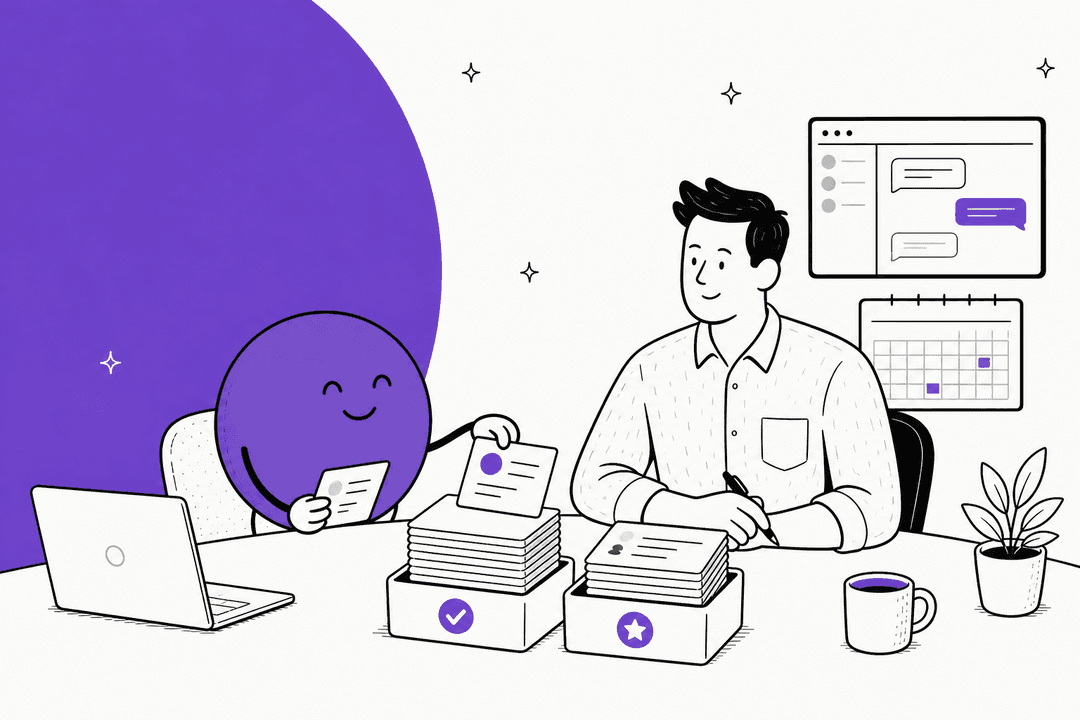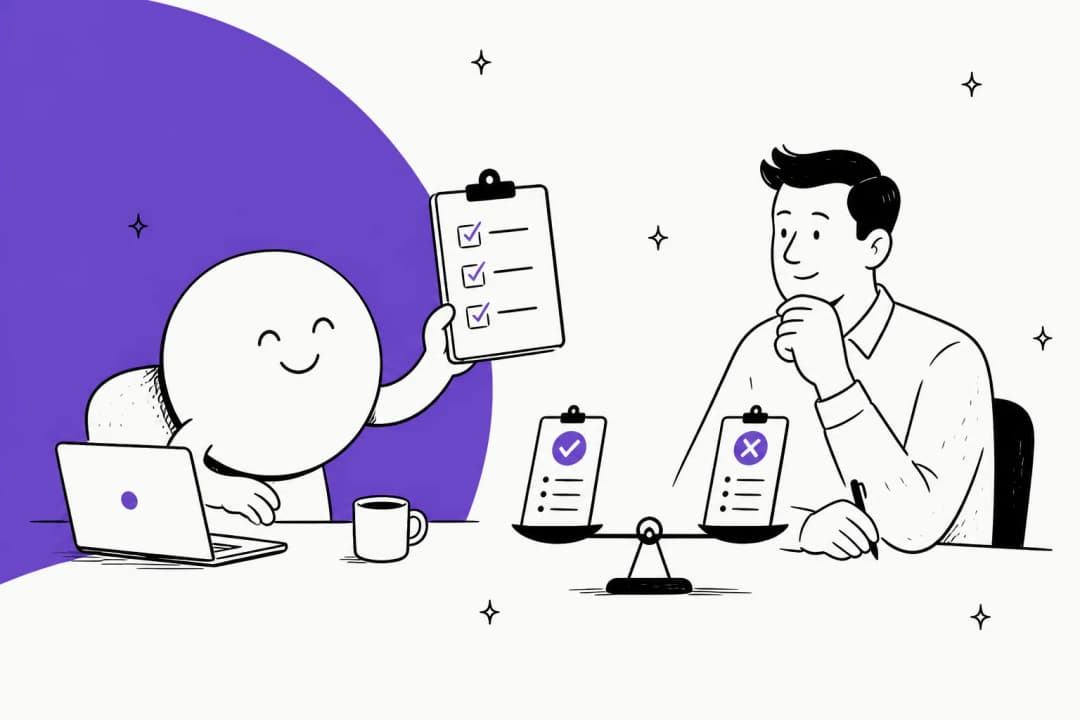
What does a dot do for a recruiter?
OpenAI launched dots on September 29, 2026. The launch post describes agents that work toward your goals around the clock on their own cloud computer, with access to 4,000+ apps through plugins. None of OpenAI's launch examples is a recruiter, but the shape fits a recruiter's week almost too well: lots of small, repeatable coordination with a hard human judgment in the middle.
Here is the work I would hand a dot first:
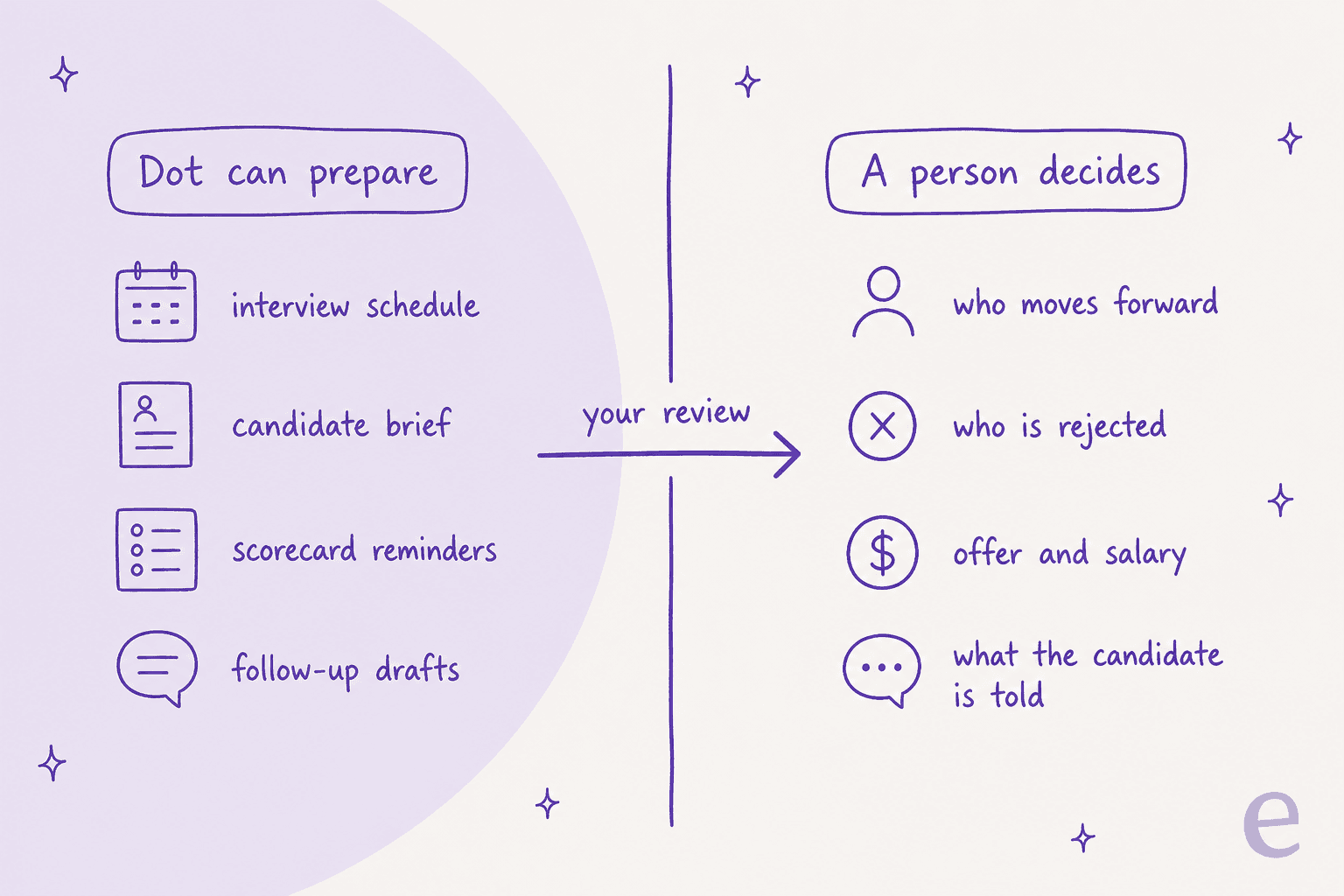
- Interview scheduling. Find slots across a hiring panel's calendars, draft the invite, and chase the interviewer who has not confirmed.
- Candidate briefs. Before each interview, pull the resume, the application, and past notes into a one-page brief for the interviewer.
- Scorecard nudges. Remind interviewers who still owe feedback, the morning after the interview.
- Follow-up drafts. Write the "thanks for your time, next steps are..." email in your voice, and wait for your yes.
- Pipeline recaps. A Friday summary of how many candidates sit in each stage, and which have stalled.
A Hacker News commenter in the dots launch thread described exactly the kind of async back-and-forth that eats a coordinator's day:
"Simple example is booking a dentist appointment. Email, wait for response, find time on the calendar etc. I don't need to be in the loop for each step and I don't want to have to keep checking myself."

Swap "dentist" for "panel of four interviewers" and that is recruiting coordination. What makes a dot different from a normal ChatGPT agent session is persistence. Per OpenAI's getting started guide, a dot "can take on ongoing responsibility and keep making progress between conversations." It can also do background research with read-only tools while you are not talking to it, so the brief is ready before the interview.
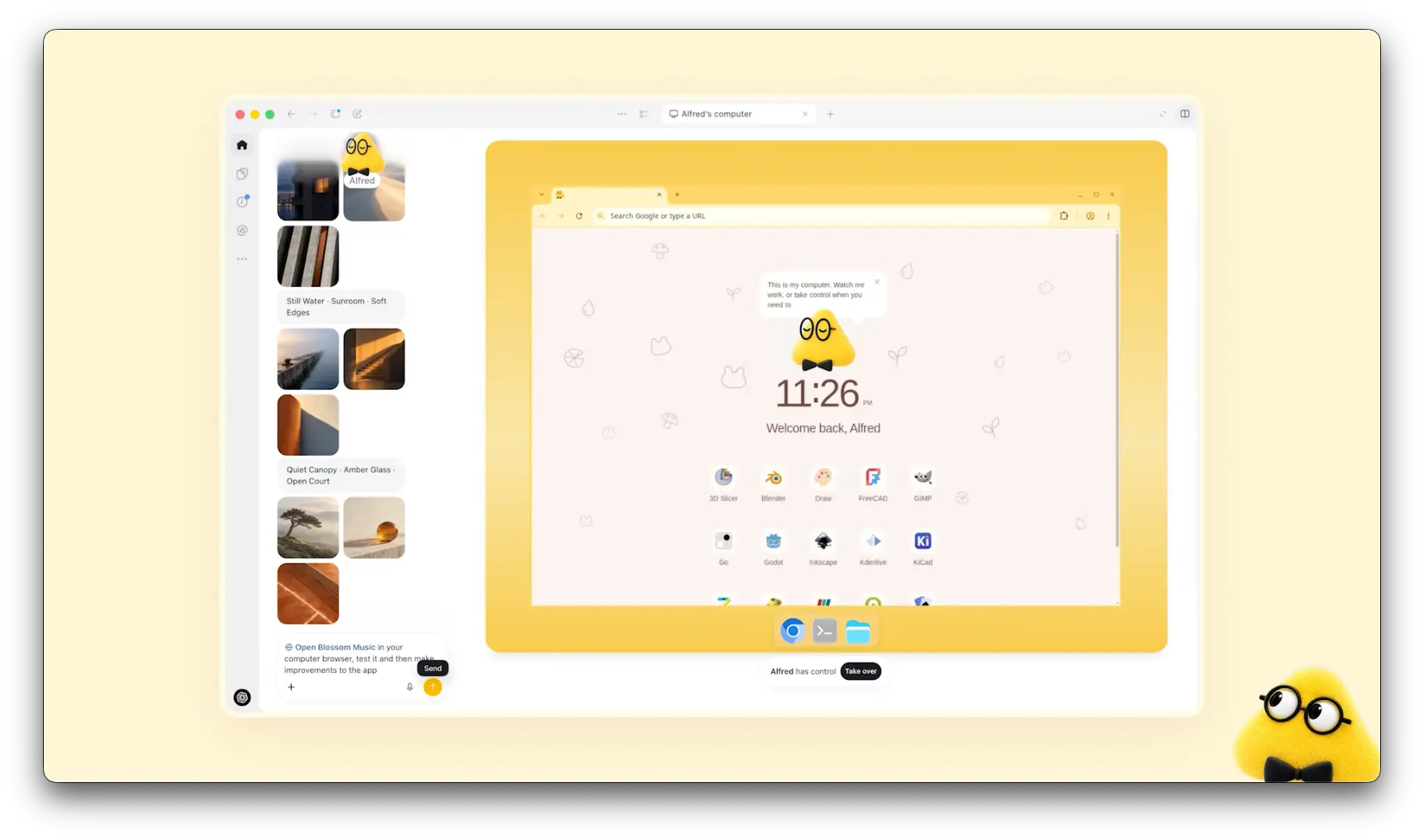
If you want the product tour first, start with the OpenAI Dots explainer. For a verdict, there is my OpenAI Dots review. This post stays on hiring; the sales version is dots for sales.
Where is the line between helping and deciding?
Most "AI for recruiting" coverage starts with screening, because volume is the pain. One hiring manager on Hacker News put the volume problem plainly:
"I'm hiring at a small company and it's a nightmare. 1,000+ applicants for a software engineering position and we have essentially no help from recruiting. I'm filtering based on keywords, giving each resume a max of 90 seconds, and anything that even slightly seems off gets rejected."
It is tempting to point a dot at that pile and say "reject the bad ones." Do not. OpenAI's usage policies list "automation of high-stakes decisions in sensitive areas without human review" as prohibited, with employment named alongside housing, credit, and insurance. The same policy also rules out "inference regarding an individual's emotions in the workplace," so a dot reading a candidate's video for enthusiasm is off the table too.
The useful version is narrower and still saves real time. Let the dot read 200 applications and write a short summary of each against the job's must-haves, with the evidence quoted from the resume. Then you read the summaries and decide. The dot shortens your reading, not your judgment. And the candidate side cares about this more than recruiters sometimes think:
"If I ever got an AI interviewer at a company I was interested in working for long term, it would be dead on arrival. Interviewing is a two way street."
Which recruiting tasks should you hand over?
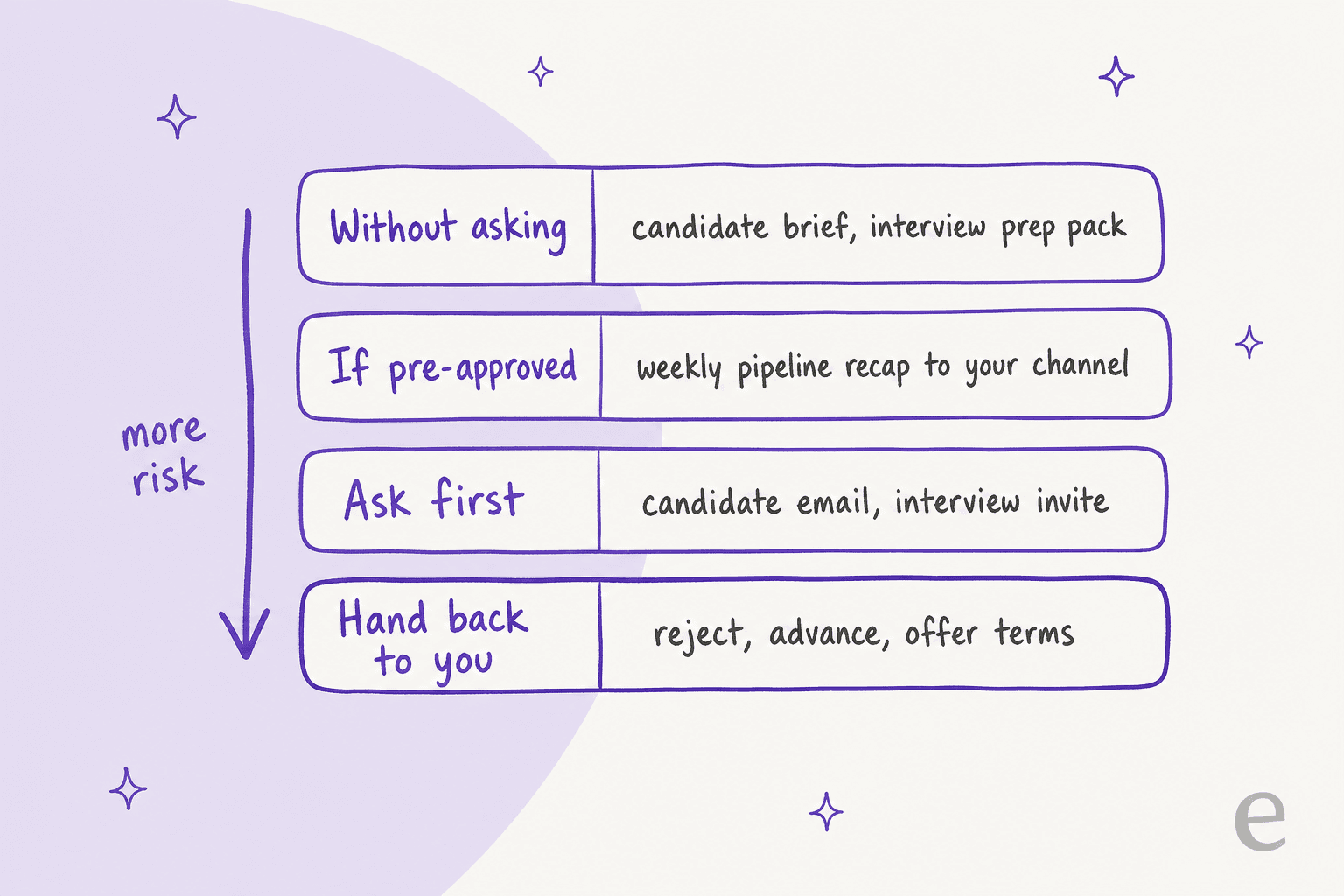
OpenAI's Custom Rules give each action one of four behaviors: take action without asking, take action if pre-approved, ask before taking action, or hand off to you. Sorting your recruiting tasks into those four is the fastest way to set up a dot without regret. This is my sort, not an OpenAI list.
| Recruiting task | Custom Rule I would pick | Why |
|---|---|---|
| Candidate brief, interview prep pack | Without asking | Read-only, goes to you or the panel |
| Friday pipeline recap to your own channel | If pre-approved | Same recipient, same format, every week |
| Email to a candidate, interview invite | Ask first | It speaks as you, to a person deciding about you |
| Move a candidate's stage in the ATS | Ask first | Reports and candidate emails often trigger off stages |
| Reject, advance, or set offer terms | Hand back to you | A hiring decision, and OpenAI's policy wants a human on it |
| Anything that moves money | Hand back to you | OpenAI always hands this back |
The privacy FAQ adds a detail that matters a lot for recruiters: approving one message "does not give your dot ongoing permission to contact people on your behalf." Each new candidate needs its own yes. That makes a dot a poor cold-sourcing engine, and honestly, candidates will thank you:
"This is especially the case with cold outreach from recruiters: I get a lot of poor AI-generated outreach from recruiters, which are time-consuming on my part to engage with."
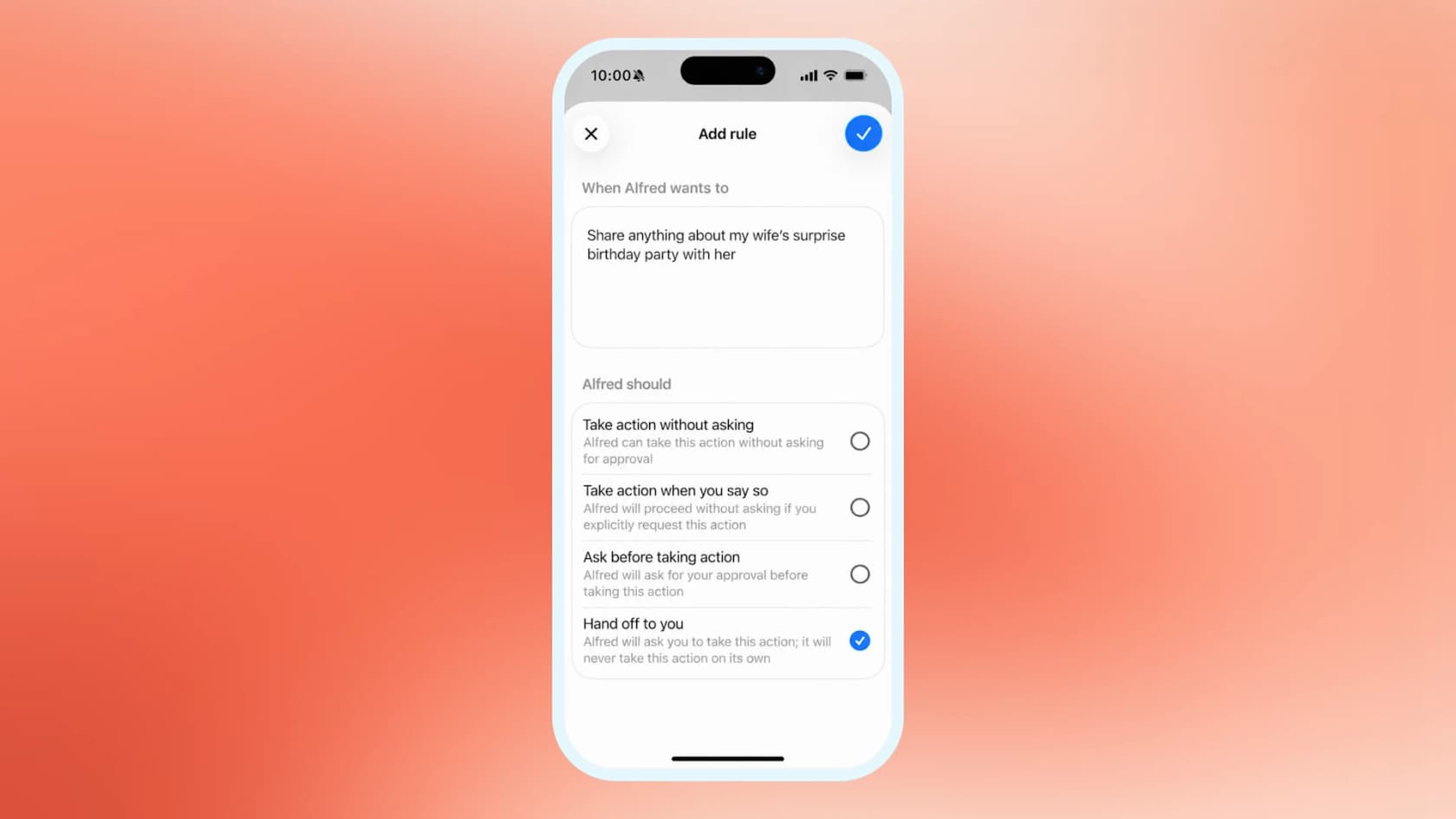
Write rules narrow and tied to a named task. "Send the Friday pipeline recap to #recruiting" has a clear who, what, and when. "Handle candidate emails without asking" is the rule you will regret first.
Can a dot work with your ATS?
Dots reach apps through plugins, and per OpenAI the Plugins tab is shared across dots, ChatGPT, ChatGPT Work, and Codex. So whatever recruiting tool you can connect to ChatGPT is what your dot can see. Your workspace admin still decides which plugins you get. Here is where the main recruiting tools stand, from their own pages, as of October 2026:
| Tool | ChatGPT route | What it can do | Who has to approve | Source |
|---|---|---|---|---|
| Ashby | Plugin in OpenAI's directory (MCP server in beta) | Reads candidates, jobs, interviews, offers, transcripts; writes: create candidate, add note (you confirm), change stage, add to a job | Org Admin turns on MCP Server; not for Analytics-only orgs | Ashby docs |
| Greenhouse | MCP server in open beta, added as a custom app | Read-only by default (candidates, applications, jobs, scorecards); writes only if a Site Admin enables them | Site Admin; Core, Plus, or Pro tier | Greenhouse support |
| Gem | GeMCP | Questions over your Gem data; limited writes such as adding notes | Admins can turn it off | Gem help center |
| Plugin in OpenAI's directory | Looks up a person's title, company, location, follower count; no Recruiter access | None stated | OpenAI | |
| Lever, Workday, SmartRecruiters | No official ChatGPT connector found | n/a | n/a | Checked vendor docs and OpenAI's directory |
Here are the details I would act on, and why.
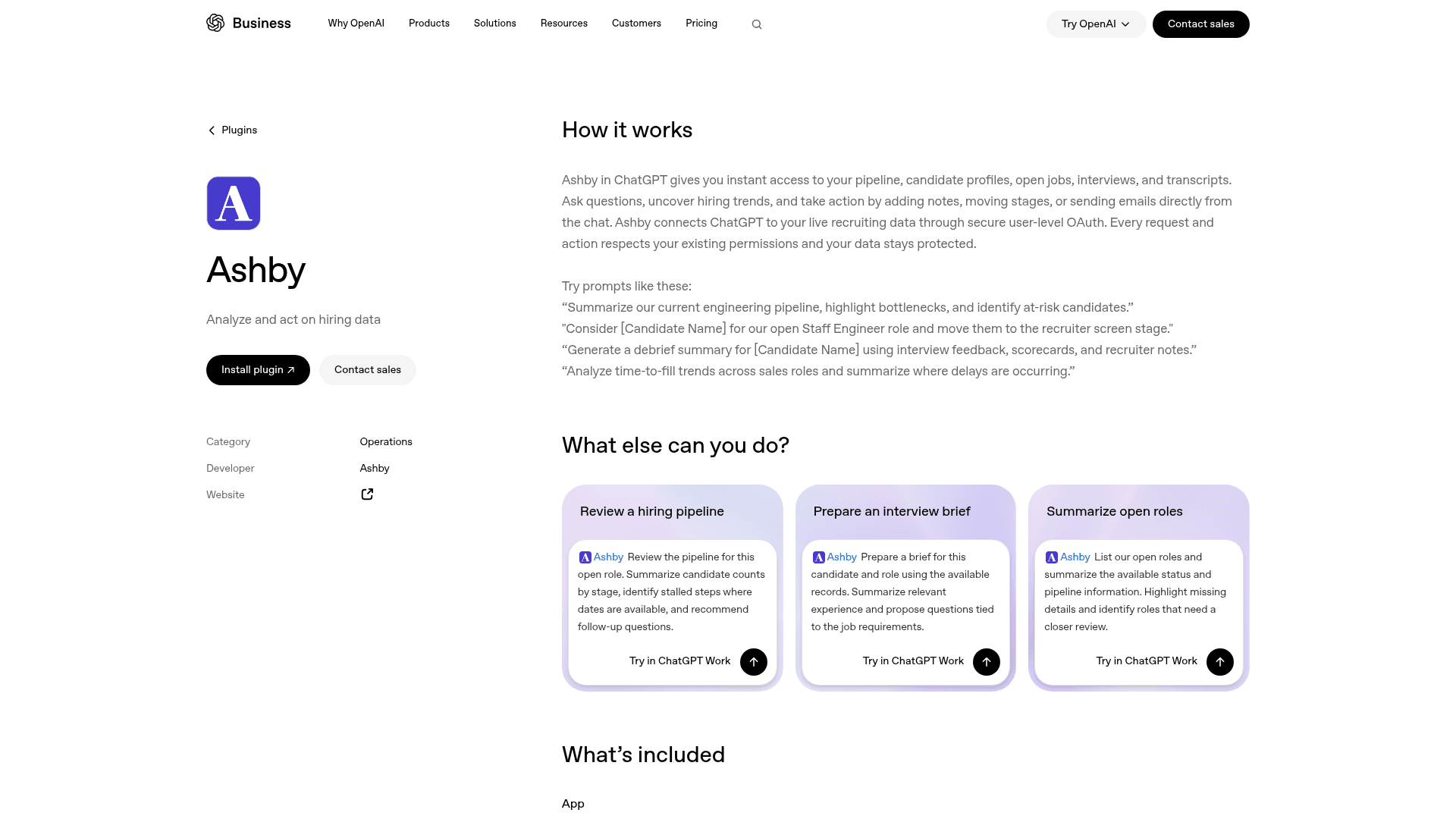
Ashby is the most hands-on today. OpenAI's Ashby plugin page shows prompts like moving a named candidate "to the recruiter screen stage" and generating a debrief summary from scorecards. Ashby's own docs say the connection "authenticates as you and inherits your existing Ashby permissions," and that you only see scorecard feedback you personally submitted, not other interviewers'. So a dot cannot write a debrief from the whole panel's scorecards unless you are the one who can see them. One mismatch to note: OpenAI's page mentions sending emails, while Ashby's published tool list has no email tool. I would treat email-through-Ashby as unconfirmed.
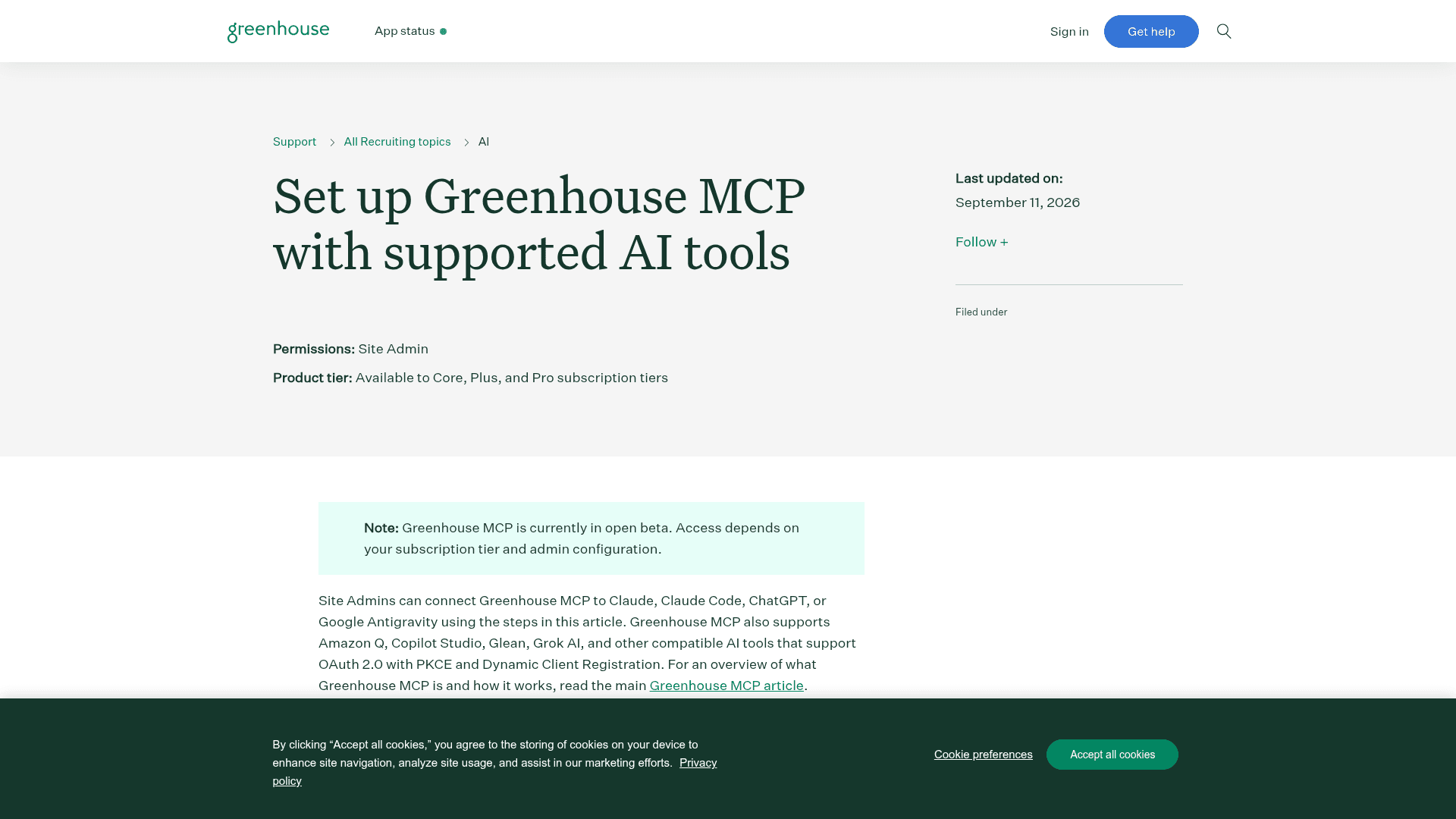
Greenhouse starts read-only, and that is a feature. Per Greenhouse's setup guide, without admin configuration "AI tools can't create, edit, or delete data." Scopes set in Dev Center act as an upper limit users cannot exceed. In ChatGPT it is added as a custom app, which needs Developer Mode, which OpenAI limits to Business, Enterprise, and Edu workspaces with an admin switching it on. So a personal Pro dot will not reach Greenhouse this way. Greenhouse's MCP overview also gives a tip worth stealing for any ATS: clean interview stages and complete scorecards make the AI's summaries better.
LinkedIn's plugin is a lookup, not a sourcing tool. It shows public profile basics. LinkedIn's own Hiring Assistant does the sourcing, screening, and outreach drafting inside Recruiter, sold as an add-on with no public price. If sourcing is your bottleneck, that is the tool built for it, and a dot is not.
Workday shops will wait. Workday announced MCP-based agent-ready tools in early access, with no ChatGPT connector named. My take on whether AI replaces Workday still holds: the system of record stays, and agents sit on top.
How should a recruiter set up a dot?
Setup takes about 20 minutes, and the order matters:
- Create the dot on desktop. Mobile cannot create one.
- Connect calendar and email first, read-only habits on. Scheduling is the biggest win, and an AI scheduling assistant comparison shows what the dedicated tools do differently.
- Add the ATS last, with writes gated. On Ashby, keep stage changes on "Ask first."
- Give it its own Slack or Teams identity if your hiring managers live there. OpenAI lets a dot have a separate Slack account, and Teams works too. Compare it with Slack AI. On the Microsoft side, see Microsoft Teams AI.
- Write Custom Rules using the table above, and start strict.
Email is the one to think about. A dot cannot have its own standalone email address at launch, so when it writes to a candidate, it writes as you. Read every candidate email it drafts for the first two weeks.
Per the launch post, conversations with your dot do not count toward your ChatGPT usage limits, while tasks it starts in ChatGPT Work or Codex do. Morning briefs and Slack questions are close to free on top of the plan; a big task like summarizing 200 applications draws on the shared allowance. The ChatGPT Work pricing guide explains that pool.
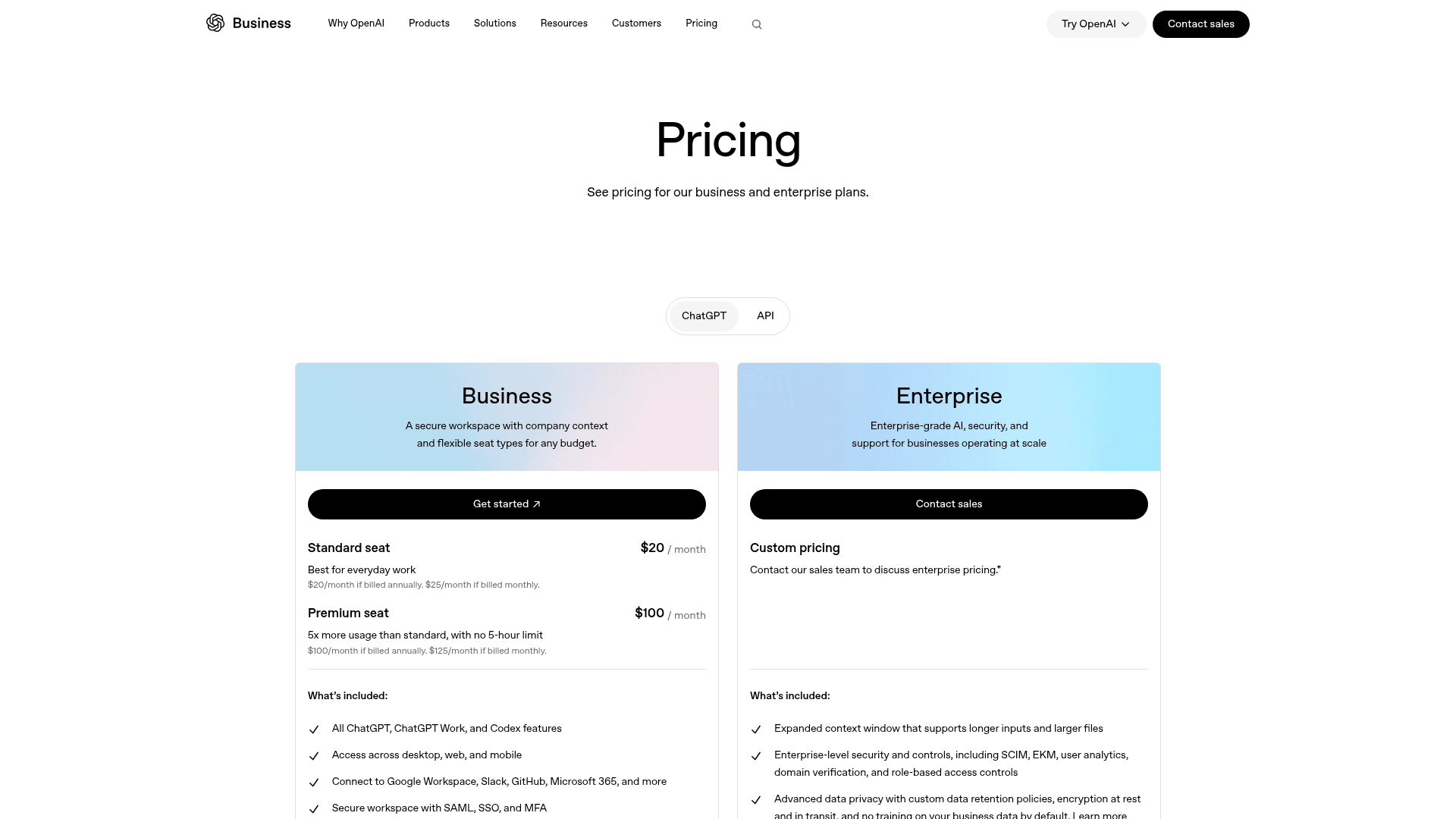
Plan choice matters more in recruiting than in most jobs, because candidate data is personal data. Your first dot comes with Pro (from $100/month, not in the EEA, Switzerland, or the UK) and the Business Premium seat ($100/user/month annual, $125 monthly). On personal plans, the "Improve the model for everyone" setting decides whether dot work can be used for training, and per the privacy FAQ you cannot view or delete individual dot memories, only the whole dot. That is a hard sell to a candidate who asks you to delete their data. Business workspaces are not used for training by default, so for a recruiting team I would only run dots on a company workspace like ChatGPT Business. Enterprise works too.
Where do dots fall short for recruiting?
Care is the design, and in recruiting, care costs speed. Three limits stand out.
Confirmation loops on scheduling. The most detailed hands-on report I found is a Hacker News user booking a trip, and it reads like a recruiter booking a panel:
"I said yes please book it, it went back to the website, checked all the details we'd just agreed and asked me to confirm the details, fine I confirm it, please book, it tells me it will book it, it goes on it's little cloud computer and completes the booking form then comes back and asks me if it should book it...so annoying."
Permissions wider than you meant. ATS tokens carry candidate data, so scope them tight:
"I minted what I thought was a minimal-permission Github token for a single action, and the agent I gave it to discovered it had more permissions than I thought, and made use of those permissions."
No sourcing or sequences. A dot emails as you, one approval at a time, and cannot search LinkedIn Recruiter. For outreach at volume you need a sequencing tool. For writing help, my AI apps for Gmail roundup covers lighter options.
Other personal agents compete for the same desk, such as Meta Muse. The best AI assistants roundup compares more, including Microsoft's Copilot Autopilot.
Who answers the new hire after the offer is signed?
This is the part I work on. At eesel I build the integrations that put AI agents into helpdesks, Slack, and Teams, and the internal side of that work has a pattern: the questions that flood in after someone joins are the same ones every time. Laptop access. Payroll dates. Leave policy. Who to ask about expenses. One HR-compliance software company put it this way when it rolled eesel out across teams:
"We needed a turnkey solution for Confluence that met our GDPR requirements and could serve different teams through dedicated Slack bots. eesel AI delivered exactly that, with EU data residency included."
Flemming Ottosen, Development Director, Simployer
A recruiter's dot cannot take those questions. It acts as one recruiter, from their accounts, and stops being useful the day the recruiter goes on holiday. The new hire's questions belong to the company, not to one person's agent.
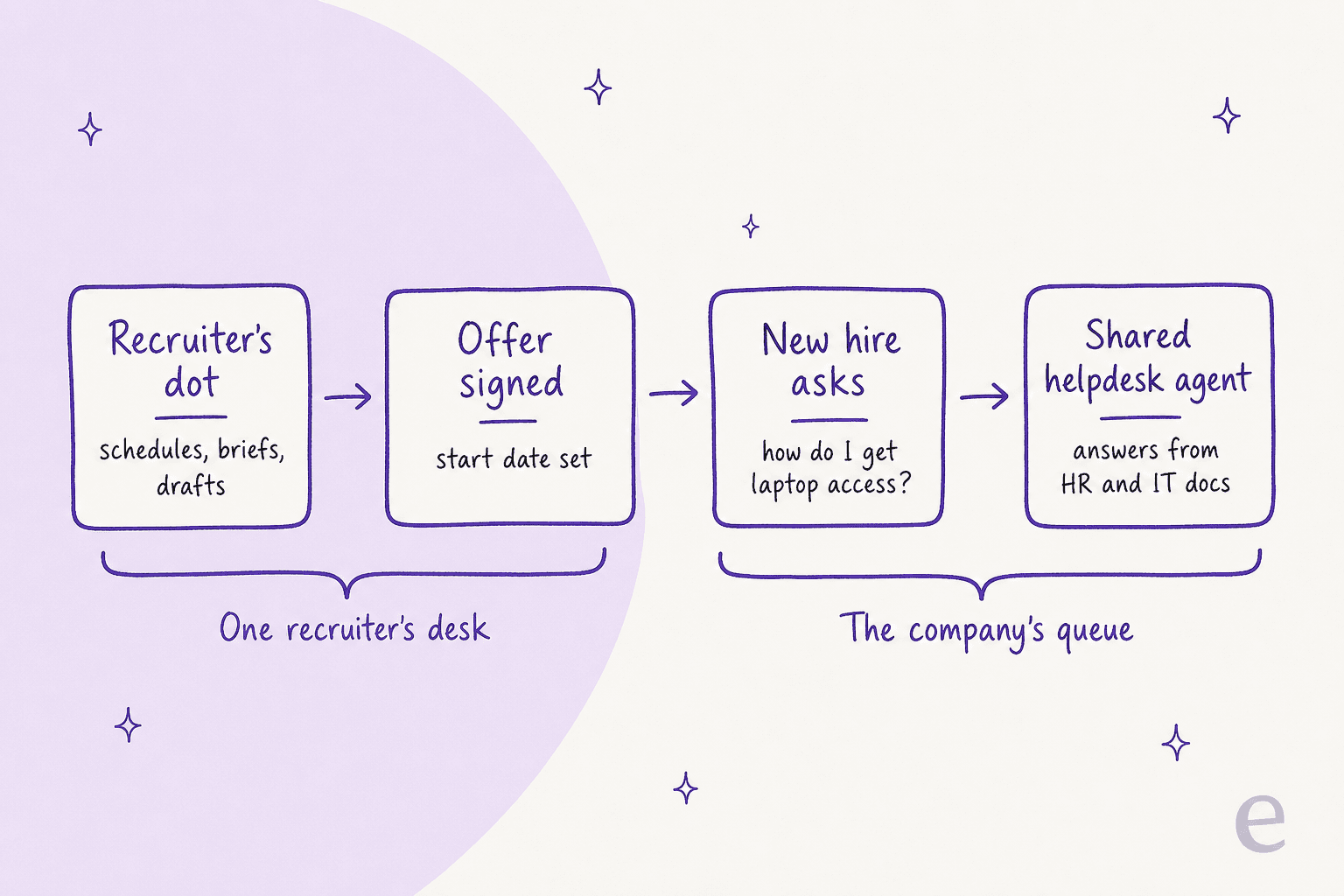
OpenAI seems to see the same gap: the launch post describes specialist dots with their own identity and company-system access for roles like customer support, in enterprise pilots only.
This is what eesel's AI teammates are for. They are ready-to-work hires for defined jobs: the AI helpdesk teammate for support and internal questions, and the AI blog writer for content.
For HR and IT, the helpdesk teammate learns from your internal knowledge base, Confluence pages, and past tickets. Then it answers employees in Slack, Teams, or your HR helpdesk, and hands anything sensitive to a person. A payments company using it over Confluence reported up to 80% time savings on finding answers and onboarding new staff.
More on the setup in AI for onboarding questions. For tool picks, see the best AI for HR support, and for the human side, my notes on AI agent handoff.

If your people-ops team already works with agents in the terminal, eesel has a CLI that operates the same teammate and workspace from scripts, and coding agents like Codex or Claude Code can drive it. An HR ops engineer could use it to add a new policy doc to the teammate's knowledge the day it changes, without opening a dashboard.
To be fair to the dot: if your job is your own calendar, inbox, and pipeline, you do not need eesel for that. A dot is a good fit. The line is ownership. If the work still needs doing when you are out, it belongs to a teammate, not your personal agent.
Try eesel for the questions after the offer
Let your dot book the panel and prep the briefs, and give your new hires an agent built for the company's queue. eesel's AI helpdesk teammate answers employee questions in Slack or Teams from your HR and IT docs, and runs a simulation on your real past questions so you see its answers before anyone relies on them. It is free to try, and pricing is published.
Frequently Asked Questions
Can OpenAI Dots be used for recruiting?
Can a dot screen candidates or reject applicants for me?
Which ATS works with OpenAI Dots?
How much does a dot cost for a recruiting team?
Can a dot send candidate outreach at scale?
Is it safe to put candidate data in a personal Pro dot?
Who answers new hires' questions after the offer is signed?


Article by
Rama Adi
Rama is a software engineer at eesel AI with two years of experience writing about B2B SaaS, AI tools, and customer support technology. Based in Bali, Indonesia, he brings a developer's perspective to product comparisons — cutting through marketing copy to what the integrations and APIs actually do.