The question behind the question
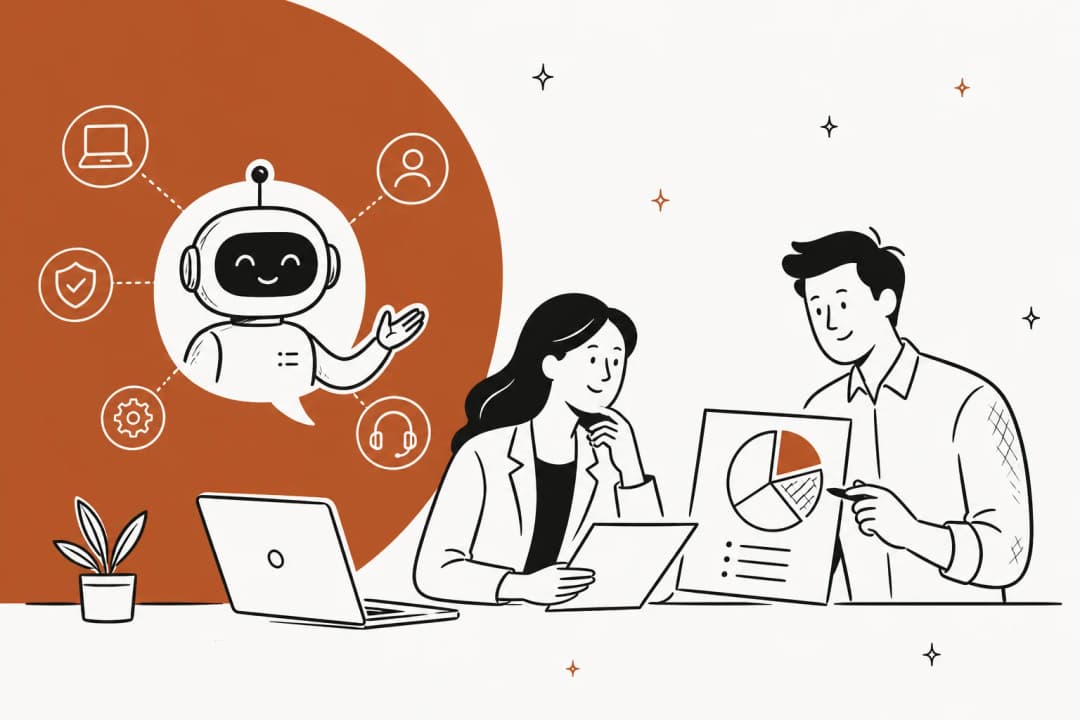
When someone asks "is AI replacing HR," they usually mean one of two very different things. Either "will I lose my HR job to a robot," or "can I finally stop drowning in the same twenty questions." Those deserve different answers.
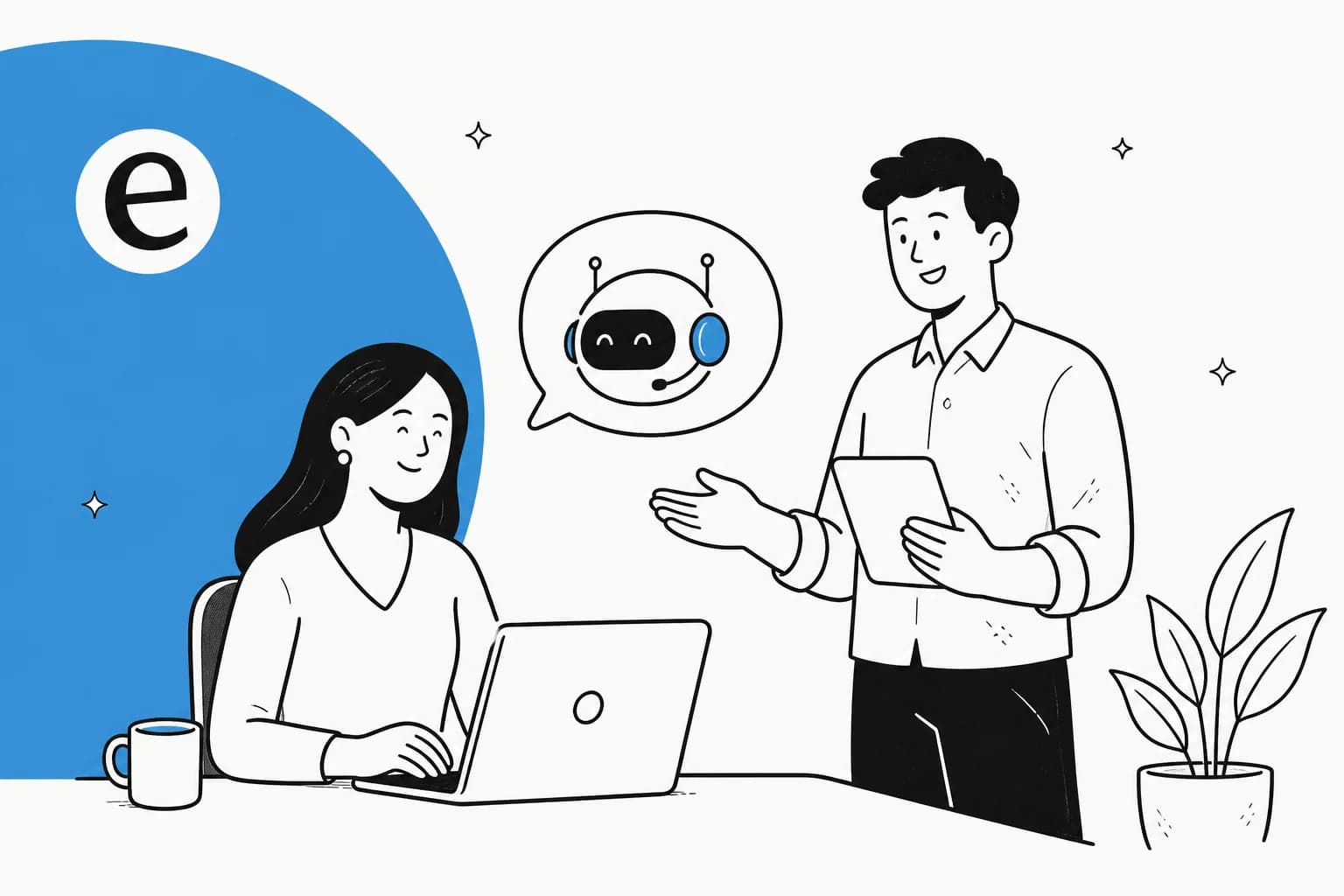
I work on the support side of eesel, which means I spend my days on the exact kind of queue HR teams are now staring down: a firehose of repetitive questions, most of which have a documented answer somewhere, all of which feel urgent to the person asking. I've spent the last few years, alongside the team at eesel, putting AI agents on live queues like this, and the pattern is consistent enough that I will say it plainly: the queue gets automated, the role gets more human, not less. The reframe worth holding onto is that "AI in HR" almost never means an AI that is HR. It means an AI that runs the HR help desk so the humans can do the part that needed a human all along.
What "AI in HR" actually means today
Strip away the headlines and the day-to-day reality is narrower and more useful than "the robots are here." In 2026, AI in an HR org shows up in three concrete places:
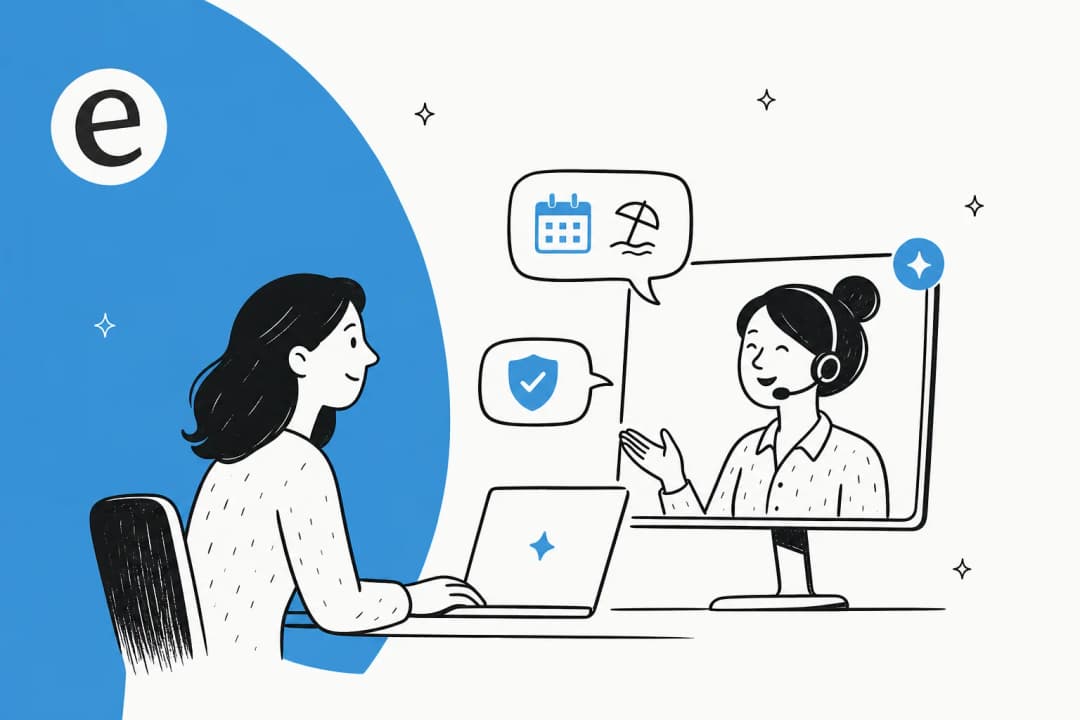
- The employee help desk. Someone messages "can I carry over unused vacation?" and gets an accurate, sourced answer in seconds instead of waiting for a person to triage a ticket. This is the big one, and it overlaps almost exactly with what IT help desks are automating on their side.
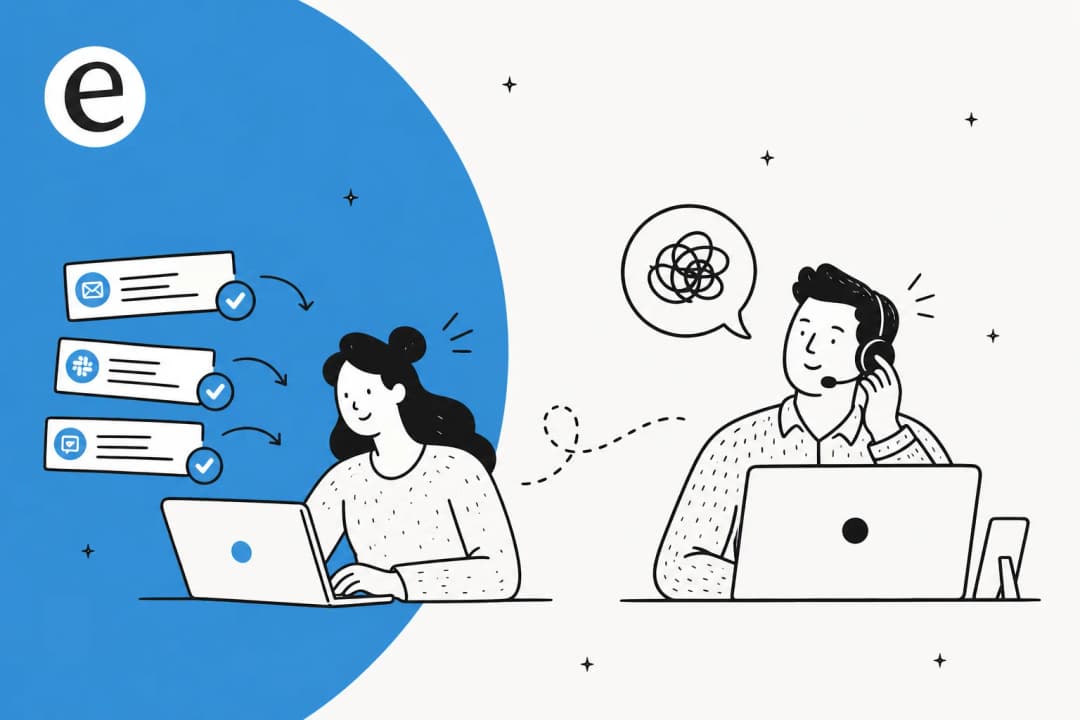
- Triage and drafting. Incoming requests get sorted, tagged, and routed automatically, and a draft reply is written for the HR person to approve or edit rather than compose from scratch.
- Knowledge upkeep. The AI notices which questions it cannot answer well and flags the gaps, so your policy docs actually get better over time instead of rotting.
None of that is "AI replacing HR." All of it is help desk automation pointed inward at your own employees instead of outward at customers. The mechanics are the same ones support teams have been refining for years, which is exactly why HR gets to skip the awkward early phase.
How an AI HR help desk actually works
The old HR chatbot was a decision tree. It asked "what is your question about?", gave you four buttons, and fell apart the instant your question did not fit a button. That is the version everyone remembers hating, and it earned the hate.
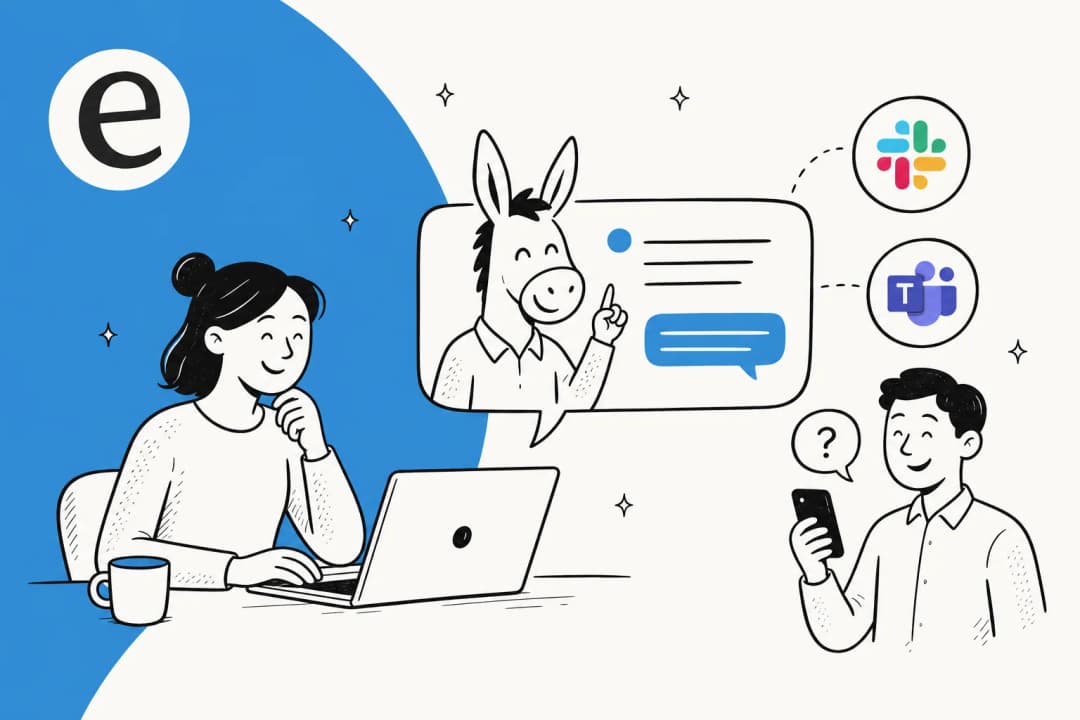
A modern AI help desk agent works nothing like that. It reads your real knowledge base, your policy docs in Confluence or Notion, and crucially your history of already-resolved tickets, then answers in natural language wherever the employee already is.
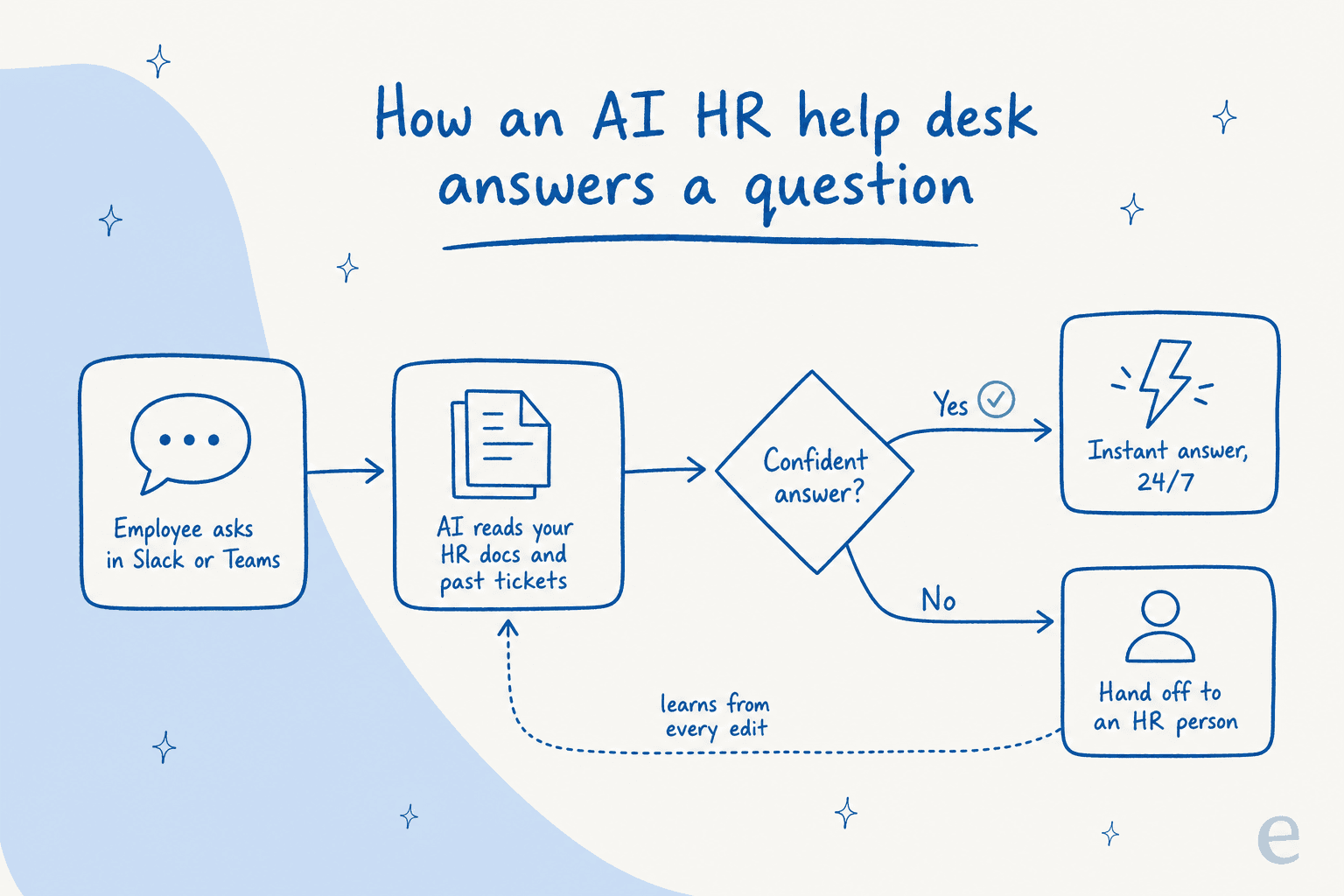
The load-bearing step is the diamond in the middle. When the agent is confident, it answers. When it is not, it does not guess, it hands off to an HR person with the context attached. That single design choice is what separates a tool you can trust with employee questions from one that confidently tells someone the wrong parental-leave policy. And because it lives inside Slack or Microsoft Teams, nobody has to learn a new portal, which is usually where internal tools go to die.
What AI should handle, and what HR should keep
This is the line that matters, and it is not blurry. The repetitive, policy-driven questions are safe to automate. The human, high-stakes, discretionary moments are not, and no rollout should pretend otherwise.
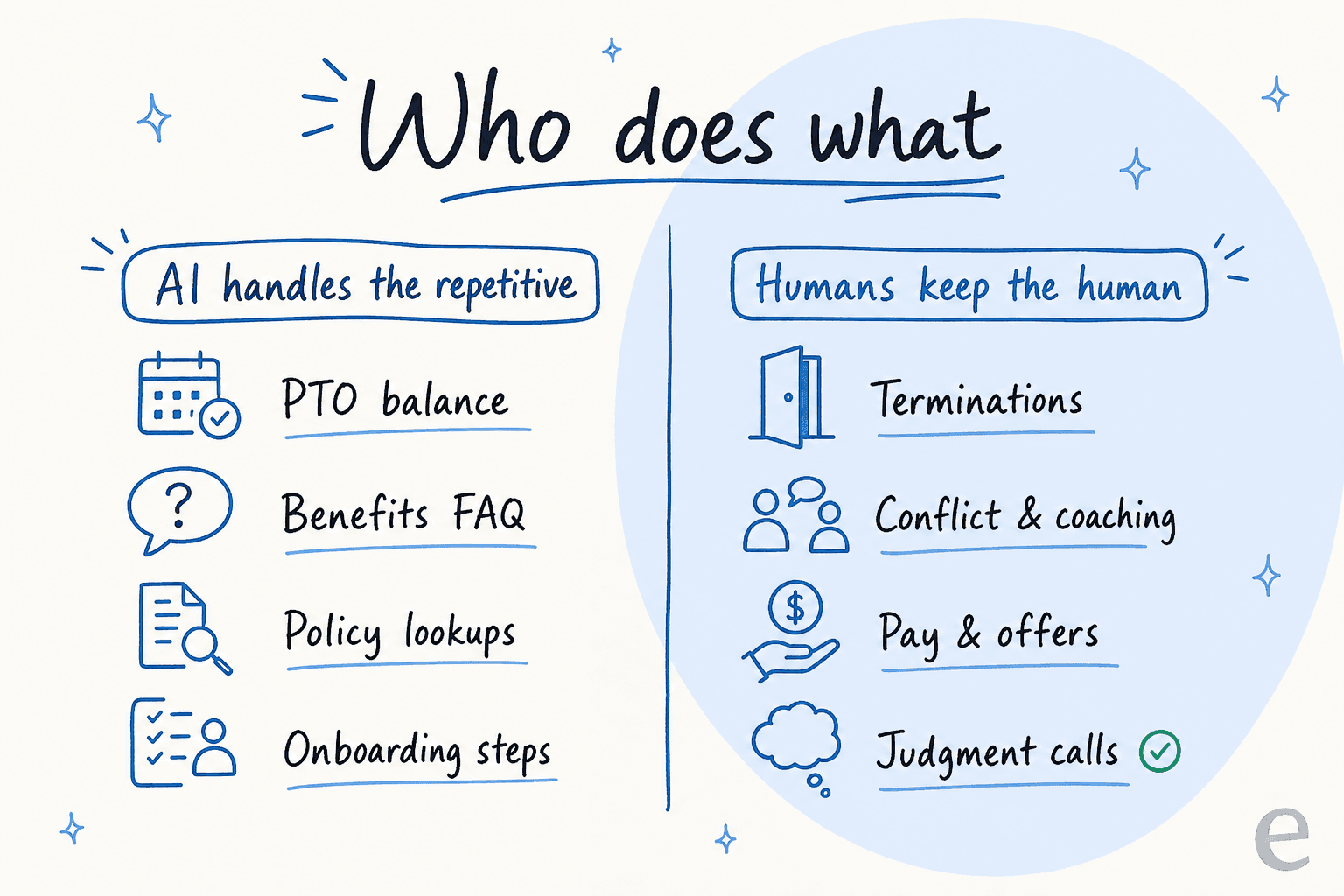
Here is how I would split it in practice:
| HR task | Good fit for AI? | Why |
|---|---|---|
| "How much PTO do I have?" | Yes | Deterministic, documented, high volume |
| Benefits and enrollment FAQs | Yes | Policy-driven, same answer every time |
| Onboarding checklists and "where do I find X" | Yes | New hires ask these constantly, 24/7 |
| Expense and reimbursement process | Yes | Procedural, low risk to get from docs |
| Performance conversations | No | Needs context, empathy, discretion |
| Terminations and disputes | No | Legal and human stakes, never automate |
| Compensation negotiation | No | Judgment call, relationship-driven |
| Mental health and personal crises | No | Requires a human, full stop |
The mistake I see teams make is treating this as all-or-nothing. It is not. You automate the left column, you protect the right column, and the confidence-based routing enforces the boundary automatically by refusing to answer what it is unsure about.
Try the math on your own queue
Before anyone signs off on "AI for HR," the fair question is how much of your actual queue is even automatable, and what that is worth. Plug in your own numbers:
The number that tends to surprise people is not the cost, it is the hours. When you are answering the same twenty questions all day, it does not feel like much per question. Summed across a month, it is often a full week of somebody's time that could go to actual people problems.
What actually changes for the HR team
So if the queue gets automated, what happens to the people? In every rollout I have watched, the answer is the same: the volume drops, the boring half evaporates, and the team's time shifts to the work that needed a human.
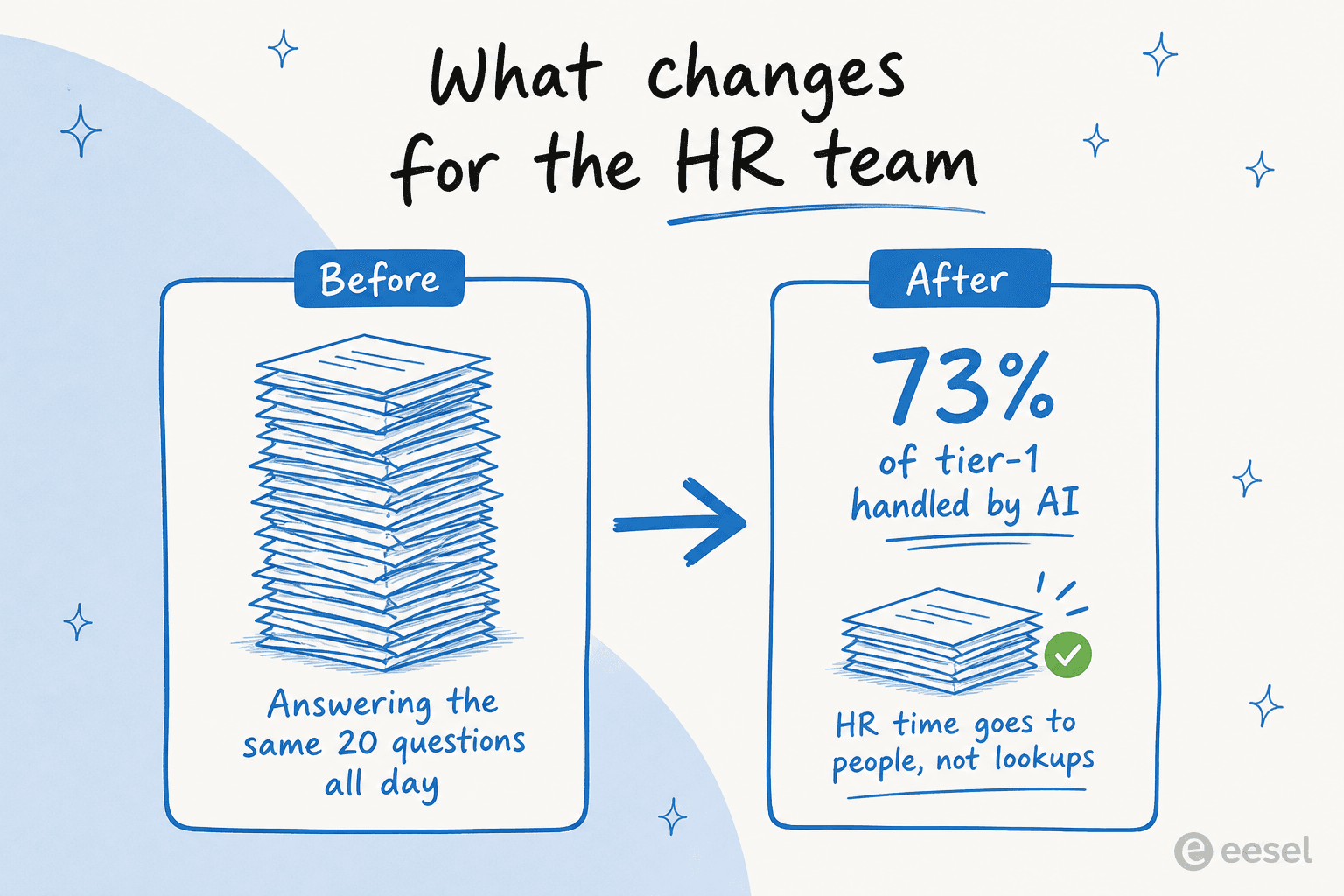
The numbers back this up. On eesel's own support deployments, a gig-economy analytics company on Zendesk saw eesel resolve 73% of tier-1 requests in the first month, with results showing up inside a 7-day trial:
In the first month, eesel is resolving 73% of our tier 1 requests, and we saw results quickly during our 7-day trial.
Kim Simpson, Gridwise, on the eesel AI help desk agent
On the internal side, which is the closer analogy for HR, an internal IT help desk running on Jira Service Management hit 15% ticket deflection on its way to a 55% target, using AI as the first responder. That is the exact shape of an HR rollout: start conservative on the safe questions, prove the accuracy, then widen the aperture. There is nothing HR-specific that breaks this playbook, which is why the same service desk automation approach ports straight over.
There is a softer change too. Onboarding gets less lonely when a new hire can ask "dumb" questions to a bot at midnight without feeling like they are bothering anyone. One eesel customer even had a new hire call the bot their best friend during their first weeks. That is not a threat to HR, that is HR's reach extended to hours and volumes a human team could never cover.
The part that goes wrong (and how to avoid it)
The failure mode is not "AI is too dumb." It is "AI is too confident." I've watched a confident-sounding bot quietly give a wrong answer, which in an HR context is not a mild annoyance, it is someone making a benefits decision on bad information. That is why I would never flip an AI HR agent live cold.
The guardrails that actually matter:
- Simulate before you go live. Run the agent against your last few thousand real tickets and read what it would have said. eesel's simulation mode reports coverage and accuracy by topic before a single employee sees it.
- Route by confidence, not by hope. Low-confidence questions become drafts for a human, never live replies. This is non-negotiable for anything touching pay, leave, or legal.
- Start on a slice. Point the agent at the ten safest, highest-volume topics first. Widen only once the accuracy holds. The cost of a wrong AI answer is always higher than the cost of a slower rollout.
Do those three things and "is AI replacing HR" stops being scary and starts being what it actually is: HR getting a very fast, very tireless assistant for the boring half of the inbox.
Try eesel for your HR and IT help desk
If you want the automated-queue-without-the-risk version of this, that is exactly what eesel does. It plugs into the tools your employees already live in, Slack, Teams, Confluence, Jira Service Management, learns from your existing docs and resolved tickets on day one, and lets you simulate the whole thing on your real history before anything goes live. The differentiator that matters most for HR is control: you decide which topics it answers, and everything it is unsure about becomes a draft for a person, not a live guess.

Pricing is usage-based at $0.40 per ticket it handles, with no per-seat fees, so you pay for the questions AI actually takes off your plate and nothing for the ones your people keep. You can start free and cap your spend, which makes the "prove it on the safe topics first" rollout genuinely low-risk. Try eesel and point it at the twenty questions your HR inbox is tired of answering.
Frequently Asked Questions
Is AI replacing HR jobs?
What can AI actually do for an HR team in 2026?
How is an AI HR help desk different from an old HR chatbot?
Is it safe to let AI answer employee HR questions?
How much does an AI HR help desk cost?


Article by
Riellvriany Indriawan
Riell is a designer and writer at eesel AI with about two years of experience researching CX platforms, AI chatbots, and helpdesk software. She combines her design background with a sharp eye for how these tools actually look and feel in practice — making her comparisons unusually visual and user-focused.