What help desk automation actually means
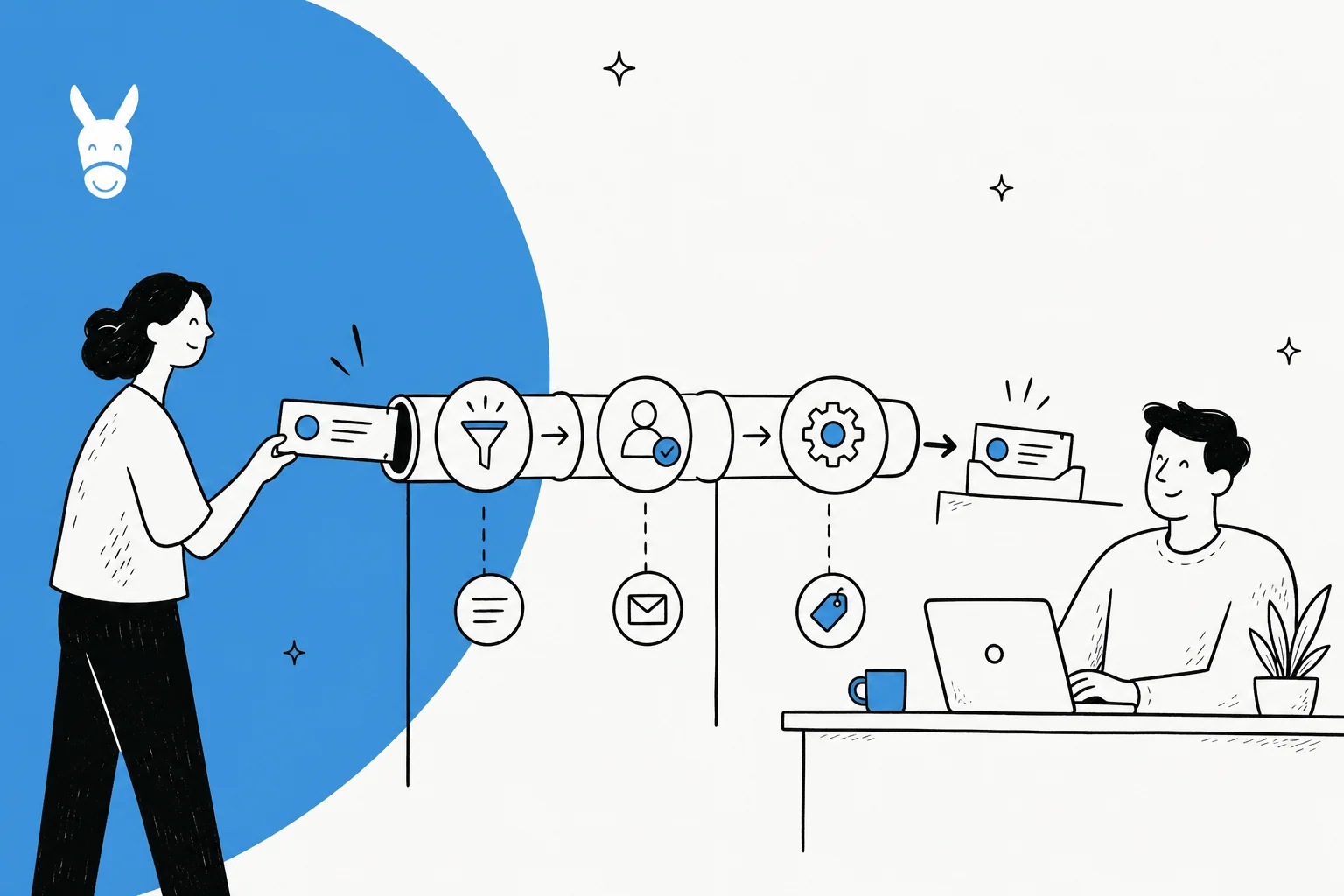
Strip away the marketing and help desk automation is one idea: a ticket comes in, and instead of a human doing every step by hand, software does the boring steps automatically.
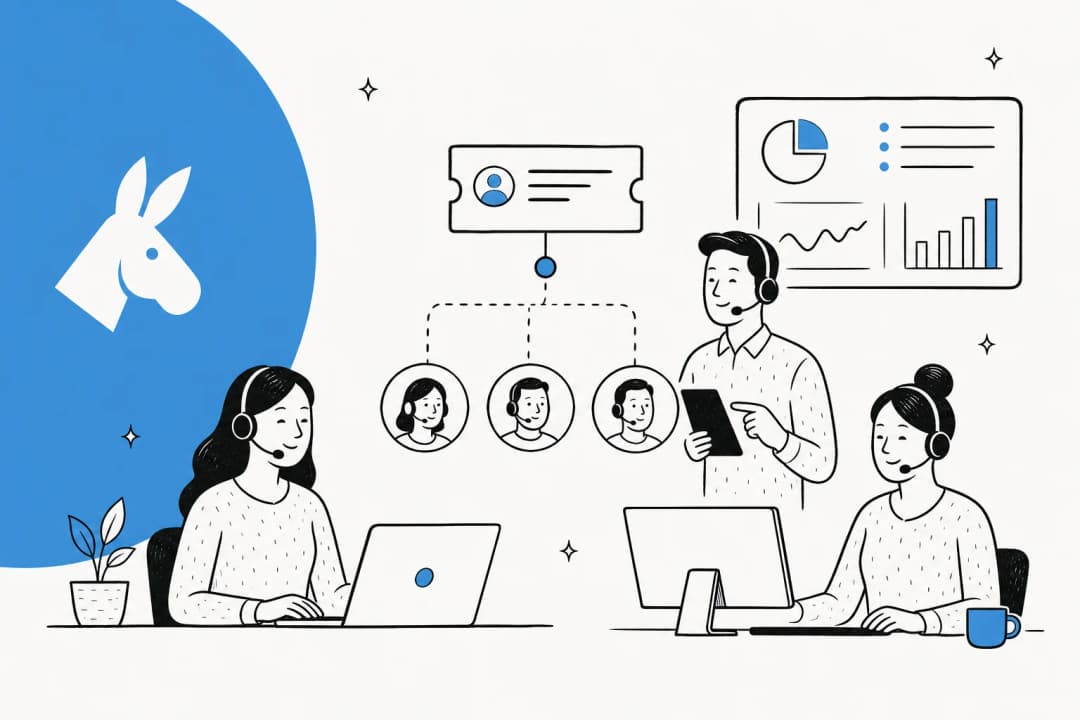
Those steps are more separable than they look. A single ticket gets read, categorised, tagged, assigned to the right person or queue, answered, and closed. Ticket automation can take over any one of those, or all of them. A rule that routes every ticket containing "invoice" to your billing team is automation. So is an AI agent that reads a refund request, checks the order, and drafts the reply. They sit at opposite ends of the same spectrum.
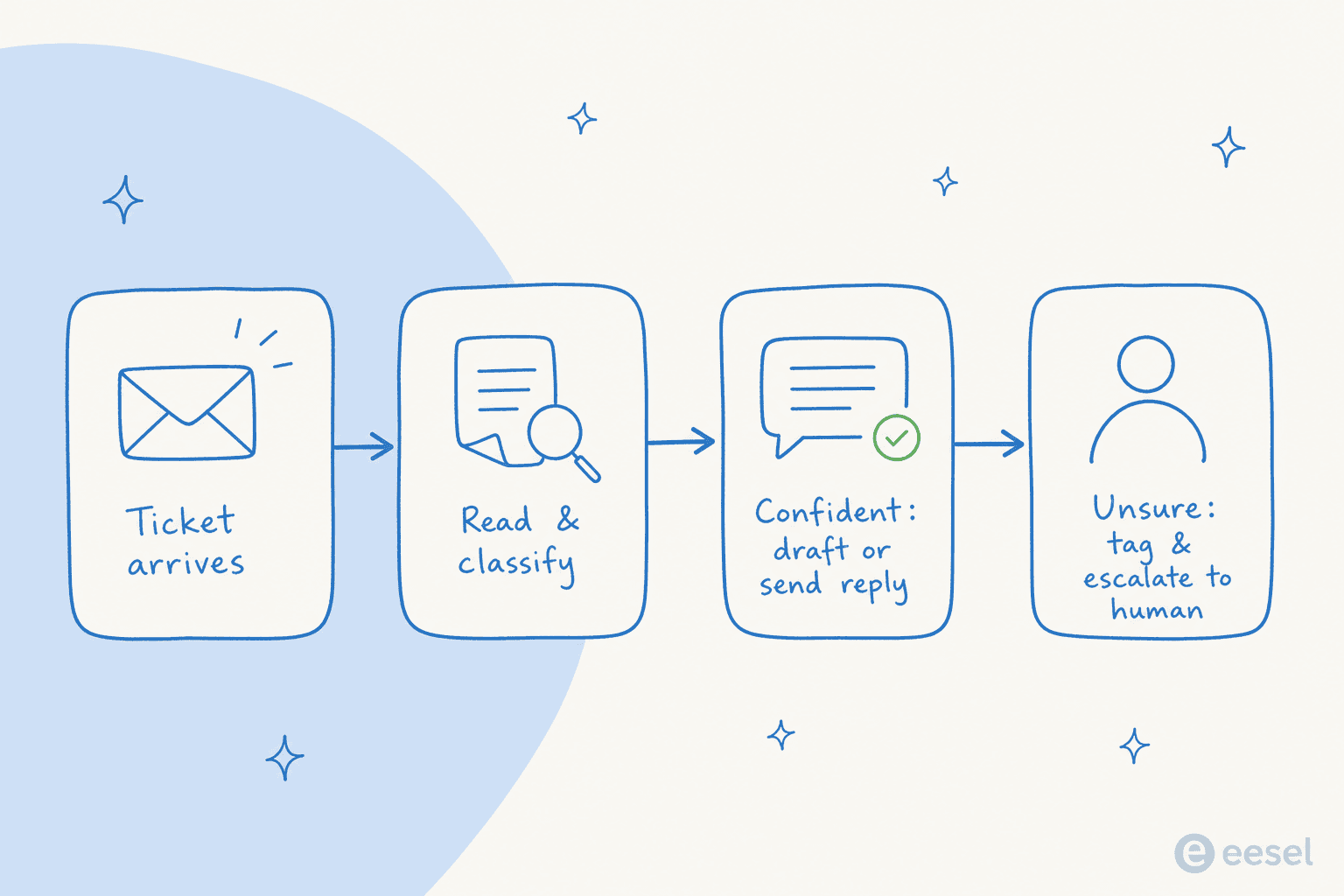
The reason this matters more than it used to: the volume side and the staffing side have been drifting apart for years. On the calls I sit in on, the same sentence comes up again and again, some version of how one director of support put it: "our customers far outnumber our employees." You can't hire your way out of that, and you don't want to, because most of the incoming volume is the same handful of questions. Automation is how you close the gap without doubling the team.
What you can actually automate today
Here's the part most overviews skip: not everything is worth automating, and the wins aren't evenly spread. This is roughly the order I'd tackle them, easiest and safest first.
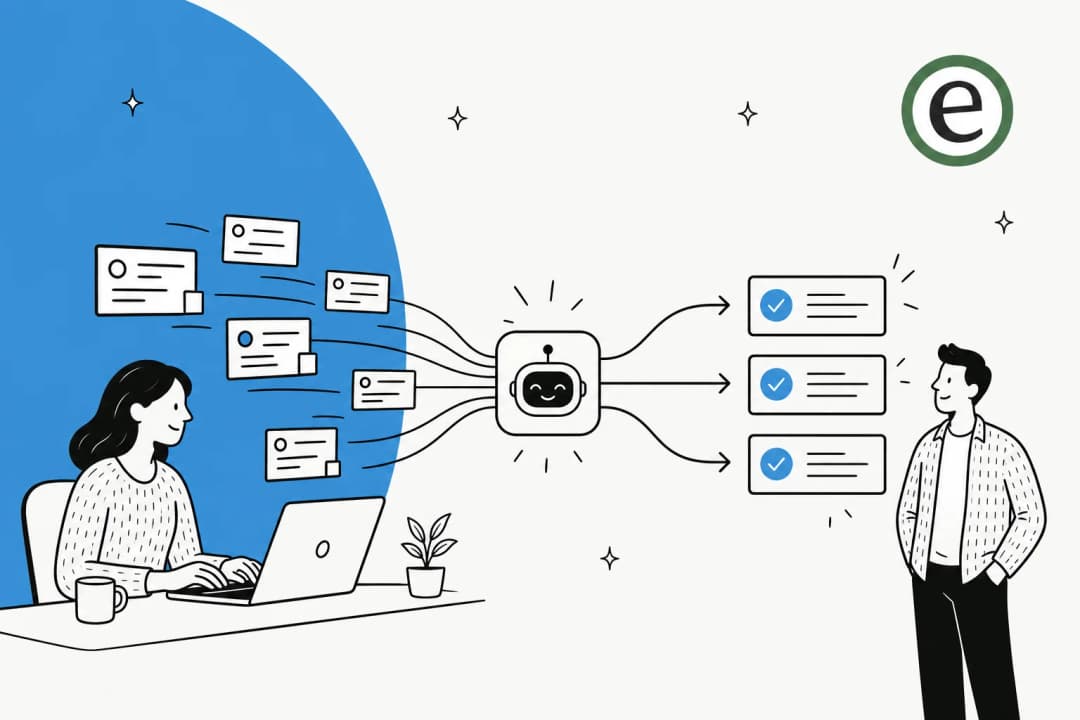
- Triage and routing. Deciding what a ticket is about and where it should go. This is the safest thing to automate because getting it wrong just means a human re-routes it, no customer sees a bad answer. AI ticket classification is now reliable enough that this is close to a no-brainer.
- Tagging and field-fill. Applying the right tags, priority, and custom fields. Tedious, high-volume, and invisible to the customer. Automating ticket tags also makes every downstream report and rule work better.
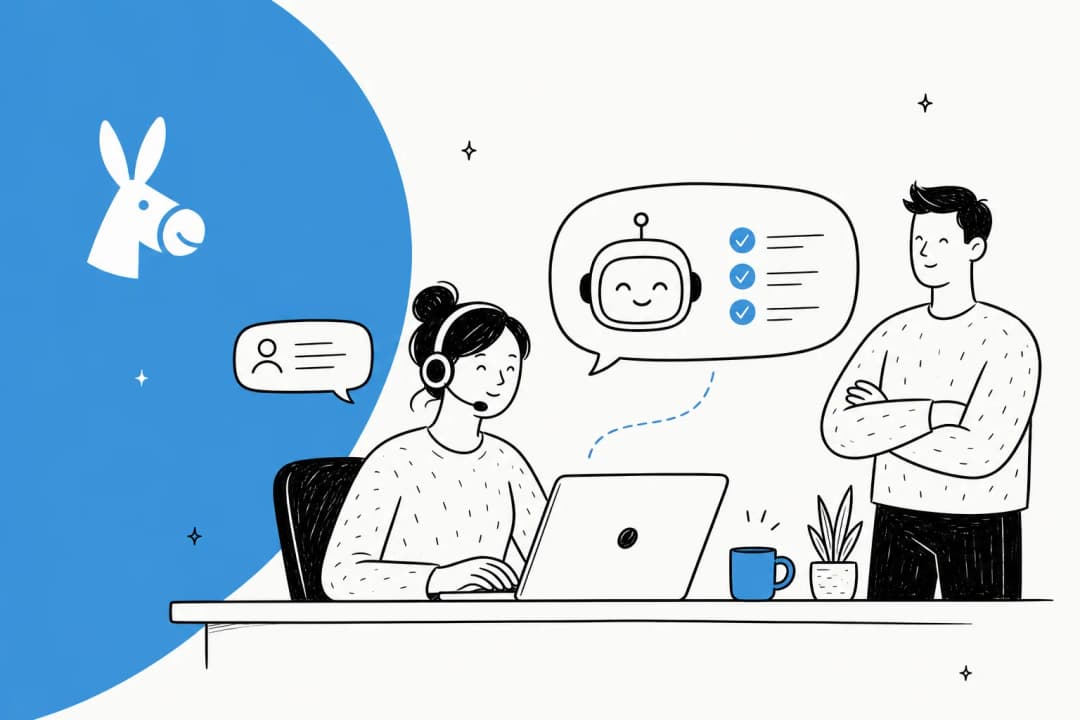
- Drafting replies. The AI writes a suggested answer and leaves it as an internal note for an agent to review and send. This is the mode I'd start any team on, because a human is still the last check.
- Fully resolving simple tickets. WISMO ("where is my order"), password resets, refund status, subscription changes. The repetitive stuff that is answerable straight from your docs and past tickets.
- Spotting knowledge gaps. Good automation tells you which questions it couldn't answer, so you can write the missing knowledge base article instead of guessing.

The last two are where AI pulls decisively ahead of rules. A rule can't recognise that a cold "we're selling a 16,973-contact attendee list" pitch is spam and draft a polite decline; an AI trained on your past tickets can, because it's seen the pattern before. One team I looked at hit 100% spam detection with zero false positives on the ~22% of their inbox that was junk, which is time nobody has to spend anymore.
Rules-based automation vs AI automation
This is the distinction that decides how far your automation actually goes, so it's worth being precise about.
Rule-based automation is if this, then that. If the subject contains "cancel," apply the churn tag and route to retention. It's deterministic, fast, and completely predictable, which is exactly what you want for the parts of support that are predictable. The catch is that it's blind to meaning. Change the wording to "I want to close my account" and the rule sails right past it. You end up maintaining an ever-growing pile of triggers, and every edge case is a new rule someone has to write and remember.
AI automation works the other way around. Instead of matching keywords, it reads the ticket, works out intent, and decides what to do, drawing on your help docs and your history of solved tickets. It handles phrasing it's never seen because it's reasoning about the request, not pattern-matching the string.
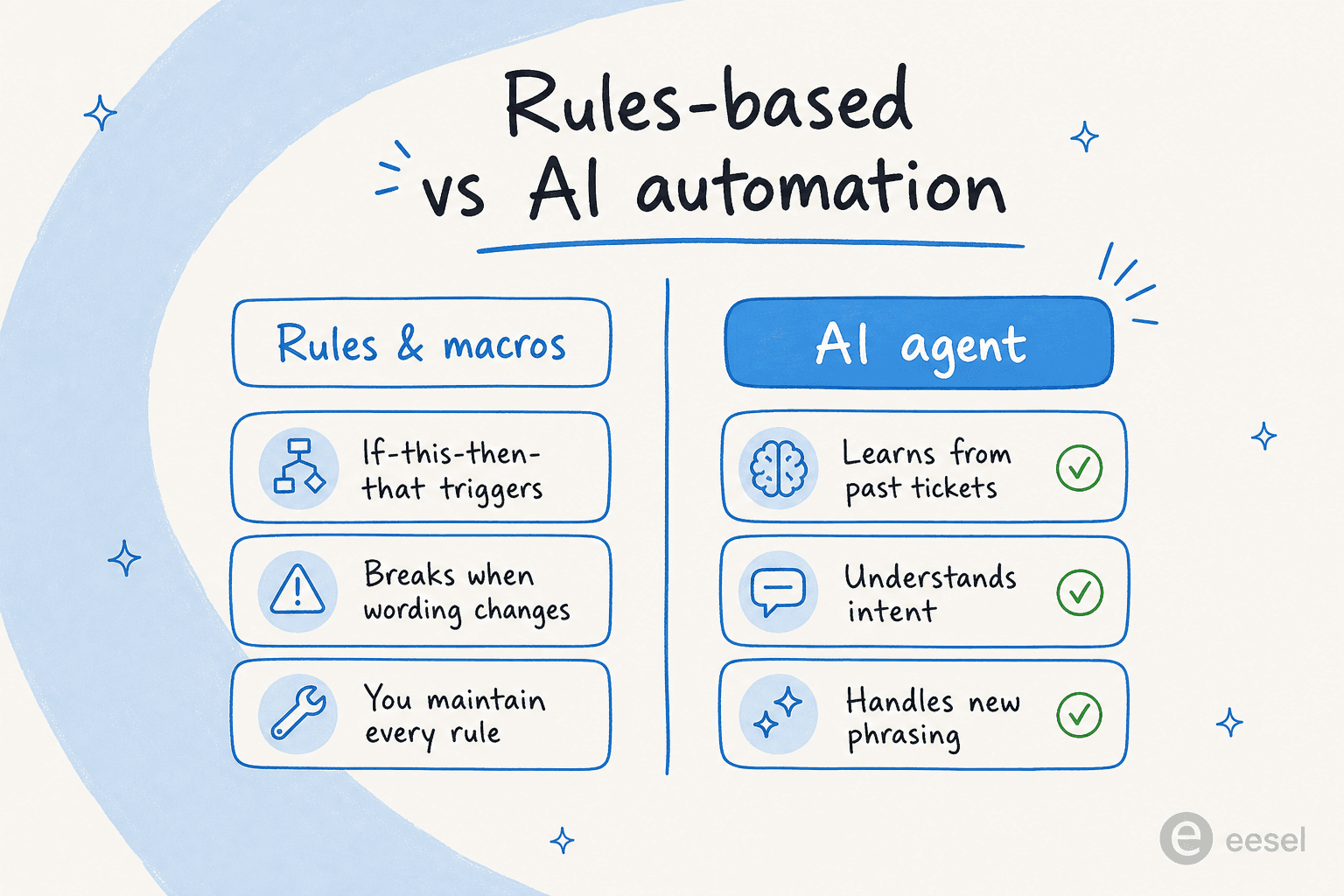
Neither one wins outright, and the teams that do this well run both: rules for the deterministic plumbing, an AI agent for everything that needs to understand what the customer meant. What you shouldn't do is what a lot of "AI support" ends up being, which is a rules engine with a chatbot skin, all the brittleness of the old way plus a false sense that it's smart.
The single most important thing the AI has to get right isn't answering, it's knowing when not to. One CX lead I heard from said it better than I could:
"The AI will never be able to answer 100% of the questions... I need an AI who is only handling the tickets that it's confident to handle and all the other ones, leave them alone."
a DTC supplements CX lead, from an eesel sales call
That instinct is correct, and it's the whole ballgame. An automation that answers everything confidently is worse than one that answers 40% of tickets and cleanly escalates the rest.
Does the math actually work?
Before you spend a quarter rolling this out, it's fair to ask whether the savings are real or a slide-deck fantasy. The honest answer is that it depends entirely on how repetitive your queue is, so instead of quoting an industry average, plug in your own numbers.
The numbers that make this land come from real deployments, not averages. One gig-economy analytics app resolved 73% of tier-1 requests in its first month, with results showing up inside a 7-day trial. A UK team drove 56 resolved tasks from just 9 synced macros. The point isn't the specific figure, it's that the win tracks directly with how much of your volume is repetitive, which is why the calculator asks that first.
One thing worth calling out on cost: a lot of tools price per agent seat, which quietly punishes you for growing the team. eesel bills per resolution instead, so the line item scales with automated work, not headcount. If you're comparing options, that pricing model difference matters more than the sticker.
How to roll it out without breaking trust
This is where most help desk automation projects live or die. The technology is rarely the problem; the rollout is. Here's the sequence I'd actually follow.
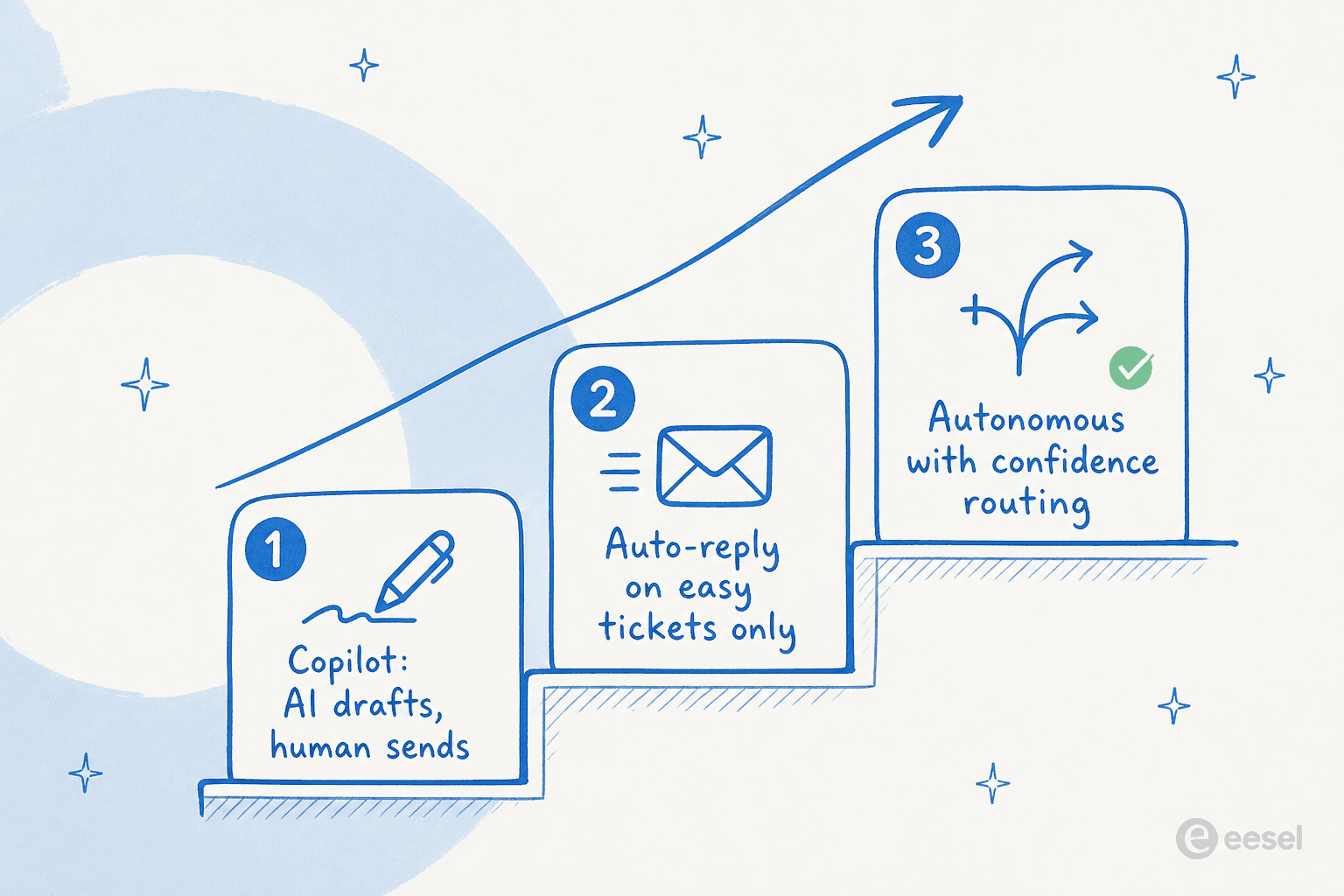
1. Start in copilot mode. The AI drafts a reply and leaves it as an internal note. A human reads it and sends (or fixes) it. You get the speed benefit immediately, the customer sees only human-approved answers, and every correction your team makes is training data. Nobody's trust is on the line yet.
2. Simulate before you go live on anything autonomous. This is the step teams skip and regret. Before letting the AI reply on its own, run it against your last few thousand real closed tickets and read what it would have said. You find the gaps (topics it fumbles, tones that are off) on historical data, where a wrong answer costs nothing.

3. Automate one narrow ticket type. Not "all support." Pick the single most repetitive, lowest-risk category (WISMO or order status is the classic) and let the AI fully handle only that, with confidence routing so anything it's unsure about still goes to a person.
4. Widen scope as the numbers hold. Add the next ticket type once the first is stable. Keep routing the uncertain cases to humans. Autonomy is something you earn category by category, not a switch you flip on day one.
The whole arc is: draft-only, then supervised auto-reply on one thing, then broaden. It feels slower than "turn it all on," and that's the point, because the teams that turn it all on are the ones who end up turning it all off two weeks later.
The mistakes I see teams make
- Automating the answer before the routing. If your triage is a mess, automating replies just means wrong answers reach the wrong customers faster. Get the workflow clean first.
- No confidence threshold. An AI with no "I'm not sure, escalate this" behaviour will confidently answer things it shouldn't. This is non-negotiable.
- Letting the knowledge base rot. Automation is only as good as what it's trained on. If your knowledge base is out of date, so are your automated answers.
- Measuring deflection instead of resolution. A ticket the customer abandoned in frustration also counts as "deflected." Deflection can be a vanity metric; resolution and customer satisfaction are what actually matter.
- Skipping the simulation. Going live blind is the fastest way to a bad first week and a team that never trusts the tool again.
Metrics that tell you it's working
You can't manage what you don't watch, and automation makes it easy to fool yourself if you track the wrong thing. The numbers I'd keep on a dashboard:
- Automated resolution rate (not deflection): what share of tickets the AI actually closed correctly.
- Escalation rate: how often it hands off. Too high means it's not earning its keep; suspiciously low means it might be over-reaching.
- First response and full resolution time, before and after.
- CSAT on automated tickets specifically, so you catch quality drops before they spread.

If your tool can't show you these broken out for automated work, that's a red flag on its own. A good set of KPIs is the difference between "automation is working" as a feeling and as a fact.
Try eesel
If you've read this far, you already know the hard part isn't deciding to automate, it's rolling it out without a confident bot quietly giving wrong answers. That's the exact problem eesel is built around.
eesel plugs into the help desk you already run (Zendesk, Freshdesk, Gorgias, Front, and more), learns from your past tickets and help docs on day one, and drafts, triages, or fully resolves based on how much autonomy you've granted. The part I'd actually sell you on is the simulation: you run it against thousands of your own closed tickets and see the exact resolution rate before a single customer is affected. And because it's priced per resolution rather than per seat, the cost tracks the work it does, not the size of your team.
You can start in copilot mode, keep a human on every reply, and widen scope on your own timeline. Try eesel free, or run a simulation on your own tickets to see what it'd resolve before you commit.
Frequently Asked Questions
What is help desk automation?
How much can help desk automation actually save?
Is rule-based automation or AI automation better for a help desk?
Will help desk automation give customers wrong answers?
How do I start automating my help desk without breaking things?


Article by
Riellvriany Indriawan
Riell is a designer and writer at eesel AI with about two years of experience researching CX platforms, AI chatbots, and helpdesk software. She combines her design background with a sharp eye for how these tools actually look and feel in practice — making her comparisons unusually visual and user-focused.