What an AI teammate actually is
Start with the plain definition, because the vendor pages have gotten circular.
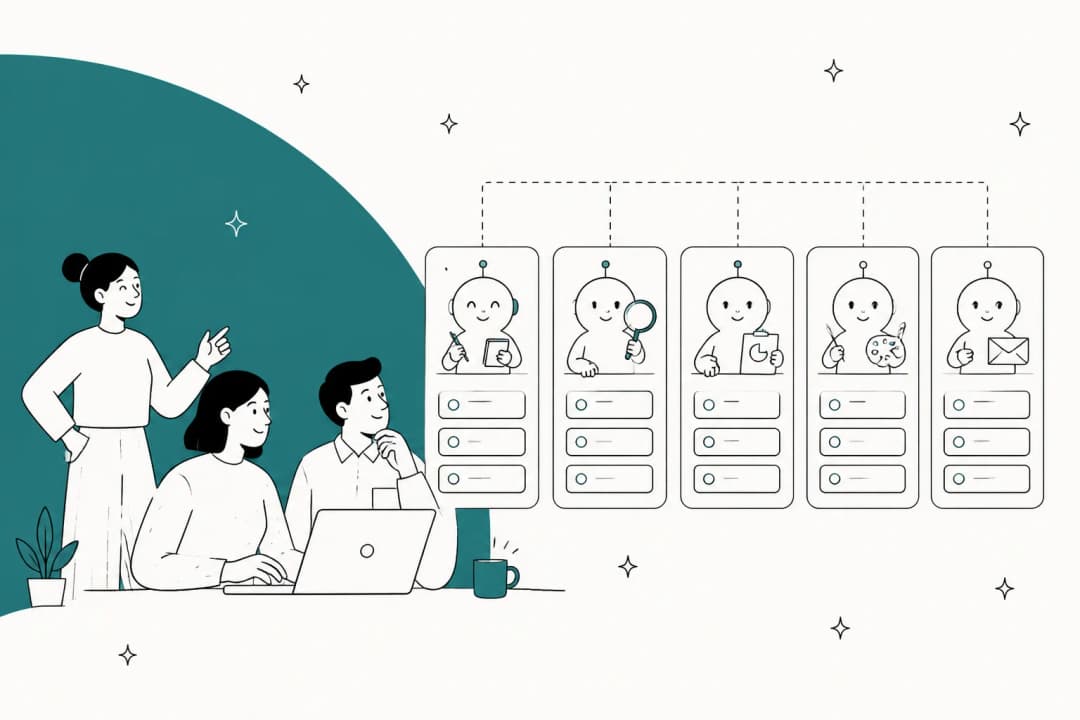
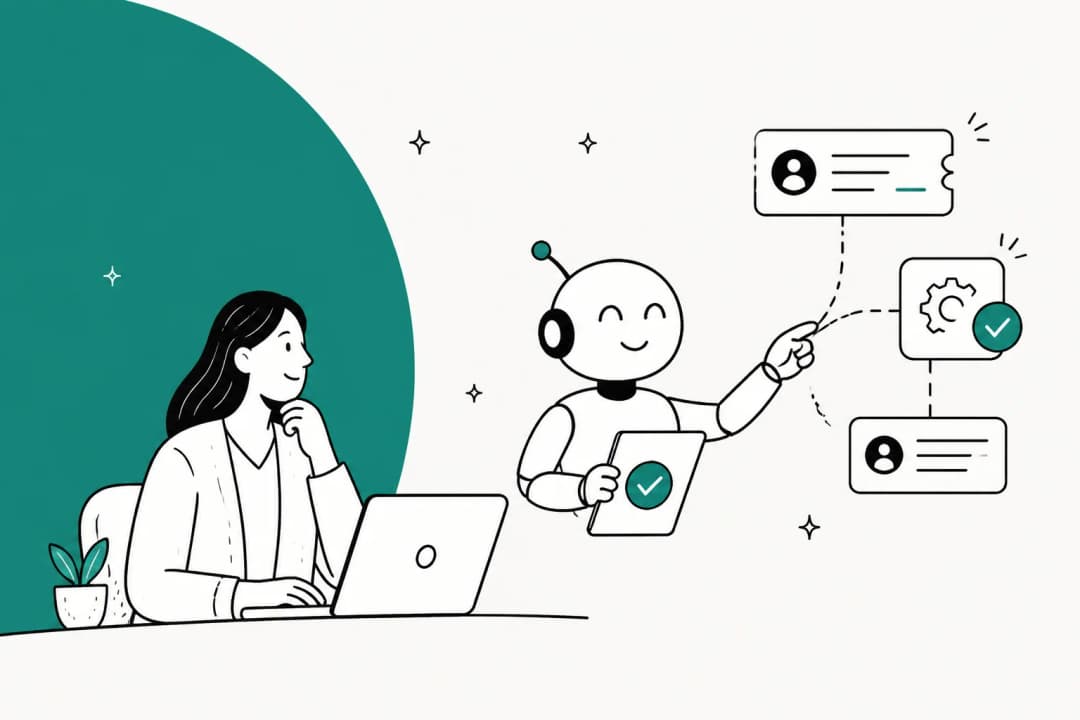
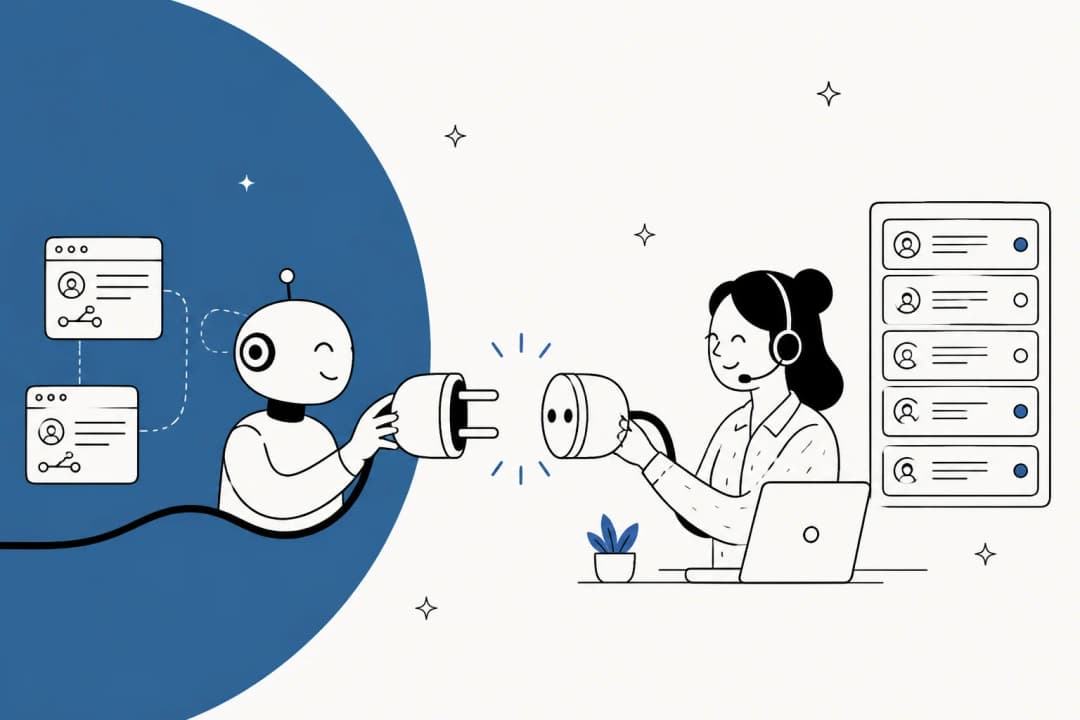
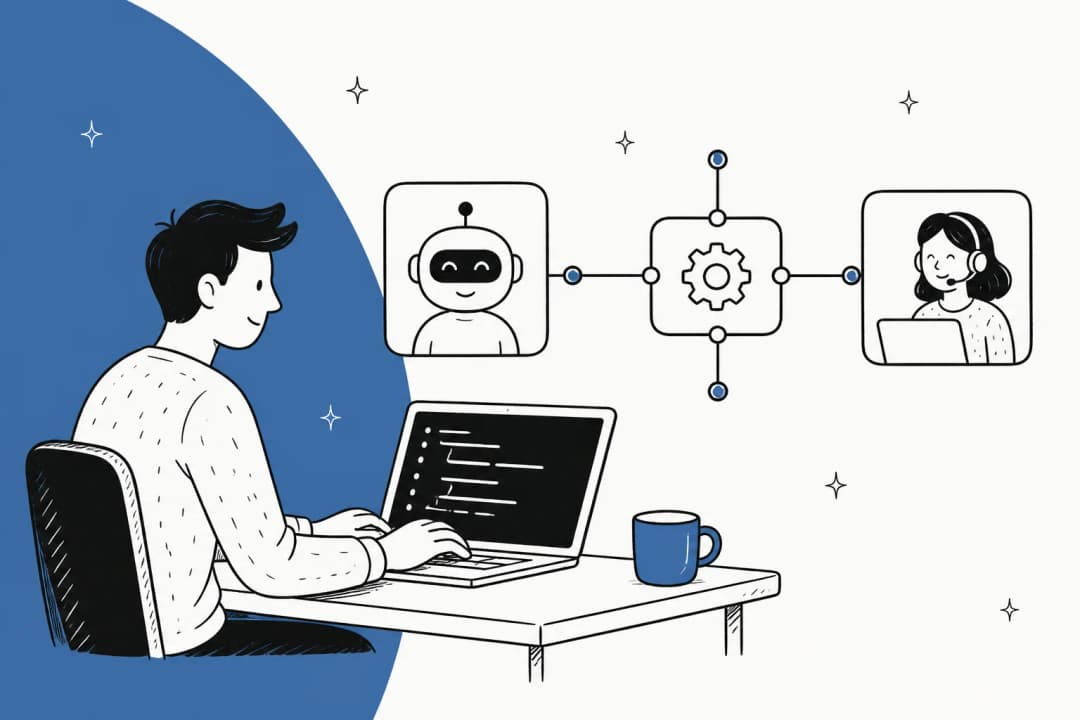
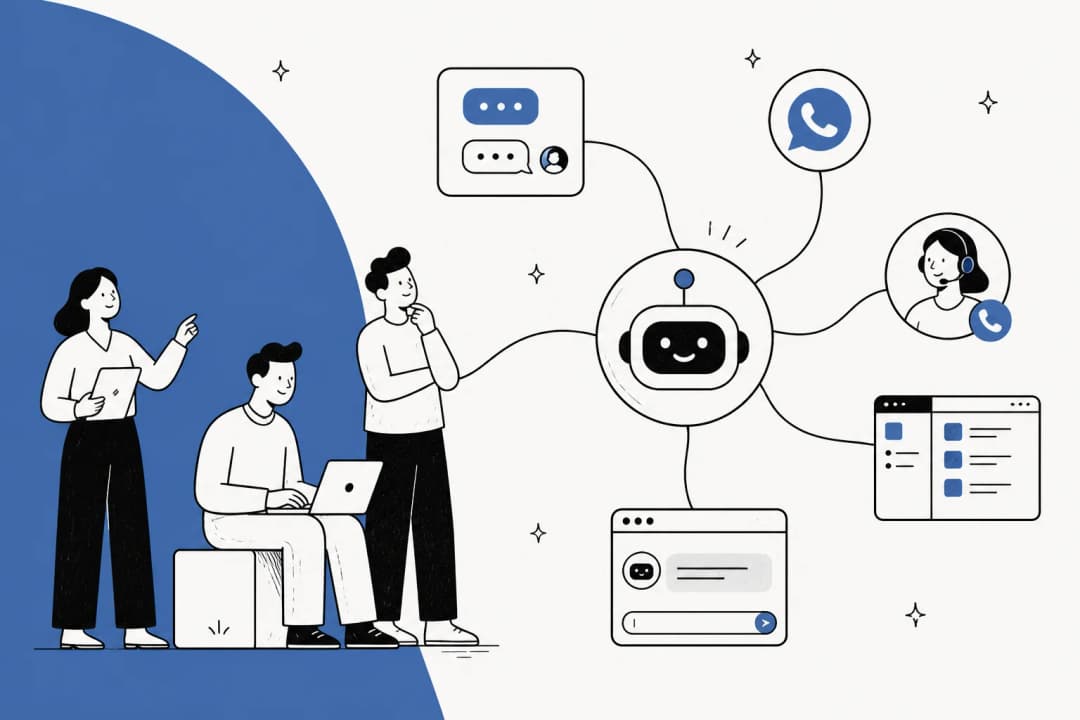
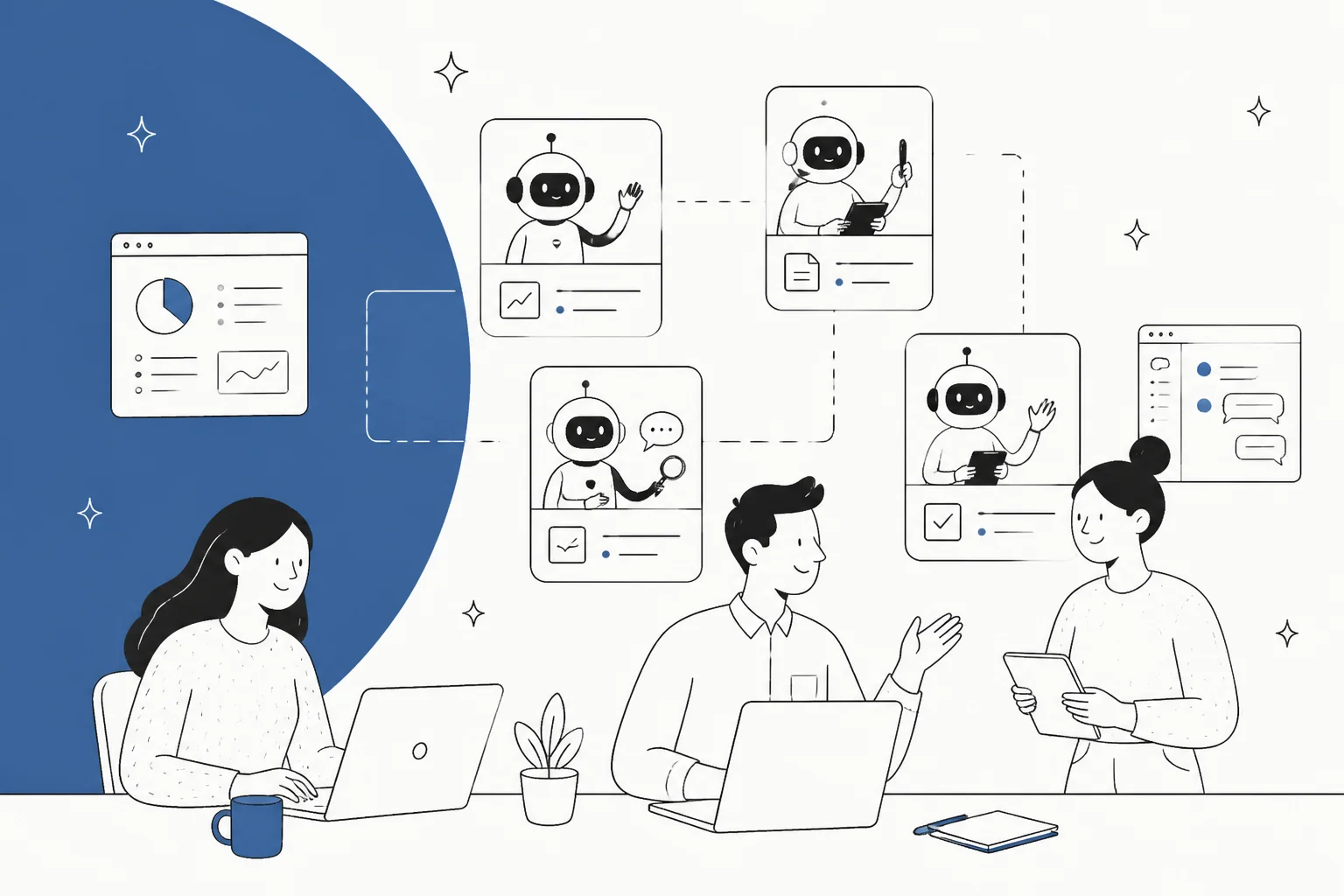
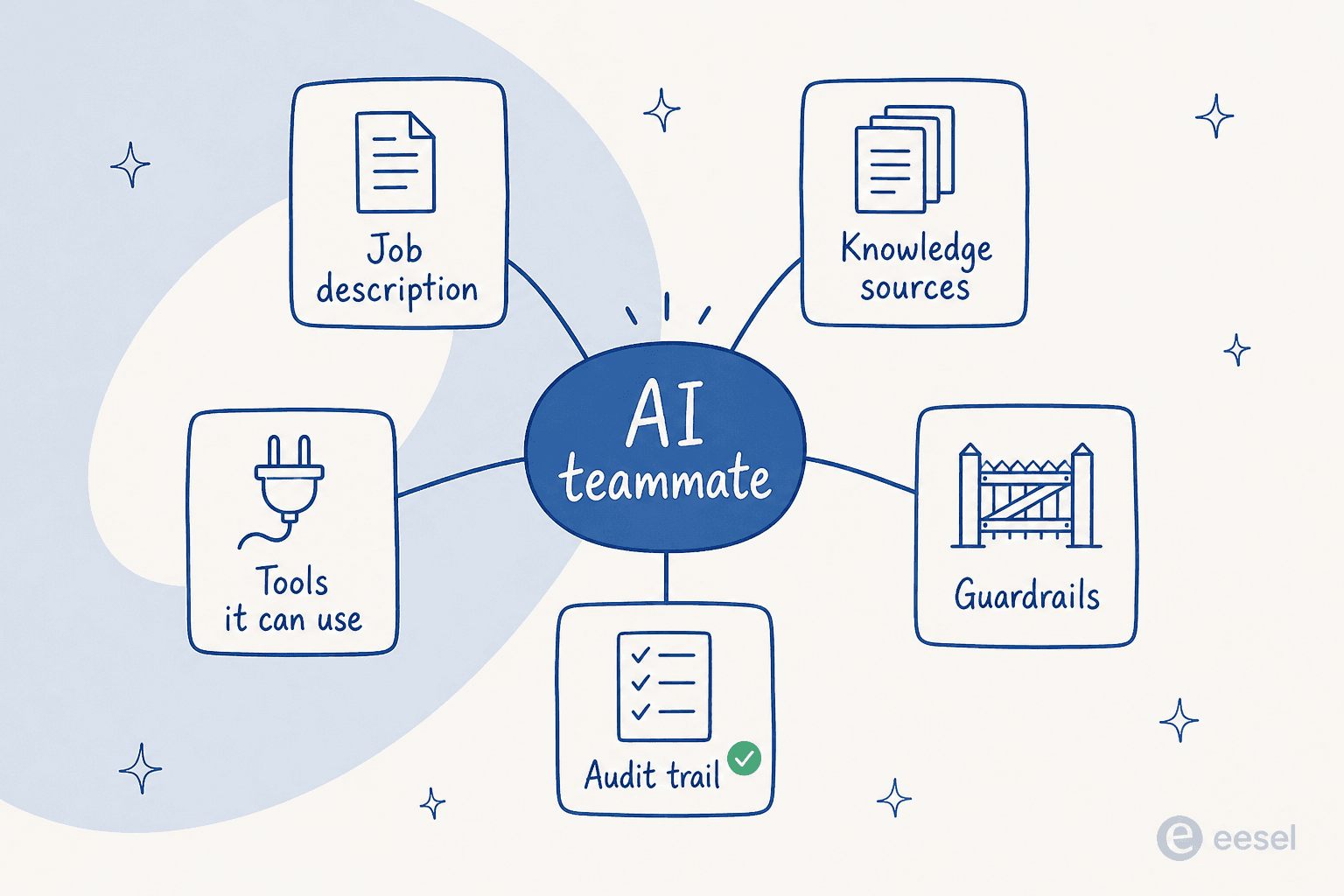
An AI teammate is a software worker with a scoped job, its own access to your systems, and the autonomy to complete that job end to end, escalating to a human when it should not decide. Four things have to be true at once. It has a named role you could write on an org chart. It reaches your real tools rather than a sandbox. It produces completed work, not a suggestion someone else has to finish. And there is a human boundary written down somewhere.
Drop any one of those and you have something else. A thing with a role and no tool access is a chatbot with a costume. A thing with tool access and no scope is a general assistant, which sounds better and performs worse, because nobody knows what to hold it accountable for.
The framing is not new, and it is not ours alone. Asana ships AI Teammates as pre-built agents with named roles and shared workspace context. Teamwork.com sells the same idea to project teams. DevRev's definition guide walks a chatbot-to-copilot-to-teammate ladder. When four vendors in different categories reach for the same word in the same year, that word has stopped being a differentiator and become a category. Which is fine. It just means the label tells you nothing, and you have to look at the mechanics.
Plenty of technical readers think the word is worse than useless. This is the sharpest version of that argument I have seen, and I think it is at least half right:
"The phrase "ai teammate" feels popularized as a marketing strategy to position individual agents as comparable in value to a human worker. When I think about how they are actually used however, it seems like an incredibly unproductive framing. An agent is a computer program. You can copy them 100 times on the spot if you find the need. You can modify, delete, upgrade, or replace them instantly."

He is right that the org-chart metaphor hides the software-shaped things you can do, and copying a teammate a hundred times is a real capability no HR department offers. Where I would push back: the metaphor is not describing the thing, it is describing the accountability. Software you buy has a feature list. A hire has a job, a review, and someone who answers for its output. Teams that treat these tools the second way get better results, mostly because they scope the work and then actually check it.
AI teammate vs agent, assistant, copilot, and automation
Here is the distinction that actually predicts how a tool will behave on a Tuesday: who is holding the queue.
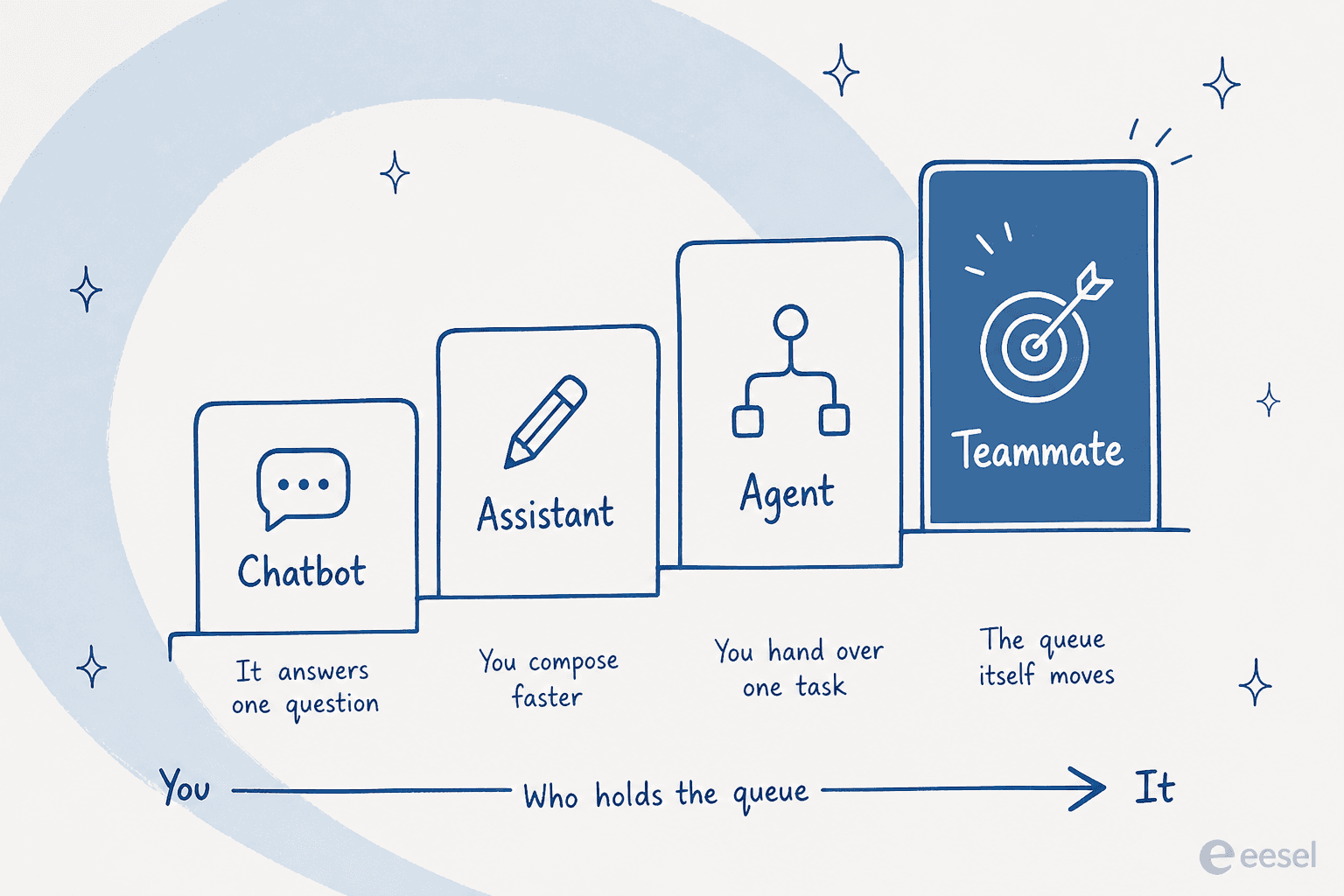
With a chatbot, you hold the queue and it answers one question at a time. With an AI assistant, you still hold the queue, you just get help composing. With an AI copilot, the human is still the one who sends. With an agent, you hand over one task and take the queue back when it finishes. Only in the teammate case does the queue itself move.
| Who starts the work | What comes back | Who owns the outcome | Typical unit of value | |
|---|---|---|---|---|
| Rule-based chatbot | Customer | An answer or a dead end | You | Deflected question |
| AI assistant | You, every time | Text you edit | You | Minutes saved |
| AI copilot | You, every time | A draft to send | You | Handle time |
| AI agent | You, per task | A completed task | You | Task |
| Workflow automation | A trigger | A deterministic action | You | Run |
| AI teammate | The queue | Closed work plus an audit trail | Shared, with escalation rules | Ticket, conversation, or article |
Two of those rows deserve a note.
Workflow automation is not a lesser teammate, it is a different tool, and it is often the better one. If the rule is "orders over $500 route to the refunds queue," you want a deterministic automated workflow, not a model deciding each time. The reason teams reach for AI is the long tail where writing the rule is harder than doing the work, which is also why an AI triage tool usually earns its place faster than a full auto-reply rollout.
And copilot mode is not a failed teammate. It is where nearly every rollout starts, and where a lot of them should stay for a quarter. The difference is that a copilot is the destination for an agent-assist product and a waypoint for a teammate product.
The roles companies are actually hiring
Category pages love the phrase "any workflow." Real deployments look narrower than that, and narrower is the point.
Asana's own role cards are things like Campaign Brief Writer, Brand Auditor, Launch Planner, IT Support Specialist, and Trend Analyst, each with a short skill list and two or three integrations attached. eesel sells three live roles, which is the more common shape for a company that wants each one to actually be good:
| Role | The job it holds | Where it lives |
|---|---|---|
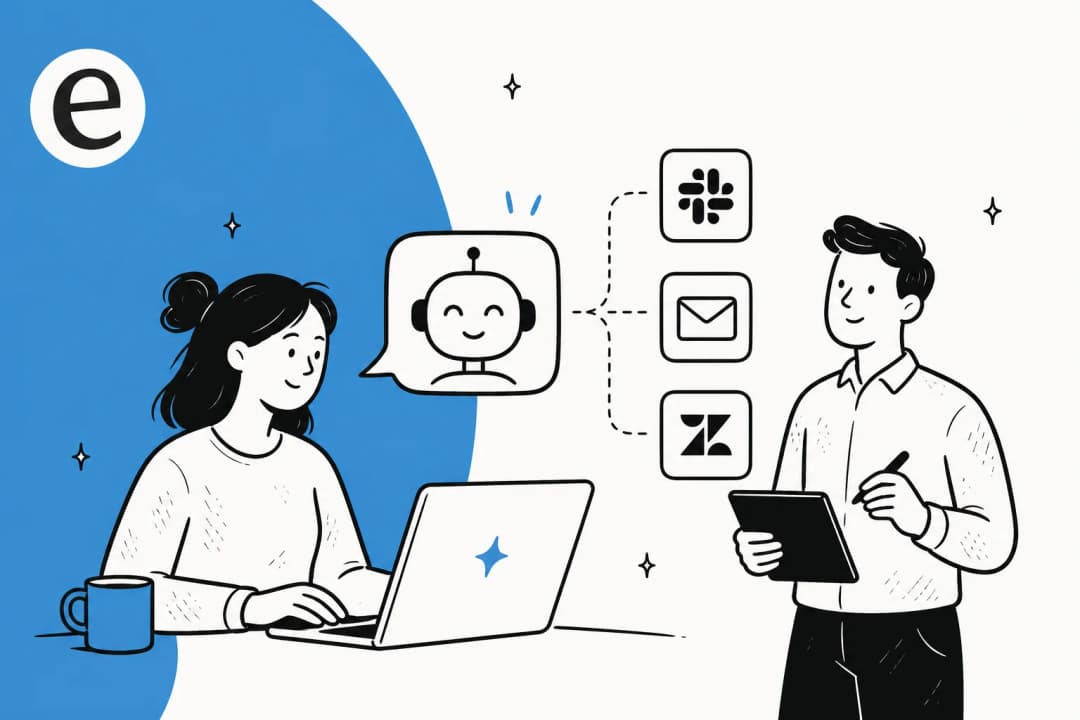
| Helpdesk agent | Drafts responses, handles tickets, escalates when needed | AI helpdesk agent inside Zendesk, Freshdesk, Gorgias, Front, HubSpot |
| Blog writer | Researches, drafts, and publishes posts in your voice | AI blog writer into your CMS |
| E-commerce agent | Answers product questions, recommends items, handles order enquiries | AI for Shopify support and the chat widget |
An analyst role is marked coming soon on the eesel homepage, and I would rather say that plainly than list it as shipped.
The pattern worth stealing when you evaluate anyone: a real role has a queue, a definition of done, and a named human it escalates to. "Marketing teammate" is not a role. "Ticket triage on the support inbox, tagged and routed, escalating anything mentioning a refund" is.
The same logic scales inward. Plenty of the strongest deployments I see are pointed at internal support teams, where the queue is your own staff rather than customers and the tolerance for a slightly rough first month is much higher.
What "work completed" means, and why it is the only honest unit
This is the part most category pages skip, and it is the part your CFO will ask about.
A copilot's value shows up as minutes saved, which is real but almost impossible to verify. A teammate's value shows up as work that closed without a human, which you can count. So insist on the countable one. In support that is AI resolution rate, not "engagements." In content it is published pieces, not drafts generated. If you want the sharper version of the metric, containment rate separates work that closed from work that was merely absorbed.
Some numbers from real eesel deployments, so this is not abstract. A gig-economy driver-analytics company on Zendesk saw 73% of tier-1 requests resolved in the first month, with usable results inside a seven-day trial. An internal IT helpdesk running on Jira Service Management sits at 15% tier-1 deflection on the way to a 55% target, which is the more typical shape of a rollout in progress. A German consumer-finance marketplace runs a fully automated Zendesk teammate over 100,000+ tickets a month.
"In the first month, eesel is resolving 73% of our tier 1 requests. eesel offers easy Zendesk implementation and setup. Our team implemented and achieved results quickly during our 7-day trial. Responses are simple to fix and adjust."
Kim Simpson, Gridwise
Notice the shape of that quote. It leads with a closed-work number and ends with how easy the corrections were, which is the honest ordering. Nobody's first month is clean.
Score any "AI teammate" before the demo ends
Tick what the vendor can show you live, not what is on the page. Eight ticks is a teammate. Four or fewer is a copilot with better branding.
Integrations are most of the job
It is tempting to think the model is the product. After a few years of shipping these, the model is maybe the easy part.
A teammate that cannot see your order history cannot answer "where is my order," no matter how good its reasoning is. So the integration list is not a footer detail, it is the capability list.
eesel runs across more than 100 integrations. On the support side the one that carries most deployments is Zendesk AI agents. Freshdesk, Gorgias, Front, and HubSpot follow close behind, and the Freshdesk AI guide covers what changes when the helpdesk ships its own agent alongside yours.
On the knowledge side it is Confluence, Jira, Notion, Google Docs, and Slack.

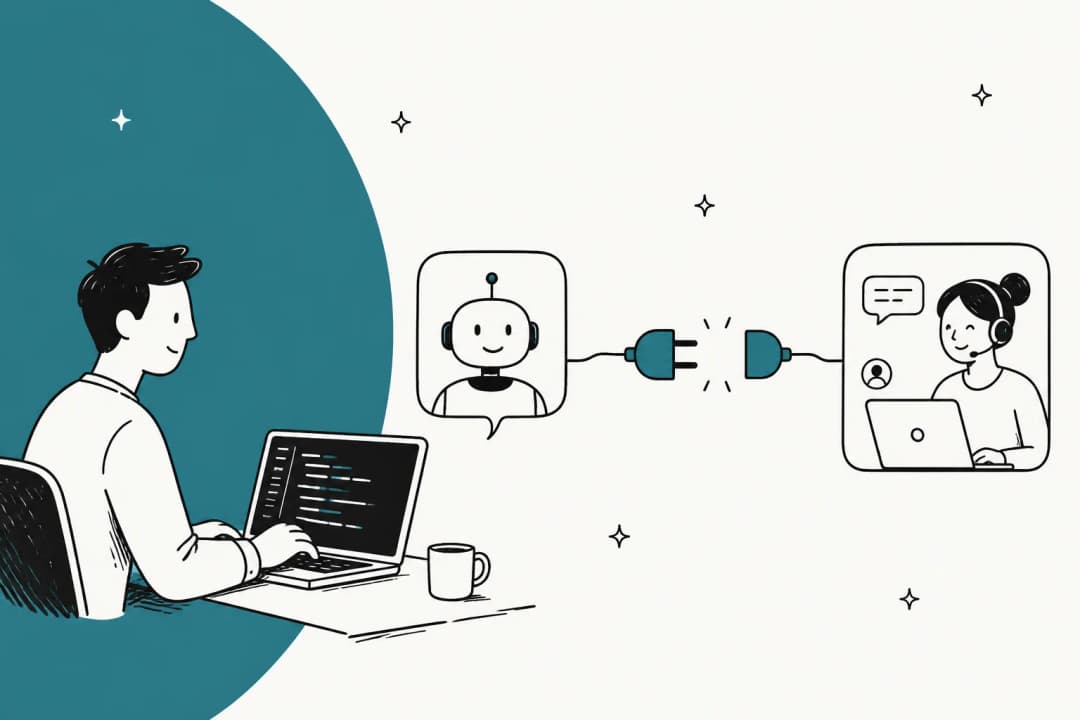
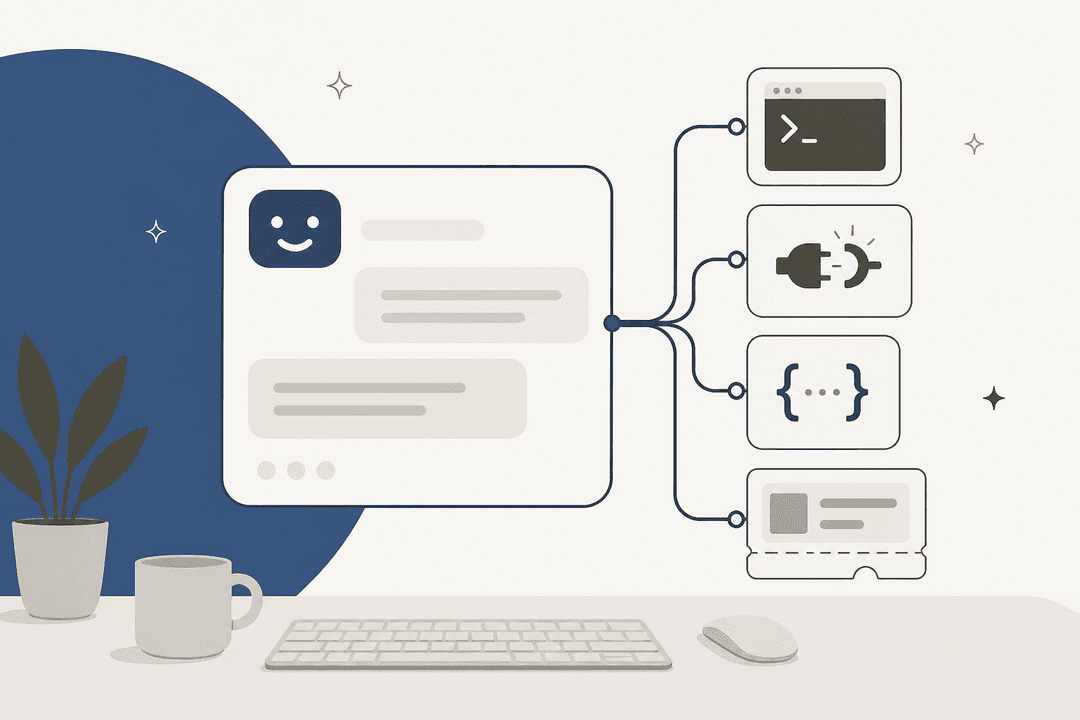
The question to ask on a demo is boring and revealing: can it write, or only read? Plenty of "integrations" are a read-only sync that lets the AI quote your help centre. A teammate needs to reply on the ticket, change its status, add the tag, and trigger the refund, which is a different permission model and a different amount of engineering.
Language coverage sits in the same bucket. eesel handles 80+ languages out of the box and answers in the customer's language, which sounds like a feature until you are the team fielding German tickets at volume, at which point it is the whole reason the deployment exists.
Briefing a teammate, and the controls that make it safe
You brief an AI teammate roughly the way you brief a contractor: what the job is, what good looks like, what to never touch, and who to ask.
In eesel that briefing is a conversation rather than a config form. You tell it when to jump in, what tone to use, and whether to draft or send. Something like "handle the support queue this afternoon, anything over $500 in refunds, loop me in first" is a legitimate instruction, not a marketing example.

The knowledge half of the briefing matters more than the instructions half. A teammate that reads only your help centre inherits whatever gaps your help centre has, which is why training on solved tickets is the single most requested capability I hear about. Years of resolved threads carry the answers nobody ever wrote down. If you are starting from a thin base, our guides on how to train AI on knowledge base content and connect AI to knowledge bases cover the order to do it in.
Now the controls, which is where deals actually get won and lost. In eesel's own sales conversations, the objection that comes up more than any other is not price and not accuracy in the abstract. It is control over what the AI is allowed to touch. One CX lead at a DTC supplements brand on Gorgias and Shopify, running about 7,000 tickets a month, put it about as clearly as anyone has:
"The AI will never be able to answer 100% of the questions, but if it tries and just answers 'sorry I don't know this,' I cannot go and check all my 7,000 tickets to see if the AI actually made a good answer, then the point is a little bit gone. I need an AI who is only handling the tickets that it's confident to handle and all the other ones, leave them alone."
A CX lead at a DTC supplements brand on Gorgias and Shopify, around 7,000 tickets a month
That is the design brief for the whole category, delivered by a buyer. The controls that answer it are confidence-based routing, topic exclusion, explicit invocation, and clean AI chat escalation. If a vendor cannot demo all four, they are selling you an experiment. Other real asks from the same pile: "there are certain tickets I don't want to go through AI," and "I want response only when I mention @eesel." Both are reasonable. Both should be a setting.
Test it before a customer ever sees it
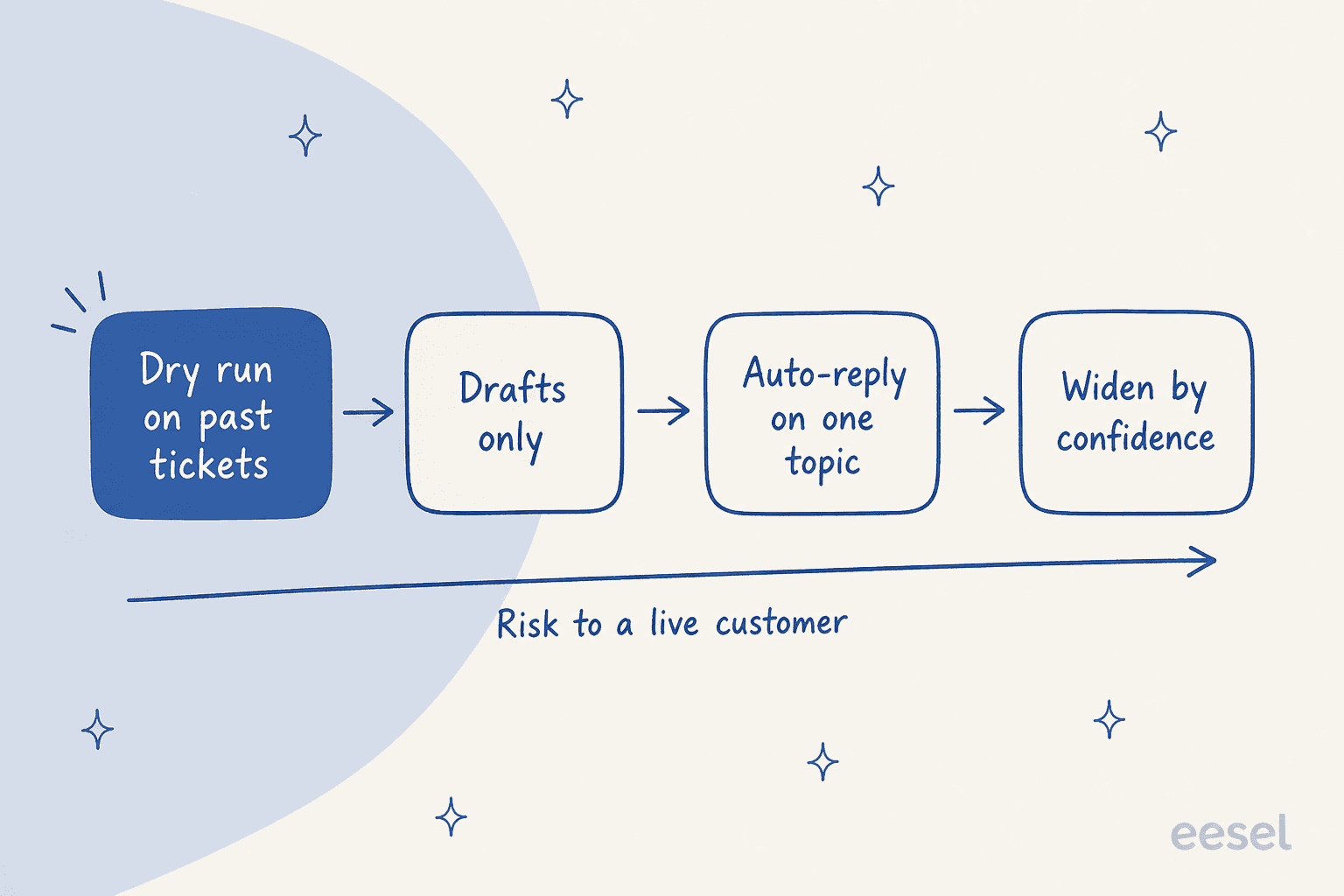
Here is the rule I would put above every other piece of advice in this post. Never let an AI teammate's first contact with your queue be a live one.
Simulation means running the agent over your own closed tickets and reading what it would have said, with coverage broken out by theme so you can see which topics it handles and which it fumbles. Then you fill the gaps and re-run. No customer is involved, and the number you get out is grounded in your actual mix rather than a vendor's benchmark.
What a dry run actually produces is more granular than a single accuracy score. On one e-commerce trial we ran over 284 chats plus a 100-ticket cross-validation, the readout came back as 93% triage accuracy, 100% spam detection with zero false positives on an inbox that was 22% spam, 88% draft directional accuracy, and a 7% factual error rate. Only 12% of drafts were good enough to send untouched. Broken out by category, returns and refunds drafts were useful 93.8% of the time and product enquiries 100%.
Read those numbers together and you get a real deployment plan rather than a vibe: turn it loose on product enquiries, keep a human on the 7%, and do not let anyone tell you 88% directional accuracy means 88% of tickets close themselves. If a vendor will not give you that breakdown, ask why. Sandbox and evaluation tooling exists on the helpdesk side too. Freshdesk sandbox testing gives you a safe environment to break things in. For the nastier edge cases, adversarial testing is the discipline worth borrowing.
Human oversight after go-live
Testing gets you to launch. Oversight is what keeps the thing employable.
Three habits carry most of the weight. Read the activity log weekly for the first month, not the summary dashboard, the actual actions. Keep a rejection channel that a human uses and the agent learns from, because buyers ask about this constantly and the good answer is "yes, and here is where it shows up." And keep the escalation path short enough that an agent can pull a ticket back without filing a request.

The failure mode I would warn hardest about is one you will not find on any vendor comparison page. The worst thing an AI teammate can do is fabricate success: narrate a series of tool calls it never made, report a file saved that does not exist, invent a metric. We have watched an agent describe ten turns of Zendesk searching without a single API call behind it. That is worse than a wrong answer, because a wrong answer gets caught and a confident fake does not. It is the reason the audit trail sits in the anatomy diagram near the top of this post rather than in a footnote, and the reason human-in-the-loop design is a permanent feature and not a training-wheels phase.
Second on that list, and much more mundane: the agent losing track of its own setup. Asking you to connect Freshdesk when Freshdesk is already connected, or claiming it has no Notion access ten minutes after using Notion. Harmless in isolation, corrosive to trust over a week.
On the compliance side, the same questions apply as to any system touching customer data. SOC 2 and GDPR posture, data residency, and whether your data trains anyone's model are all fair demo questions, and Zendesk AI security is a decent primer on what to ask.
How AI teammates are priced
Pricing is where the category is messiest, because a teammate is not a seat and vendors keep trying to sell it as one.
Three models are in the wild. Per-seat, which breaks immediately, since the whole point is that the AI is not occupying a seat. Per-resolution, which is closer but hinges entirely on how the vendor defines "resolution." Zendesk, Freshdesk Freddy, and Gorgias Automate all bill this way, and the mechanics differ enough that the pay-per-resolution pricing breakdown is worth reading before you model a bill. And per-task, which is what eesel uses.
The per-resolution question is not academic. Someone building in the support space put the trap plainly:
"How's the support agent performing? Are the resolutions you're billed for "good" resolutions, or just deflecting the customer without helping?"
If the vendor counts a resolution the moment the conversation ends, you are paying for silence.
Here is eesel's, in full, because "starts at" is not a price:
| Line item | Price | What the unit means |
|---|---|---|
| Free start | $50 in free usage + 2 free blog generations | No credit card, every feature unlocked |
| Regular task | $0.40 | One support ticket or chat session, no matter how many messages |
| Light task | Free | Dashboard questions, simple lookups |
| Heavy task | $4.00 | One blog post draft, including research and SEO |
| Platform fee | $0 | No per-seat fee, no monthly minimum, no commitment |
| Annual commit | 25% off | Commit to a year upfront, overage bills at the normal rate |
| Enterprise | $1,000/month | Flat platform fee on top of usage; dedicated SE and AM, SSO, HIPAA, BAA |
Which works out to $40 at 100 tickets a month, $200 at 500, $400 at 1,000, and $1,000 at 2,500. And if you route only 200 of your 1,000 monthly tickets to the AI, you pay for 200.
The principle underneath is worth stealing regardless of which vendor you pick: price in units your team already counts. "Interaction" is ambiguous. "Credit" forces everyone to do arithmetic before they can estimate a bill. Charging per message punishes the agent for asking a clarifying question, which is exactly the behaviour you want it to have. Before you sign anything, work out your cost per resolution with and without AI. Then compare it honestly against what the same volume costs you in AI agent vs human cost terms.
Proof to ask for before you commit
Vendor logos are not proof. Three things are.
A named customer at your rough scale, with a number. eesel's public ones include Yellowdig on support operations and InDebted on internal IT deflection.
Further down the list, CartonCloud runs 717 knowledge items across Salesforce and Slack, and a payments customer reported up to 80% time savings finding answers across documentation.
"It feels like a partnership, rather than a vendor relationship. eesel AI was flexible enough for us to get started quickly and iterate, with great support from the eesel team. eesel has quickly become an integral part of our workflows. Recently, a new customer success hire joked that our eesel AI bot was their best friend during onboarding and interviewing."
Jon Miron, Director of Support & Operations, Yellowdig
Second, a result from a trial rather than a year-long engagement, because the trial is what you are about to run. Third, and most telling, a number the vendor did not have to share. A factual error rate. A percentage of drafts that needed editing. Any vendor comfortable enough to hand you the unflattering figure has probably looked at it.
The one thing I would not weigh heavily: review-site star ratings on a category this young. They mostly measure onboarding.
Try eesel
If the category makes sense but you want to see it against your own queue rather than a demo script, that is what eesel is built for. Connect your helpdesk, let it read your past tickets and docs, and run a simulation over closed tickets before a single customer sees a reply. You get coverage by theme, the drafts it would have sent, and the gaps, and only then do you decide what to switch on.

Setup runs in minutes, not a quarter, there are 100+ integrations and 80+ languages out of the box, and it is $0.40 a ticket with $50 of free usage to start and no card required. Start on one topic, widen when the numbers hold. Try eesel or read how teams build an AI helpdesk with it.
Frequently Asked Questions
What is an AI teammate?
What is the difference between AI teammates and AI agents?
Are AI teammates the same as AI copilots?
How much do AI teammates cost?
How do I test an AI teammate before it talks to customers?
What happens when an AI teammate gets something wrong?
Which teams get the most out of AI teammates?
Can an AI teammate work inside my existing helpdesk?


Article by
Alicia Kirana Utomo
Kira is a writer at eesel AI with a Computer Science background and over a year of hands-on experience evaluating AI-powered customer service tools. She focuses on breaking down how helpdesk platforms and AI agents actually work so that support teams can make better buying decisions.