We’ve all been there. Stuck in that digital limbo, furiously typing "talk to a human" into a chat window, only to get the same canned response over and over. It's frustrating, and frankly, it feels like the company just doesn't care.
Here’s the thing: a bad handoff from a chatbot to a human agent is worse than having no chatbot at all. It can wreck a customer's trust in seconds and send them looking elsewhere. This isn't just a hunch; the data backs it up. According to Zendesk, a massive 60% of consumers would switch to a competitor after just one bad service experience.
A clunky, disconnected chat experience is a fast track to losing customers. But it doesn’t have to be this way. A smooth human handoff can turn a moment of frustration into a genuinely positive experience. This guide walks you through the seven most effective practices I found for creating a seamless, intelligent human handoff in your chat support for 2025.
What is a human handoff in chat support?
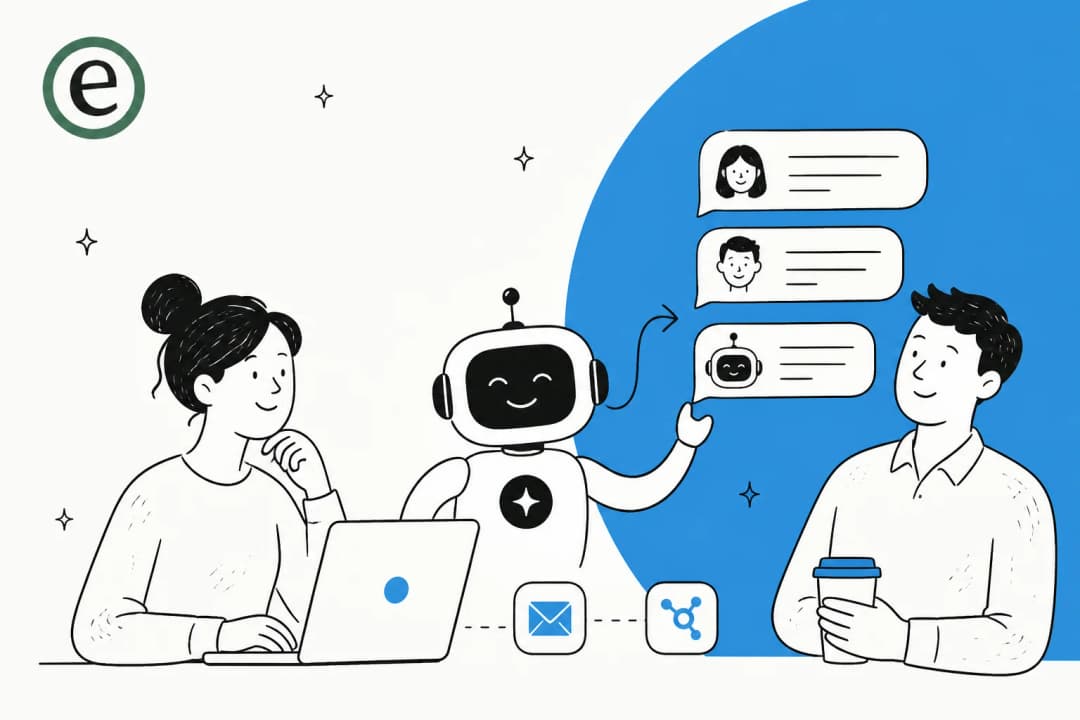
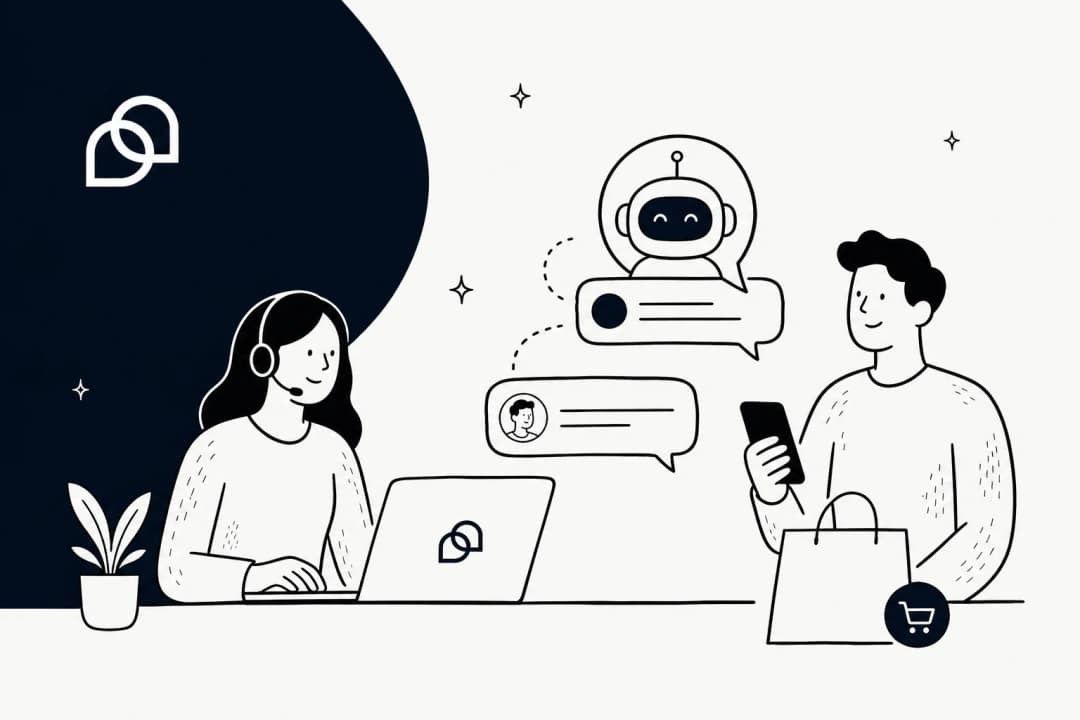
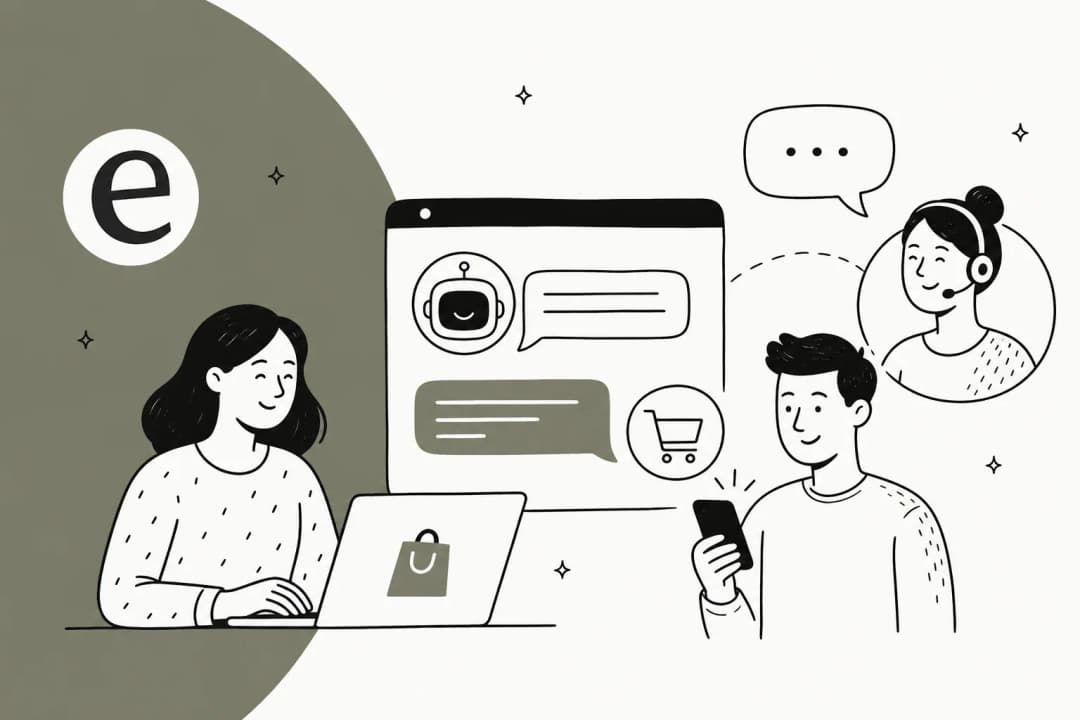
Let's make sure we're on the same page. A human handoff is simply the process of passing a customer from an AI chatbot to a live agent inside the same conversation. Think of it as the bridge between the quick efficiency of a bot and the empathy and problem-solving skills that only a person can offer.
It’s also important to remember that a handoff isn't a sign that your AI failed. It's actually a feature of a smart, customer-focused support strategy. The real goal is always to solve the customer's problem quickly and leave them happy, not to force your bot to handle 100% of conversations. A good bot knows when to call for backup.
How we chose these best practices
I didn't just pull these ideas out of a hat. After digging through hundreds of real-world support chats, I picked these practices based on three simple factors:
-
Customer Happiness: Does this actually make the customer's life easier and less frustrating?
-
Agent Efficiency: Does this give the human agent the context they need to solve the problem faster once they jump in?
-
Scalability: Can this be set up and improved as a business grows, without needing a total overhaul of your tools?
The best practices at a glance
For those who like to get straight to the point, here’s a quick look at the practices we'll cover.
| Best Practice | Primary Benefit | Key Tool/Feature Needed |
|---|---|---|
| Maintain Context | Stops customers from repeating themselves | Connected Knowledge Base & CRM |
| Define Smart Triggers | Ensures escalations happen on time | Customizable Workflows |
| Route to Specialists | Gets problems solved faster | AI-Powered Triage & Routing |
| Communicate Clearly | Manages customer expectations | Configurable Chatbot Persona |
| Train AI Effectively | Reduces pointless handoffs | AI Training on Tickets & Docs |
| Test with Simulations | Prevents failures with real customers | Historical Ticket Simulation |
| Use Data to Improve | Finds gaps in your knowledge base | Actionable Analytics |
The best practices for human handoff in chat support
Each of these practices is a piece of the puzzle. When you put them all together, you create a support system that both your customers and your agents will actually like using.
1. Maintain complete conversation context
This one is the absolute, non-negotiable foundation of a good handoff. The single biggest thing that drives customers crazy is having to repeat themselves. When an agent joins the chat and asks, "How can I help you?" after the customer just spent five minutes explaining their issue to a bot, you've already failed.
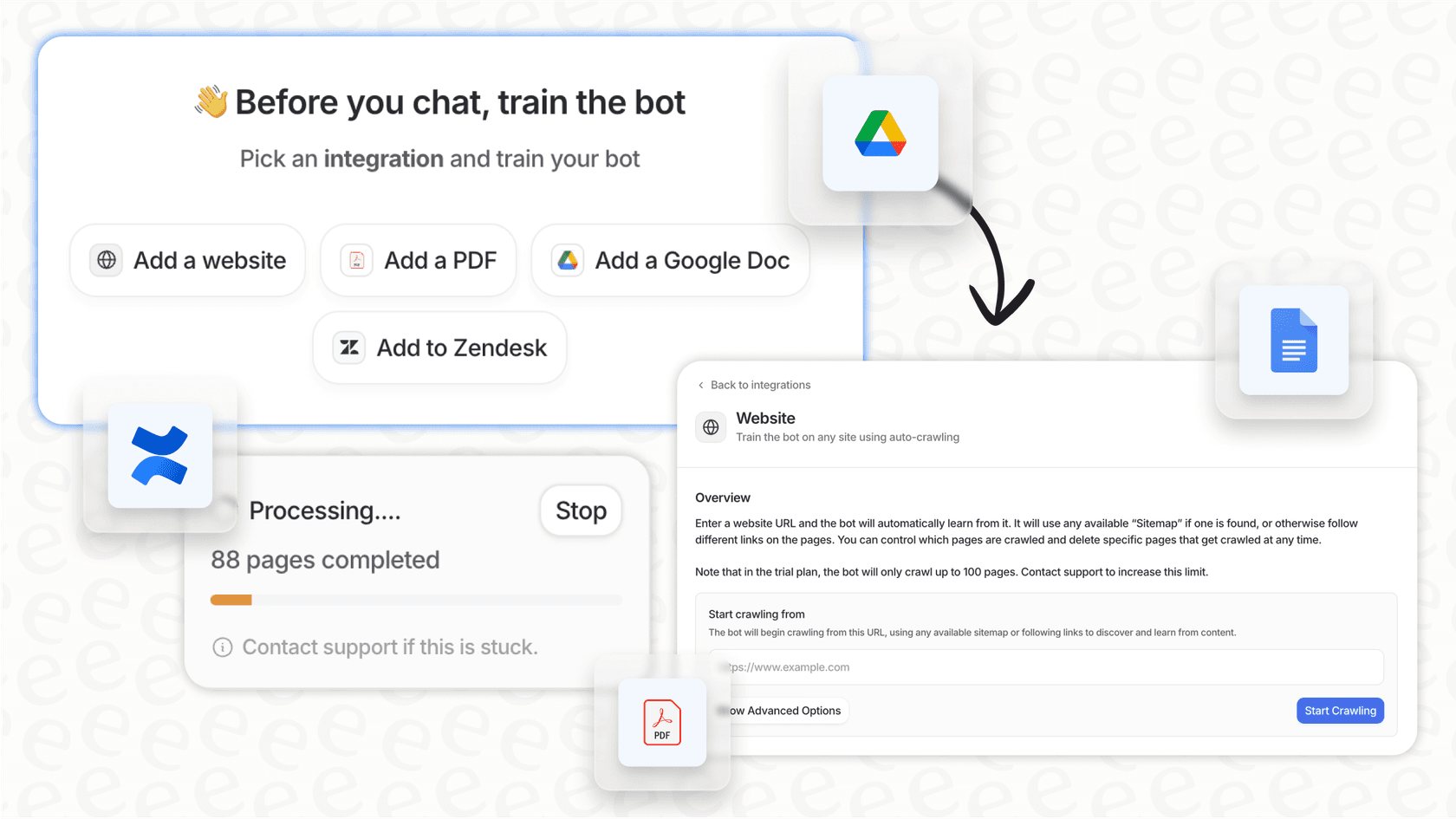
The agent needs to see everything: the full chat history, any info the bot collected (like a name or order number), and ideally, the customer's profile from your CRM. It should feel like the agent was listening in the whole time. This is where having a tool that unifies your scattered knowledge sources is a huge help. For instance, a platform like eesel AI can plug into your helpdesk and learn not just from past tickets, but also from internal documents in Google Docs or Confluence. This gives the agent a complete picture of the issue without any complicated, manual setup.

2. Define smart, automated handoff triggers
Your AI needs to know its own limits. You can't just wait for customers to ask for an agent when they're stuck; by that point, they're already annoyed. A good system knows when to escalate on its own.
Here are the key triggers you should have in place:
-
Explicit Request: This is the most basic one. The customer types "agent," "human," or clicks a "Talk to a person" button.
-
Bot Failure: The bot admits it doesn't understand the question two or three times in a row. Don't let it get stuck in a loop.
-
Sentiment Analysis: The AI picks up on frustration, anger, or confusion in the customer's messages and gets a human involved before things escalate.
-
Keyword Triggers: Certain high-stakes words like "refund," "cancel," or "legal" should automatically and immediately send the chat to a person.
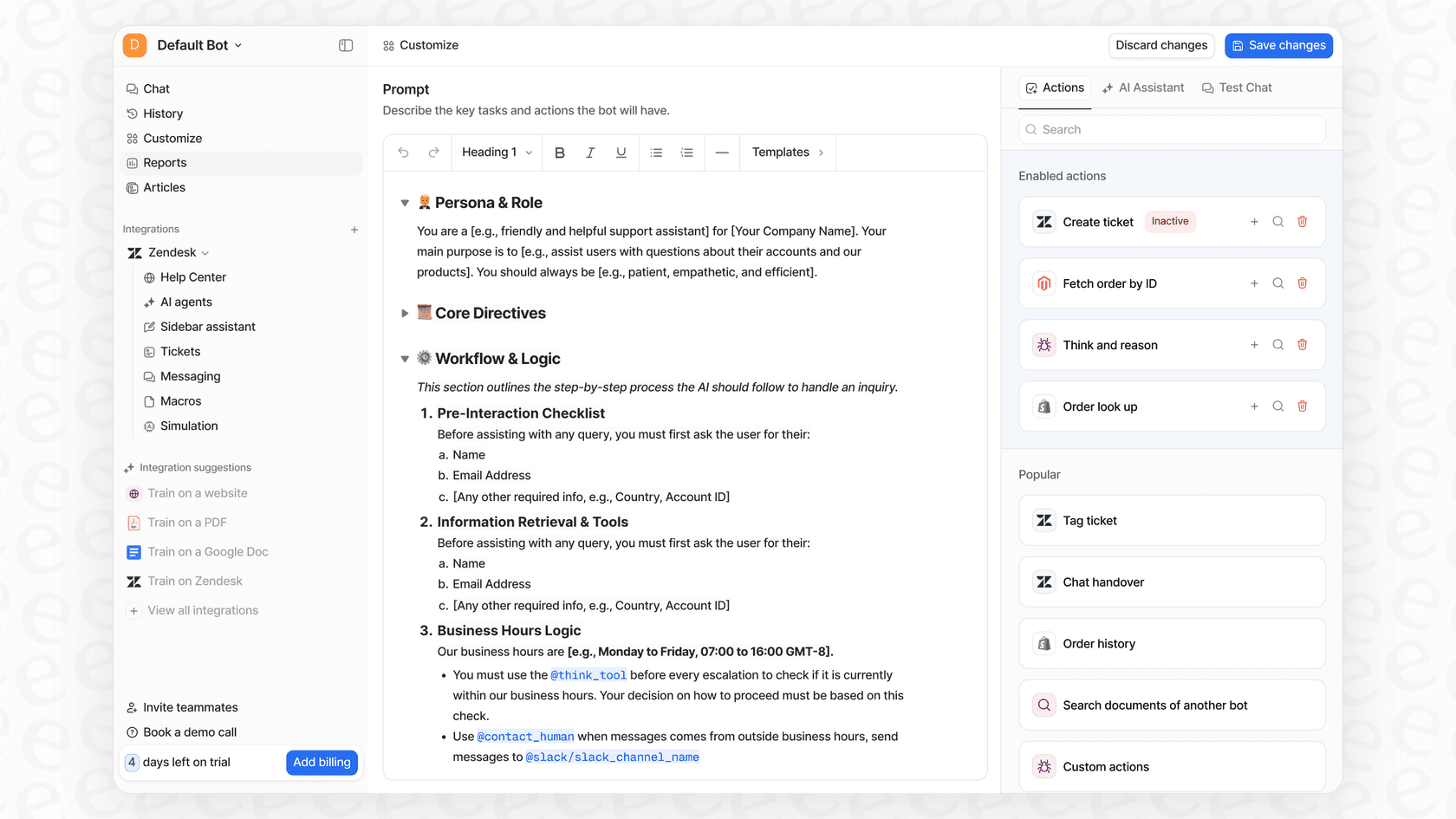
Having this level of control is essential. Platforms like eesel AI let you create precise rules for this kind of "selective automation." You get to decide exactly which types of tickets the AI handles and which get passed to your team instantly, putting you in the driver's seat.
3. Route conversations to the right specialist
There's nothing worse than the "double handoff." That’s when a customer finally gets transferred from a bot to a human, only for that person to say, "Sorry, I can't help with that. Let me transfer you to our billing department." It's a frustrating experience that makes your company look disorganized.
The first handoff from the bot should be smart enough to send the ticket directly to the right specialist. A question about a recent charge should go straight to the billing team. A technical bug report should go to tech support. This is where AI-powered triage makes a huge difference. An AI Triage tool, like the one included with eesel AI, can automatically analyze a ticket's content and intent, then route it to the correct team or agent. This makes the first handoff the right handoff, every time.
4. Communicate clearly during the transfer
Silence during a handoff is stressful. The customer is left wondering if the bot just died or if anyone is actually coming to help. Your bot needs to be a good host and let them know what's going on.
It should start by clearly stating what's happening, with a simple message like, "I'm connecting you with a specialist who can help with this."
If you know there’s a queue, be honest about it. Giving an estimated wait time or their place in line ("Your approximate wait time is 2 minutes") can make waiting feel much more manageable. Once the agent connects, their first message should always confirm they've read the history and are ready to jump in.
5. Train your AI to reduce unnecessary handoffs
This is a proactive step that pays off in the long run. The best way to improve your handoff process is to make sure handoffs only happen when they're actually needed. A smarter, better-trained bot can handle more of the simple questions on its own, which frees up your agents to focus on the complex conversations where they can make a real difference.
The quality of your AI's training data is everything. Instead of platforms that make you manually build flows or write scripts, eesel AI learns from your most valuable asset: your past support tickets. It automatically picks up on your brand voice, common solutions, and how you typically handle escalations. It can also connect to other knowledge sources, like a Shopify product catalog or your internal wikis, making your bot more capable from day one.
6. Test your handoff workflows with simulations
This is a huge one that too many teams skip. Launching an untested handoff workflow is asking for trouble. You need to know how your AI will handle real, messy customer conversations before it's live.
A good simulation mode is your best friend here. Advanced platforms like eesel AI let you test your entire AI setup on thousands of your own past tickets in a safe environment. You can see the AI's proposed answers, check which triggers would have gone off, and get solid forecasts on how many issues it will resolve. This lets you go live with confidence, knowing you won't be springing a broken experience on your customers.

7. Use handoff data to continuously improve
Every single handoff is a chance to learn something. If you're not looking at why escalations are happening, you're missing out on the key to getting better over time.
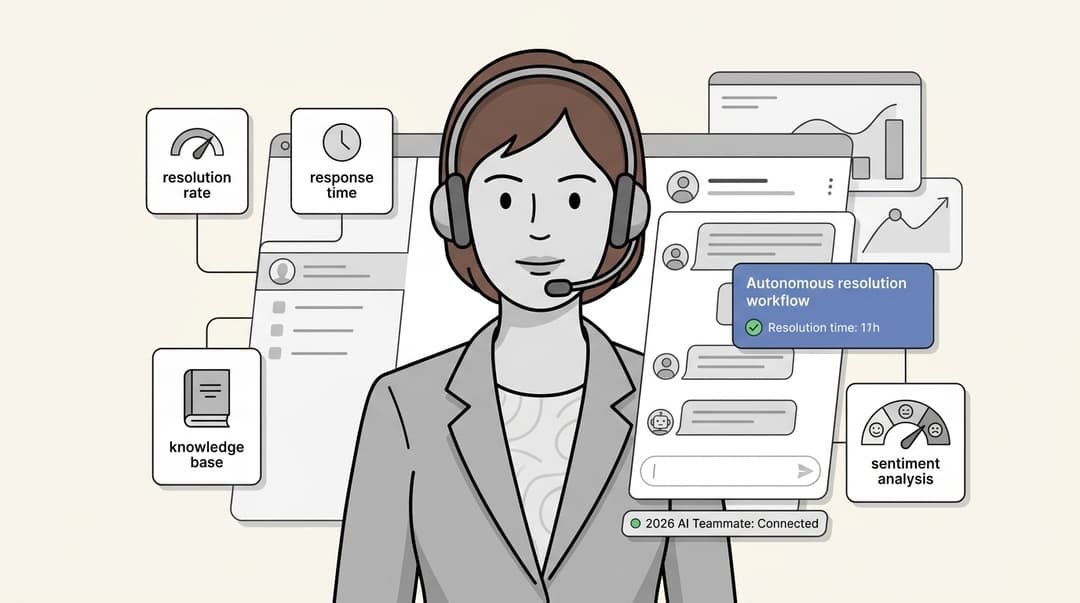
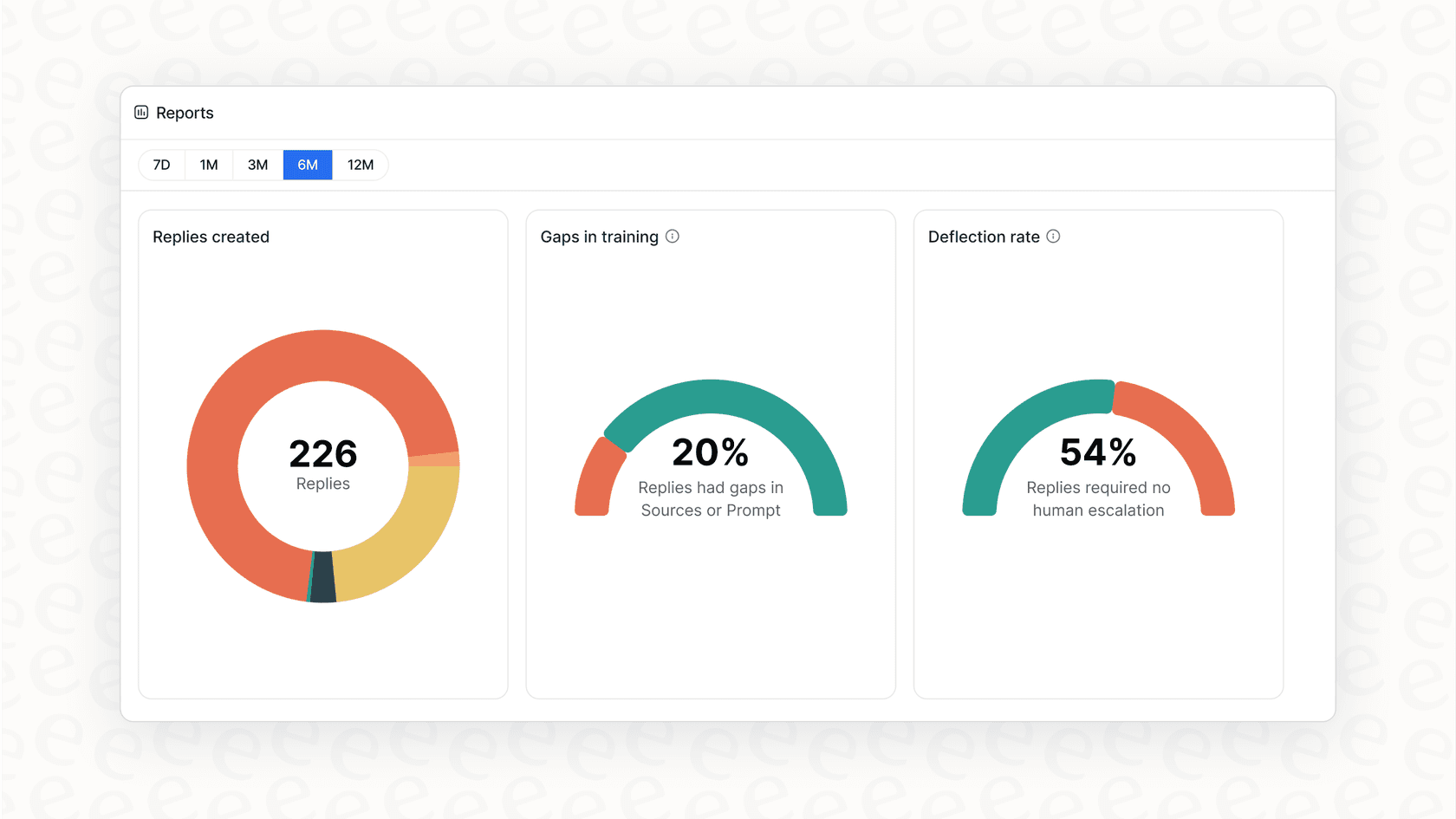
Make it a habit to regularly review the transcripts of conversations that were passed to an agent. Look for patterns. Are there common questions the bot keeps fumbling? That’s a clear sign of a gap in your knowledge base that you need to fill. Your analytics shouldn't just be a dashboard of pretty numbers; they should give you a clear to-do list. The reporting in eesel AI does just that. It highlights the most common reasons for escalations and points out specific knowledge gaps, helping you make both your AI and your team more effective.
Extra tips for a seamless handoff
Pro tip
Plan for when agents are offline. If a handoff is triggered outside of your business hours, don't leave the customer hanging. The bot should offer to create a ticket, schedule a callback, or provide an expected response time for the next business day.
Pro tip
Make the escape hatch obvious. Don't bury the 'talk to an agent' option three menus deep. Studies show that when customers know they can easily reach a human, they are often more patient and willing to interact with the chatbot first.
Creating a single, intelligent support system
A great handoff strategy isn't about pitting bots against humans. It's about designing a single, unified support system where AI handles the routine stuff, and your human experts provide their skills and empathy exactly when they're needed most.
Getting the handoff right is the key to making any customer service automation work. It builds trust, boosts customer satisfaction, and makes your entire support team more efficient.
Putting these practices into action requires a platform built for flexibility and control, without being overly complicated. eesel AI offers a refreshingly simple way to automate support, with a fully customizable workflow engine, risk-free simulations, and one-click integrations that let you go live in minutes, not months.
Frequently asked questions
How can a good human handoff prevent customers from repeating themselves?
By maintaining complete conversation context, including chat history and collected information, agents can seamlessly pick up where the bot left off. This ensures the customer doesn't have to re-explain their issue, significantly improving their experience.
What are some key triggers for a human handoff?
Key triggers include explicit customer requests, bot failure after multiple attempts, sentiment analysis detecting frustration, and specific keyword triggers for high-stakes issues. These ensure timely and intelligent escalations.
Why is clear communication important during a handoff?
Clear communication during a transfer manages customer expectations and reduces anxiety. The bot should inform the customer about the transfer, provide estimated wait times if applicable, and the agent should confirm they have read the history upon joining.
How can a human handoff process help route customers to the right specialist?
Implementing smart routing, often powered by AI triage, ensures the initial handoff sends the customer directly to the appropriate department or agent. This avoids frustrating "double handoffs" and gets problems solved faster.
Can better handoff practices reduce the number of transfers to human agents?
Yes, by effectively training your AI with relevant data like past tickets and knowledge bases, the bot becomes more capable of resolving common issues independently. This frees up human agents for more complex conversations and reduces unnecessary handoffs.
What role does testing play in creating an effective human handoff?
Testing handoff workflows with simulations, especially using historical data, is crucial to identify and fix potential issues before going live. This proactive approach prevents broken experiences for real customers and builds confidence in your system.