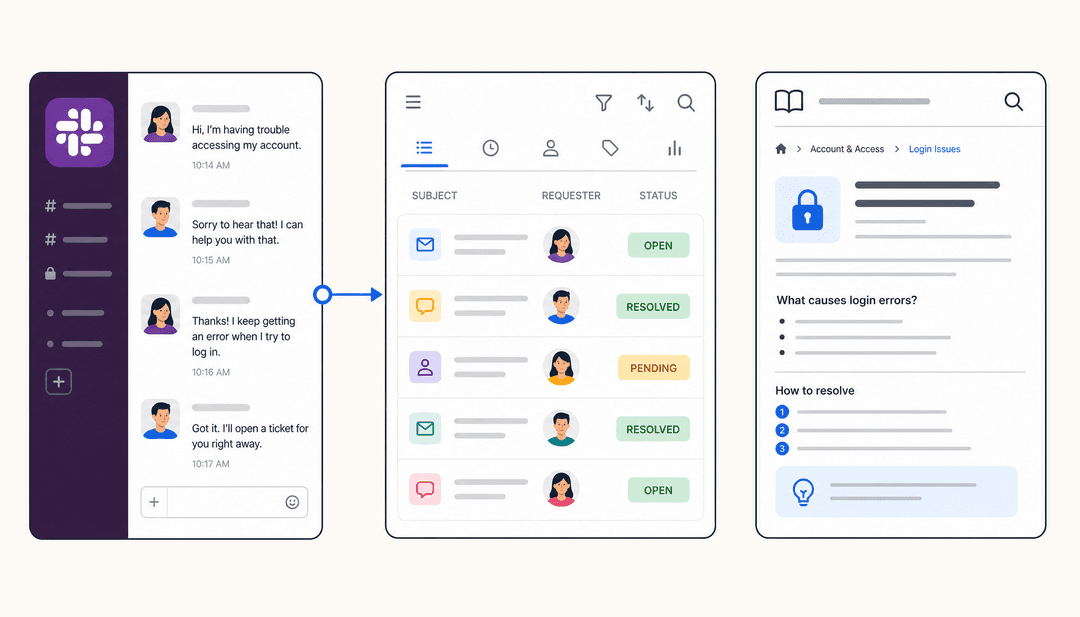
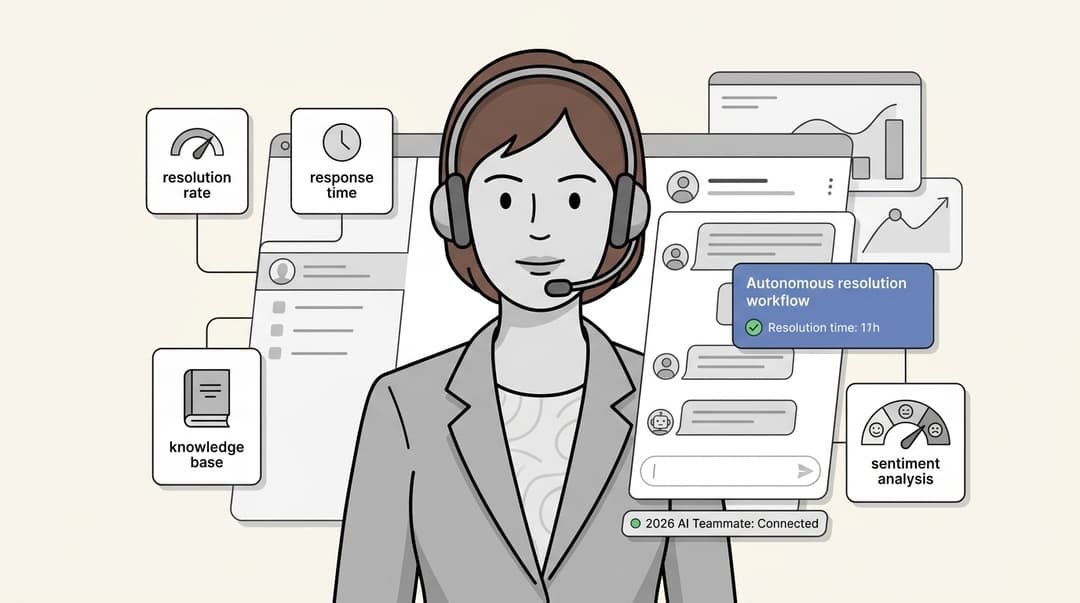
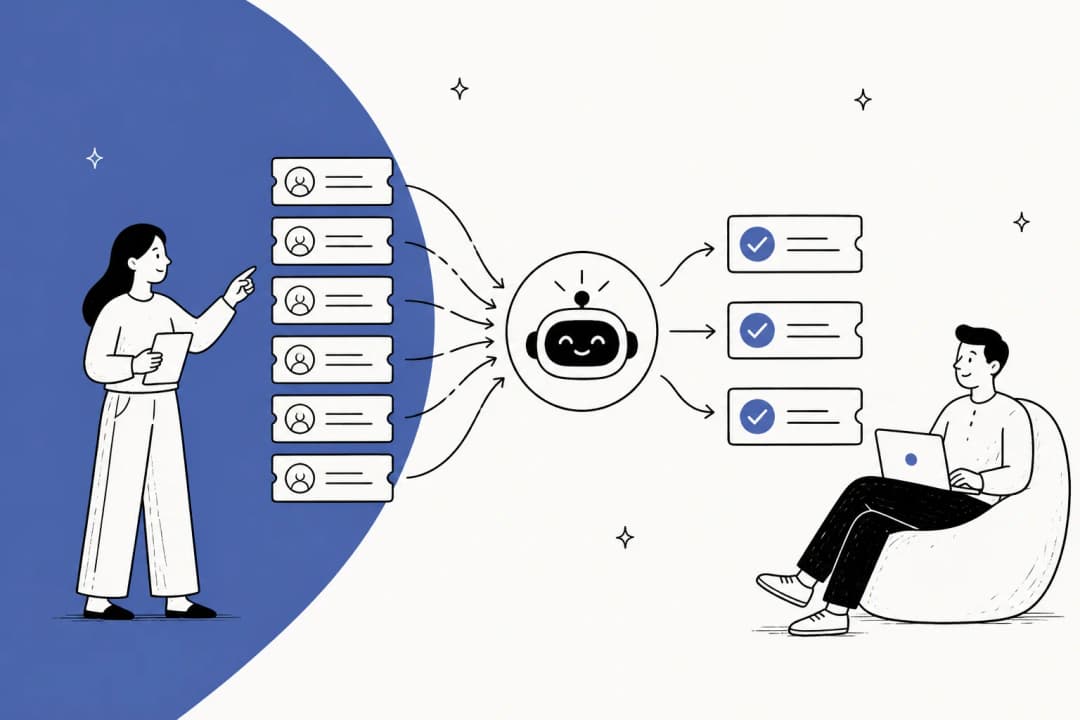
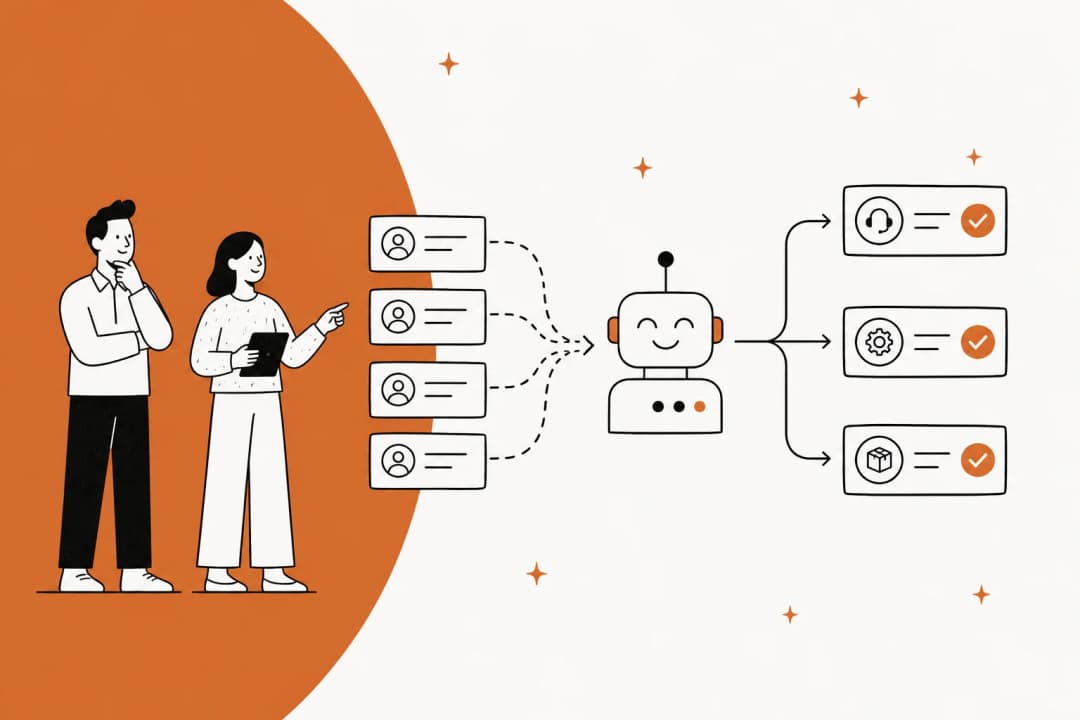
Slack has become the digital headquarters for most teams, with over 200,000 paid customers using the platform. But with that centralization comes a familiar problem: the constant stream of questions flooding channels and DMs. "How do I reset my password?" "What's our expense policy?" "Who handles VPN access?" These repetitive queries eat up hours that IT, HR, and operations teams could spend on higher-value work.
AI tools built for Slack promise to solve this by turning your workspace into an intelligent support system. Instead of hunting through Confluence pages or waiting for someone to respond, employees get instant answers from an AI that knows your company's policies, procedures, and tribal knowledge.
We researched and tested the leading options to help you choose the right one. Here's our comparison of the seven best AI tools for Slack support in 2026.
How we chose the best Slack AI tools
We evaluated each tool on four criteria:
- Integration depth: Does it work natively in Slack or just send notifications?
- Knowledge source connectivity: Can it pull from your existing docs or does it require migration?
- Pricing transparency: Are costs predictable or do you need to contact sales for basic tiers?
- Setup complexity: Can you get value in hours or does implementation take weeks?
We also prioritized tools that felt like teammates rather than software you configure. The best AI support tools learn your business and improve over time, not ones that require constant rule-writing and maintenance.
Comparison at a glance
| Tool | Best for | Pricing model | Key differentiator |
|---|---|---|---|
| eesel AI | Teams wanting an AI teammate | Per interaction | Learns from 100+ sources instantly |
| Perfect Wiki | Structured knowledge needs | Per editor | Clean wiki + AI agent combo |
| Slite | Teams that want a self-maintaining knowledge base wired into Slack | Per user | Ask answers in Slack; the Slite Agent searches across 20+ connected tools on Pro |
| Guru | Enterprise verification needs | Per seat | Verified knowledge cards |
| Ravenna | IT ticketing workflows | Per admin | Emoji-based ticket creation |
| Zapier | Workflow automation | Per task + user | 8,000+ app connections |
| Slack AI | Native Slack users | Per user (add-on) | Built-in, no third-party needed |
The 7 best AI tools for Slack support
1. eesel AI
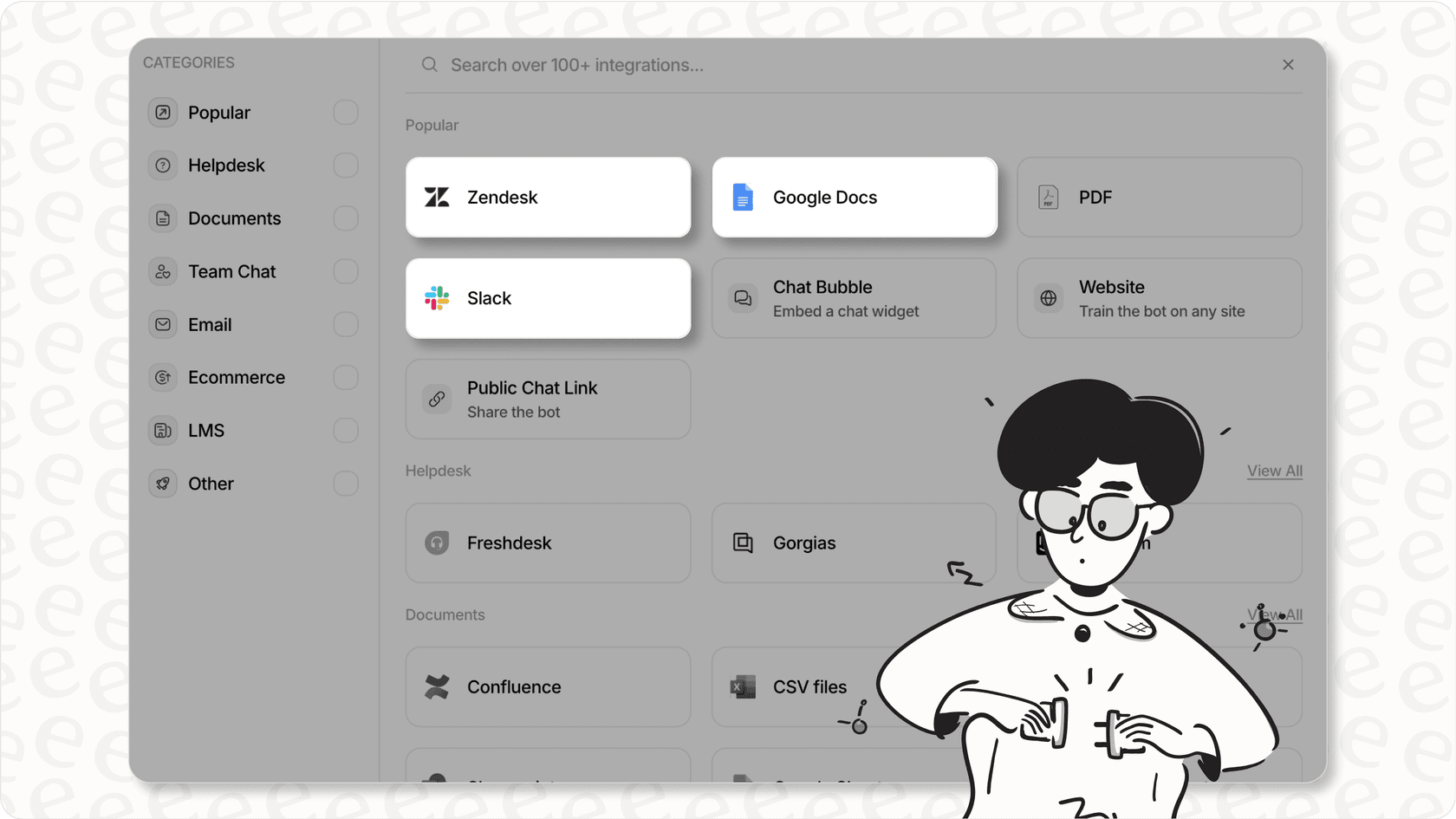
eesel AI approaches Slack support differently than most tools. Instead of configuring software, you hire an AI teammate that learns your business the way a new employee would: by reading your existing documentation, past tickets, and help center articles.
Key features:
- AI Internal Chat answers employee questions in Slack with cited responses, so people know where information comes from
- Multi-bot architecture lets you create different bots for different teams (HR policies, IT troubleshooting, sales enablement)
- 100+ integrations including Confluence, Google Docs, Notion, SharePoint, and major help desks like Zendesk and Freshdesk
- Bulk simulation lets you test the AI on past tickets before going live
- Continuous learning improves responses through corrections and feedback
Pricing:
| Plan | Monthly | Annual | Bots | Interactions |
|---|---|---|---|---|
| Team | $299 | $239/mo | Up to 3 | 1,000/month |
| Business | $799 | $639/mo | Unlimited | 3,000/month |
| Custom | Contact sales | Contact sales | Unlimited | Unlimited |
Source: eesel AI pricing
Best for: Teams that want an AI teammate rather than another tool to manage. The per-interaction pricing scales better than per-seat models if you've got a large team with varying support needs.
Pros:
- No per-user fees (pay for interactions, not seats)
- Learns from existing data instantly (no migration needed)
- Works with your current help desk
- EU data residency available
Cons:
- Team plan starts at $299/month (no free tier)
- 7-day trial (shorter than some competitors)
2. Perfect Wiki
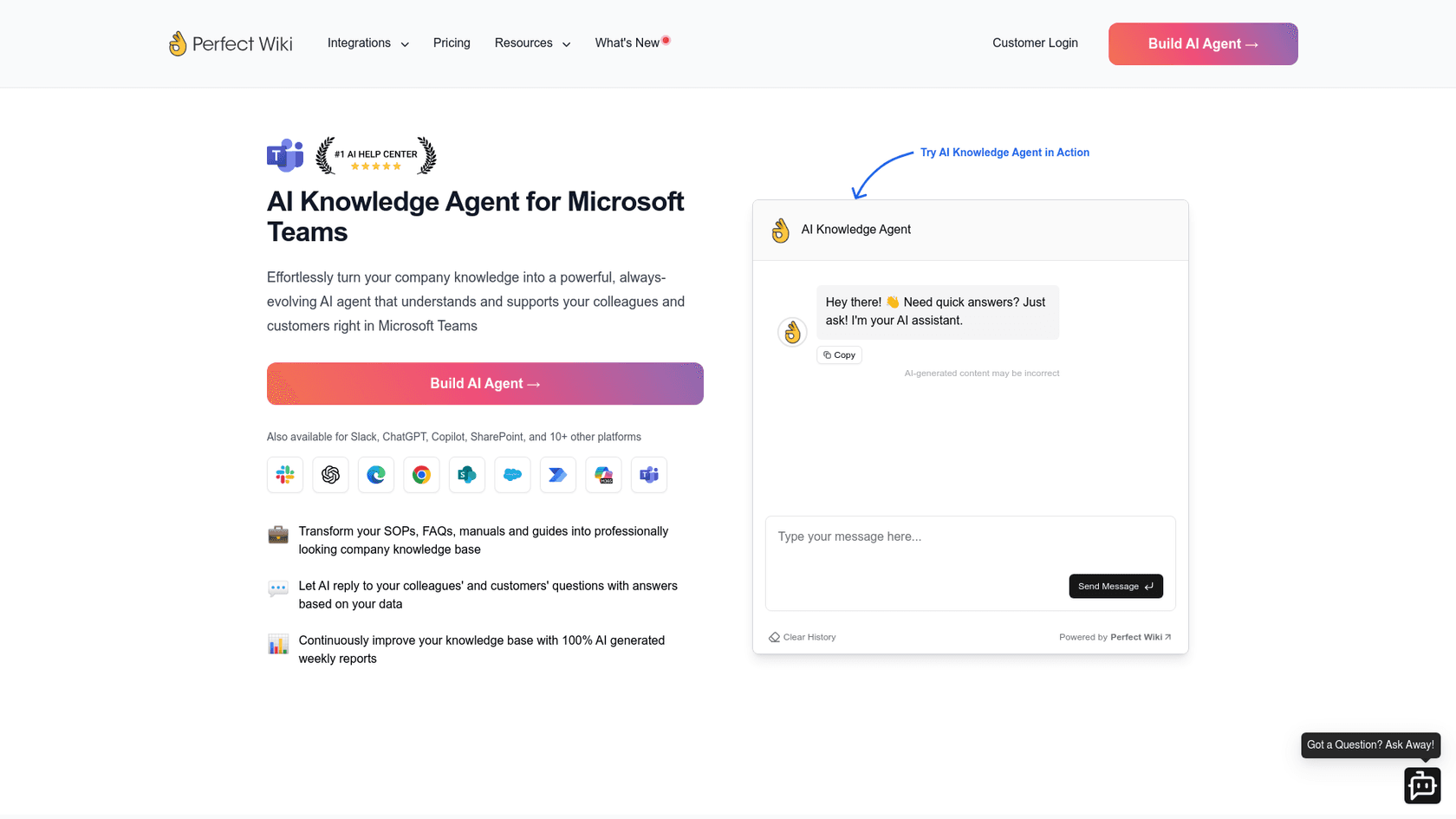
Perfect Wiki combines a structured knowledge base with an AI agent that answers questions in Slack. It is positioned as a replacement for Microsoft Teams' built-in wiki, with better search, permissions, and organization.
Key features:
- AI Agent answers questions from your Perfect Wiki knowledge base directly in Slack
- Structured knowledge base with categories, permissions, version history, and templates
- SharePoint integration lets you query SharePoint files from Slack
- Multi-platform support for Microsoft Teams, Slack, Power Automate, and SharePoint
Pricing:
| Plan | Price | Details |
|---|---|---|
| Free Trial | 14 days | Full access, no credit card |
| Basic | $9/editor/month (3-year billing) | Minimum 5 editors, 100 AI requests/editor |
| Enterprise | Custom | Minimum 100 editors, unlimited AI |
Source: Perfect Wiki pricing
Best for: Teams that want a clean, structured knowledge base alongside their AI support. The editor/reader model works well if you have a small team creating content for a larger organization.
Pros:
- Intuitive interface for SOPs and onboarding docs
- Unlimited readers (only pay for editors)
- Strong Microsoft ecosystem integration
Cons:
- Requires knowledge to live in Perfect Wiki
- Limited external source connections
- Minimum 5 editors for paid plans
3. Slite
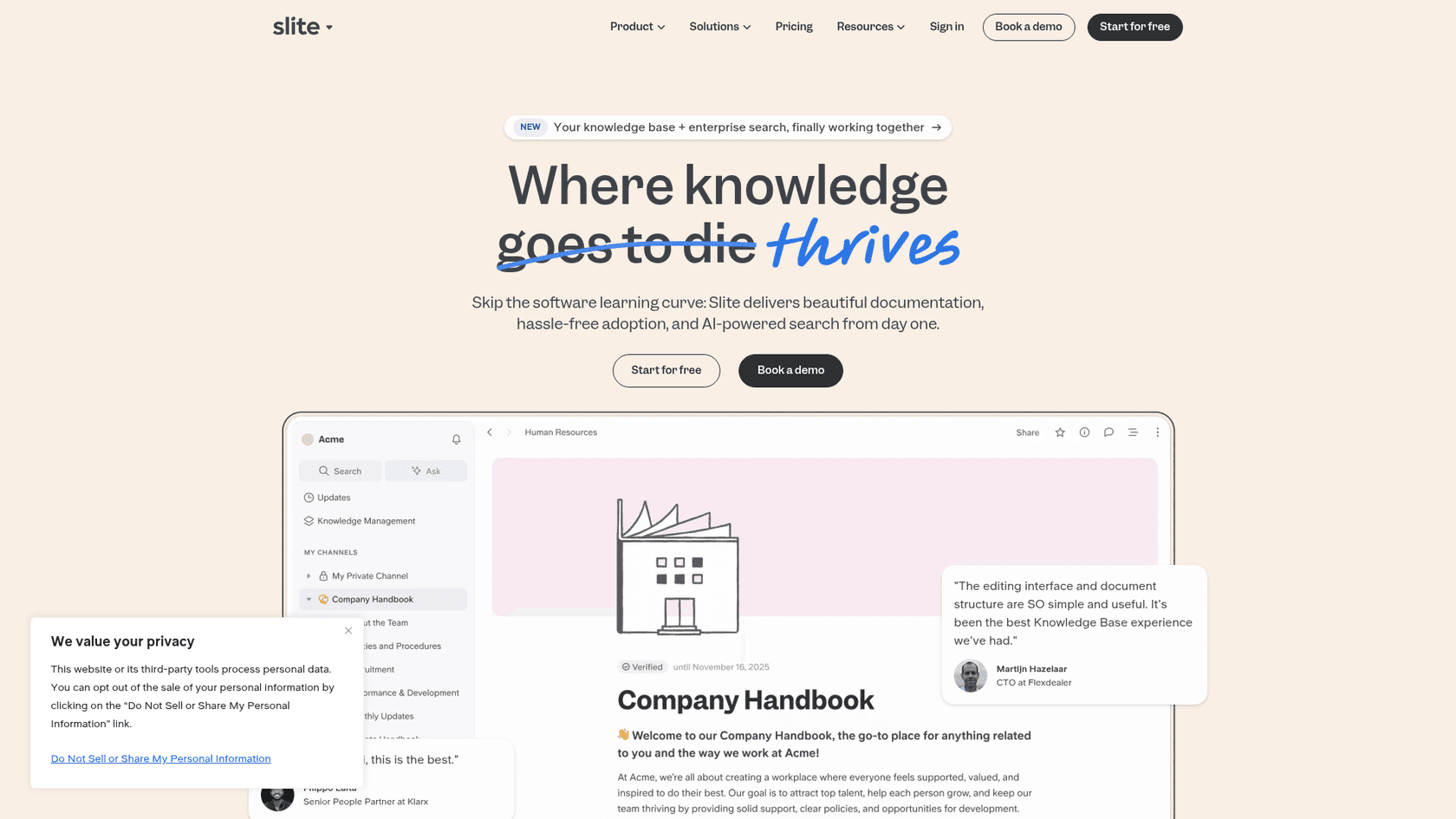
Slite is a knowledge base solution with AI search capabilities (Ask) that extends into Slack. It is best for teams already using Slite for documentation who want to add AI-powered Q&A without switching platforms.
Key features:
- Ask AI searches your Slite docs and answers questions with cited sources
- Ask in Slack lets employees query your knowledge base without leaving Slack
- The Slite Agent (Pro) extends AI search across Slack, Google Drive, Linear, and 20+ connected tools, and drafts updates to stale docs for human approval
- Knowledge Management Panel for bulk organization and cleanup
Pricing:
| Plan | Price | Key Features |
|---|---|---|
| Basic | $10/user/month | Ask AI search, 30 AI answers/user/mo |
| Pro | $20/user/month | Slite Agent, search across connected tools (Slack, Drive, etc.), 50 agent credits/seat/mo |
| Enterprise | Custom | Reader-only users, audit logs, HIPAA compliance |
Source: Slite pricing
Best for: Teams that want an internal knowledge base that stays current and answers questions inside Slack, and AI-driven teams that want a centralized single source of truth their AI agents can use as a context layer.
Pros:
- Simple setup if your team already documents in Slite
- Answers cite their sources and will not hallucinate
Cons:
- Best results require your knowledge to live in Slite
- Cross-tool search and the agent require the Pro plan
4. Guru
Guru takes a verification-first approach to knowledge management. Instead of letting AI generate answers from any source, it uses pre-approved "Guru Cards" as the foundation for responses.
Key features:
- Verified Knowledge Cards ensure answers come from approved sources
- AI Knowledge Agents for different use cases and teams
- Enterprise AI Search across connected apps
- Knowledge Quality Automation with verification workflows
Pricing:
| Plan | Price | Details |
|---|---|---|
| All plans | $25/seat/month (annual) | AI credits included, usage limits apply |
| Enterprise | Custom | Usage-based pricing for scale |
Source: Guru pricing
Best for: Enterprises that prioritize knowledge accuracy and compliance over speed. The verification workflow ensures information is current and approved before it reaches employees.
Pros:
- Strong verification features prevent outdated information
- 100+ integrations including Salesforce and Zendesk
- SOC 2 Type 2 and GDPR compliant
Cons:
- Verification workflow can slow down knowledge updates
- Per-seat pricing gets expensive at scale
- AI credit limits on standard plans
5. Ravenna
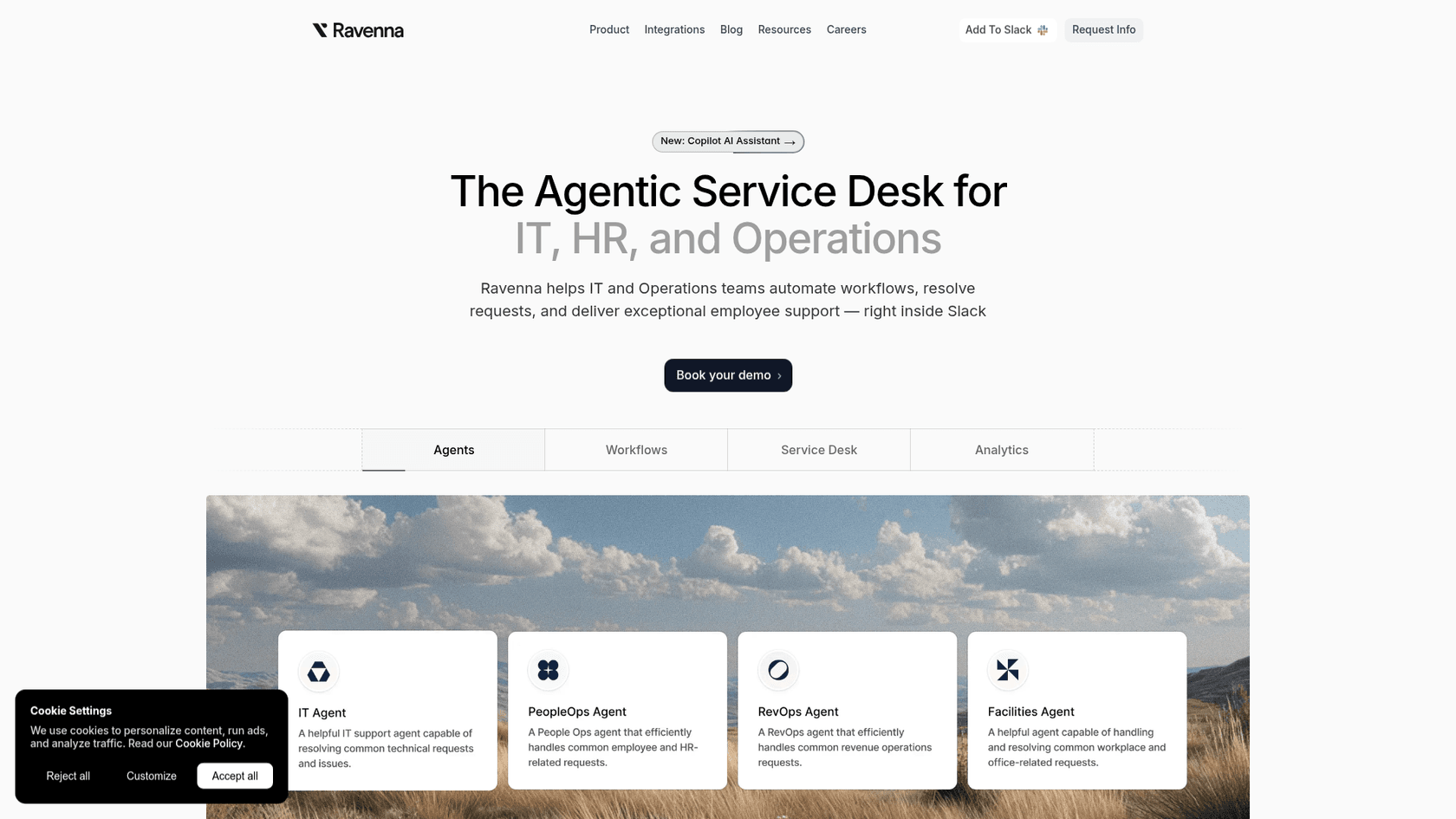
Ravenna is purpose-built for internal IT support in Slack. Unlike knowledge-focused tools, it is a full helpdesk system that happens to live inside your chat platform.
Key features:
- Emoji-based ticketing creates tickets when users react to messages with specific emojis
- AI ticket deflection resolves common issues without human intervention
- Ravenna Workflows for automated support processes
- Ravenna Analytics for detailed reporting on ticket volume and resolution times
Pricing:
| Plan | Price | Details |
|---|---|---|
| Starter | $22.50/admin/month | Unlimited tickets, basic reporting, emoji automations |
| Growth | $45/admin/month | Workflows, analytics, integrations, SLAs |
| Enterprise | Custom | SAML/SSO, Slack Enterprise Grid, API access |
Ravenna Intelligence add-on: +$5/employee for AI features
Source: Ravenna pricing
Best for: IT teams that need structured ticketing with SLAs, not just Q&A. The emoji-based ticket creation is genuinely clever for Slack-native teams.
Pros:
- Purpose-built for internal support workflows
- Strong analytics and reporting
- 2-week free trial, no credit card required
Cons:
- Narrow focus on ticketing vs. broader knowledge management
- AI features require add-on pricing
- Less suited for HR or general knowledge use cases
6. Zapier
Zapier is not a knowledge agent in the traditional sense. It is a workflow automation platform that connects Slack to 8,000+ apps, letting you build custom support workflows.
Key features:
- Zaps are multi-step automated workflows triggered by Slack messages
- Zapier AI helps build workflows and map fields automatically
- Tables and Forms for data storage and custom intake forms
- MCP (Model Context Protocol) connects AI apps to your entire app ecosystem
Pricing:
| Plan | Price | Details |
|---|---|---|
| Free | $0 | 100 tasks/month, 2-step Zaps |
| Professional | From $19.99/month | Multi-step Zaps, unlimited premium apps |
| Team | From $69/month | 25 users, shared Zaps, SAML SSO |
| Enterprise | Custom | Unlimited users, advanced admin |
Source: Zapier pricing
Best for: Teams with complex integration needs that go beyond simple Q&A. If you need to connect Slack to multiple systems and trigger actions across platforms, Zapier is the most flexible option.
Pros:
- Massive app ecosystem (8,000+ connections)
- Highly flexible automation
- Free tier for small teams
Cons:
- Not a knowledge agent (requires building custom workflows)
- Steeper learning curve than dedicated support tools
- AI features require separate Agents pricing
7. Slack AI (Native)
Slack's built-in AI features offer basic support capabilities without adding third-party tools. It is the simplest option if your needs are modest and you prefer to stay within Slack's ecosystem.
Key features:
- Channel and thread summaries for catching up quickly
- Slackbot personal AI agent for answering questions about conversations and files
- AI search finds answers from your Slack history
- Daily recaps summarize muted channels
- Enterprise search (Enterprise+ only) searches connected apps
Pricing:
Slack AI is included in:
| Plan | Price | AI Features |
|---|---|---|
| Pro | $7.25/user/month | Summaries, huddle notes |
| Business+ | $15/user/month | Slackbot, AI search, daily recaps |
| Enterprise+ | Custom | Enterprise search, advanced AI |
Source: Slack pricing
Best for: Teams wanting basic AI assistance without adding another vendor relationship. Best if your knowledge already lives primarily in Slack rather than external documentation.
Pros:
- Native integration (no setup required)
- No additional vendor to manage
- Secure (data stays within Slack)
Cons:
- Cannot answer questions from Confluence, Google Docs, or other external sources
- Enterprise search only on highest tier
- Limited to Slack content for answers
Choosing the right Slack AI tool for your team
The right tool depends on what problem you're solving:
For knowledge management and Q&A:
- eesel AI if you want an AI teammate that learns from all your existing sources
- Perfect Wiki if you want a structured knowledge base with AI on top
- Slite if you are already using Slite for documentation
For ticketing and workflows:
- Ravenna if you need a full IT helpdesk in Slack
- Zapier if you need to connect Slack to multiple systems with custom logic
For simple, native AI:
- Slack AI if your knowledge lives in Slack and you want basic assistance
Team size considerations:
- Small teams (5-25): Slite Basic or Slack AI (Business+)
- Mid-size (25-100): eesel AI Team, Perfect Wiki, or Ravenna
- Enterprise (100+): eesel AI Business, Guru, or Ravenna Enterprise
Why eesel AI stands out for Slack support
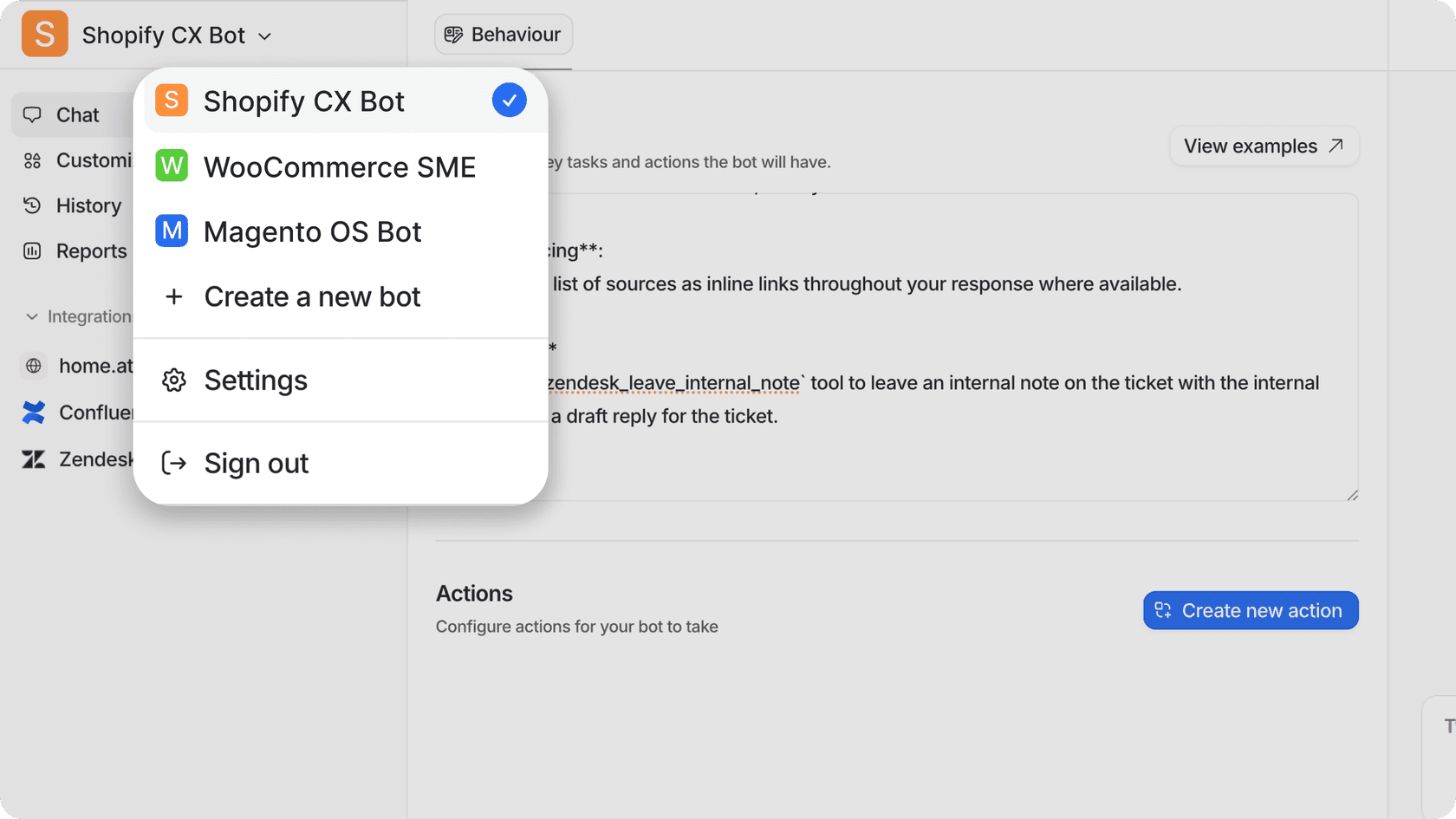
After testing these tools, eesel AI offers something genuinely different: the teammate mental model. You are not configuring software or writing rules. You are hiring an AI that learns your business from your existing data and improves over time.
The per-interaction pricing is also a significant advantage for growing teams. Most competitors charge per user, which means you are paying for everyone who might ask a question, not just the interactions that actually happen. With eesel AI, a 100-person team with light support needs pays the same as a 20-person team with heavy needs if their interaction volume is similar.
Key differentiators:
- No migration required: Connects to Confluence, Google Docs, Notion, SharePoint, and your help desk in minutes
- Progressive rollout: Start with AI drafting replies for review, then level up to full autonomy as trust builds
- Multi-bot architecture: Different bots for HR, IT, Sales, each trained on relevant knowledge
- Works with existing tools: Integrates with Zendesk, Freshdesk, and other help desks you already use
If you're looking for an AI teammate rather than another tool to manage, try eesel AI free for 7 days or book a demo to see it in action.